Online witte achtergronden aan foto's toevoegen
Verwijder direct de bestaande achtergrond en voeg met Picsart een witte achtergrond toe aan foto's. Gebruik de gebruiksvriendelijke editor voor witte achtergronden om je afbeeldingen online te perfectioneren voor strakkere productvermeldingen in webshops, portretfoto's en meer.
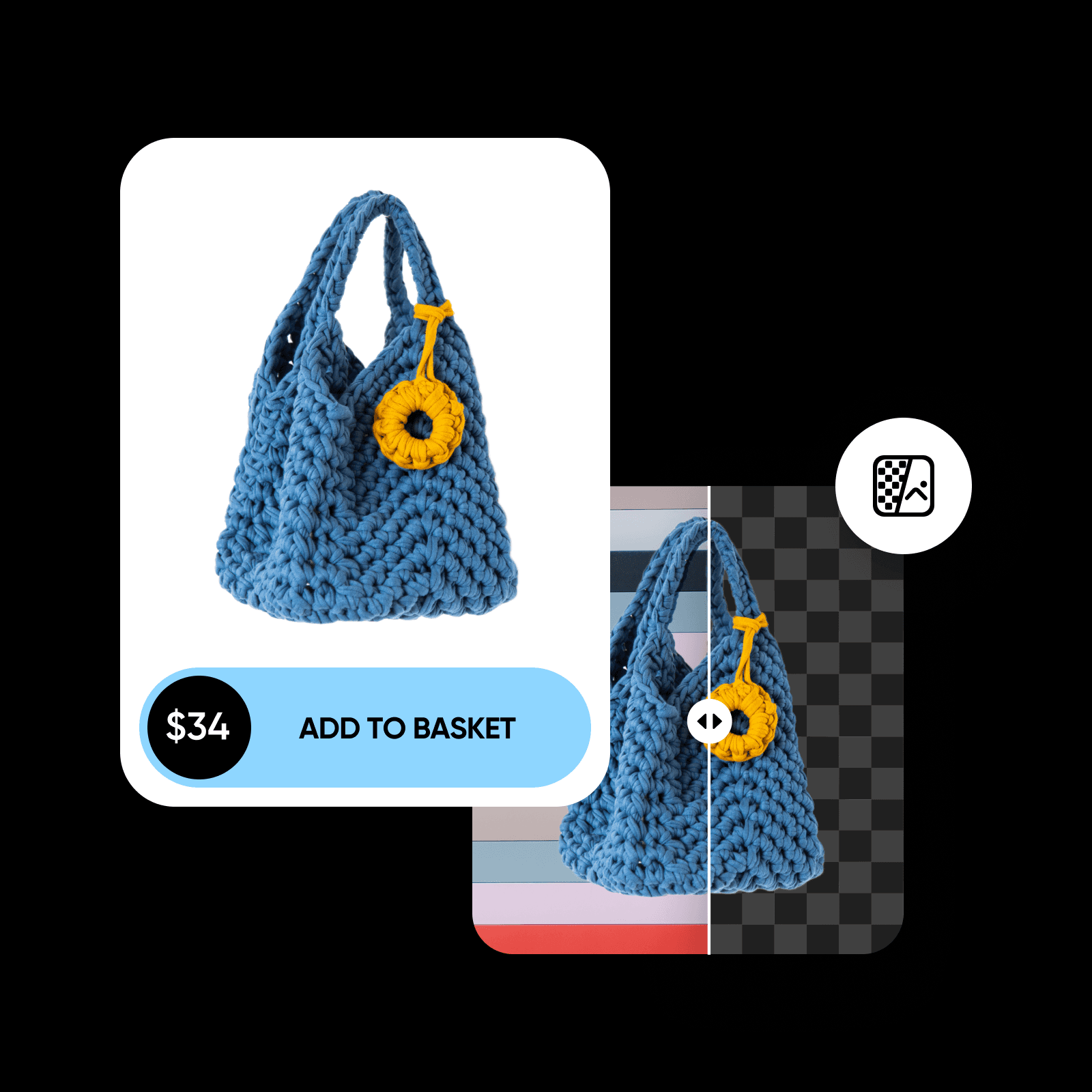
Waarom witte achtergronden gebruiken?
Toolbeoordeling
Probeer Picsart zelf en ontdek waarom miljoenen gebruikers dit hun favoriete bewerkingstool vinden.




Zo verander je de fotoachtergrond in wit
How to
Upload je afbeelding
Selecteer de afbeelding waaraan je een witte achtergrond wilt toevoegen.
Perfectioneer afbeeldingen met een witte achtergrond
Vervang eenvoudig een drukke achtergrond door een witte. Pas je bestaande foto's aan zonder je zorgen te maken over de kwaliteit. De AI-editor voor witte fotoachtergronden van Picsart haalt het onderwerp nauwkeurig uit de oorspronkelijke achtergrond. Zo automatiseer je het bewerkingsproces zonder kwaliteitsverlies.
- Geef je onderwerp een schonere achtergrond
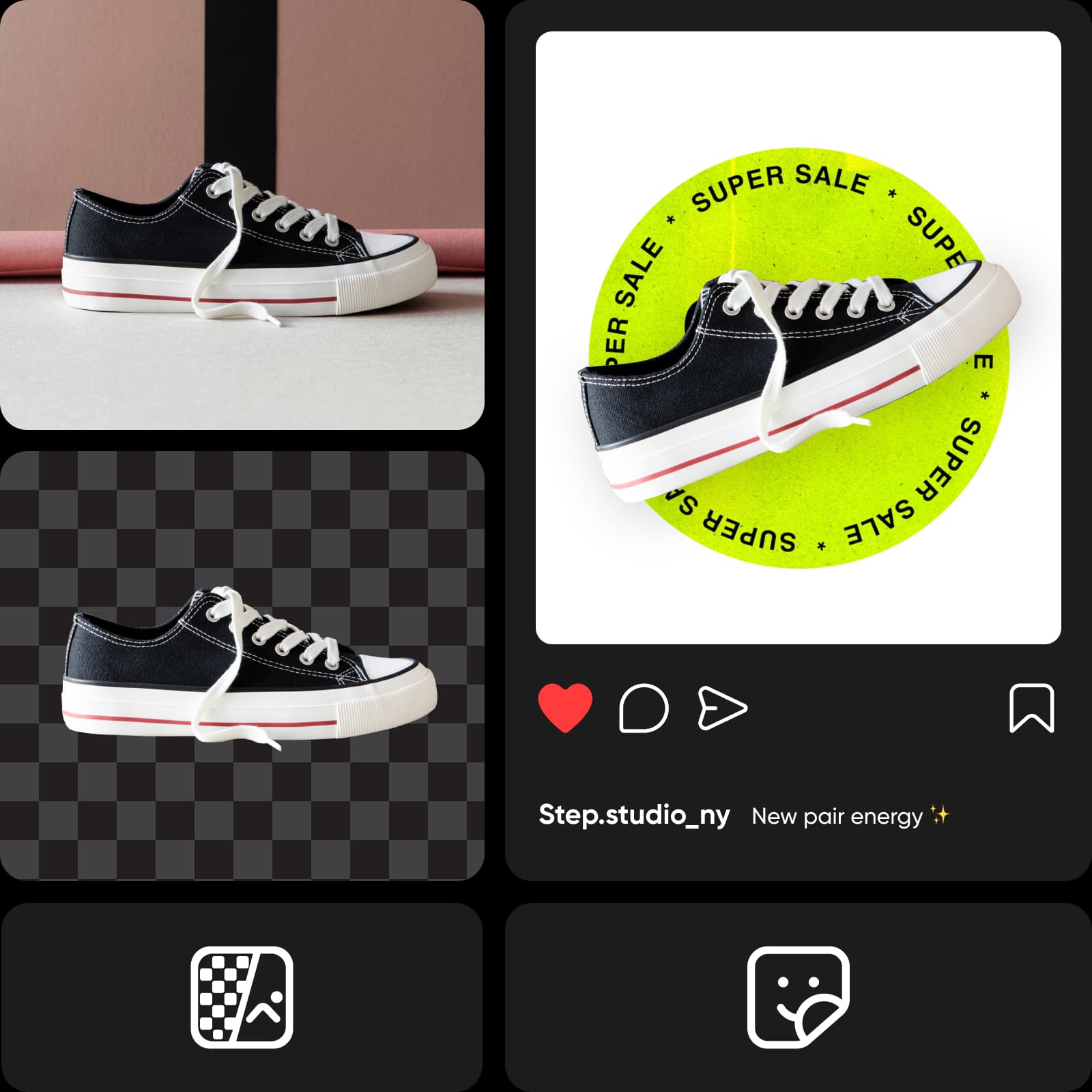
Haal je onderwerpen uiterst nauwkeurig uit de afbeelding met AI
Je hoeft niet urenlang met de cursor de contouren van je onderwerp te volgen. Dat is verleden tijd! Dankzij machine learning herkent de achtergrondwisselaar van Picsart het onderwerp en haalt het uit de afbeelding, met behoud van zelfs de kleinste details. Maak foto's van je producten of portretten met een witte achtergrond, zodat ze eruitzien alsof ze in een professionele studio zijn gemaakt.
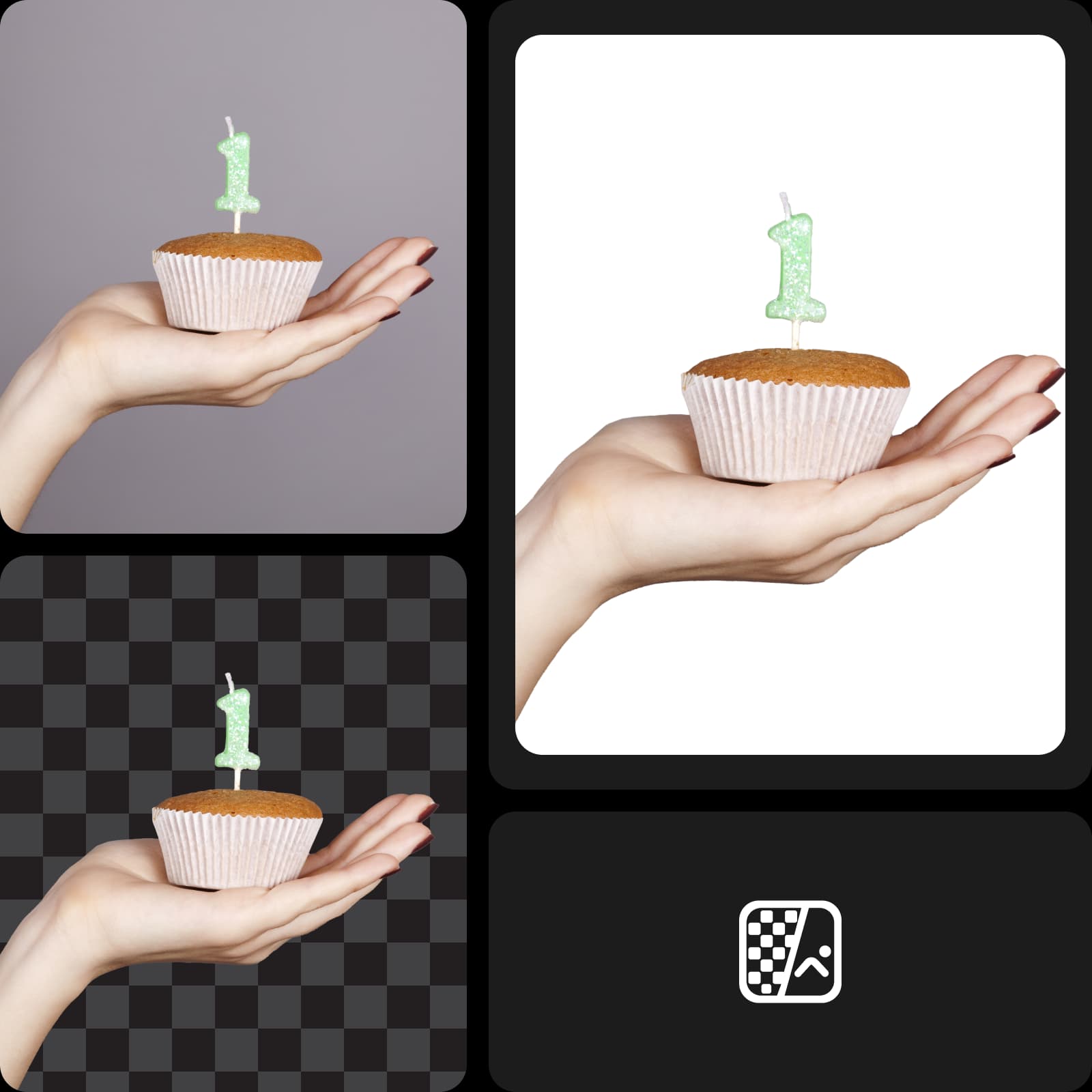
Laat je e-commerceafbeeldingen eruit springen
Verwijder afleidende achtergronden uit je productfoto's en maak je online presentatie effectiever met een witte achtergrond. Voldoe moeiteloos aan de vereisten voor foto's op e-commerceplatforms door de achtergrondkleur te wijzigen in wit. Versnel het proces bovendien aanzienlijk door meerdere afbeeldingen tegelijk te bewerken met Picsart.
- Houd een consistente look in productfoto’s
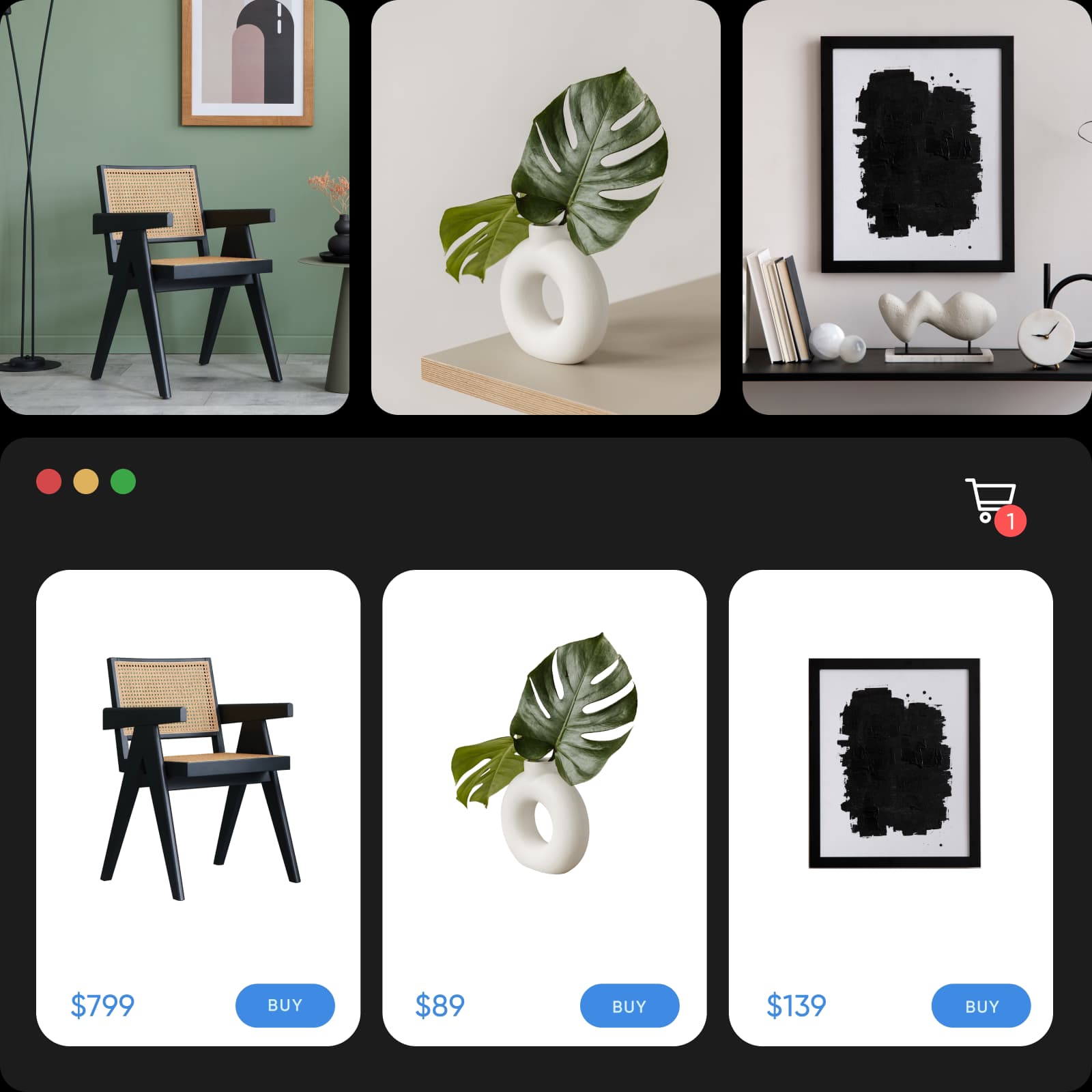
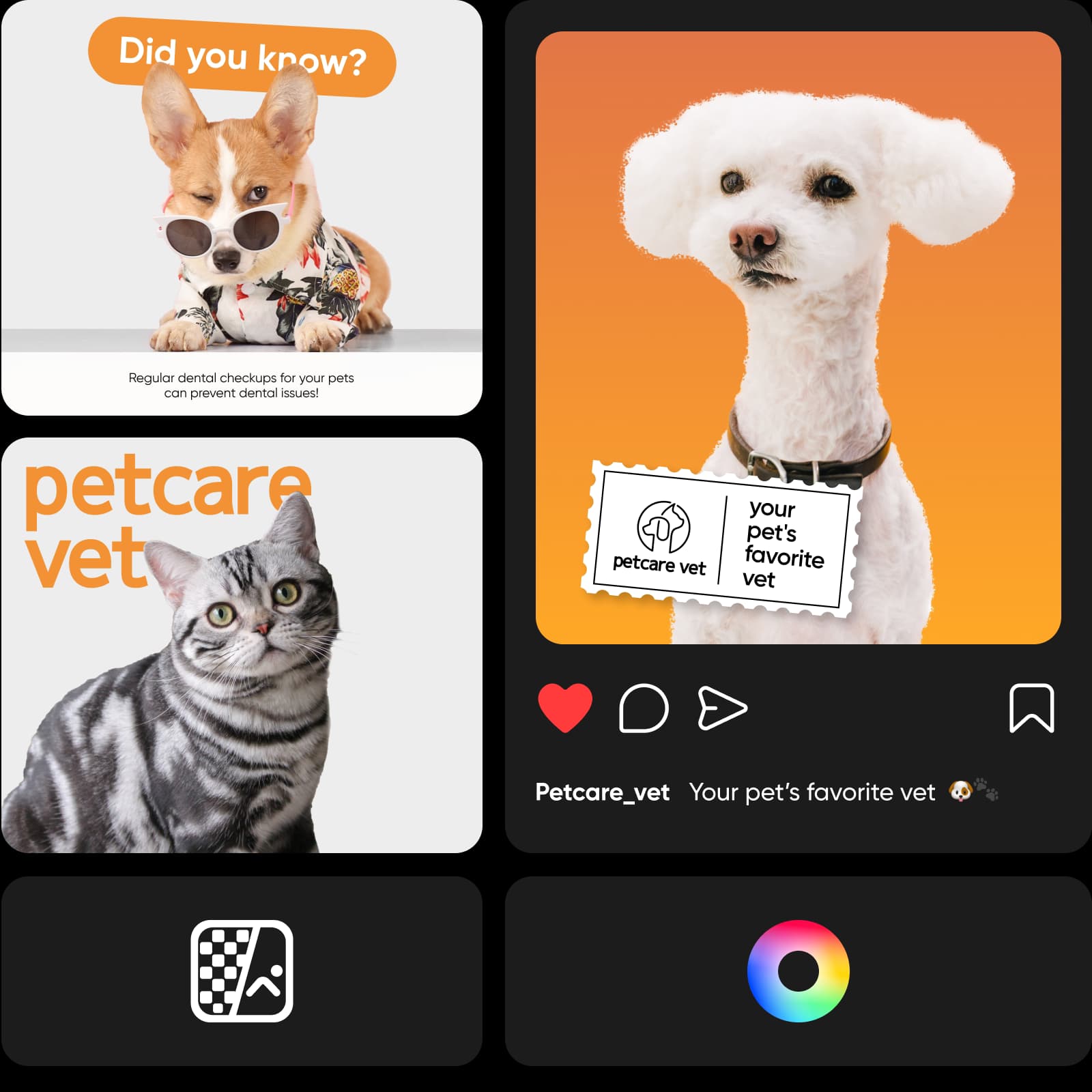
Zorg voor een consistente uitstraling op sociale media
Of je nu je persoonlijke merk op LinkedIn wilt versterken of via sociale media meer bekendheid en verkopen wilt genereren: de foto-editor voor witte achtergronden van Picsart staat voor je klaar. Maak carrouseladvertenties die de aandacht trekken en professionele portretten door afleidende achtergronden te verwijderen. Wil je het geheel wat meer pit geven en toch minimalistisch houden? Probeer dan de PNG-kleurwisselaar.
Maak eenvoudig portretten met een witte achtergrond
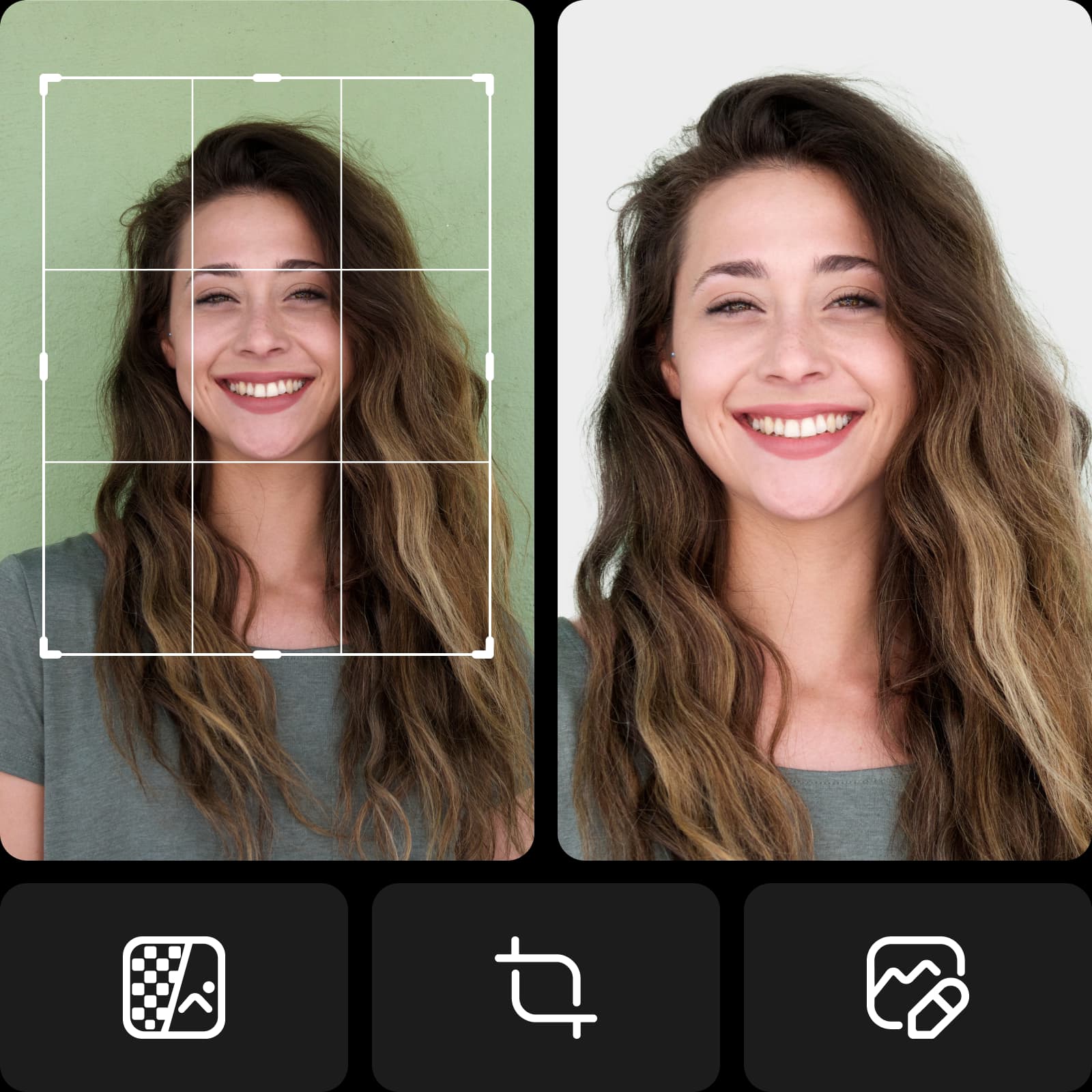
Je hoeft dat greenscreen nooit meer tevoorschijn te halen! Maak professionele portretten met een witte achtergrond met minimale apparatuur en voorbereiding. Of je nu een professionele portretfoto maakt voor een zakelijk communicatieplatform of een identiteitsbewijs, met bewerken voor een witte achtergrond laat je zelfs de meest informele foto's er professioneel uitzien.
- Maak het portret het middelpunt
Vervolg je creatieve reis met Picsart
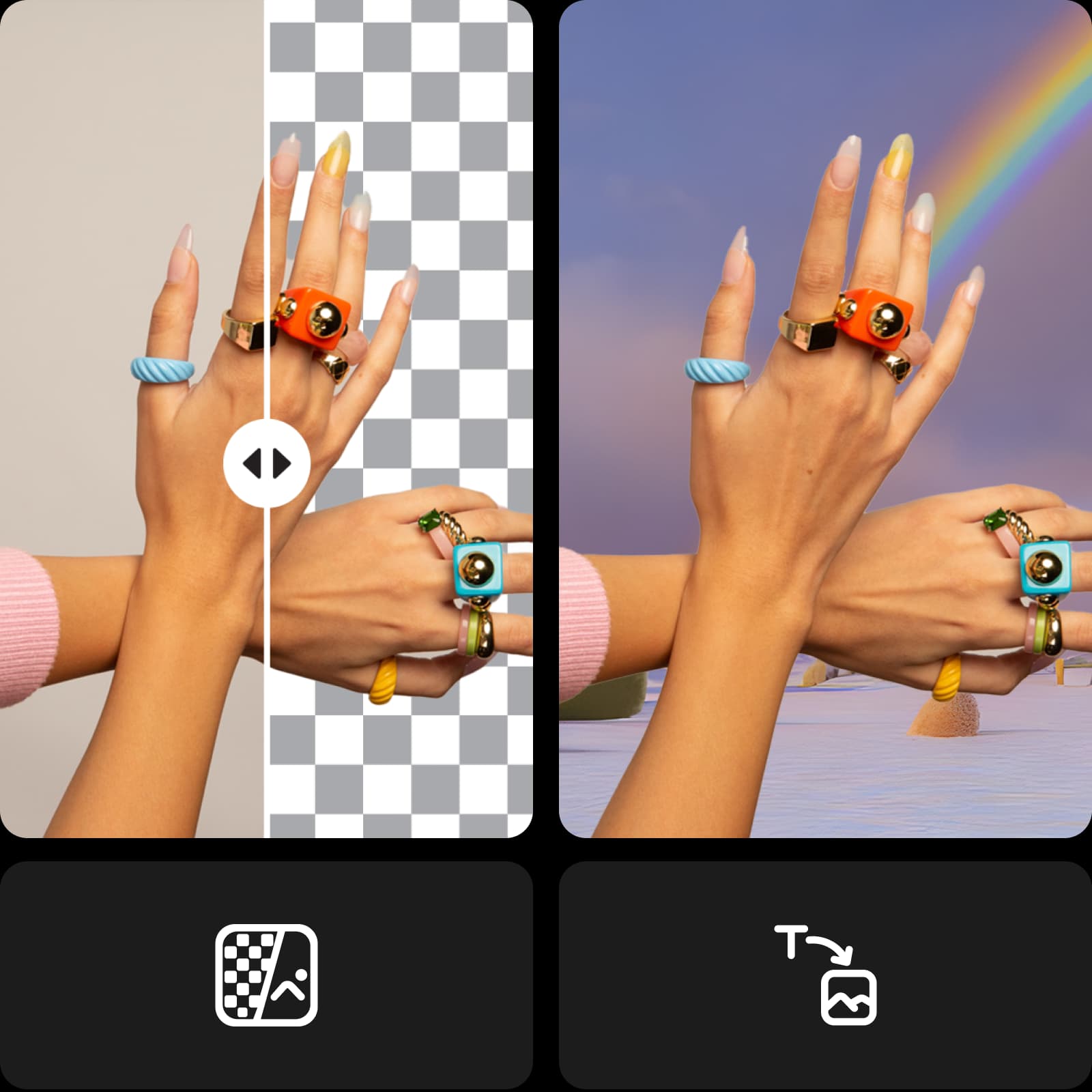
Maak je bewerking helemaal af zonder tussen bewerkingstools te hoeven wisselen. Profiteer van de AI-fotobewerker van Picsart, met een compleet pakket tools in één intuïtieve interface. Gebruik de nieuwste AI-technologie met tools zoals de AI-achtergrondgenerator om helemaal zelf achtergronden te maken, of geef je afbeelding in een handomdraai een nieuwe look met AI-filters.
Ontdek de socialmediasjablonen van Picsart
Geef je contentcreatie een flinke voorsprong met de professioneel ontworpen sjablonen van Picsart. Vind voor elk doel en elke stijl een kant-en-klaar ontwerp voor zakelijke en persoonlijke projecten. Pas elk sjabloon eenvoudig binnen enkele minuten aan je content en stijl aan.


Een editor voor witte achtergronden die je tijd bespaart
Stroomlijn je bewerkingsproces en behaal tegelijkertijd betere resultaten. Zorg voor een verzorgde, professionele uitstraling van je afbeeldingen zonder extra werk. De geavanceerde AI van Picsart doet al het werk voor je. Probeer het zelf en ervaar die magie in een handomdraai.
Maak foto's met een witte achtergrond met AI-afbeeldingsmodellen
Gebruik afbeeldingsmodellen om achtergronden, productfoto's en uitsnedes om te toveren tot verzorgde afbeeldingen.
Veelgestelde vragen over de editor voor witte achtergronden
Upload je afbeelding naar Picsart om de achtergrond automatisch en uiterst nauwkeurig te verwijderen. Gebruik daarna de knop Achtergrond op de linkerwerkbalk en kies een witte kleur.
Genereer achtergrondwijzigingen voor projecten die klaar zijn voor makers
Pro
Most popularAI tools for everyday creative work.
Ultra
Most powerfulHeavy AI usage for creators & teams.
Ontdek meer bewerkingstools


