Perfect voor mijn kleine bedrijf! Ik heb een Etsy-winkel en Sticker Maker heeft alles veranderd. In een paar minuten ontwerp ik stickers voor productlabels en bedankjes, en zelfs stickers met aangepaste QR-codes. De afdrukbare vellen zien er professioneel uit en mijn klanten zijn dol op de details met mijn merk. Het bespaart me ontzettend veel tijd en geld.
Aaliyah JohnsonMaak gratis stickers op maat met de sticker maker
Waarom uren zoeken naar de perfecte sticker als je er zelf een kunt maken? Pas je foto’s moeiteloos aan en laat zien wie je bent in gesprekken met persoonlijke stickers die echt bij je passen. Je hebt geen ontwerpvaardigheden of software nodig. Het enige wat je nodig hebt, is Picsart’s Sticker Maker.
Waarom de Sticker Maker gebruiken?
Online stickers maken
How to
Afbeelding uploaden
Selecteer de foto die je in een sticker wilt veranderen met de knop Uploads in de linkerzijbalk.
Ontwerp moeiteloos opvallende stickers
Stop met urenlang scrollen op zoek naar de perfecte sticker en maak je eigen stickers. Beheers de kunst van het perfecte antwoord met stickers die meer zeggen dan woorden en precies laten zien hoe je je voelt. Of maak eenvoudig een collage door je foto’s in stickers te veranderen.
- Maak een sticker van je eigen idee
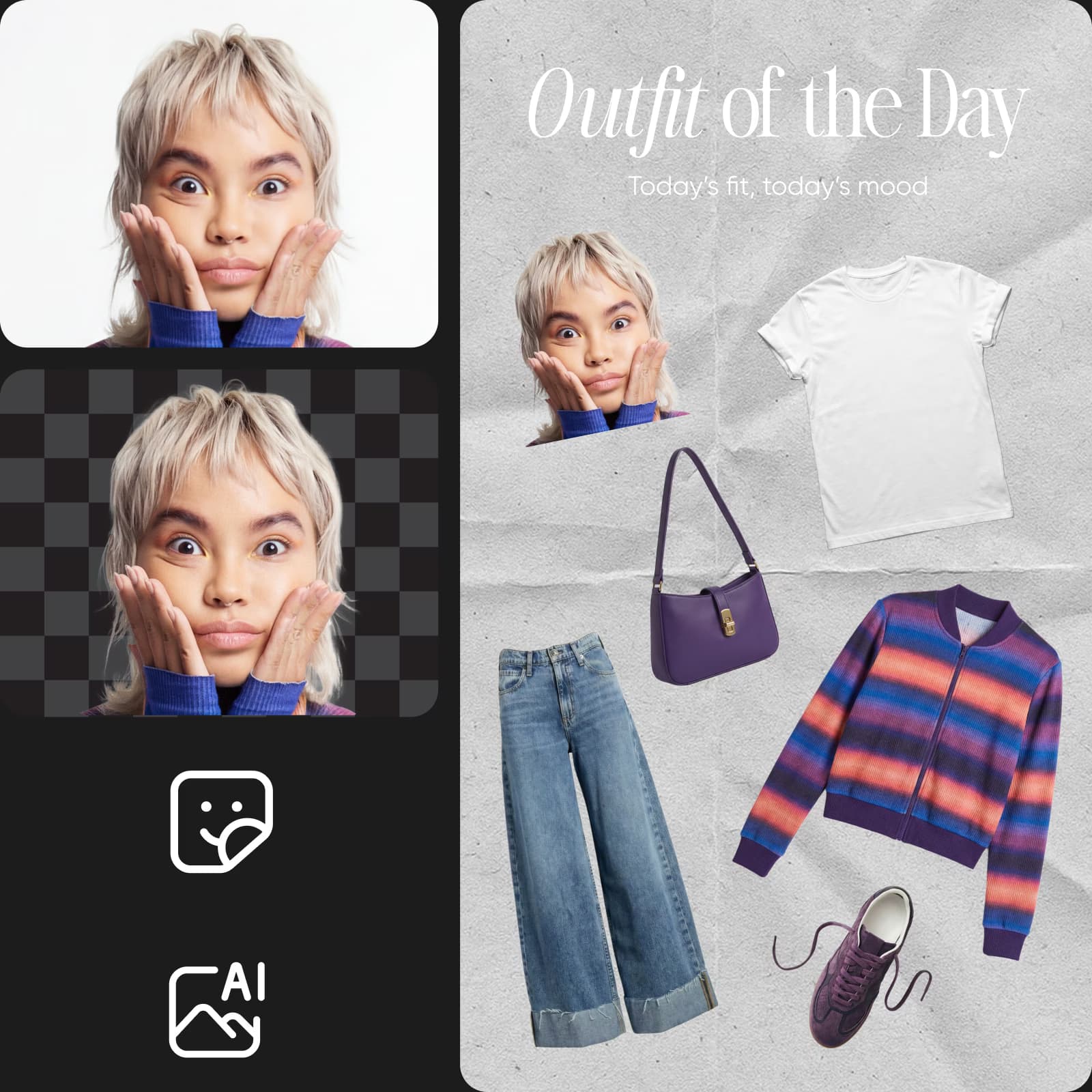
Maak indruk met een sticker op maat
Breng je unieke perspectief in beeld met persoonlijke stickers. Gebruik je stickers als decoratie op maat voor je foto’s of geef je gesprekken wat extra’s met gevatte stickerreacties. Kies uit een uitgebreide lettertypebibliotheek en maak tekststickers die perfect bij je foto’s passen. Weet je even niet wat je moet maken? Gebruik dan de kant-en-klare stickers en laat je inspireren door de stickercreaties van andere Picsart-gebruikers.
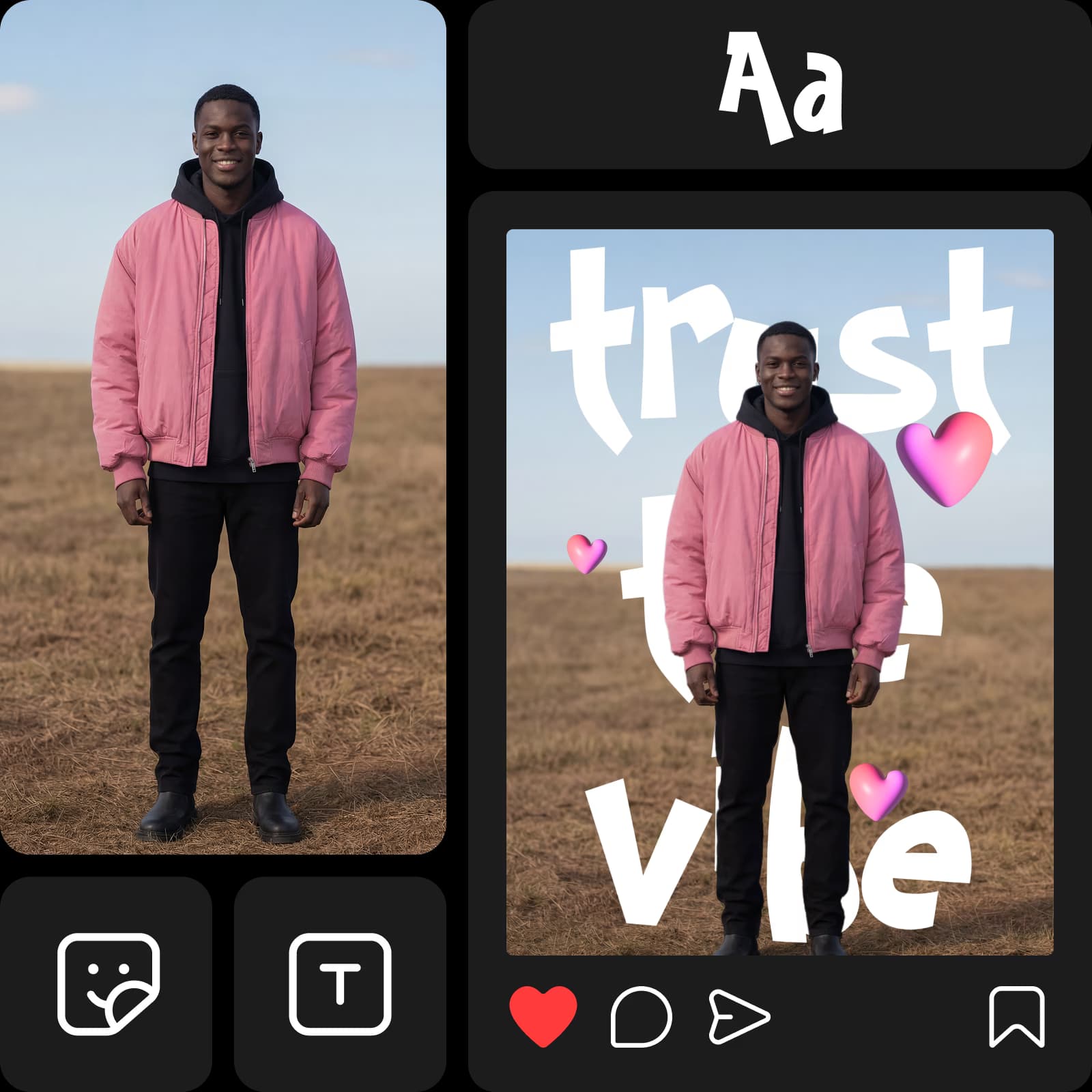
Maak stickers op maat voor je merk
Maak opvallende stickers voor je merkpromoties met Picsart Sticker Maker. Of je nu stickers wilt afdrukken voor evenementen of digitale stickers wilt maken voor promotiemateriaal, met de sticker maker kan het allemaal.
- Geef je merk een detail om te delen
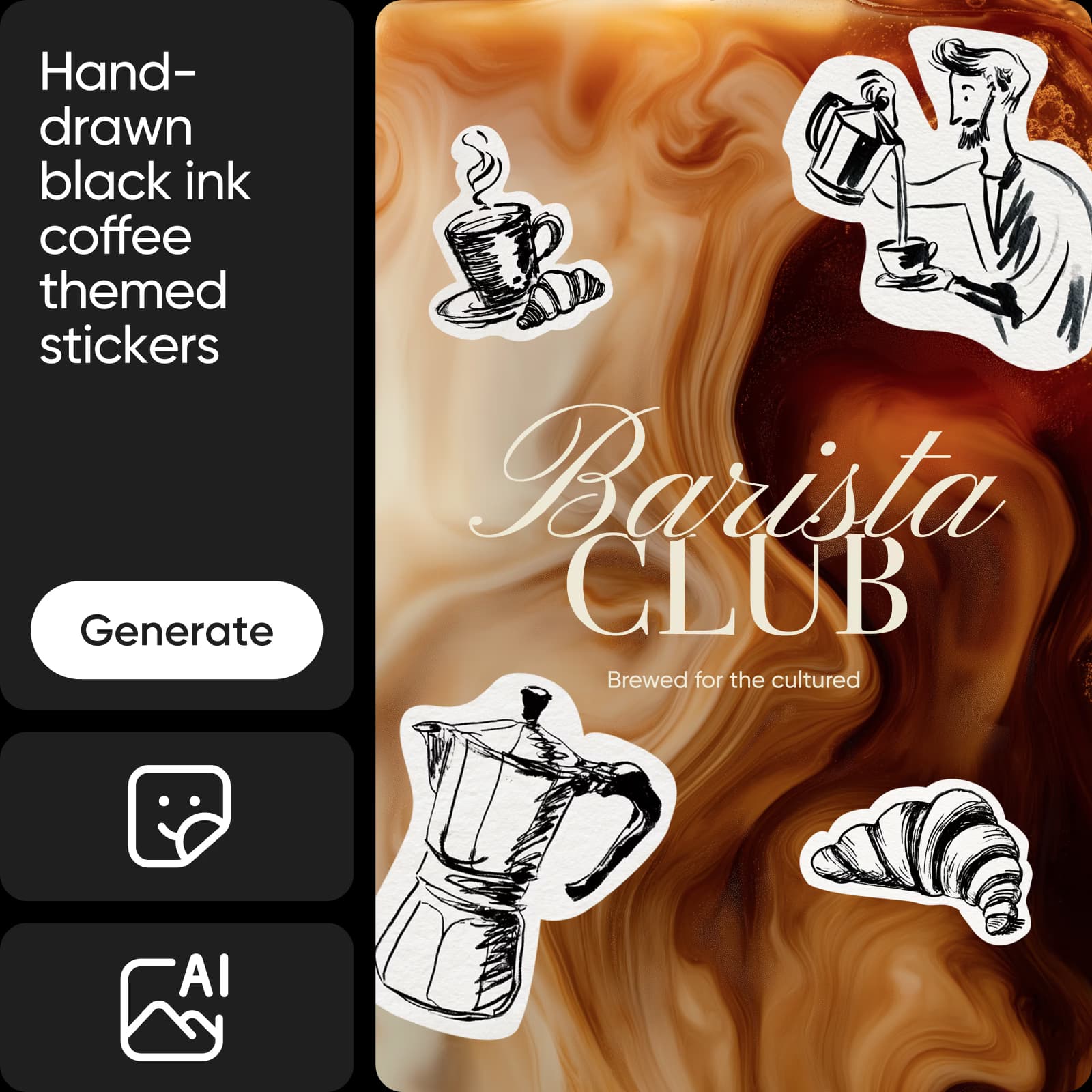
Genereer stickers vanaf nul met AI
Laat AI het tekenwerk doen met de AI-sticker generator. Beschrijf je idee voor de AI-sticker in een korte tekstprompt, kies een kunststijl en je kunt aan de slag. AI doet de rest en genereert stickers die perfect bij je content passen.
Wat je kunt maken met Sticker Maker
Kies een project en verander je foto’s of ontwerpen in stickers voor branding, delen, printen of dagelijkse chats.
Maak stickers die je merk dragen
Ontwerp stickers die je merk versterken. Maak stickers op maat voor productlabels, verpakkingen, bedankkaartjes, logolabels en zelfs QR-codes.
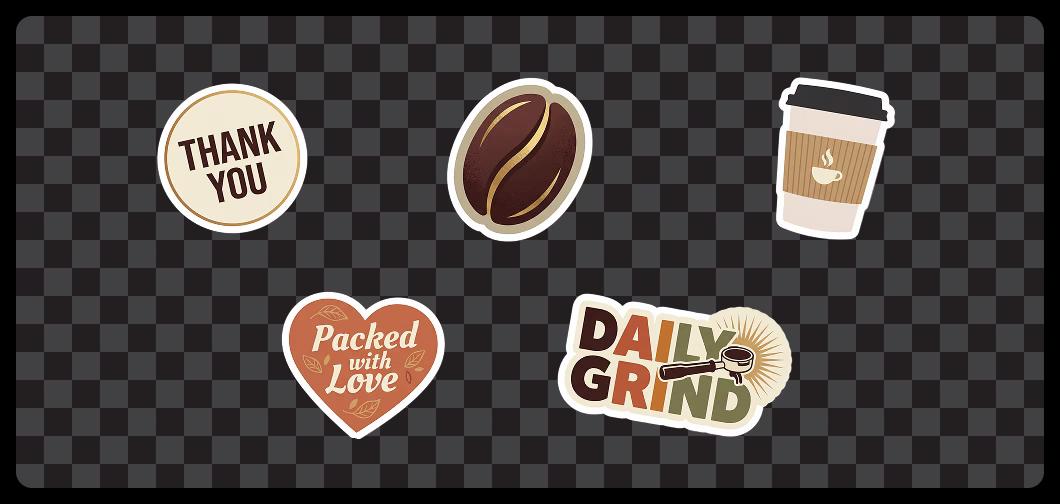
Personaliseer je stickers eenvoudig
Met Sticker Maker kun je je creaties op eindeloos veel manieren aanpassen. Wijzig kleuren, verfijn details, voeg tekst toe en personaliseer elk element zodat het bij je stijl past. Met volledige creatieve controle ontwerp je expressieve, opvallende stickers die uniek en impactvol zijn en perfect passen bij elk project.
- Laat grootte en stijl bij je project passen
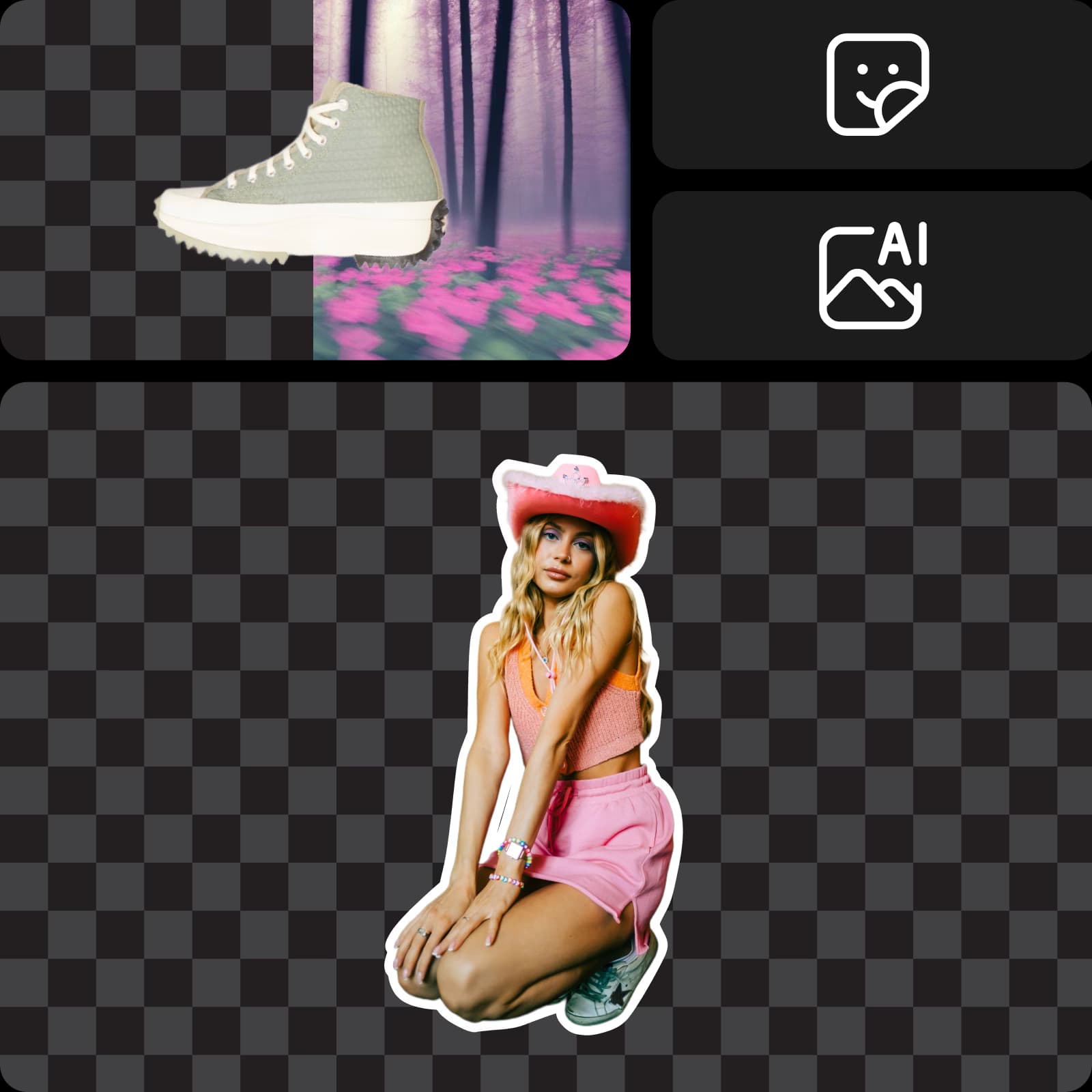
Maak gebruik van een bibliotheek met vooraf ontworpen stickers
Ontdek een wereld vol stickers die je helemaal kunt aanpassen en direct kunt gebruiken. Zo maak je je stickers nog sneller. Laat je inspireren door stickers van de grote community van Picsart-makers en gebruik ze vrijelijk in je bewerkingen.
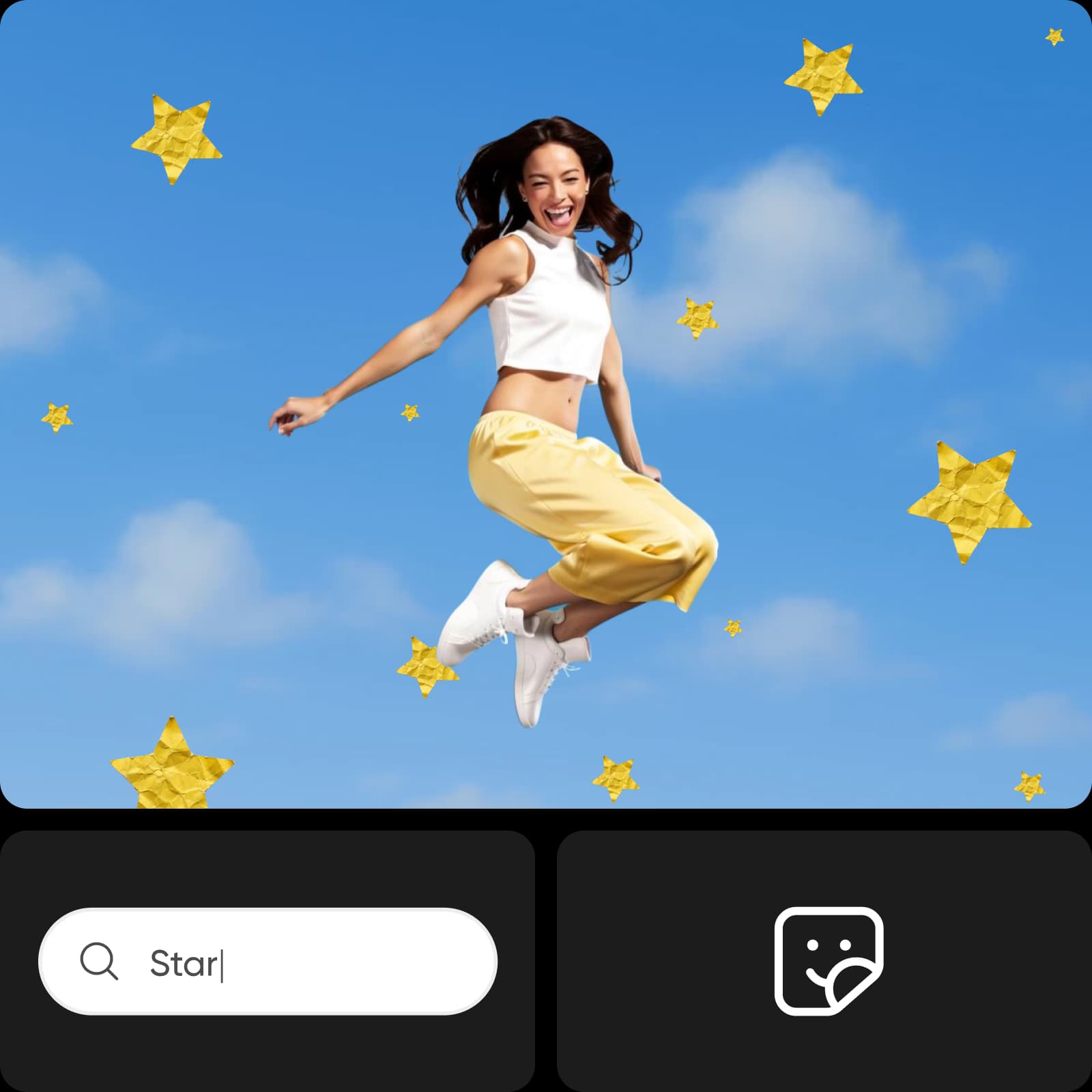
Lees de reviews van gebruikers van Picsart Sticker Maker
Mijn favoriete tool voor content op sociale media. Als maker ben ik altijd op zoek naar manieren om mijn Stories en Reels eruit te laten springen. Dankzij de mogelijkheid om gratis online stickers op maat te maken, zoals uitsneden, emoji’s en leuke bijschriften, zijn mijn posts veel beter geworden. Ik maak ook stickers van mijn selfies voor IG en TikTok, en mijn betrokkenheid is duidelijk toegenomen.”
Rachel CohenZo leuk voor dagelijkse chats en evenementen! Ik gebruik de sticker maker om persoonlijke stickervellen te maken voor WhatsApp en iMessage. Mijn vrienden zijn dol op de stickers van mijn huisdier! Ik maakte ook themastickers voor de bruiloft van mijn zus: naamkaartjes, pictogrammen en bedankstickers. Het was supermakkelijk en iedereen dacht dat we een ontwerper hadden ingehuurd.
John MillerMaak met AI-beeldmodellen een stickerontwerp
Gebruik beeldmodellen om van je stickerontwerp verfijnde visuals, ontwerpideeën en kant-en-klare bewerkbare assets te maken.
Veelgestelde vragen over Sticker Maker
Stickers op maat zijn bewerkingsassets die je kunt maken door andere afbeeldingen bij te snijden of te bewerken. Je kunt stickers op maat voor allerlei dingen gebruiken, zoals reageren op berichten of als handige bewerkingsassets om bepaalde ontwerpen makkelijker te maken. Je kunt vrijwel elke afbeelding in een sticker veranderen. Laat je creativiteit en fantasie de vrije loop.
Maak stickers voor chats, content en campagnes
Pro
Most popularAI tools for everyday creative work.
Billed yearly
Ultra
Most powerfulHeavy AI usage for creators & teams.
Billed yearly, per seat
Enterprise
Custom AI solutions for large organizations.
Custom credit volume
- Volume discounts on credit rate
- On-demand top-ups
Custom
Contact for pricing
Vervolg je creatieve reis met een reeks bewerkingstools
Bewerk alles op één handige plek in de fotobewerkingsinterface.

Foto-editorVerfijn je afbeeldingen met trendy lettertypen, filters en effecten, stickers en meer.

CollagemakerCombineer moeiteloos beelden voor sociale media, visionboards en meer.

Afbeelding opschalenVerhoog snel de resolutie van elke afbeelding met Picsart’s AI Image Upscaler

Afbeelding bijsnijdenBehoud wat belangrijk is met een gebruiksvriendelijke tool om afbeeldingen bij te snijden.

Afbeeldingsformaat wijzigenPas je foto’s eenvoudig en binnen enkele seconden aan het gewenste formaat aan.

Foto-effectenGeef je foto’s de gewenste uitstraling met opvallende effecten en esthetische filters.

Tekst in afbeelding bewerkenBewerk of verwijder tekst binnen enkele seconden uit elke afbeelding met Picsart’s gebruiksvriendelijke Photo Text Editor.

AI-afbeeldingengeneratorBeschrijf je idee en laat AI je woorden omzetten in fascinerende afbeeldingen.

AI-afbeelding verbeterenVerhoog in één keer met AI de resolutie van meerdere afbeeldingen.

AI-avatarGenereer portretten in verschillende stijlen met AI.

AI VervangenVervang met AI elk onderdeel van je afbeelding door een door AI gegenereerd object.

AI-achtergrondGenereer met één prompt unieke achtergronden vanaf nul.

AI-foto-editorBewerk sneller met een AI-aangedreven foto-editor.