
Picsart AI ఫిల్టర్లతో మీ విజువల్స్కు కళారూపం ఇవ్వండి
మీ విజువల్స్ రూపాన్ని సరికొత్తగా మార్చి, మెరుపు వేగంతో మీకంటూ ప్రత్యేకమైన ఆర్ట్వర్క్ను సృష్టించండి. మీ విజువల్ను అప్లోడ్ చేసి, బటన్ను నొక్కి వివిధ AI ఎఫెక్ట్లను ప్రయత్నించండి. Picsart ఆన్లైన్ ఫోటో ఎడిటర్తో మీ చిత్రాలను పెయింటింగ్లు, ఇలస్ట్రేషన్లు, కార్టూన్లు లేదా బొమ్మలుగా మార్చండి. ఇప్పుడే ఉచితంగా ప్రయత్నించండి.
ట్రెండింగ్ AI ఎఫెక్ట్లను ప్రయత్నించండి


Picsartలో AI ఫిల్టర్లను ఎలా వర్తింపజేయాలి
How to
మీ ఫోటోను అప్లోడ్ చేయండి
ప్రారంభించడానికి, AI ఫిల్టర్ వర్తింపజేయాలనుకుంటున్న చిత్రాన్ని ఎంచుకోండి.
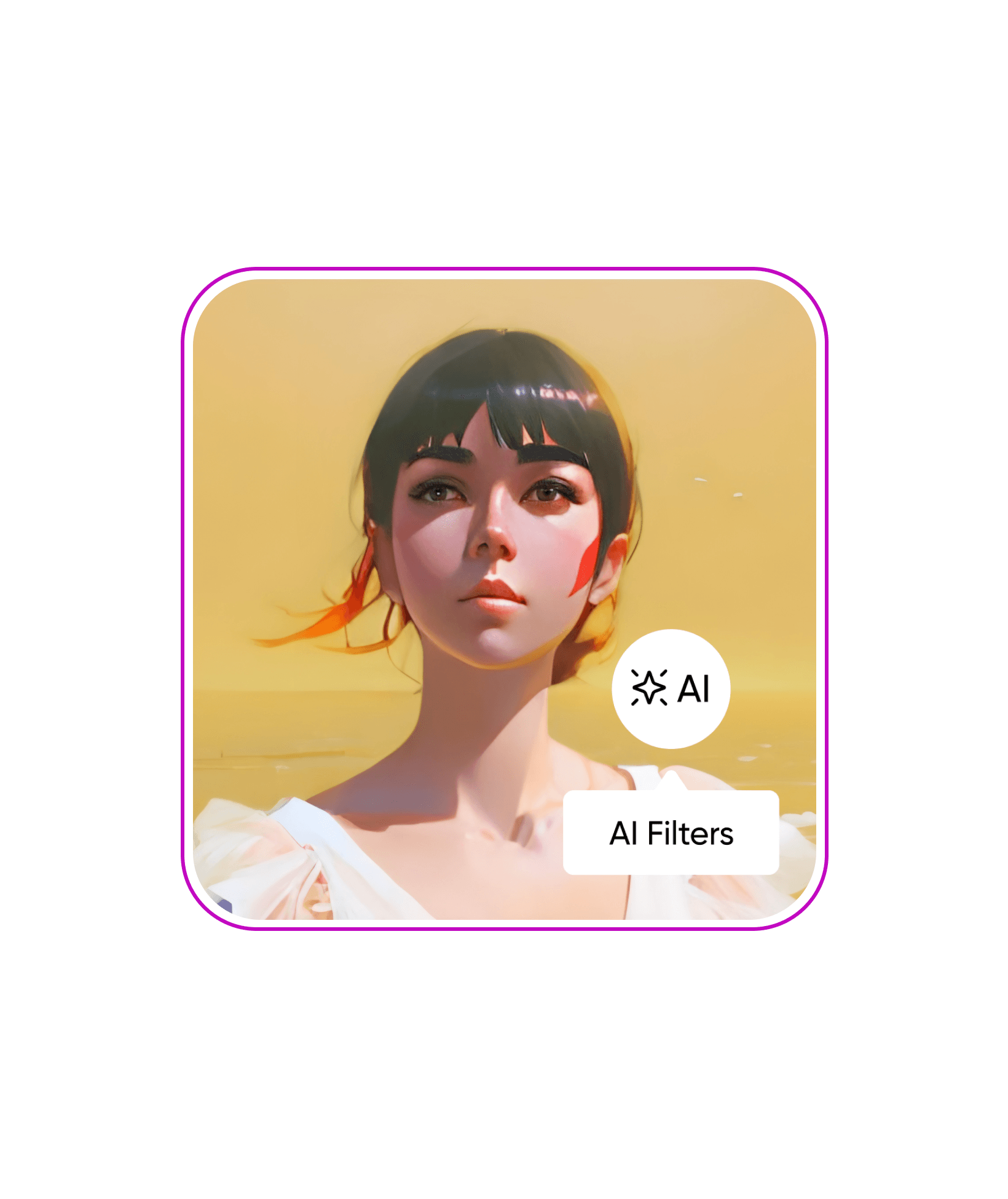
AI ఫిల్టర్లను ప్రయత్నించండి
AI ఫిల్టర్లు, సాధారణ ఫిల్టర్లు
వీటి మధ్య తేడా ఏమిటని మీరు అనుకోవచ్చు. తేడా చాలా ఉంది. సాధారణ ఫిల్టర్లు మీ అసలు చిత్రంపై ముందే రూపొందించిన రంగుల లేయర్లను వర్తింపజేస్తాయి. అయితే, AI ఫిల్టర్లు మీ అసలు చిత్రం ఆధారంగా మొదటి నుంచి కొత్త విజువల్ను రూపొందించడానికి AI జనరేటివ్ ఆర్ట్ను ఉపయోగిస్తాయి. దీన్ని చిత్రం నుంచి చిత్రం రూపొందించే AI ఆర్ట్ జనరేషన్గా భావించవచ్చు.
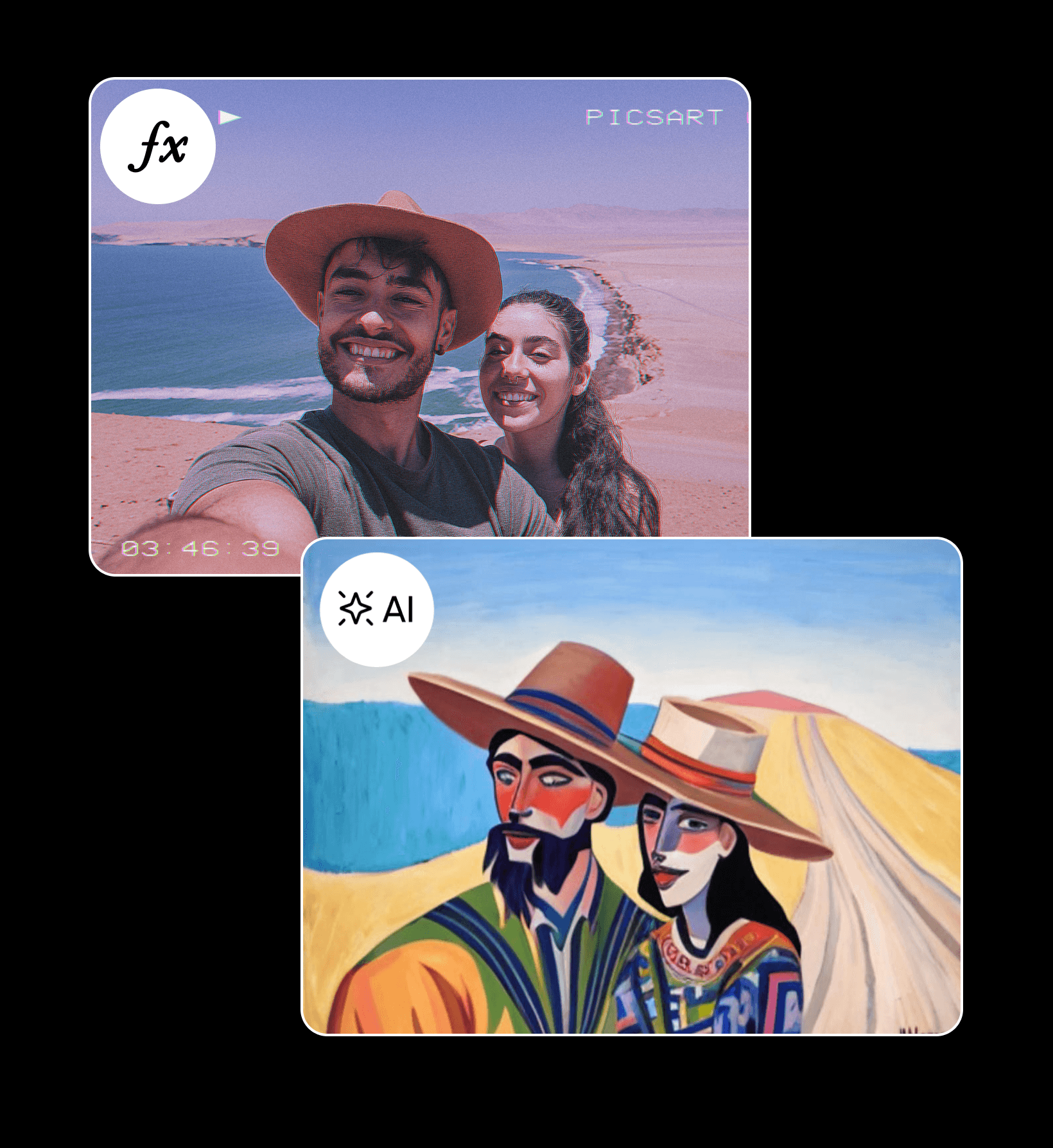
గీయాల్సిన అవసరం లేకుండానే డిజిటల్ ఆర్ట్ను సృష్టించండి
మీ సోషల్ మీడియా పోస్ట్లకు కొత్తదనం జోడించాలన్నా, ప్రచార కార్యక్రమం కోసం ఇలస్ట్రేషన్లు రూపొందించాలన్నా, AI ఫిల్టర్లతో ఎంతో సమయాన్ని ఆదా చేసుకోవచ్చు. వివరణాత్మక ప్రాంప్ట్లు రాయడానికి బదులుగా మీ దగ్గరున్న ఫోటోలను ఉపయోగించి, మీ విజువల్స్ను పూర్తిగా మార్చేలా వివిధ స్టైల్లలో ఎంచుకోండి. మరింత ప్రతిష్టాత్మకమైన ఆలోచనలకు రూపమివ్వాలనుకుంటే, మొదటి నుంచి కళను సృష్టించడానికి Picsart AI art generatorను ఉపయోగించవచ్చు.
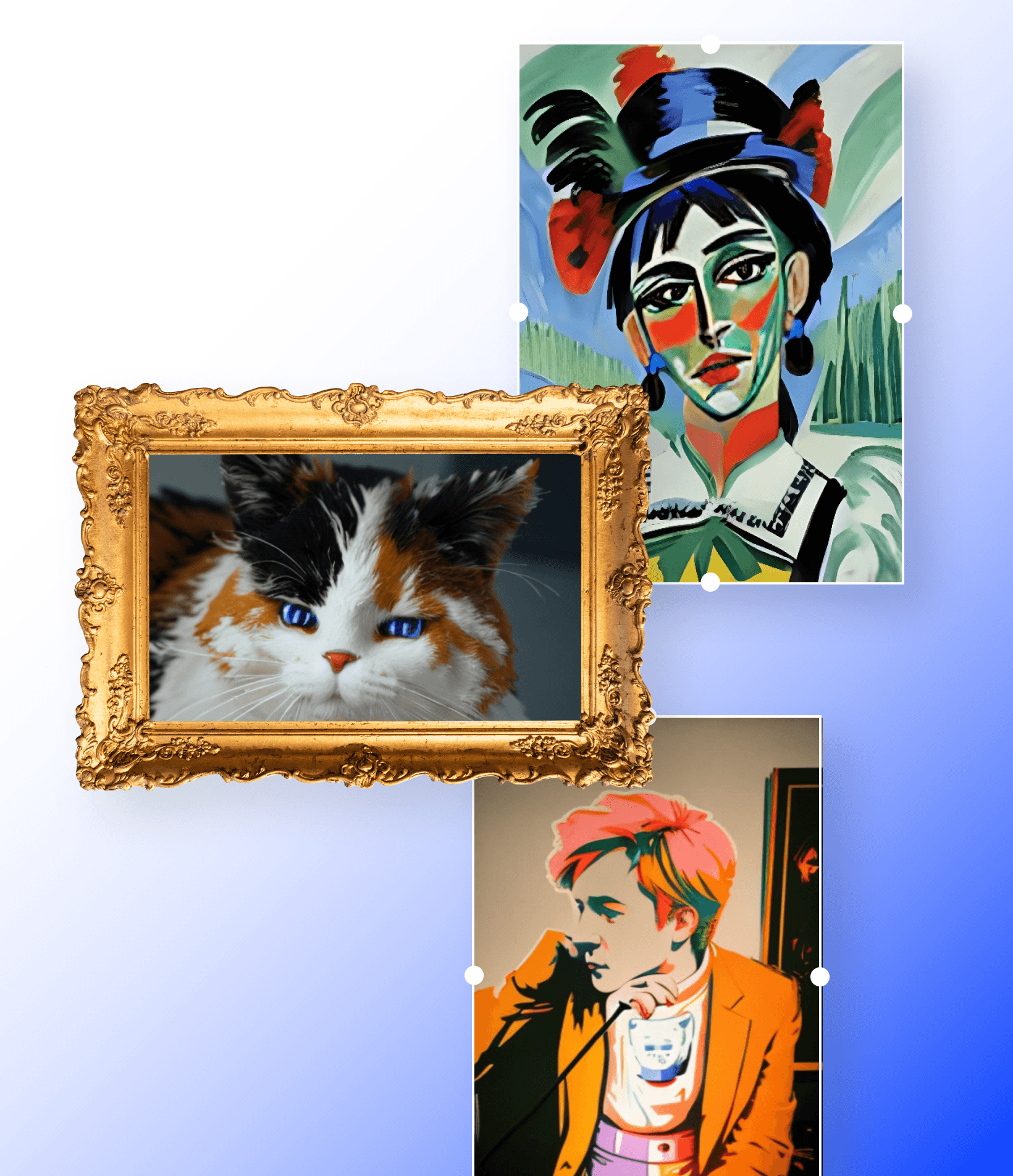
కళా స్ఫూర్తితో రూపొందిన AI ఫిల్టర్లతో మీలోని కళాకారుడిని మేల్కొలపండి
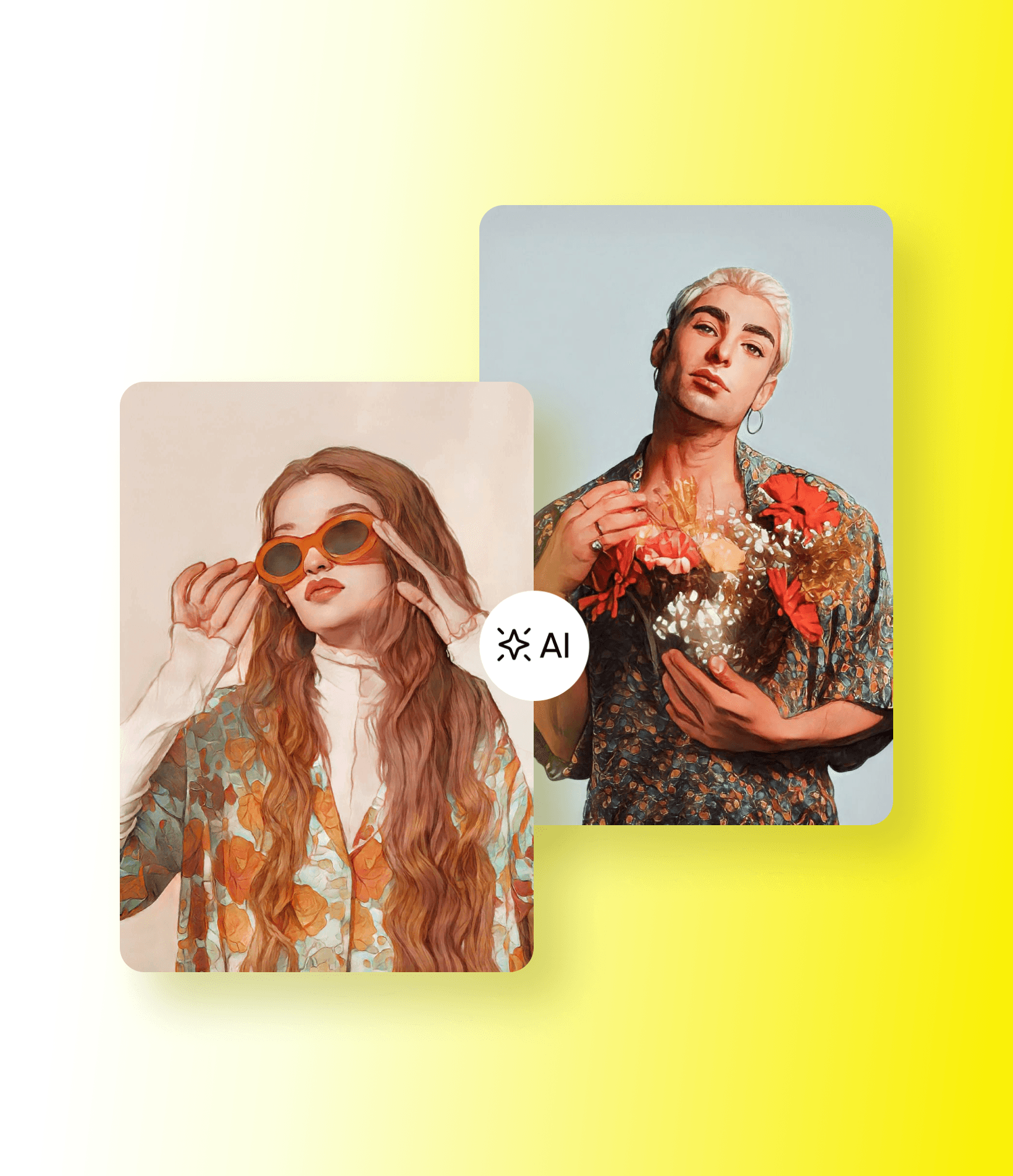
AI ఆర్ట్ ఫిల్టర్లతో మీ ఫోటోలను మ్యూజియంలో ప్రదర్శించదగిన పెయింటింగ్లుగా మార్చండి. మీ అసలు ఫోటోకు కళారూపం ఇవ్వడానికి, వివిధ స్టైల్లలో అద్భుతమైన కళాఖండాలను AIతో రూపొందించండి. మరింత క్లాసిక్ రూపం కోసం Fine Art ఫిల్టర్ను ఎంచుకోండి. మరింత సృజనాత్మకమైన, రంగులమయమైన, అలాగే… అమూర్తమైన ఫలితాల కోసం Abstract ఫిల్టర్ను ఉపయోగించండి. మరింత ఆధునికమైన రూపం కావాలంటే Pop Art ఫిల్టర్ను ఎంచుకోండి.
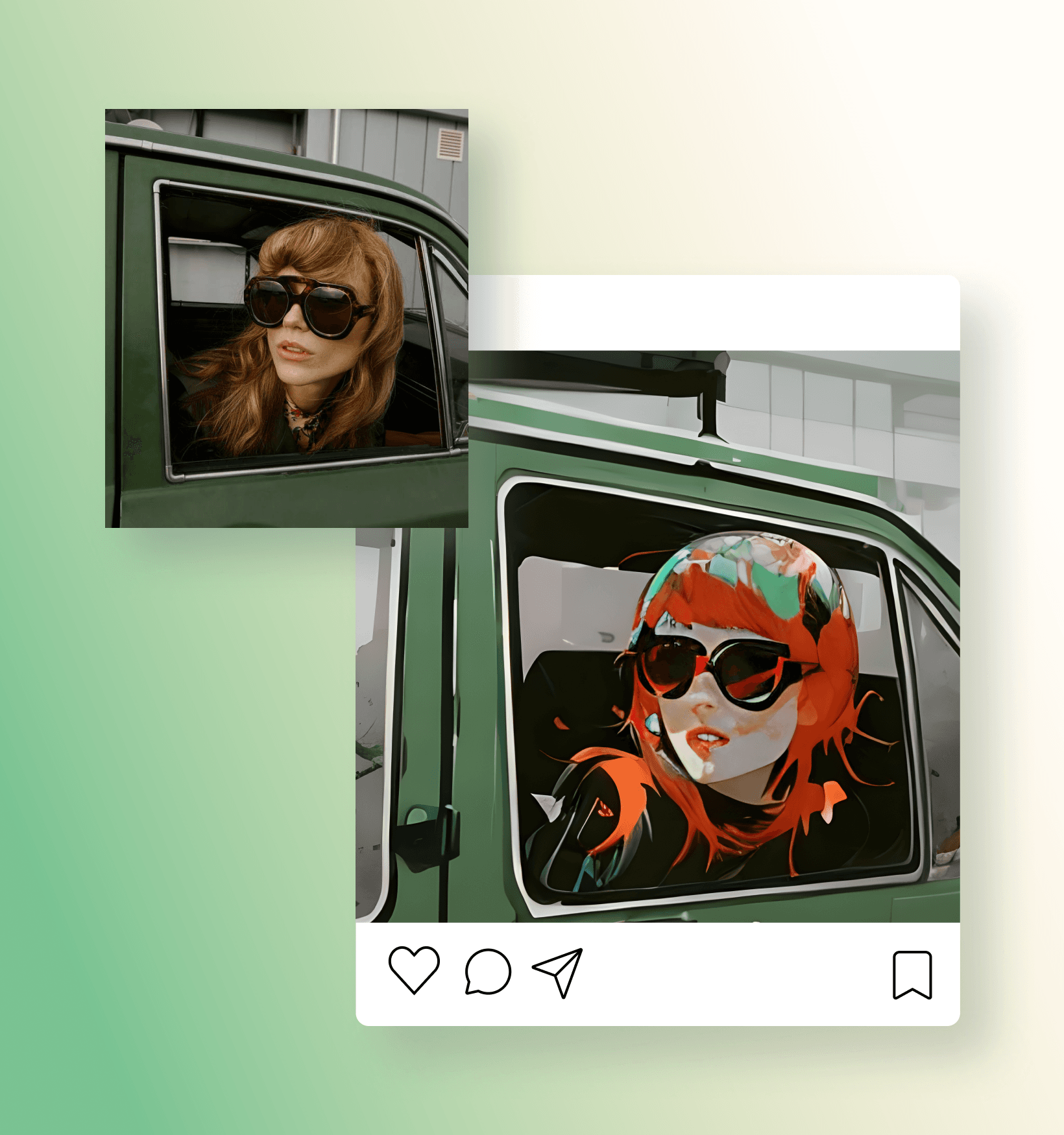
సైబర్పంక్ కథానాయకుడిగా మారండి
భవిష్యత్తులోని డిస్టోపియన్ ప్రపంచంలో మీరు లేదా మీ నగరం ఎలా కనిపిస్తారో అని ఎప్పుడైనా ఆలోచించారా? ఇక ఆలోచించాల్సిన పనిలేదు. మీ ఫోటోలను ఎడ్జీ కాన్సెప్ట్ ఆర్ట్లా మార్చడానికి ఉచిత Cyberpunk AI ఫిల్టర్ను ఉపయోగించండి. పోర్ట్రెయిట్, ల్యాండ్స్కేప్ ఫోటోలు రెండింటికీ ఇది చక్కగా పనిచేస్తుంది. అసలు విజువల్ను నమ్మశక్యంగా అనుకరించేందుకు, దుస్తులు మరియు ల్యాండ్స్కేప్ వివరాలను AI ఖచ్చితంగా పునఃసృష్టించగలదు. మరింత వ్యక్తిగతంగా రూపొందించుకోవాలంటే, మీకంటూ ప్రత్యేకమైన ప్రొఫైల్ చిత్రాలను రూపొందించడానికి AI avatarను ప్రయత్నించండి.
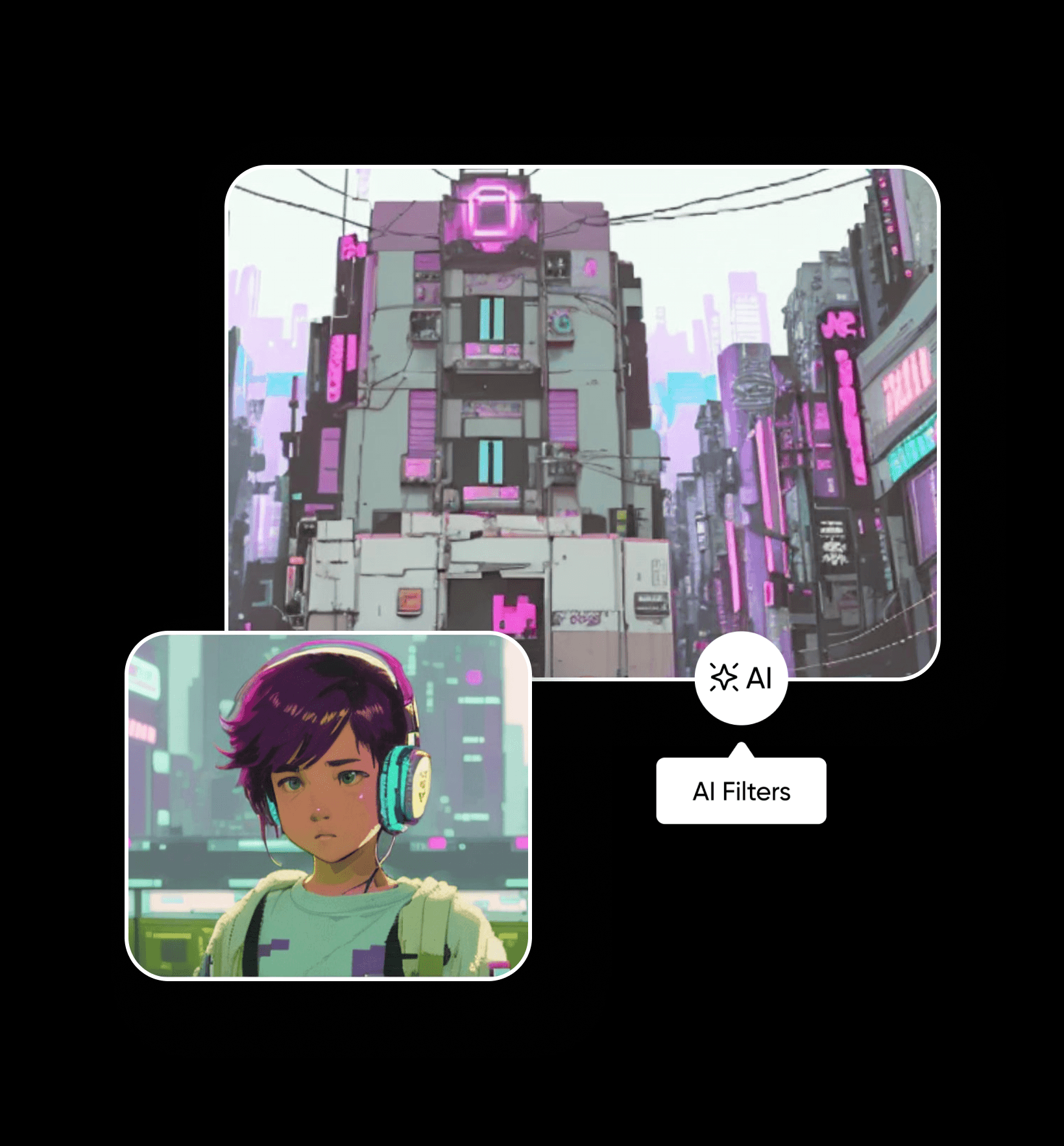
కార్టూన్ ఫిల్టర్లతో మీ సొంత యానిమేటెడ్ రూపాన్ని పొందండి
Cartoon AI ఫిల్టర్తో యానిమేటెడ్ పాత్రగా మారండి. సోషల్ మీడియా పోస్ట్లు, ప్రొఫైల్ చిత్రాల కోసం అందమైన పోర్ట్రెయిట్ ఎడిట్లను సృష్టించడానికి మీ ఫోటోలను కార్టూన్లుగా మార్చండి. మీ రూపాన్ని ఆధారంగా చేసుకుని కార్టూన్ తరహా ముఖ లక్షణాలను రూపొందించే అధునాతన మెషీన్ లెర్నింగ్ అల్గారిథమ్లతో మీ రూపాన్ని ఖచ్చితంగా పొందండి.
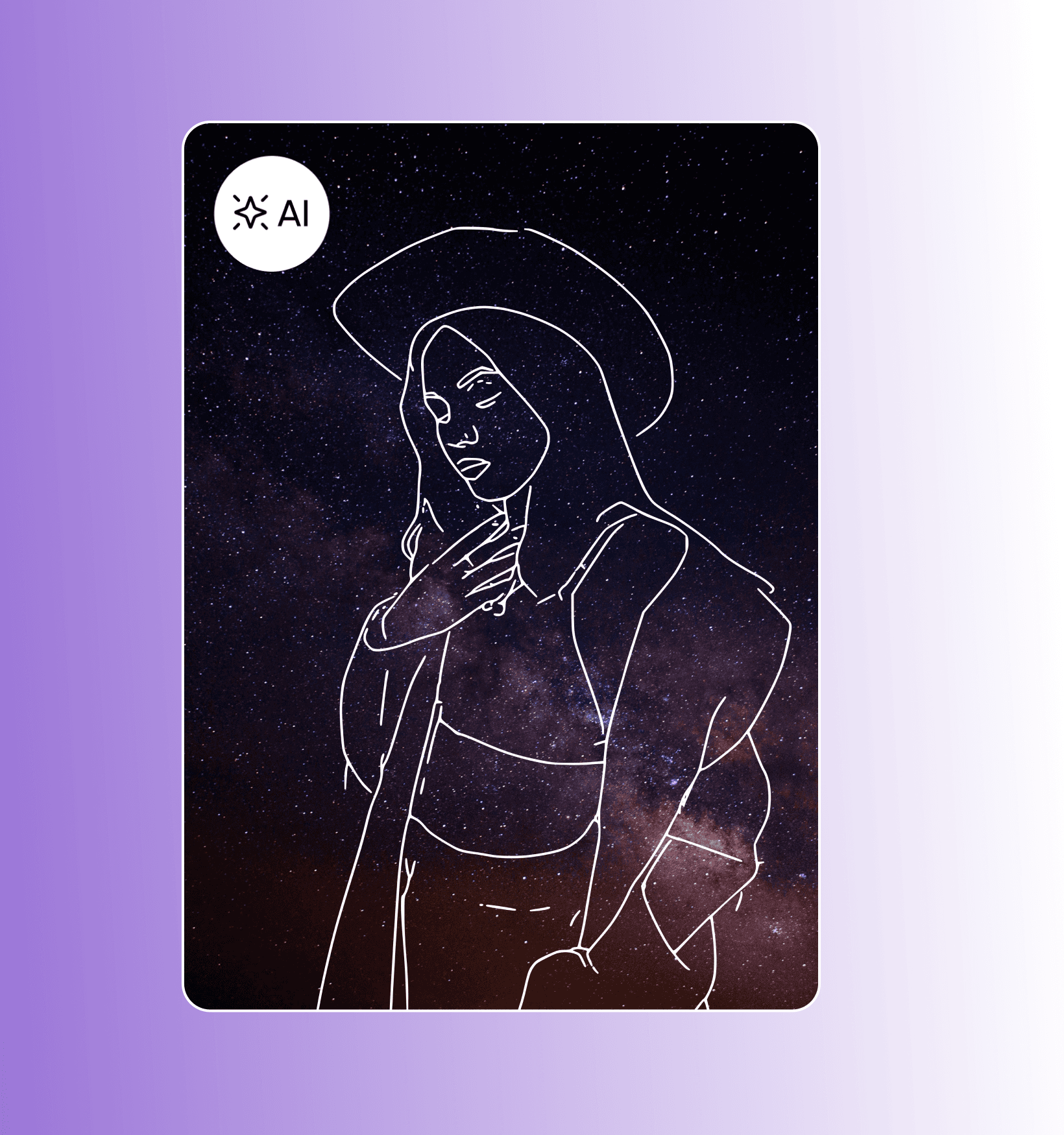
స్కెచ్ ఫిల్టర్లతో రూపుదిద్దుకుంటున్న మీ కళాఖండాన్ని వ్యక్తపరచండి
Picsart ఫోటోను స్కెచ్గా మార్చే AI ఫోటో ఎఫెక్ట్లతో మీ ఫోటోలకు సులభంగా సృజనాత్మక స్పర్శను జోడించండి. మీ పోర్ట్రెయిట్ సబ్జెక్ట్కు ఖచ్చితమైన, మినిమలిస్టిక్ స్కెచ్ను క్షణాల్లో పొందండి. ఏ బ్యాక్గ్రౌండ్లోనైనా ఉపయోగించగల ప్రత్యేక స్కెచ్గా లేదా మీ అసలు చిత్రంపై టాప్ లేయర్గా ఉండేలా ఫిల్టర్ వేరియేషన్లలో ఎంచుకోండి. మొదటి నుంచి ప్రొఫెషనల్ స్కెచ్లను రూపొందించాలనుకుంటే, త్వరిత డ్రాయింగ్లను AIతో ప్రొఫెషనల్ ఇలస్ట్రేషన్లుగా మార్చే SketchAIని ప్రయత్నించండి.
Picsartలో మీకు నచ్చే మరిన్ని స్టైల్లను కనుగొనండి
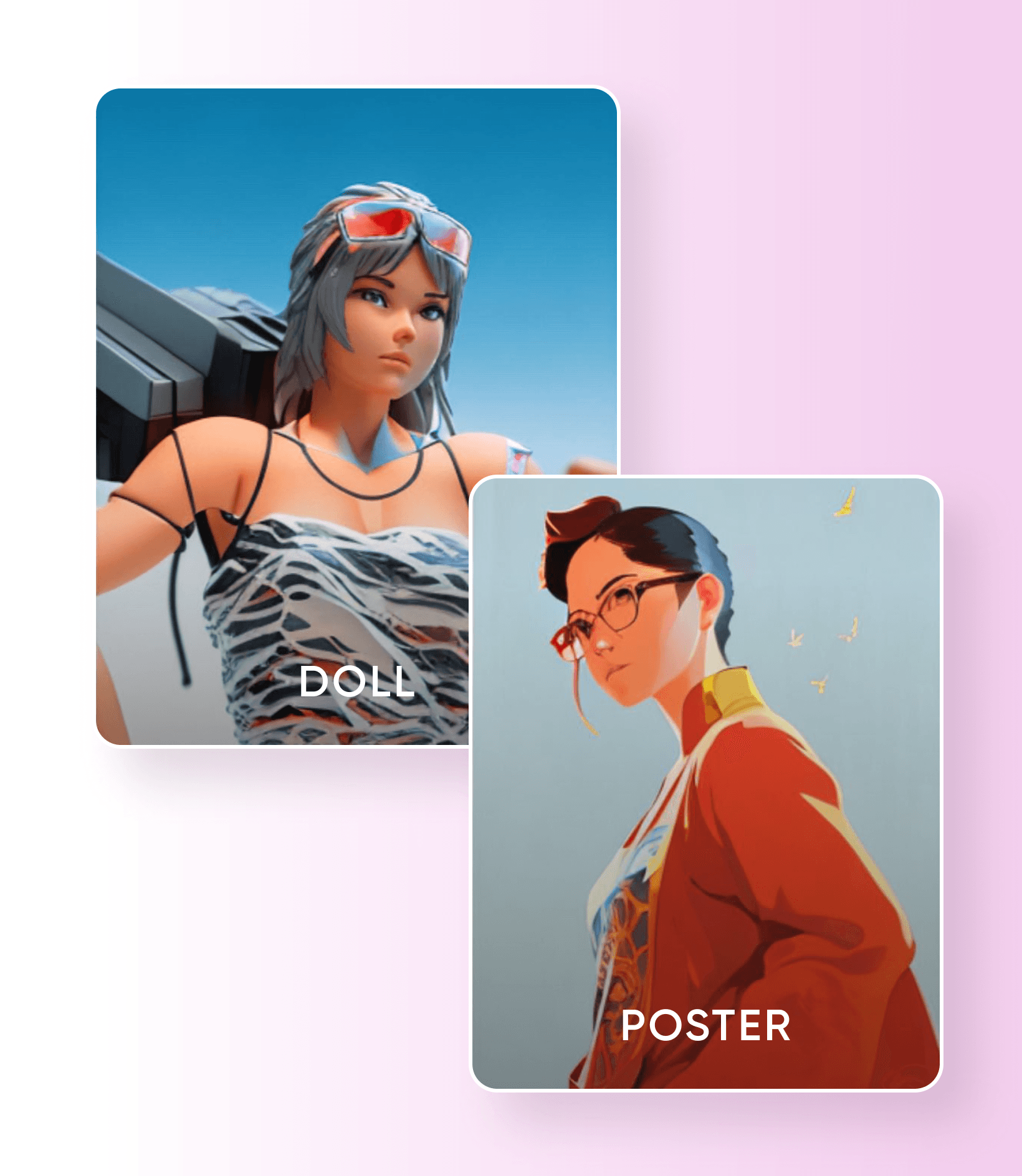
Picsartలో మీరు ప్రయత్నించడానికి ఇంకా ఎన్నో ఉచిత AI ఫిల్టర్లు సిద్ధంగా ఉన్నాయి. మీ ఫోటోలను గోడపై ప్రదర్శించాలనిపించే కళాఖండాలుగా త్వరగా మార్చడానికి Poster AI ఎఫెక్ట్ను ఉపయోగించండి. అలాగే, మిమ్మల్ని అందరికీ ఇష్టమైన బొమ్మలా మార్చే Doll AI ఎఫెక్ట్లతో ప్లాస్టిక్ ప్రపంచంలోని జీవితాన్ని ఆస్వాదించడం మర్చిపోకండి. ఇవే కాదు, Picsartలో మీరు ప్రయత్నించడానికి ఇంకా ఎన్నో AI ఫిల్టర్లు ఉన్నాయి. మీకంటూ ప్రత్యేకమైన విజువల్స్ కోసం, మొదటి నుంచి చిత్రాలను రూపొందించడానికి AI image generatorను ఉపయోగించవచ్చు.
త్వరలో Picsart Web Editorలో అందుబాటులోకి వస్తాయి
Picsart iOS, Android యాప్లలో AI ఫిల్టర్లను ఉచితంగా ఉపయోగించవచ్చు.
ప్రస్తుతం, AI ఫిల్టర్లు Picsart iOS, Android యాప్లలో మాత్రమే అందుబాటులో ఉన్నాయి. వాటిని Web Editorలో అందుబాటులోకి తీసుకురావడానికి మేము పని చేస్తున్నంతవరకు, ఇప్పటికే అందుబాటులో ఉన్న అనేక ఫోటో ఎఫెక్ట్లను ఉపయోగించవచ్చు.
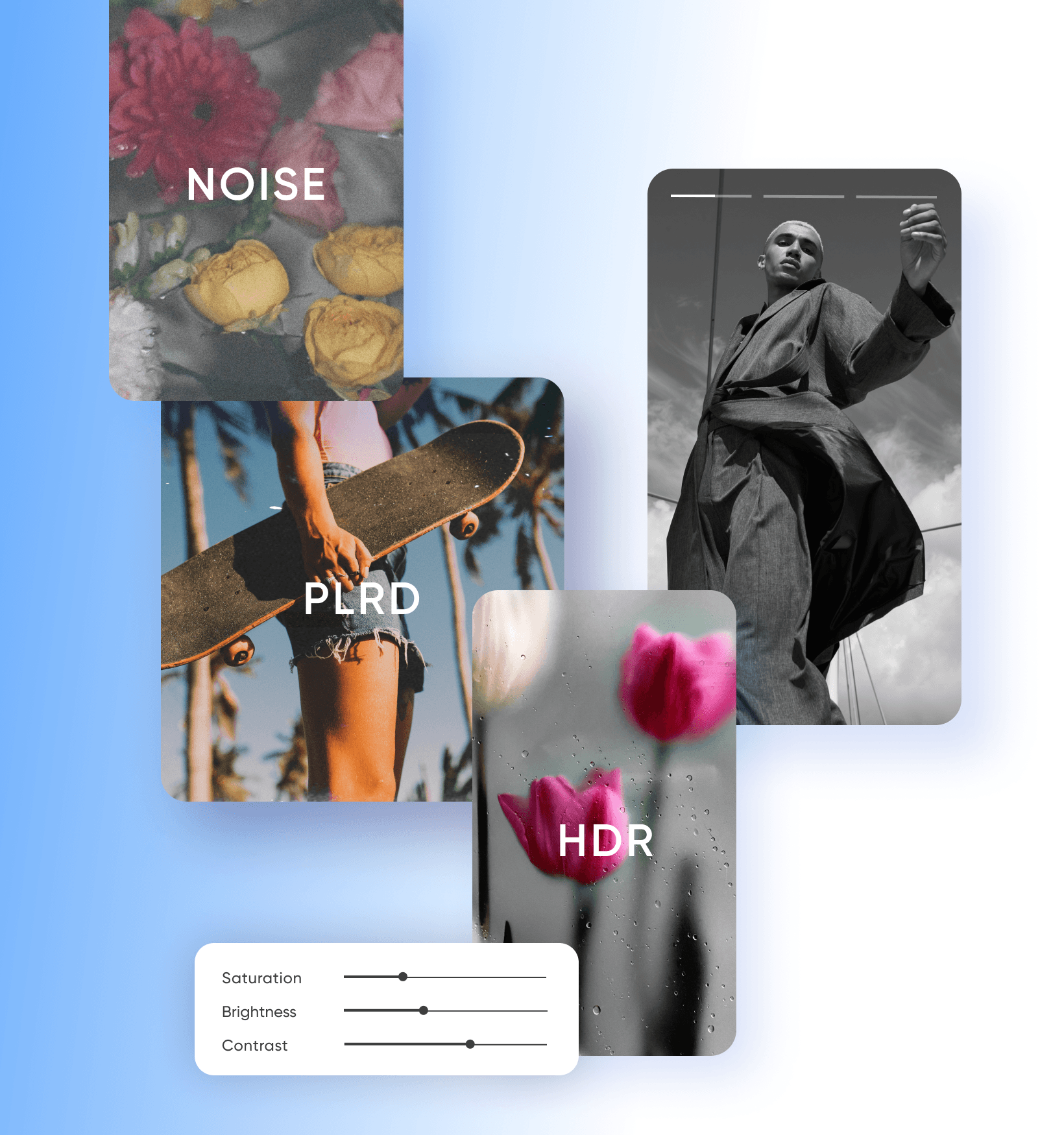
Picsart AI ఫోటో ఎడిటింగ్ టూల్స్ను ప్రయత్నించండి


AI ఇమేజ్ జనరేషన్ను అర్థం చేసుకోండి
ప్రాంప్ట్లు, స్టైల్లు, మోడల్ ఎంపికలు చిత్రాల రూపాన్ని ఎలా నిర్దేశిస్తాయో తెలుసుకోండి.
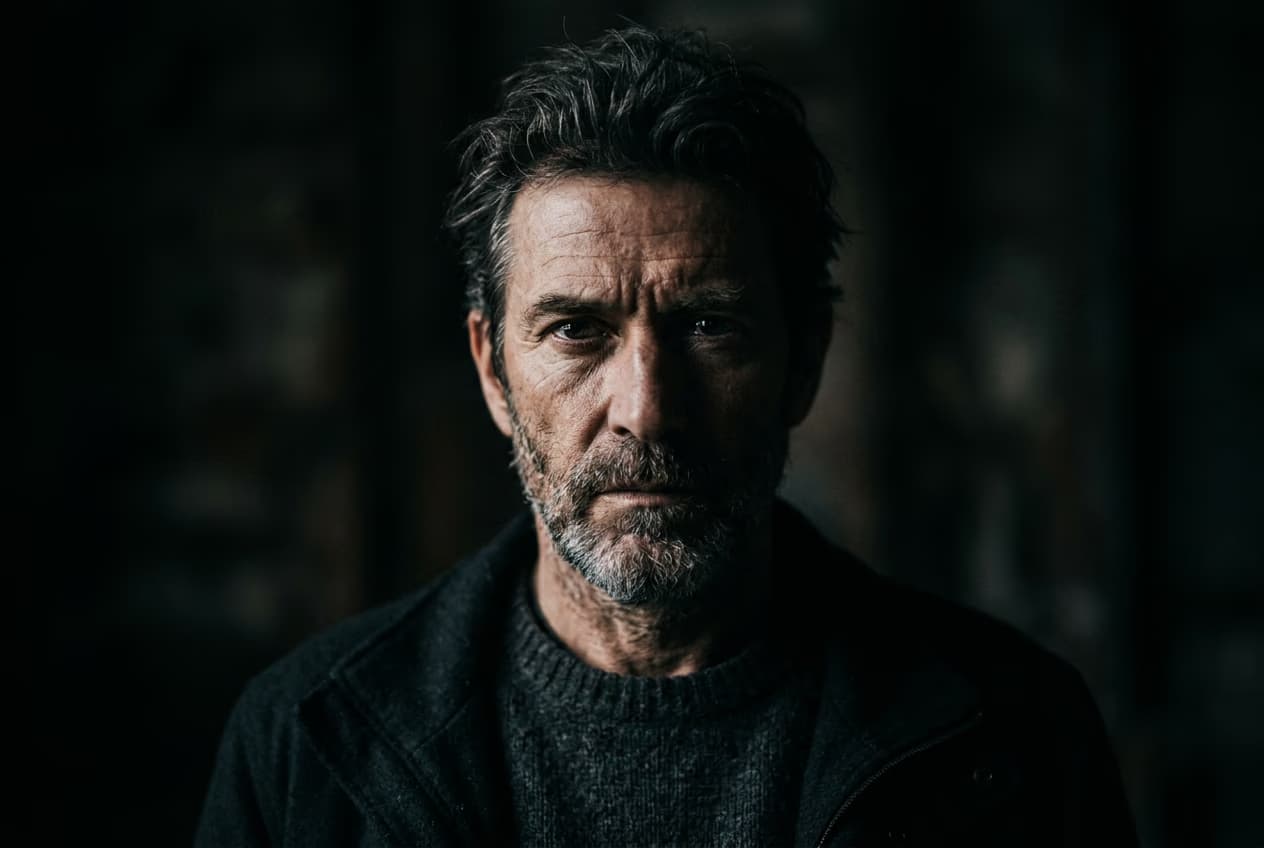
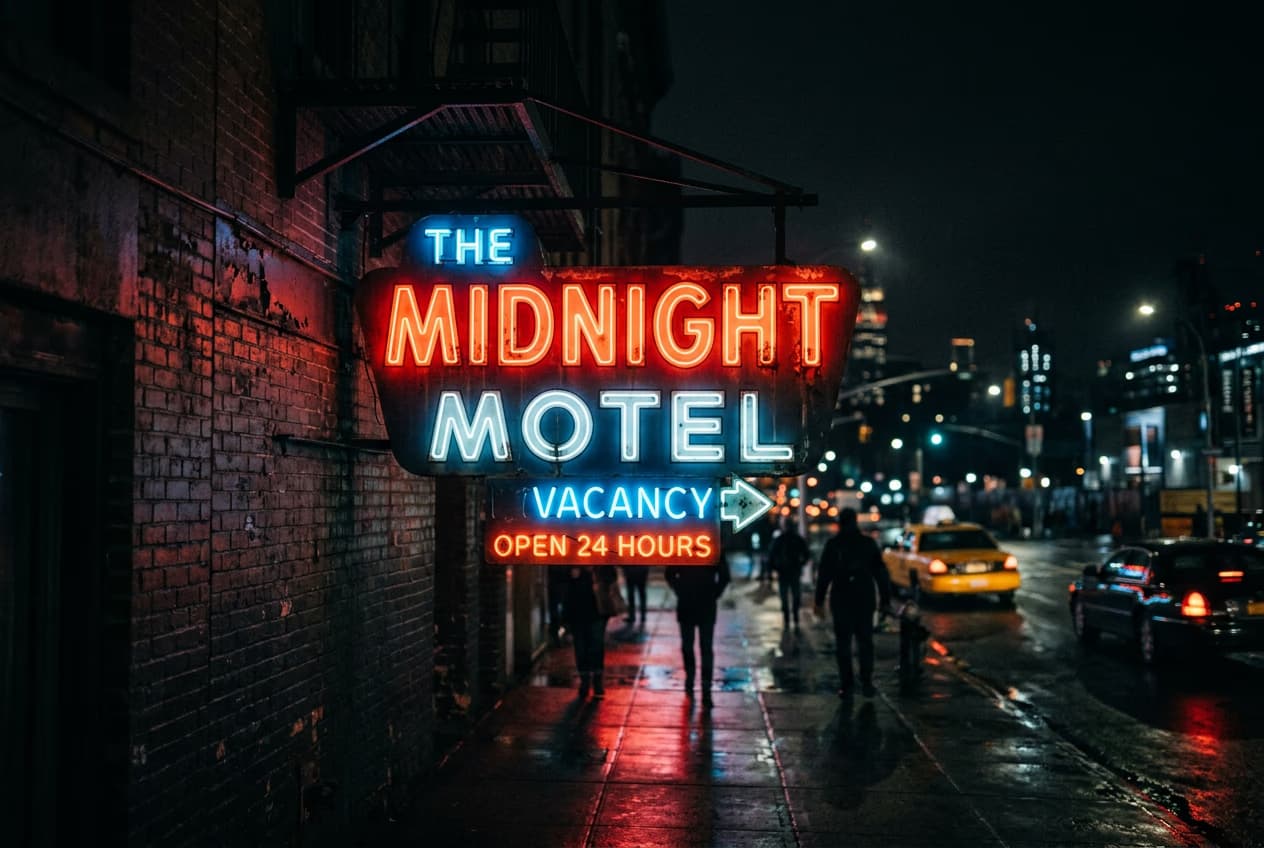
AI ఫిల్టర్ల FAQ
AI ఫిల్టర్ అనేది టెక్స్ట్ ప్రాంప్ట్కు బదులుగా చిత్రాన్ని ఇన్పుట్గా ఉపయోగించి రూపొందించే AI కళ.
AI ఫిల్టర్లను ప్రయత్నించండి
వీటిలో ప్రదర్శితం


మెరుగైన క్రియేటర్ కంటెంట్ కోసం ఫోటోలను ఎడిట్ చేయండి
Pro
Most popularAI tools for everyday creative work.
Ultra
Most powerfulHeavy AI usage for creators & teams.
Enterprise
Custom AI solutions for large organizations.
- Volume discounts on credit rate
- On-demand top-ups