వైట్ BG రిమూవర్: తెల్లటి బ్యాక్గ్రౌండ్లను తక్షణమే తీసివేయండి
మీ చిత్రాలకు సరికొత్త రూపాన్ని అందించడానికి సెకన్లలో తెల్లటి బ్యాక్గ్రౌండ్లను తీసివేయండి. చిత్రాల నుండి తెల్లటి బ్యాక్గ్రౌండ్లను ఆటోమేటిక్గా తీసివేయడానికి Picsart యొక్క వైట్ BG రిమూవర్ను ఉపయోగించండి.
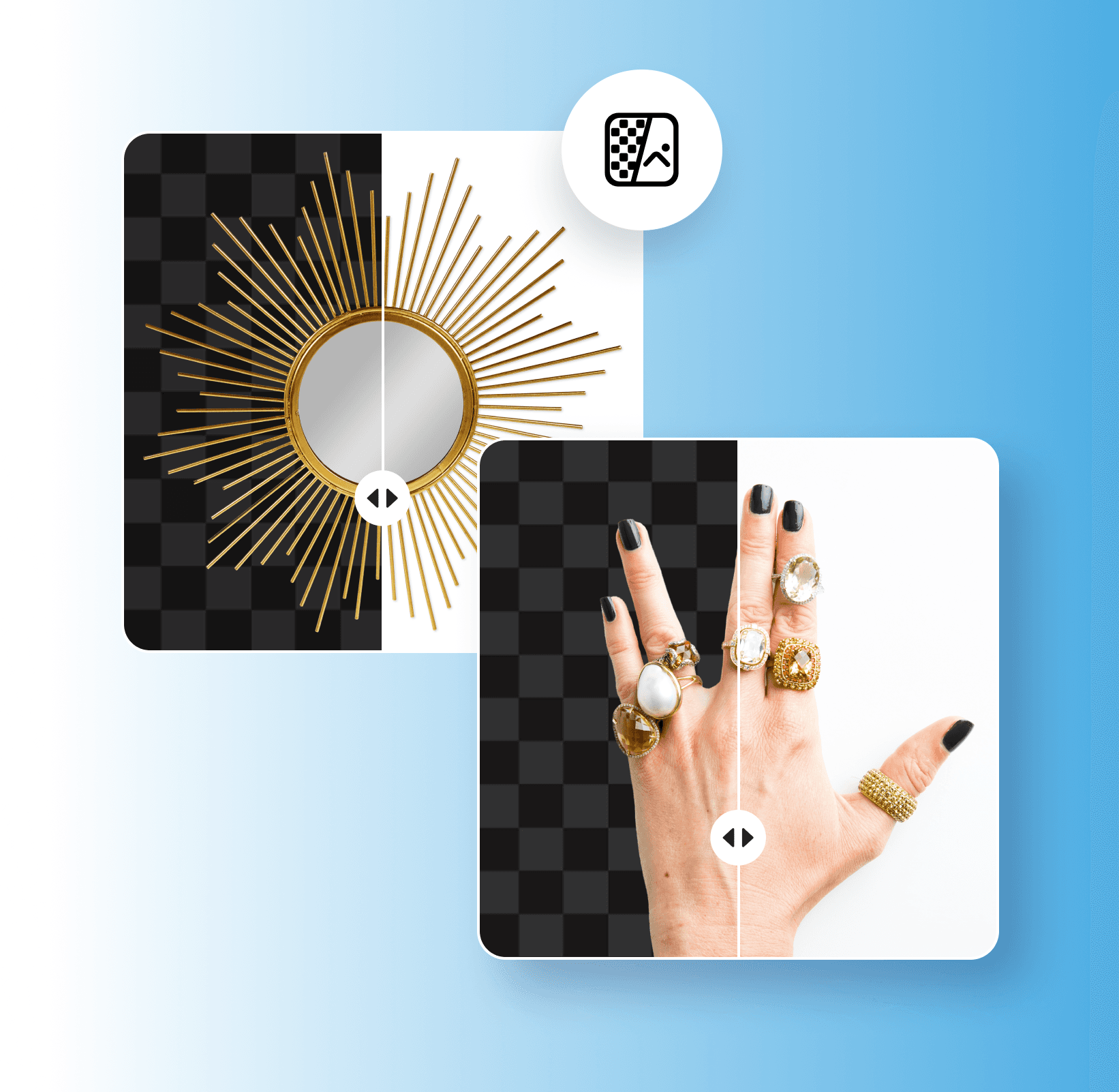
తెల్లటి బ్యాక్గ్రౌండ్ రిమూవల్ను ఎందుకు ఉపయోగించాలి?
తెల్లటి బ్యాక్గ్రౌండ్ను ఎలా తీసివేయాలి
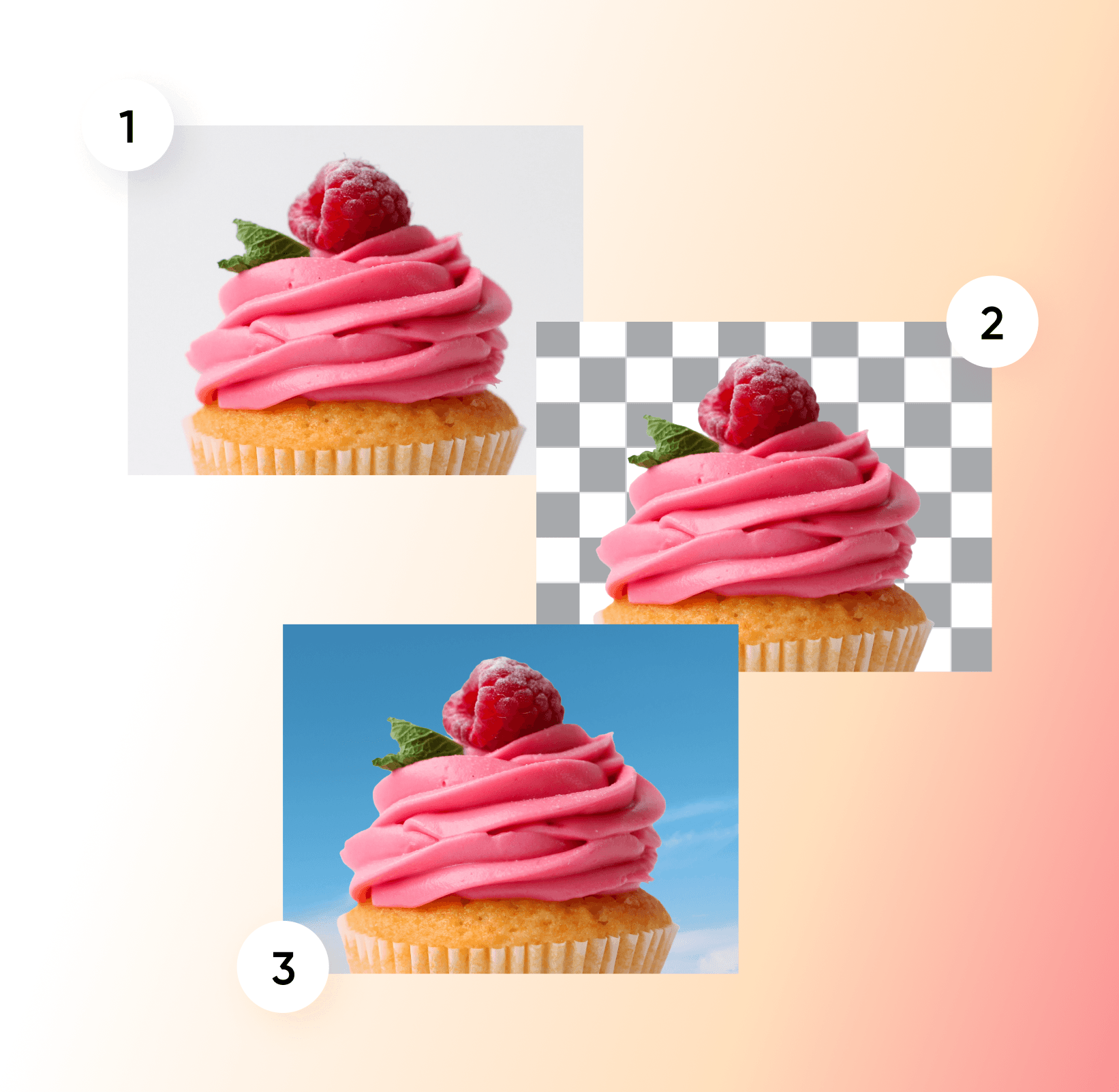
తెల్లటి బ్యాక్గ్రౌండ్లను ఆటోమేటిక్గా తీసివేయండి
చిత్రాల నుండి తెల్లటి బ్యాక్గ్రౌండ్లను తీసివేయడం సమయం తీసుకుంటుంది, ప్రత్యేకించి మీకు సరైన ఎడిటింగ్ నైపుణ్యాలు లేకపోతే. Picsart యొక్క Background Removerతో, మీ చిత్రాలకు సరికొత్త రూపాన్ని అందించడానికి సాధారణ తెల్లటి బ్యాక్గ్రౌండ్లను తీసివేయడం గతంలో కంటే చాలా సులభం. మీరు చేయాల్సిందల్లా మీ చిత్రాన్ని అప్లోడ్ చేయడమే, AI కేవలం కొన్ని సెకన్లలో మీ తెల్లటి బ్యాక్గ్రౌండ్ను ఆటోమేటిక్గా తీసివేస్తుంది. అక్కడి నుండి, మీరు క్లీన్ పారదర్శక బ్యాక్గ్రౌండ్ను జోడించవచ్చు లేదా మీ చిత్రం కోసం అనుకూల బ్యాక్గ్రౌండ్ను ఎంచుకోవచ్చు.
- తెల్ల బాక్సు లేకుండా అంశాన్ని మళ్లీ వాడండి
వైట్ బ్యాక్గ్రౌండ్ రిమూవర్తో మీ డిజైన్లను మరింత ఆకర్షణీయంగా మార్చండి
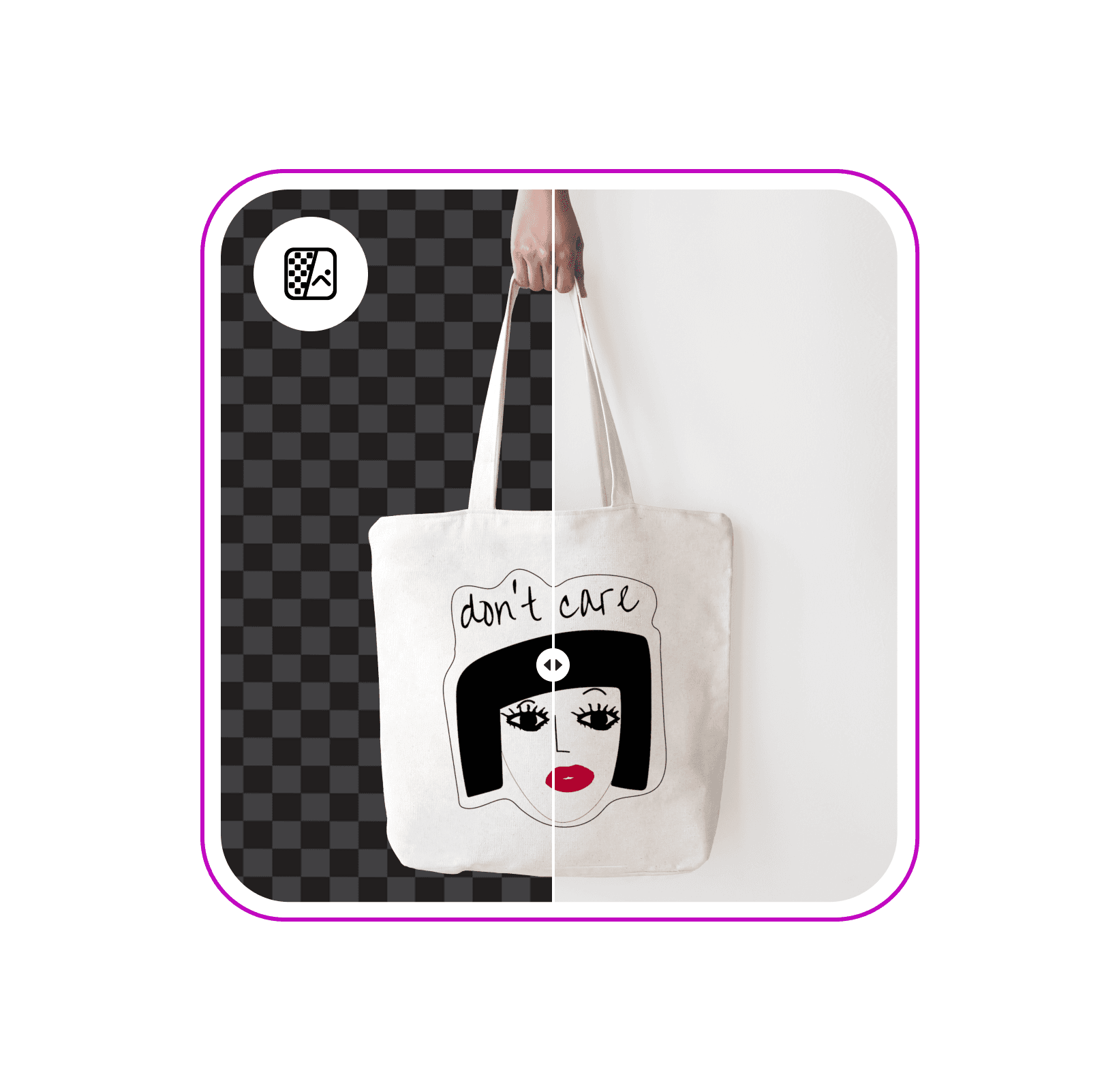
తెల్లటి బాక్స్ లేకుండా ఇలస్ట్రేషన్లను తిరిగి ఉపయోగించండి
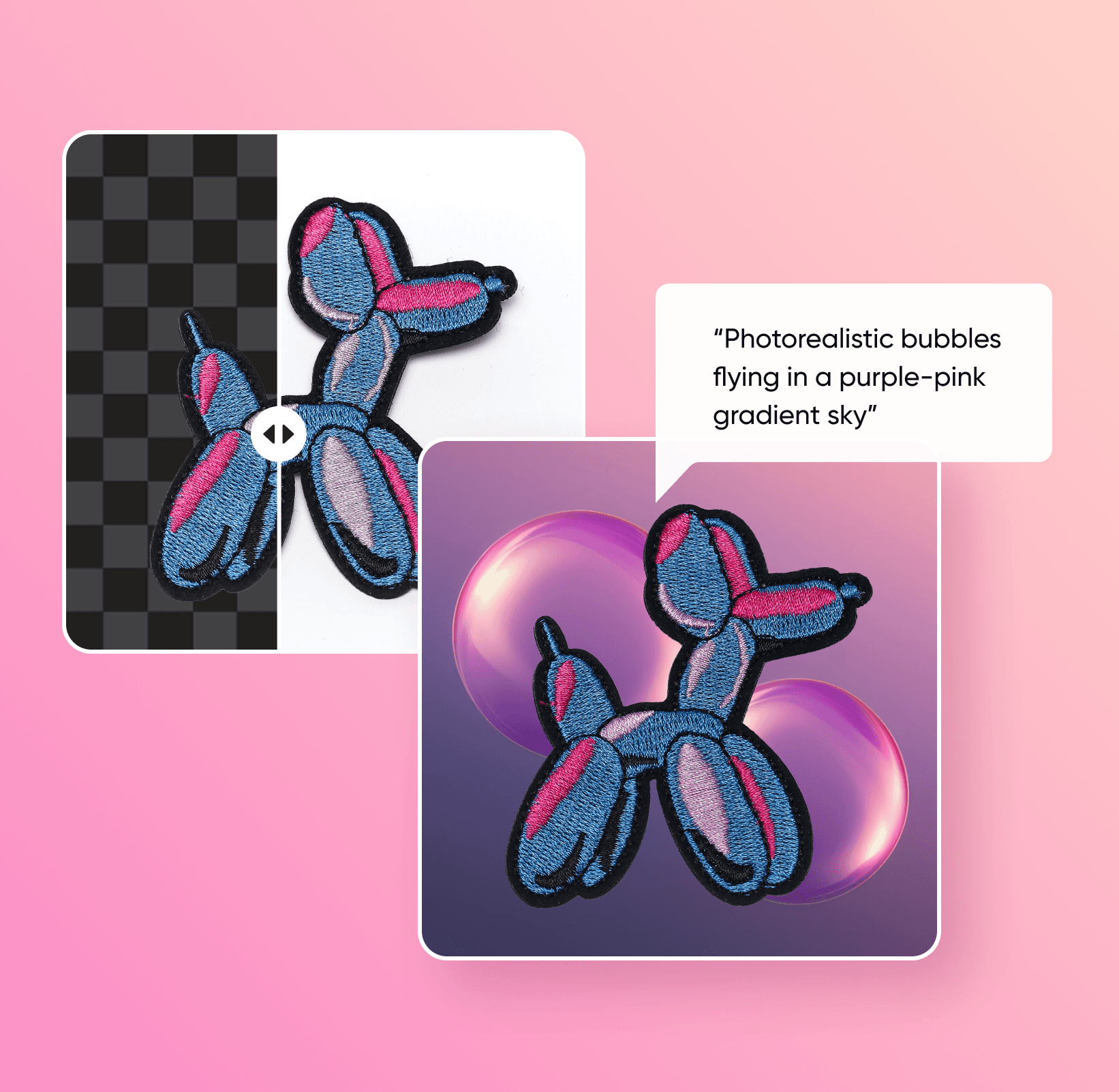
ఒక ఇలస్ట్రేషన్ చుట్టూ ఉన్న తెల్లటి కాన్వాస్ను తొలగించి, ఆ గ్రాఫిక్ను కొత్త డిజైన్లో ఉంచండి. ఇక్కడ చూపిన ఒరిజినల్ ఆర్ట్వర్క్తో ప్రారంభించండి, ఆపై కటౌట్ను పారదర్శక PNGగా సేవ్ చేయండి లేదా మరొక బ్యాక్గ్రౌండ్ని ఎంచుకోండి.

ఏ ప్లాట్ఫారమ్ కోసమైనా పారదర్శక బ్యాక్గ్రౌండ్లను సృష్టించండి
బోరింగ్ వైట్ బ్యాక్గ్రౌండ్లతో విసిగిపోయారా? Picsart యొక్క వైట్ బ్యాక్గ్రౌండ్ రిమూవర్ అధునాతన AIని ఉపయోగించి మీ బ్యాక్గ్రౌండ్ నుండి సబ్జెక్ట్లను అత్యంత ఖచ్చితత్వంతో ఆటోమేటిక్గా వేరు చేస్తుంది. మీ పోర్ట్రెయిట్, ప్రోడక్ట్ పిక్చర్ లేదా బ్రాండ్ లోగో నుండి బ్యాక్గ్రౌండ్ను తొలగించిన తర్వాత, ఏ ప్లాట్ఫారమ్లోనైనా సౌకర్యవంతంగా షేర్ చేయడానికి మీరు పారదర్శక బ్యాక్గ్రౌండ్ను సృష్టించవచ్చు. అంతేకాకుండా, మీ ఇమేజ్ నుండి బ్యాక్గ్రౌండ్ను తొలగించేటప్పుడు ఇమేజ్ నాణ్యత కోల్పోవడం గురించి మీరు ఆందోళన చెందాల్సిన అవసరం లేదు.
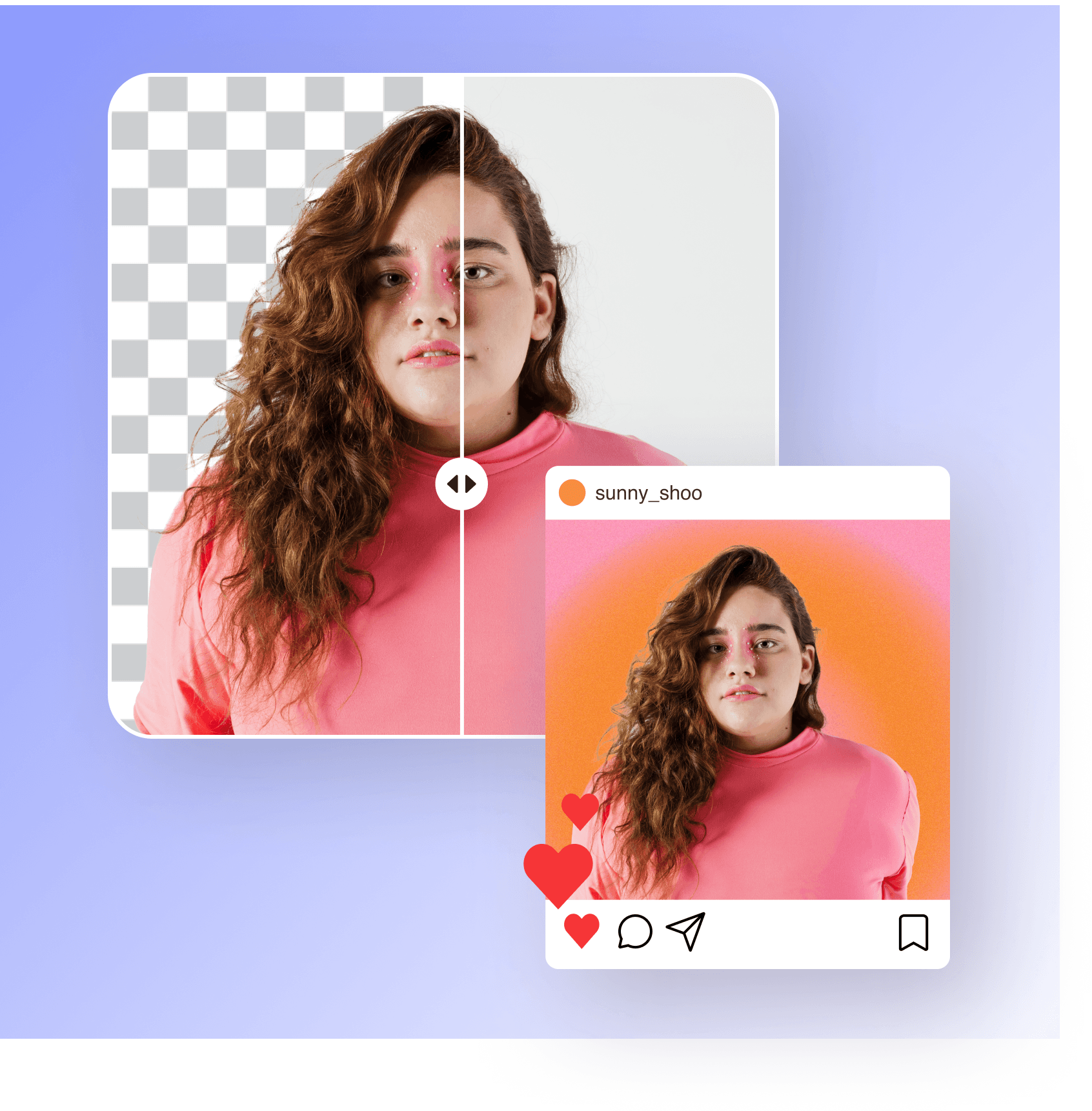
తెల్లటి బ్యాక్గ్రౌండ్లను దేనికైనా సులభంగా మార్చుకోండి
Picsart యొక్క AI-ఆధారిత వైట్ బ్యాక్గ్రౌండ్ రిమూవర్తో, మీ చిత్రాలకు కొత్త రూపాన్ని అందించడానికి మీరు బ్యాక్గ్రౌండ్ను సులభంగా మార్చవచ్చు. Picsart యొక్క విస్తారమైన ప్యాటర్న్ల లైబ్రరీ, ఇలస్ట్రేటెడ్ మరియు స్టాటిక్ బ్యాక్గ్రౌండ్ రంగుల నుండి మీ స్వంత లైబ్రరీలోని చిత్రాల వరకు, మీ ఎడిట్కు మీరు ఏ బ్యాక్గ్రౌండ్నైనా జోడించవచ్చు. కేవలం కొన్ని సెకన్లలోనే, మీరు బోరింగ్ సాధారణ తెల్లటి బ్యాక్గ్రౌండ్లను అధిక-నాణ్యత గల, ఆకర్షణీయమైన బ్యాక్గ్రౌండ్లతో సులభంగా మార్చుకోవచ్చు.
- మీ కటౌట్కు కొత్త సెట్టింగ్ ఎంచుకోండి

AI-రూపొందించిన బ్యాక్గ్రౌండ్లతో ఫోటోలను మెరుగుపరచండి
అద్భుతమైన కొత్త బ్యాక్గ్రౌండ్లతో మీ ఇమేజ్లను మార్చాలనుకుంటున్నారా? మీరు ప్రోడక్ట్ షాట్లను లేదా బ్రాండ్ లోగోలను ఎడిట్ చేస్తున్నా, Picsart యొక్క AI బ్యాక్గ్రౌండ్ జెనరేటర్తో డిజైనింగ్లో సరికొత్త విధానాన్ని అనుసరించండి. మీకు కావలసిన బ్యాక్గ్రౌండ్ను వివరిస్తూ టెక్స్ట్ ప్రాంప్ట్ను ఎంటర్ చేసి, సరైన శైలిని ఎంచుకోండి, మీ సృజనాత్మక ఆలోచనకు సరిపోయే బ్యాక్డ్రాప్ను రూపొందించడానికి AIని అనుమతించండి. మీరు ఇమేజ్ల నుండి తెల్లటి బ్యాక్గ్రౌండ్లను తొలగించిన తర్వాత, కొత్త లుక్ కోసం మీరు AI-రూపొందించిన బ్యాక్గ్రౌండ్ను సులభంగా జోడించవచ్చు.
సెకన్లలో బ్యాక్గ్రౌండ్లను అనుకూలీకరించండి
వైట్ బ్యాక్గ్రౌండ్ రిమూవర్తో మీ ఇమేజ్ బ్యాక్గ్రౌండ్ను మార్చడం పూర్తయిన తర్వాత, మీ డిజైన్కు తుది మెరుగులు దిద్దే సమయం ఇది. మరింత స్పష్టమైన ముగింపులు, ట్రెండీ ఫిల్టర్లు, AI-రూపొందించిన కళ మరియు మరిన్నింటితో మీ చిత్రాలను మెరుగుపరచడానికి Picsart యొక్క AI ఫోటో ఎడిటింగ్ టూల్స్ ప్రయోజనాన్ని పొందండి. మీరు ఎడిటింగ్కు కొత్త అయినప్పటికీ, ఎడిటింగ్ కోసం గంటల తరబడి సమయం వెచ్చించకుండానే మీ సృజనాత్మక ఆలోచనను నిజం చేయడానికి అవసరమైన ప్రతిదీ Picsart వద్ద ఉంది.

బ్యాక్గ్రౌండ్ ఎడిట్స్ను అర్థం చేసుకోండి
బ్యాక్గ్రౌండ్లను ఎలా తొలగించాలో, రీప్లేస్ చేయాలో మరియు క్లీన్ చేయాలో తెలుసుకోండి.
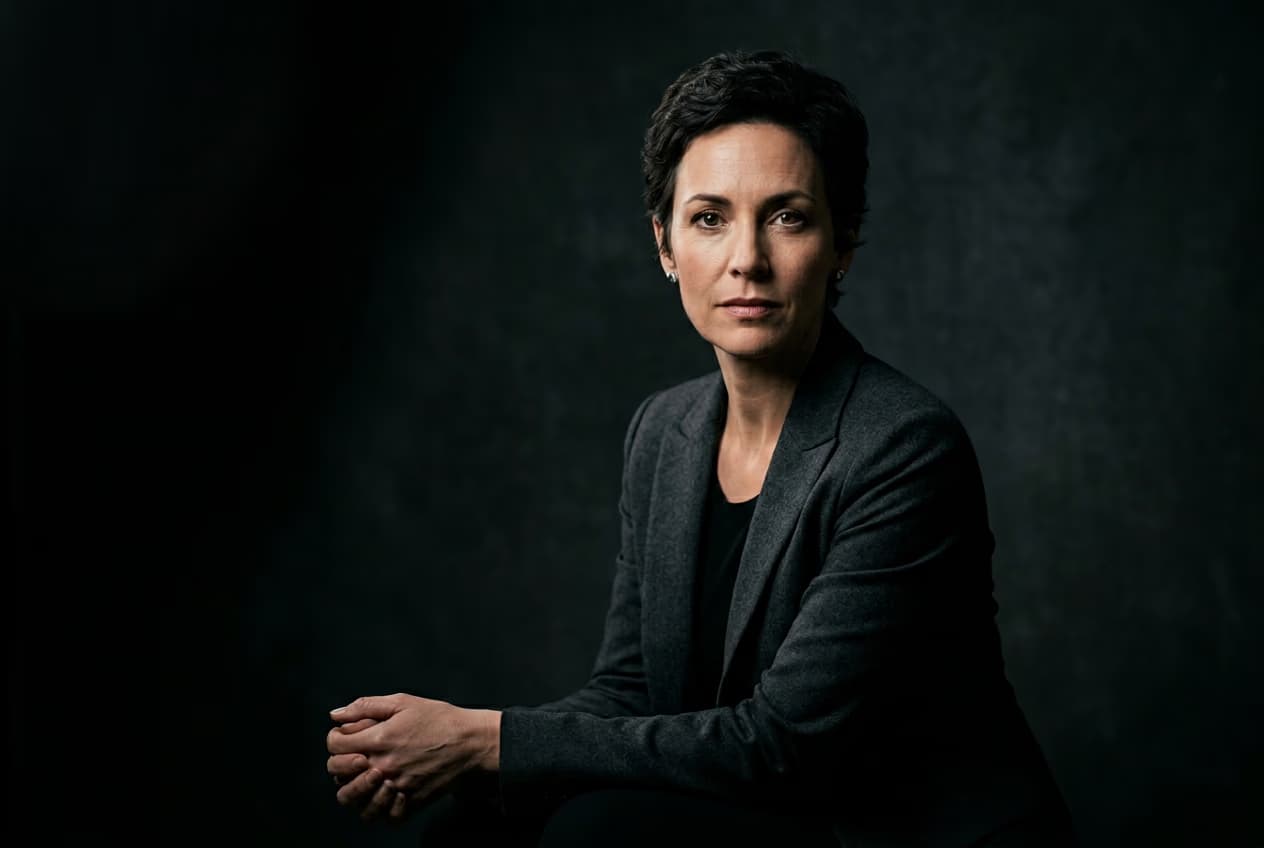
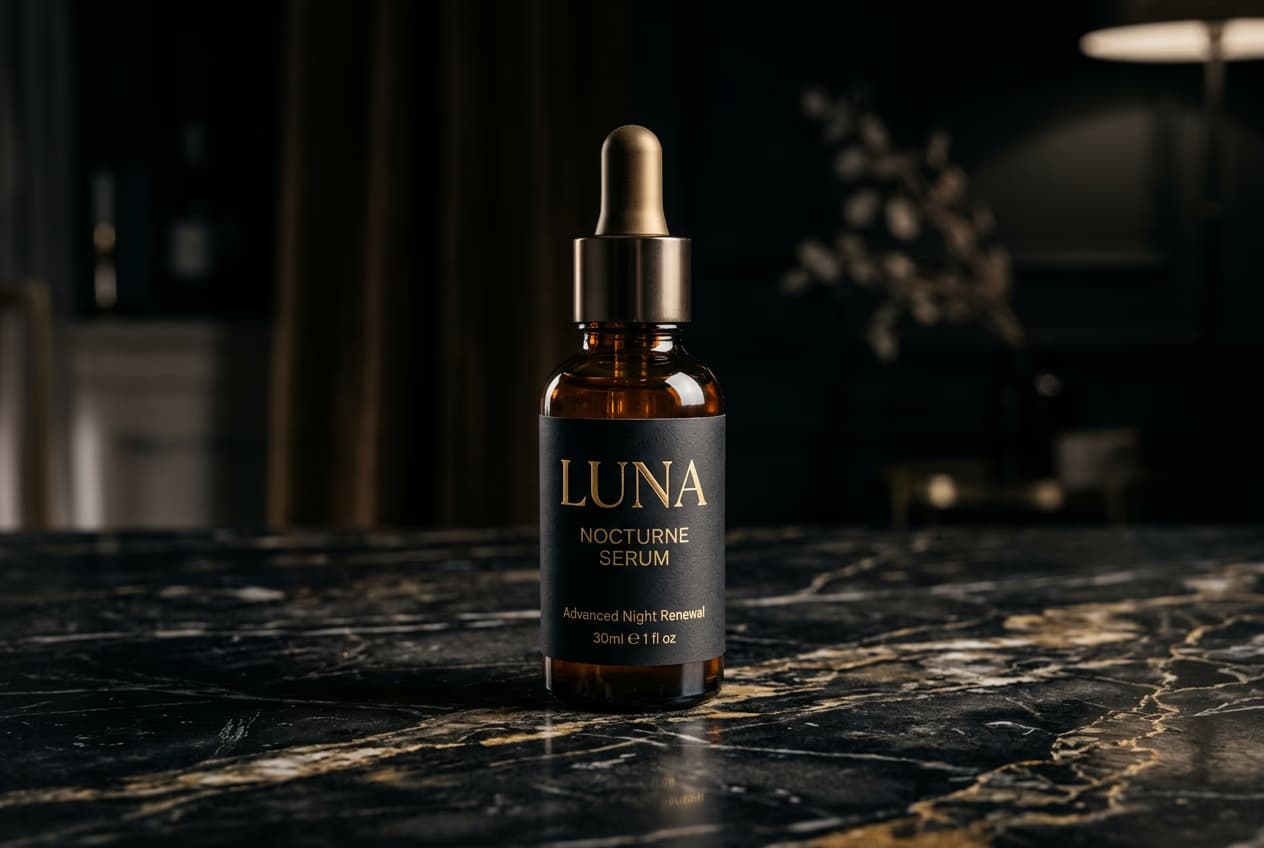

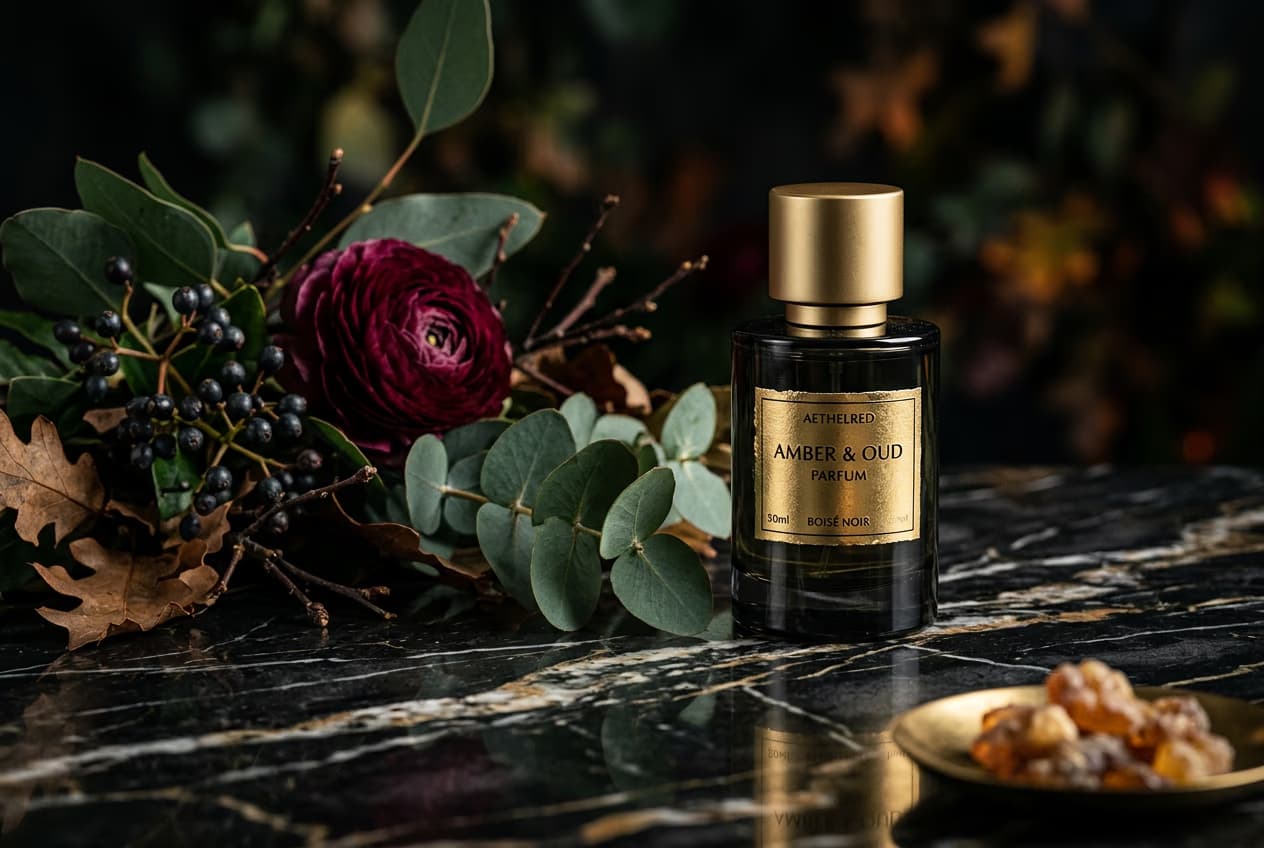
AI ఇమేజ్ మోడళ్లతో వైట్-బ్యాక్గ్రౌండ్ ప్రోడక్ట్ షాట్లను సృష్టించండి
కటౌట్లు, ప్రోడక్ట్ ఫోటోలు మరియు మార్కెట్ప్లేస్-సిద్ధంగా ఉన్న విజువల్స్ను మెరుగుపరచడానికి ఇమేజ్ మోడళ్లను ఉపయోగించండి.
వైట్ బ్యాక్గ్రౌండ్ రిమూవర్ తరచుగా అడిగే ప్రశ్నలు
Picsart వైట్ BG రిమూవర్ టూల్ AIని ఉపయోగించి ఫోటోల నుండి తెలుపు రంగు బ్యాక్గ్రౌండ్లను తక్షణమే తొలగిస్తుంది.
ఆకర్షణీయమైన క్రియేటర్ కంటెంట్ కోసం విజువల్స్ను మెరుగుపరచండి
Pro
Most popularAI tools for everyday creative work.
Ultra
Most powerfulHeavy AI usage for creators & teams.
Enterprise
Custom AI solutions for large organizations.
- Volume discounts on credit rate
- On-demand top-ups
సంబంధిత ఎడిటింగ్ టూల్స్ను అన్వేషించండి
ఇతర బ్యాక్గ్రౌండ్ రిమూవర్ టూల్స్ మరియు వినియోగాలను ప్రయత్నించండి. మరిన్ని AI ఎడిటింగ్ టూల్స్తో మీ ఫోటోలను ఉన్నతంగా తీర్చిదిద్దండి


