1. Home
  2. Background Remover
  3. White Background Remover

White BG remover: Remove white backgrounds instantly

Remove white backgrounds in seconds to give your images a fresh new look. Use Picsart’s white BG remover to automatically remove white backgrounds from images.

remove white background with picsart
Easily remove white backgrounds

Easily remove white backgrounds

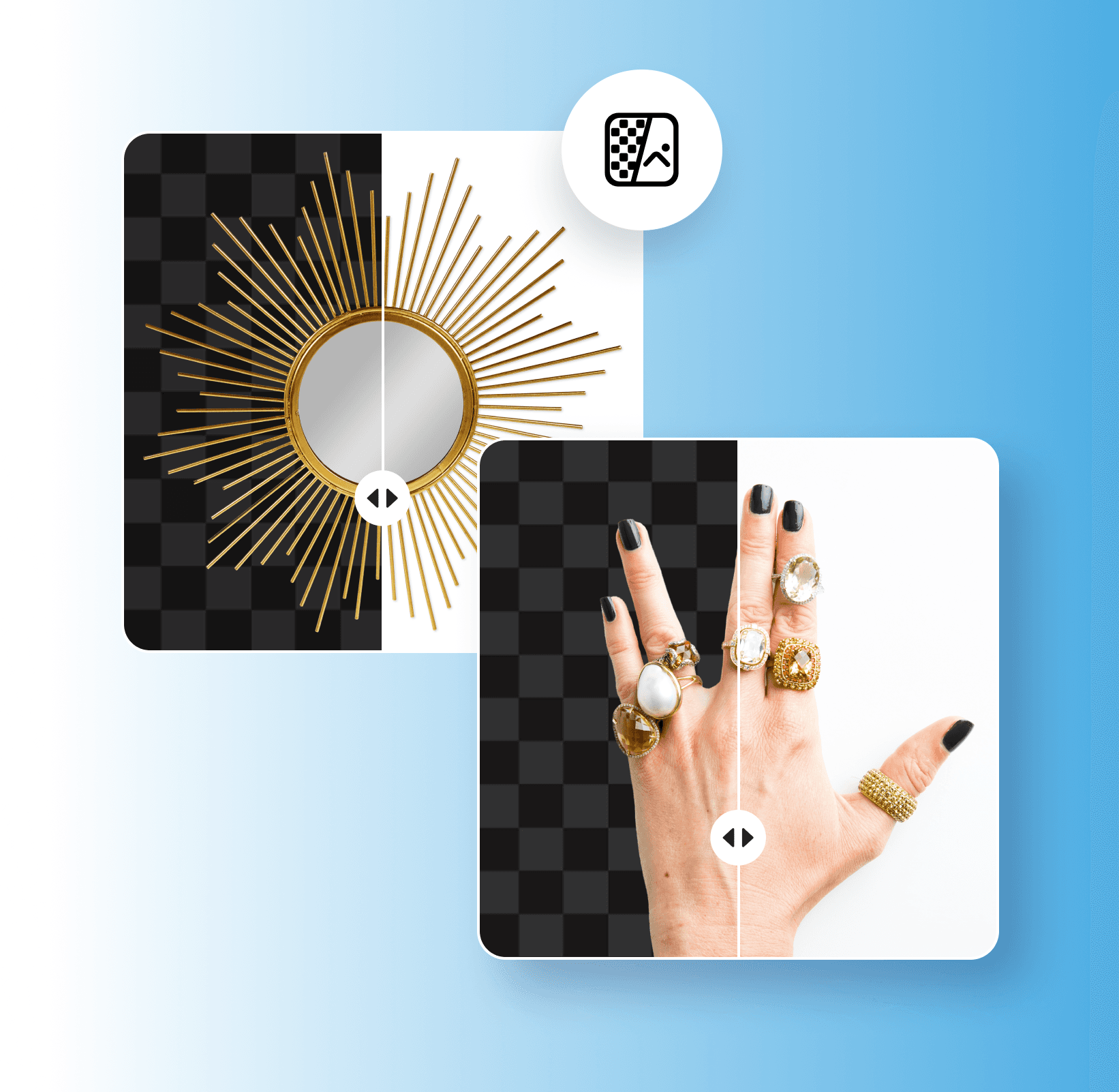
Quickly remove white backgrounds to create versatile images for all of your design needs.

Instantly create transparent backgrounds

Instantly create transparent backgrounds

Give any picture a polished, professional look with a transparent background.

AI-assisted white BG remover

AI-assisted white BG remover

Automatically remove white backgrounds with an AI white BG remover.

How to remove a white background

1

Open the tool

Open the Background Remover tool and upload an image.

2

Remove background

3

Customize background

4

Download

Less clutter, more impact.
Remove backgroundsErase backgroundsGenerate transparent PNGsDelete green screensEdit backgroundsRemove remove color fromCreate transparent background makerErase signature backgroundsDelete logo backgroundsRemove black backgrounds

Use Picsart anywhere

Install the app, or bring Picsart into the AI workspaces your team already uses.

Use Picsart with

  • ChatGPT / Codex
  • Claude
  • Terminal
  • Cursor
  • OpenClaw
  • Hermes

Download the app

Download on the App StoreGET IT ON Google PlayGet it from Microsoft

Follow Picsart

Pinterest
AICPA SOC

Create

  • AI Image Generator
  • AI Video Generator
  • AI Playground
  • Flow
  • AI Photo Editor
  • AI Video Editor
  • AI Agents
  • Content Library
  • AI Models

Creators

  • Earn with Picsart
  • Earn campaigns
  • Clipping
  • For Brands
  • Video Studio
  • Tutorials
  • Challenges

Connect

  • ChatGPT / Codex
  • MCP setup
  • Command line
  • Developers
  • Google Drive

Business

  • Pricing
  • Enterprise
  • Industries
  • Quicktools

Company

  • Support
  • Careers
  • About us
  • Blog
  • Press Center
Terms of UsePrivacy PolicyInternet-Based AdvertisingCommunity GuidelinesDMCASecurity PolicyAccessibility
© 2026 PicsArt, Inc.

Automatically remove white backgrounds

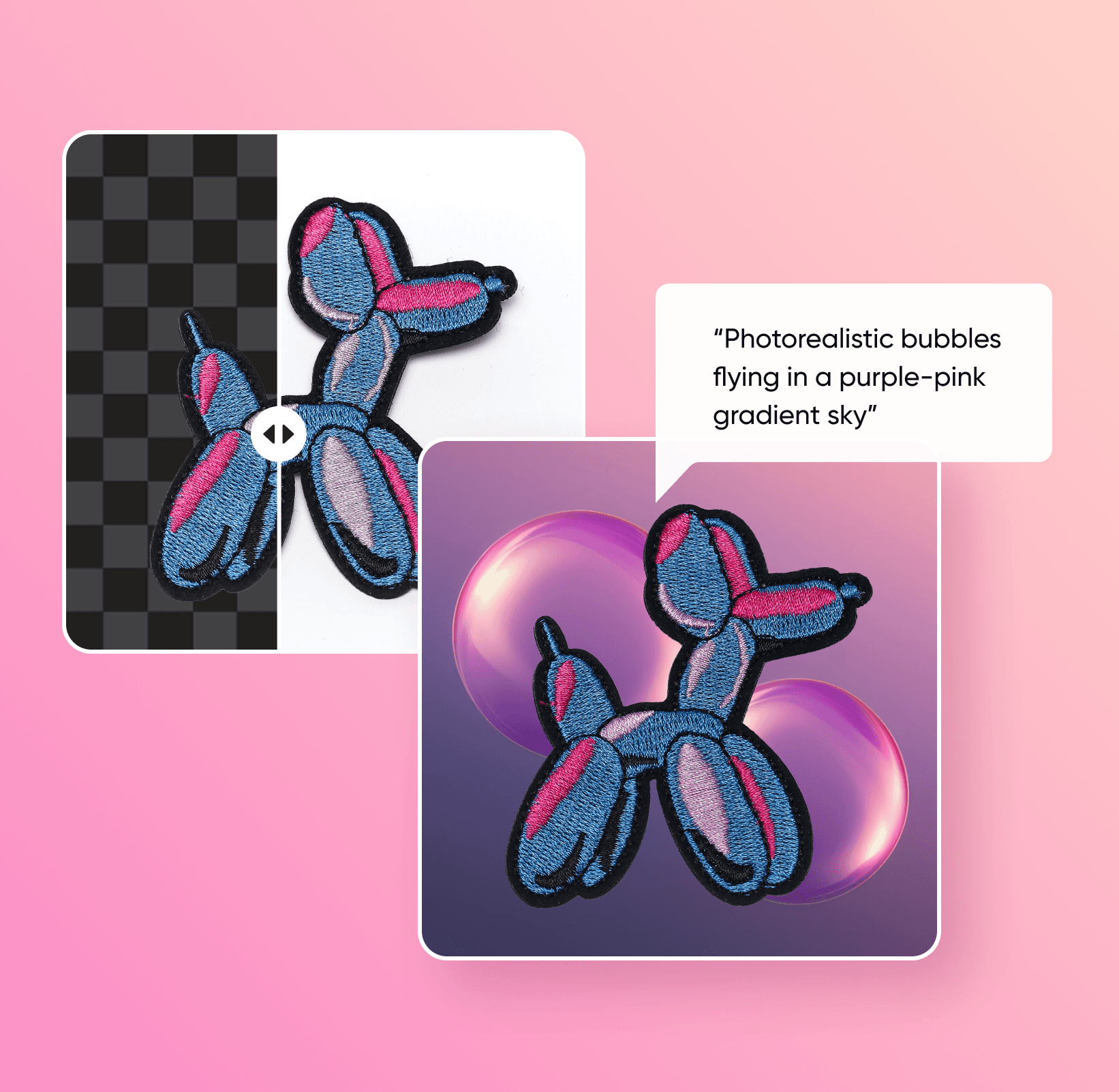
Removing white backgrounds from images can be time-consuming, especially if you don’t have the right editing skills. With Picsart’s Background Remover, it’s easier than ever to remove plain white backgrounds to give your pictures a brand-new look. All you have to do is upload your image, and AI will automatically remove your white background in just a few seconds. From there, you can add a clean transparent background or choose a custom background for your image.

Remove white background
Automatically remove white backgrounds

Transform your designs with a white background remover

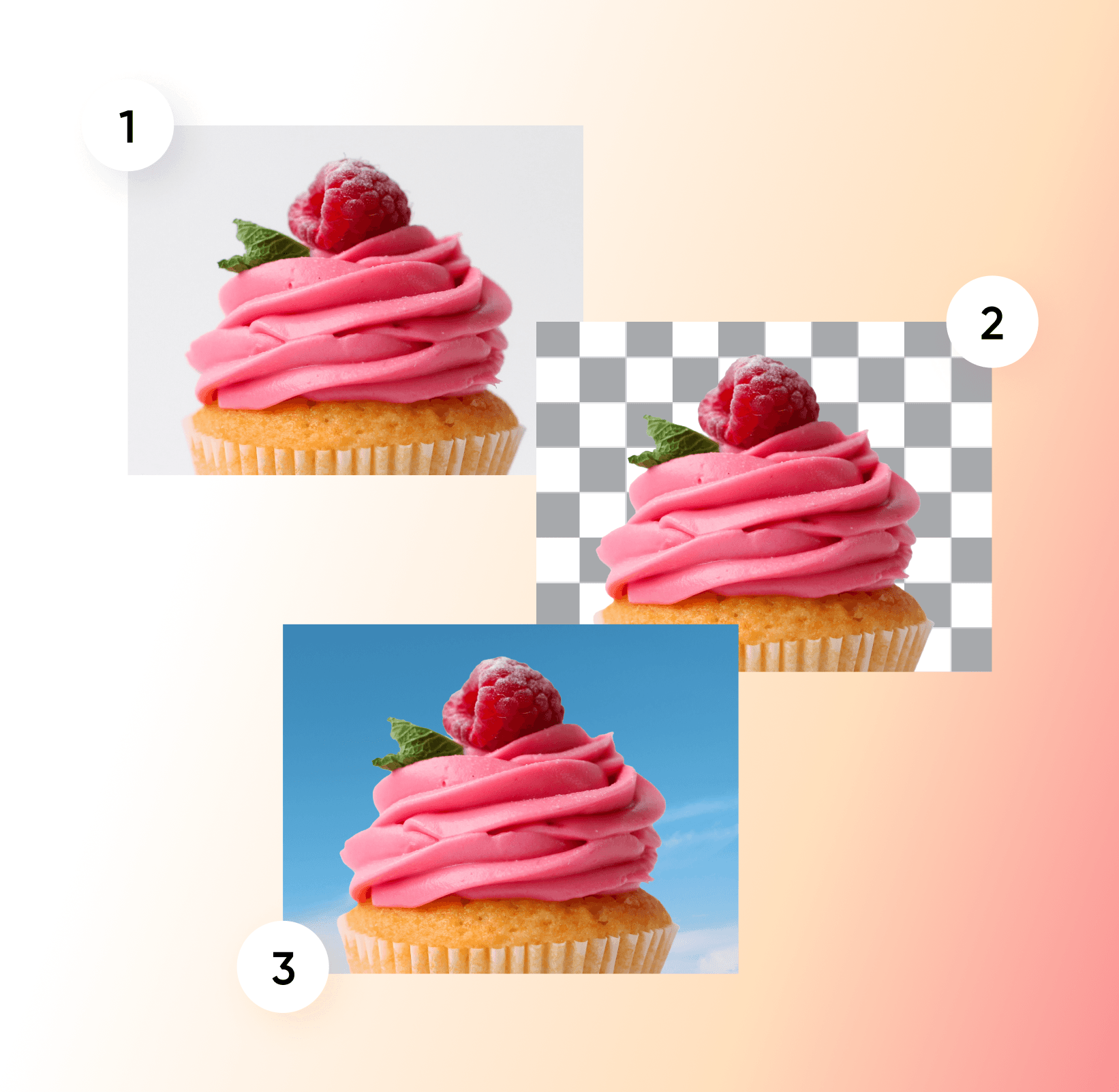
Original
Original
Transparent background
New background
New background

Create transparent backgrounds for any platform

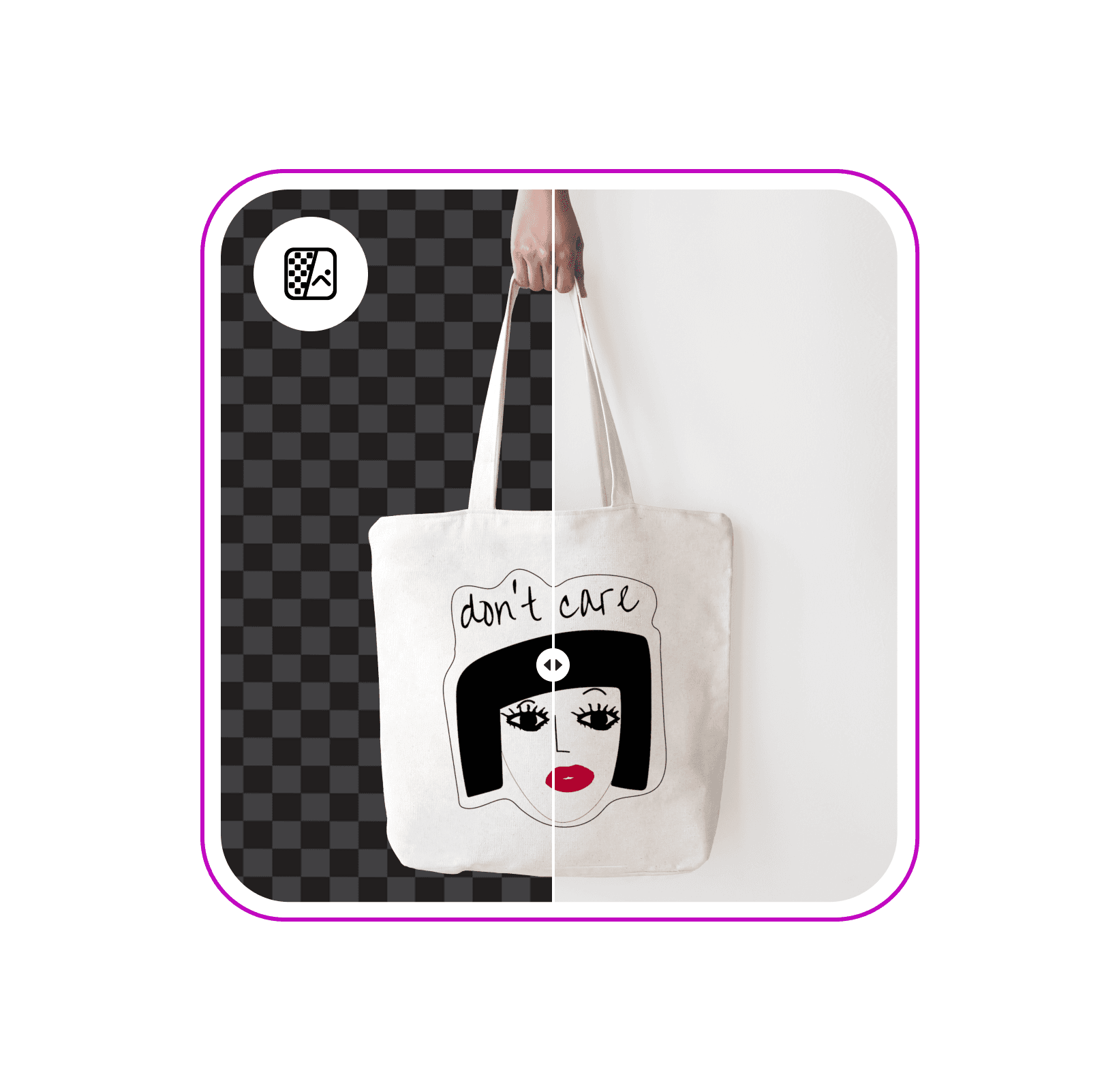
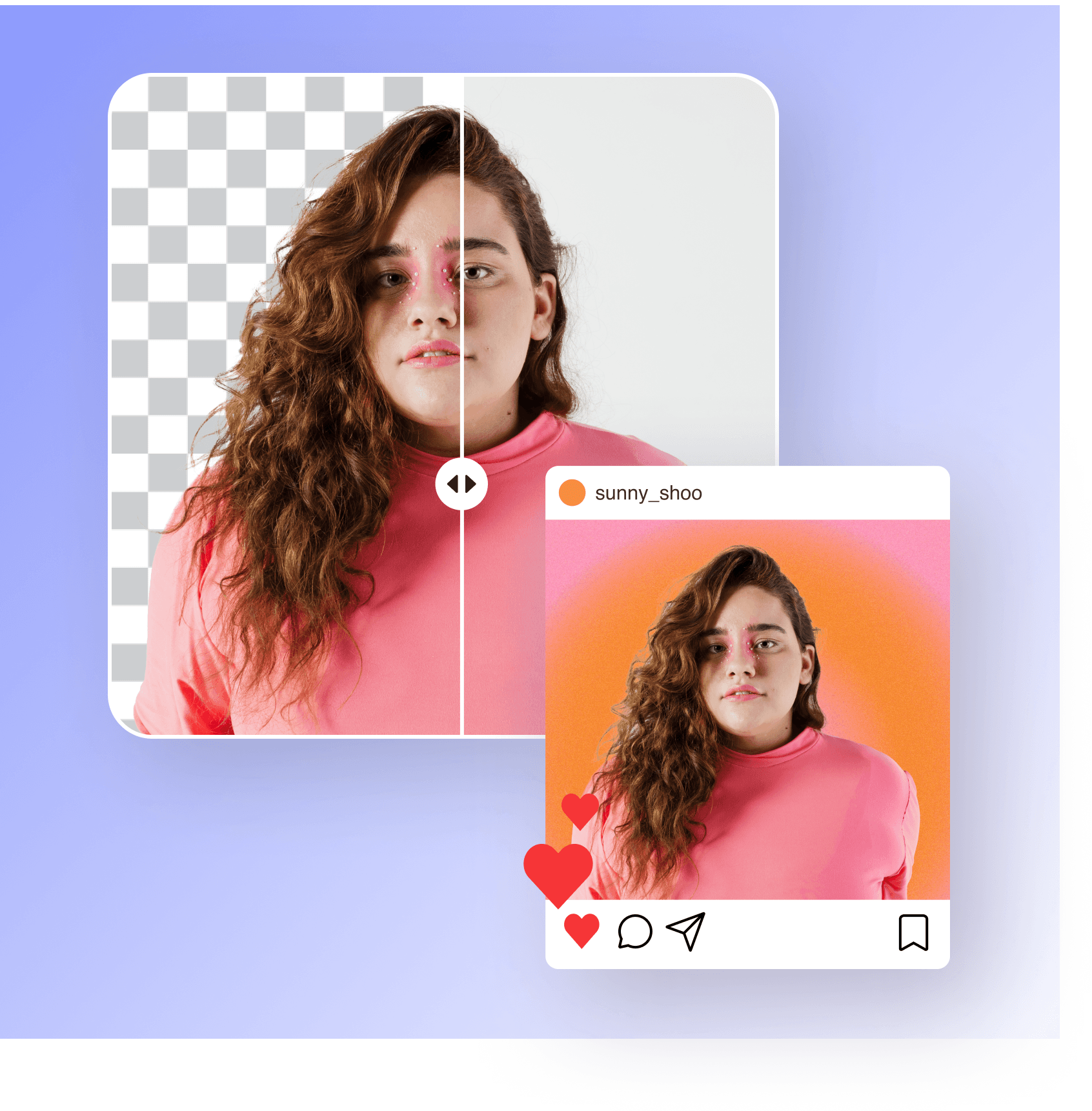
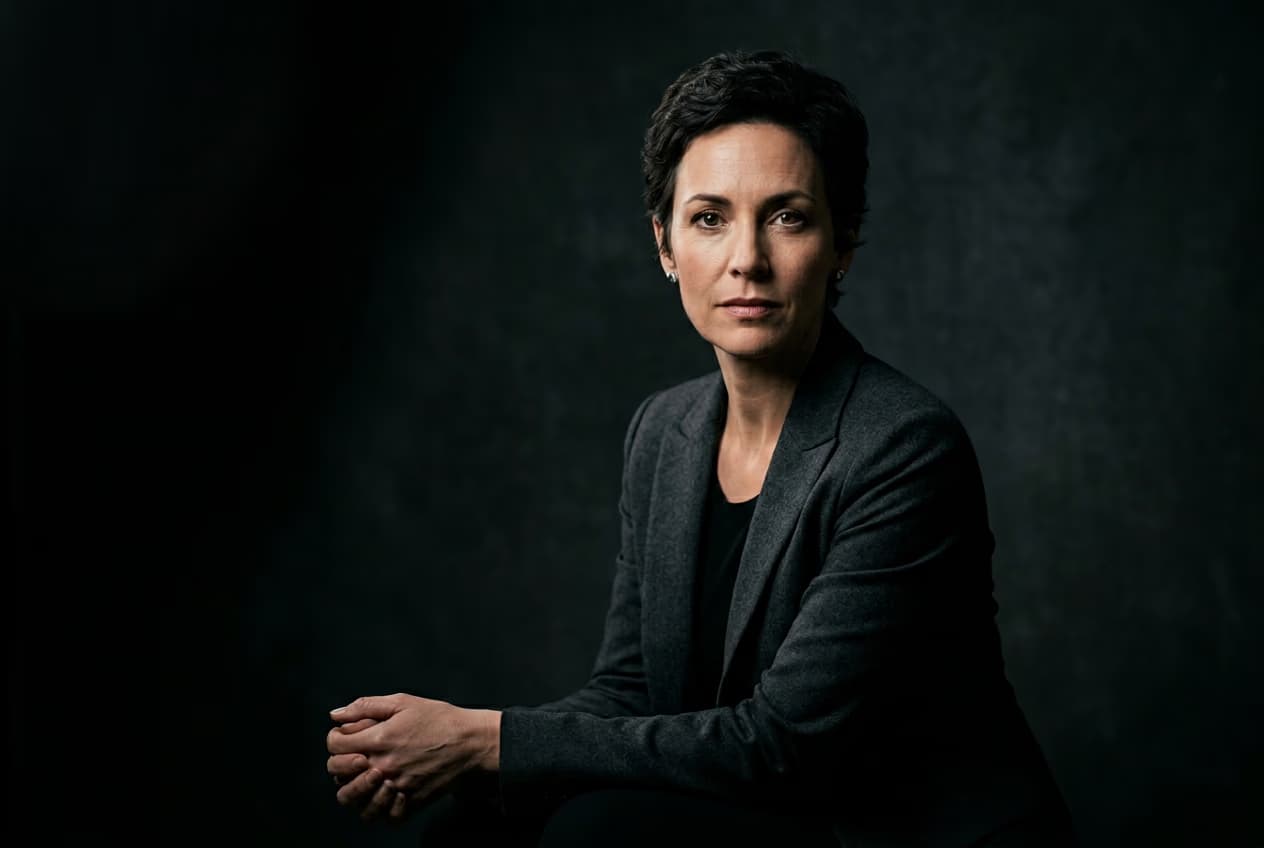
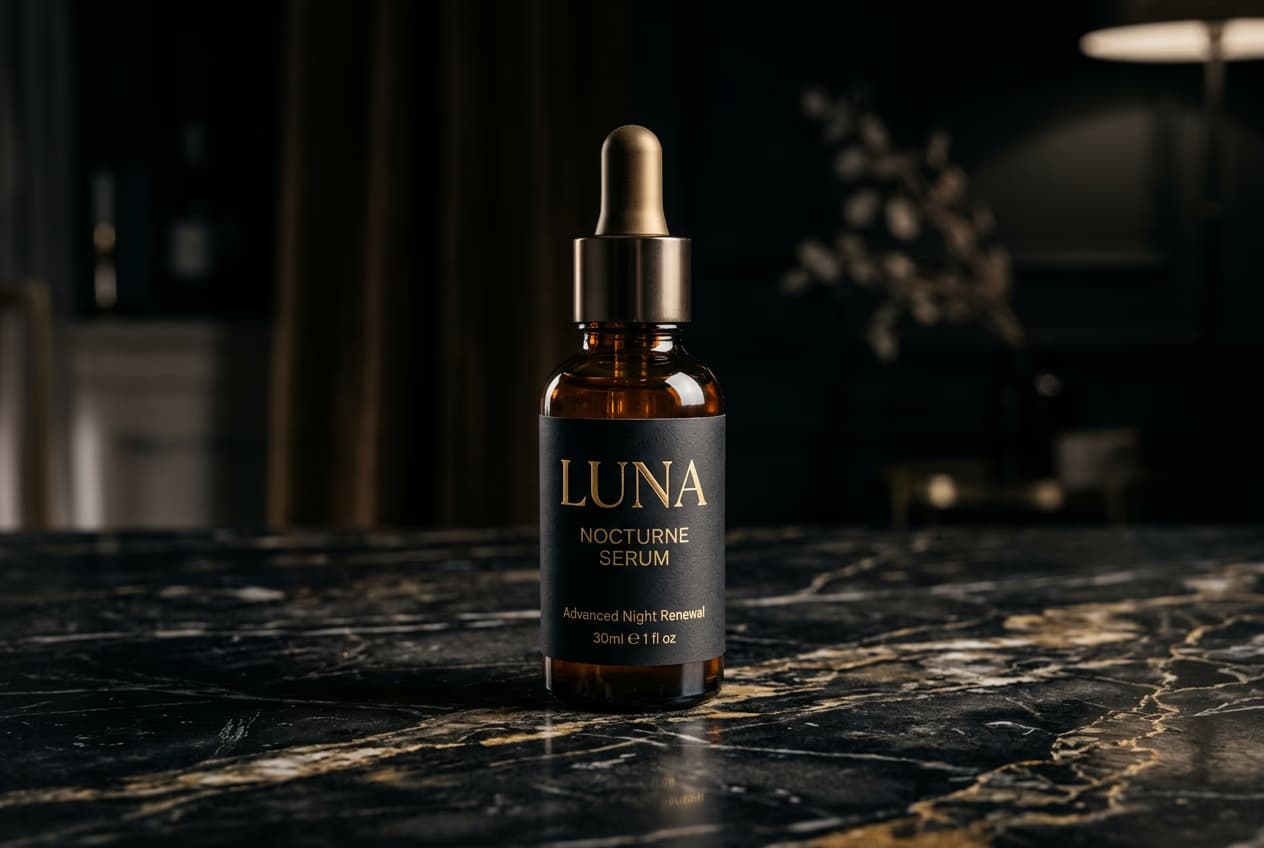
Tired of boring white backgrounds? Picsart’s white background remover uses advanced AI to automatically separate the subjects from your background with high precision. Once you’ve removed the background from your portrait, product picture, or brand logo, you can create a transparent background for versatile sharing across any platform. Plus, you won’t have to worry about losing any image quality when removing the background from your image.

Remove white background
Create transparent backgrounds for any platform

Easily change white backgrounds to anything

With Picsart’s AI-powered white background remover, you can easily change the background to refresh your images with a new look. From Picsart’s vast library of patterns, illustrated and static background colors to pictures from your own library, you can add any background to your edit. In just a few seconds, you can effortlessly swap out boring plain white backgrounds with high-quality, attention-grabbing backgrounds.

Try now
Easily change white backgrounds to anything

Enhance photos with AI-generated backgrounds

Want to transform your images with extraordinary new backgrounds? Whether you’re editing product shots or brand logos, take a different approach to design with Picsart’s AI background generator. Simply enter a text prompt describing your desired background, choose the right style, and let AI build a backdrop that matches your creative vision. After you remove white backgrounds from images, you can easily add an AI-generated background for a fresh look.

Remove white background
Enhance photos with AI-generated backgrounds

Discover more background editing tools

Try out other Background Remover tools and use cases.

background remover tool in Picsart photo editor

Background remover

Update your pictures with a transparent background in seconds.

Background Remover for Individuals

Background remover for individuals

Quickly remove backgrounds for profile pictures, postcards, and more.

Background Remover for Marketing

Background remover for marketing

Effortlessly boost sales with polished marketing materials.

Background Remover for eCommerce

Background remover for eCommerce

Remove backgrounds from product pictures to make your brand pop. 

zoom background

Zoom background generator

nstantly create custom Zoom backgrounds to add personality to your next call.

background changer

Background changer

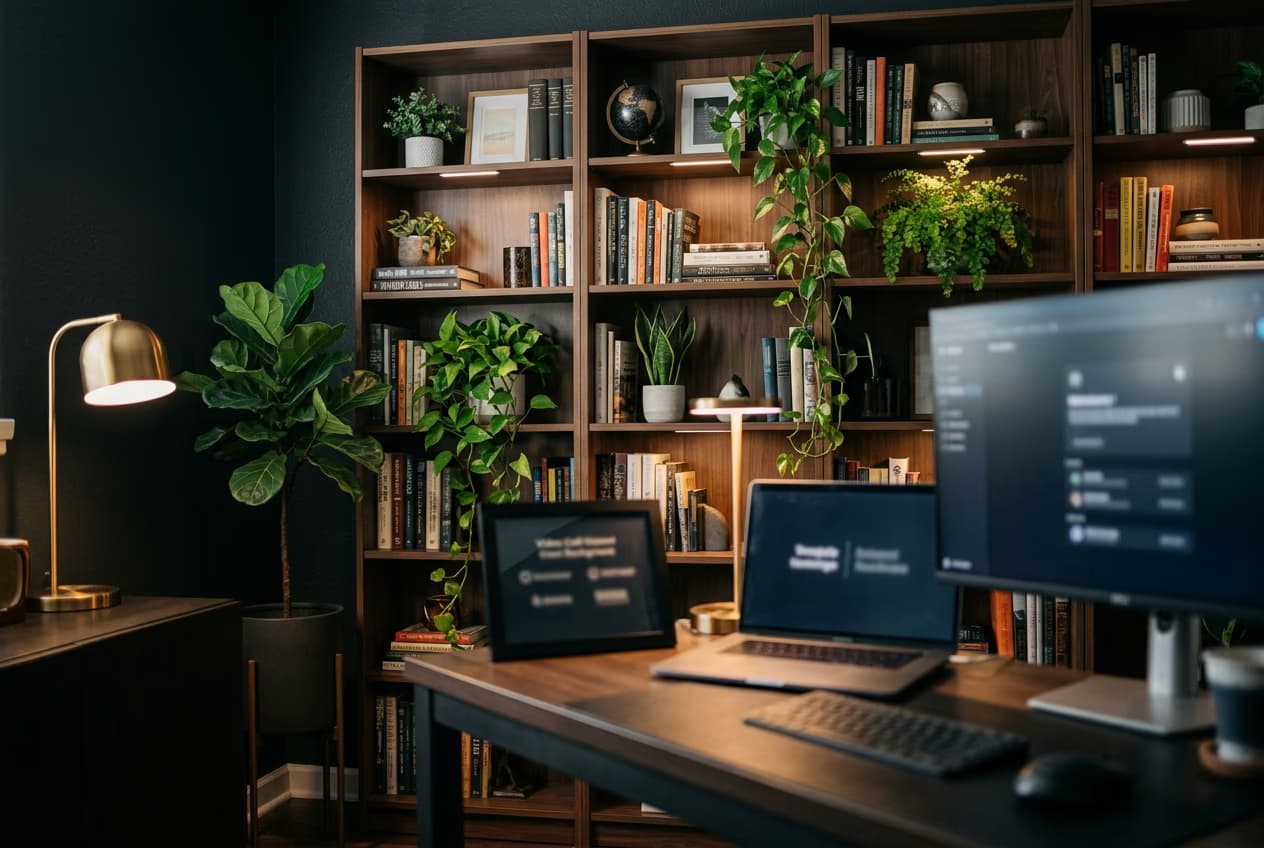
Change your backdrop automatically with AI. 

Generate backgrounds with Picsart's AI background generator

AI background generator

Set your photos apart with stunning AI-generated backgrounds.

Remove white background

Customize backgrounds in seconds

When you’re finished swapping out your image’s background with the white background remover, it’s time to add the finishing touches to your design. Take advantage of Picsart’s AI photo editing tools to enhance your pictures with sharper finishes, trendy filters, AI-generated art, and more. Even if you’re new to editing, Picsart has everything you need to turn your artistic vision into a reality without spending hours on editing.

Try now
Customize backgrounds in seconds

Elevate your photos with more AI editing tools

 Elevate your photos with more AI editing tools 

ai image enhancer

AI enhance

Automatically improve your photo’s quality for a sharp, crisp finish.

AI avatar generator tool

AI avatars

Create unique AI avatars for profile pictures, branding, and more.

AI image generator

AI image generator

Generate unique AI images based on simple text prompts.

create art with AI

AI art generator

Bring your creative vision to life with text-to-art AI.

Picsart AI replace tool

AI replace

Add a creative twist by swapping out faces, hair colors, and more.

AI writer

AI writer

Enhance your writing skills with a free AI content generator.

ai photo editing tools

AI photo editing

Tap into AI-powered editing tools to easily perform complex edits.

AI GIF generator

AI GIF generator

Generate animated GIFs in seconds with the power of text-to-GIF AI.

Discover more tools

White background remover FAQ

Picsart’s white BG remover tool instantly removes white backgrounds from photos using AI.

Picsart’s background removal tool requires a Picsart Pro membership to use.

Yes, you don’t need to download any software to remove white backgrounds from images with Picsart.

You can use product pictures, signatures, brand logos, portraits, and any other image you might need to remove a white background from.

Picsart uses advanced AI for high precision and accuracy, so you can expect crisp edges and clean background removal.

If you’re creating a transparent image, be sure to save your image in PNG format. Otherwise, you can save your image in any format after removing the background.

As Seen in

  • boredpanda
  • COSMOPOLITAN
  • UPROXX
  • yahoo! news
PricingSave big

Create white-background product shots with AI image models

Use image models to clean up cutouts, product photos, and marketplace-ready visuals.

GPT Image 2New
Next-gen GPT image model with arbitrary output dimensions and multi-image input.Reference inputImage generationSee model
Nano Banana 2New
Nano Banana ProNew
FLFlux 2 FlexNew
SESeedream 5.0 Lite
KLKling 3.0 Image
KLKling O1 Image
HUHunyuan V3
LULuma UNI-1
LULuma UNI-1 Max
SESeedream 5.0 Pro
SESeedream 4.7
GPT Image 2New
GPT Image 2New
GPT Image 2New
GPT Image 2New
GPT Image 2New
Fast 4K generation with accurate text and search-grounded accuracy.4KFast generationImage generationSee model
Top-tier 4K images with precise multilingual text rendering.4KPro qualityImage generationSee model
Adaptable generation across varied visual styles up to 4K.4KImage generationSee model
Speedy 3K output with negative prompt and dual-image input support.Reference inputFast generationImage generationSee model
Cinematic visuals with up to 4K resolution and 10 reference images.
Reference input4KCinematic
See model
O1-architecture image generation with multi-reference support.
Reference inputCinematicImage generation
See model
Infographic-friendly generation with readable text and cfg control.
Image generation
See model
Luma UNI-1 — agentic image generation and editing with up to 9 reference images.
Reference inputCinematicImage generation
See model
Luma UNI-1 Max — higher-quality UNI-1 variant with the same multi-reference editing controls.
Reference inputCinematicImage generation
See model
Top-tier single-image generation with up to 10 reference images and 2K detail.
Reference inputPro qualityImage generation
See model
Reliable all-purpose generation with readable text overlay.
Image generation
See model
Next-gen GPT image model with arbitrary output dimensions and multi-image input.Reference inputImage generationSee model
Nano Banana 2New
Fast 4K generation with accurate text and search-grounded accuracy.4KFast generationImage generationSee model
Nano Banana ProNew
Top-tier 4K images with precise multilingual text rendering.4KPro qualityImage generationSee model
FLFlux 2 FlexNew
Adaptable generation across varied visual styles up to 4K.4KImage generationSee model
SESeedream 5.0 Lite
Speedy 3K output with negative prompt and dual-image input support.Reference inputFast generationImage generationSee model
KLKling 3.0 Image
Cinematic visuals with up to 4K resolution and 10 reference images.Reference input4KCinematicSee model
KLKling O1 Image
O1-architecture image generation with multi-reference support.Reference inputCinematicImage generationSee model
HUHunyuan V3
Infographic-friendly generation with readable text and cfg control.Image generationSee model
LULuma UNI-1
Luma UNI-1 — agentic image generation and editing with up to 9 reference images.Reference inputCinematicImage generationSee model
LULuma UNI-1 Max
Luma UNI-1 Max — higher-quality UNI-1 variant with the same multi-reference editing controls.Reference inputCinematicImage generationSee model
SESeedream 5.0 Pro
Top-tier single-image generation with up to 10 reference images and 2K detail.Reference inputPro qualityImage generationSee model
SESeedream 4.7
Reliable all-purpose generation with readable text overlay.Image generationSee model
Next-gen GPT image model with arbitrary output dimensions and multi-image input.Reference inputImage generationSee model
Nano Banana 2New
Fast 4K generation with accurate text and search-grounded accuracy.4KFast generationImage generationSee model
Nano Banana ProNew
Top-tier 4K images with precise multilingual text rendering.4KPro qualityImage generationSee model
FLFlux 2 FlexNew
Adaptable generation across varied visual styles up to 4K.4KImage generationSee model
SESeedream 5.0 Lite
Speedy 3K output with negative prompt and dual-image input support.Reference inputFast generationImage generationSee model
KLKling 3.0 Image
Cinematic visuals with up to 4K resolution and 10 reference images.Reference input4KCinematicSee model
KLKling O1 Image
O1-architecture image generation with multi-reference support.Reference inputCinematicImage generationSee model
HUHunyuan V3
Infographic-friendly generation with readable text and cfg control.Image generationSee model
LULuma UNI-1
Luma UNI-1 — agentic image generation and editing with up to 9 reference images.Reference inputCinematicImage generationSee model
LULuma UNI-1 Max
Luma UNI-1 Max — higher-quality UNI-1 variant with the same multi-reference editing controls.Reference inputCinematicImage generationSee model
SESeedream 5.0 Pro
Top-tier single-image generation with up to 10 reference images and 2K detail.Reference inputPro qualityImage generationSee model
SESeedream 4.7
Reliable all-purpose generation with readable text overlay.Image generationSee model
Next-gen GPT image model with arbitrary output dimensions and multi-image input.Reference inputImage generationSee model
Nano Banana 2New
Fast 4K generation with accurate text and search-grounded accuracy.4KFast generationImage generationSee model
Nano Banana ProNew
Top-tier 4K images with precise multilingual text rendering.4KPro qualityImage generationSee model
FLFlux 2 FlexNew
Adaptable generation across varied visual styles up to 4K.4KImage generationSee model
SESeedream 5.0 Lite
Speedy 3K output with negative prompt and dual-image input support.Reference inputFast generationImage generationSee model
KLKling 3.0 Image
Cinematic visuals with up to 4K resolution and 10 reference images.Reference input4KCinematicSee model
KLKling O1 Image
O1-architecture image generation with multi-reference support.Reference inputCinematicImage generationSee model
HUHunyuan V3
Infographic-friendly generation with readable text and cfg control.Image generationSee model
LULuma UNI-1
Luma UNI-1 — agentic image generation and editing with up to 9 reference images.Reference inputCinematicImage generationSee model
LULuma UNI-1 Max
Luma UNI-1 Max — higher-quality UNI-1 variant with the same multi-reference editing controls.Reference inputCinematicImage generationSee model
SESeedream 5.0 Pro
Top-tier single-image generation with up to 10 reference images and 2K detail.Reference inputPro qualityImage generationSee model
SESeedream 4.7
Reliable all-purpose generation with readable text overlay.Image generationSee model
Next-gen GPT image model with arbitrary output dimensions and multi-image input.Reference inputImage generationSee model
Nano Banana 2New
Fast 4K generation with accurate text and search-grounded accuracy.4KFast generationImage generationSee model
Nano Banana ProNew
Top-tier 4K images with precise multilingual text rendering.4KPro qualityImage generationSee model
FLFlux 2 FlexNew
Adaptable generation across varied visual styles up to 4K.4KImage generationSee model
SESeedream 5.0 Lite
Speedy 3K output with negative prompt and dual-image input support.Reference inputFast generationImage generationSee model
KLKling 3.0 Image
Cinematic visuals with up to 4K resolution and 10 reference images.Reference input4KCinematicSee model
KLKling O1 Image
O1-architecture image generation with multi-reference support.Reference inputCinematicImage generationSee model
HUHunyuan V3
Infographic-friendly generation with readable text and cfg control.Image generationSee model
LULuma UNI-1
Luma UNI-1 — agentic image generation and editing with up to 9 reference images.Reference inputCinematicImage generationSee model
LULuma UNI-1 Max
Luma UNI-1 Max — higher-quality UNI-1 variant with the same multi-reference editing controls.Reference inputCinematicImage generationSee model
SESeedream 5.0 Pro
Top-tier single-image generation with up to 10 reference images and 2K detail.Reference inputPro qualityImage generationSee model
SESeedream 4.7
Reliable all-purpose generation with readable text overlay.Image generationSee model
Next-gen GPT image model with arbitrary output dimensions and multi-image input.Reference inputImage generationSee model
Nano Banana 2New
Fast 4K generation with accurate text and search-grounded accuracy.4KFast generationImage generationSee model
Nano Banana ProNew
Top-tier 4K images with precise multilingual text rendering.4KPro qualityImage generationSee model
FLFlux 2 FlexNew
Adaptable generation across varied visual styles up to 4K.4KImage generationSee model
SESeedream 5.0 Lite
Speedy 3K output with negative prompt and dual-image input support.Reference inputFast generationImage generationSee model
KLKling 3.0 Image
Cinematic visuals with up to 4K resolution and 10 reference images.Reference input4KCinematicSee model
KLKling O1 Image
O1-architecture image generation with multi-reference support.Reference inputCinematicImage generationSee model
HUHunyuan V3
Infographic-friendly generation with readable text and cfg control.Image generationSee model
LULuma UNI-1
Luma UNI-1 — agentic image generation and editing with up to 9 reference images.Reference inputCinematicImage generationSee model
LULuma UNI-1 Max
Luma UNI-1 Max — higher-quality UNI-1 variant with the same multi-reference editing controls.Reference inputCinematicImage generationSee model
SESeedream 5.0 Pro
Top-tier single-image generation with up to 10 reference images and 2K detail.Reference inputPro qualityImage generationSee model
SESeedream 4.7
Reliable all-purpose generation with readable text overlay.Image generationSee model

Clean up visuals for polished creator content

Pro

Most popular

AI tools for everyday creative work.

$15 $10.5/mo
Billed yearly
You save $54 with yearly
Trending models
Full access
  • Nano Banana Pro180 MP
  • Nano Banana 290 MP
  • Kling 3.01080p 30s
  • Seedance 2.51080p 12s
Free access
  • Flux.2 KleinUnlimited access
  • Access to all photo & video editing features
  • Advanced background & object removal
  • Parallel video generations with the world's most powerful AI video models
  • Unlimited image generations with Flex.2 Klein
  • 1-tap image enhancer
  • Millions of stock photos & Getty video clips
  • Selection of trendy fonts, text styles & stickers
  • Thousands of premium templates
  • Support for 3+ brand kits
  • Bulk edit up to 50 images at once
  • 100 GB of cloud storage
New features:
  • Auto-generate content from your terminal or agent with the Picsart CLI
  • Use Picsart inside Claude Code, Cursor, and ChatGPT via MCP — coming soon
  • AI agents for multi-step workflows and batch generation — coming soon

Ultra

Most powerful

Heavy AI usage for creators & teams.

$45 $24.5/mo
Billed yearly, per seat
You save $246 with yearly
Trending models
Full access
  • Nano Banana Pro180 MP
  • Nano Banana 290 MP
  • Kling 3.01080p 30s
  • Seedance 2.51080p 12s
Free access
  • Flux.2 KleinUnlimited access
  • Everything in Pro
  • Early access to advanced AI features
  • Leading AI models to design & automate workflows (Nano Banana, Veo 3, Seedance 2.0 & more)
  • Parallel video generations with the world's most powerful AI video models
  • Unlimited image generations with Flex.2 Klein
  • Support for 10+ brand kits
  • Add team seats
  • Create ad variations and localize
  • Track ads performance
  • 2000 credits for API services
  • Bulk edit up to 100 images at once
  • 300 GB of cloud storage per seat
New features:
  • Auto-generate content from your terminal or agent with the Picsart CLI
  • Use Picsart inside Claude Code, Cursor, and ChatGPT via MCP — coming soon
  • AI agents for multi-step workflows and batch generation — coming soon

Enterprise

Custom AI solutions for large organizations.

Custom credit volume
  • Volume discounts on credit rate
  • On-demand top-ups
Custom
Contact for pricing
  • Access to photo & video editor SDKs
  • Mobile web SDK support
  • Prepaid or pay-as-you-go creative APIs
  • Embed professional-grade editing into your product or workflow
  • Fully configurable editing experience
  • White-label to match your brand
  • Support for built-in marketing, e-commerce & printing use cases
  • Bring your own assets: images, templates & fonts
  • Enterprise-grade security, SLAs & support
  • Dedicated account manager

Understand background edits

Learn how to remove, replace, and clean up backgrounds.

How to remove backgrounds from photos with AI preview
Backgrounds

How to remove backgrounds from photos with AI

3 minBeginner
How to replace backgrounds with AI-generated scenes preview
Backgrounds

How to replace backgrounds with AI-generated scenes

4 minIntermediate
How to generate custom backgrounds from text descriptions preview
Backgrounds

How to generate custom backgrounds from text descriptions

4 minIntermediate
How to create product photography backgrounds with AI preview
Backgrounds

How to create product photography backgrounds with AI

4 minIntermediate
How to make virtual backgrounds for video calls preview
Backgrounds

How to make virtual backgrounds for video calls

3 minBeginner
Backgrounds

How to replace product photo backgrounds at scale with AI agents

4 minAdvanced
See all tutorials