Công cụ tạo lịch trực tuyến: Tạo lịch theo ý muốn
Sắp xếp công việc thật phong cách với công cụ tạo lịch của Picsart. Thiết kế lịch theo ý muốn với những bức ảnh yêu thích, bố cục cá nhân hóa và màu sắc hợp gu. Từ kế hoạch hằng ngày đến lịch trình hằng tháng, chỉ với vài cú nhấp chuột, bạn đã có ngay cuốn lịch vừa tiện dụng vừa đậm dấu ấn riêng.
- Theo dõi kế hoạch rõ ràng
- Cá nhân hóa từng tháng

Thiết kế lịch với các mô hình tạo ảnh AI
Dùng các mô hình tạo ảnh để biến lịch thành hình ảnh chỉn chu, ý tưởng thiết kế và tài nguyên sẵn sàng chỉnh sửa.
Khám phá mẫu lịch
Chọn mẫu, thêm ảnh hoặc thương hiệu của bạn và tạo cuốn lịch độc đáo chỉ trong vài phút.


Cách tạo lịch với Picsart
How to
Mở Picsart
Nhấn nút Bắt đầu sáng tạo để mở trình chỉnh sửa và bắt đầu thiết kế lịch.
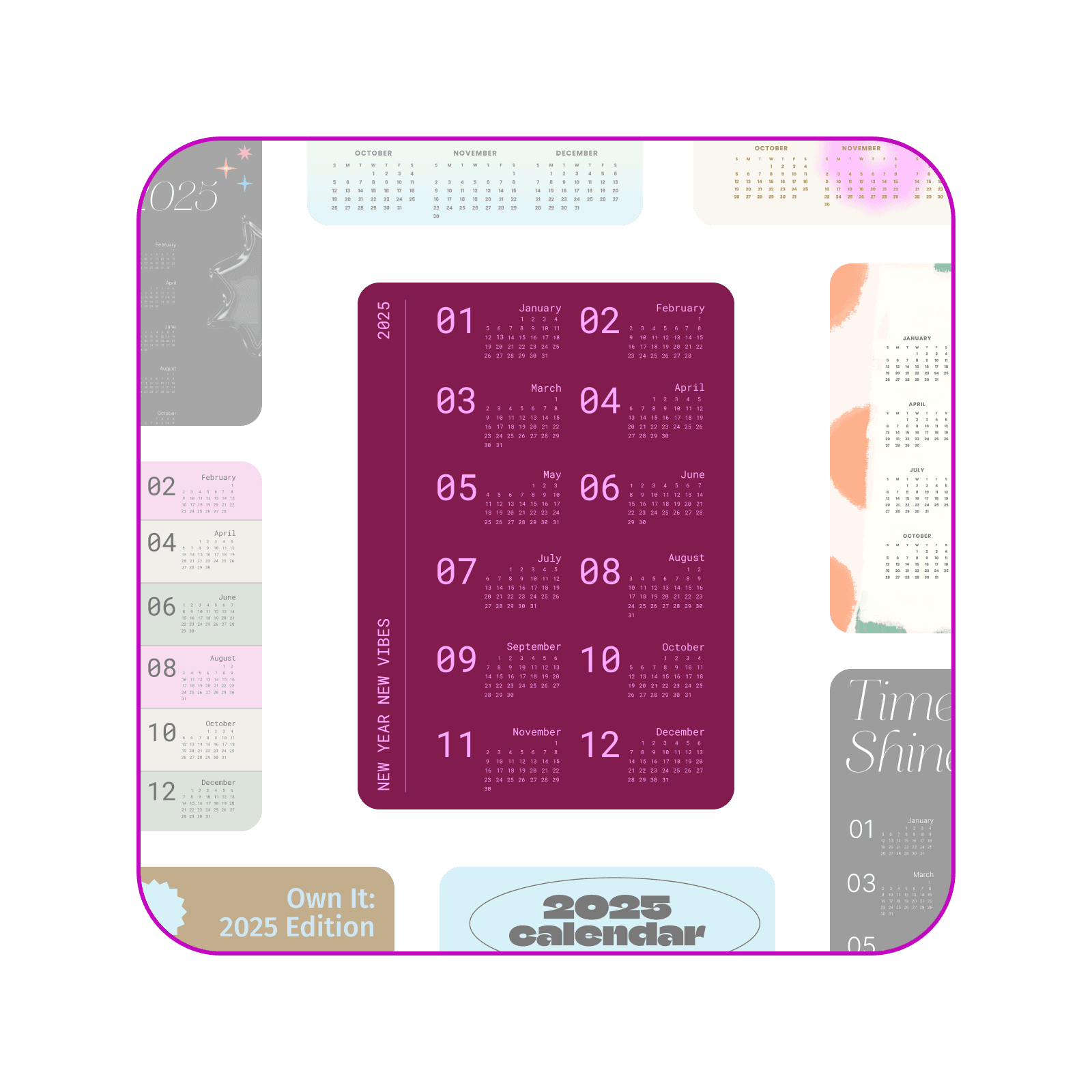
Tạo lịch cá nhân hóa để sắp xếp công việc ngăn nắp
Lịch thiết kế theo ý muốn là cách hoàn hảo để theo sát lịch trình và thể hiện phong cách riêng. Với Picsart, bạn có thể tạo lịch kết hợp tính tiện dụng và sự sáng tạo. Thêm ảnh gia đình, bạn bè hoặc những khoảnh khắc đáng nhớ, rồi tùy chỉnh bố cục để tạo nên cuốn lịch vừa hữu ích vừa đẹp mắt—không cần đến công cụ thiết kế chuyên nghiệp.
- Tinh chỉnh chi tiết trong trình chỉnh sửa
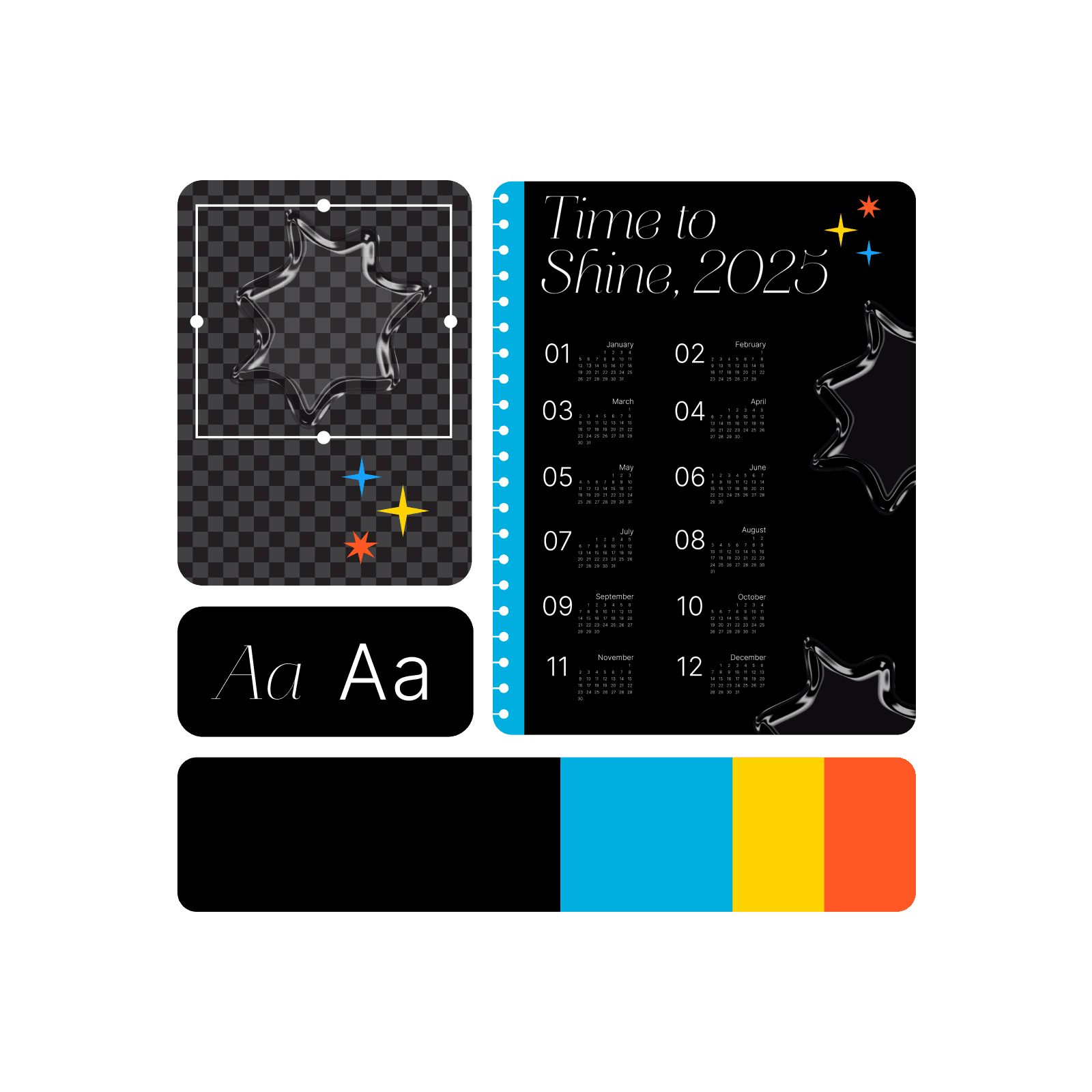
Sắp xếp công việc ngăn nắp với các mẫu lịch dùng ngay
Tiết kiệm thời gian và khơi nguồn sáng tạo với mẫu lịch được thiết kế chuyên nghiệp của Picsart. Dù bạn cần bố cục tối giản, thanh lịch hay thiết kế rực rỡ, nổi bật, các mẫu của chúng tôi đều là điểm khởi đầu hoàn hảo. Chỉ cần tùy chỉnh các tháng, thêm sự kiện và điều chỉnh phong cách theo ý bạn. Với Picsart, tạo một cuốn lịch đẹp mắt và tiện dụng chưa bao giờ dễ dàng hơn.
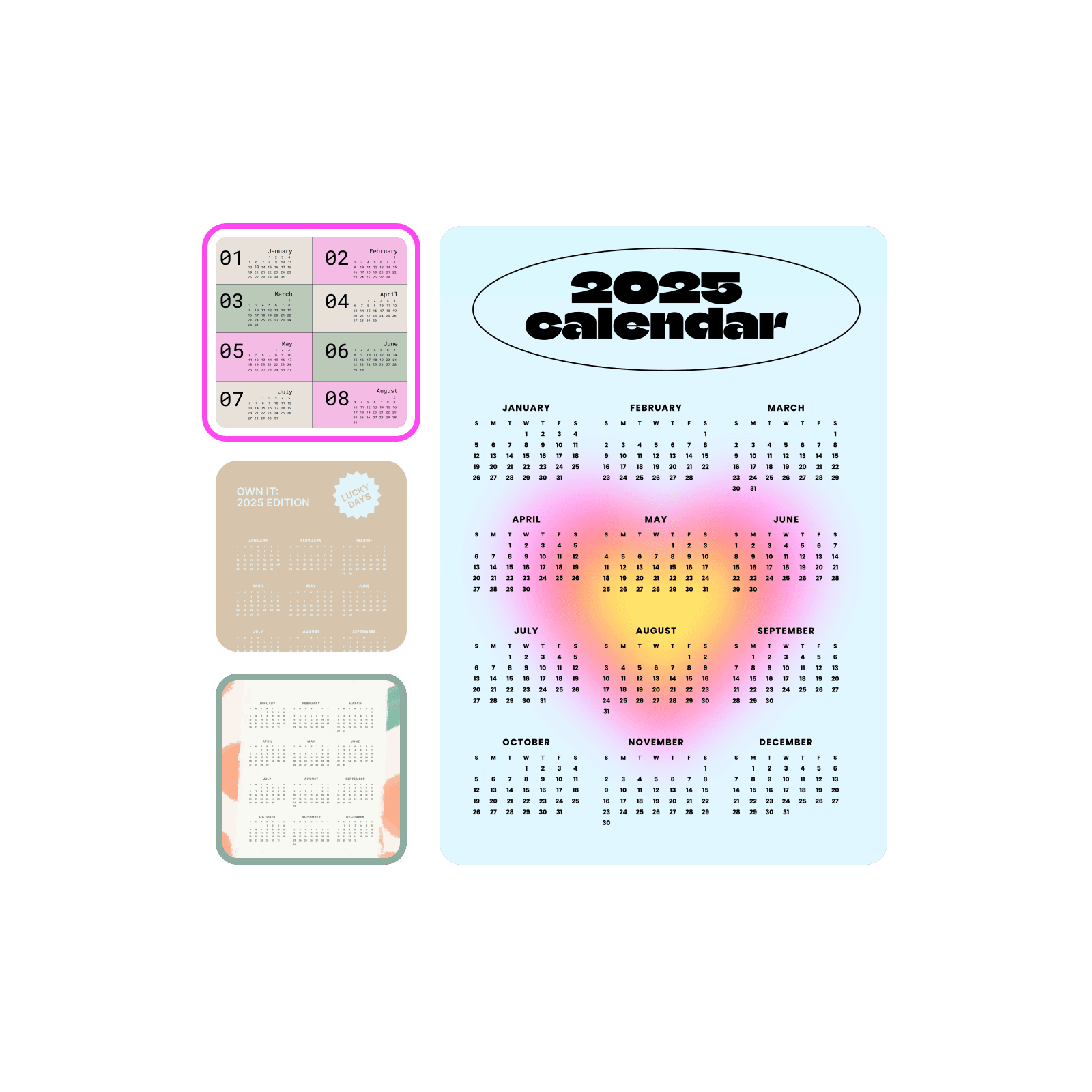
Tùy chỉnh lịch theo vô vàn cách
Với bộ công cụ thiết kế tất cả trong một của Picsart, bạn có thể tạo nên những cuốn lịch nổi bật. Thêm ảnh cá nhân vào từng tháng, điều chỉnh màu sắc và phông chữ theo phong cách riêng, rồi thêm nhãn dán hoặc hình khối để tăng điểm nhấn. Dùng công cụ nâng cao chất lượng ảnh để hình ảnh luôn sắc nét, chất lượng cao và tận dụng các bố cục có sẵn để tiết kiệm thời gian. Dễ dàng thiết kế trọn bộ lịch với tính năng chỉnh sửa nhiều khung vẽ của Picsart, đảm bảo tất cả các trang đều hài hòa và chỉn chu. Dù dùng cho bản thân hay làm quà tặng, cuốn lịch riêng của bạn sẽ luôn trông chuyên nghiệp, bắt mắt.
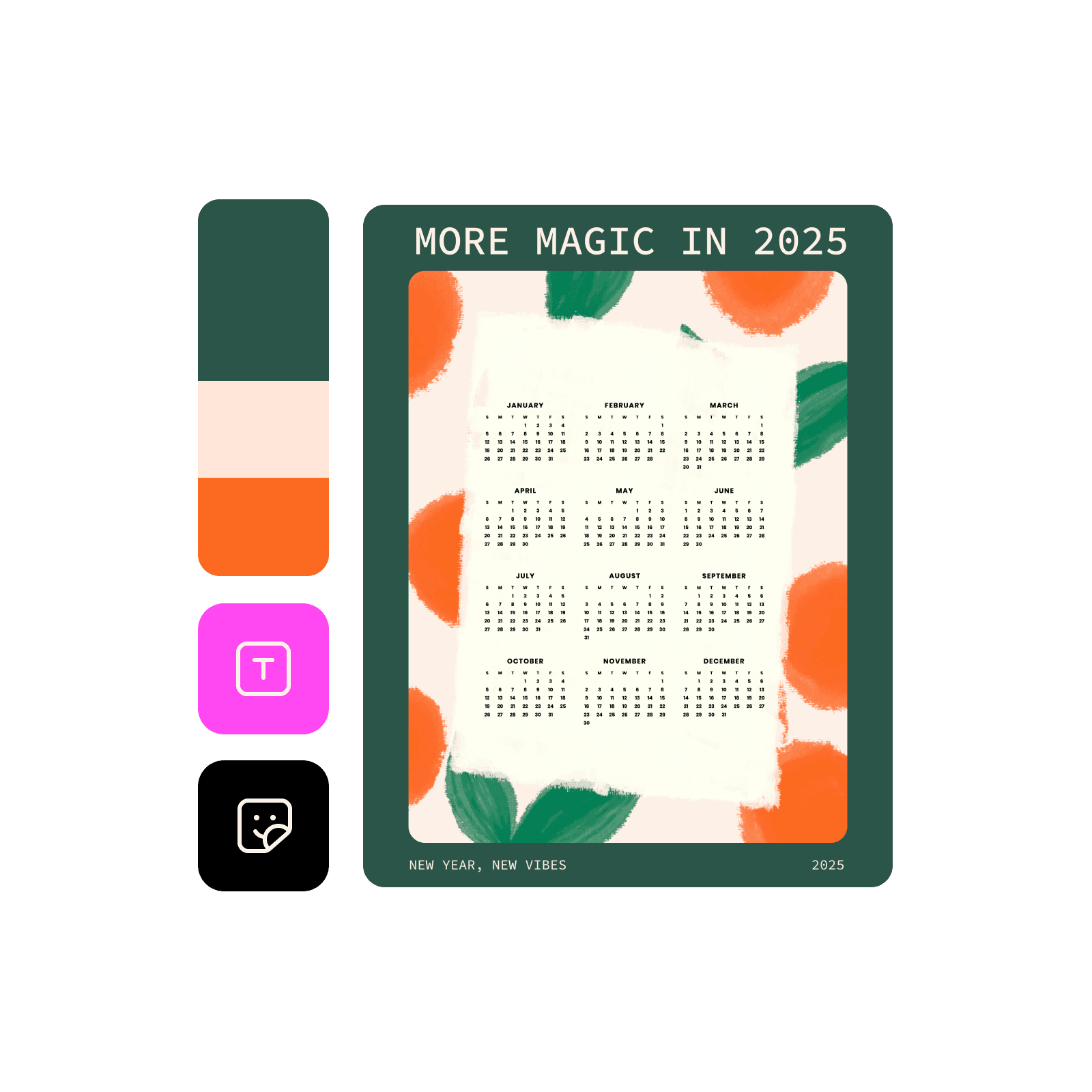
Tạo lịch trình với công cụ tạo lịch toàn diện
Picsart cung cấp mọi thứ bạn cần để thiết kế và tùy chỉnh lịch, tất cả ở cùng một nơi.
Câu hỏi thường gặp về công cụ tạo lịch
Quy trình thiết kế này có tính phí. Trước khi bắt đầu, hãy xem các gói hiện có và tính năng đi kèm trên trang giá của Picsart.
Thiết kế lịch cho thương hiệu, sự kiện và nội dung mạng xã hội
Pro
Most popularAI tools for everyday creative work.
Ultra
Most powerfulHeavy AI usage for creators & teams.