Video
上传视频片段,并描述要使用 LTX 2.3 Outpaint 扩展的场景
AI 视频扩展

LTX 2.3 Outpaint:将视频扩展至原始画面之外

LTX 2.3 Outpaint 在 Picsart 的 AI Playground 中运行,可将视频扩展至画面边缘之外。原始视频片段会固定在中央,同时生成与之匹配的全新周边区域,将手机竖屏视频变成电影感十足的超宽 21:9 镜头,或在无需重新拍摄的情况下拓展任意构图。

  • 将视频画面扩展至边框之外
  • 将现有视频适配为更宽的格式
视频扩图

什么是 LTX 2.3 Outpaint?

LTX 2.3 Outpaint 是一款视频到视频的扩图模型,可扩展现有视频片段的画布。重新构图会裁剪并重新居中已有内容,而扩图会固定原始视频,并在周围区域生成全新内容。在文本提示的引导下,它会将画面延伸至原始边界之外,扩展背景、天空、景色和布景,让镜头看起来仿佛从一开始就是以更大的画幅拍摄的。它属于 LTX 系列,与 LTX 2.3 Reframe、高保真版本 LTX 2.5 Pro 以及速度更快的 LTX 2.5 Fast 同属一个系列。

画布扩展

将视频扩展为超宽 21:9 及更多比例

将任意视频片段调整为所需格式。LTX 2.3 Outpaint 支持 21:9、16:9、4:3、1:1、3:4、9:16 和 9:21,默认使用超宽 21:9 画布,非常适合将竖屏社交视频转为宽屏电影画幅。sourceScale 控件可调整原始画面在画布中的占比,让你稍微拓宽画面,或大幅拓展场景。

精细控制

提示词驱动扩展,精细掌控结果

每次扩展都需要提示词(最多 5,000 个字符),由你指定新区域中要填充的内容。使用负面提示词、videoStrength、cfgScale 和可调节的推理步数微调结果,然后选择 480p、720p 或 1080p 输出(默认 720p,最高 1080p)。帧数可设置为 9 至 481 帧,帧率为 1 至 60 fps;还可选择生成音频,让你能稳定、精确地控制宽画幅镜头的生成效果,满足制作需求。

使用 LTX 2.3 Outpaint 可以创作什么

将竖屏视频扩展为超宽画幅

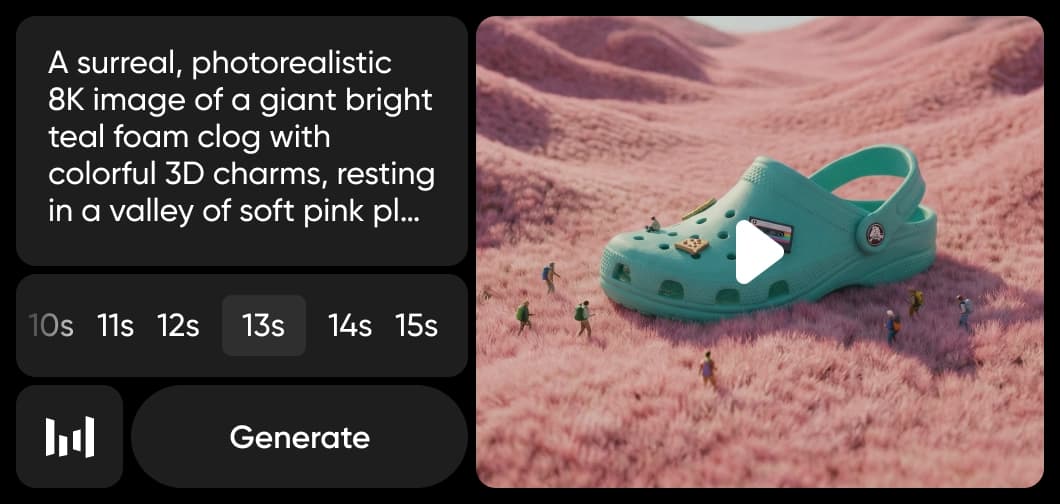
上传 9:16 竖屏视频片段,将其扩展为具有电影感的 21:9 画幅。LTX 2.3 Outpaint 会让主体保持居中,并生成周围场景,无需重新拍摄,就能让社交媒体视频适配宽屏。
编辑视频
LTX 2.3 Outpaint 将竖屏视频扩展为超宽画幅
在 PICSART 中使用

在 Picsart 中使用 LTX 2.3 Outpaint

Picsart 在其 AI Playground 中运行 LTX 2.3 Outpaint:上传视频片段,编写提示词来描述宽画幅中应呈现的内容,选择画面比例和分辨率,模型便会为你生成扩展后的视频。开发者还可以通过桌面应用、REST API、SDK、CLI 和 MCP 在浏览器之外使用同一模型,让画布扩展既适用于快速创作,也能融入自动化制作流程。

探索更多类似 LTX 2.3 Outpaint 的模型

将 LTX 2.3 Outpaint 与其他视频模型进行比较,了解它们在扩展、编辑和电影感视频片段方面的表现。

LTX 2.3 Outpaint 常见问题

  • LTX 2.3 Outpaint 可将视频扩展至原始画面之外。原始视频片段会固定在中央,模型会生成与之匹配的周边区域,拓宽画布,例如将竖屏视频扩展为超宽 21:9 画幅。与裁剪并重新居中现有画面的重新构图不同,扩图会在画面周围添加全新内容。

使用 LTX 2.3 Outpaint 生成 AI 视觉内容

SAVE UP TO 50%

Pro

Most popular

AI tools for everyday creative work.

$15 $10.5/mo
Billed yearly
You save $54 with yearly
Trending models
Full access
  • Seedance 2.04K 15s
  • Nano Banana Pro4K
  • MiniMax H32K 15s
  • Kling 3.04K 15s
  • Access to all photo & video editing features
  • Advanced background & object removal
  • Parallel video generations with the world's most powerful AI video models
  • Unlimited image generations with Flex.2 Klein
  • 1-tap image enhancer
  • Millions of stock photos & Getty video clips
  • Selection of trendy fonts, text styles & stickers
  • Thousands of premium templates
  • Support for 3+ brand kits
  • Bulk edit up to 50 images at once
  • 100 GB of cloud storage
New features:
  • 15+ creative AI agents that plan, execute, and deliver — across video, brand, localization, and more
  • Auto-generate content from your terminal or agent with the Picsart CLI
  • Use Picsart inside Claude Code, Cursor, and ChatGPT via MCP

Ultra

Most powerful

Heavy AI usage for creators & teams.

$45 $24.5/mo
Billed yearly
You save $246 with yearly
Trending models
Full access
  • Seedance 2.51080p 30s
  • Nano Banana Pro4K
  • MiniMax H32K 15s
  • Kling 3.04K 15s
  • 200+ leading AI video, image, and audio models (Kling 3.0, Nano Banana, MiniMax H3, Seedance 2.5 & more)
  • Parallel video generations with the world's most powerful AI video models
  • Early access to advanced AI features
  • Unlimited image generations with Flex.2 Klein
  • Option to buy add-on credits that never expire
  • Up to 6.5 million Getty stock videos
  • Bulk edit up to 100 images at once
  • Support for 10+ brand kits
  • Create ad variations & localize
  • Track ads performance
  • Add team seats
  • 300 GB of cloud storage per seat
New features:
  • 15+ creative AI agents that plan, execute, and deliver — across video, brand, localization, and more
  • Auto-generate content from your terminal or agent with the Picsart CLI
  • Use Picsart inside Claude Code, Cursor, and ChatGPT via MCP