在线海报制作工具:用 AI 设计个性化海报
在 Picsart Flow 中在线制作海报,可从现成的海报模板、自己的照片或提示词开始。AI 会帮你制作可供打印或分享的海报,适用于活动宣传、产品广告和季节促销等场景。
- 适用于促销、产品和季节主题的现成海报工作流
- 直接在画布上修改任意标题或日期
- 放大图像,打印大尺寸墙面海报也清晰锐利
使用领先的 AI 图像模型为海报注入创意
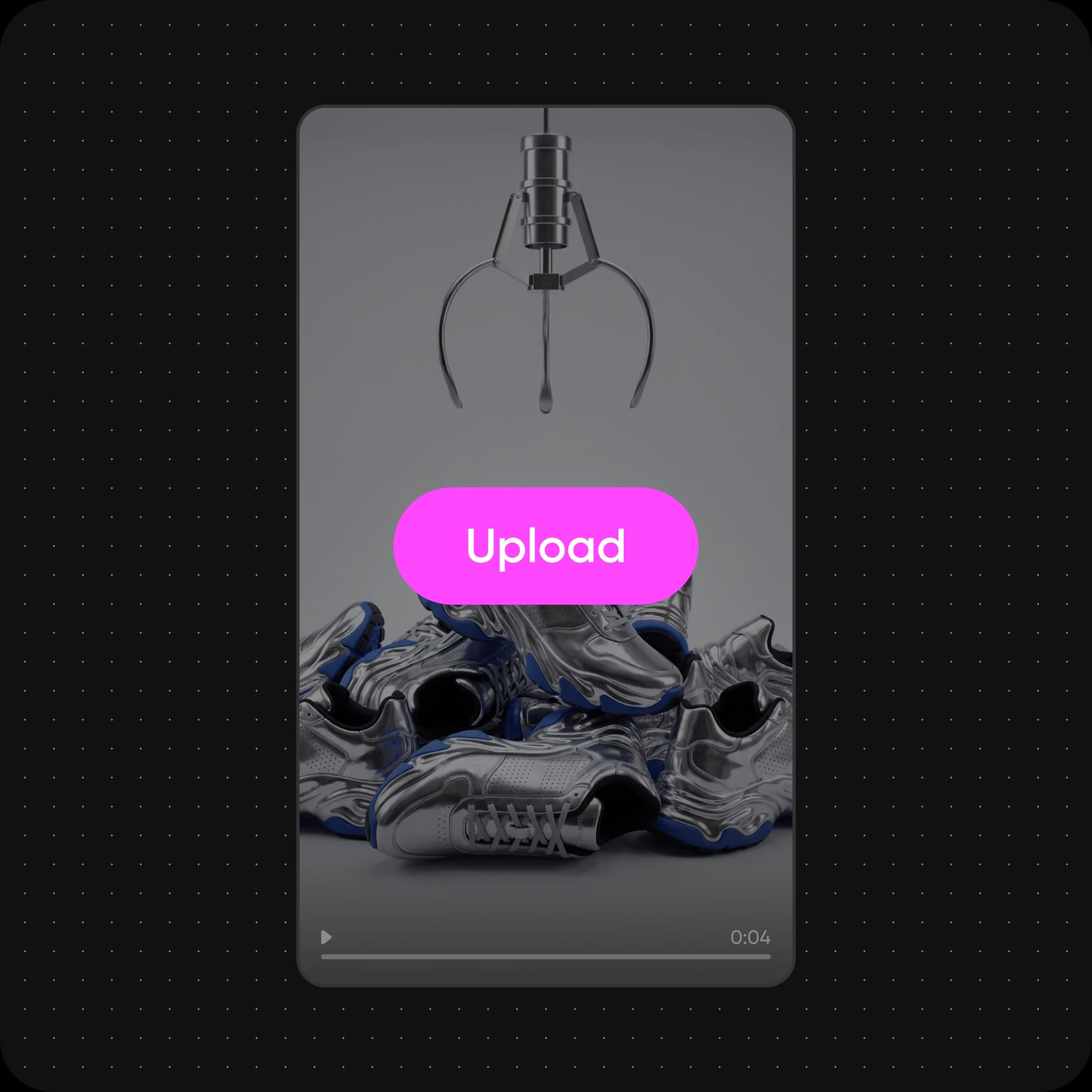
从适合你创意的 AI 海报工作流开始
选择最符合创意的海报工作流,替换成自己的照片和文字,然后运行。你可以修改任意步骤并再次运行,直到效果满意。


看看你可以用 Picsart Flow 创作什么
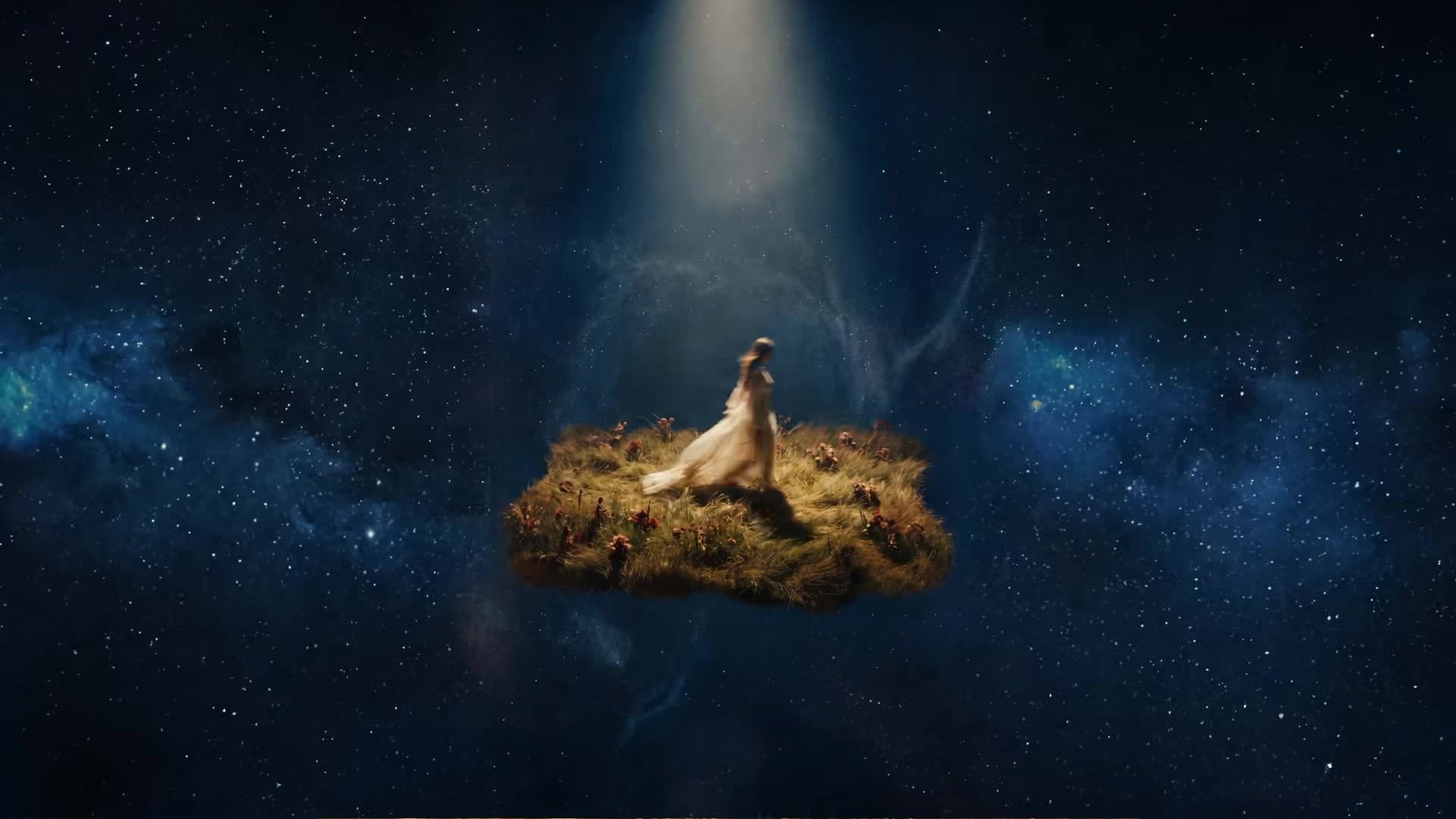
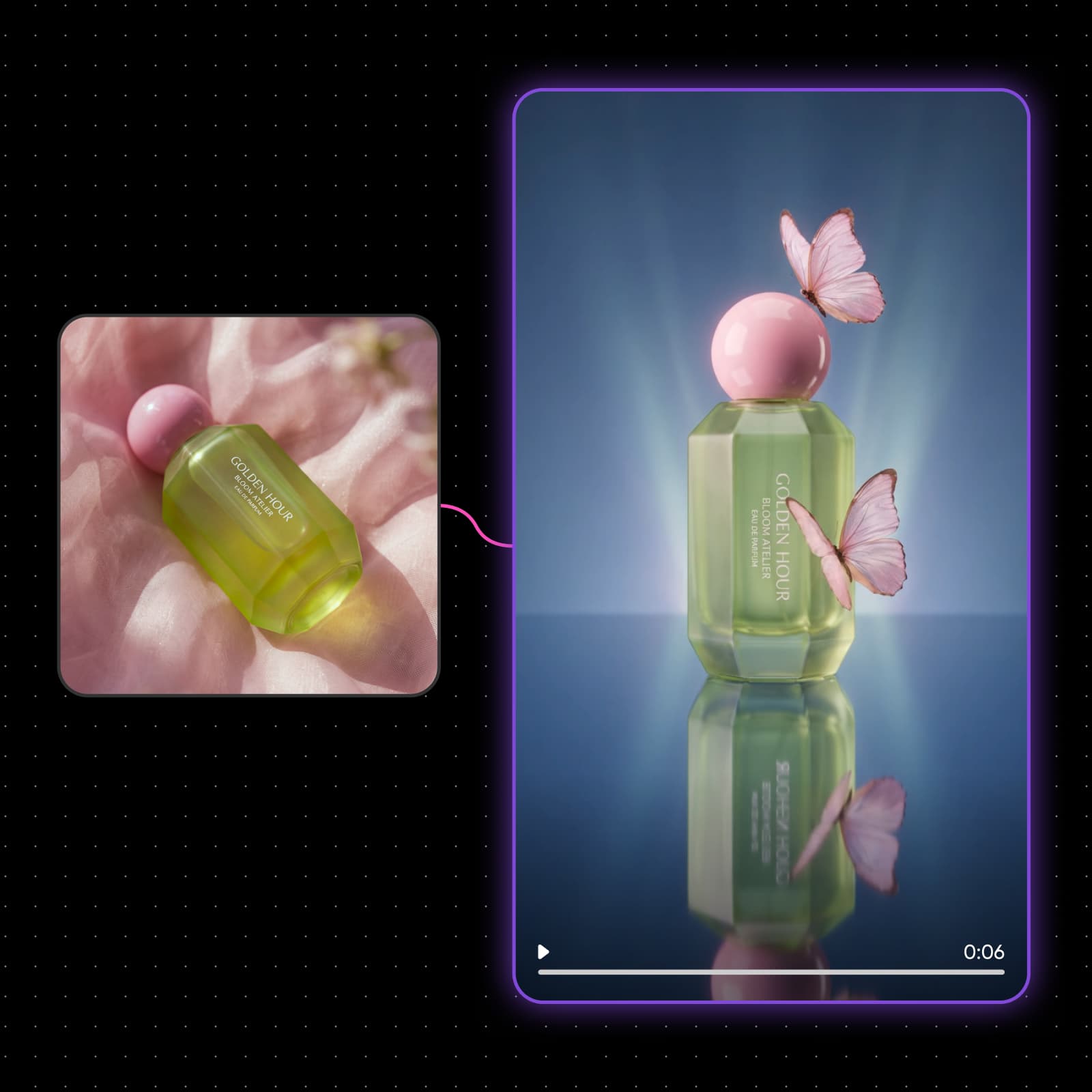
使用 Document 节点将剧本或提案以 PDF 格式添加进来,或写下一句话梗概,Flow 就会将故事转化为关键帧、预告片和风格统一的电影海报。
满足各种用途的海报设计
生日
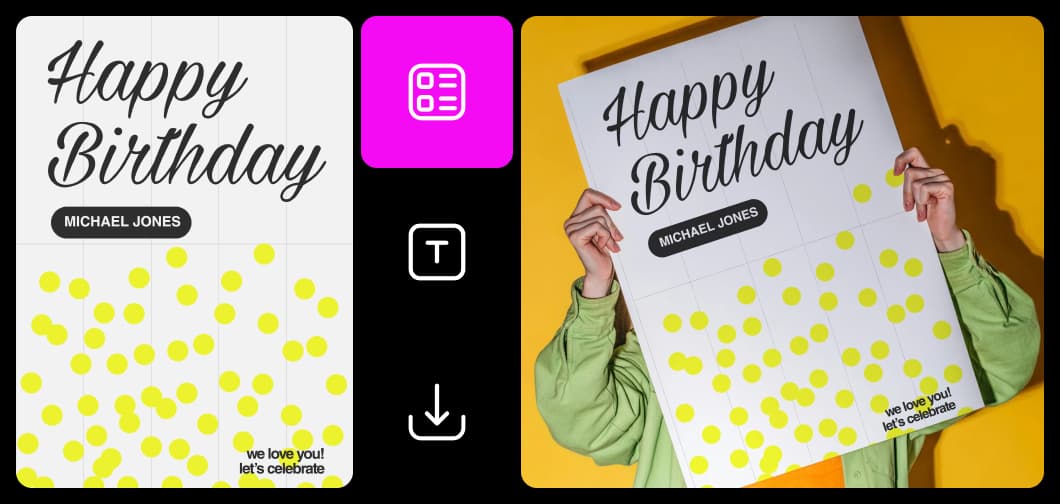
使用直观易上手的海报制作工具,快速完成设计
Picsart Flow 让海报制作变得简单。打开工作流,替换成自己的照片、标题和日期,然后运行,AI 模型会由工作流自动处理。这款海报制作工具让你在同一画布上,从最初构思到最终设计,轻松完成海报创作。每次运行的结果都会保留在画布上,方便你并排比较多个版本,选出效果最佳的作品。邀请团队成员通过 Multiplayer 在同一个海报制作画布上协作编辑。
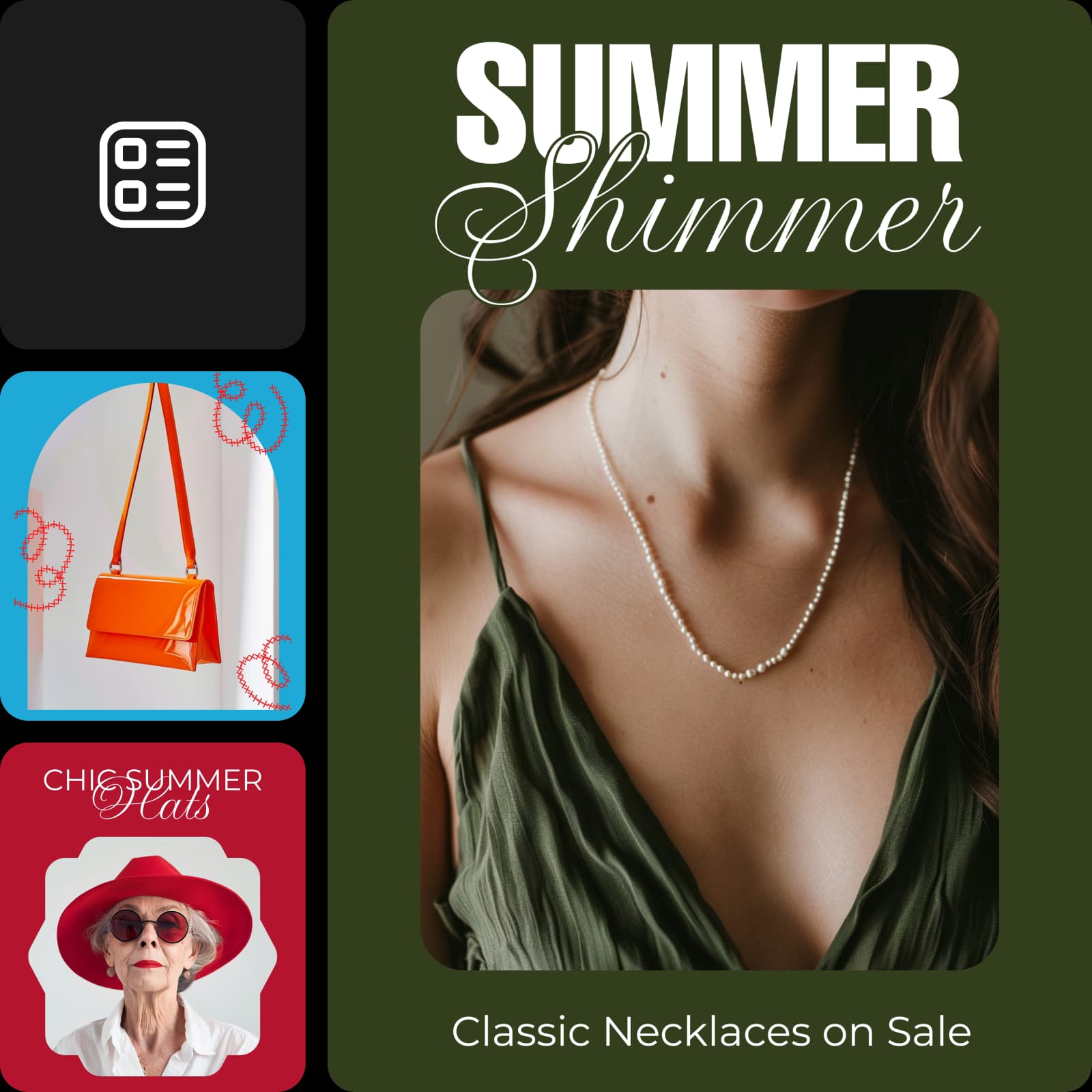
宣传活动、产品、创意等内容
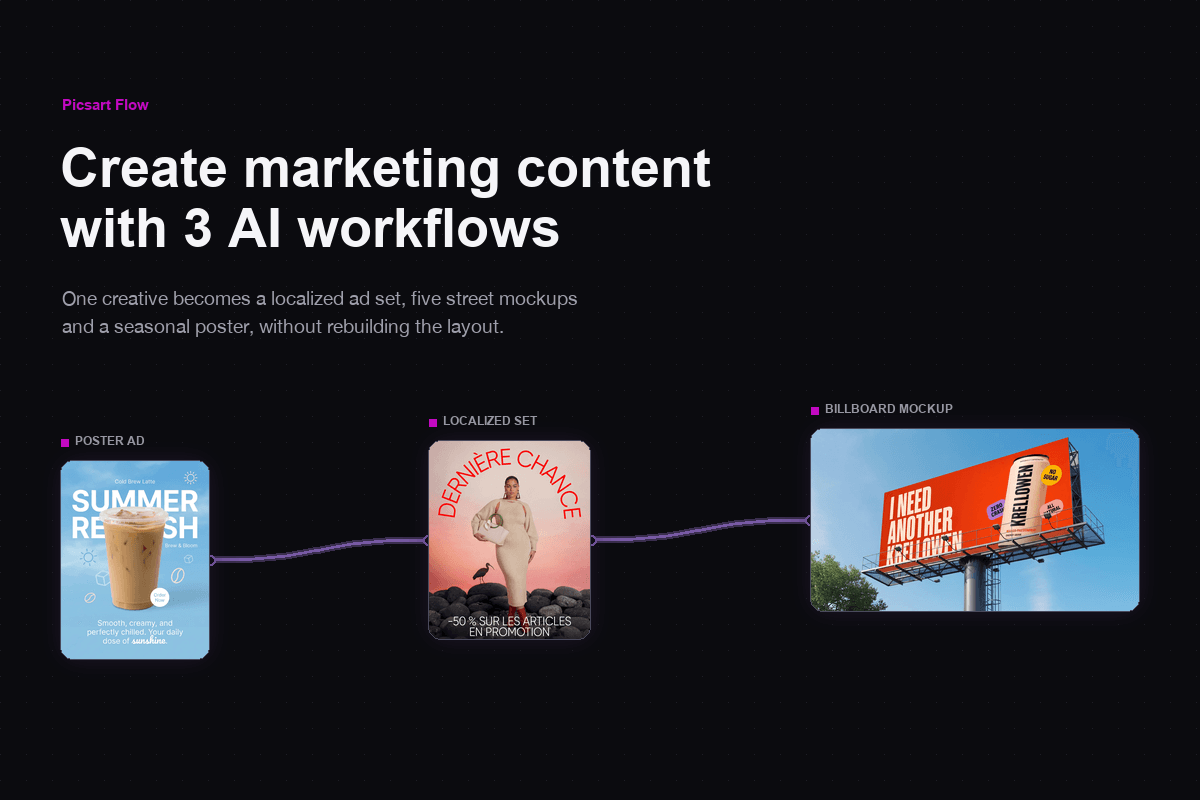
无论是促销、产品发布还是音乐会宣传,广告海报都需要快速传达信息。Picsart Flow 提供适用于促销海报、产品广告和季节优惠的现成工作流。添加产品照片,写上标题、价格和日期,即可制作出能在人行道上或信息流中吸引目光的海报。想要扩大宣传效果,可以使用 Flow 的营销与内容创作工作流,将同一场营销活动延伸为视频广告、UGC 短片和社交媒体帖子。
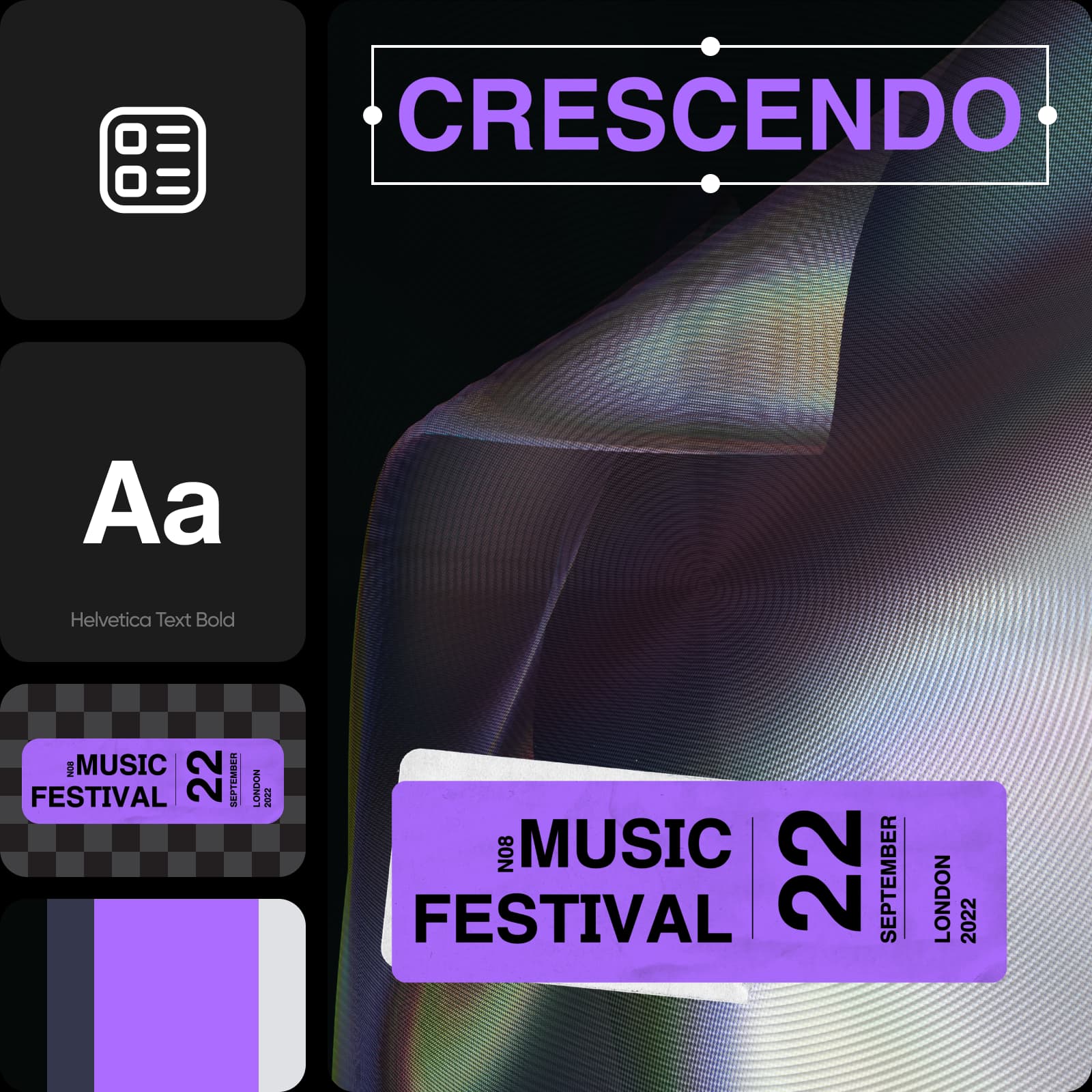
用 AI 从头开始设计海报
已经有创意了吗?从空白 Flow 画布开始,添加海报所需的 AI 模型:在任意位置右键单击,搜索模型并按 Enter 键将其放到画布上;如果可以,新节点会自动连接到工作流的其他部分。Flow 还提供更多更快捷的工作流搭建方式,包括一次操作即可剪切或连接多个节点、重新生成整条工作流,以及在一个队列中跟踪每次运行。之后,你还可以选中多个海报节点,一次性切换它们使用的模型或分辨率,并排比较效果。对于文字较多的海报设计,可以选择 Ideogram 4.0,它能生成清晰准确的标题和标牌文字。
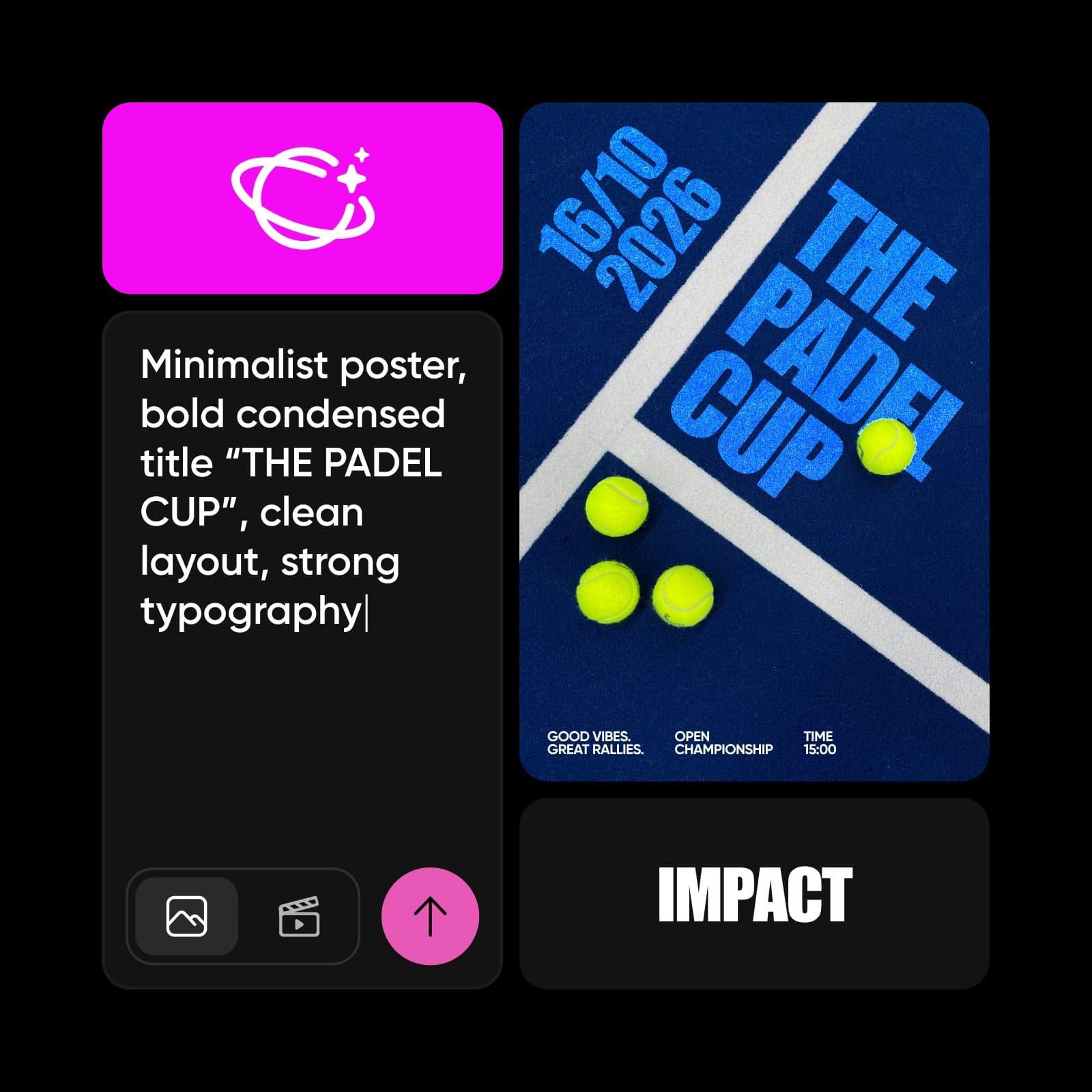
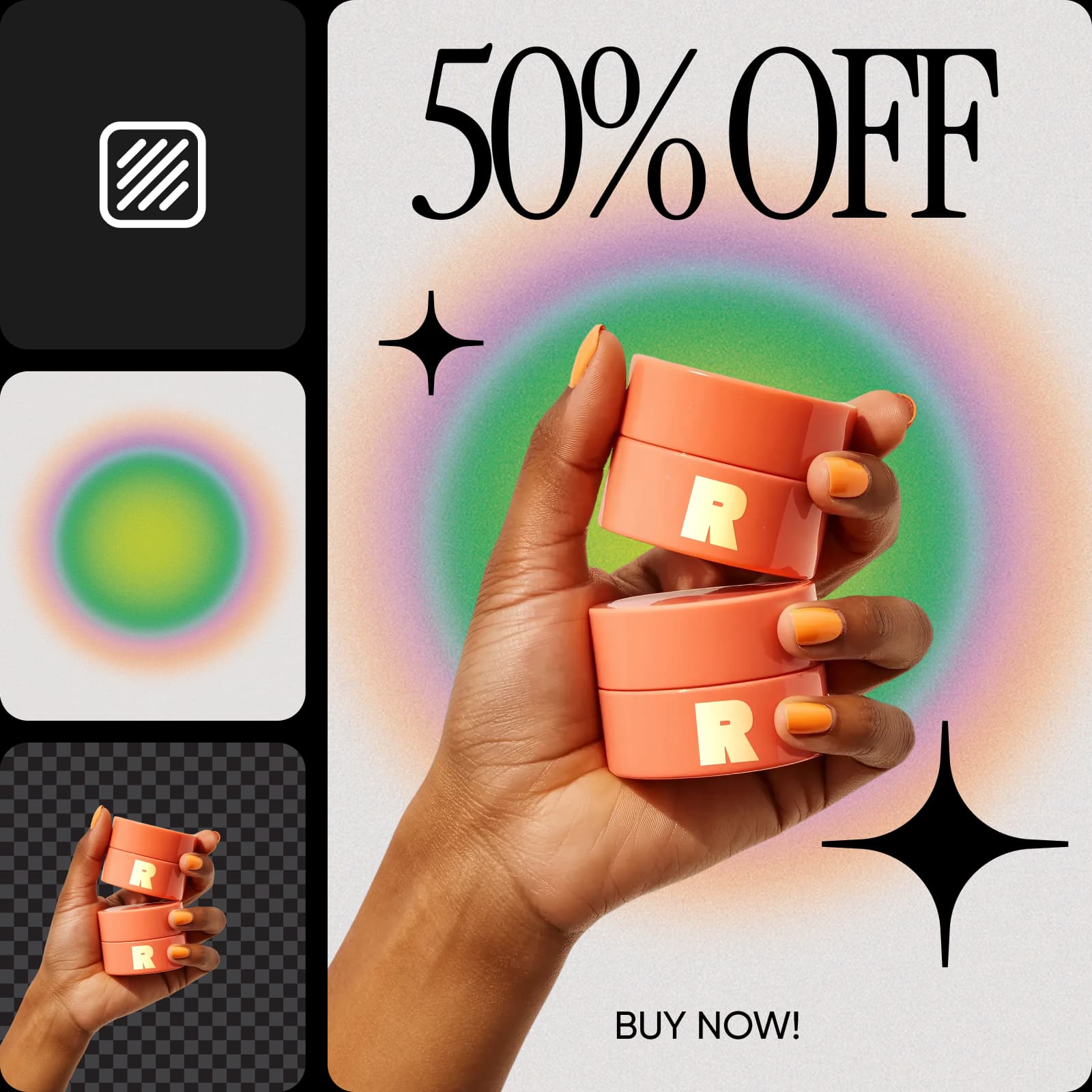
翻译海报,触达不同受众
只有人们看得懂,海报才能发挥作用。Picsart Flow 提供本地化工作流,可翻译海报上的文字并在同一设计中重新生成,让同一版式触达不同市场。无需从头重做海报设计,就能为客户使用的每种语言制作一个版本。打印前请母语人士检查姓名和标语,因为有些内容需要根据当地表达习惯进行调整。
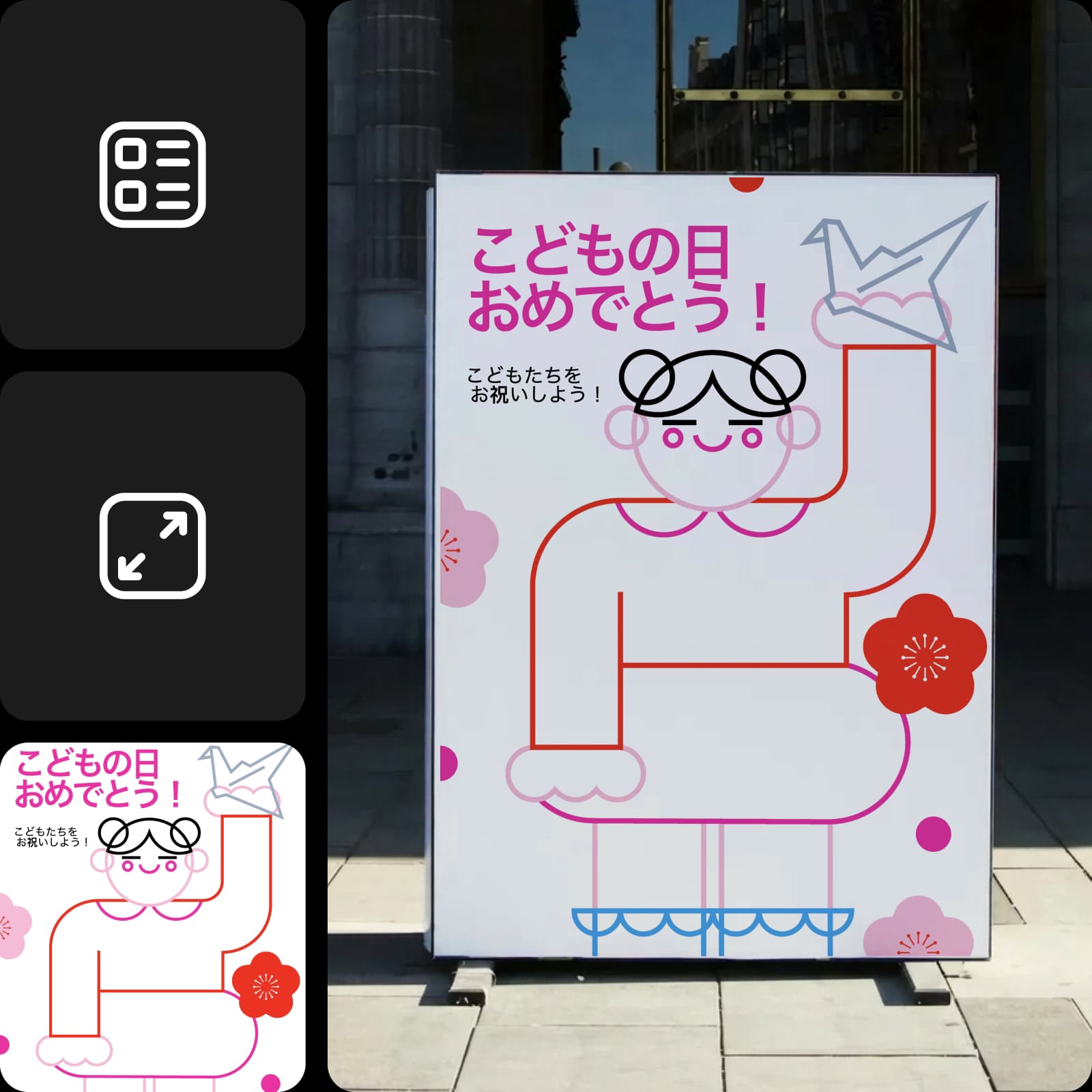
直接在画布上自定义任意海报模板
在画布上自定义模板,打造独一无二的海报设计。想要修改标题、日期或价格?无需打开单独的海报编辑器。在 Flow 画布上进行生成式编辑,无论是重新绘制某个区域、将图像扩展至原有边界之外,还是从新角度重新拍摄照片,都能轻松完成。想快速修改文字,只需用 Inpaint 涂抹文字并描述修改内容,系统就会只更新该区域,其他部分保持像素级一致。GPT Image 2.5 可以替换单行文字,同时保留画面其他部分。每次编辑都会在原图旁边生成一个新节点,让你在选择前对比两个版本。
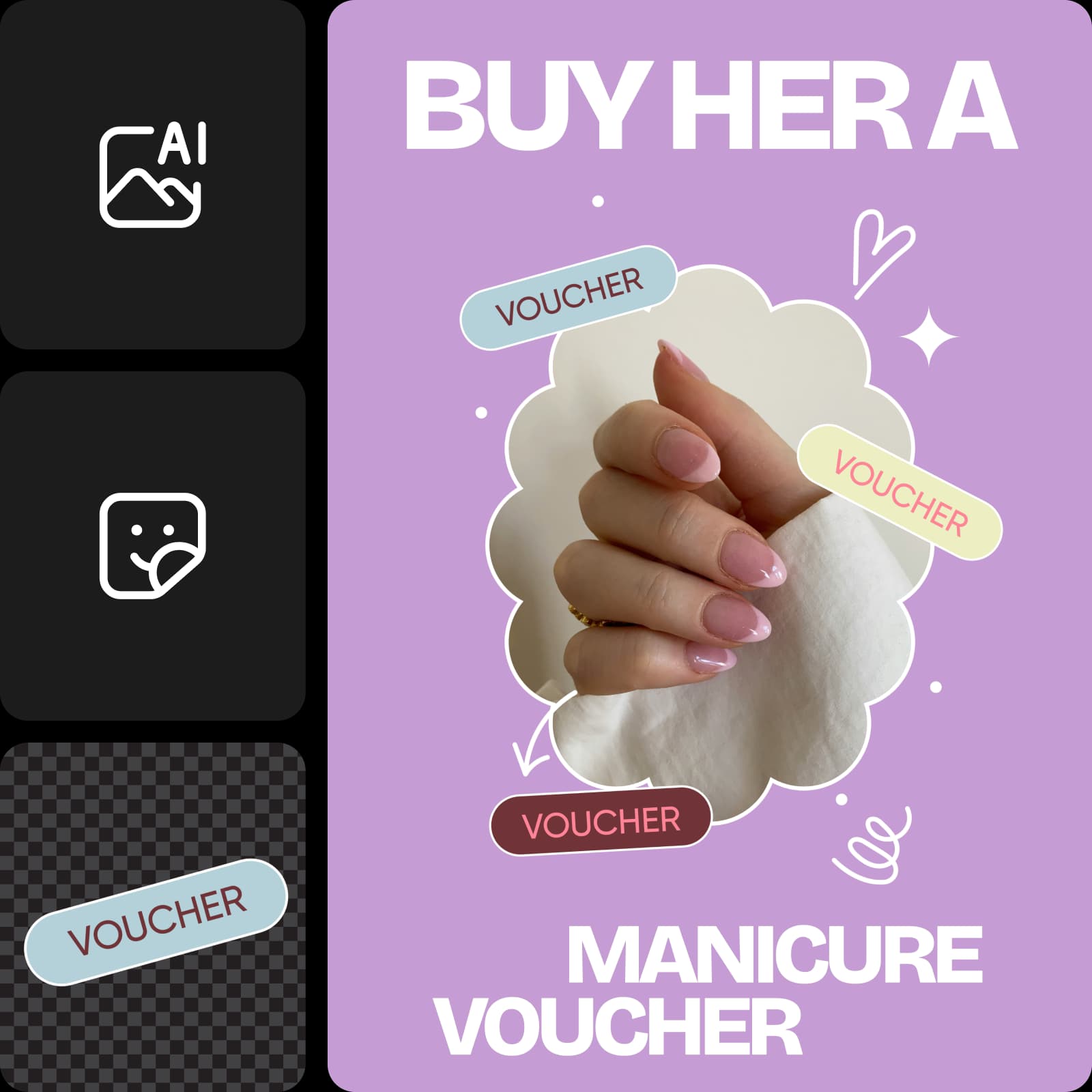
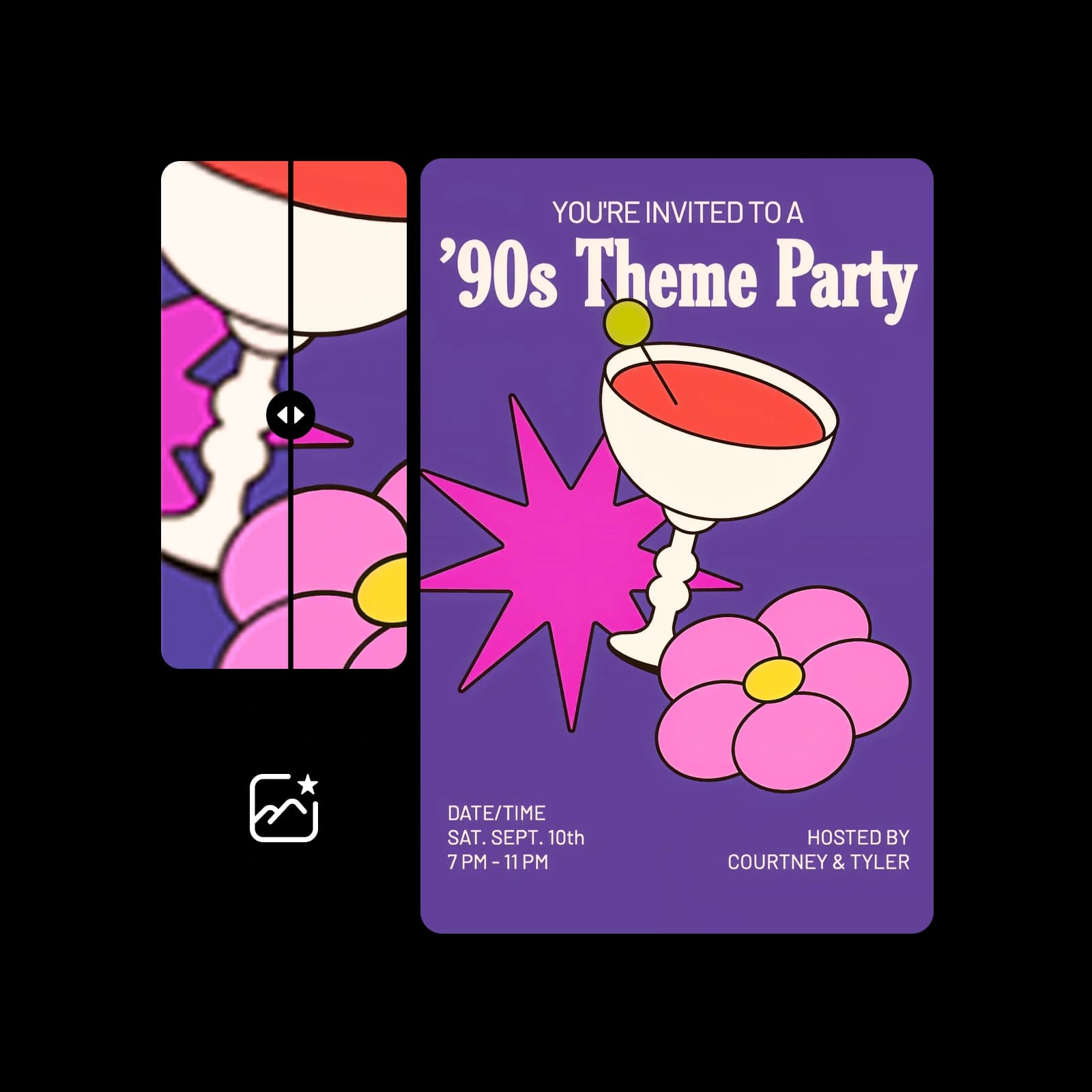
打印高分辨率海报,任意尺寸都清晰锐利
通过 Picsart Flow 制作的打印级海报,贴在墙上和显示在屏幕上一样出色。下载最终设计前,使用AI 图像放大工具处理图像,可在放大 2x 或 4x 的同时保留纹理和细节。18 x 24 或 24 x 36 英寸等大尺寸需要的像素远多于手机屏幕,因此这一步能让每条线条都保持清晰。然后用相纸在家打印海报,或将文件发送到打印店。
- 使用 18 x 24 或 24 x 36 英寸等标准尺寸。
- 打印前在每条边缘添加 1/8 英寸出血。
- 标题要足够大,确保在房间另一端也能看清。




在线海报制作工具常见问题
有,你可以免费开始。创建 Picsart 账号并在 Picsart Flow 中打开免费海报模板,无需付费。生成设计会使用 Picsart 套餐中的 AI 点数,而 Flow 会在每次运行前显示预估费用,因此只有制作海报时才会消耗点数。
选择适合品牌、活动和社交媒体海报的套餐
Pro
Most popularAI tools for everyday creative work.
Ultra
Most powerfulHeavy AI usage for creators & teams.
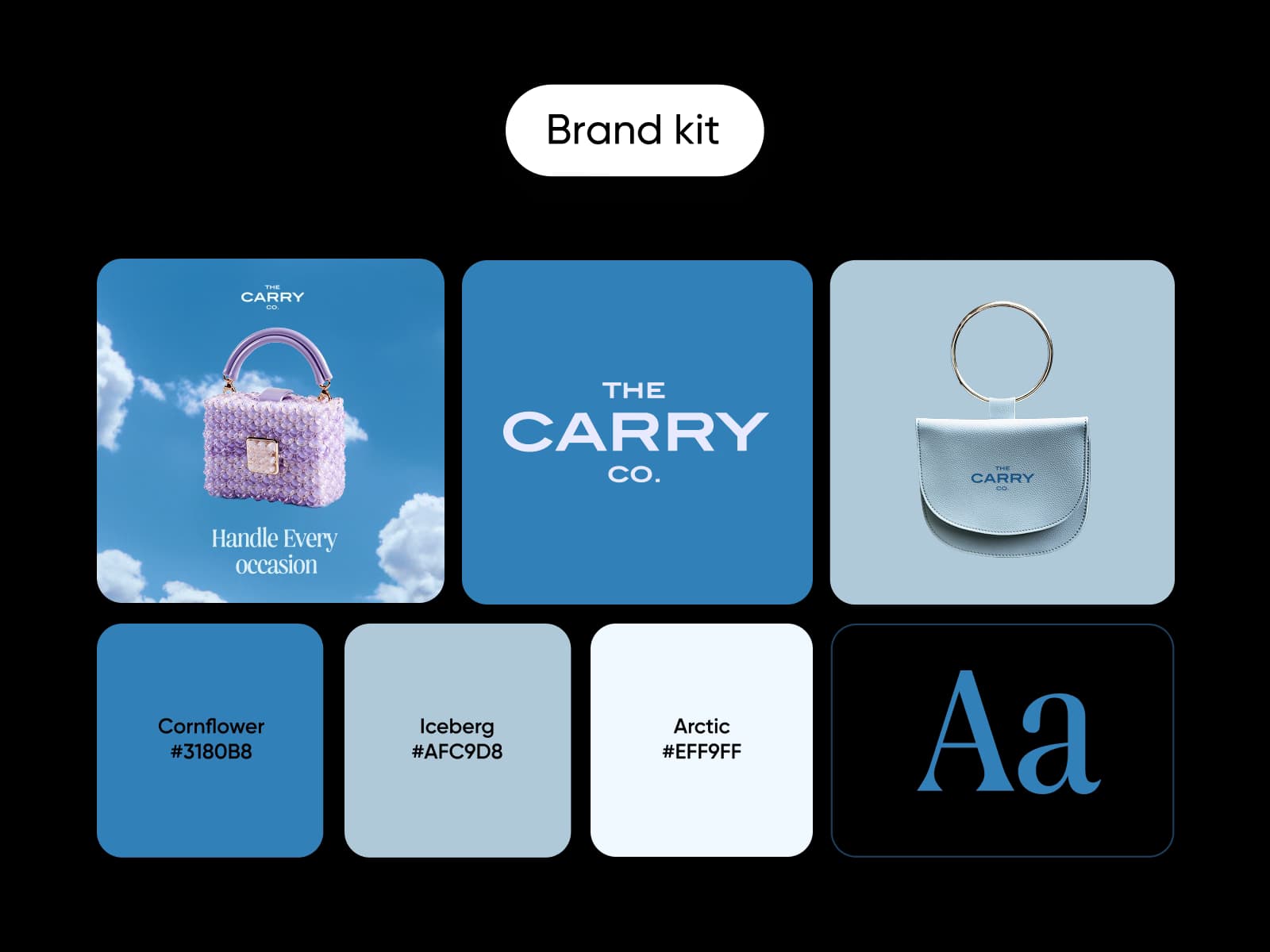
搭配其他品牌素材,完善海报设计
使用 Picsart 的其他制作工具,让活动和促销内容保持风格统一。