Profilbild-Maker: Erstelle mit KI ein individuelles PFP
Erstelle in Picsart Flow ein Profilbild aus deinem Foto, einer Vorlage oder einem Prompt. Die KI erstellt ein PFP für LinkedIn, WhatsApp oder jede andere Plattform. Wenn du einen neuen Look möchtest, kannst du es jederzeit in einem anderen Stil erneut generieren.
- Porträts, Avatare und Cartoon-Stile aus einem Selfie
- Neue Hintergründe und Beleuchtung ganz ohne Fotostudio
- Quadratische Zuschnitte für alle sozialen Plattformen
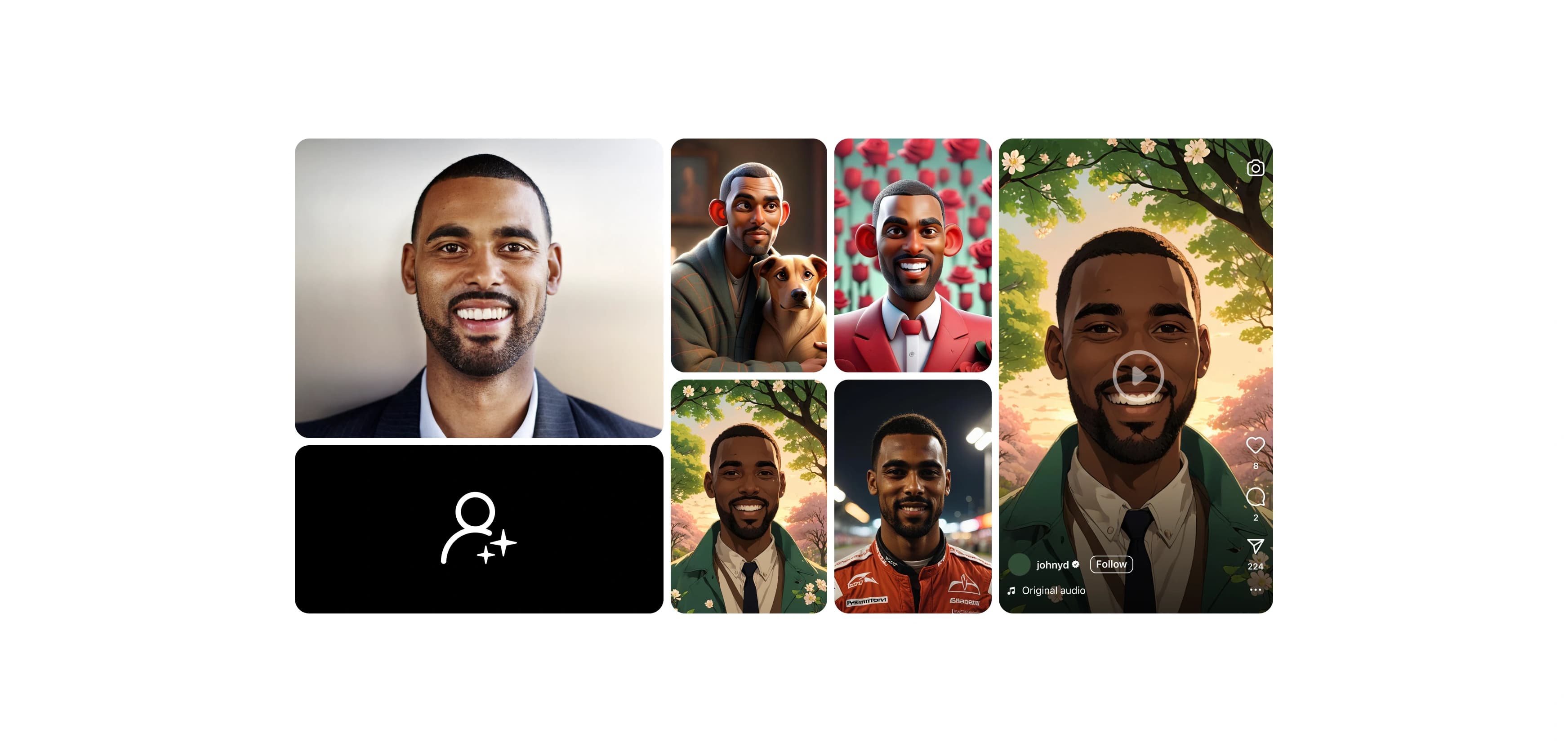
Erstelle Profilbilder mit führenden KI-Bildmodellen
So erstellst du ein Profilbild mit KI
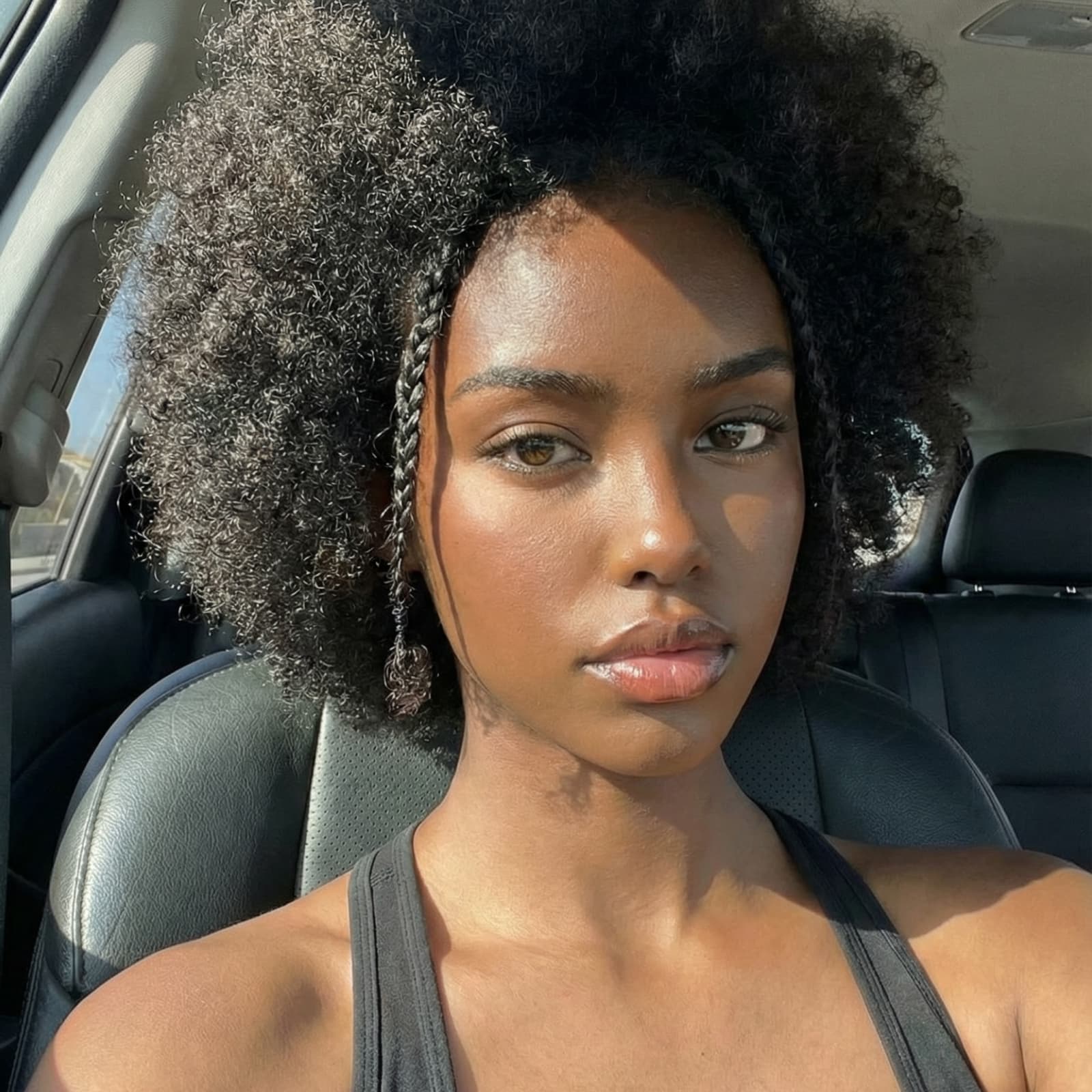
Starte schneller mit fertigen Profilbild-Workflows
Wähle den Workflow, der deinem gewünschten Look am nächsten kommt, füge dein Selfie ein und starte ihn. Ändere einzelne Schritte und führe den Workflow erneut aus, bis das Ergebnis passt.


Entdecke, was du mit Picsart Flow erstellen kannst


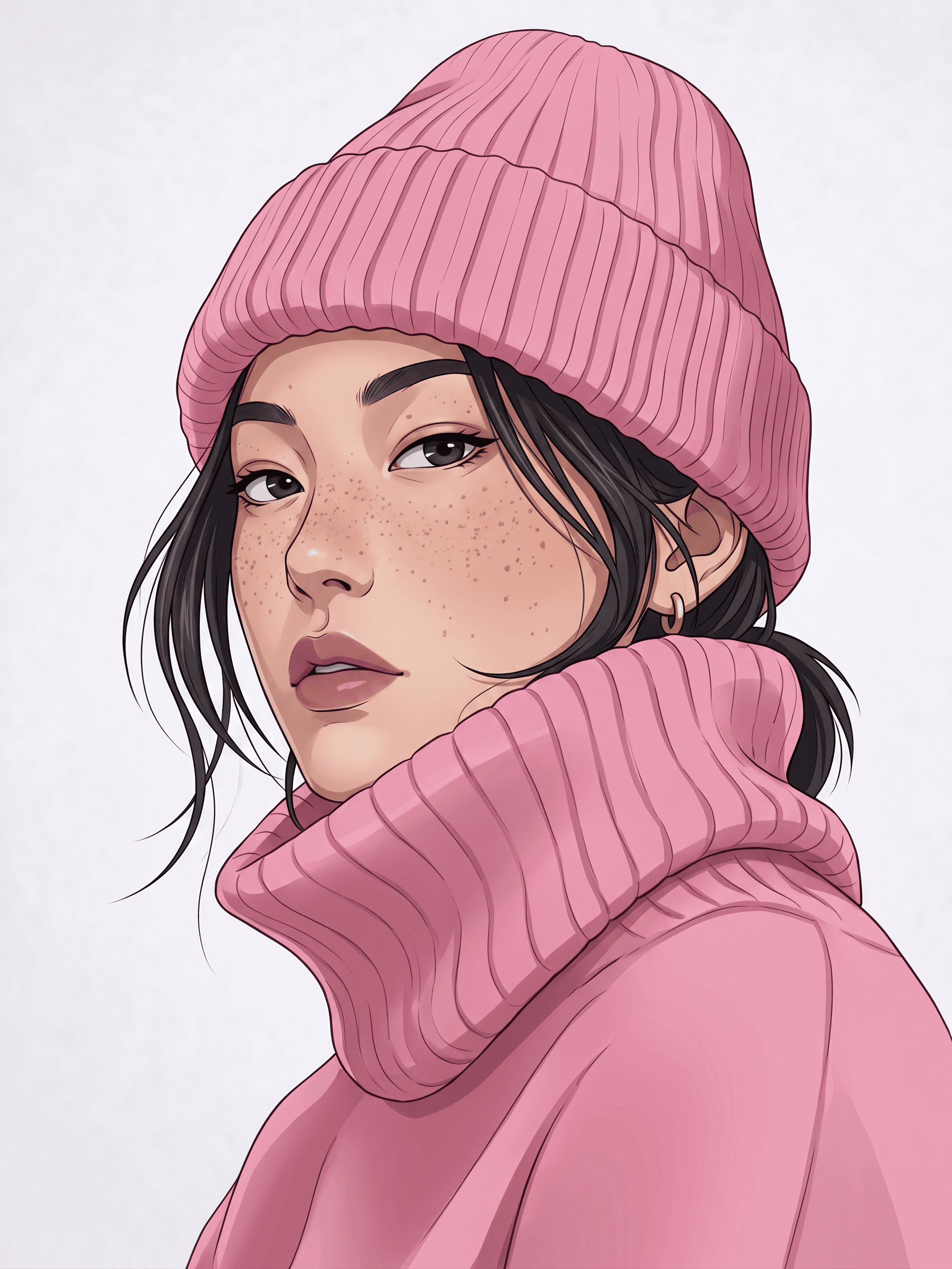
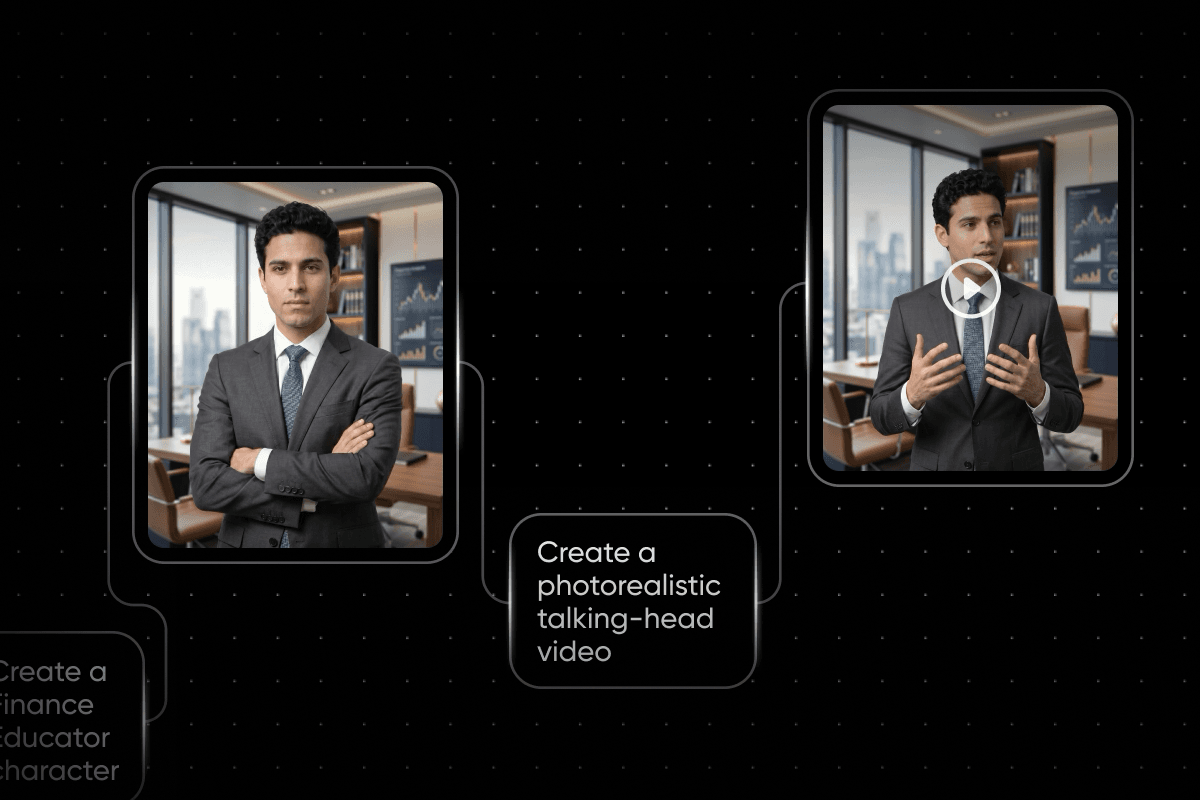
Erstelle professionelle Büro- und Stadtporträts im quadratischen oder Hochformat – bereit für LinkedIn, Slack oder eine Unternehmensseite.
Gestalte ganz einfach ein individuelles Profilbild
Mit diesem Online-Profilbild-Maker wird aus einem gewöhnlichen Foto ein professionell wirkendes PFP. Füge dein Selfie in einen Flow-Workflow ein und KI-Modelle optimieren die Beleuchtung, tauschen den Hintergrund aus und richten dich für einen quadratischen Zuschnitt aus. Möchtest du mehr Kontrolle? Ändere einen beliebigen Prompt oder klicke mit der rechten Maustaste, um ein anderes KI-Modell einzufügen, und starte den Workflow erneut. Mit den Tools zum schnellen Erstellen von Workflows in Flow kannst du außerdem Einstellungen mehrerer Nodes gleichzeitig ändern und eine ganze Kette mit einem Klick erneut ausführen.
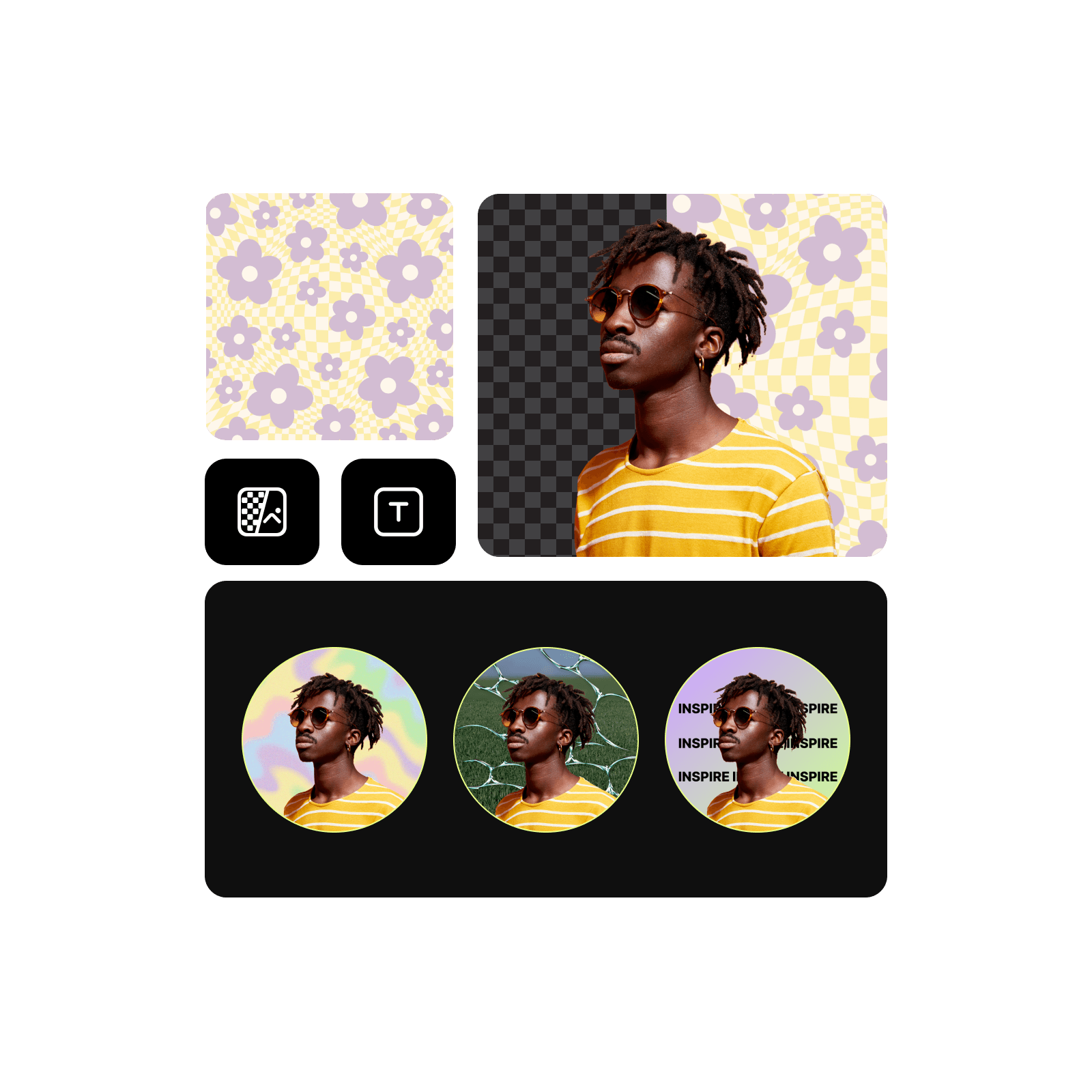
Verbessere deine Online-Präsenz mit Profilbildvorlagen
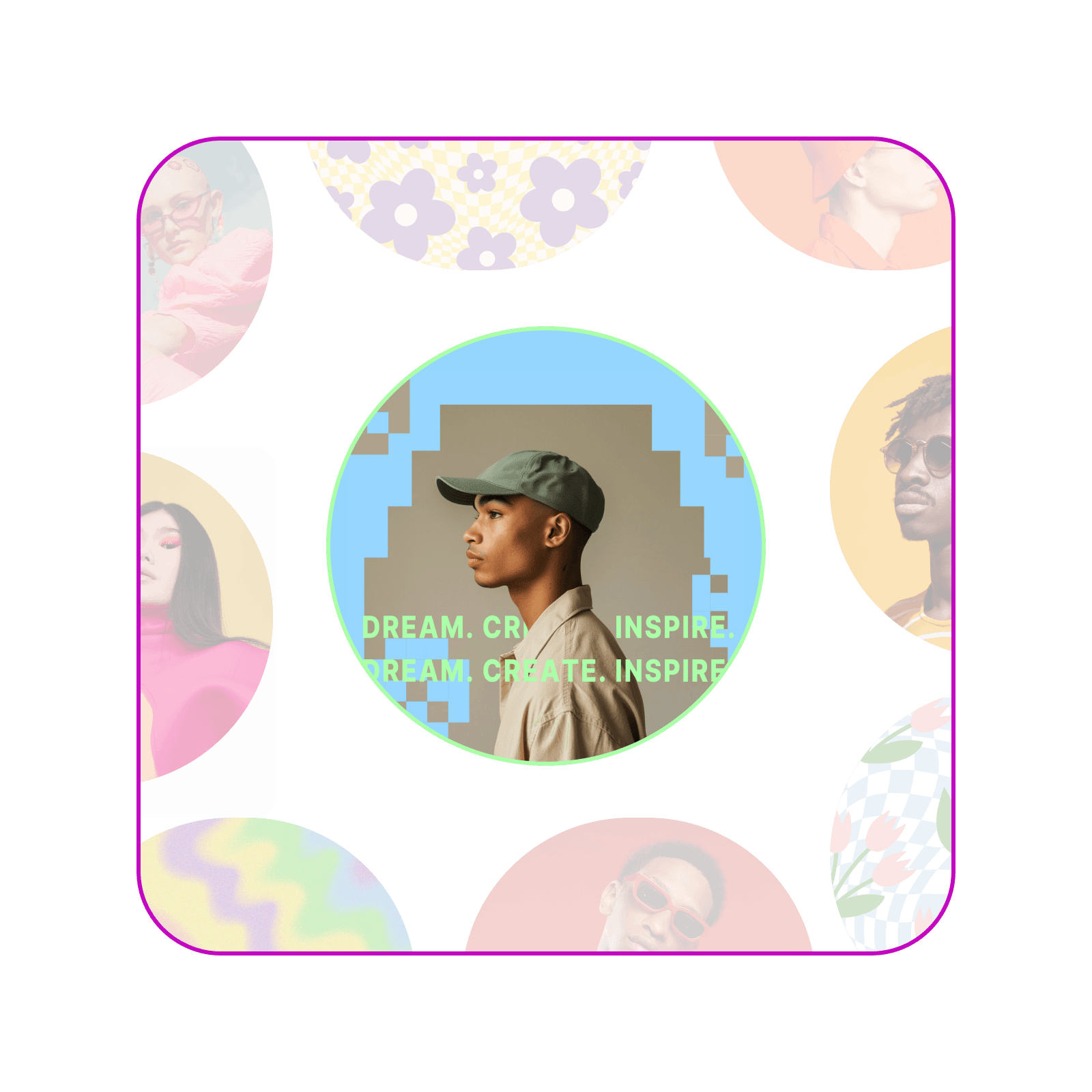
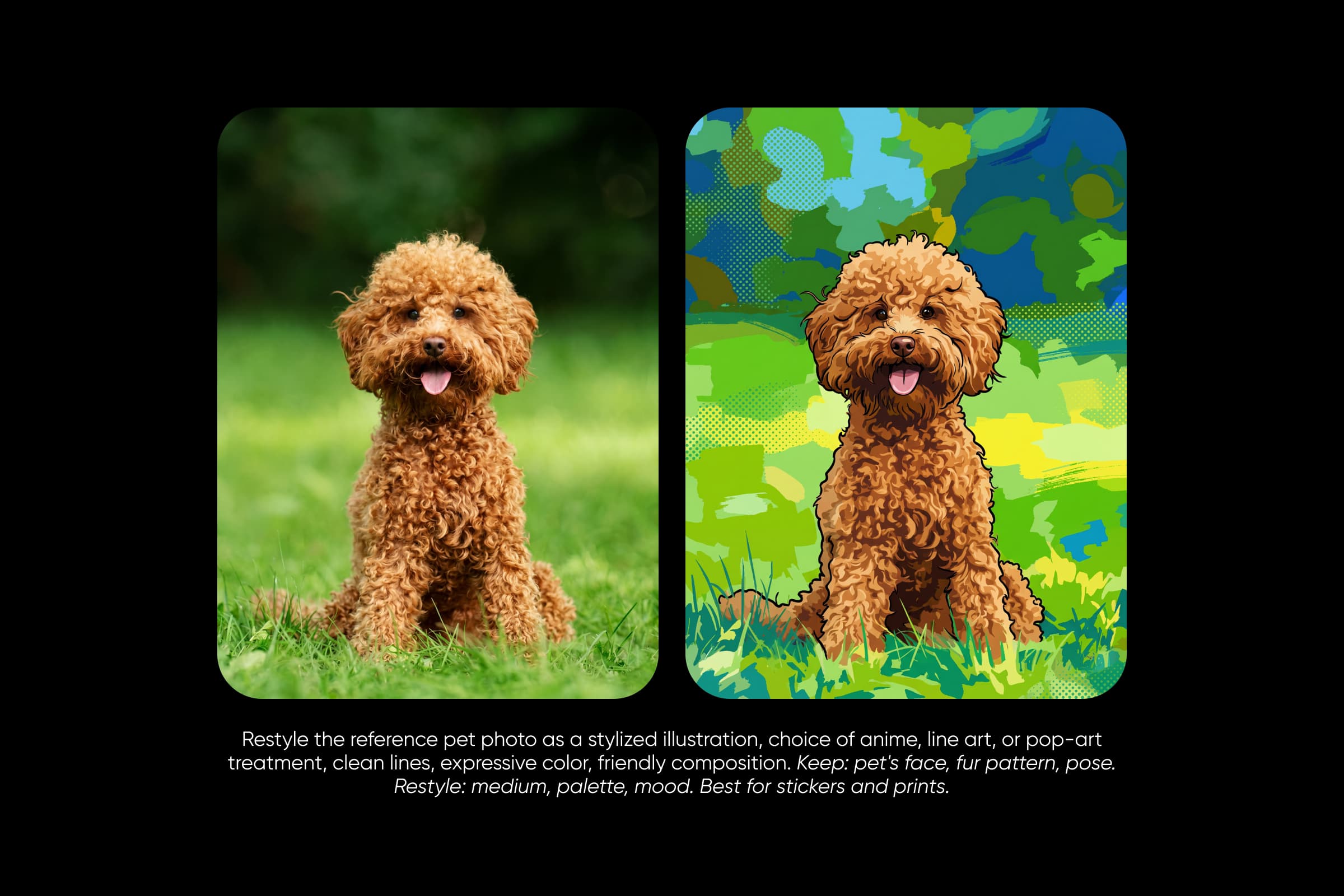
Überspringe die leere Arbeitsfläche und starte mit einem fertigen Workflow. Picsart Flow bietet Profilbildvorlagen für professionelle Porträts, Abschlussfotos und 3D-, Anime- oder Wachsmalstift-Avatare. Nutze Flow als Profilbild-Maker: Wähle den passenden Stil, füge dein Foto ein und erhalte ein PFP, das nach dir aussieht – ob für ein Business-Konto oder einen Gaming-Kanal. Führe dieselbe Vorlage mit dem Foto eines Teammitglieds oder Freundes aus, damit alle einen einheitlichen Look erhalten.
Mit einem professionellen Profilbild auf LinkedIn überzeugen
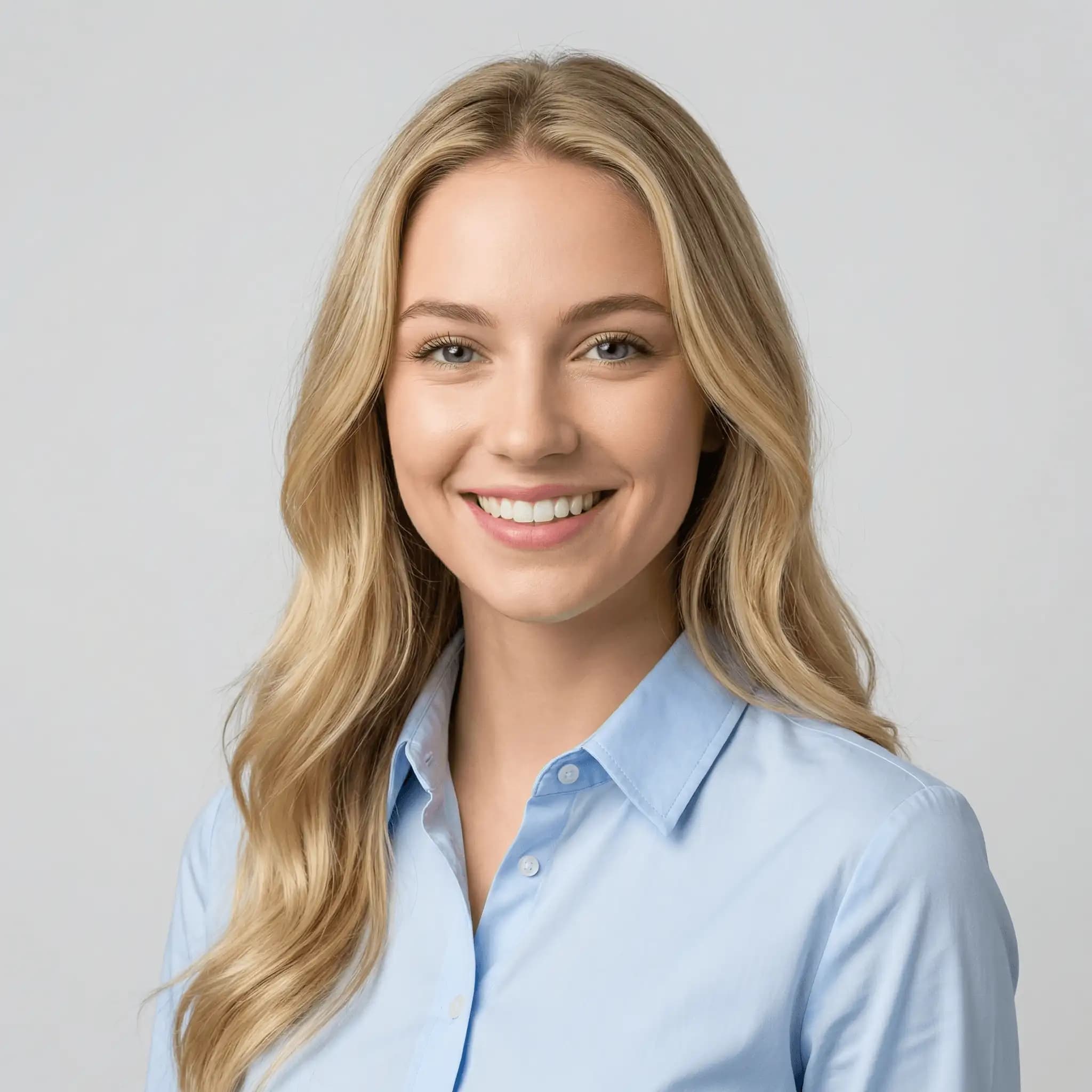
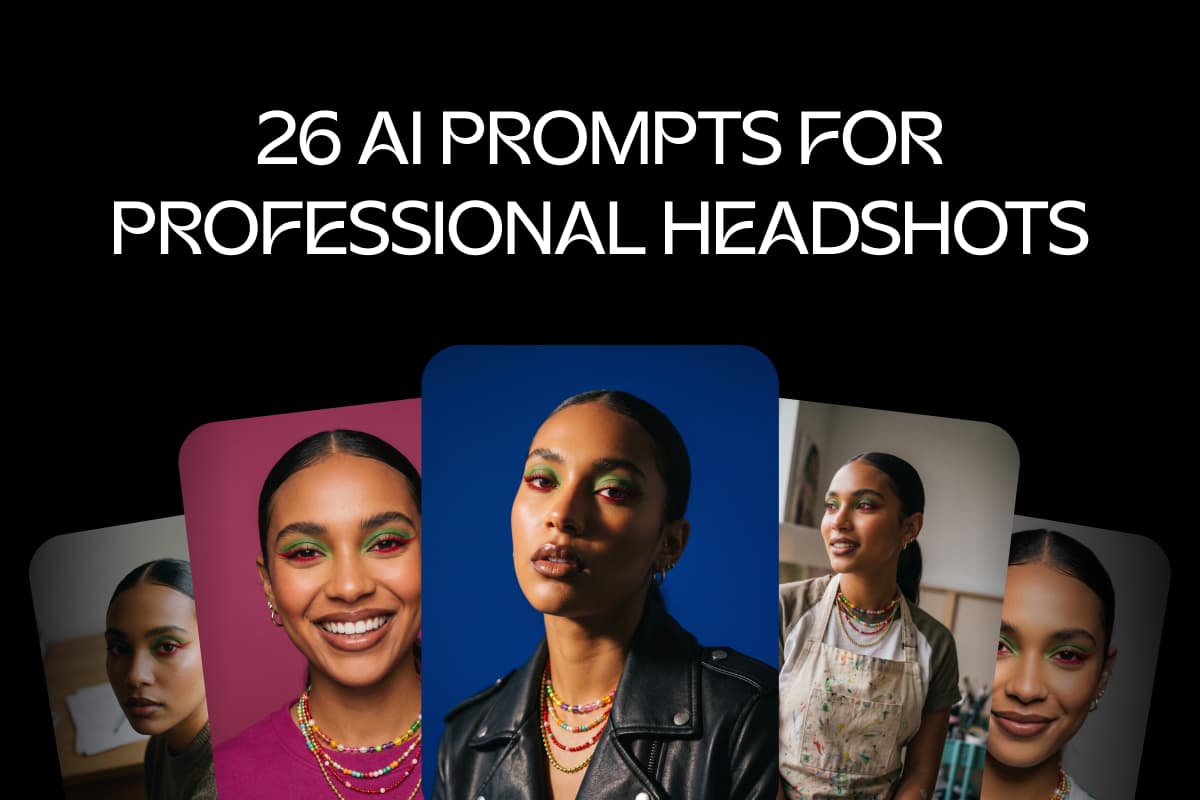
Ein professionelles Profilbild ist auf LinkedIn, in Lebensläufen und auf Teamseiten wichtig. Der Workflow für professionelle Profilfotos gleicht die Beleuchtung aus, optimiert den Hautton und ersetzt den Profilbildhintergrund durch einen schlichten Büro- oder Farbverlauf-Look. So wird aus einem lässigen Selfie ein Business-Profilbild. Damit kannst du ein LinkedIn-Profilbild erstellen, ohne einen Fotografen zu buchen. Wähle einen engen Bildausschnitt mit Gesicht und Schultern, damit das Bild auch als kleiner Kreis gut erkennbar bleibt.
Optimiere dein Profilbild mit leistungsstarken Bearbeitungstools
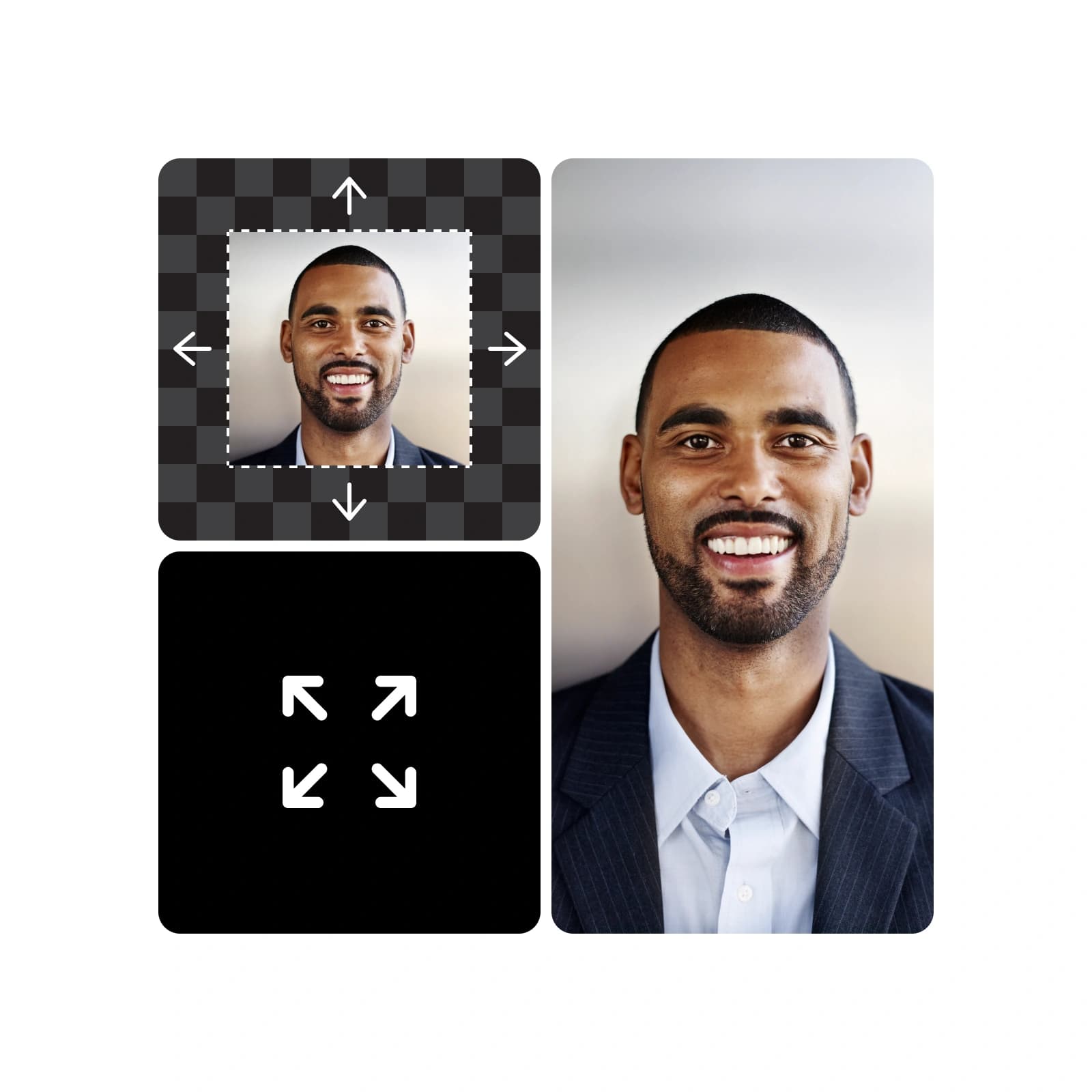
Übermale mit Inpaint abstehende Haare, Hautunreinheiten oder einen unruhigen Hintergrund, beschreibe die gewünschte Änderung und nur dieser Bereich wird angepasst. Outpaint passt den Bildausschnitt zu einem zentrierten Quadrat an, und Camera Angle rückt die Ansicht näher heran, wobei Proportionen und Beleuchtung gleich bleiben. Alle drei Funktionen gehören zur generativen Bearbeitung in Picsart Flow, mit der sich auch ein Clip neu beleuchten oder ein Standbild in eine kurze Kamerafahrt verwandeln lässt. Jede Bearbeitung wird auf einem neuen Node erstellt, sodass dein Originalfoto erhalten bleibt.
Entdecke den All-in-One-Profilbild-Maker
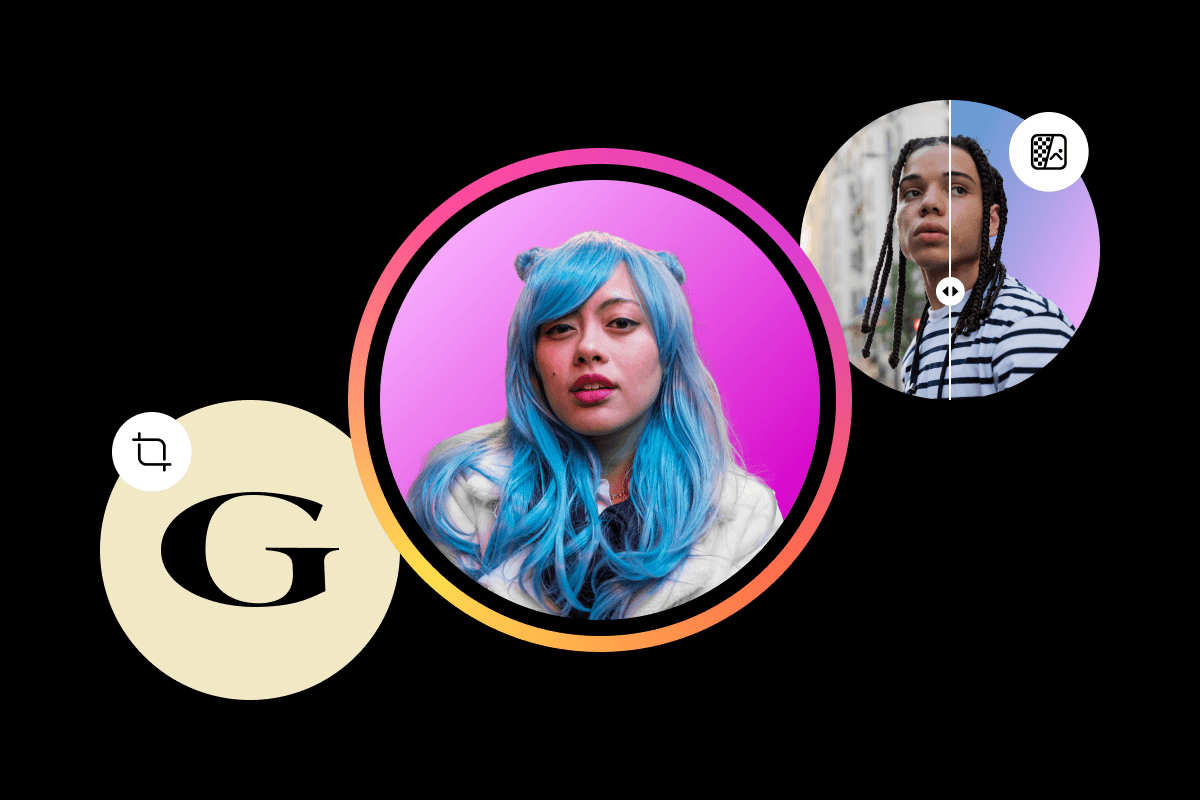
Alles, was du zum Erstellen und Anpassen von Profilbildern brauchst, auf einer Flow-Arbeitsfläche.
Lerne die Grundlagen der Avatar-Erstellung




Antworten zum Profilbild-Maker finden
Der Profilbild-Maker in Picsart Flow basiert auf Credits. Jeder Picsart-Tarif enthält Credits, mit denen du Profilbilder erstellen kannst. Flow zeigt vor jedem Durchlauf die geschätzten Kosten an. Das Öffnen und Durchstöbern der Profilbildvorlagen ist kostenlos. Zusätzliche Credit-Pakete kannst du jederzeit kaufen.
Wähle einen Tarif für Profile, Marken und Kampagnen
Pro
Most popularAI tools for everyday creative work.
Ultra
Most powerfulHeavy AI usage for creators & teams.
Ergänze dein Profilbild mit weiteren Markenelementen
Sorge mit den anderen Maker-Tools von Picsart für ein einheitliches Erscheinungsbild auf deinen Kanälen und Social-Media-Profilen.