Kostenloser YouTube-Thumbnail-Maker
Du möchtest auffällige Thumbnails für deinen YouTube-Kanal erstellen? Gestalte mit Picsarts YouTube-Thumbnail-Maker individuelle Thumbnails, die mehr Klicks erzielen.
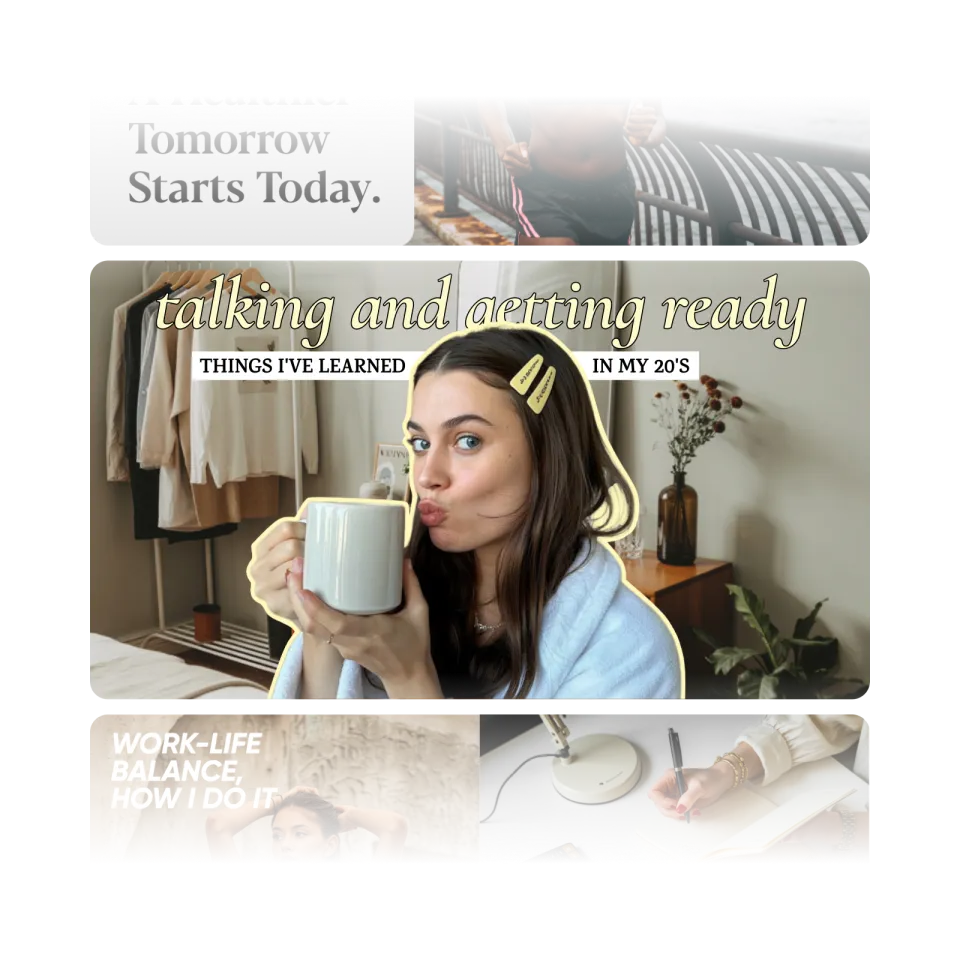
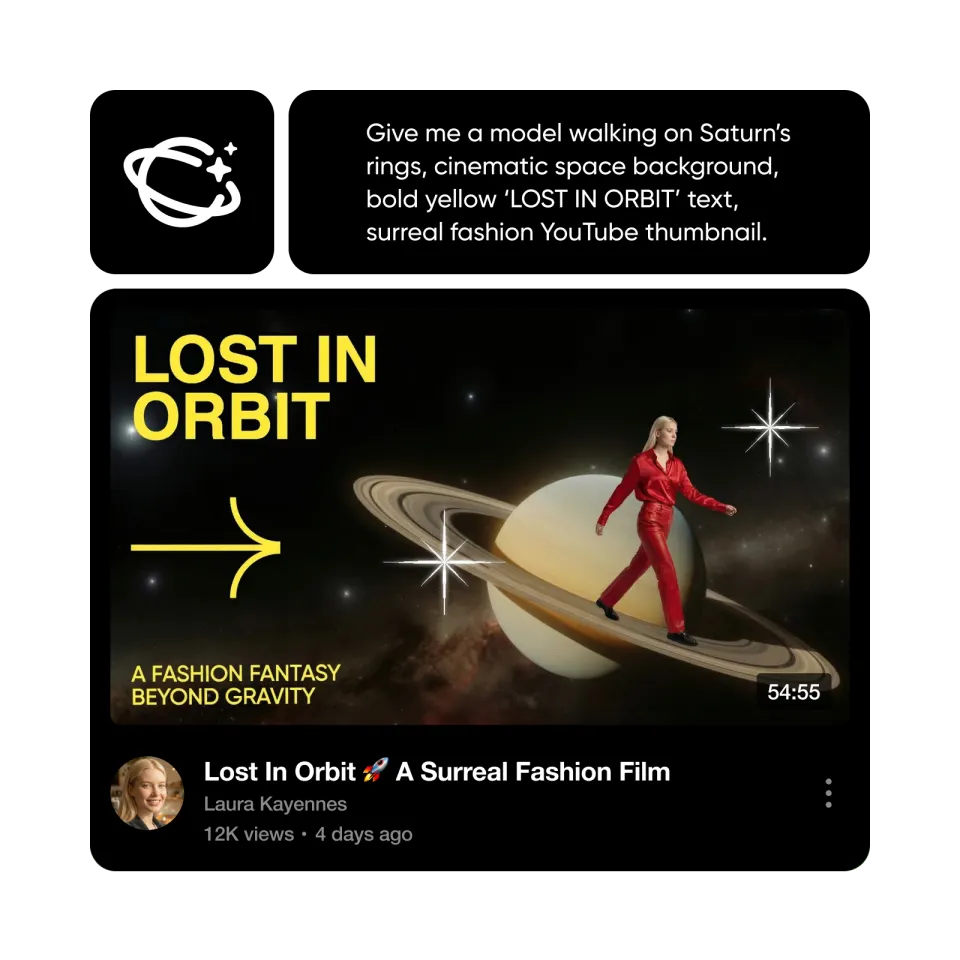
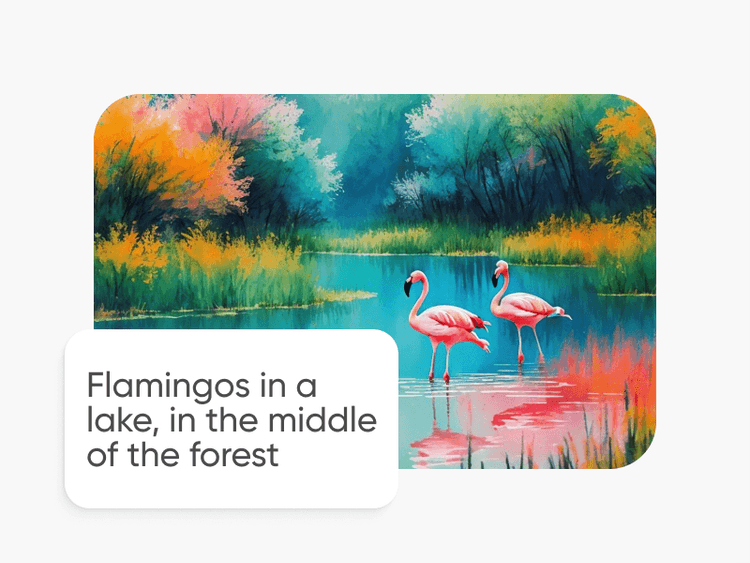
Thumbnails mit KI-Bildmodellen erstellen
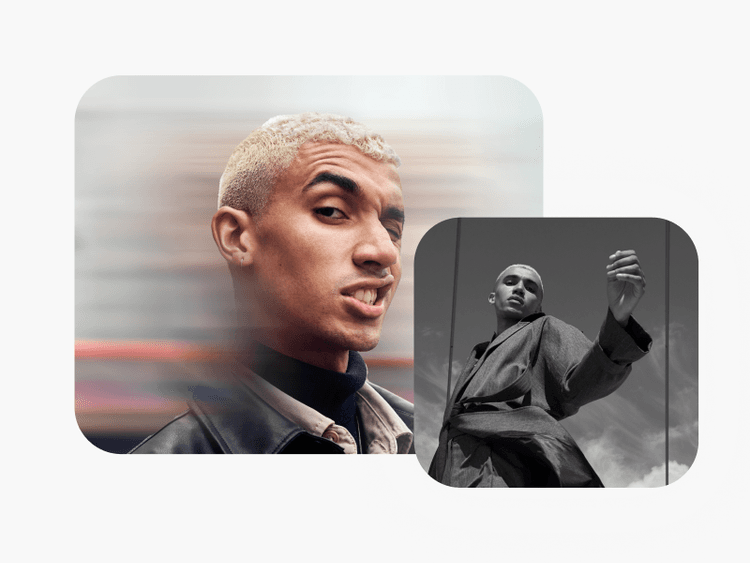
Nutze Bildmodelle, um Thumbnail-Ideen, Creator-Visuals und auffällige Titelbilder zu gestalten.

Bearbeitungstools für alle
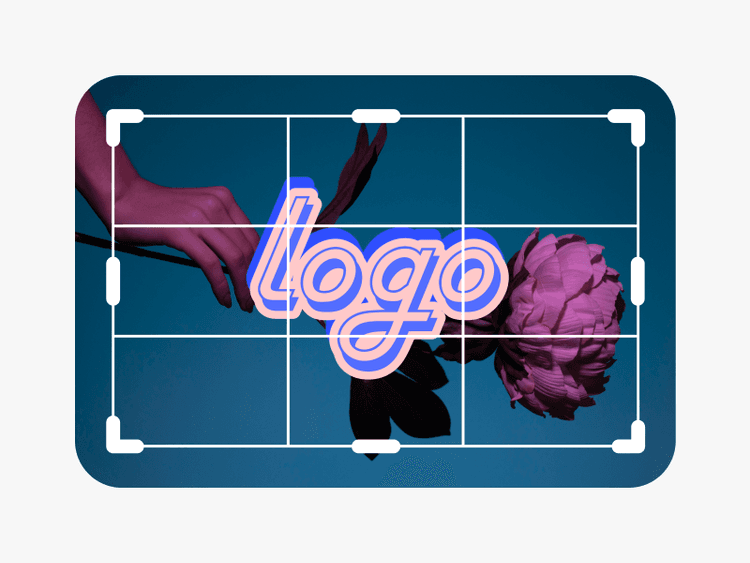
Mit einfachen Drag-and-drop-Tools lassen sich YouTube-Thumbnails ganz leicht erstellen – ganz gleich, wie viel Designerfahrung du hast.
Unzählige Thumbnail-Vorlagen
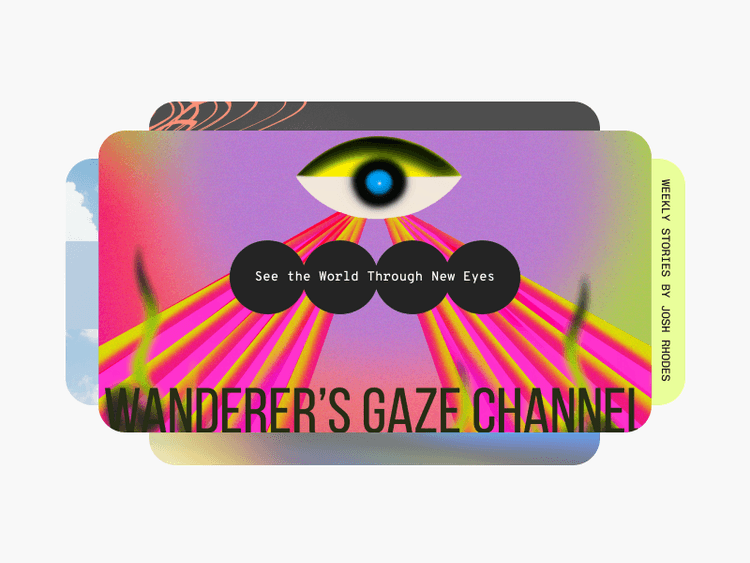
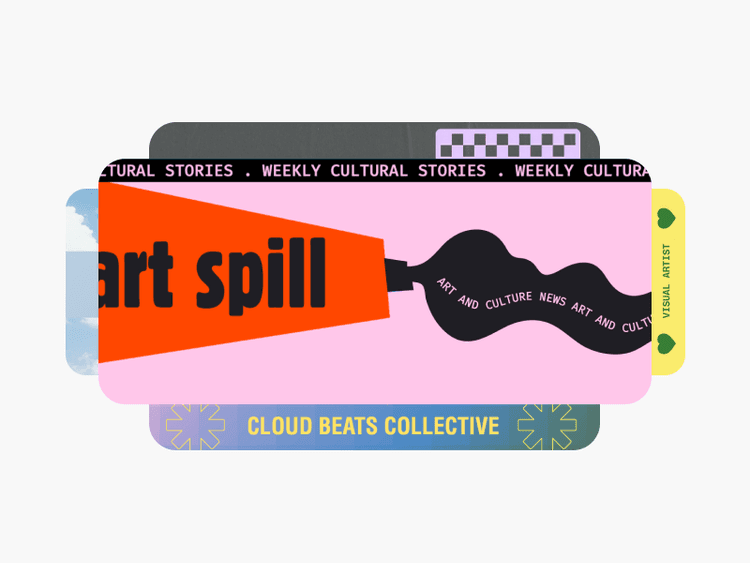
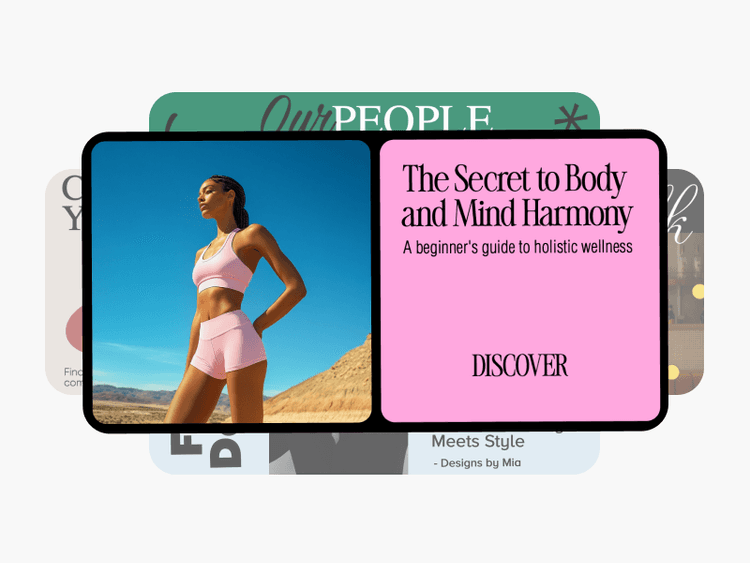
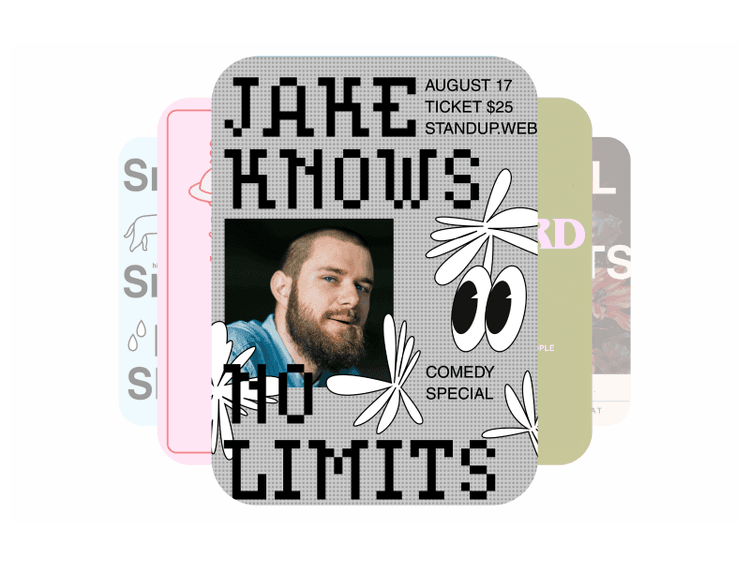
Von Mode über Reisen bis hin zu vielem mehr: Entdecke eine große Auswahl an kostenlosen Thumbnail-Vorlagen.
Mühelos anpassen mit KI-Tools
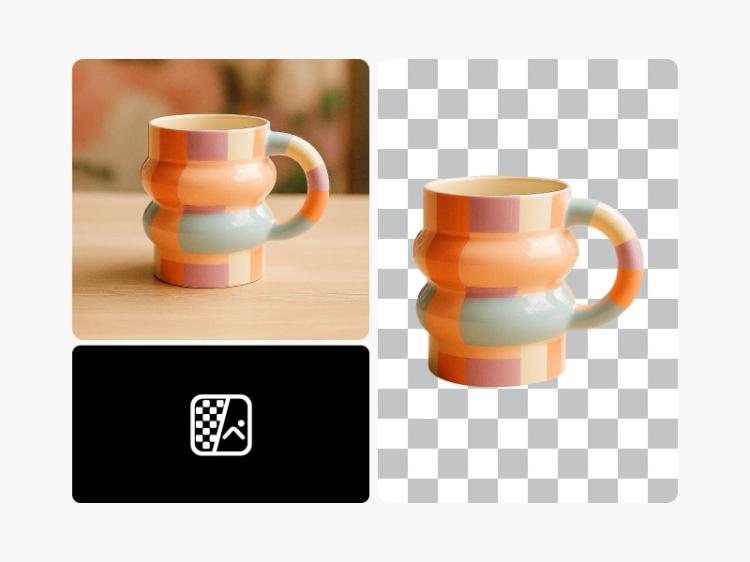
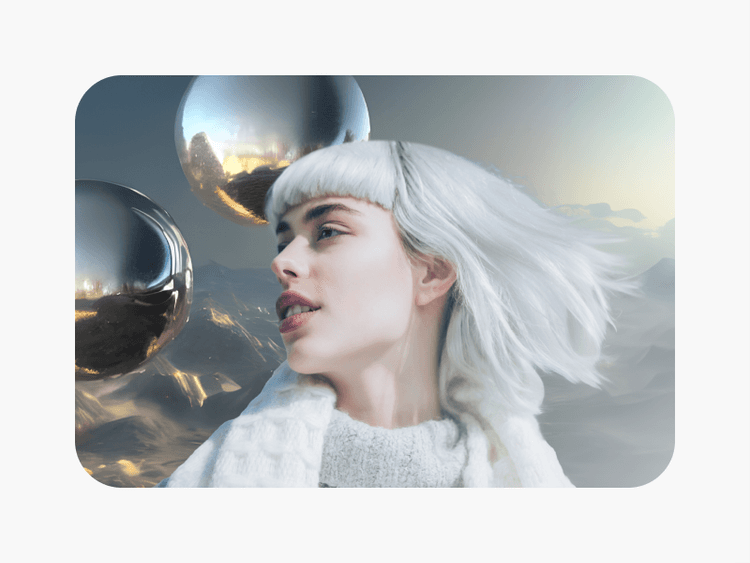
Entdecke, wie die neuesten KI-Tools deine Thumbnails mit wenig Aufwand aufs nächste Level bringen.
Öffne den Picsart Photo Editor
Öffne den Picsart Photo Editor und durchstöbere die YouTube-Thumbnail-Vorlagen, bis du die passende gefunden hast.
Lade deine Fotos hoch
Passe dein Thumbnail an
Lade dein Design herunter
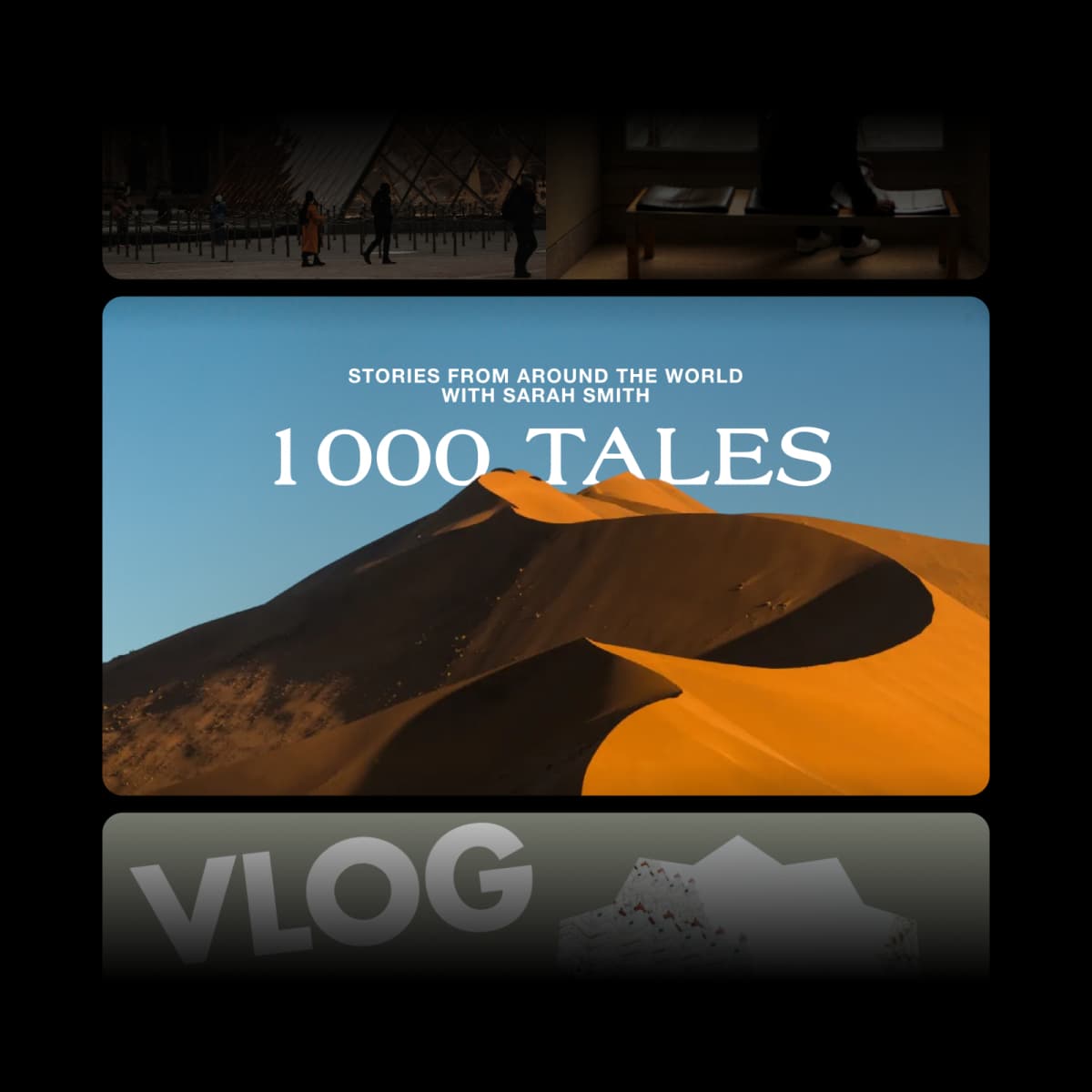
Mit kostenlosen YouTube-Thumbnails zu mehr Klicks und Aufrufen
Möchtest du mit deinem nächsten Video viral gehen? Willst du mehr Aufrufe für deine Vlogs erzielen? Um deinen Kanal wachsen zu lassen, brauchst du YouTube-Thumbnails, die deine Videos hervorheben und Klicks erzielen. Genau dabei hilft dir Picsarts kostenloser Thumbnail-Maker. Von minimalistischen Designs bis hin zu angesagten Vorlagen bietet Picsart alles, was du brauchst, um dich von der Masse abzuheben.
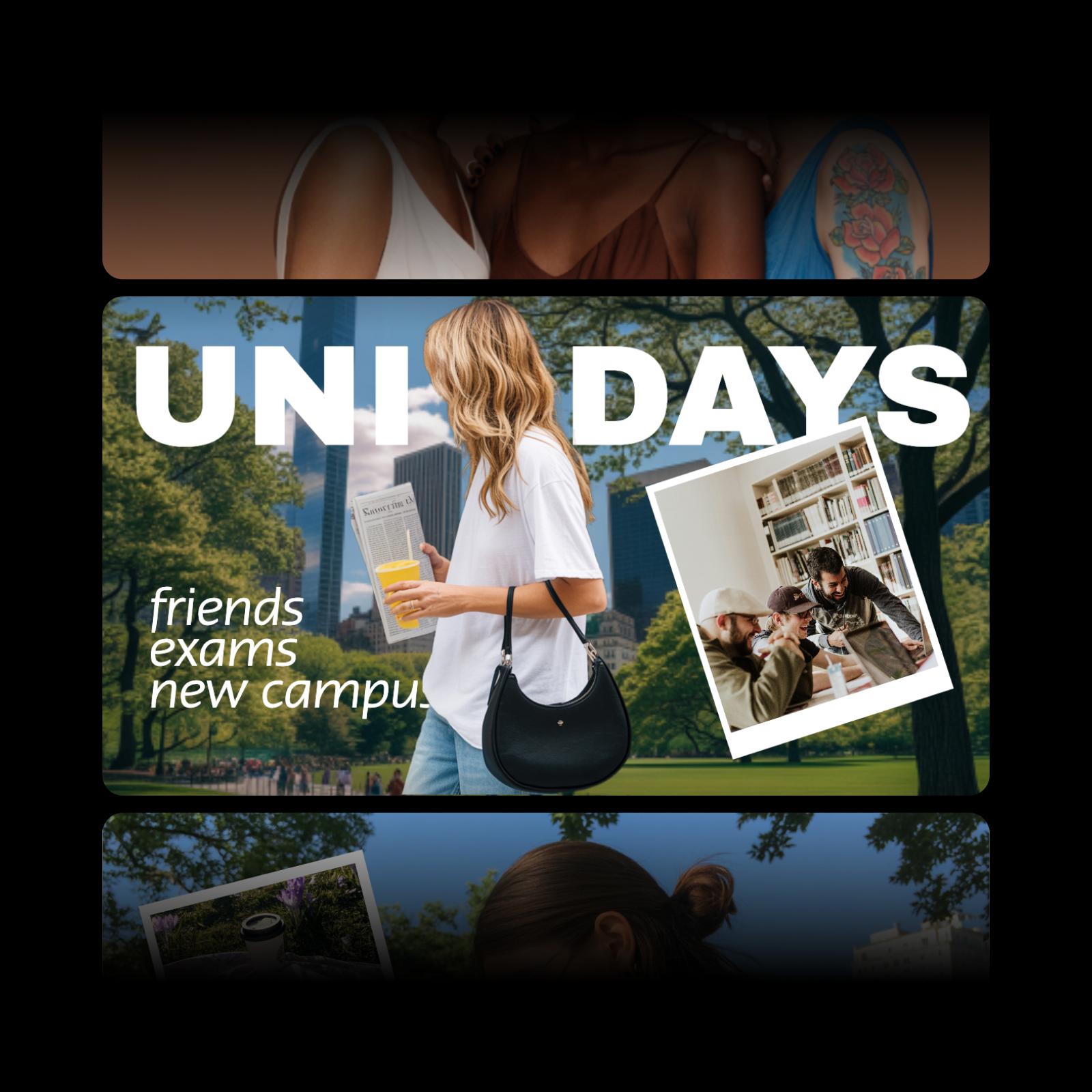
Ein benutzerfreundlicher Thumbnail-Maker
Ob Blogger, Streamer oder Influencer: Du weißt bereits, dass auffällige Thumbnails für deine Online-Präsenz unverzichtbar sind. Die gute Nachricht: Auch ohne Designerfahrung kannst du einzigartige YouTube-Thumbnails für dein Hobby, deinen Nebenverdienst oder dein Unternehmen erstellen und damit bei potenziellen Zuschauern einen guten Eindruck hinterlassen. Mit Picsarts kostenlosem Online-Thumbnail-Maker gestaltest du in wenigen Minuten individuelle Thumbnails – ganz gleich, ob du Social-Media-Manager oder Podcaster bist oder etwas ganz anderes machst.

Thumbnails von Grund auf gestalten oder individuelle Designs erstellen
Du hast schon eine Idee für dein Thumbnail? Lass deiner Kreativität freien Lauf und gestalte es mit unserer großen Auswahl an Fotoeffekten, Schriftarten, Hintergründen und vielem mehr von Grund auf neu. Du brauchst noch Inspiration, um deine Kreativität anzukurbeln? Kein Problem. Wähle eine unserer vollständig anpassbaren Thumbnail-Vorlagen und verleihe ihr deine persönliche Note.
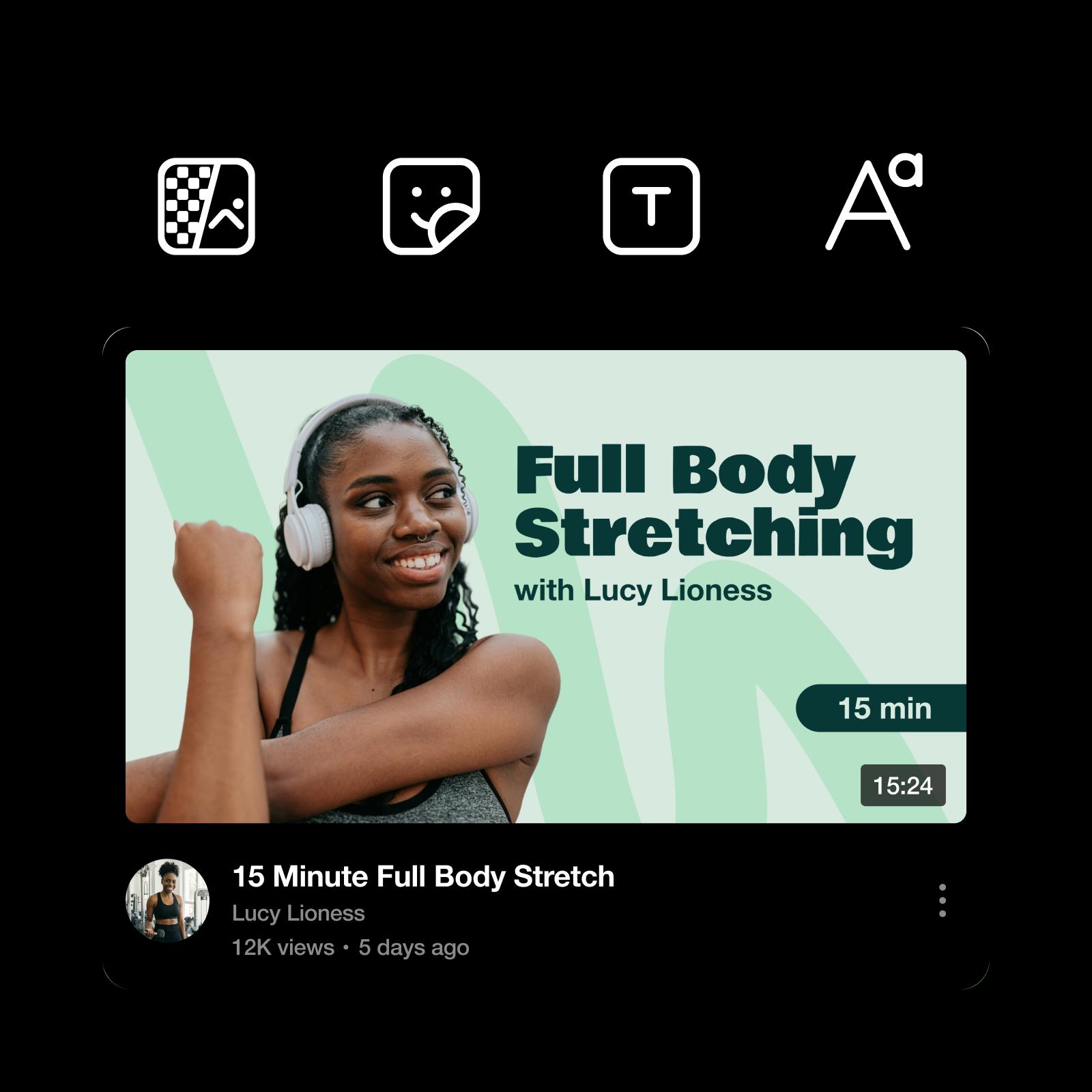
Hebe deine Thumbnails mit KI-gestützten Bearbeitungstools hervor
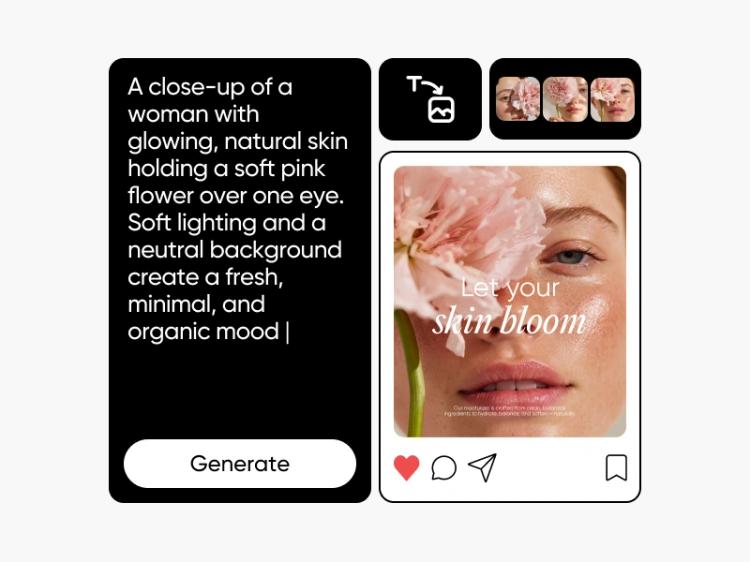
Wenn du deine kreativen Grenzen erweitern möchtest, kann künstliche Intelligenz dir dabei helfen. Du weißt nicht, wo du anfangen sollst? Gib eine kurze Beschreibung deines Videos in den AI Image Generator ein, um einzigartige Bilder für deine Thumbnails zu erstellen. Hast du schon ein Bild im Kopf, kannst du es mit Picsarts AI Photo Enhancer sofort verbessern und so für ein schärferes, klareres Ergebnis sorgen.
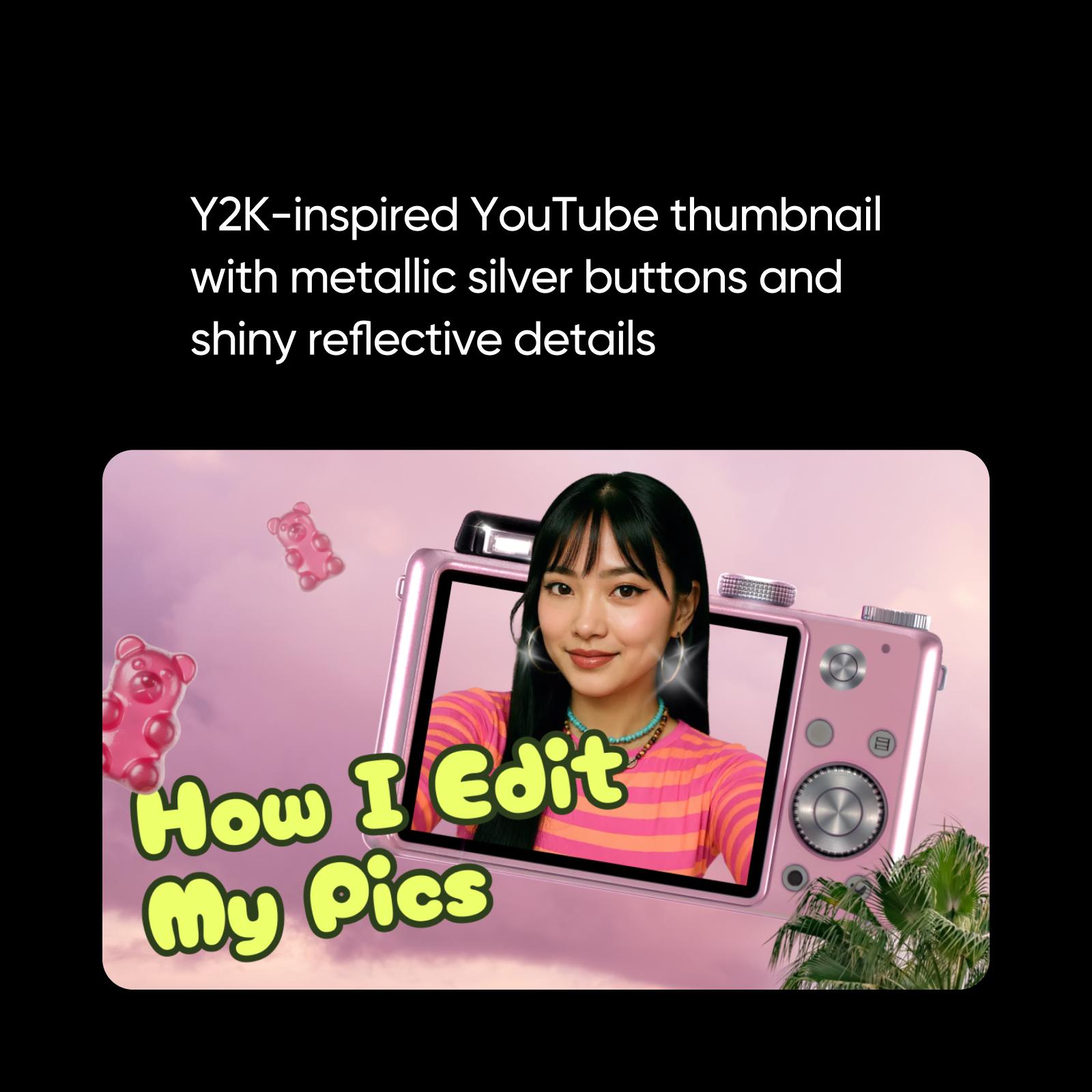
Thumbnail-Vorlagen an deine Marke anpassen
In den sozialen Medien ist das Markenimage entscheidend. Eine einheitliche Markenidentität hilft dir, deine Fangemeinde zu vergrößern und deine Zuschauer zu begeistern – und dazu gehören auch deine Thumbnails. Ob Vlogs oder Influencer-Videos: Mit Picsarts Photo Editor kannst du deine Thumbnails in wenigen Minuten anpassen. Dank der leicht verständlichen Bearbeitungstools bringst du deine Marke im Handumdrehen mit individuellen Thumbnails zur Geltung.
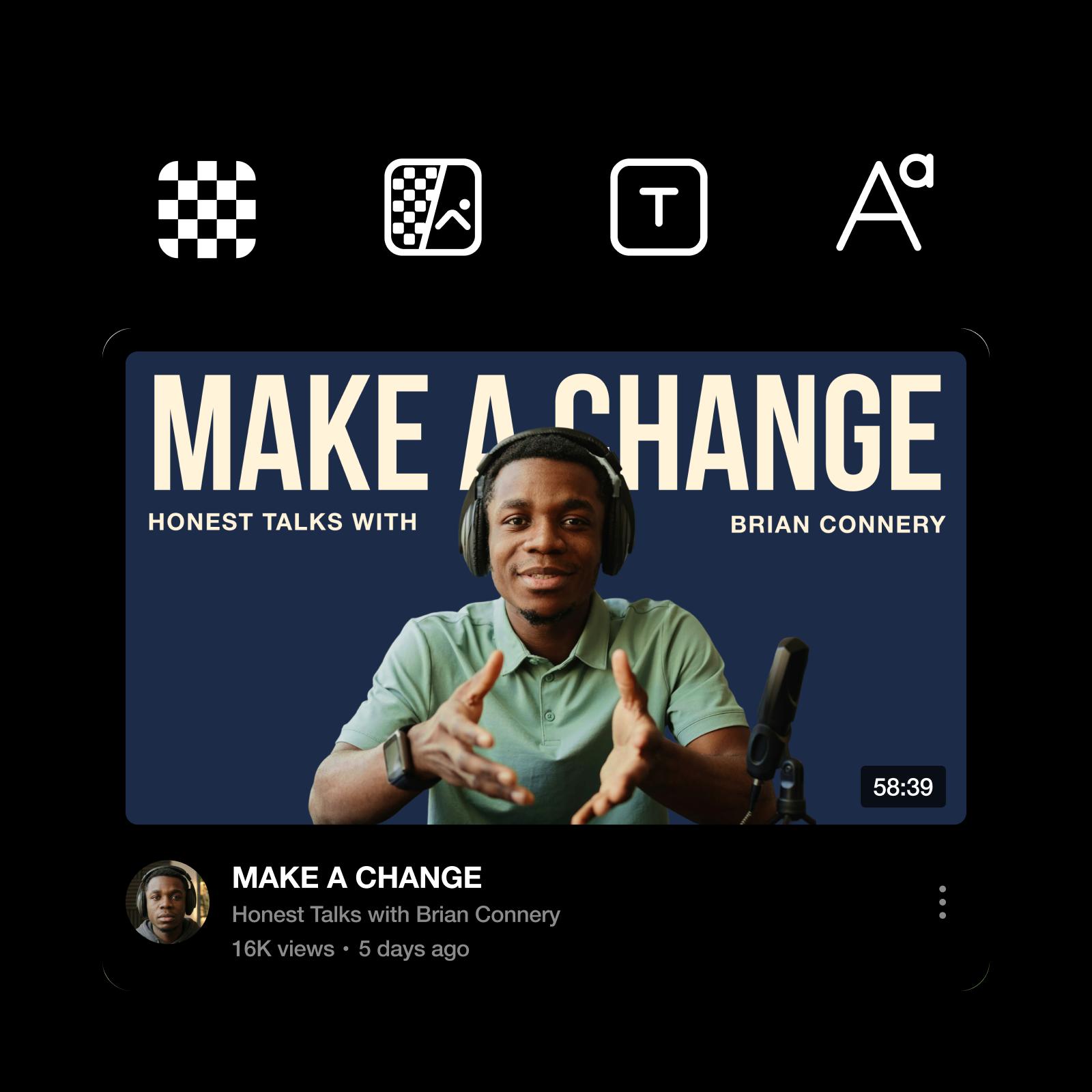
Praktische Tipps für auffällige YouTube-Thumbnails
Gestalte Thumbnails, die auf den ersten Blick ins Auge fallen, und konzentriere dich auf das Wesentliche:
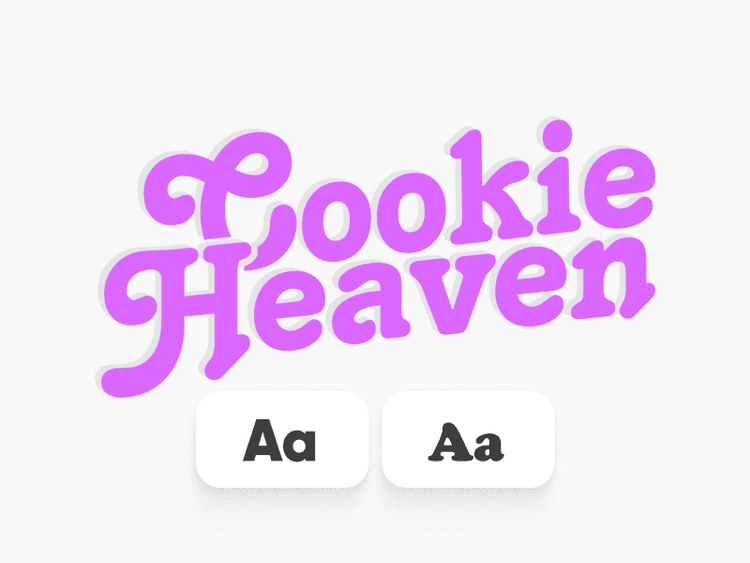
✔️ Verwende kräftige, gut lesbare Schriftarten, die auch in kleinen Größen klar erkennbar sind.
✔️ Setze auf starke Kontraste, damit Text und Bildmotive sofort ins Auge fallen.
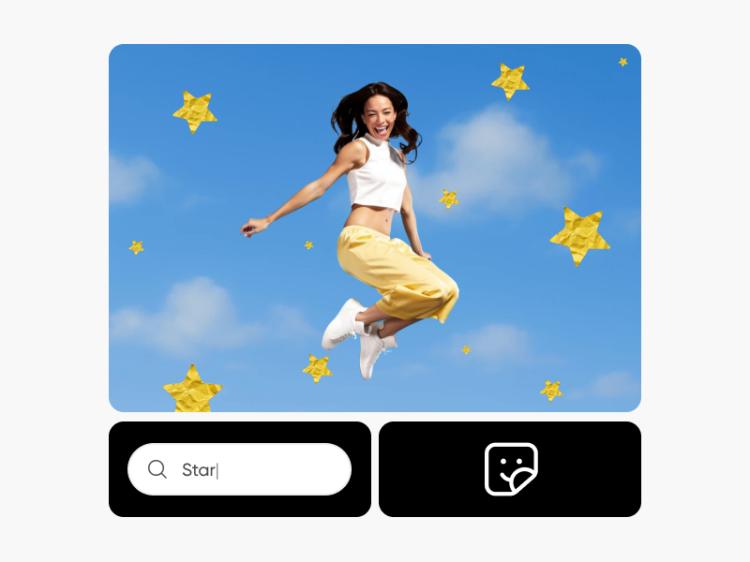
✔️ Füge Sticker hinzu oder erstelle mit dem AI Sticker Generator eigene Sticker, um Aufmerksamkeit zu erregen, ohne das Design zu überladen.
✔️ Hebe einen klaren Blickfang hervor, der sofort die Aufmerksamkeit lenkt.
✔️ Behalte einen einheitlichen Stil bei, damit deine Designs wiedererkennbar sind und du schneller arbeiten kannst.

Erstelle YouTube-Visuals schneller mit einem KI-Thumbnail-Maker
Du möchtest über die herkömmliche Thumbnail-Bearbeitung hinausgehen und neue kreative Wege entdecken? Picsart Aura bietet dir einen schnelleren Einstieg. Beschreibe einfach, was du erstellen möchtest, und lass Thumbnail-Ideen generieren, die du anschließend weiter anpassen kannst. So kommst du schneller auf Ideen, entwickelst Layouts und probierst verschiedene Looks aus – während du bei Schriftarten, Bildern und dem letzten Schliff die Kontrolle behältst.
Picsart kann mehr als nur Thumbnails erstellen
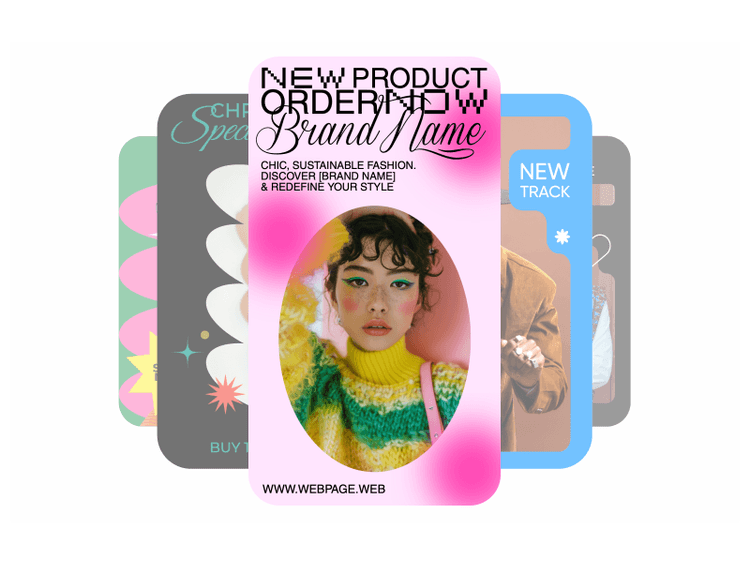
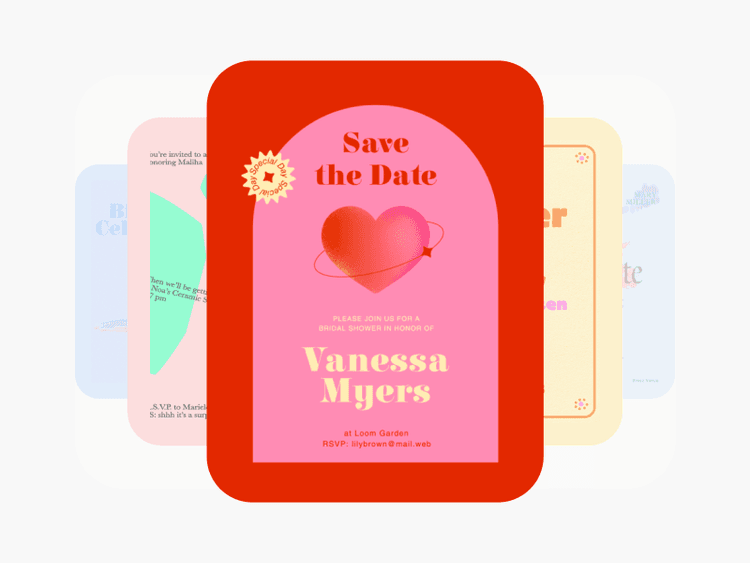
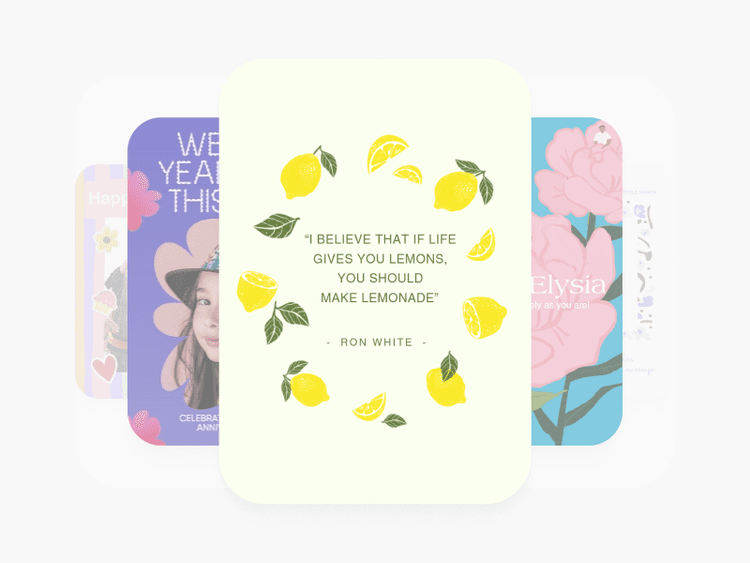
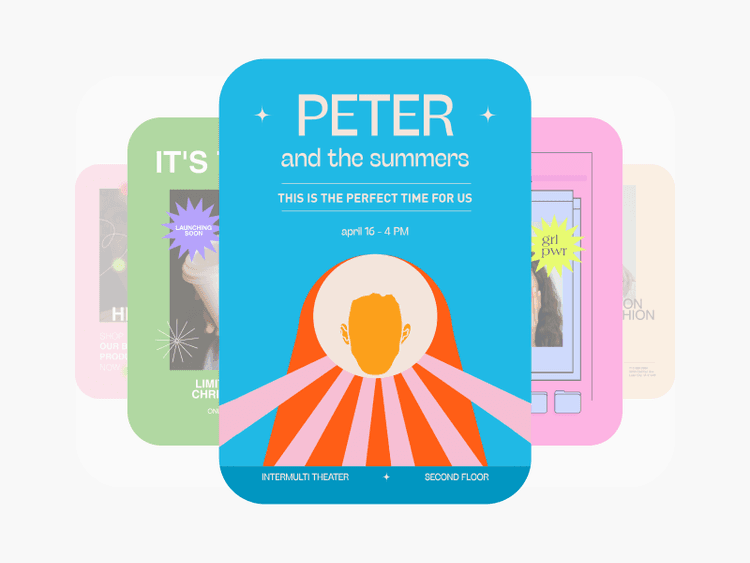
Ganz gleich, was du gestalten möchtest: Picsart bietet professionelle Bearbeitungstools, Vorlagen für soziale Medien und vieles mehr.
FAQs zum YouTube-Thumbnail-Maker
YouTube empfiehlt 1280x720 (bei einer Mindestbreite von 640 Pixeln). Außerdem dürfen Bilddateien nicht größer als 2 MB sein.
Das hängt ganz von dir, deinem Ziel und deinem YouTube-Kanal ab. Manche Creator verwenden ein Profilbild, andere zeigen ihre Marke oder ein Bild, das die Ästhetik ihres Kanals widerspiegelt.
Zusätzlich zu den oben genannten Größenanforderungen müssen Bilder laut YouTube in einem Bildformat wie JPG, PNG oder GIF hochgeladen werden.
Unser Online-Thumbnail-Maker ist kostenlos. So kannst du deine Thumbnail-Designs verbessern, ohne dir Gedanken über Kosten oder das Herunterladen von Software anderer Anbieter machen zu müssen.
Ja! Wenn du mit deinem Thumbnail fertig bist, kannst du dein Design in einem Dateiformat herunterladen, das für dich passt.
Um deine Designs zu speichern, wähle Export und anschließend Download.
Mit Picsarts Thumbnail-Maker erstellst du Thumbnails im Format 12870x720, die du auf jeder Plattform verwenden kannst.
Überlege dir, welches Bild neue oder wiederkehrende Zuschauer in ihren Feeds sehen sollen, wenn sie auf deine Links oder dein Profil stoßen. Gestalte dann ein Bild, das einen authentischen Eindruck davon vermittelt, was sie von den Inhalten deines Kanals erwarten können.
Natürlich! Mit den Vorlagen im Picsart Thumbnail-Maker für YouTube kannst du Sticker, Text, Effekte und vieles mehr hinzufügen. Probiere verschiedene Möglichkeiten aus, bis die Vorlage ganz deinen Vorstellungen entspricht.
Entdecke weitere Bearbeitungstools
Entdecke deine kreative Seite mit unseren leicht verständlichen Bearbeitungstools.
YouTube-Thumbnail-Vorlagen
It’s easy to create art with graphic design templates. Choose from stunning templates made by professional designers and edit them with just a few clicks.
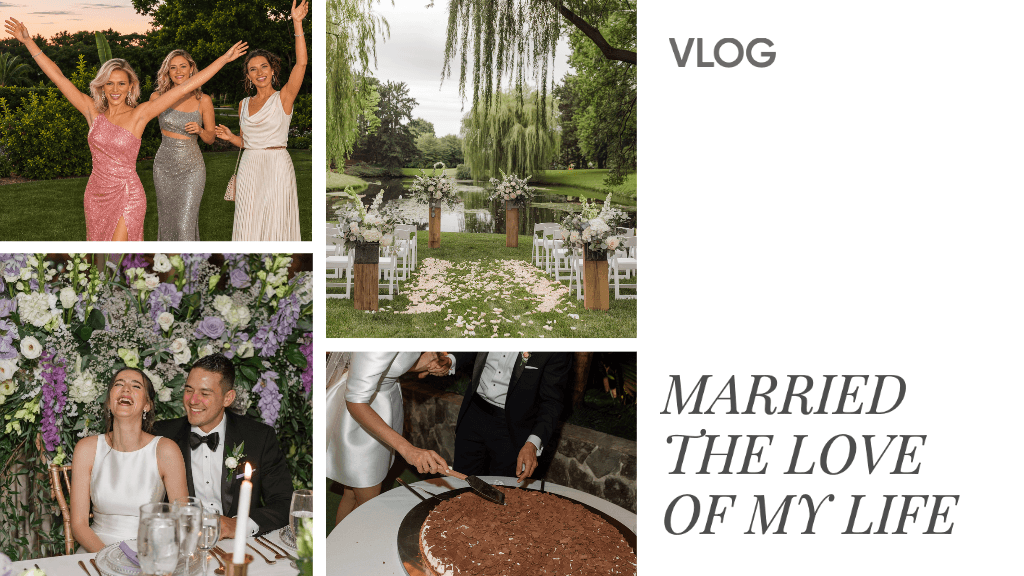
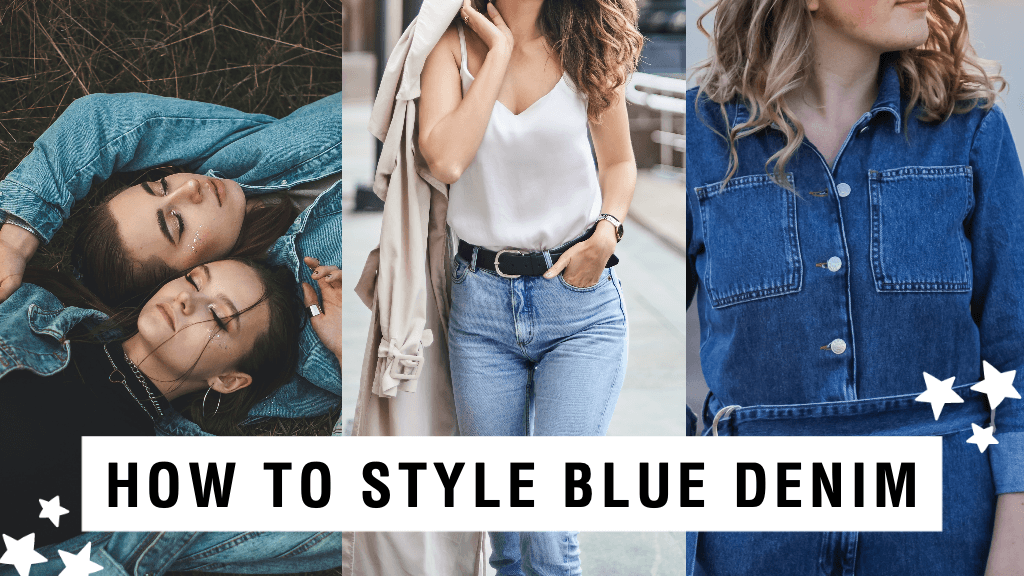
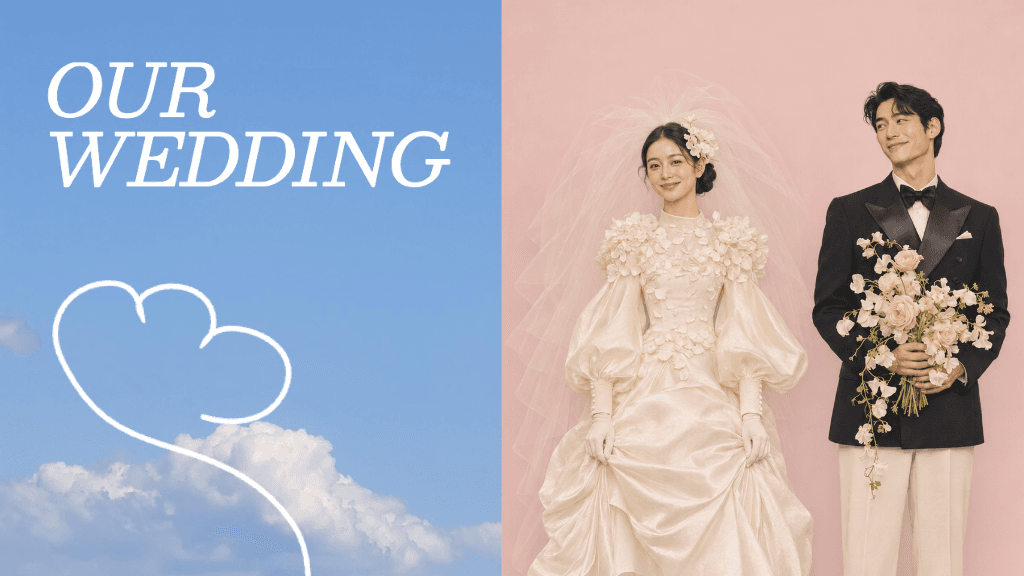

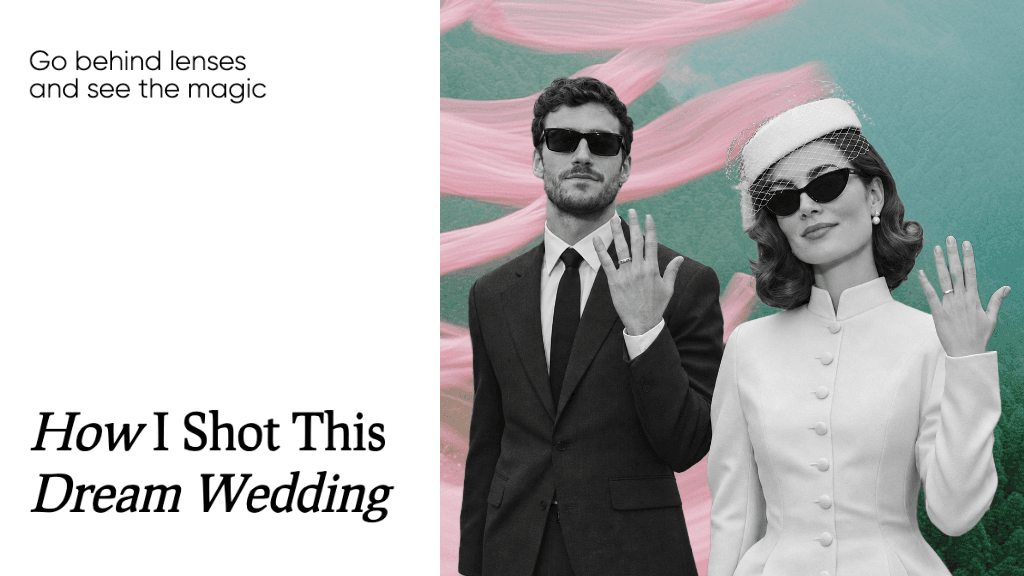
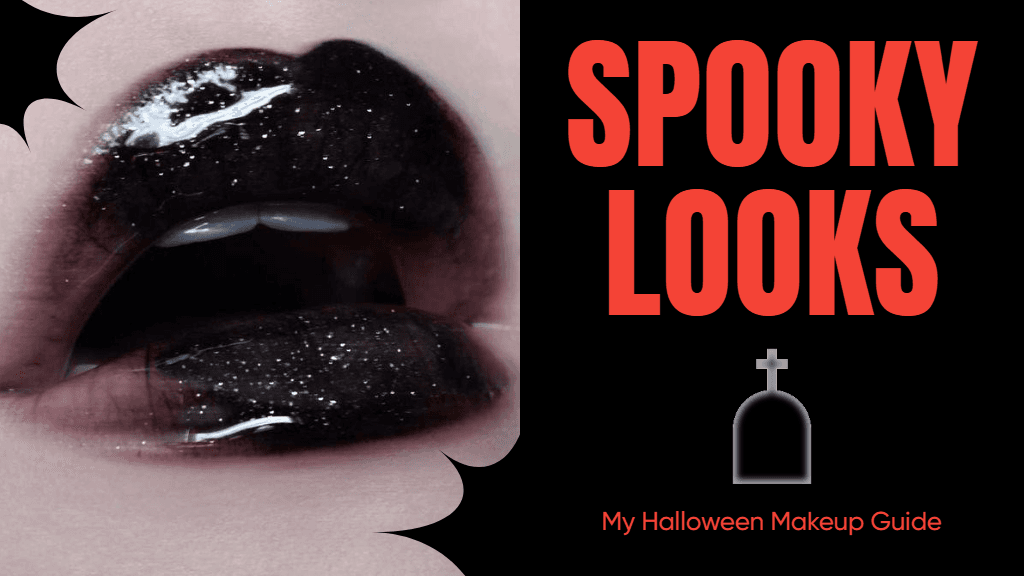
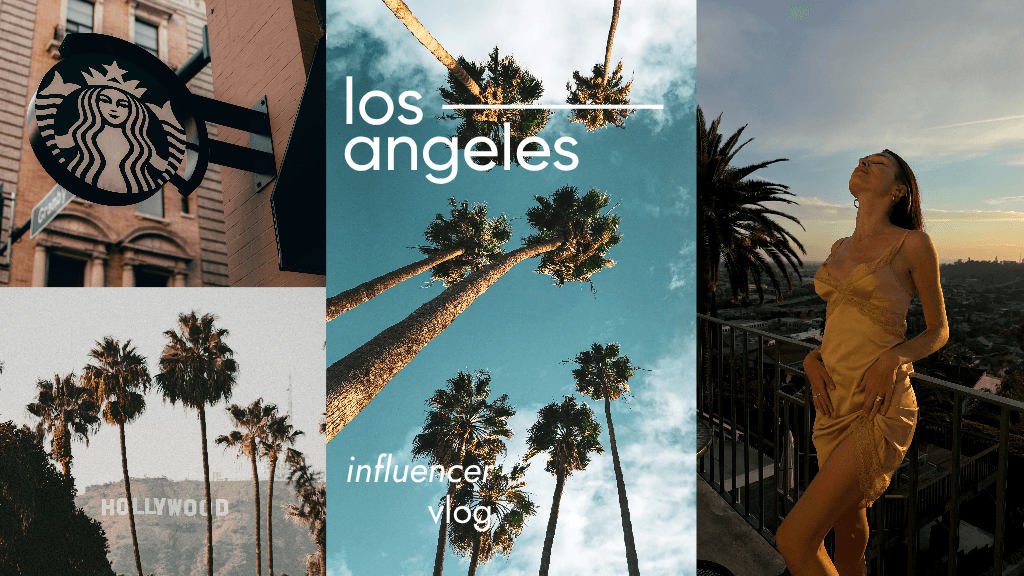
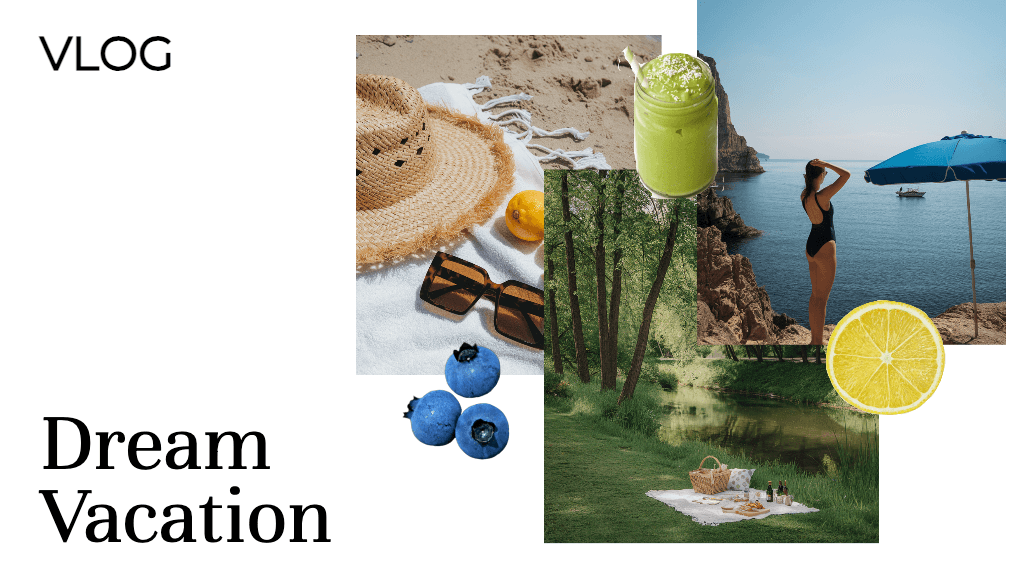

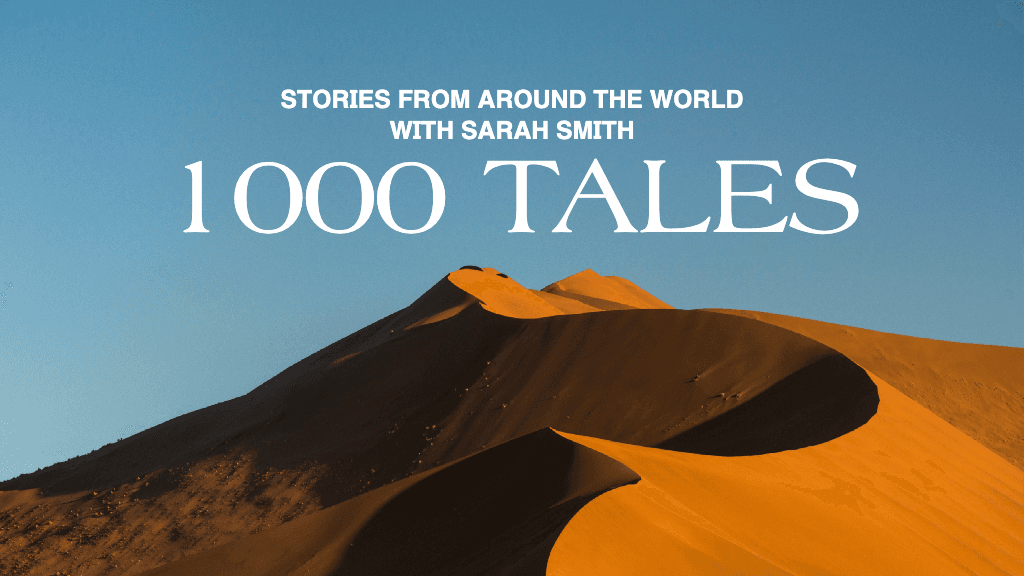
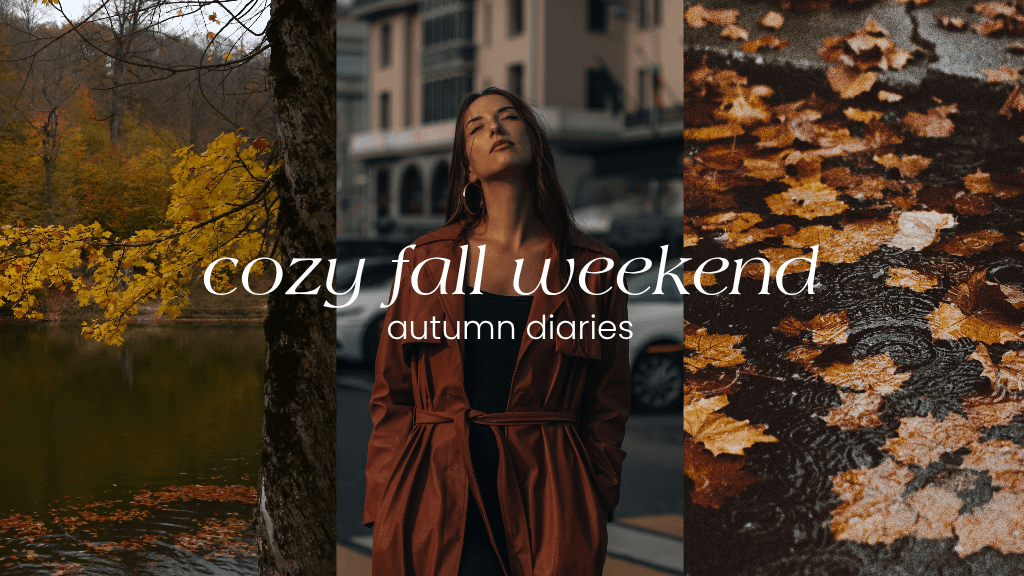


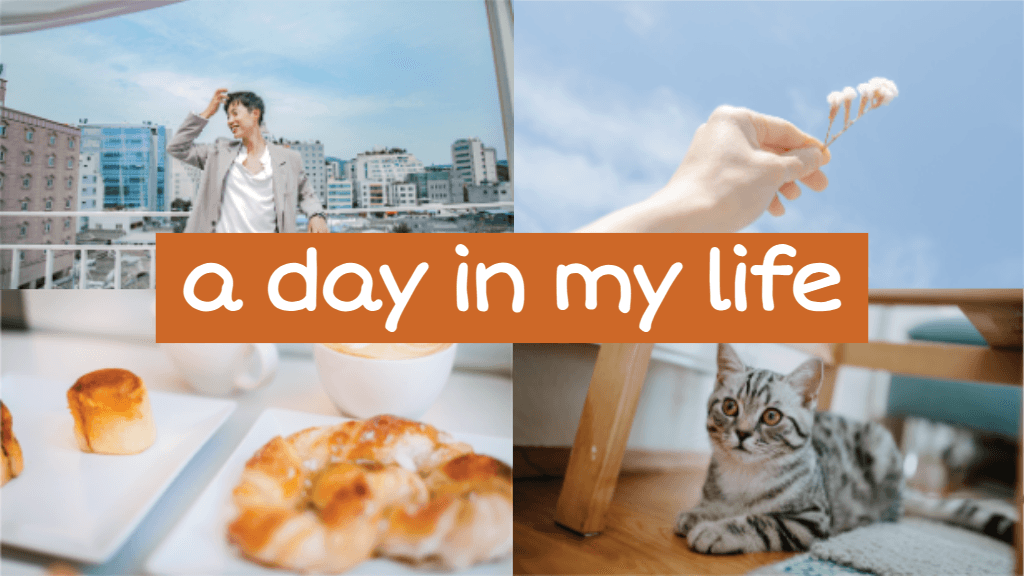
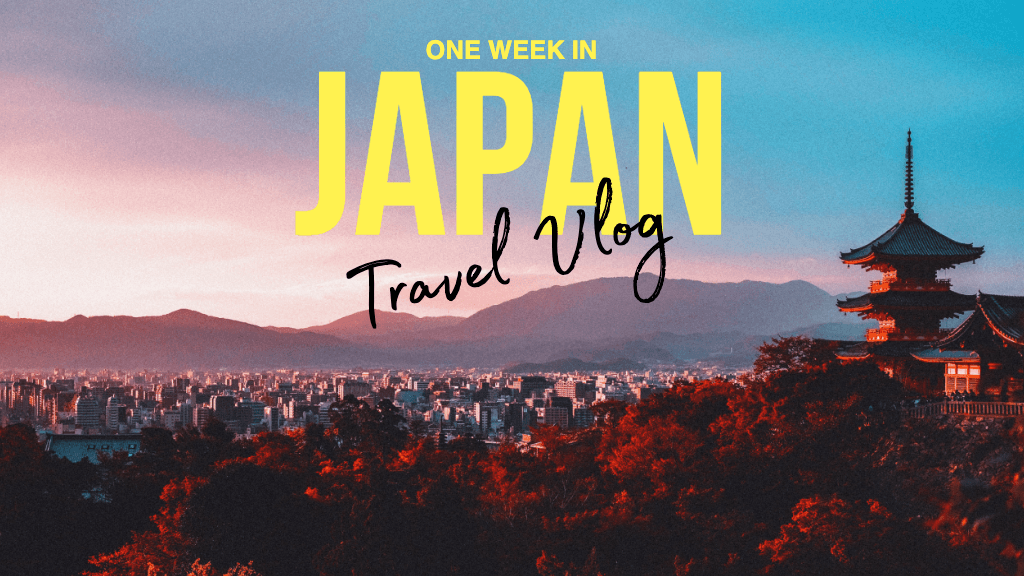
Gestalte YouTube-Thumbnails für Social-Media-Kanäle und Creator-Inhalte
Pro
Most popularAI tools for everyday creative work.
Ultra
Most powerfulHeavy AI usage for creators & teams.