Online bookmark maker: Design unique bookmarks
Create bookmarks to track the progress of your reading journey. Picsart’s bookmark maker lets you design bookmarks that reflect your creativity or brand for personal use, gifts, or promotional purposes. With customizable templates, vibrant graphics, and an easy-to-use editor, anyone can craft eye-catching book accessories in just a few steps.
- Keep your favorite words close
- Add a personal touch
Design bookmarks with AI image models
Use image models to transform bookmarks into polished visuals, design ideas, and ready-to-edit assets.
Bookmark maker
Create bookmarks online in minutes thanks to Picsart's easy-to-use tools and customizable designs.
Pre-designed templates
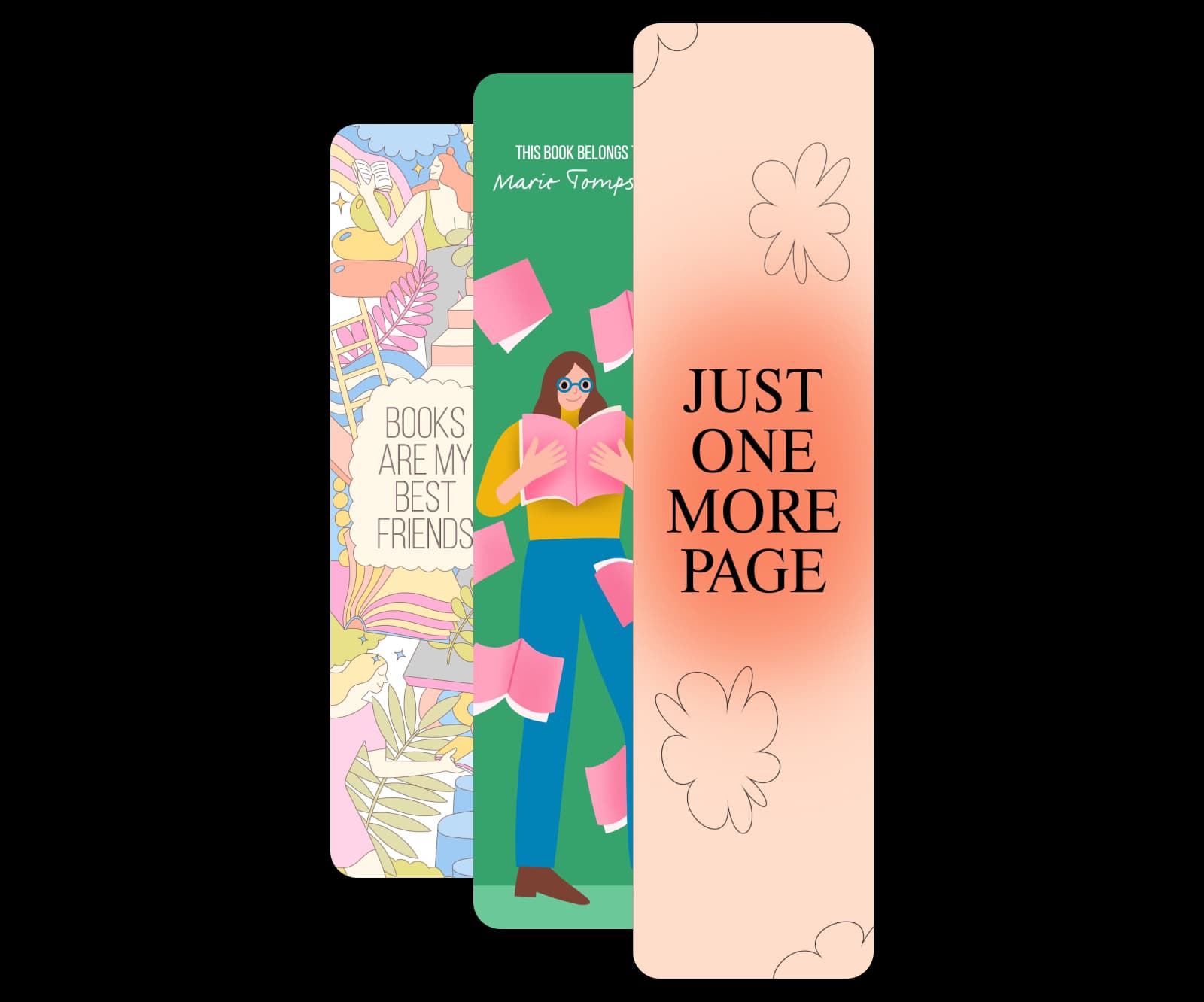
Save time with expertly crafted bookmark templates. Whether you’re creating literary-themed designs, modern styles, or playful concepts, there’s a template for every personality.
Full customization
Personalize every detail, from text and layouts to colors and graphics. Add quotes, patterns, or artwork to match your vision.
Get instant inspiration with bookmark templates
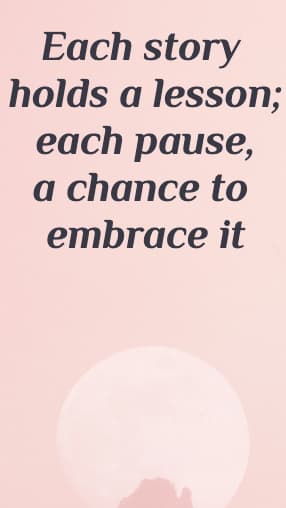
Design bookmarks easily with Picsart’s templates—ideal for gifts, school, or promotions in styles from elegant to fun.





How to make a bookmark with Picsart
Create personalized bookmarks for every occasion
Bookmarks aren’t just a practical marketing tool—they’re a canvas for creativity. Design custom bookmarks for personal reading, gift bundles, or branded giveaways. Picsart’s online bookmark maker allows you to add heartfelt messages, motivational quotes, or illustrations to create a completely unique design. Make bookmarks for classrooms, book clubs, and promotional campaigns to make a lasting impression on recipients while boosting brand visibility.
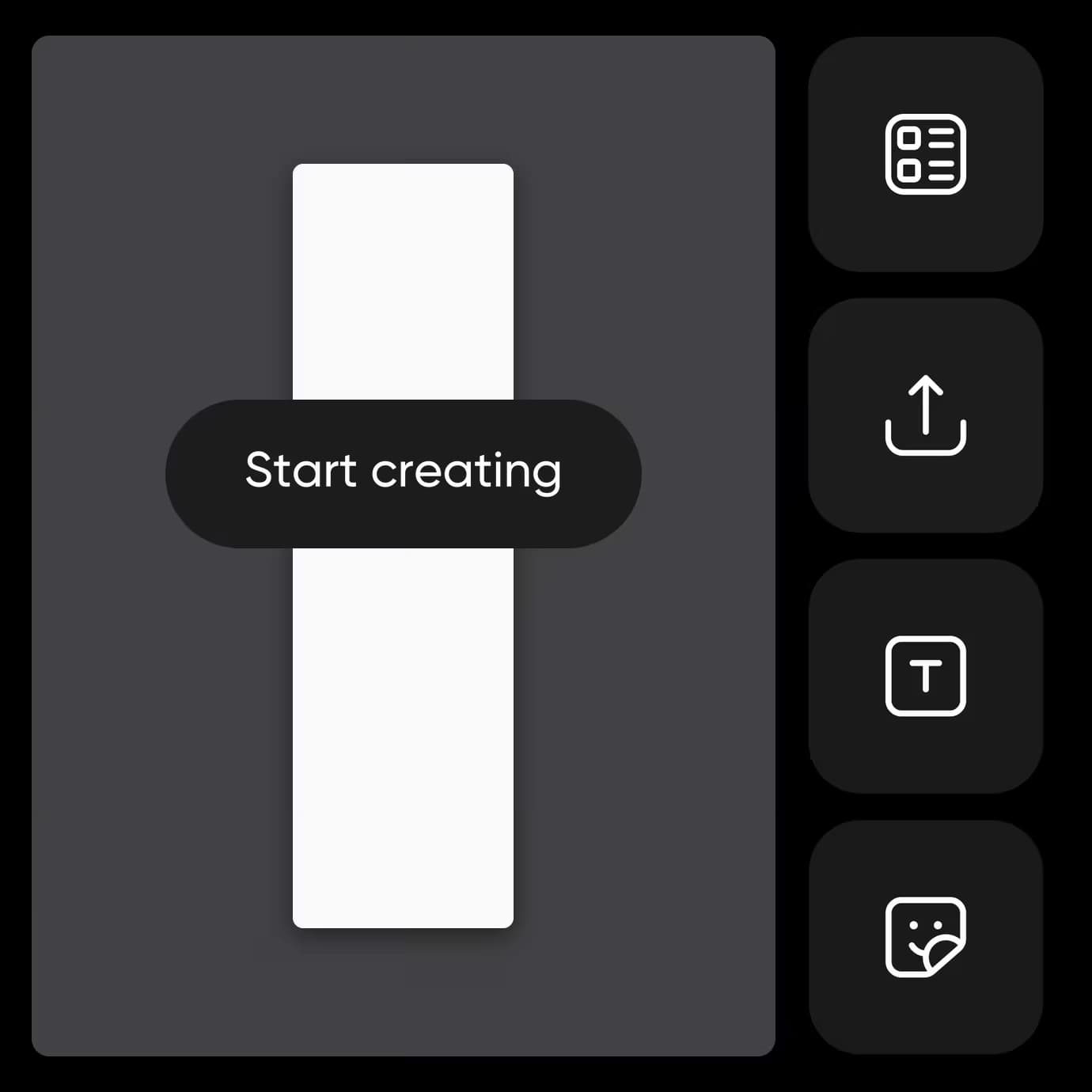
- Refine the details in the editor
Design effortlessly with professional bookmark templates
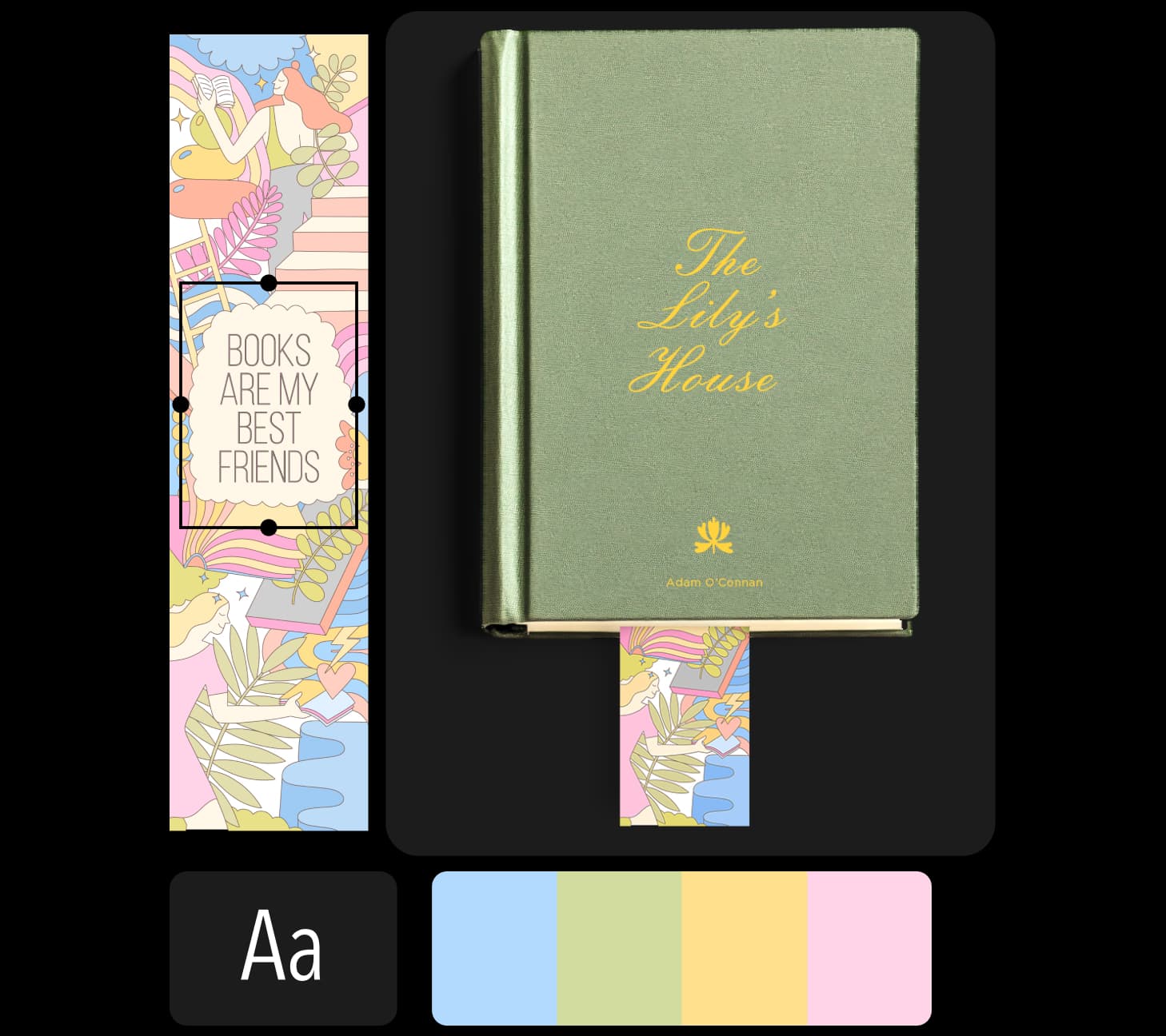
Create print-ready bookmarks in no time with the help of DIY editing tools and preformatted templates. Use Picsart’s bookmark creator to quickly and easily find the best layout for your project. Then, make simple adjustments with the editor's intuitive drag-and-drop tools to achieve your creative vision—no design experience necessary.

Customize bookmarks for your target audience
Make bookmarks that are as creative as the stories they accompany with Picsart’s powerful bookmark maker. From text overlays with inspirational quotes and playful phrases to bold patterns and textures, aim for a unique look tailored to your target recipients. Upload photos or artwork for a fully customized result, and use features like the background remover to refine your design. Picsart lets you resize, edit, and fine-tune every detail and conveniently reuse saved designs for faster output.
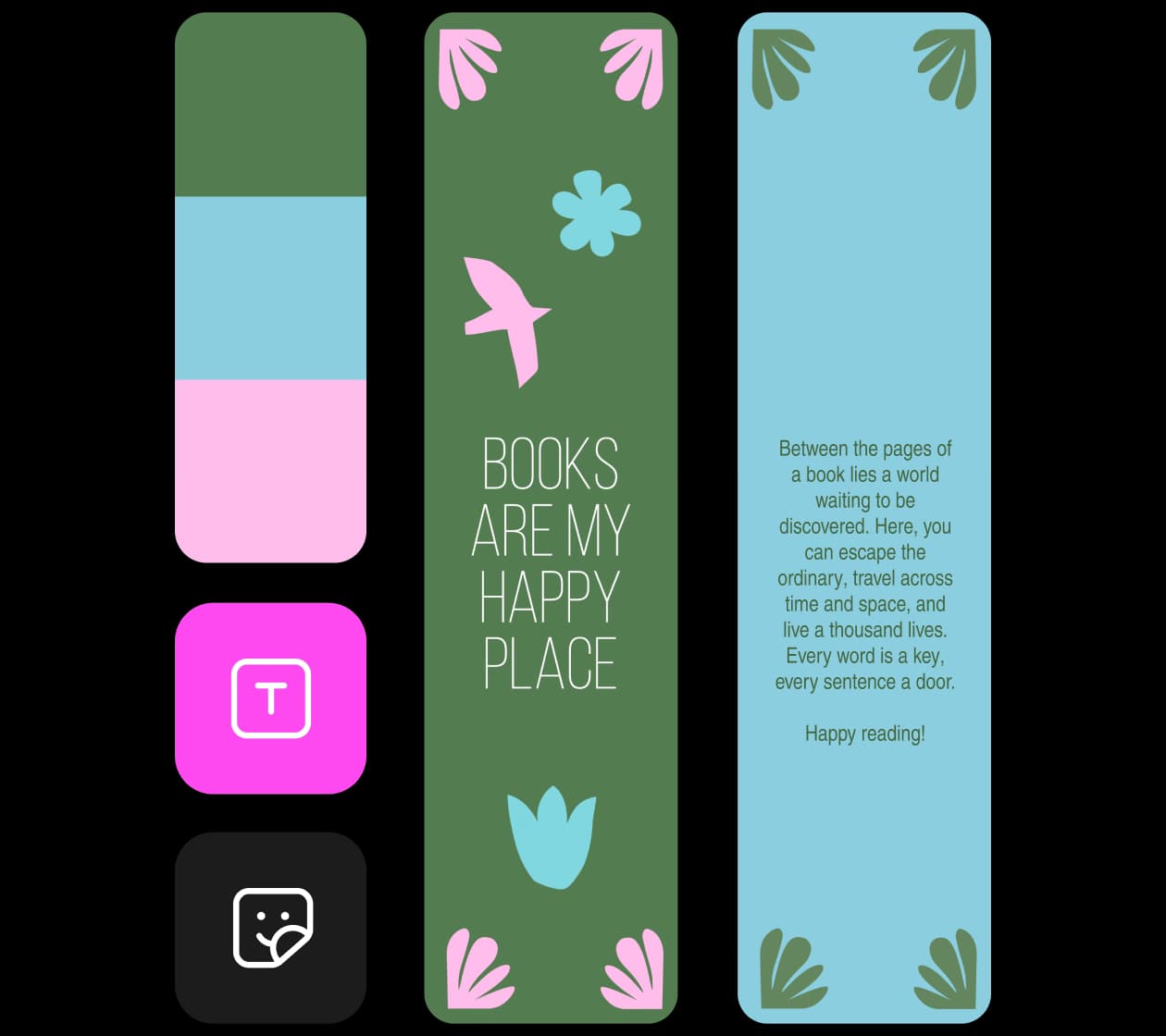
Create inspiring designs with Picsart’s bookmark maker
Picsart gives you all the tools you need to create unique bookmarks with ease. Whether you’re crafting personalized gifts or promotional materials, it only takes a few minutes to make a standout design.
Make it your own
Design bookmarks using Picsart’s tools and templates.
Easy to edit
Beginner-friendly editing tools make creating bookmarks quick and simple.
Pre-designed templates
Start with bookmark templates tailored for different themes, from classic to modern.
Full customization
Adjust text, colors, graphics, and layouts to match your purpose and style.
Unique fonts
Choose from a library of creative fonts, or upload your own to add personality to your bookmarks.
Stickers and graphics
Add decorative elements like icons, illustrations, and stickers to make your bookmarks pop.
High-resolution downloads
Download your finished design in high resolution for crisp and professional results.
Perfect for every reader
Craft bookmarks for personal use, book clubs, promotional events, or gifting.
Bookmark maker FAQ
This design workflow is paid. Check the current plan options and included features on the Picsart pricing page before starting.
Picsart Featured In






Design bookmarks for publishing, promotion, and content
Pro
Most popularAI tools for everyday creative work.
Ultra
Most powerfulHeavy AI usage for creators & teams.