プロフィール画像メーカー:AIでオリジナルのPFPを作成
Picsart Flowで写真、テンプレート、プロンプトからプロフィール画像を作成できます。AIがLinkedIn、WhatsAppなど、あらゆるプラットフォーム向けのPFPを作成。新しい雰囲気にしたいときは、いつでも別のスタイルで再生成できます。
- 1枚の自撮り写真から、顔写真やアバター、漫画風スタイルを作成
- 撮影スタジオなしで背景や照明を変更
- あらゆるSNSに合う正方形サイズにトリミング
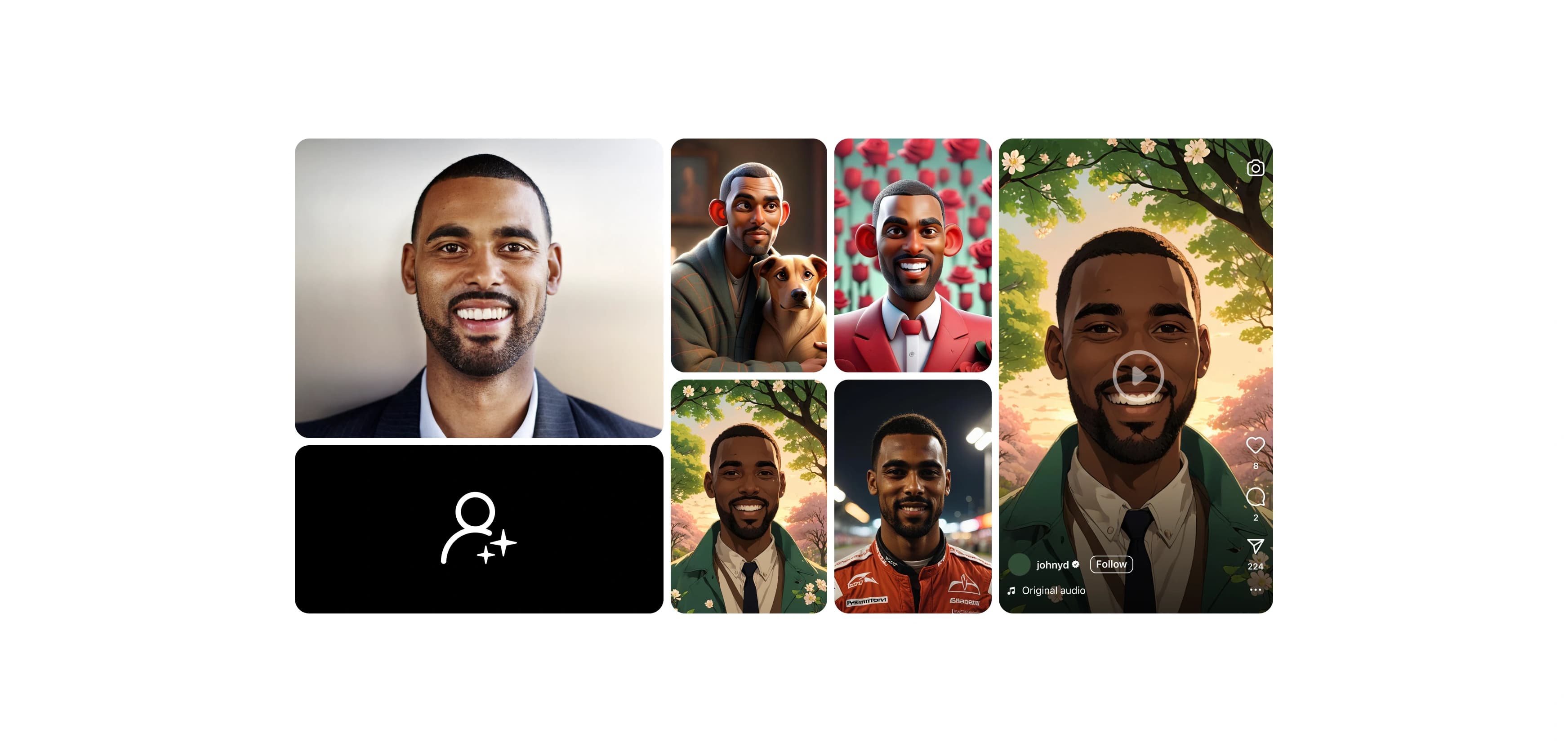
最先端のAI画像モデルでプロフィール画像を作成
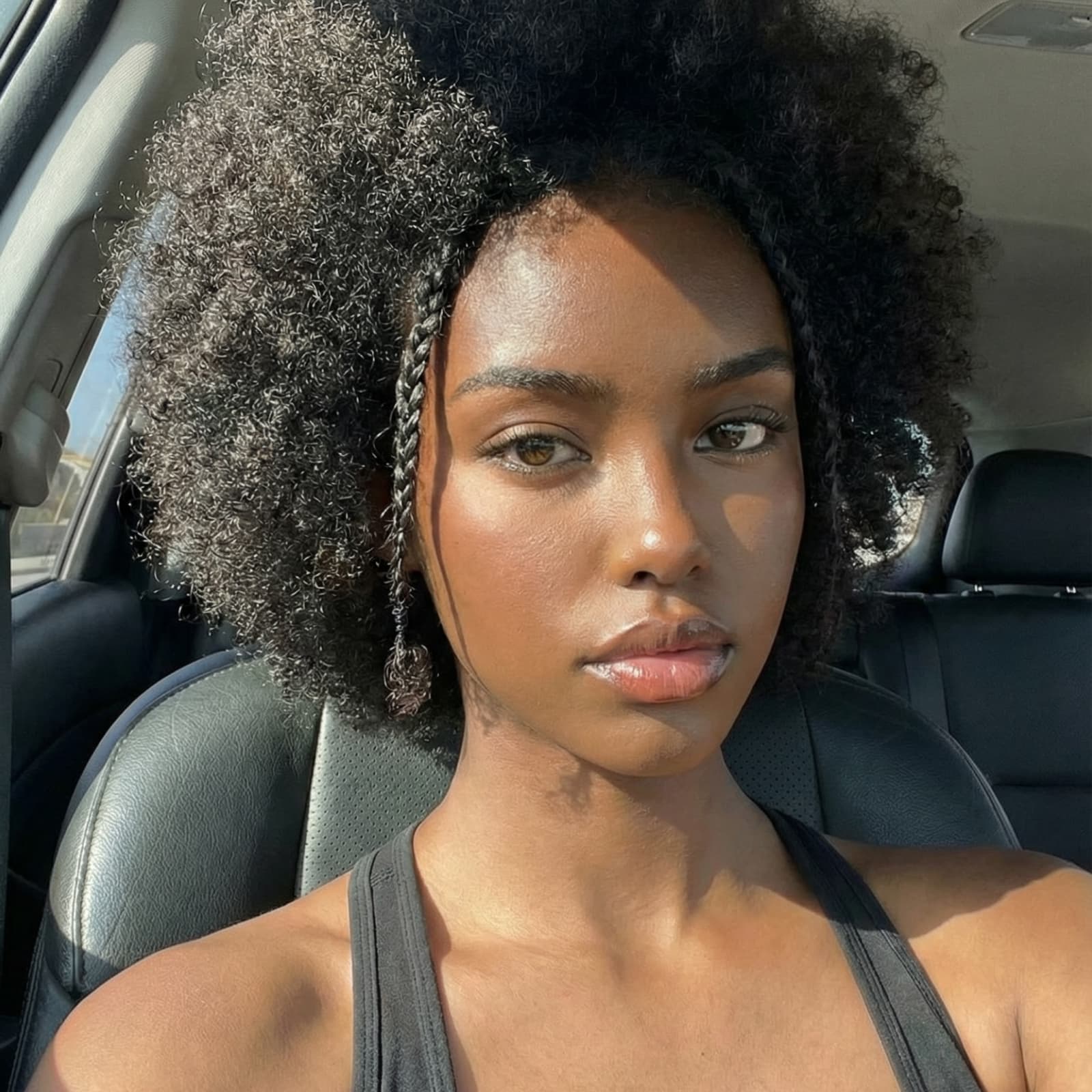
既製のプロフィール画像ワークフローですばやく作成
作りたい雰囲気に近いワークフローを選び、自撮り写真に差し替えて実行するだけ。手順を変更して何度でも実行し、理想の仕上がりに近づけられます。


Picsart Flowで作れる画像を見る


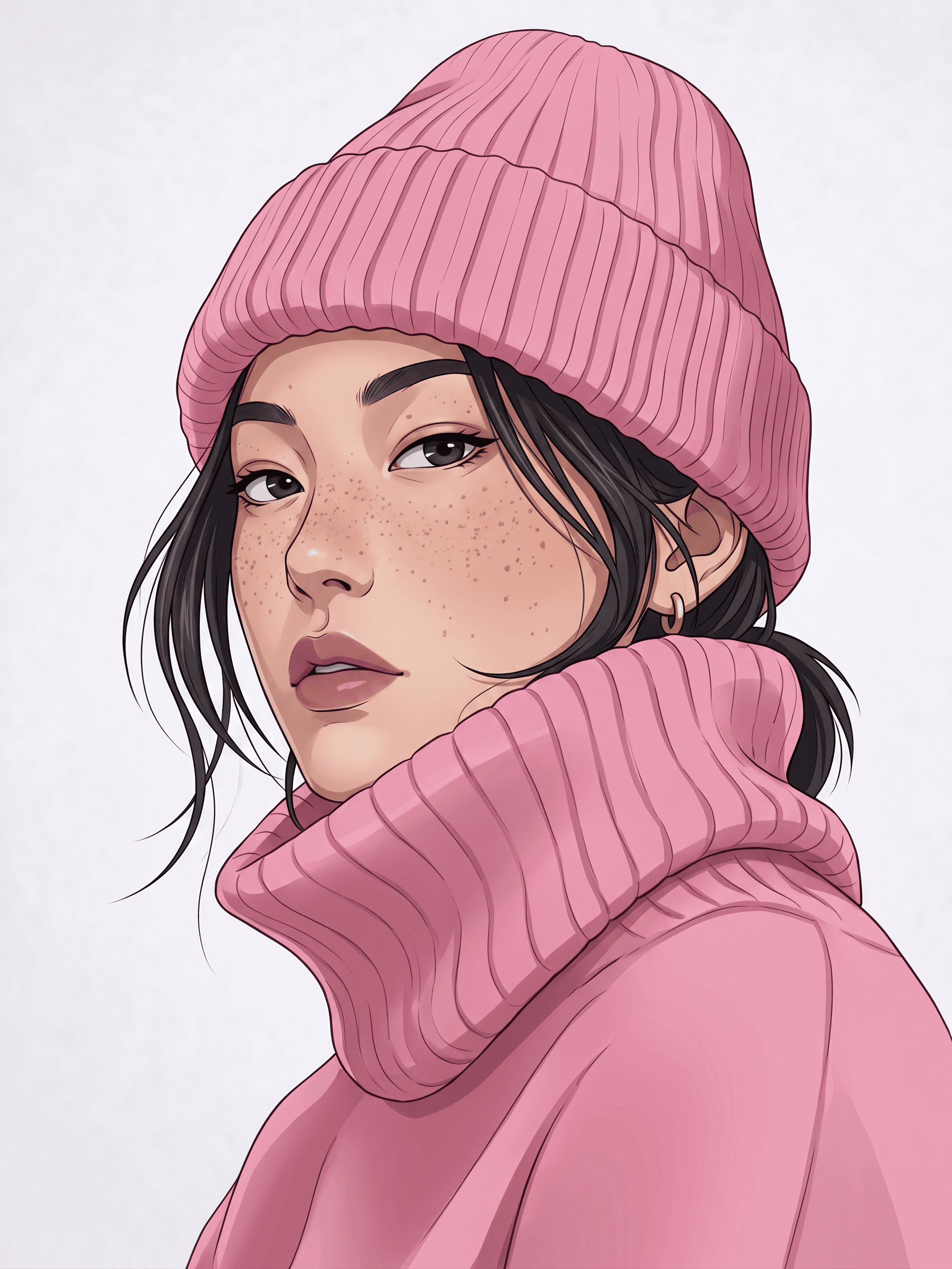
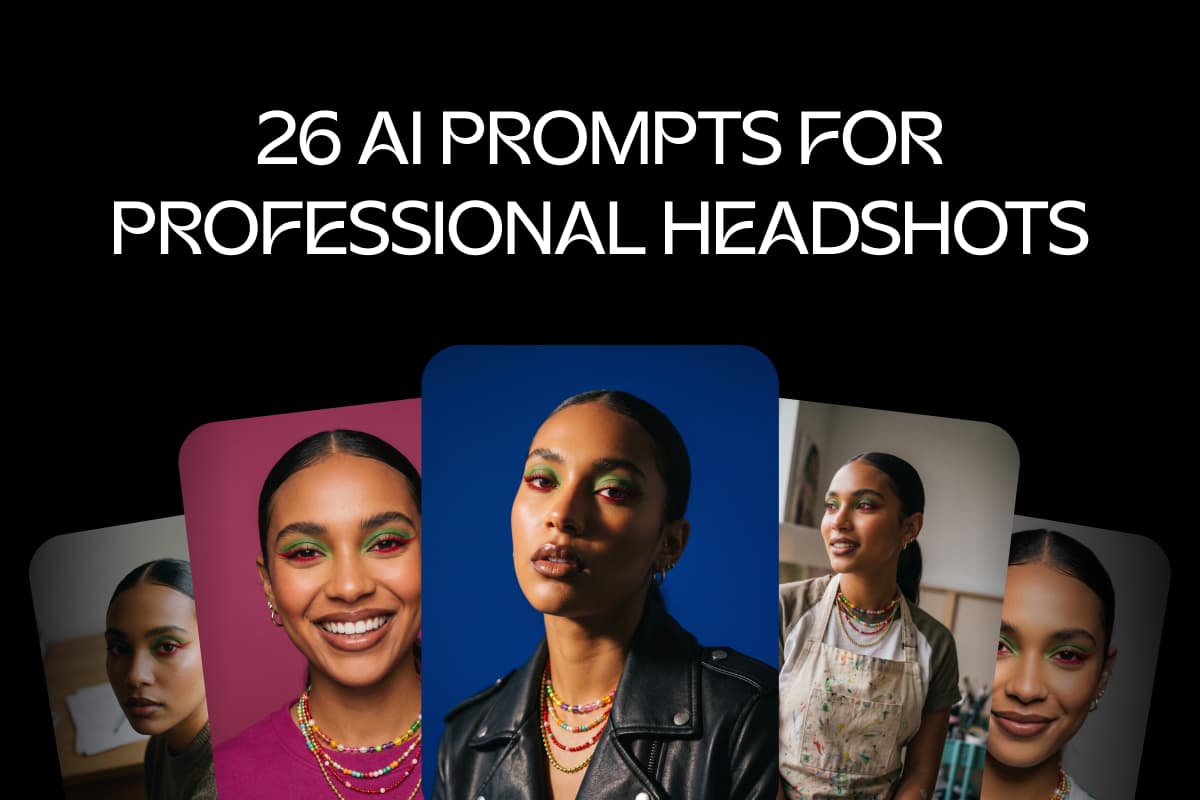
LinkedIn、Slack、会社のページですぐに使える、洗練されたオフィスでの顔写真や街中のポートレートを正方形・縦長で作成。
手軽にオリジナルのプロフィール画像をデザイン
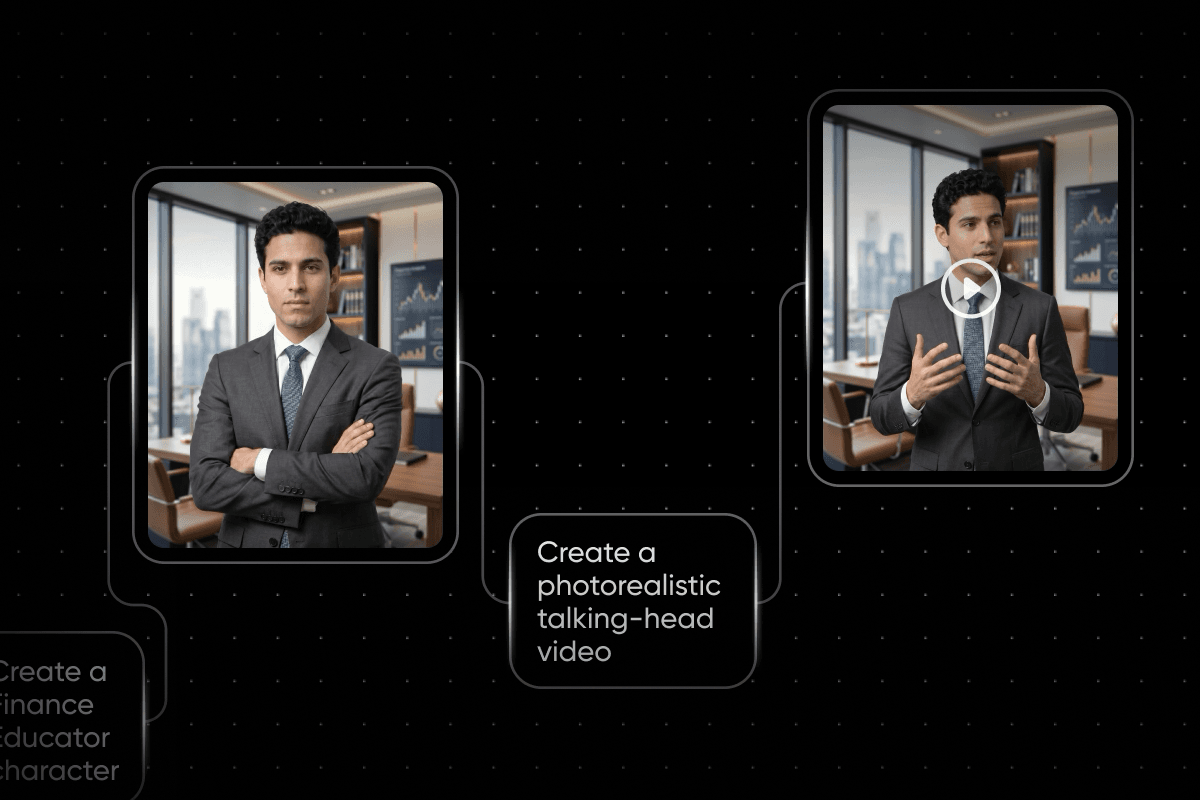
このオンラインプロフィール画像メーカーなら、何気ない写真をスタジオ撮影のように洗練されたPFPに仕上げられます。自撮り写真をFlowワークフローに取り込むと、AIモデルが照明を整え、背景を差し替え、正方形に収まるように構図を調整します。さらに細かく調整したい場合は、プロンプトを変更するか、右クリックして別のAIモデルを挿入し、再度実行できます。Flowのワークフローをすばやく作成するツールを使えば、複数のノードの設定を一度に変更して、ワンクリックで一連の処理を再実行できます。
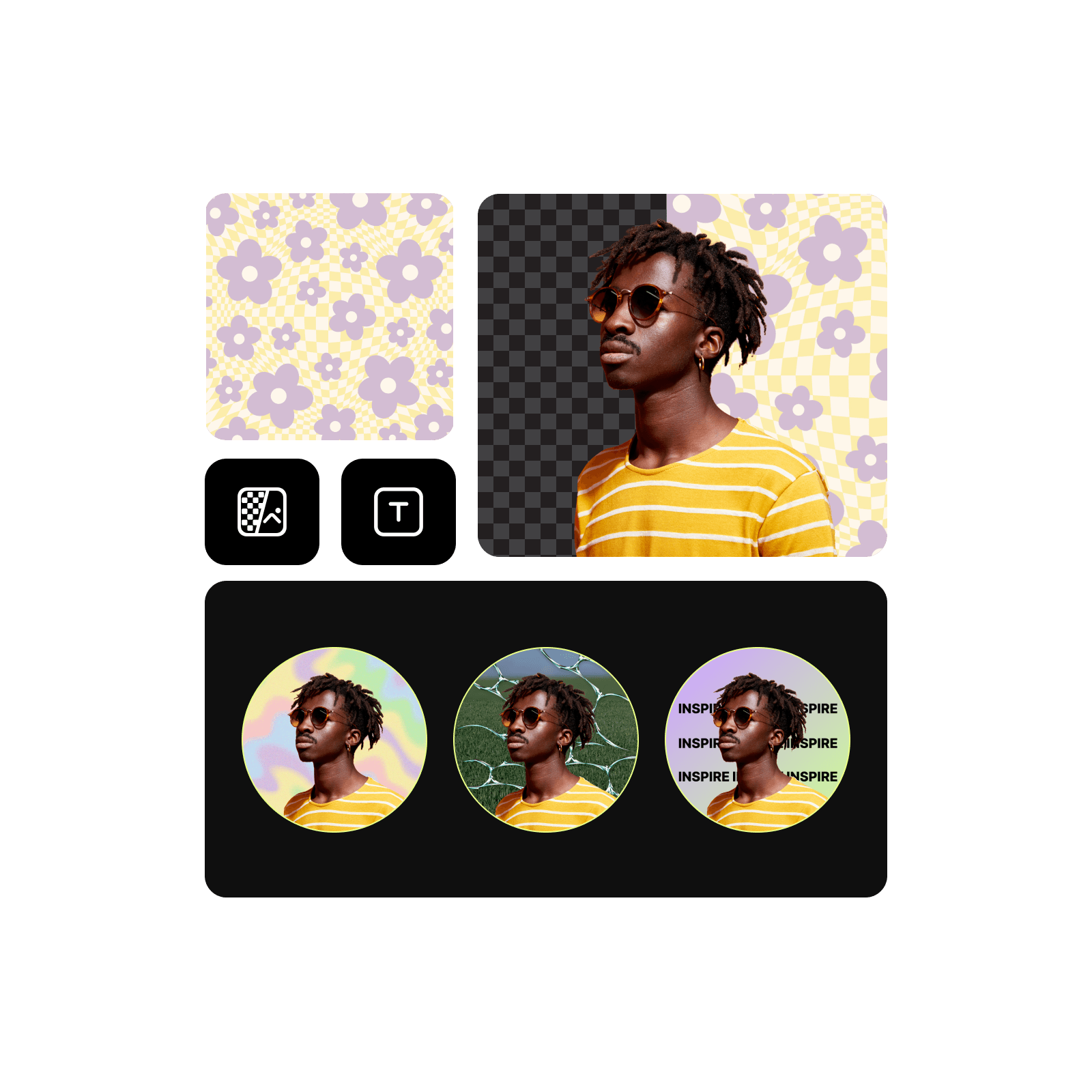
プロフィール画像テンプレートでオンラインでの存在感を高める
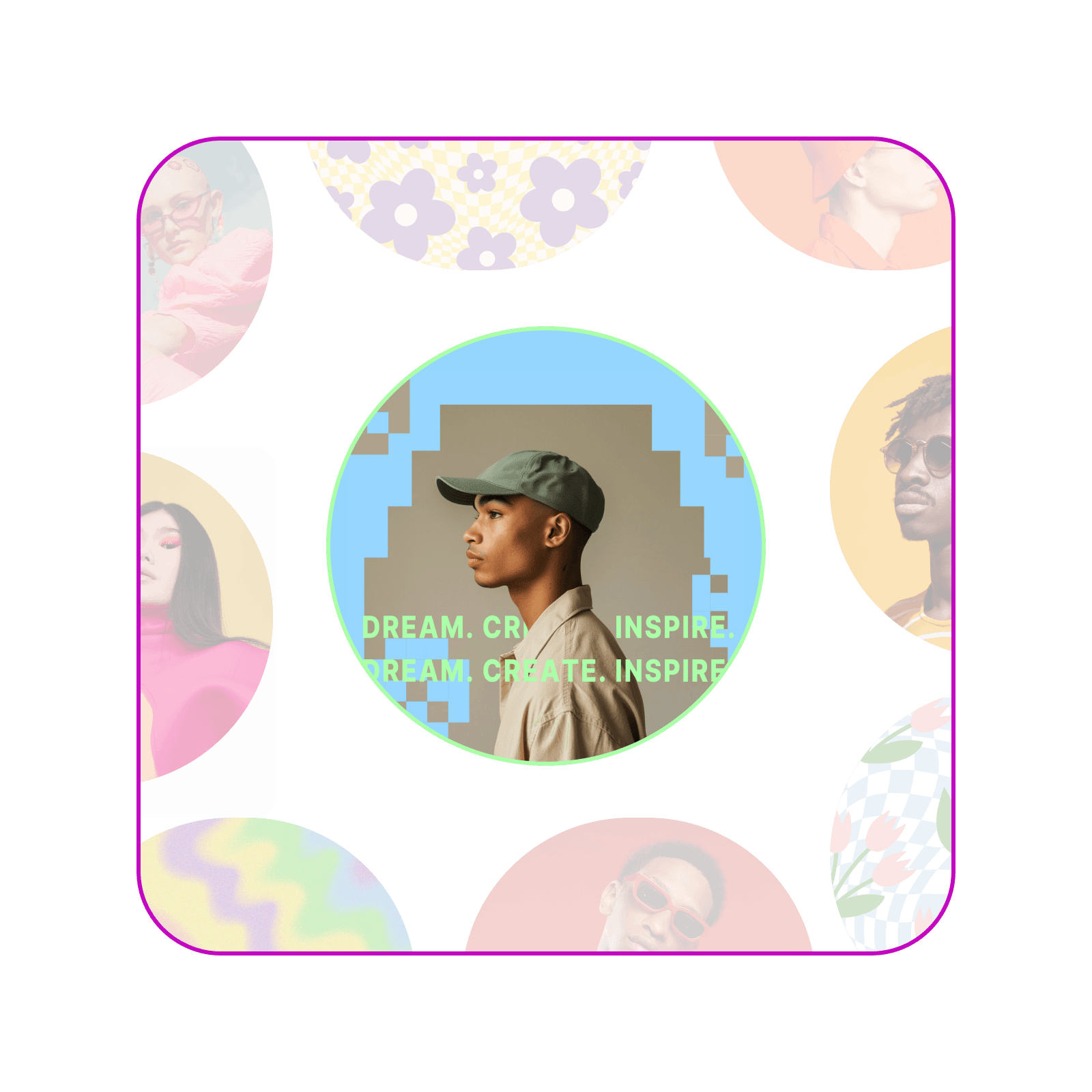
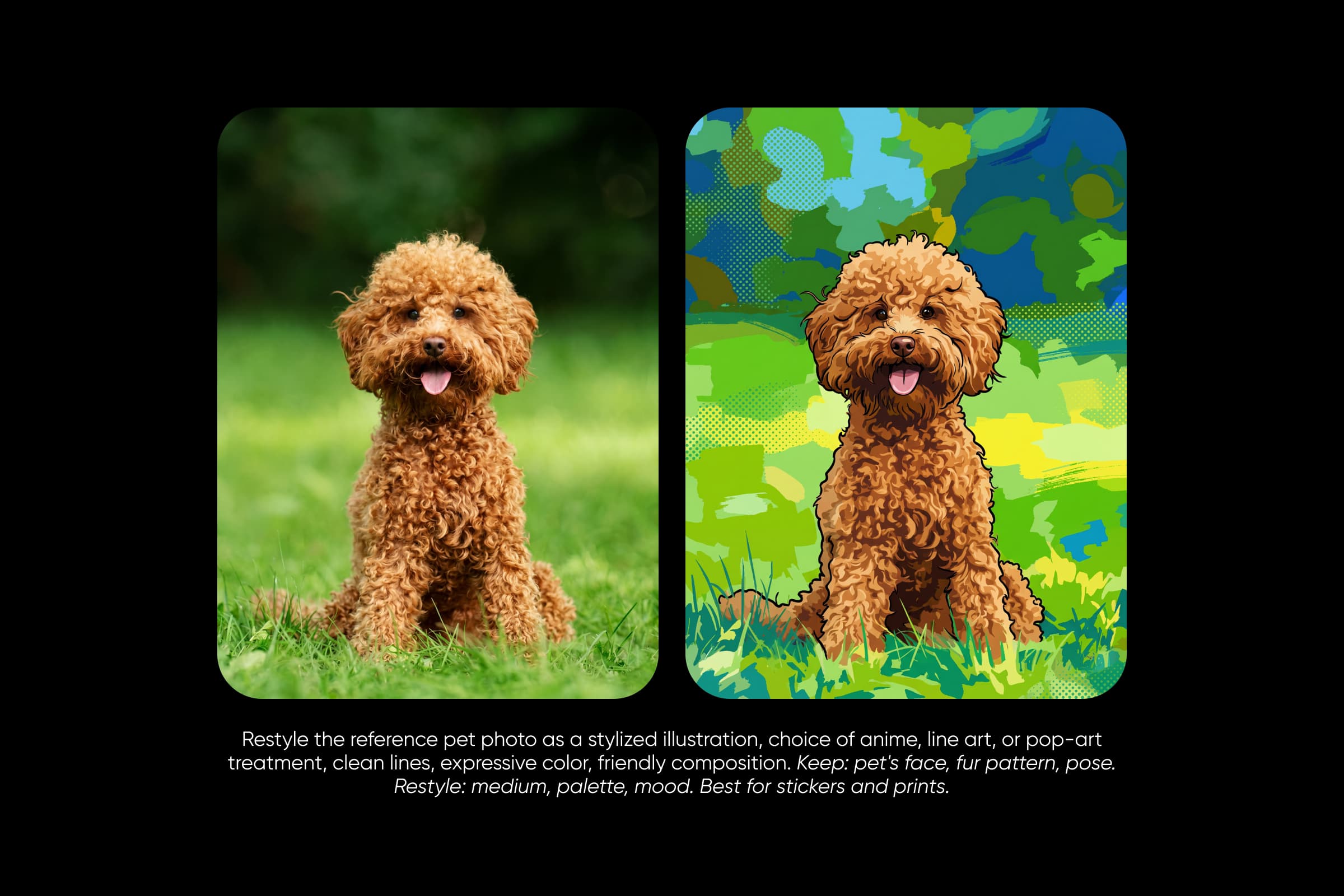
白紙のキャンバスではなく、既製のワークフローから始めましょう。Picsart Flowには、ビジネス向けの顔写真や卒業写真、3D、アニメ、クレヨン風のアバターなど、さまざまなプロフィール画像テンプレートが揃っています。プロフィール画像メーカーとして、イメージに合うテンプレートを選んで写真を差し替えれば、ビジネスアカウントからゲームチャンネルまで、あなたらしいPFPを作成できます。同じテンプレートにチームメイトや友人の写真を使えば、みんなで統一感のあるスタイルに仕上げられます。
LinkedInにふさわしいプロフェッショナルなプロフィール画像に
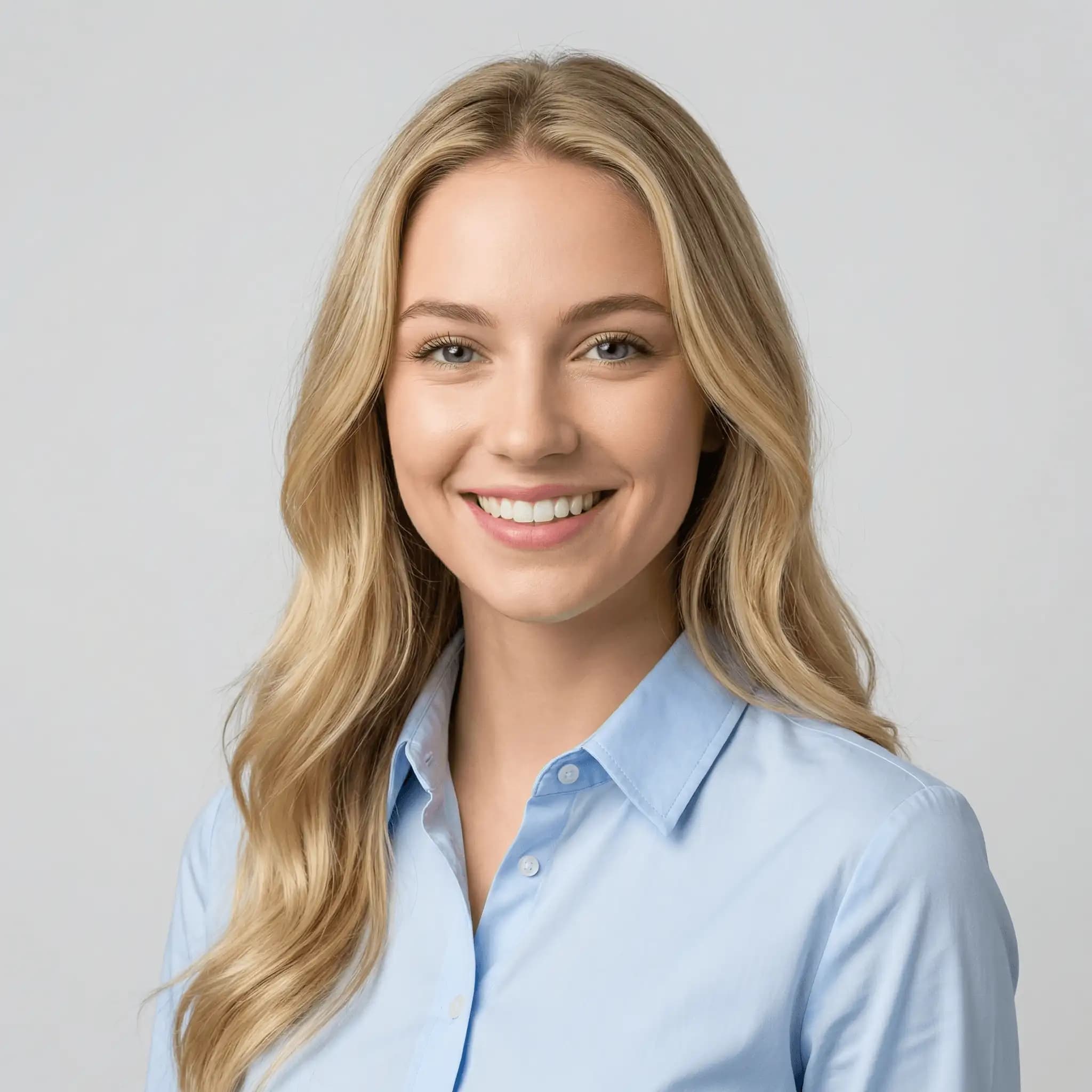
LinkedInや履歴書、チーム紹介ページでは、プロフェッショナルなプロフィール画像が大切です。プロフェッショナルなプロフィール写真のワークフローを使えば、照明や肌の色を整え、背景をシンプルなオフィス風またはグラデーションに差し替えられます。カジュアルな自撮り写真も、ビジネス向けのプロフィール画像に早変わり。カメラマンを予約せずにLinkedIn用のプロフィール画像を作成できます。小さな丸型表示でも見やすいよう、顔と肩を中心にトリミングしましょう。
高機能な編集ツールでプロフィール画像を理想の仕上がりに
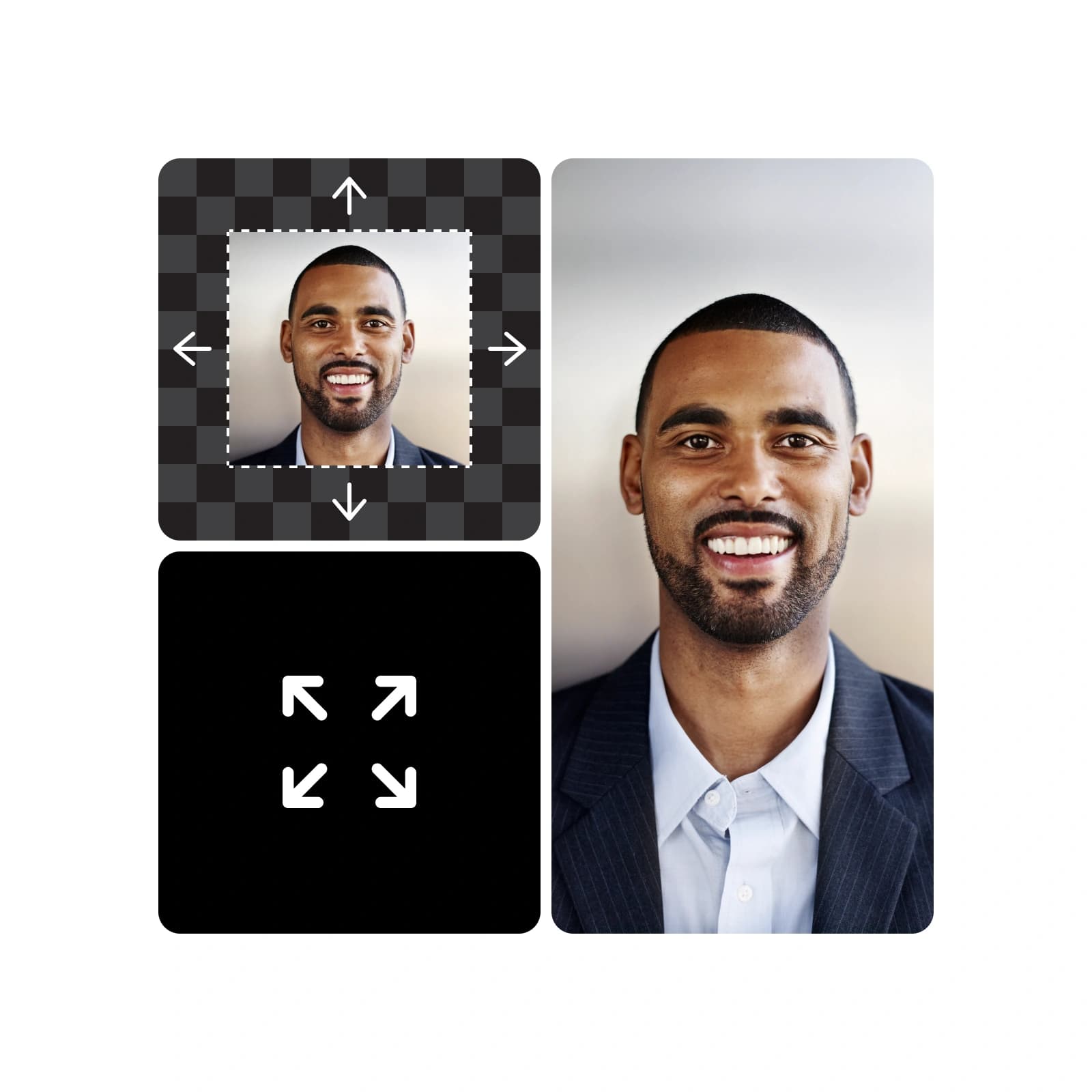
Inpaintで気になる髪の毛や肌荒れ、雑然とした背景をブラシで選択して変更を指示すると、その部分だけが更新されます。Outpaintで写真の構図を調整して中央揃えの正方形にしたり、Camera Angleで縦横比や照明を保ちながら視点を近づけたりすることもできます。この3つはすべてPicsart Flowの生成編集機能の一部で、動画の照明を調整したり、静止画に短いカメラワークを加えたりすることも可能です。編集結果はそれぞれ新しいノードに追加されるため、元の写真はそのまま残ります。
プロフィール画像作成に必要な機能が揃ったメーカー
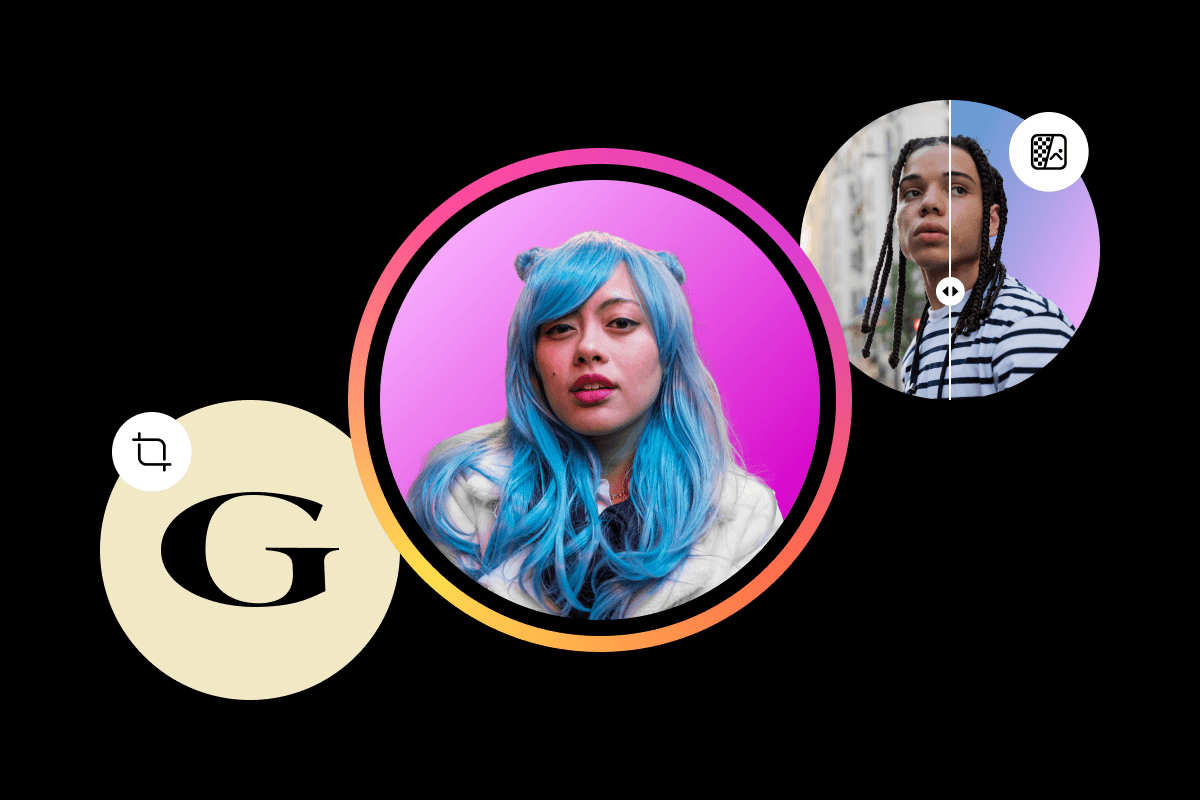
プロフィール画像の作成もカスタマイズも、すべてFlowキャンバスひとつで。




プロフィール画像メーカーについてよくある質問
Picsart Flowのプロフィール画像メーカーはクレジット制です。Picsartのすべてのプランにプロフィール画像の作成に使えるクレジットが含まれており、実行前にFlowで必要なクレジット数を確認できます。プロフィール画像テンプレートを開いて閲覧するのは無料です。追加のクレジットパックもいつでも購入できます。
プロフィール、ブランド、キャンペーンに合ったプランを選ぶ
Pro
Most popularAI tools for everyday creative work.
Ultra
Most powerfulHeavy AI usage for creators & teams.
プロフィール画像をブランド全体のデザインに合わせる
Picsartの各種メーカーを使って、チャンネルやSNSのデザインに統一感を持たせましょう。