無料のYouTubeサムネイルメーカー
YouTubeチャンネル用に目を引くサムネイルを作りませんか?PicsartのYouTubeサムネイルメーカーで、クリック数アップにつながるオリジナルのサムネイルを作成しましょう。
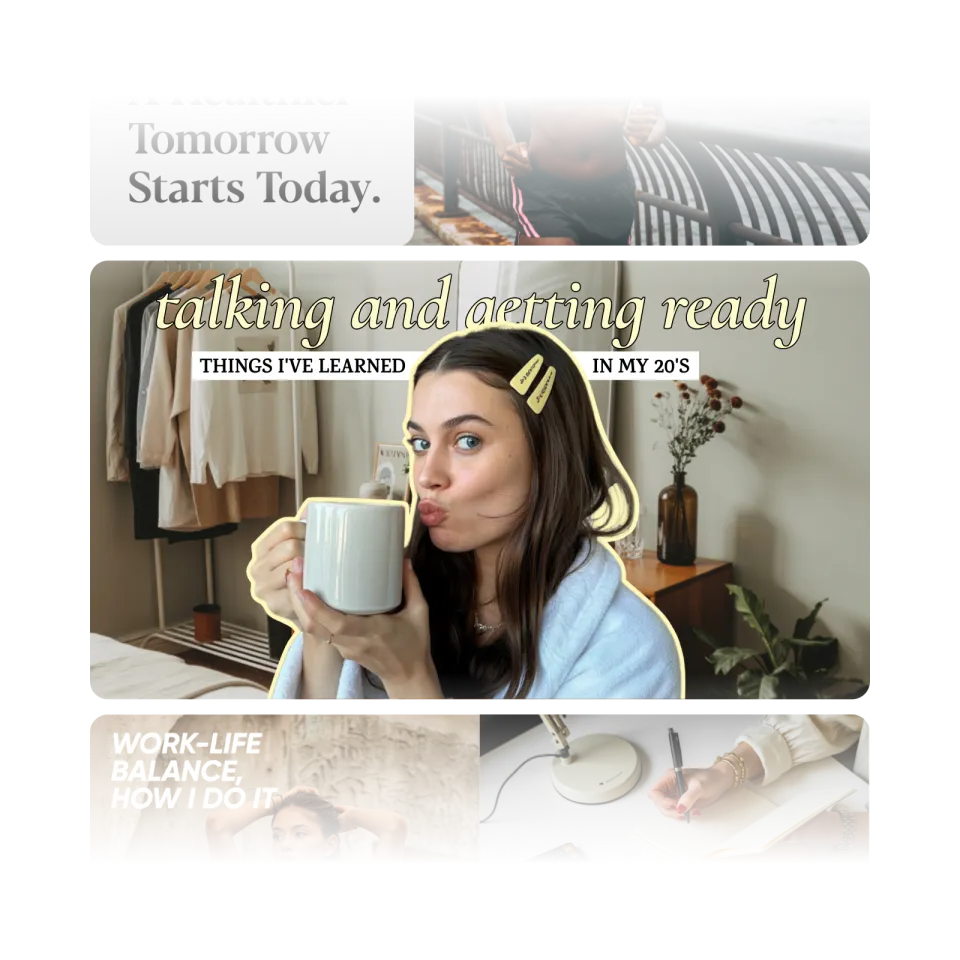
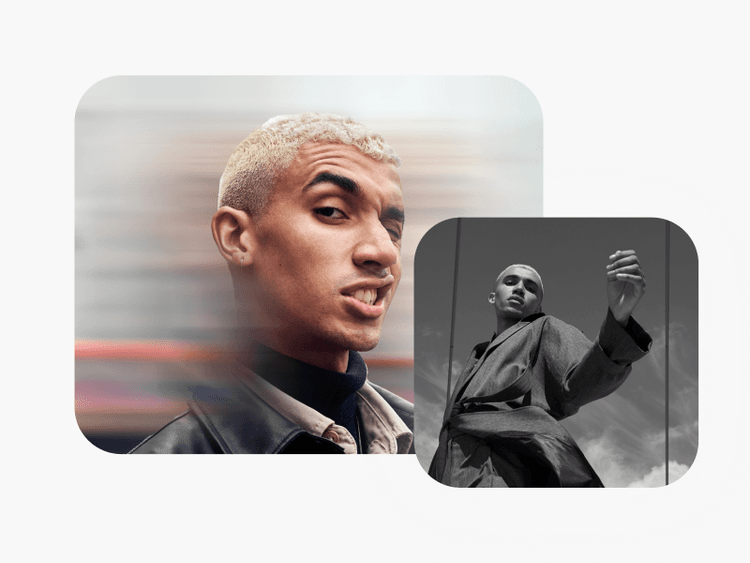
AI画像モデルでサムネイルを作成
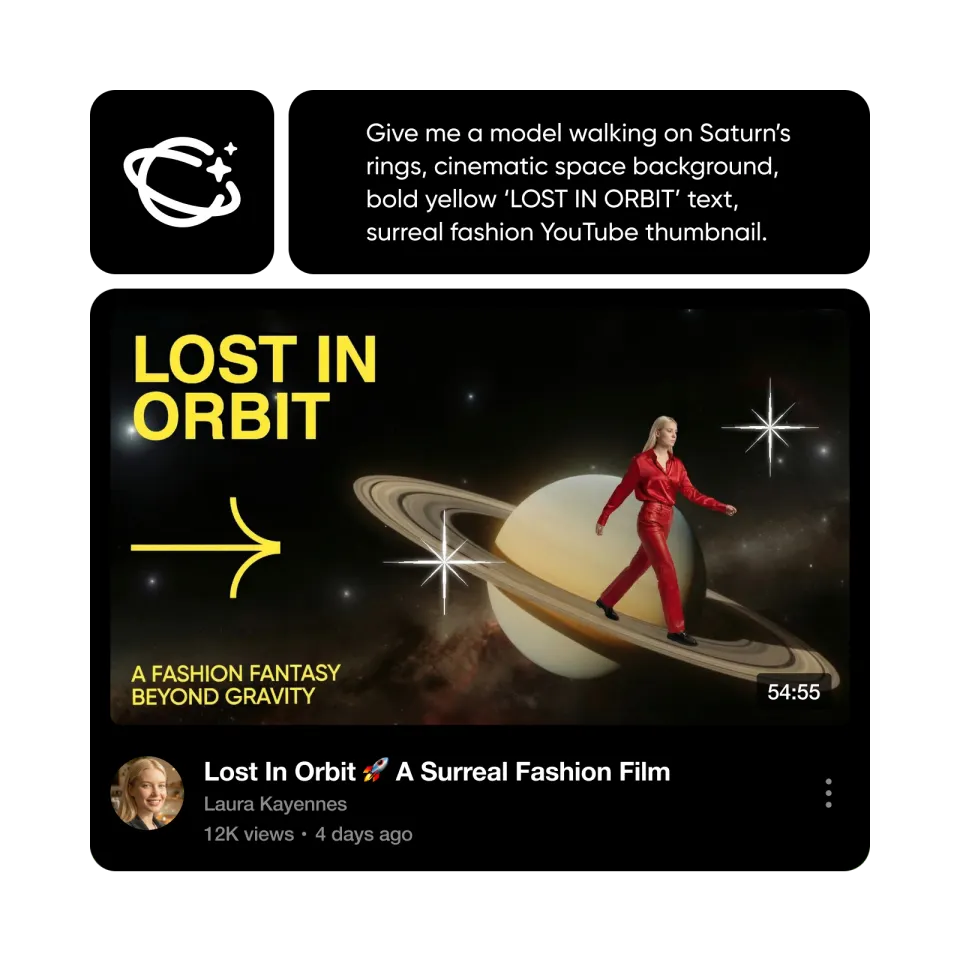
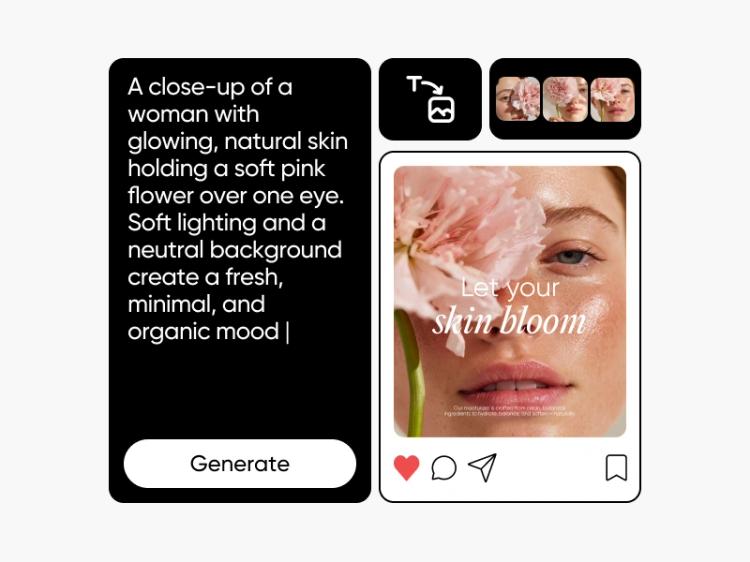
画像モデルを使って、サムネイルのアイデアやクリエイター向けビジュアル、目を引くカバー画像を作成できます。

誰でも使える編集ツール
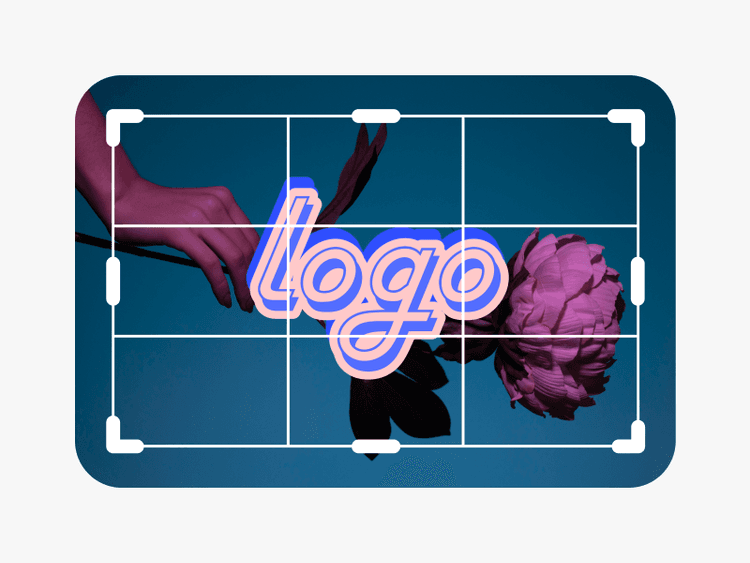
ドラッグ&ドロップで使えるツールなら、デザイン経験に関係なく、簡単にYouTubeサムネイルを作成できます。
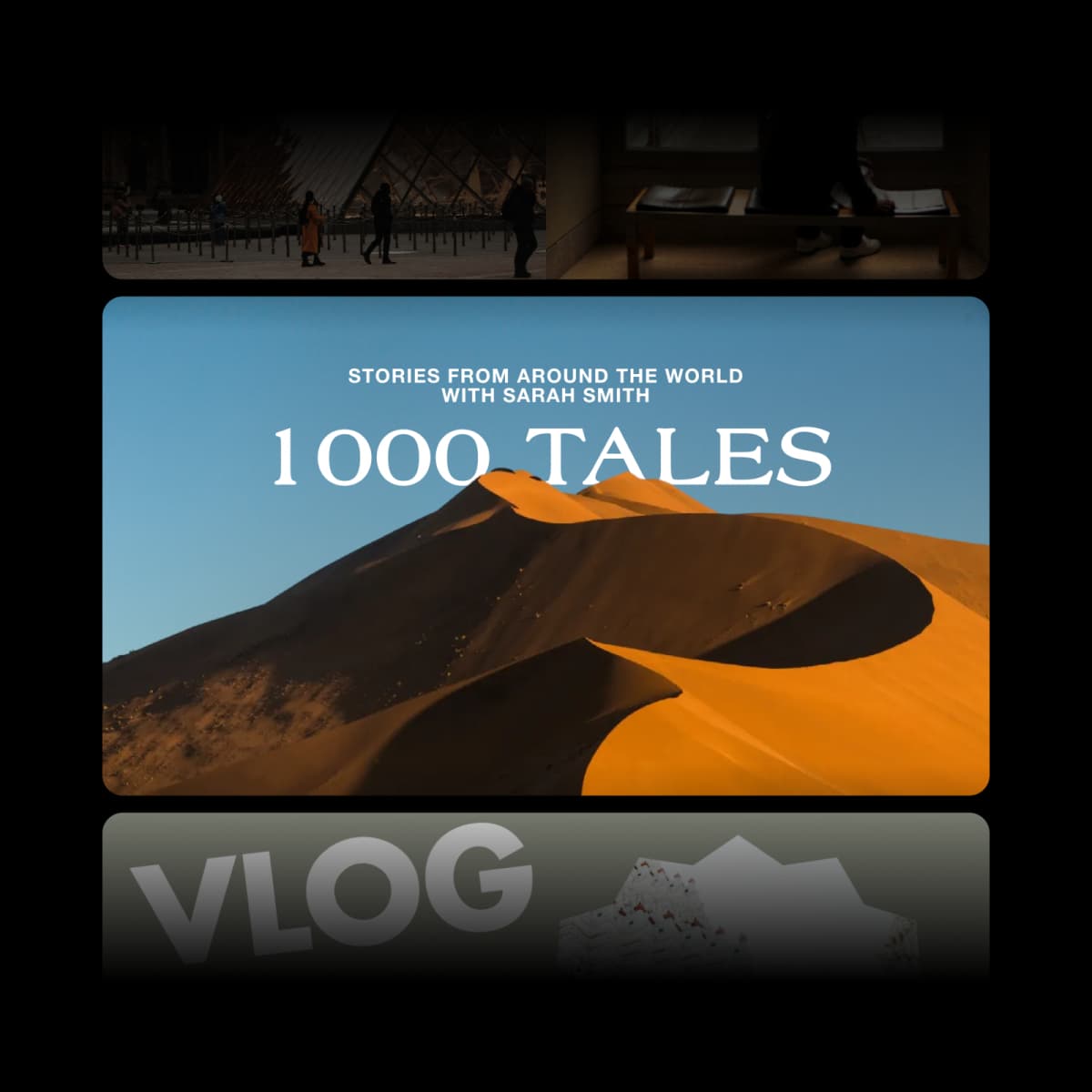
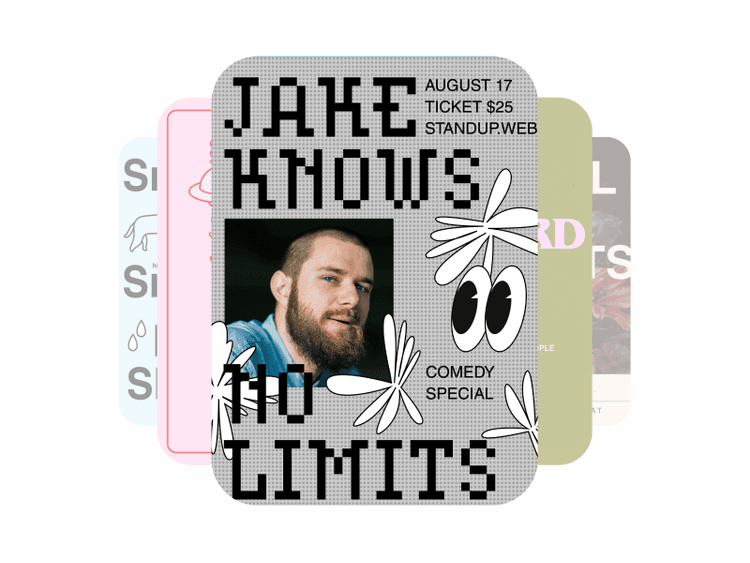
豊富なサムネイルテンプレート
ファッションから旅行まで、無料で使えるサムネイルテンプレートが豊富にそろっています。

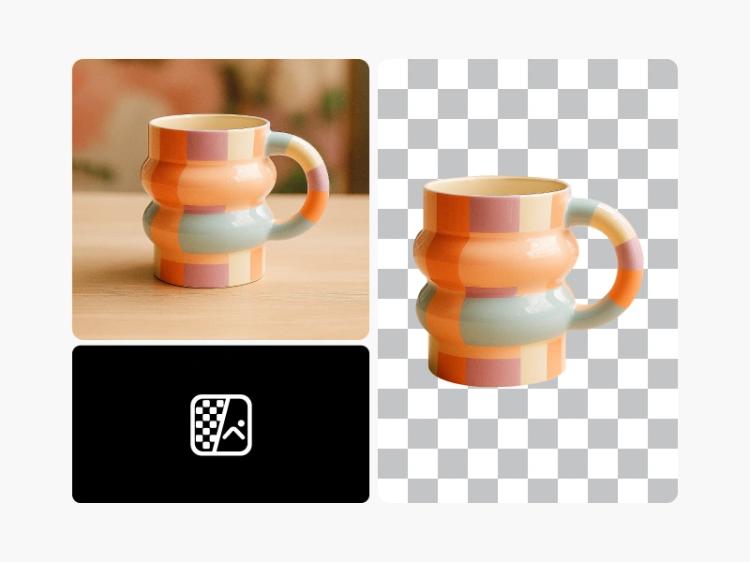
AIツールで手軽にカスタマイズ
最新のAIツールを使えば、手間をかけずにサムネイルをさらに魅力的に仕上げられます。
YouTubeサムネイルの作り方
Picsart Photo Editorを開く
Picsart Photo Editorを開き、YouTubeサムネイルのテンプレートからぴったりのものを探しましょう。
写真をアップロード
サムネイルをカスタマイズ
デザインをダウンロード
無料のYouTubeサムネイルでクリック数と再生回数を伸ばそう
次の動画をバズらせたいですか? vlogの再生回数を伸ばしたいですか?チャンネルを成長させるには、動画を際立たせ、クリックを促すYouTubeサムネイルが欠かせません。そんなときに活躍するのが、Picsartの無料サムネイルメーカーです。ミニマルなデザインからトレンドのテンプレートまで、周りと差をつけるために必要なものがそろっています。
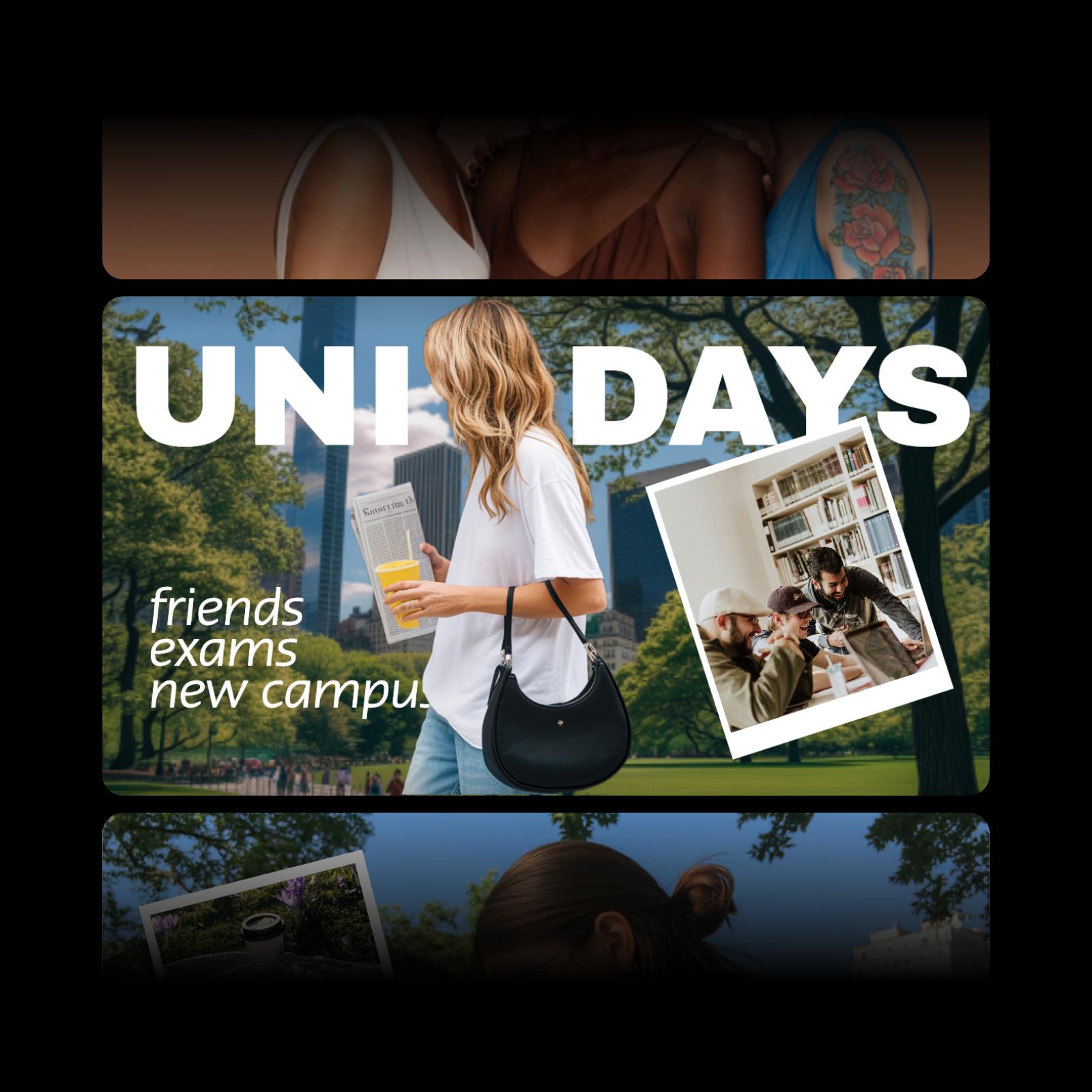
使いやすいサムネイルメーカーを活用しよう
ブロガー、配信者、インフルエンサーなど、オンラインで活動するなら、目を引くサムネイルが大切だとご存じでしょう。デザイン初心者でも、趣味や副業、ビジネス向けに、視聴者に好印象を与えるオリジナルのYouTubeサムネイルを作成できます。Picsartの無料オンラインサムネイルメーカーなら、ソーシャルメディア担当者からポッドキャスターまで、誰でも数分で手軽にオリジナルのサムネイルをデザインできます。
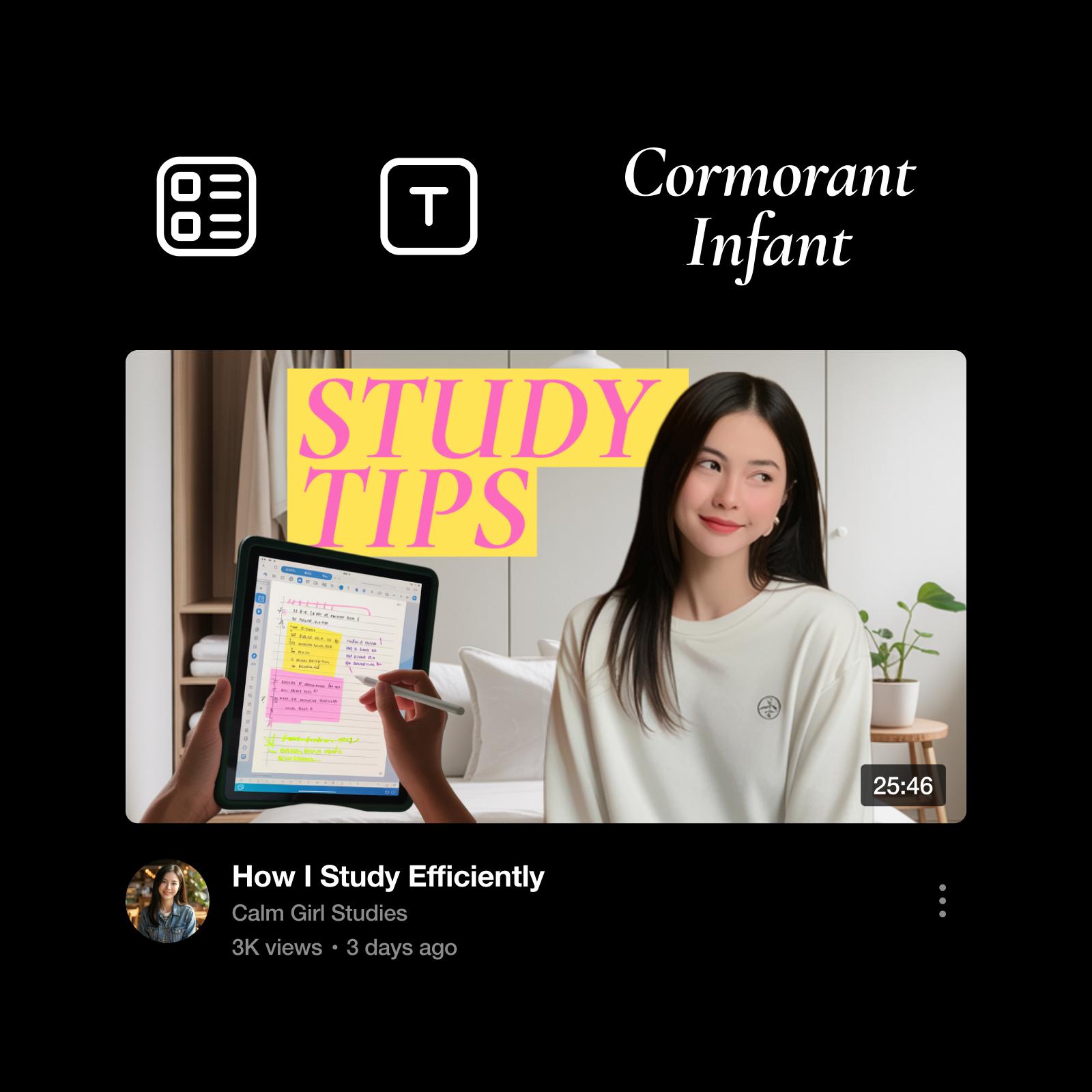
一からサムネイルをデザイン、または オリジナルデザインを作成
サムネイルのアイデアはもう決まっていますか?豊富な写真エフェクト、フォント、背景などを使って、アーティスト気分で一からデザインしましょう。アイデアが浮かばず、インスピレーションが欲しいときもご安心ください。カスタマイズ自由なサムネイルテンプレートを選んで、自分らしいアレンジを加えましょう。
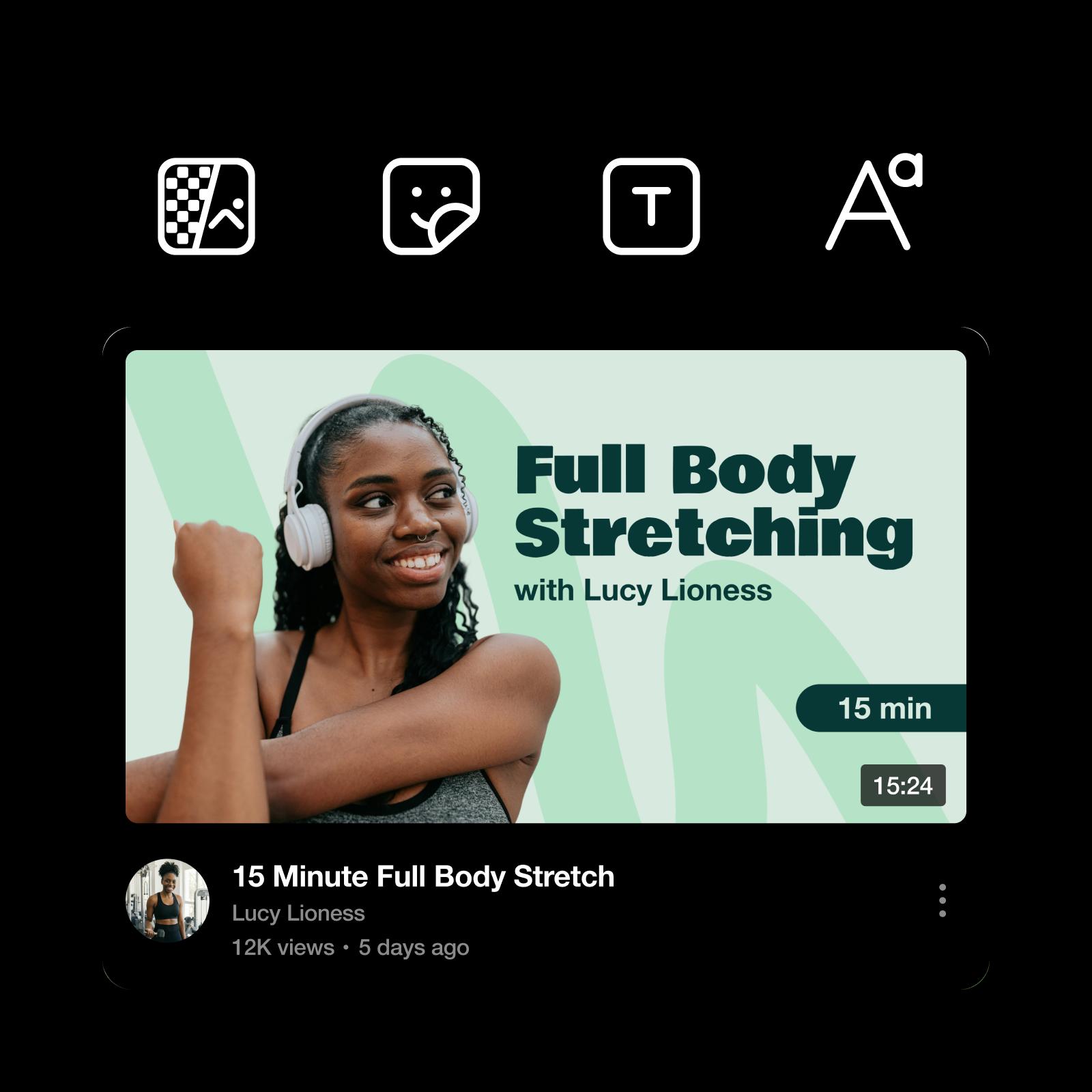
AI編集ツールでサムネイルに個性をプラス
クリエイティブの幅を広げたいときは、AIを活用しましょう。何から始めるか迷ったら、動画の短い説明をAI Image Generatorに入力して、サムネイル用のオリジナル画像を作成できます。使いたい画像がすでにある場合は、Picsartの AI Photo Enhancerを使えば、画像をすばやく高画質化し、よりくっきり鮮明に仕上げられます。
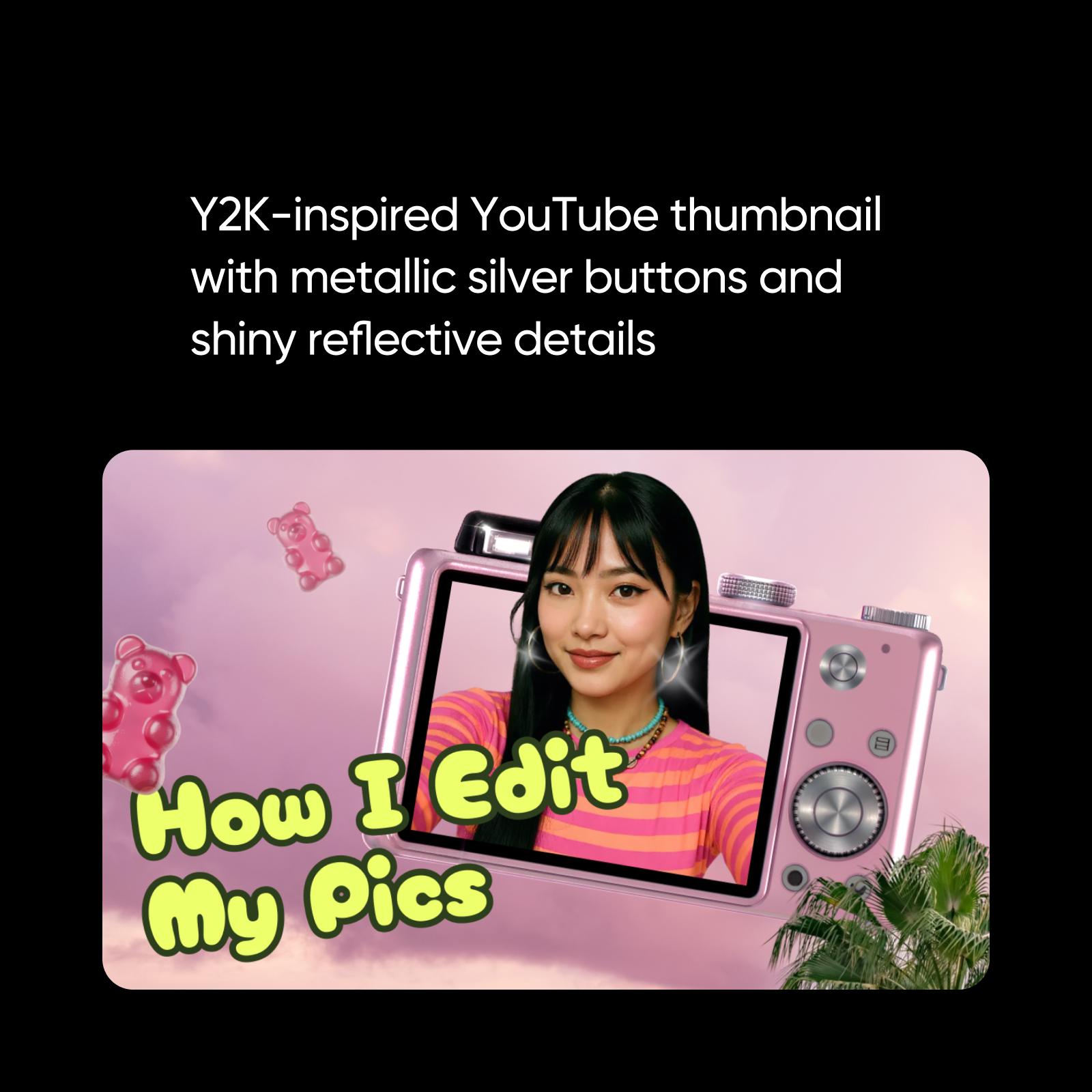
サムネイルテンプレートをブランドに合わせて編集
ソーシャルメディアでは、ブランドイメージが何より大切です。フォロワーを増やし、視聴者の心をつかむには、一貫したブランドづくりが欠かせません。サムネイルも例外ではありません。vlogからインフルエンサーの動画まで、PicsartのPhoto Editorなら、数分でサムネイルをカスタマイズできます。初心者にも使いやすい編集ツールで、オリジナルのサムネイルを手軽に作成し、ブランドを育てましょう。
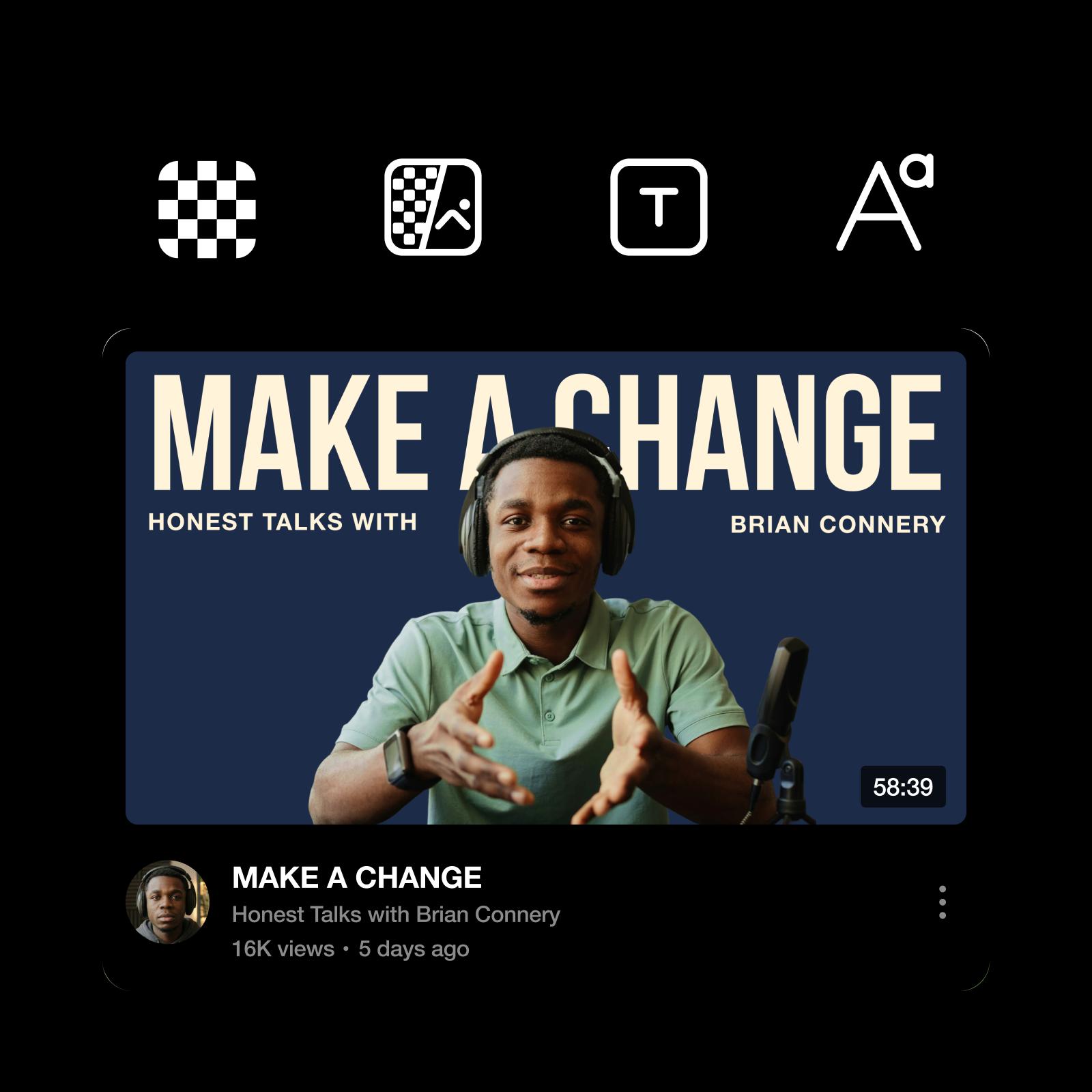
目を引くYouTubeサムネイルを作る実践のコツ
大切なポイントを押さえて、ひと目で目を引くサムネイルをデザインしましょう。
✔️ 小さく表示されても読みやすい、太字のフォントを使う。
✔️ コントラストを高めて、テキストとビジュアルをひと目で見分けられるようにする。
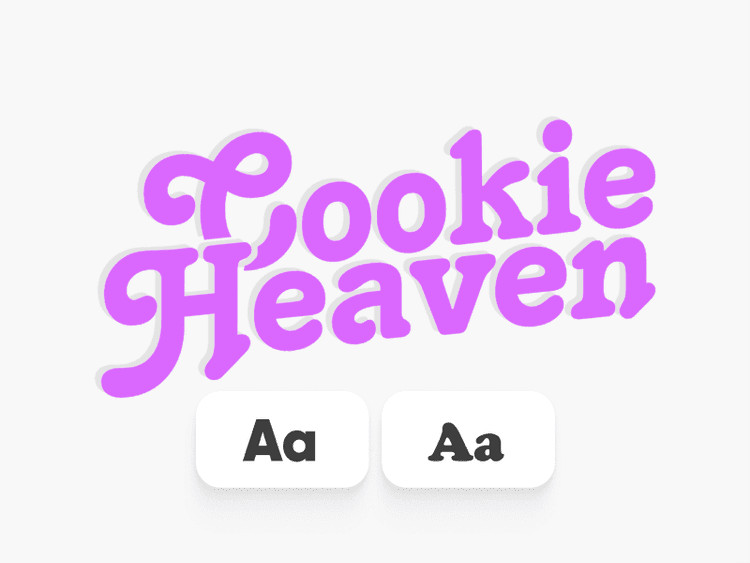
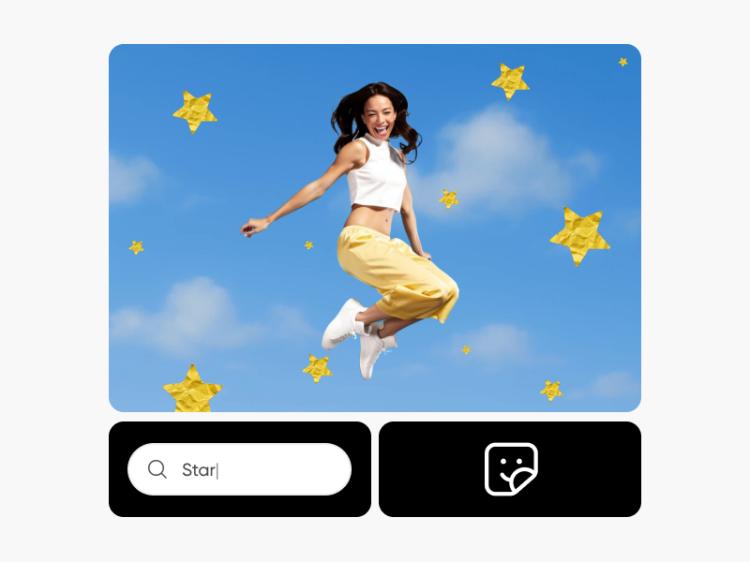
✔️ ステッカーを追加するか、AI Sticker Generatorでオリジナルのステッカーを作成し、ごちゃつかないように注目を集める。
✔️目をすぐに引きつける、明確な主役をひとつ決める。
✔️ 一貫したスタイルで認知度を高め、効率よく作業する。

AIサムネイルメーカーでYouTubeビジュアルをすばやく作成
従来のサムネイル編集にとどまらず、新しい表現に挑戦したいなら、Picsart Auraを使うとすばやく作成を始められます。作りたいものを入力するだけで、さらにカスタマイズできるサムネイルのアイデアが生成されます。アイデア出しやレイアウト、ビジュアルの試行錯誤を効率化しながら、フォントやビジュアル、仕上げは自分で自由に調整できます。
Picsartはサムネイルメーカーだけではありません
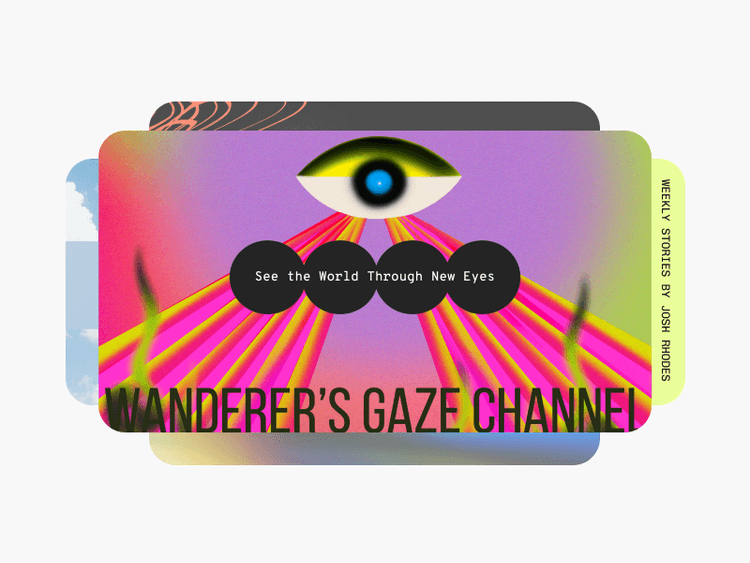
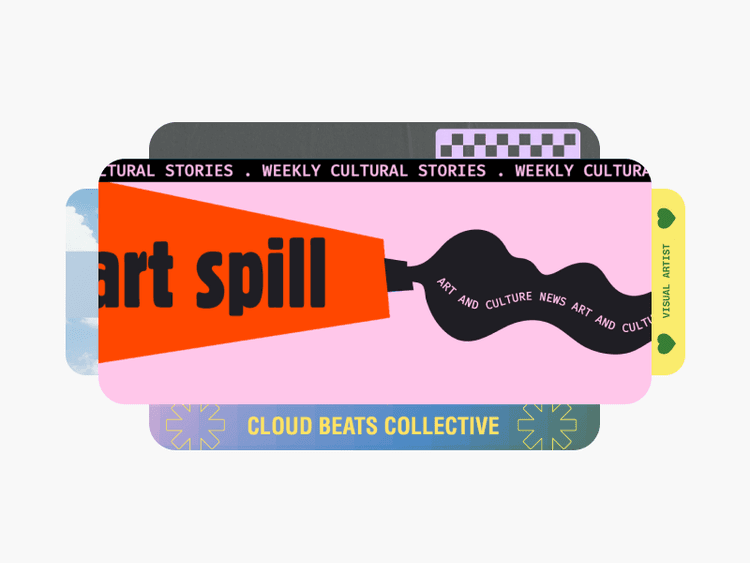
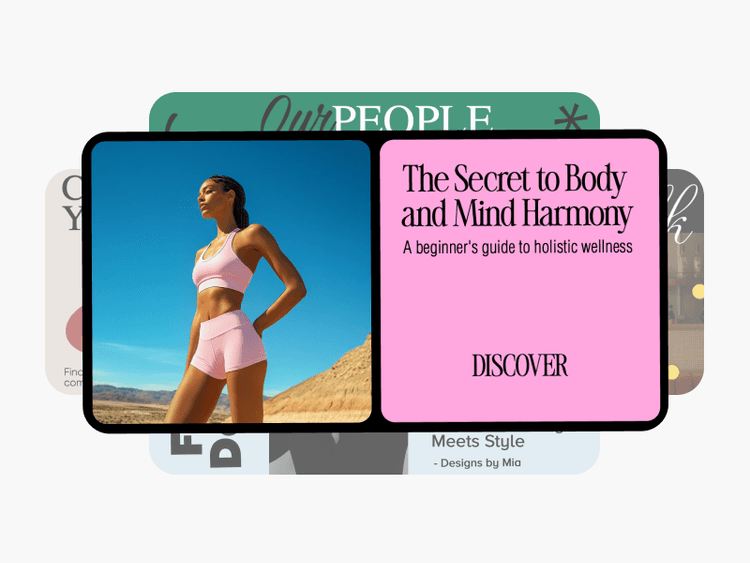
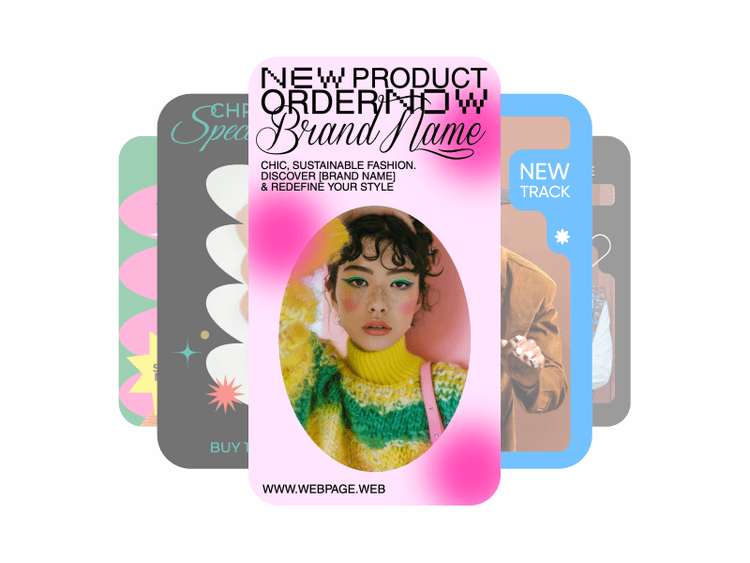
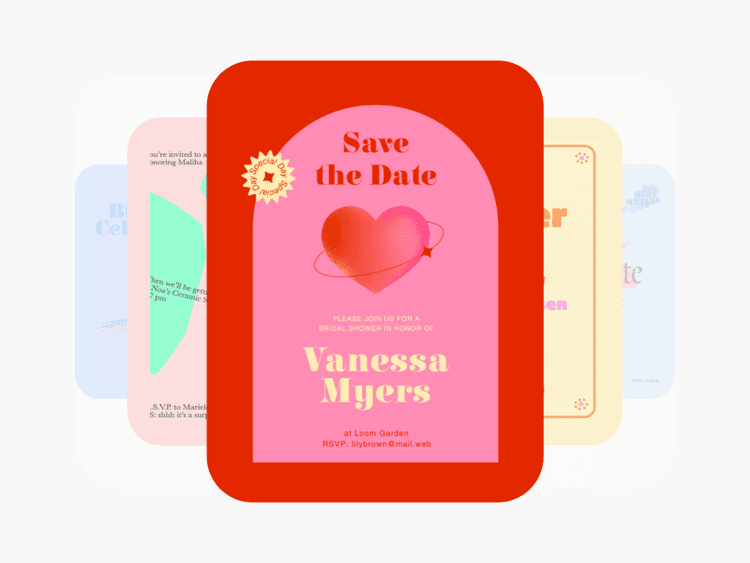
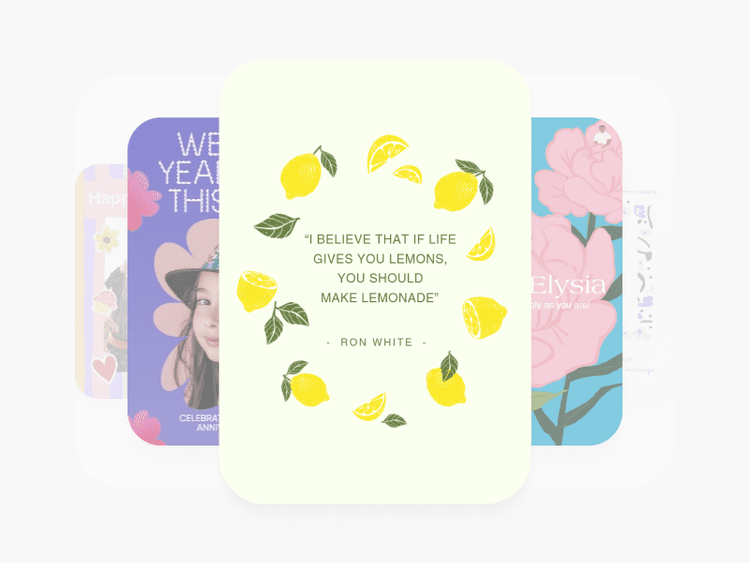
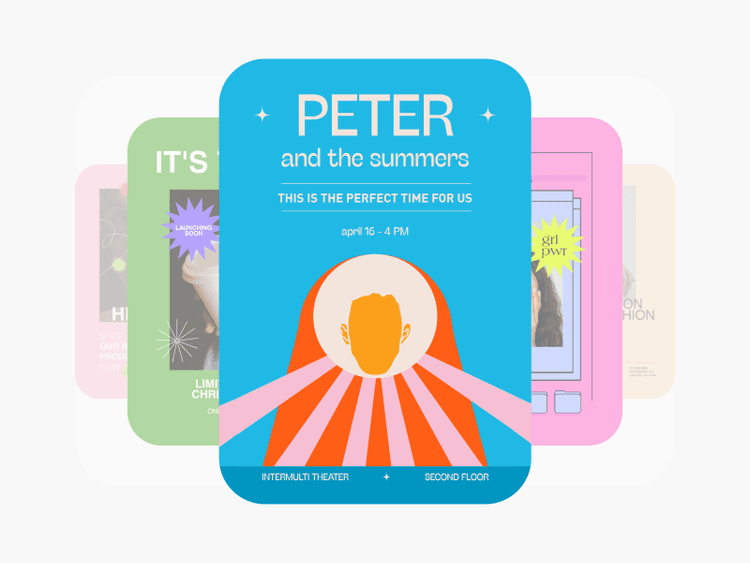
どんなクリエイティブのニーズにも、Picsartはプロ仕様の編集ツールやソーシャルメディアテンプレートなど、さまざまな機能を提供します。
YouTubeサムネイルメーカーに関するよくある質問
YouTubeの推奨サイズは1280x720(幅は最小640ピクセル)で、画像ファイルは2 MB未満にする必要があります。
目的やYouTubeチャンネルの内容に応じて自由に決められます。プロフィール画像を使うクリエイターもいれば、ブランドやチャンネルの雰囲気を表す画像を使う人もいます。
上記のサイズ要件に加え、YouTubeではJPG、PNG、GIFなどの画像形式でアップロードする必要があります。
オンラインサムネイルメーカーは無料で使えるため、支払いやサードパーティ製ソフトのダウンロードを気にせず、サムネイルをより魅力的に仕上げられます。
はい!サムネイルのデザインが完成したら、用途に合ったファイル形式でダウンロードできます。
デザインを保存するには、エクスポートを選択してから、ダウンロードを選択してください。
Picsartのサムネイルメーカーでは12870x720のサムネイルを作成でき、あらゆるプラットフォームで使用できます。
フィードに表示されるリンクやプロフィールを見た新規・既存の視聴者に、どんな画像を見せたいか考えてみましょう。チャンネルのコンテンツがどんなものか、正確に伝わる画像を作成することが大切です。
もちろんです!PicsartのYouTubeサムネイルメーカーのテンプレートには、ステッカーやテキスト、エフェクトなどを自由に追加できます。自分らしいデザインになるまで、いろいろ試してみましょう。
さらに多くの編集ツールを見る
初心者にも使いやすい編集ツールで、あなたのクリエイティブな才能を発揮しましょう。
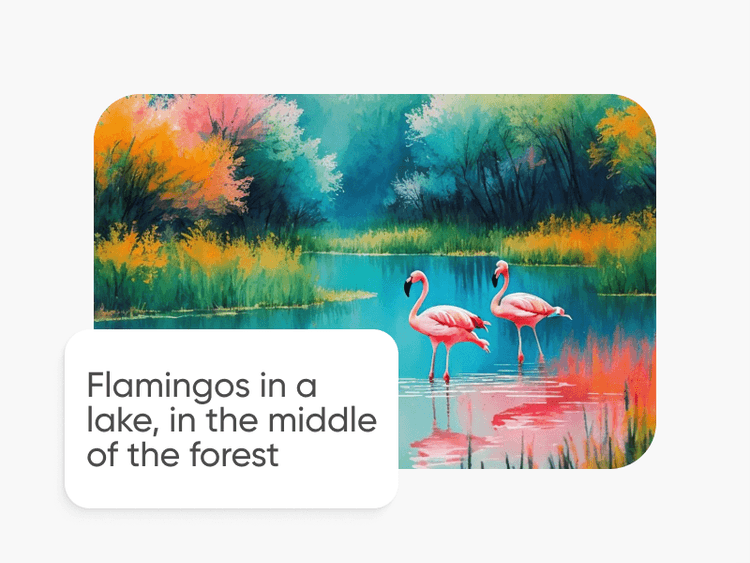
YouTubeサムネイルテンプレート
It’s easy to create art with graphic design templates. Choose from stunning templates made by professional designers and edit them with just a few clicks.
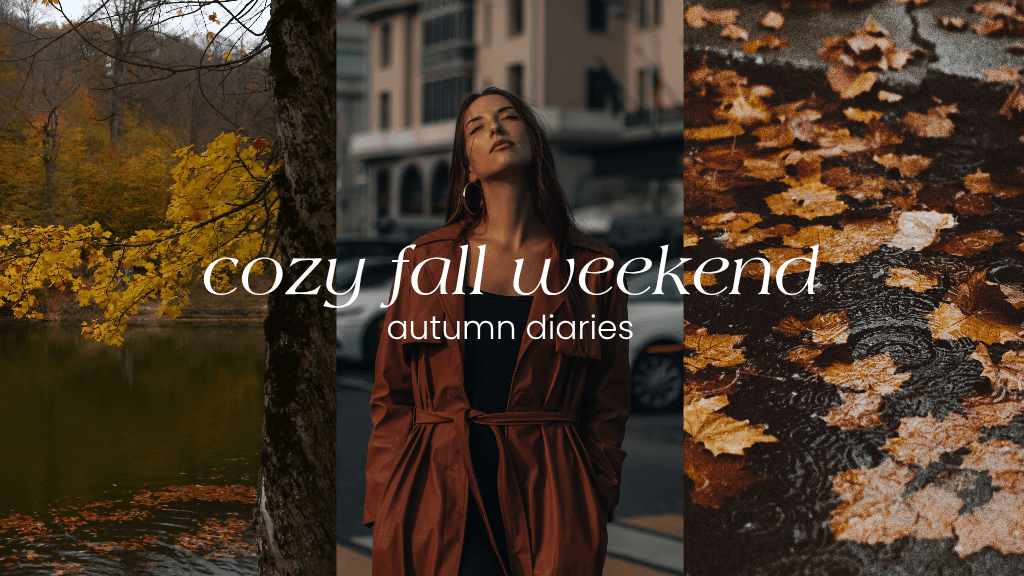
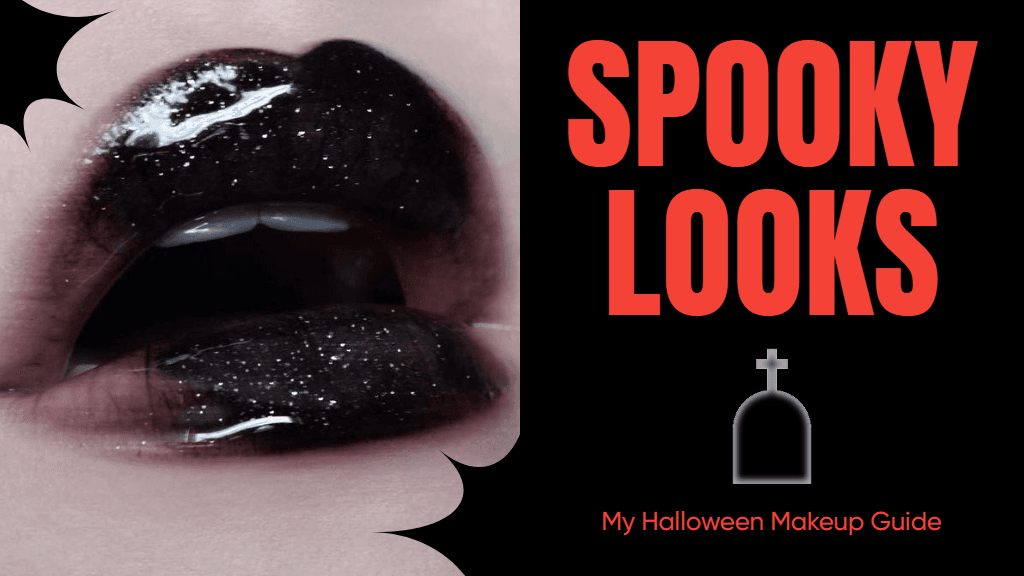
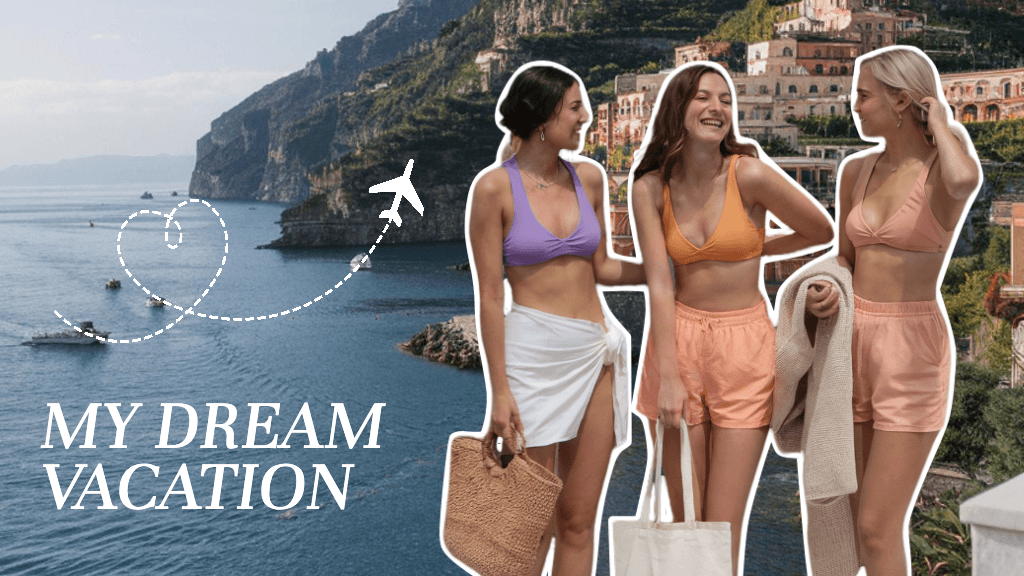
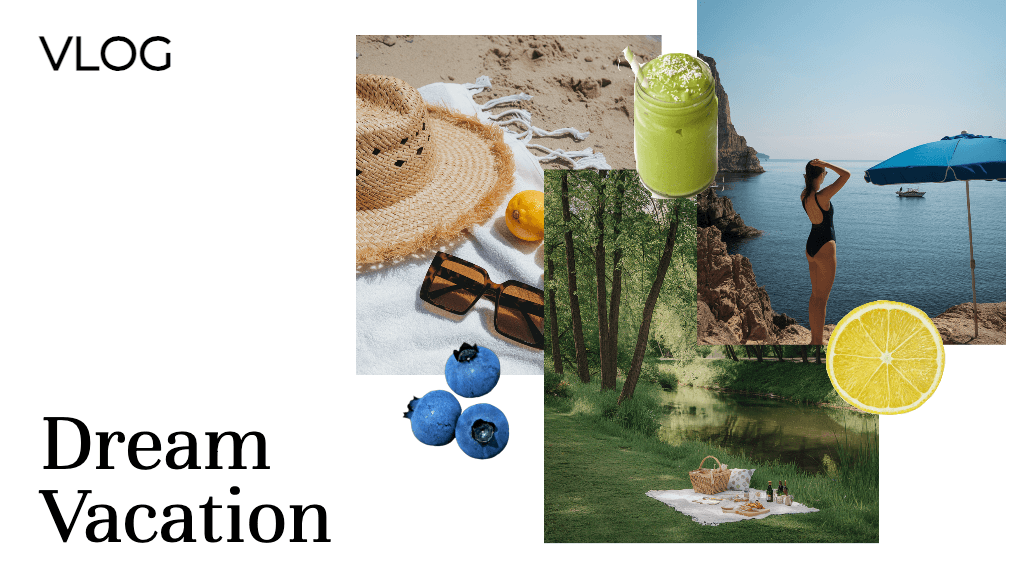
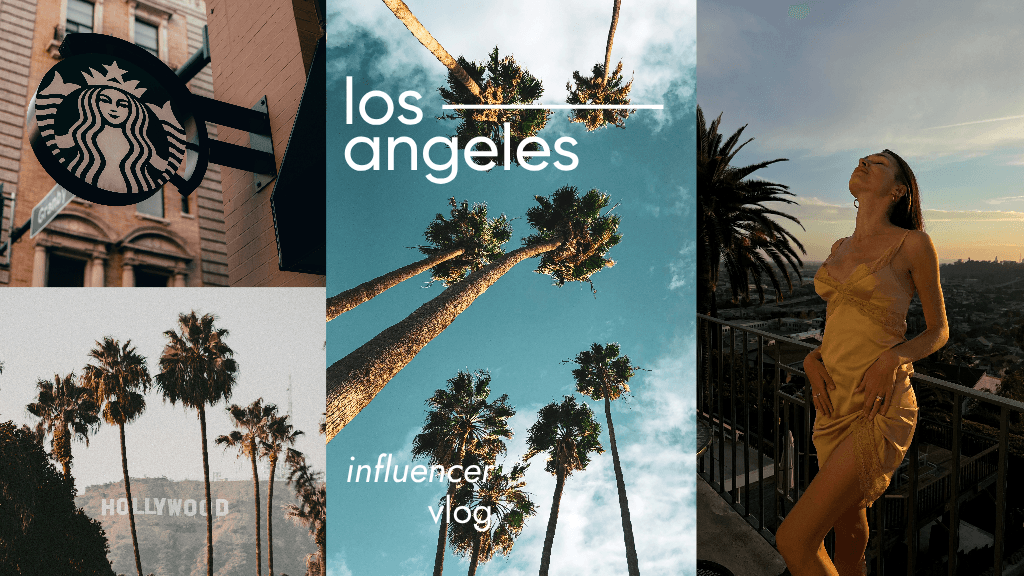
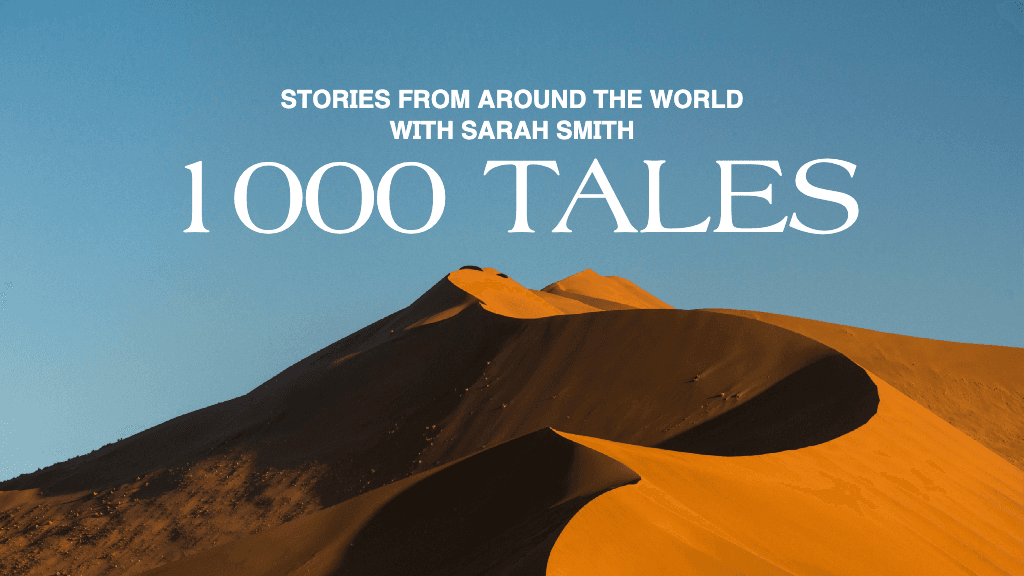
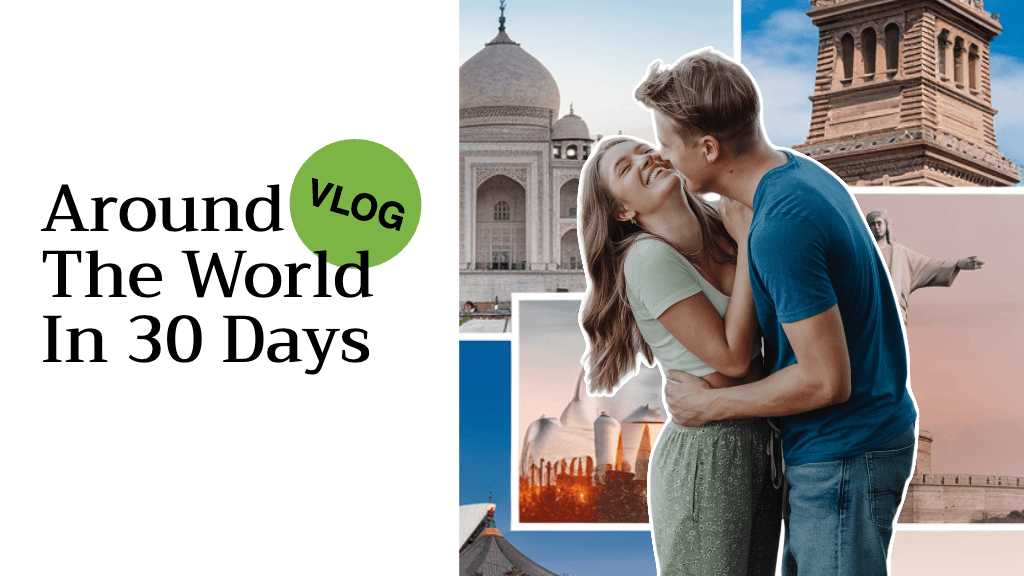
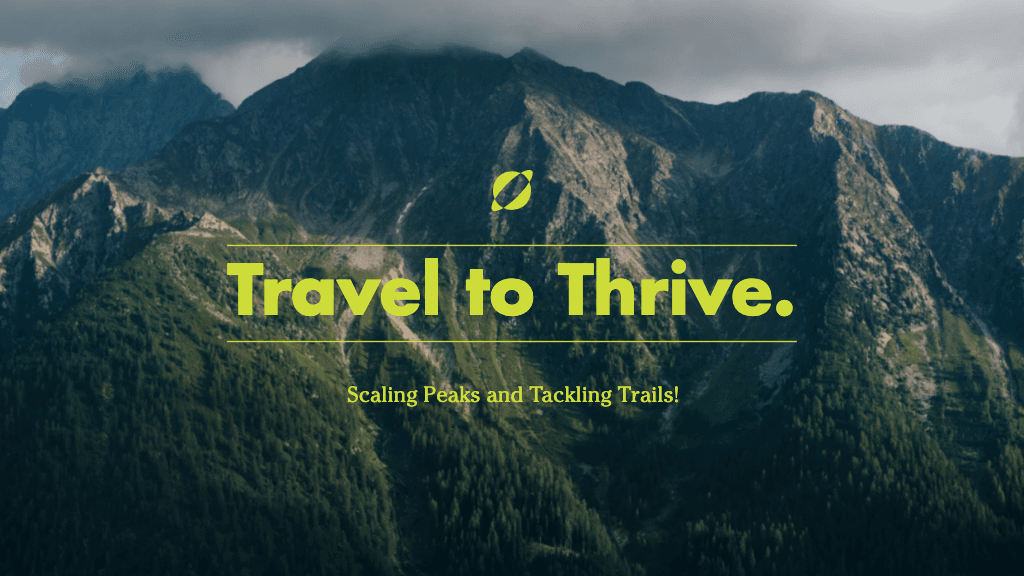
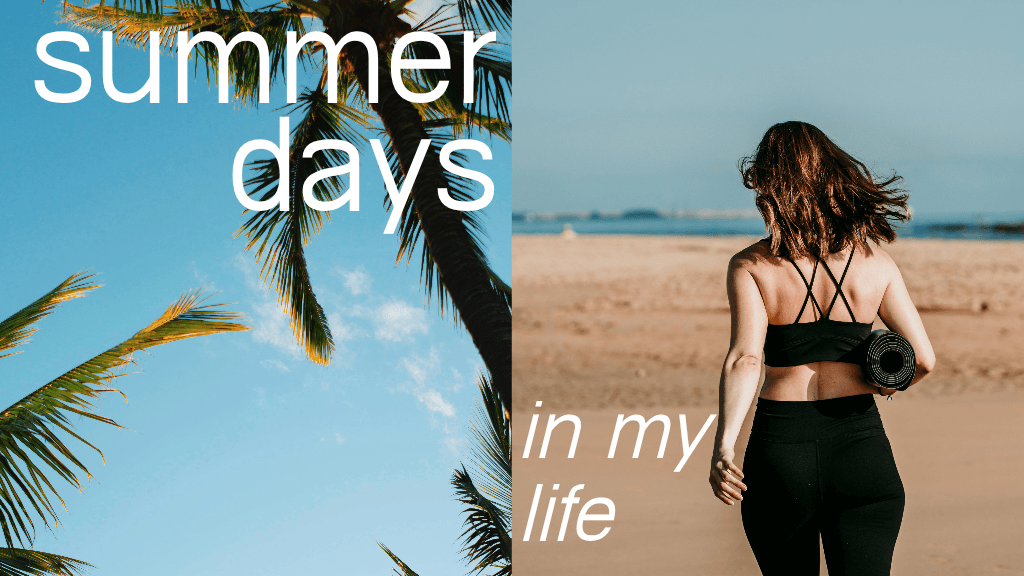
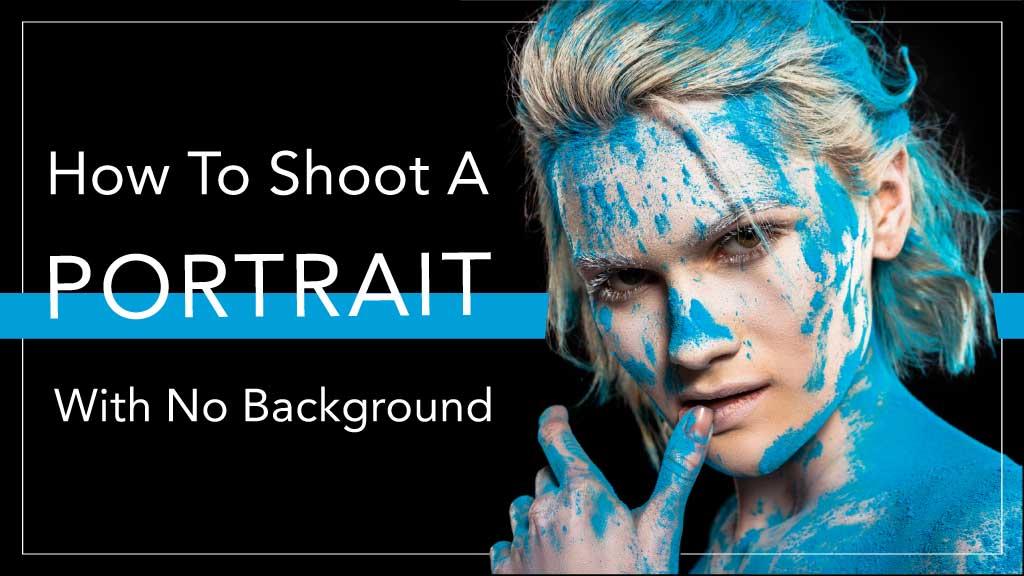
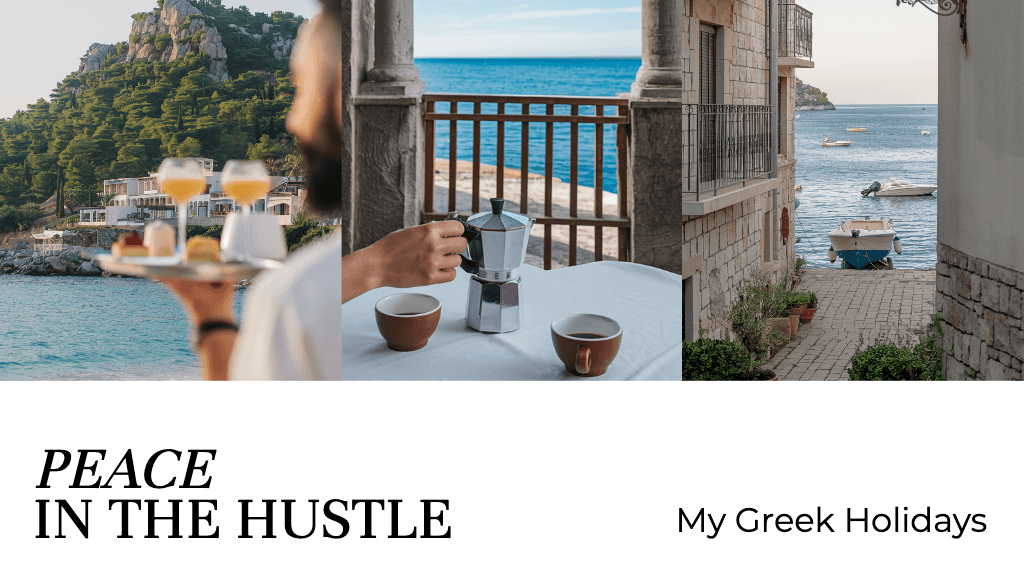
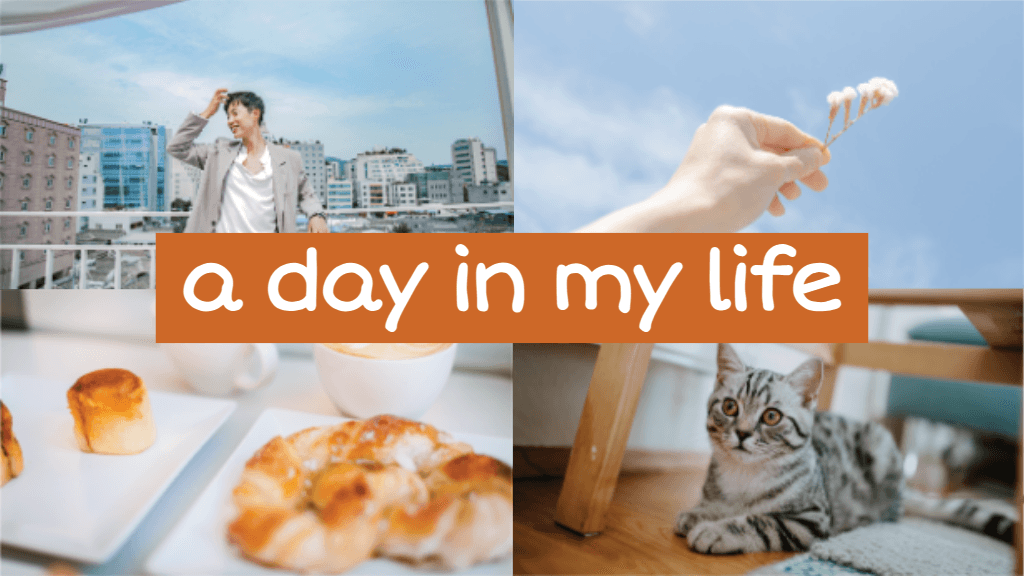
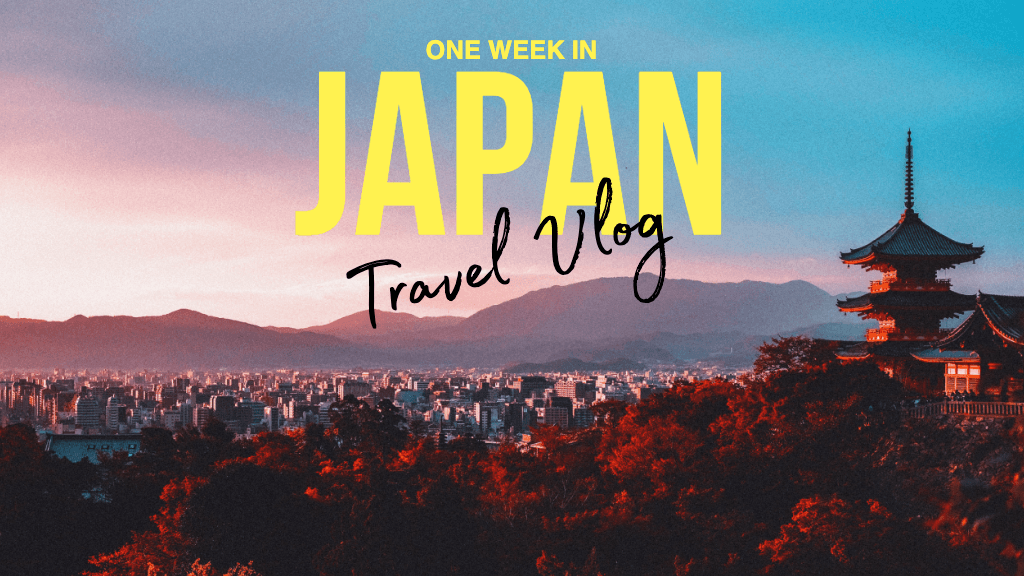
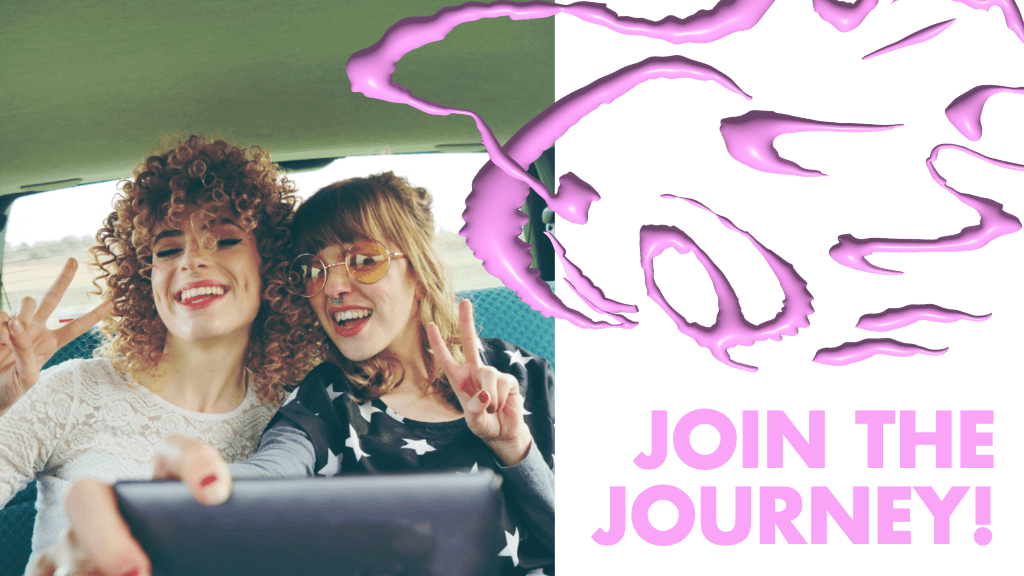
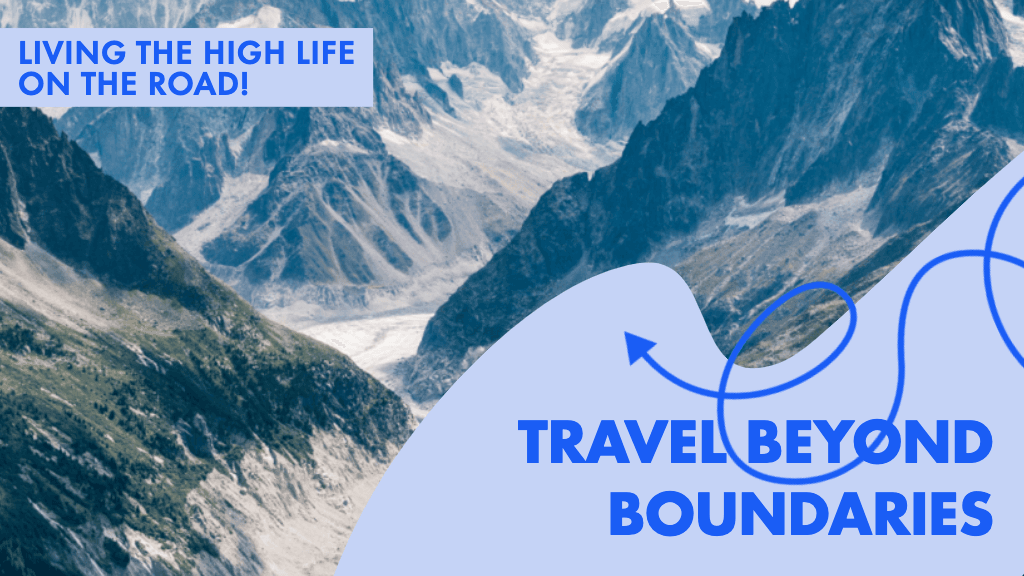
ソーシャルチャンネルやクリエイター向けコンテンツのYouTubeサムネイルをデザイン
Pro
Most popularAI tools for everyday creative work.
Ultra
Most powerfulHeavy AI usage for creators & teams.
Enterprise
Custom AI solutions for large organizations.
- Volume discounts on credit rate
- On-demand top-ups