Criador de miniaturas para YouTube grátis
Quer criar miniaturas chamativas para o seu canal do YouTube? Crie miniaturas personalizadas que atraem mais cliques com o criador de miniaturas para YouTube do Picsart.
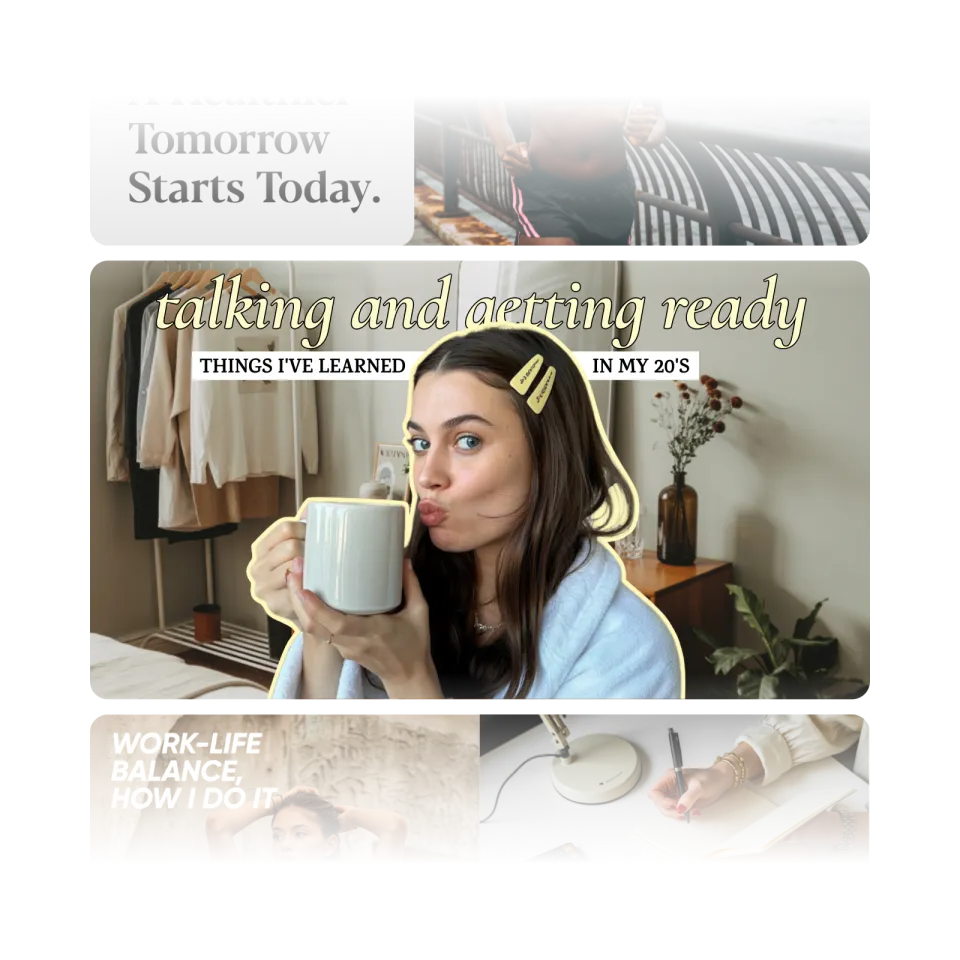
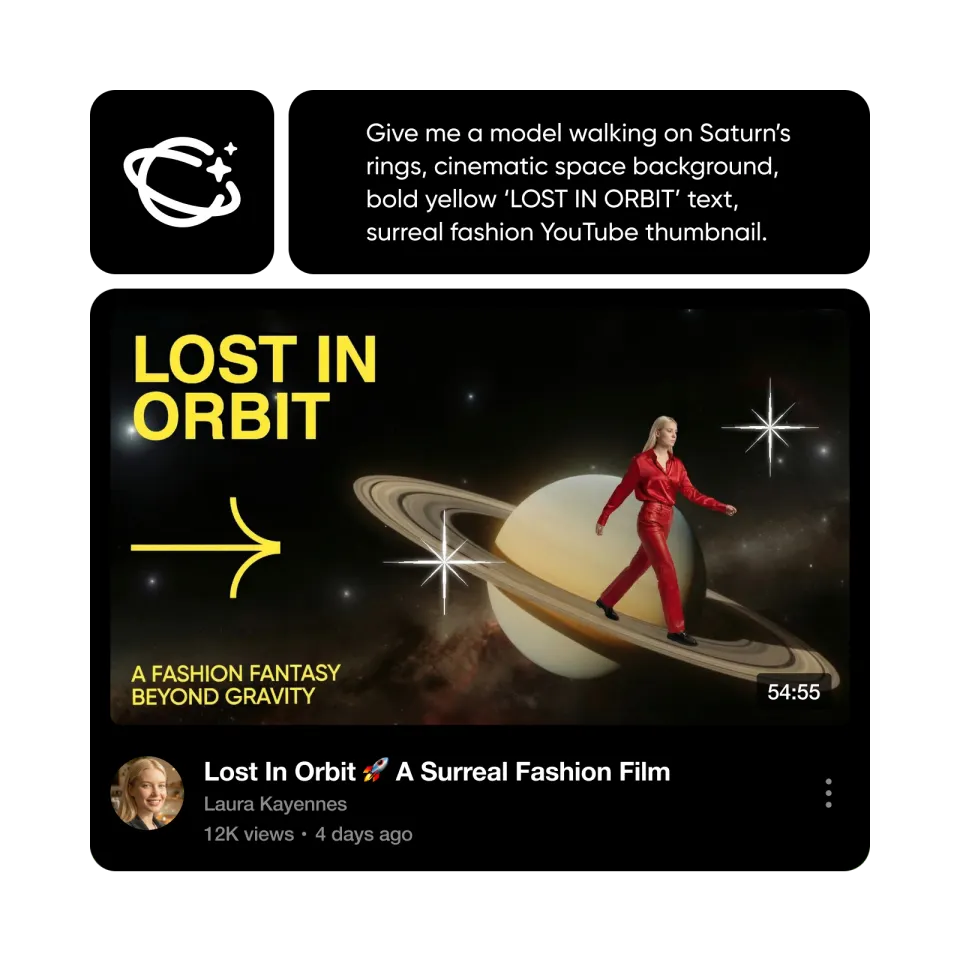
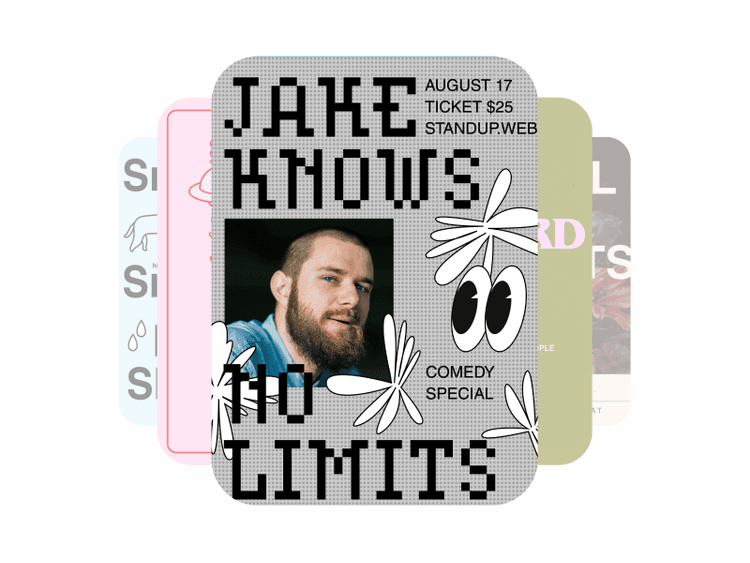
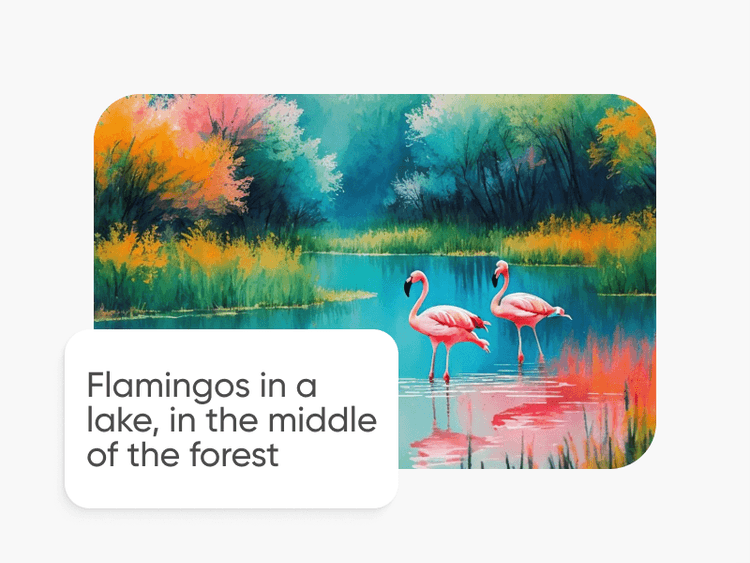
Crie miniaturas com modelos de imagem de IA
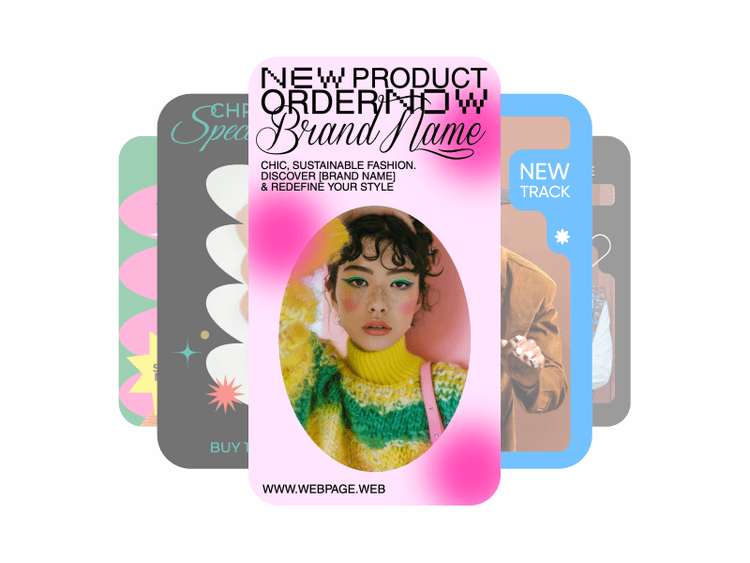
Use modelos de imagem para criar conceitos de miniaturas, elementos visuais para criadores e capas impactantes.

Ferramentas de edição para todos
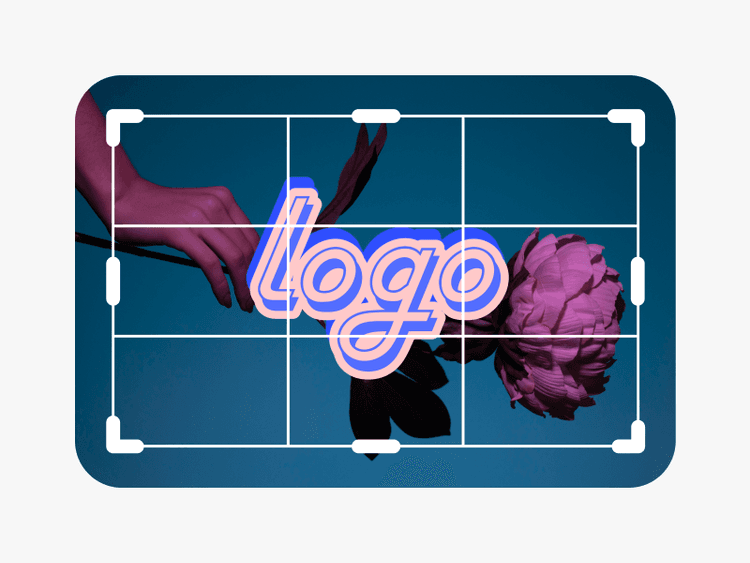
Com ferramentas de arrastar e soltar, é fácil criar miniaturas para YouTube, independentemente do seu nível de habilidade em design.
Uma infinidade de modelos de miniaturas
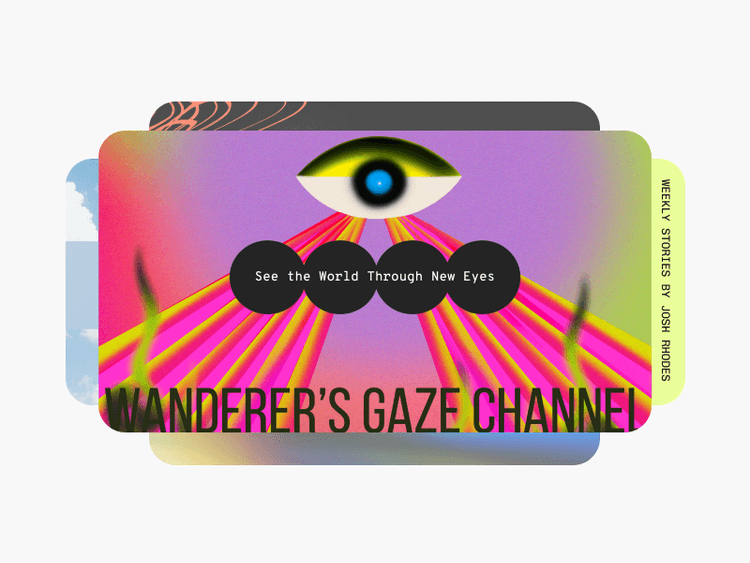
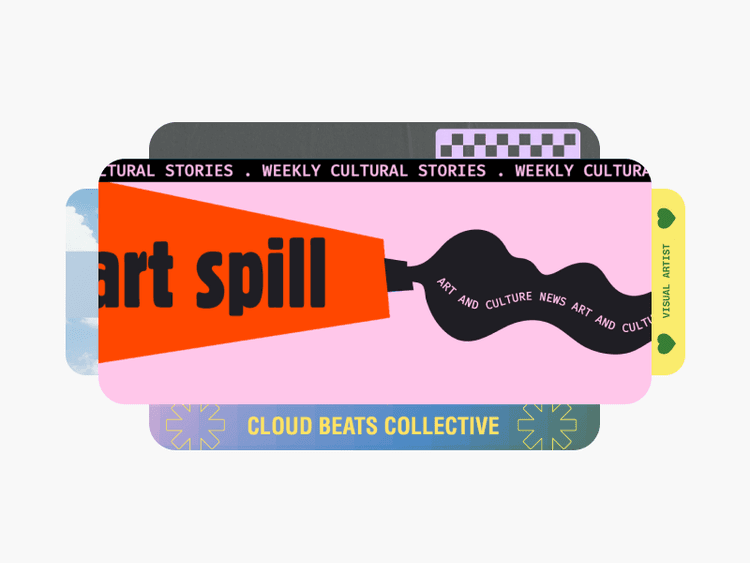
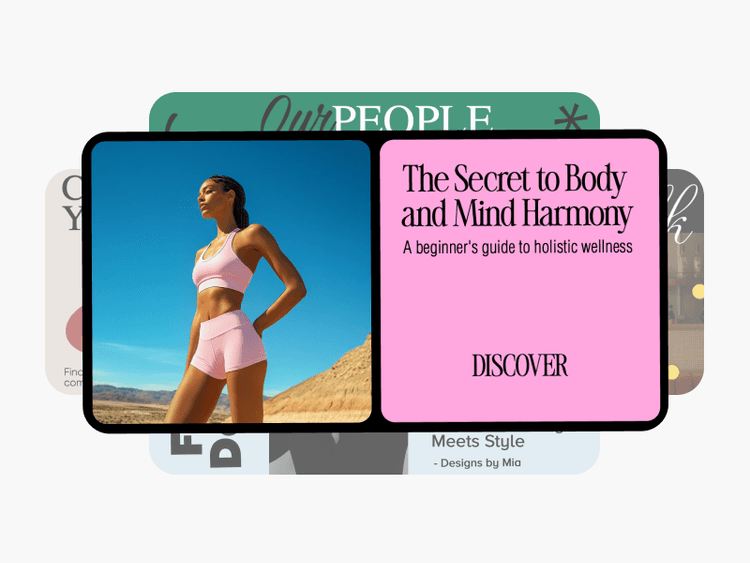
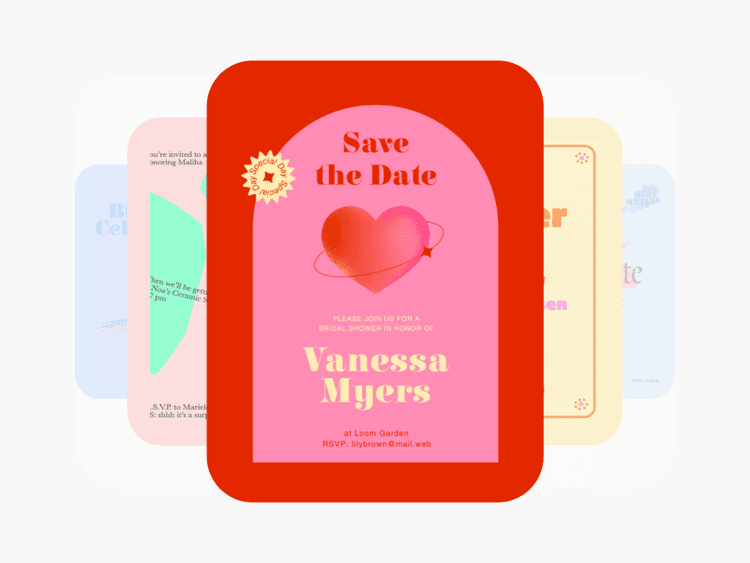
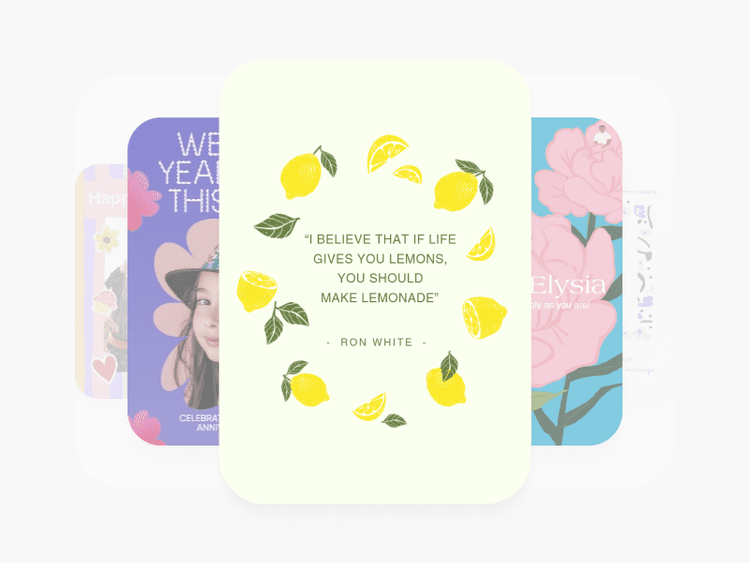
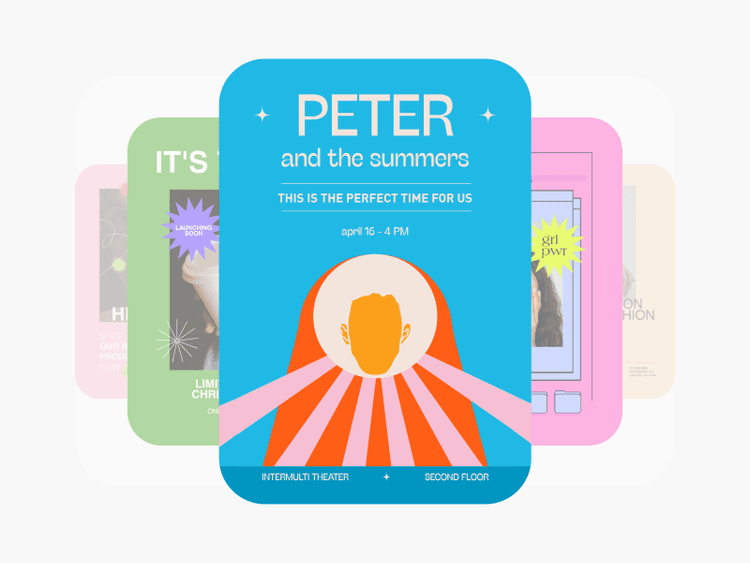
De moda a viagens e muito mais, há vários modelos gratuitos de miniaturas para explorar.

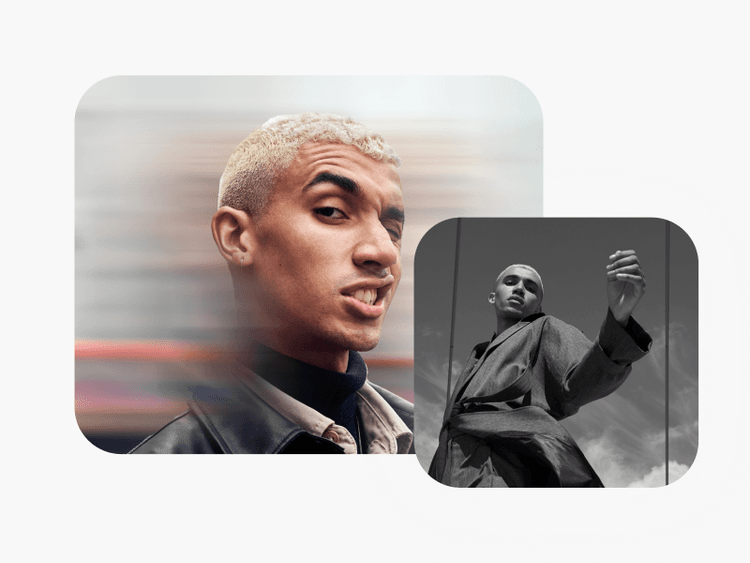
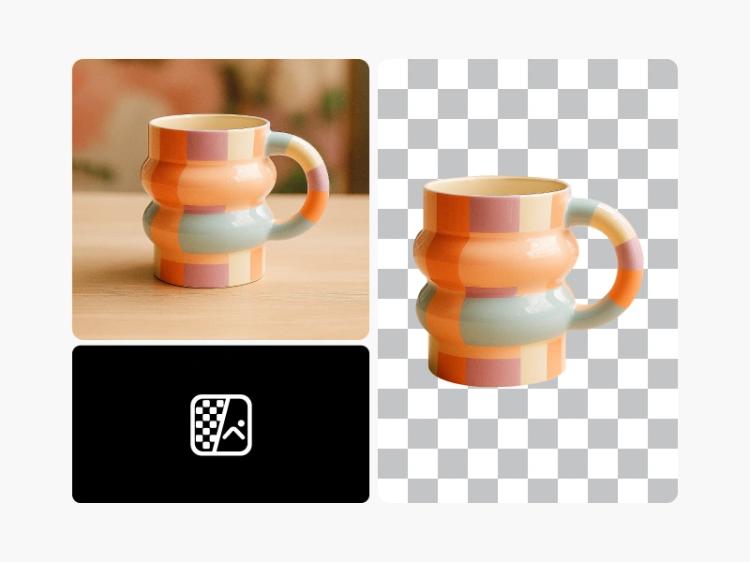
Personalização fácil com ferramentas de IA
Descubra como as ferramentas de IA mais recentes podem levar suas miniaturas a outro nível, sem muito esforço.
Como criar miniaturas para YouTube
Abra o Editor de Fotos do Picsart
Abra o Editor de Fotos do Picsart e explore os modelos de miniaturas para YouTube até encontrar o ideal.
Envie suas fotos
Personalize sua miniatura
Baixe seu design
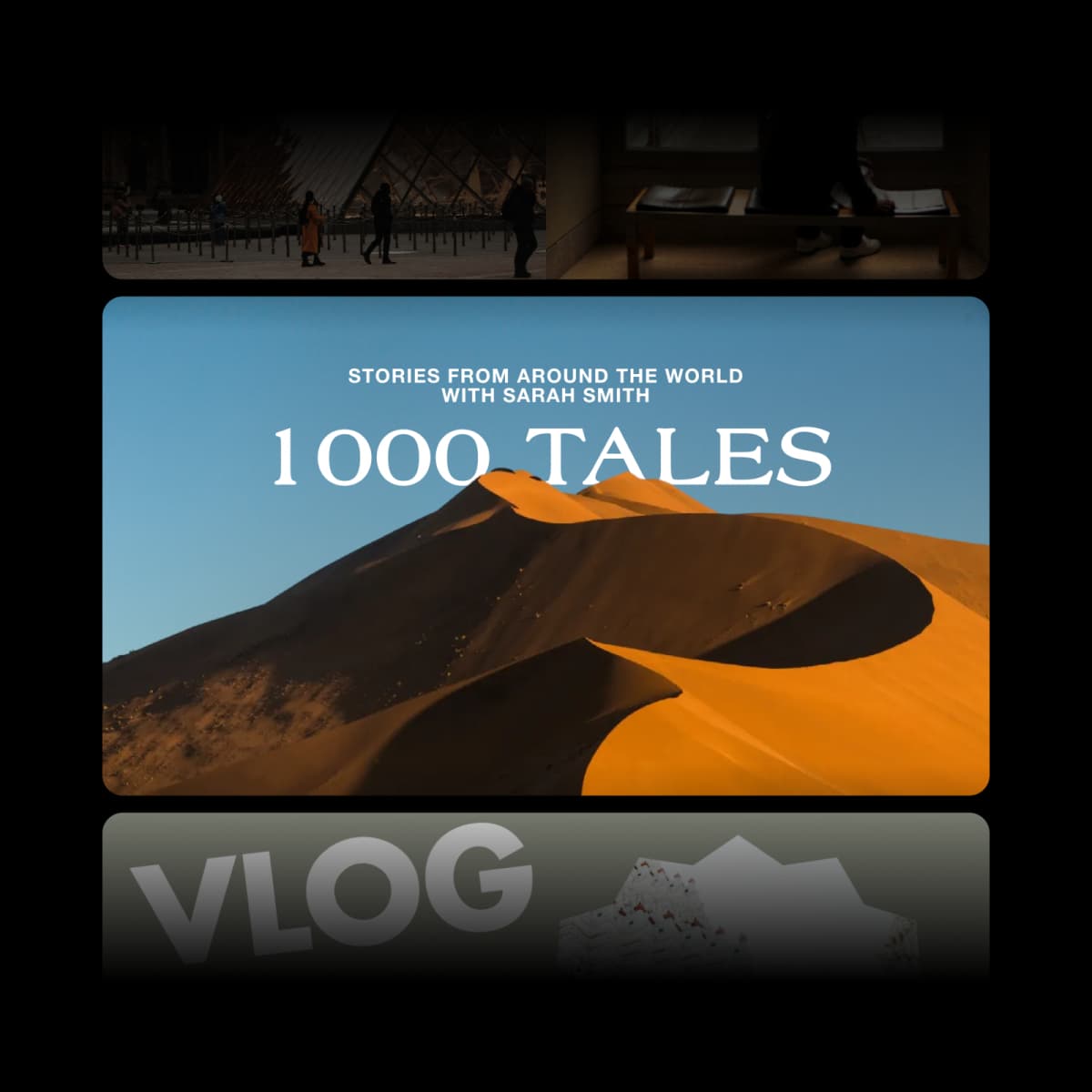
Aumente seus cliques e visualizações com miniaturas grátis para YouTube
Quer viralizar com seu próximo vídeo? Quer atrair mais visualizações para seus vlogs? Para crescer seu canal, você precisa criar miniaturas para YouTube que diferenciem seus vídeos e atraiam cliques. É aí que o criador de miniaturas grátis do Picsart pode ajudar. De designs minimalistas a modelos da moda, o Picsart tem tudo o que você precisa para se destacar.
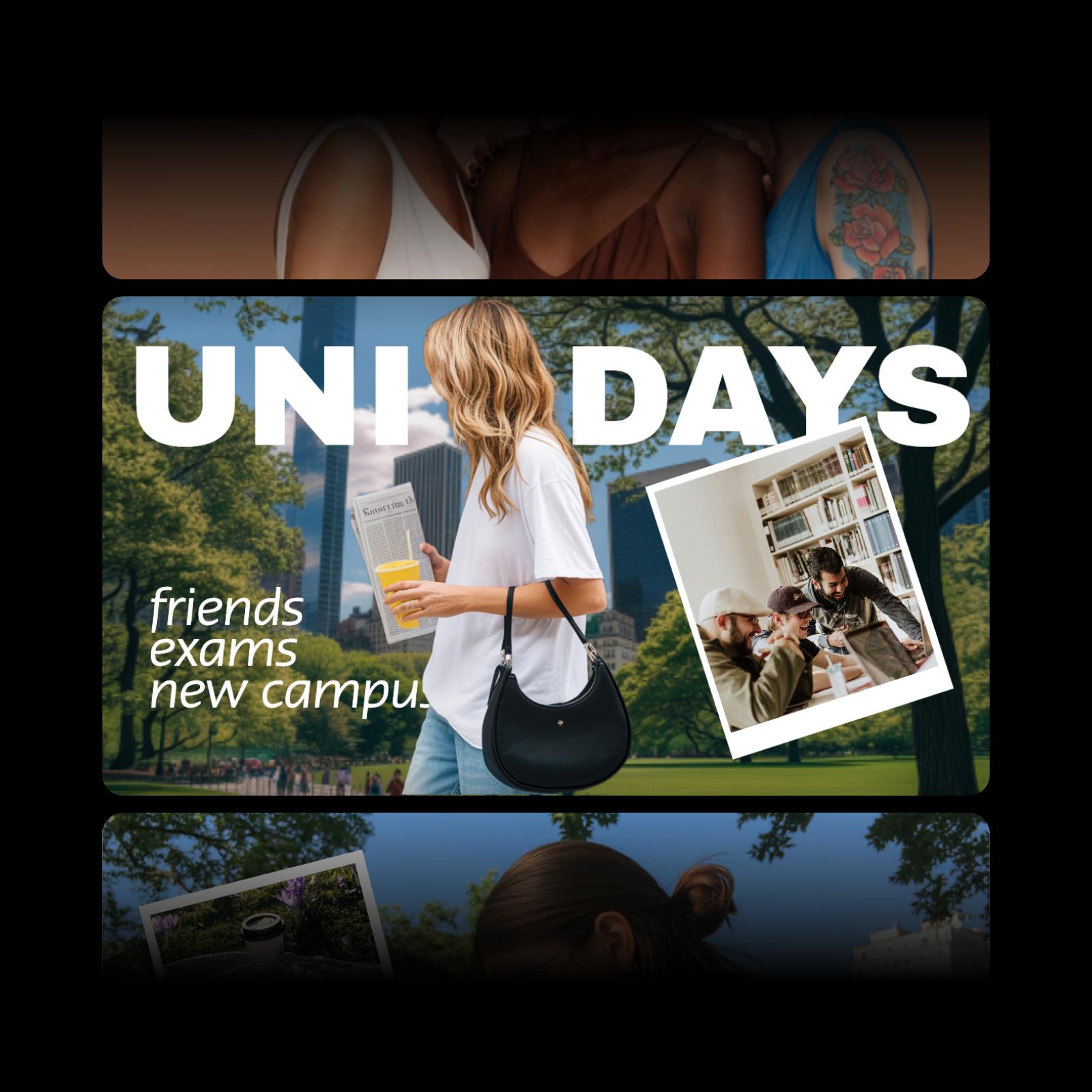
Use um criador de miniaturas fácil de usar
Seja você blogueiro, streamer ou influenciador, já sabe que miniaturas chamativas são essenciais para sua presença online. A boa notícia é que, mesmo se você estiver começando no design, pode criar miniaturas exclusivas para YouTube para seu hobby, renda extra ou negócio e causar uma boa impressão em quem assistir. O criador de miniaturas grátis e online do Picsart facilita a criação de miniaturas personalizadas em minutos, seja você profissional de redes sociais, podcaster ou muito mais.
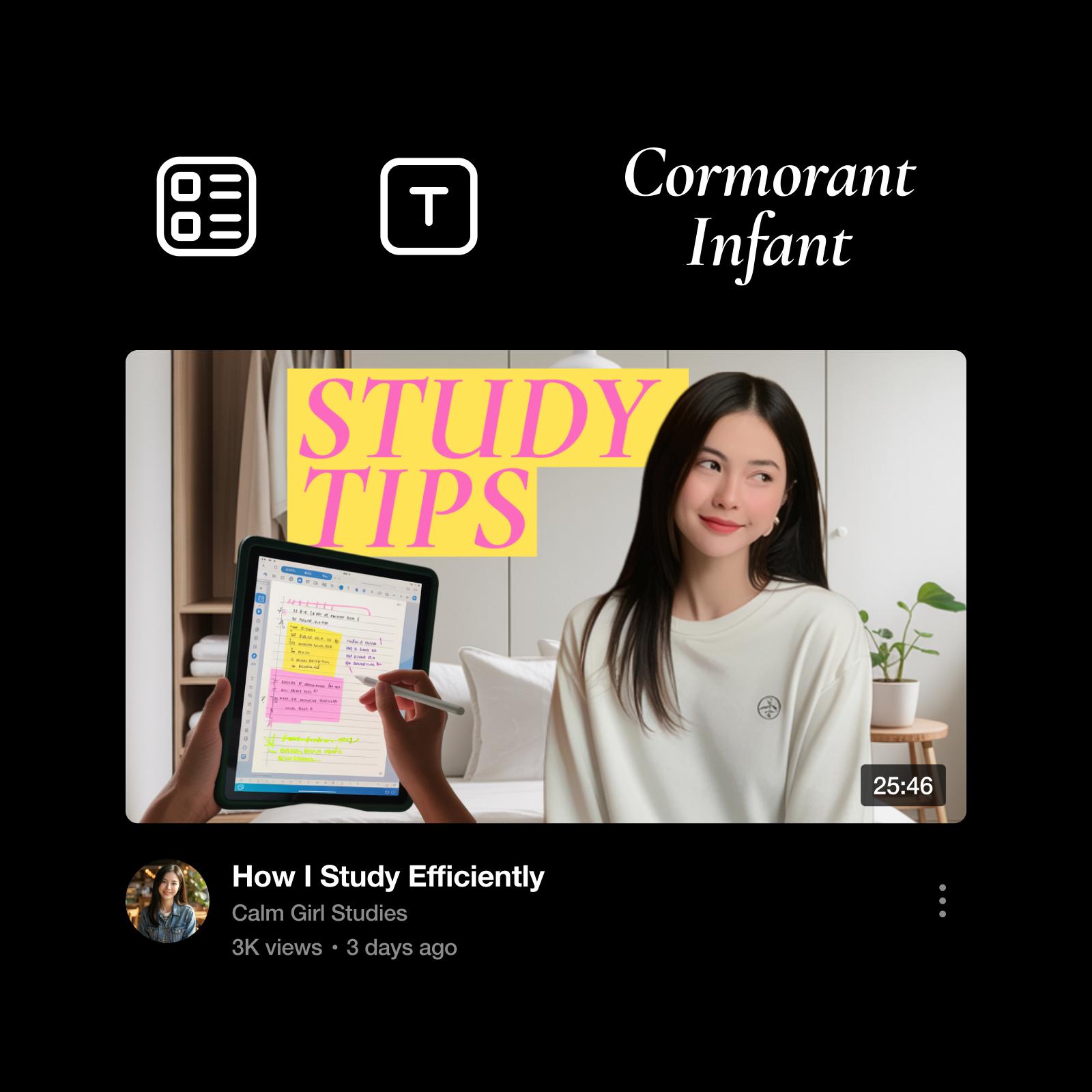
Crie miniaturas do zero ou faça designs personalizados
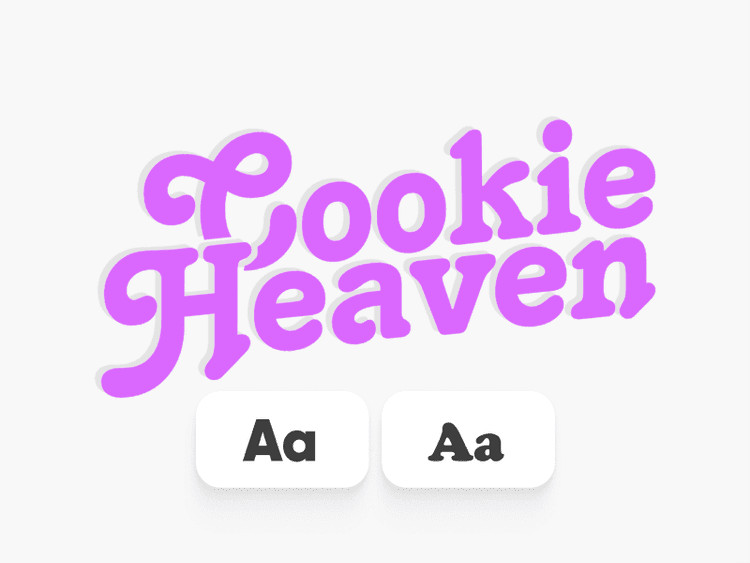
Já tem uma ideia para sua miniatura? Solte a criatividade e crie uma do zero com nossa ampla seleção de efeitos para fotos, fontes, fundos e muito mais. Prefere buscar inspiração para dar asas à imaginação? A gente ajuda. Comece com um dos nossos modelos de miniaturas totalmente personalizáveis e deixe-o com a sua cara.
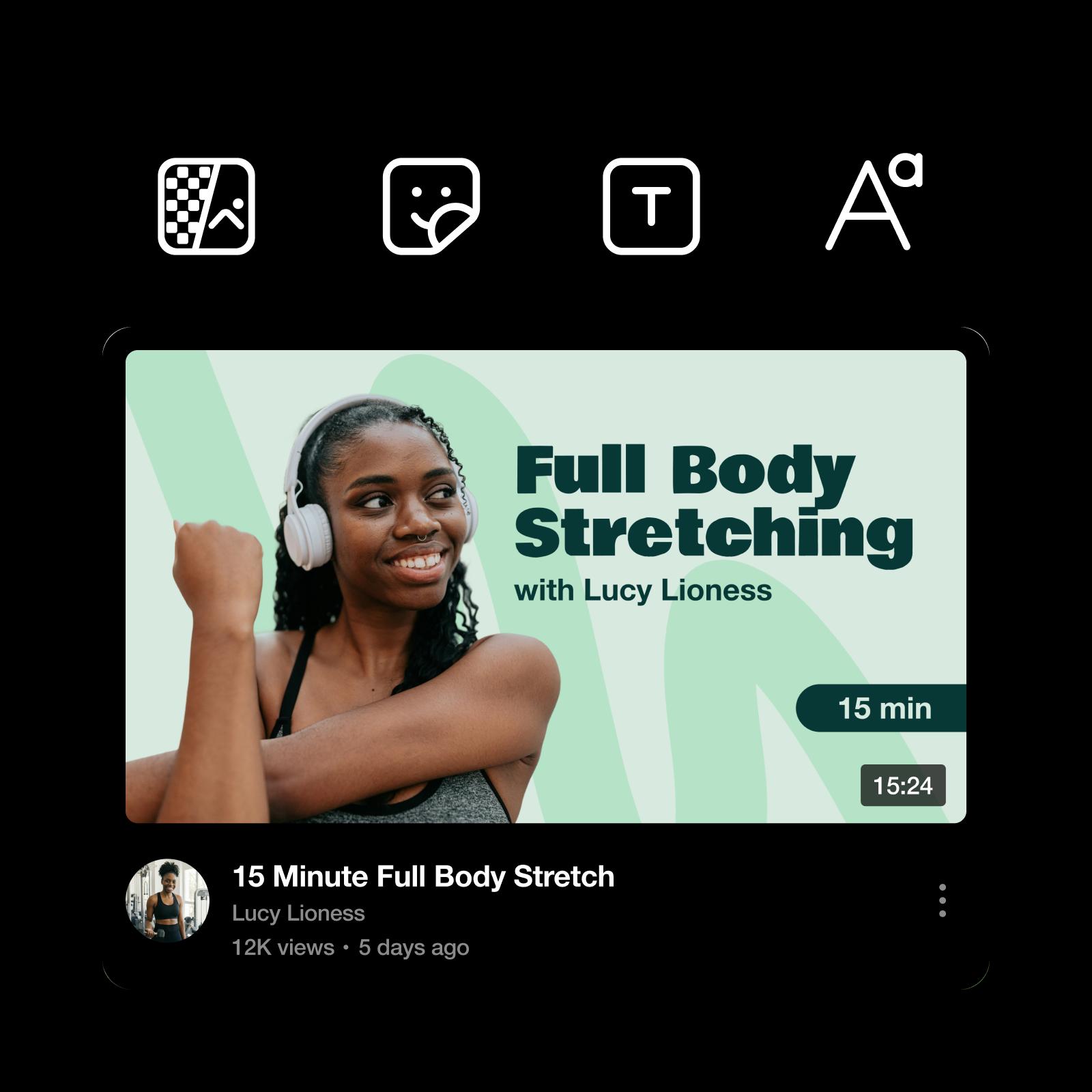
Destaque suas miniaturas com ferramentas de edição com IA
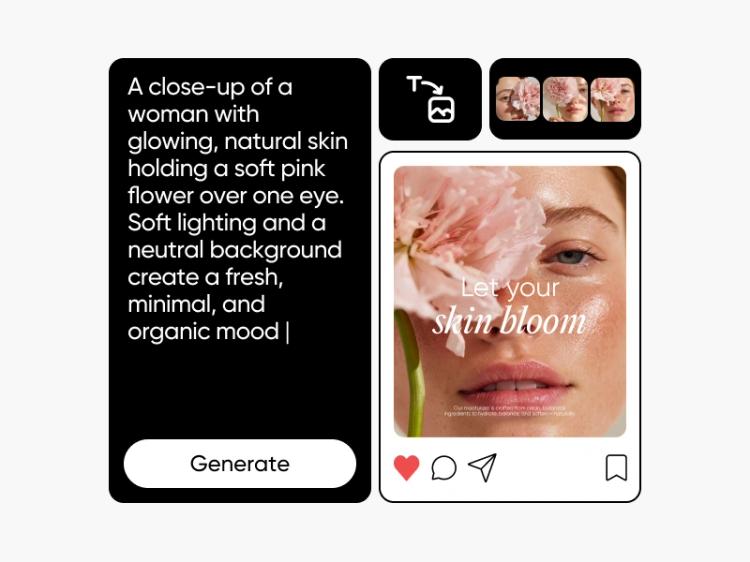
Quando quiser explorar novos limites criativos, a inteligência artificial pode ajudar. Se não souber por onde começar, digite uma breve descrição do seu vídeo no AI Image Generator para criar imagens exclusivas para suas miniaturas. Por outro lado, se você já tem uma imagem em mente, pode usar o AI Photo Enhancer do Picsart para melhorar a qualidade da imagem instantaneamente e deixá-la mais nítida.
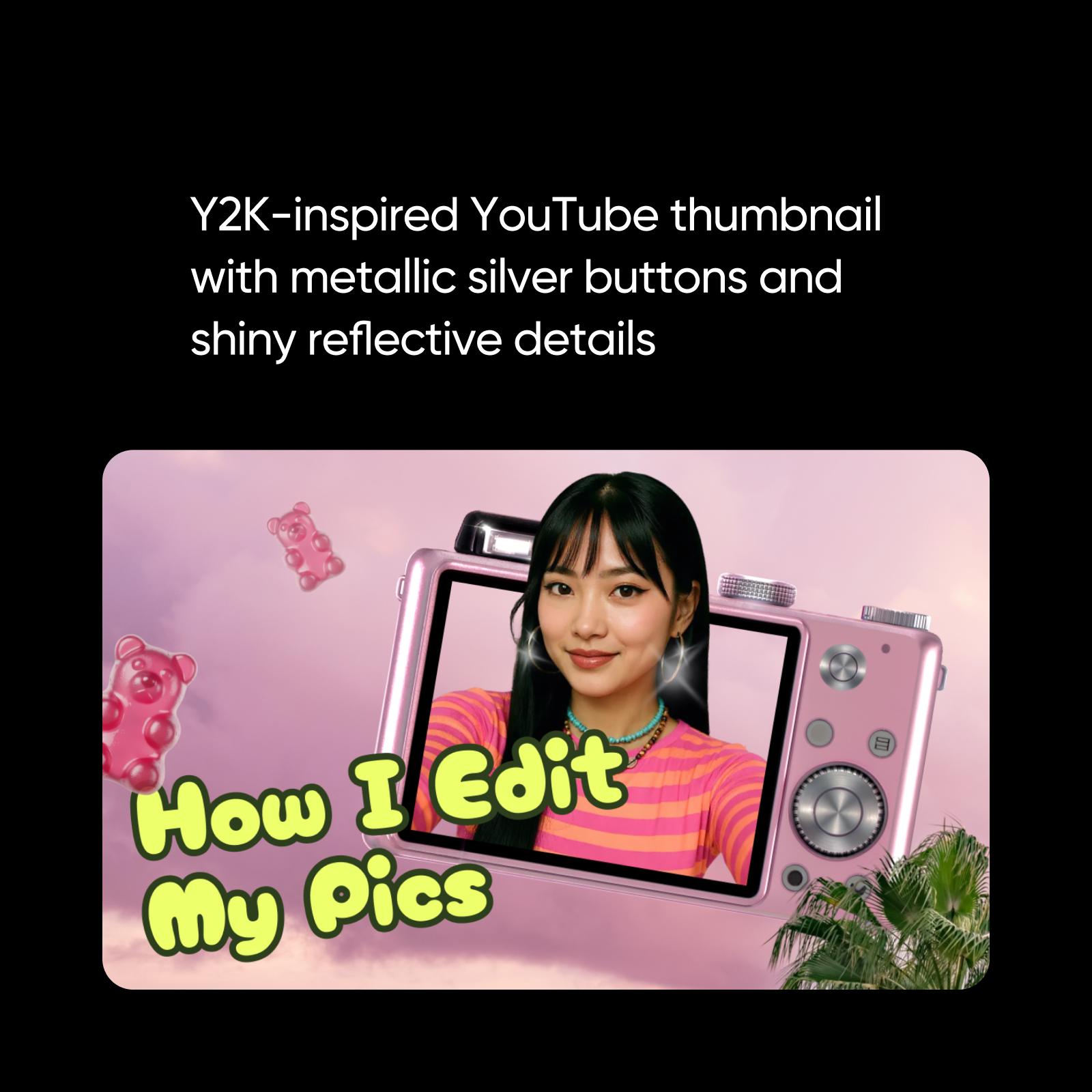
Edite modelos de miniaturas para combinar com sua marca
Nas redes sociais, a imagem da marca é tudo. Para aumentar seu público e cativar quem assiste, você precisa de uma marca consistente — e isso também vale para suas miniaturas. De vlogs a vídeos de influenciadores, leva apenas alguns minutos para personalizar miniaturas com o Photo Editor do Picsart. Com ferramentas de edição fáceis de usar ao seu alcance, você pode criar miniaturas personalizadas para sua marca rapidinho.
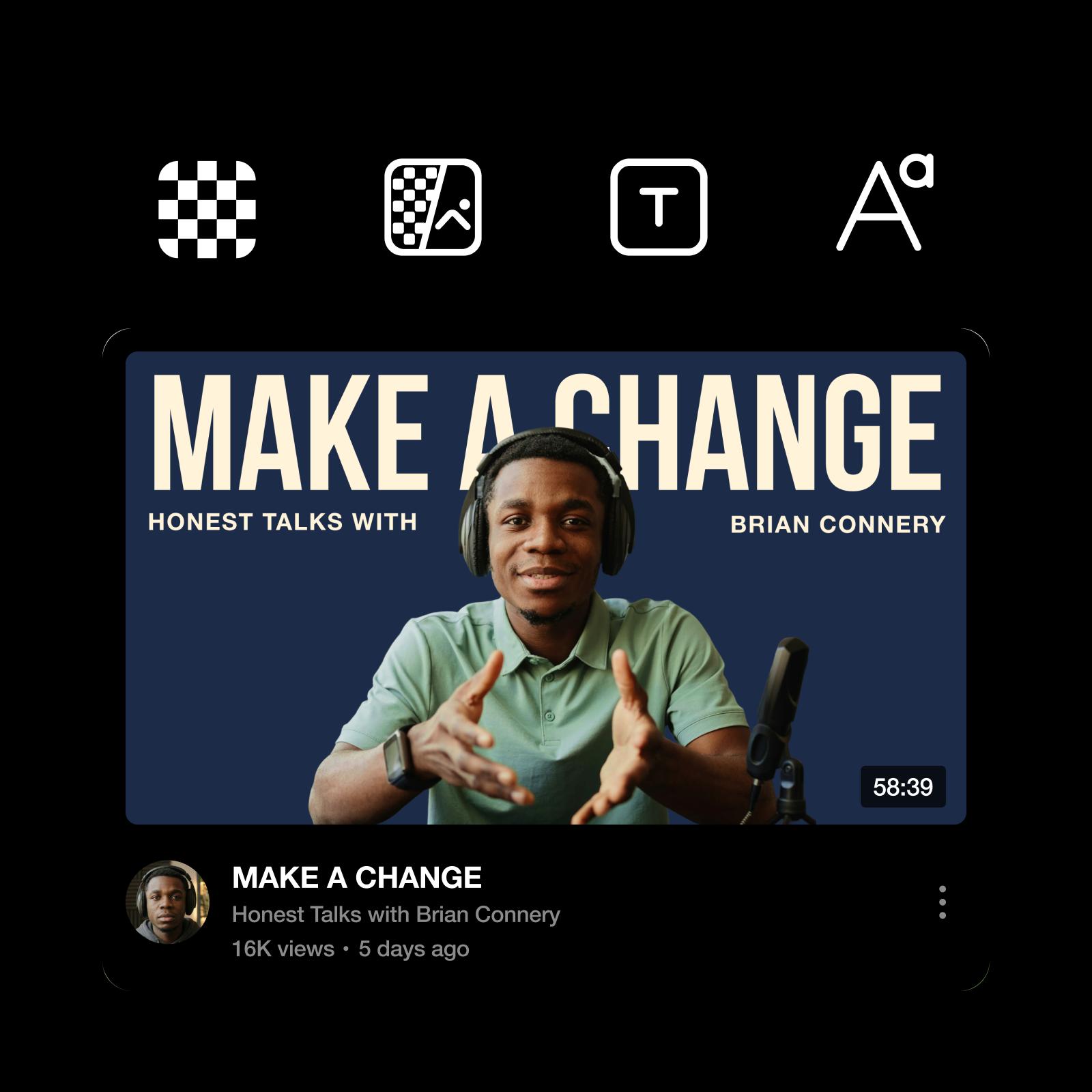
Dicas práticas para criar miniaturas chamativas para YouTube
Crie miniaturas que chamem a atenção de imediato com foco no que mais importa:
✔️ Use fontes marcantes e legíveis, que continuem claras mesmo em tamanhos pequenos.
✔️ Aposte no alto contraste para destacar rapidamente textos e elementos visuais.
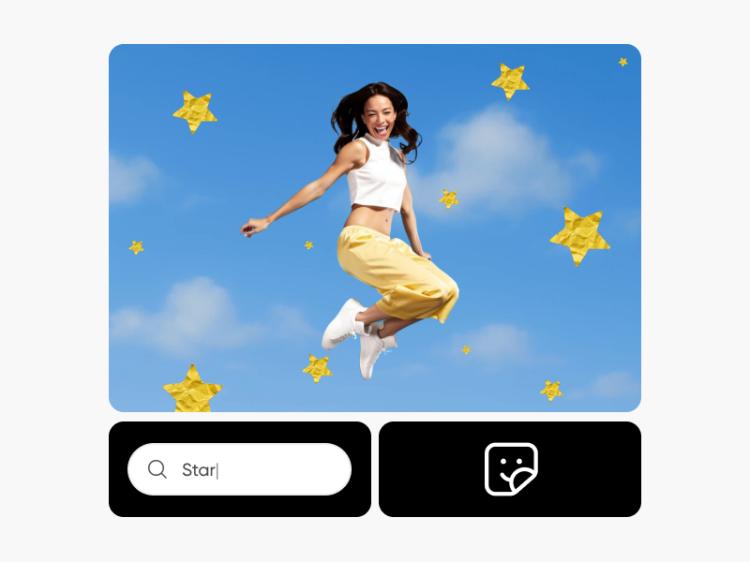
✔️ Adicione adesivos ou crie os seus com o AI Sticker Generator para chamar a atenção sem poluir o design.
✔️ Destaque um ponto focal para guiar o olhar de imediato.
✔️ Mantenha um estilo consistente para ser reconhecido e trabalhar mais rápido.

Crie elementos visuais para YouTube mais rápido com um criador de miniaturas com IA
Se quiser ir além da edição tradicional de miniaturas e explorar novas ideias criativas, o Picsart Aura oferece um ponto de partida mais rápido. Basta escrever o que quer criar para gerar conceitos de miniaturas que você pode personalizar. A ferramenta agiliza a criação de ideias, layouts e experimentações visuais, enquanto você mantém o controle das fontes, dos elementos visuais e dos retoques finais.
O Picsart é muito mais do que um criador de miniaturas
Seja qual for a sua necessidade criativa, o Picsart oferece ferramentas de edição profissionais, modelos para redes sociais e muito mais.
Perguntas frequentes sobre o criador de miniaturas para YouTube
O YouTube recomenda 1280x720 (com largura mínima de 640 pixels) e exige que os arquivos de imagem tenham menos de 2 MB.
Essa escolha depende inteiramente do seu objetivo ou do seu canal específico no YouTube. Alguns criadores usam uma foto de perfil, enquanto outros destacam sua marca ou uma imagem que represente a estética do canal.
Além dos requisitos de tamanho acima, o YouTube também exige que as imagens sejam enviadas em formatos como JPG, PNG ou GIF.
Nosso criador de miniaturas online é grátis. Assim, você pode aprimorar seus designs sem se preocupar com pagamentos ou com o download de programas de terceiros.
Sim! Quando terminar de criar sua miniatura, você pode baixar o design em um formato de arquivo adequado para você.
Para salvar seus designs, selecione Exportar e depois Baixar.
O criador de miniaturas do Picsart cria miniaturas de 12870x720 que você pode usar em qualquer plataforma.
Pense na imagem que você quer mostrar a novos espectadores ou a quem já acompanha seu canal quando virem seus links ou seu perfil no feed. Com isso em mente, crie uma imagem que represente com precisão o conteúdo do seu canal.
Claro! Os modelos do criador de miniaturas para YouTube do Picsart permitem adicionar adesivos, texto, efeitos e muito mais. Experimente até deixar o modelo com a sua cara.
Descubra mais ferramentas de edição
Solte a criatividade com nosso conjunto de ferramentas de edição fáceis de usar, até para quem está começando.
Modelos de miniaturas para YouTube
It’s easy to create art with graphic design templates. Choose from stunning templates made by professional designers and edit them with just a few clicks.
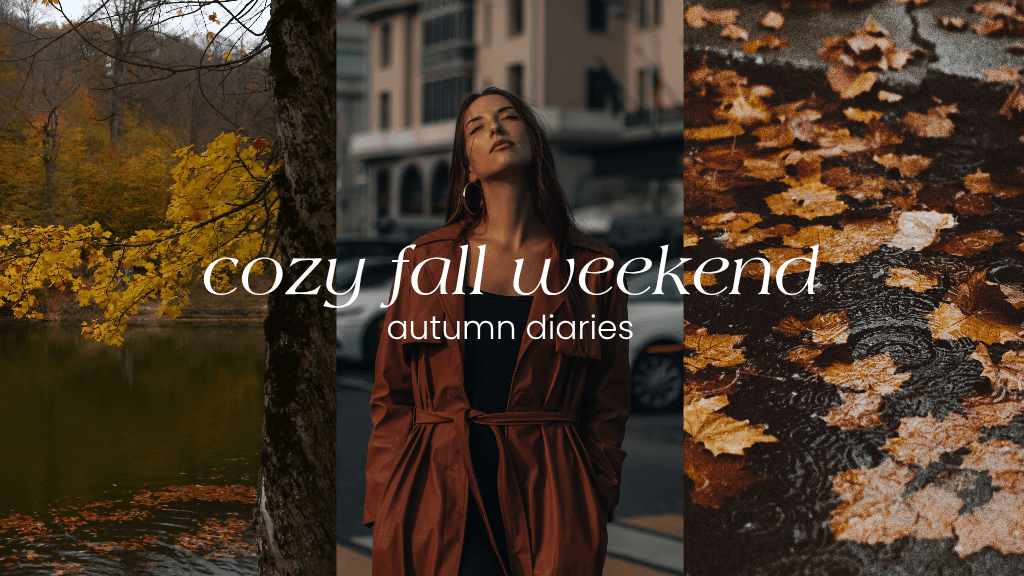
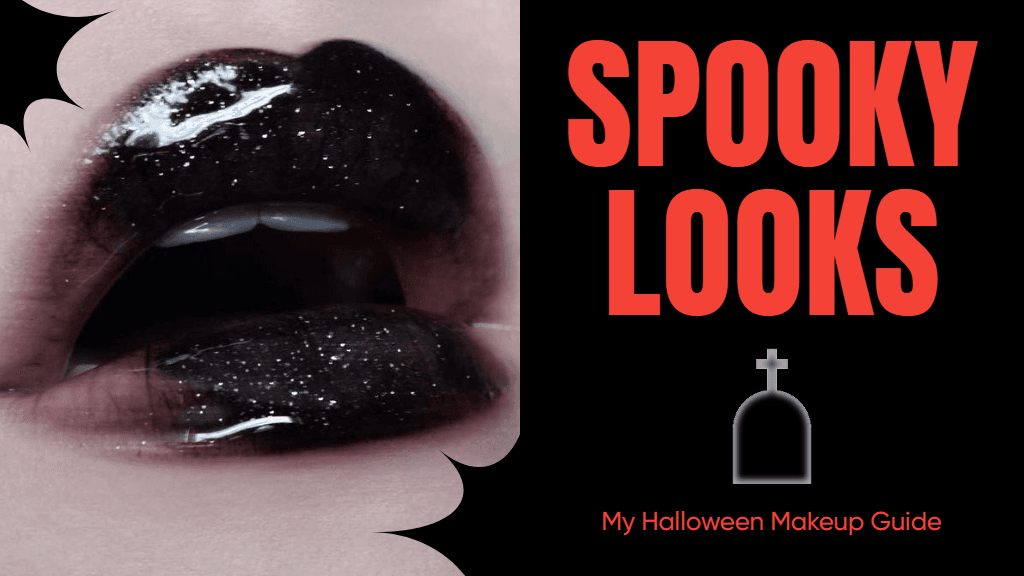
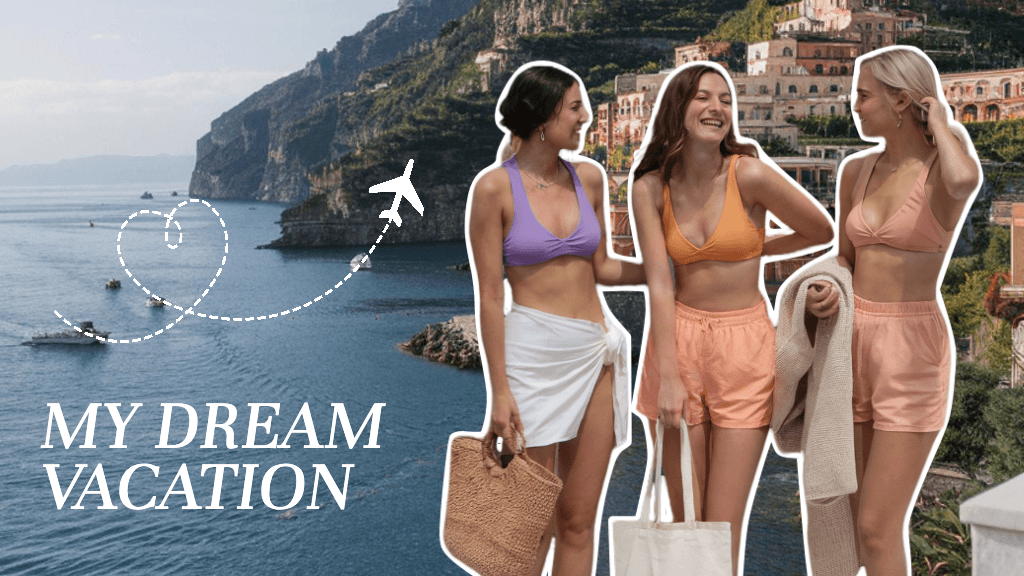
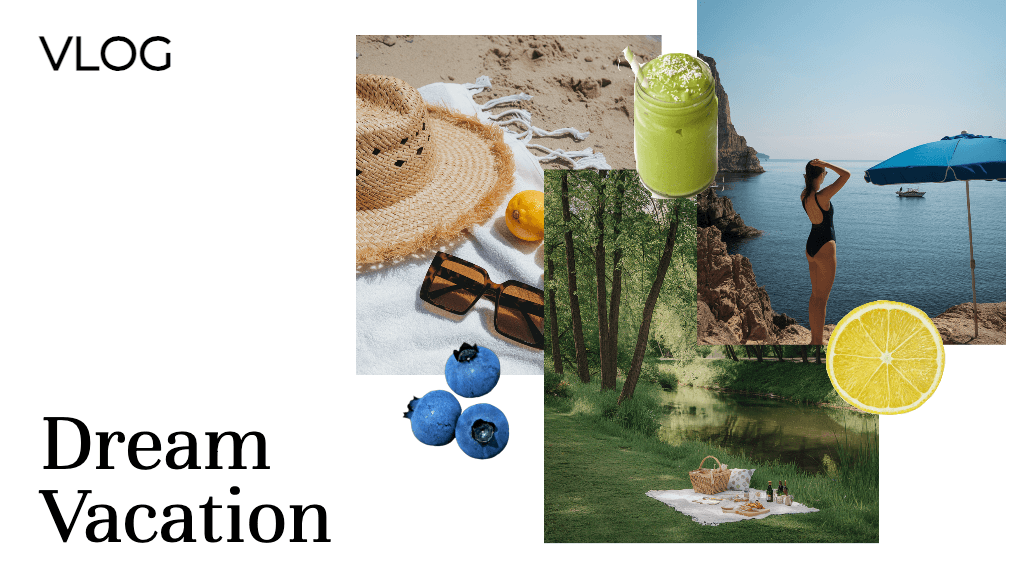
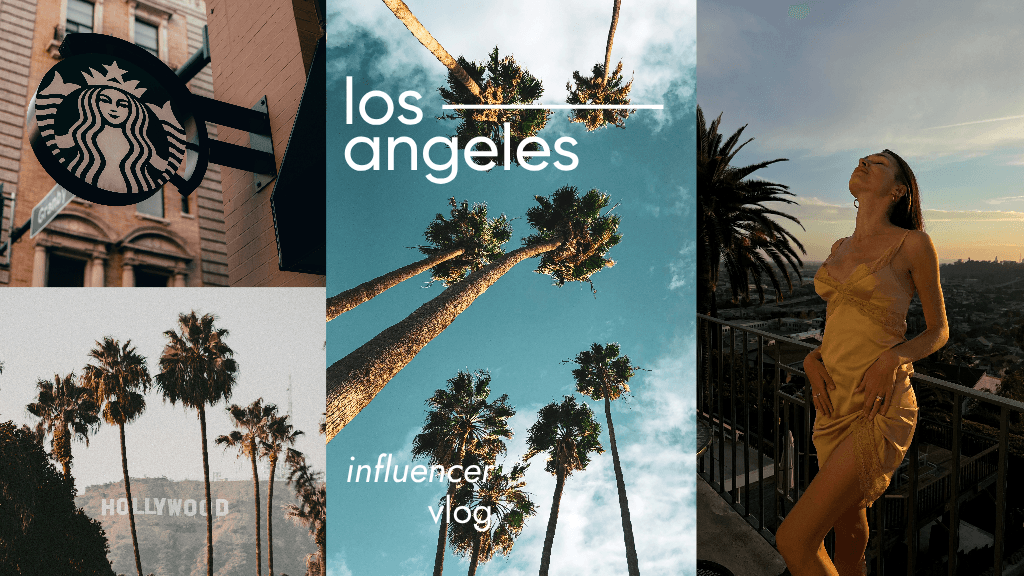
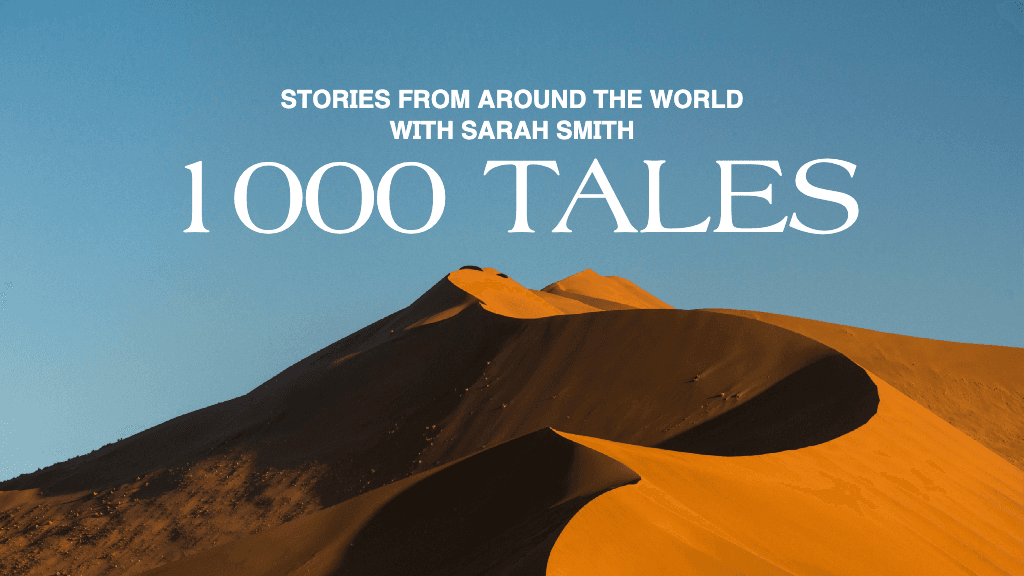
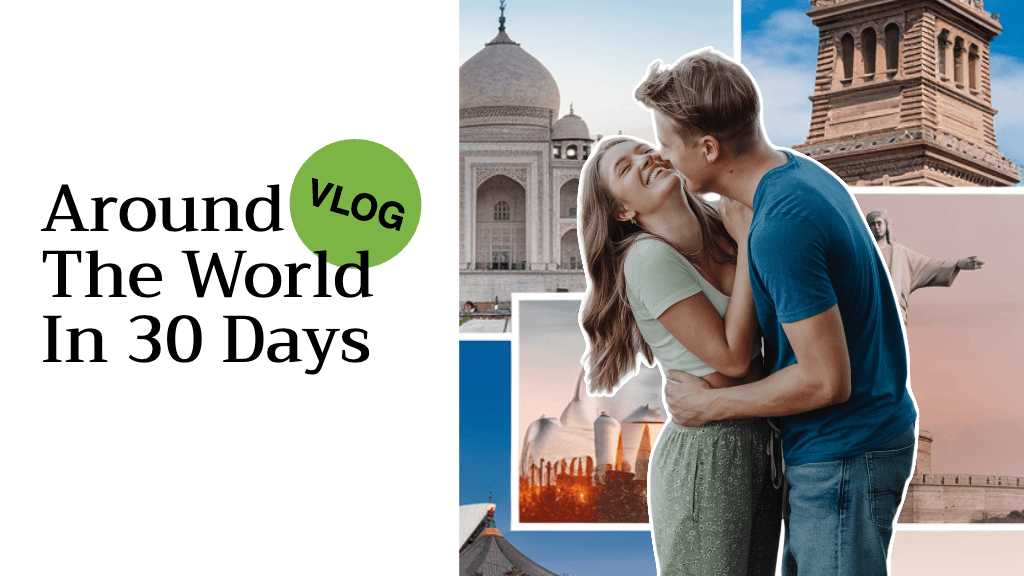
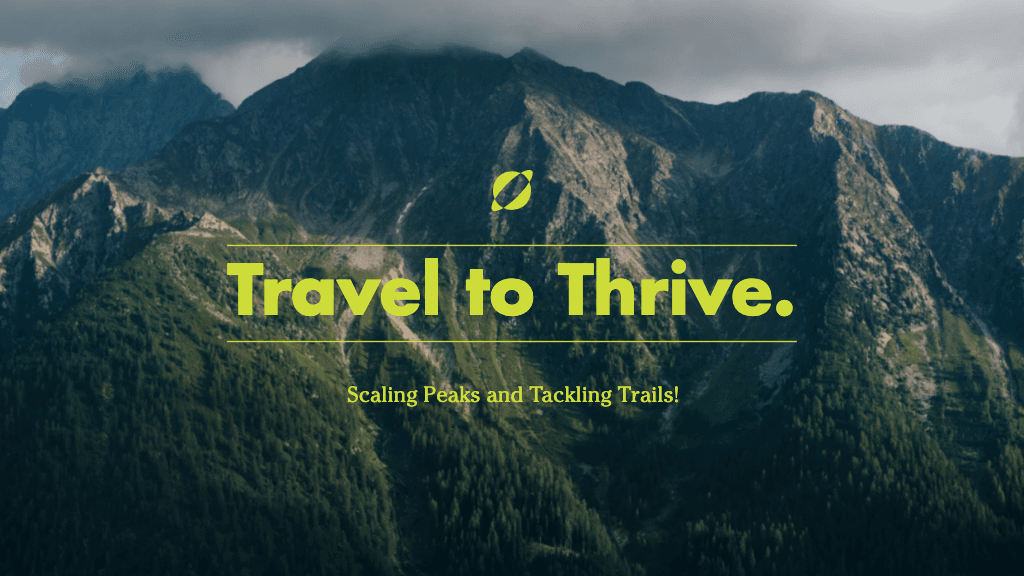
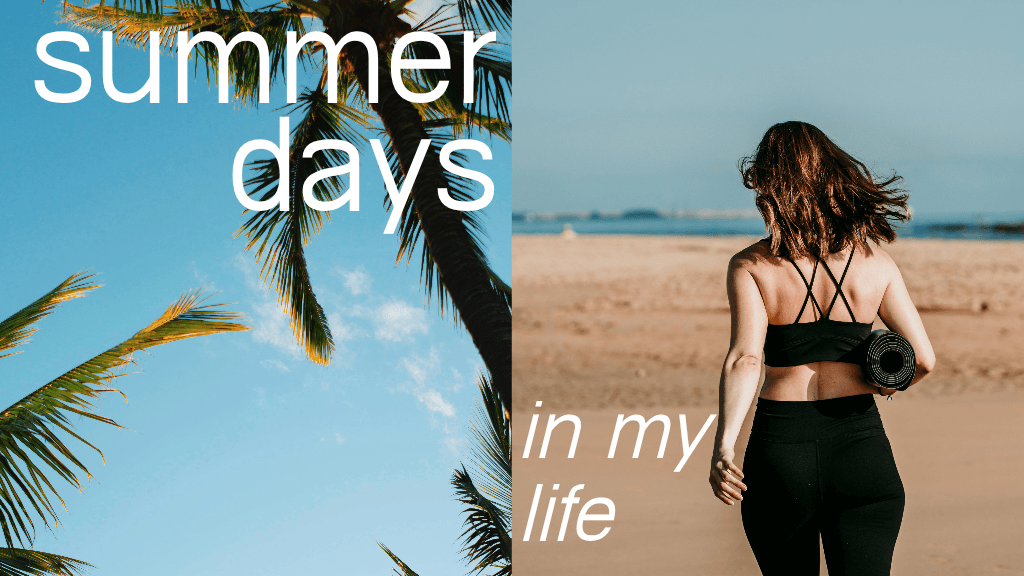
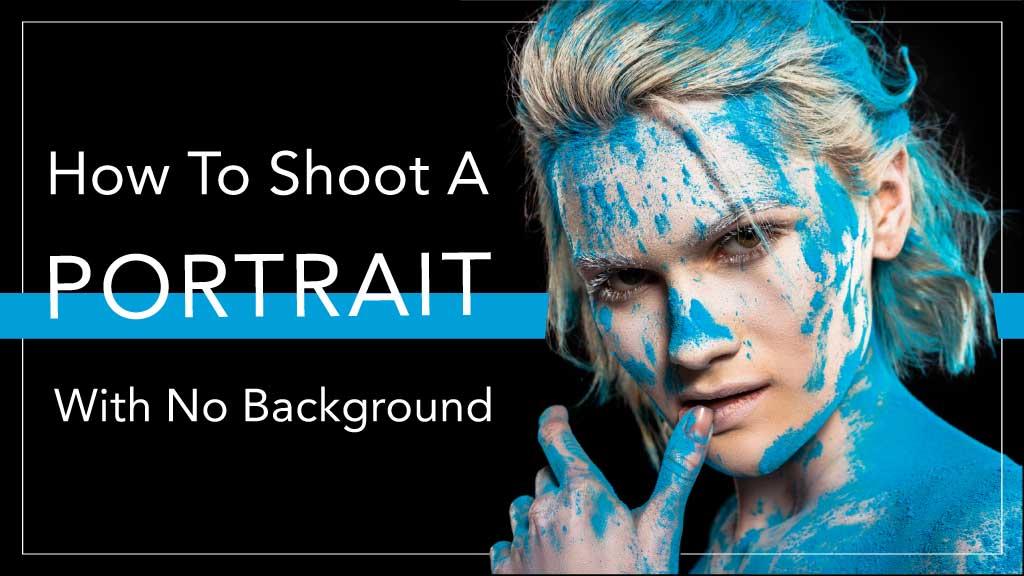
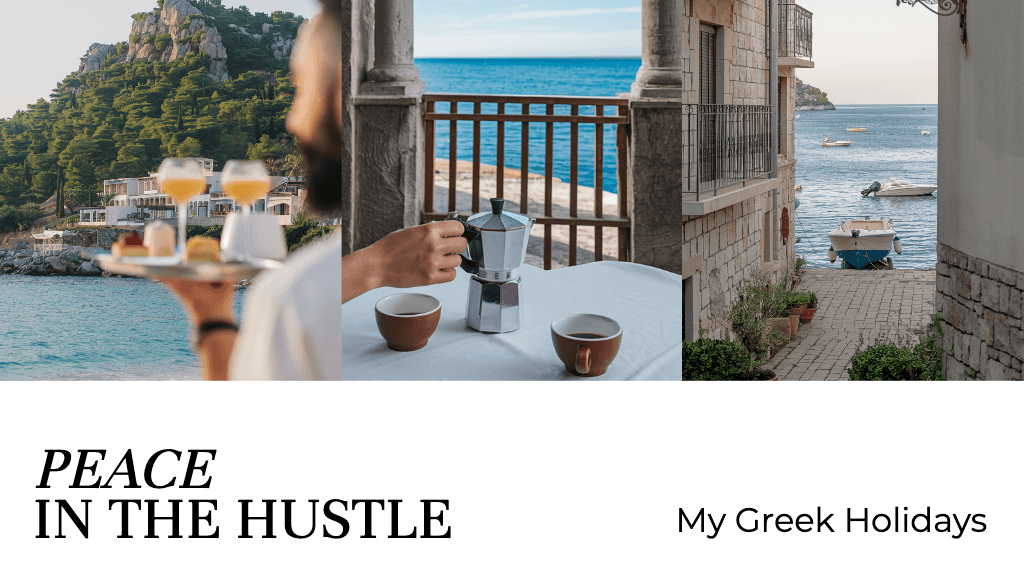
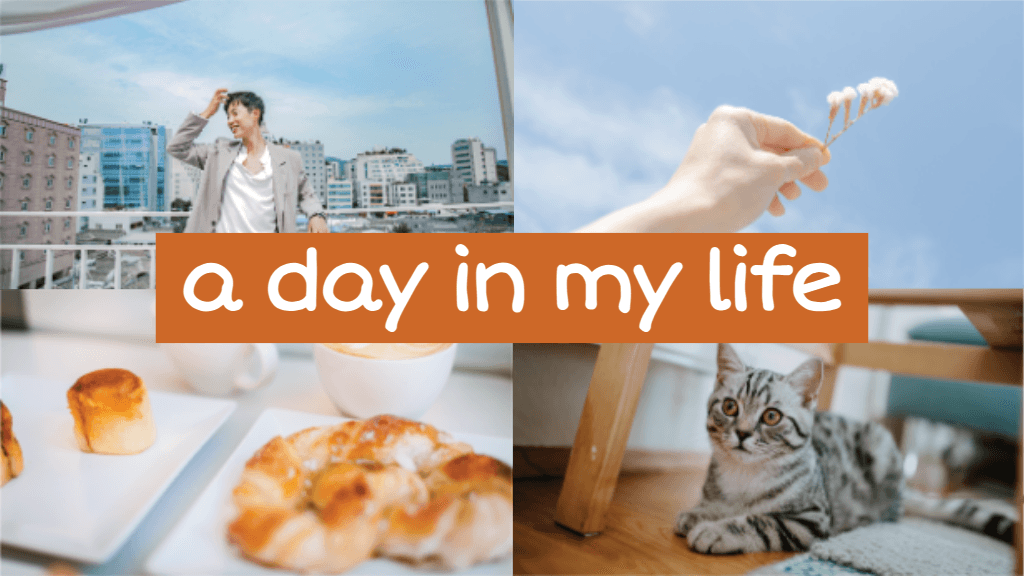
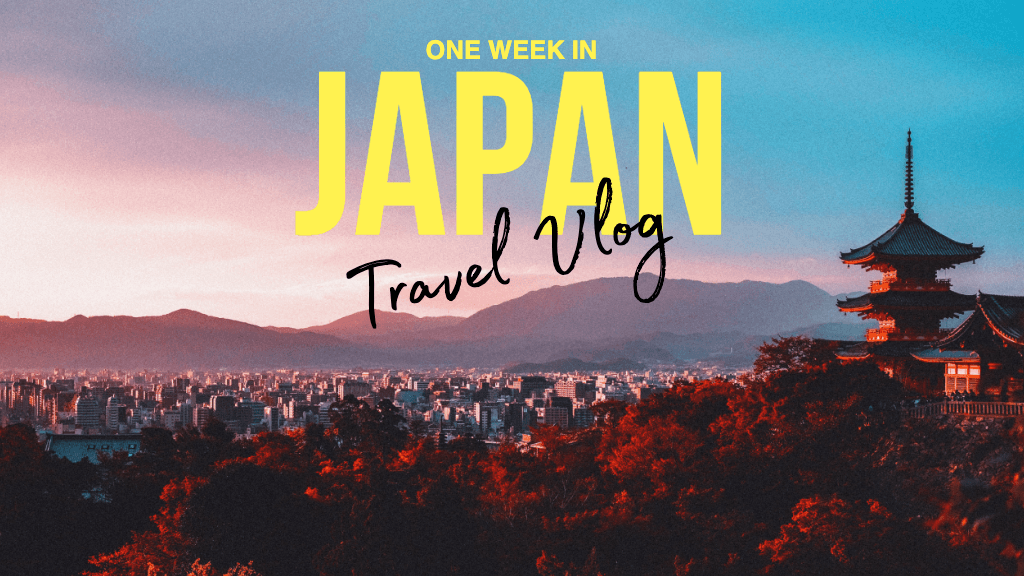
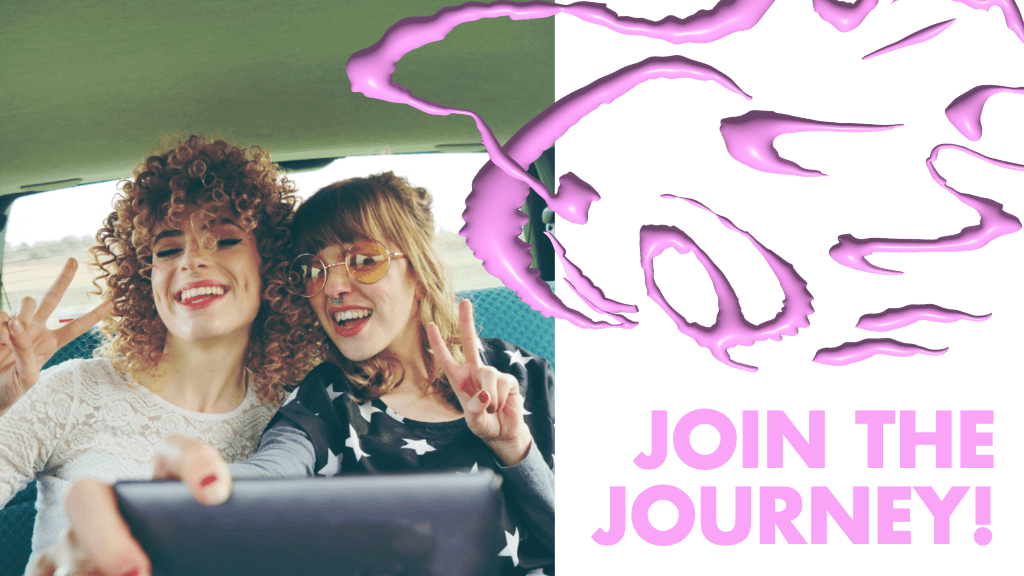
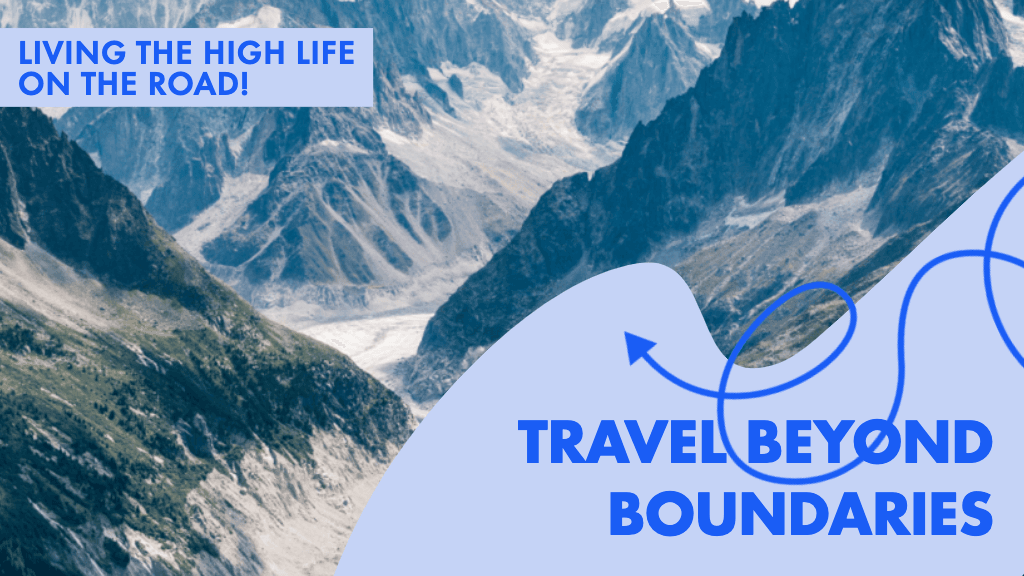
Crie miniaturas para YouTube para redes sociais e conteúdo de criadores
Pro
Most popularAI tools for everyday creative work.
Ultra
Most powerfulHeavy AI usage for creators & teams.
Enterprise
Custom AI solutions for large organizations.
- Volume discounts on credit rate
- On-demand top-ups