Flux 3 Max Keyframes: turn up to 10 images into one video
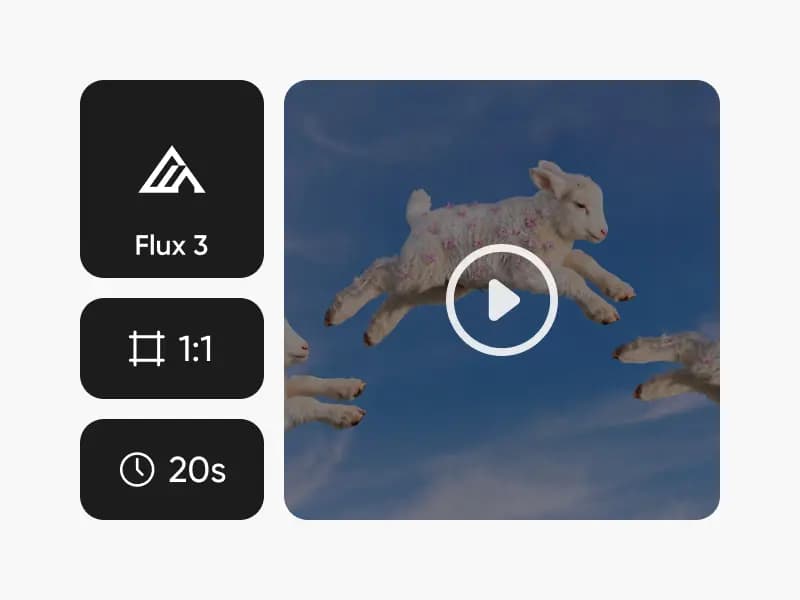
Flux 3 Max Keyframes animates a single video through 1 to 10 keyframe images you choose, spaced evenly across the clip. Up to 20 seconds at 1080p, with audio generated alongside the picture.
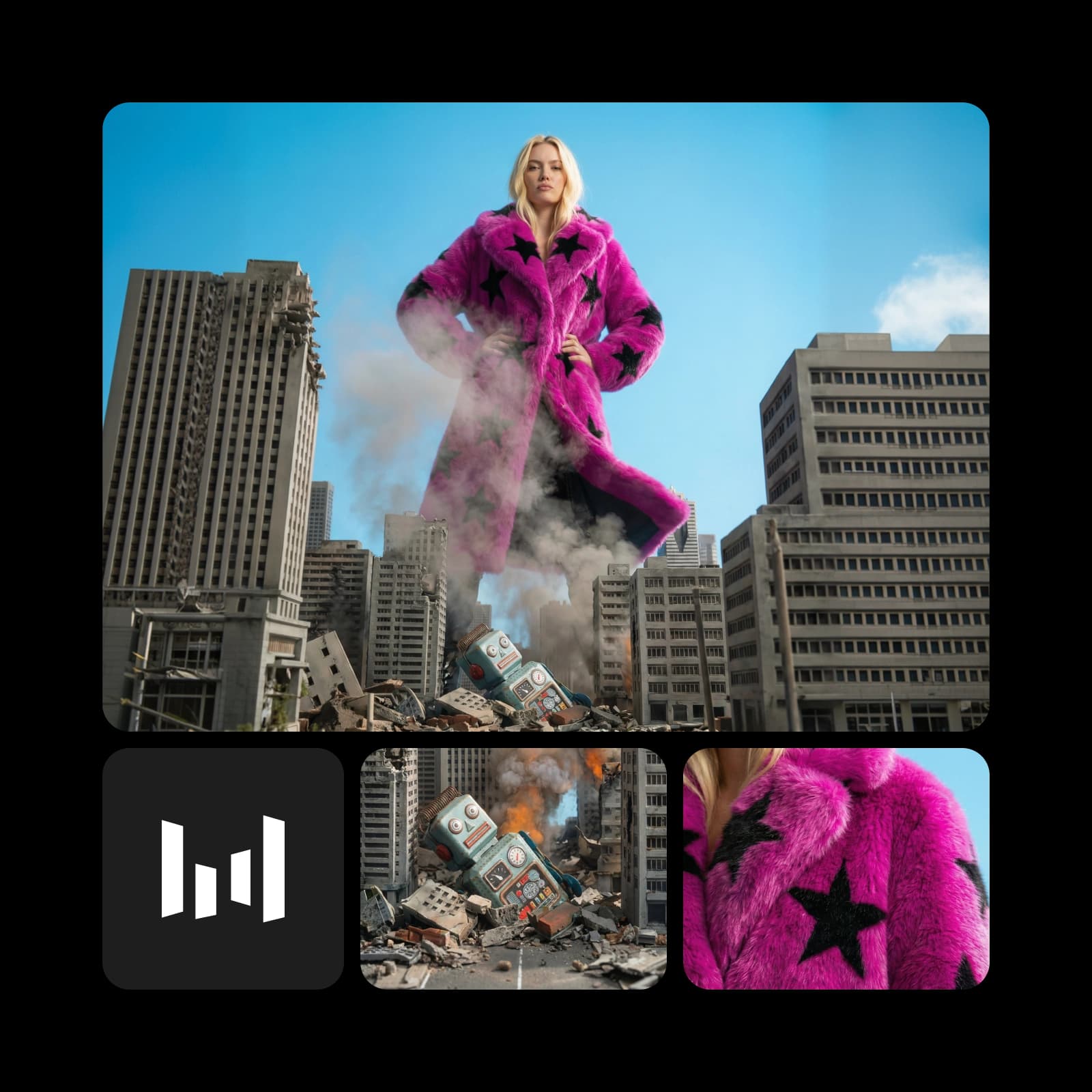
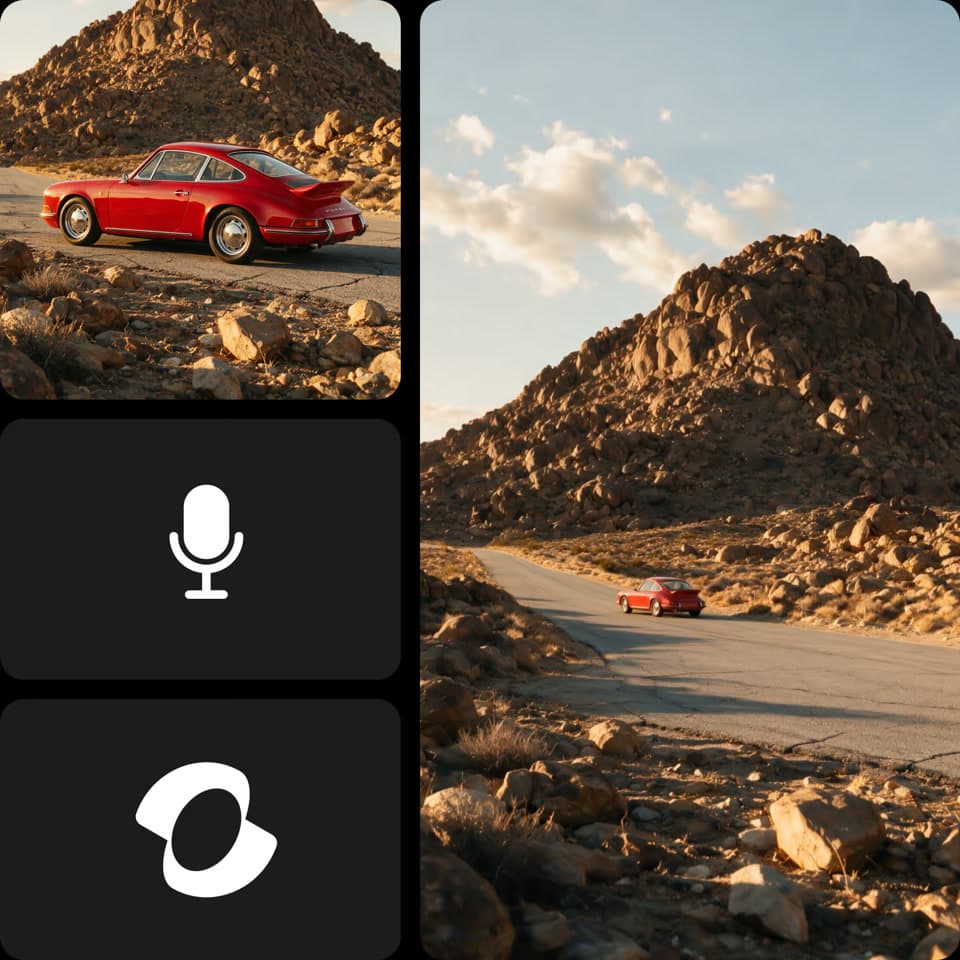
Videos made with Flux 3 Max Keyframes
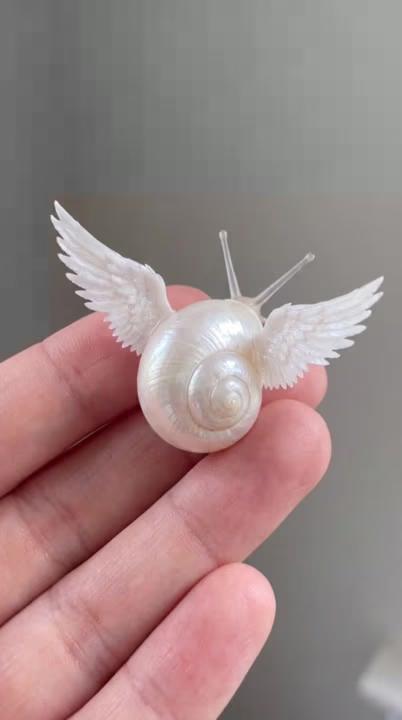


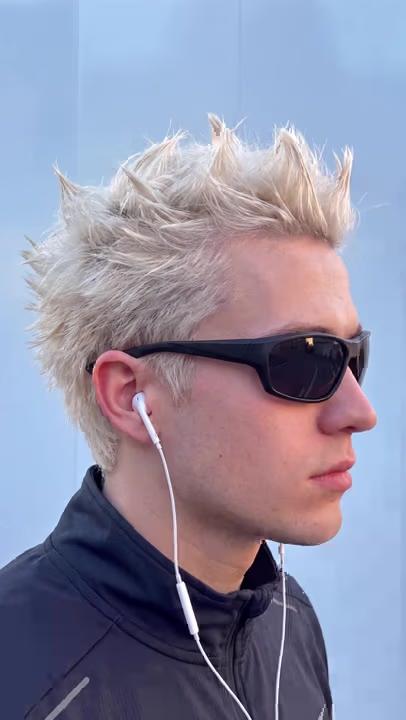
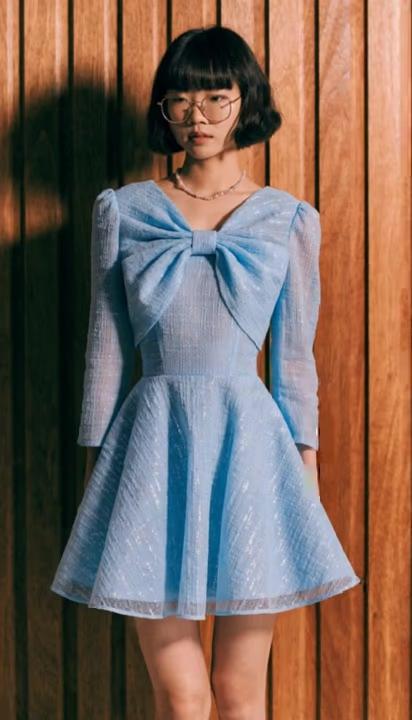
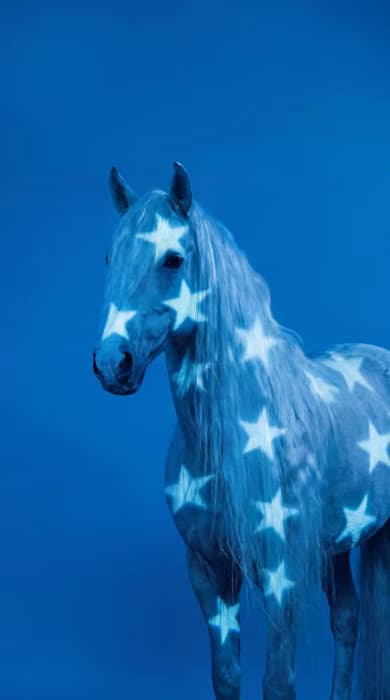
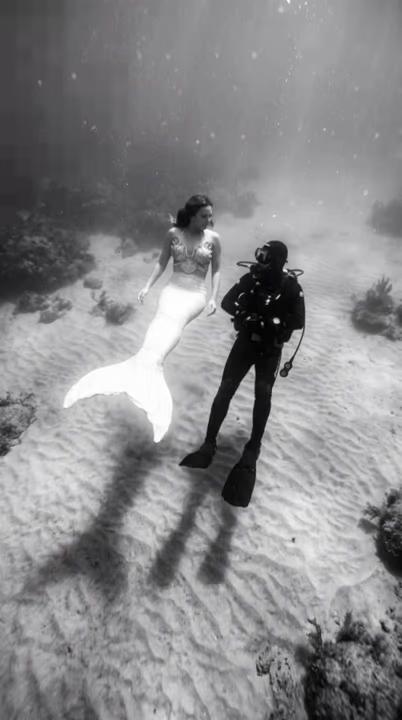

What is Flux 3 Max Keyframes? Up to 10 images, one video
Flux 3 Max Keyframes is a Flux 3 Max video model from Black Forest Labs that turns 1 to 10 keyframe images into one clip, spaced evenly from start to finish, up to 20 seconds at 1080p with generated audio. It sits alongside Flux 3 and Flux 3 Max in the Flux family.
- Black Forest Labs video
- 1 to 10 keyframes
- Audio in the same pass
Keyframes to video: every image placed on the timeline
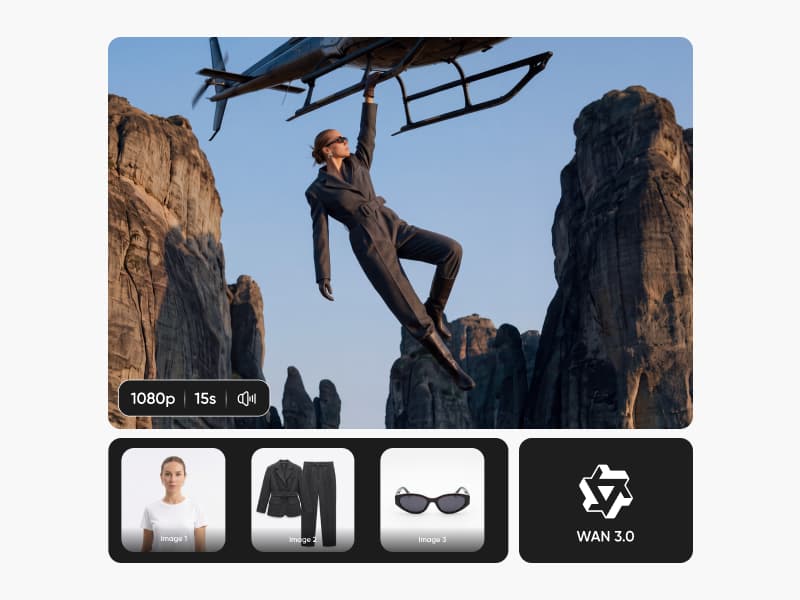
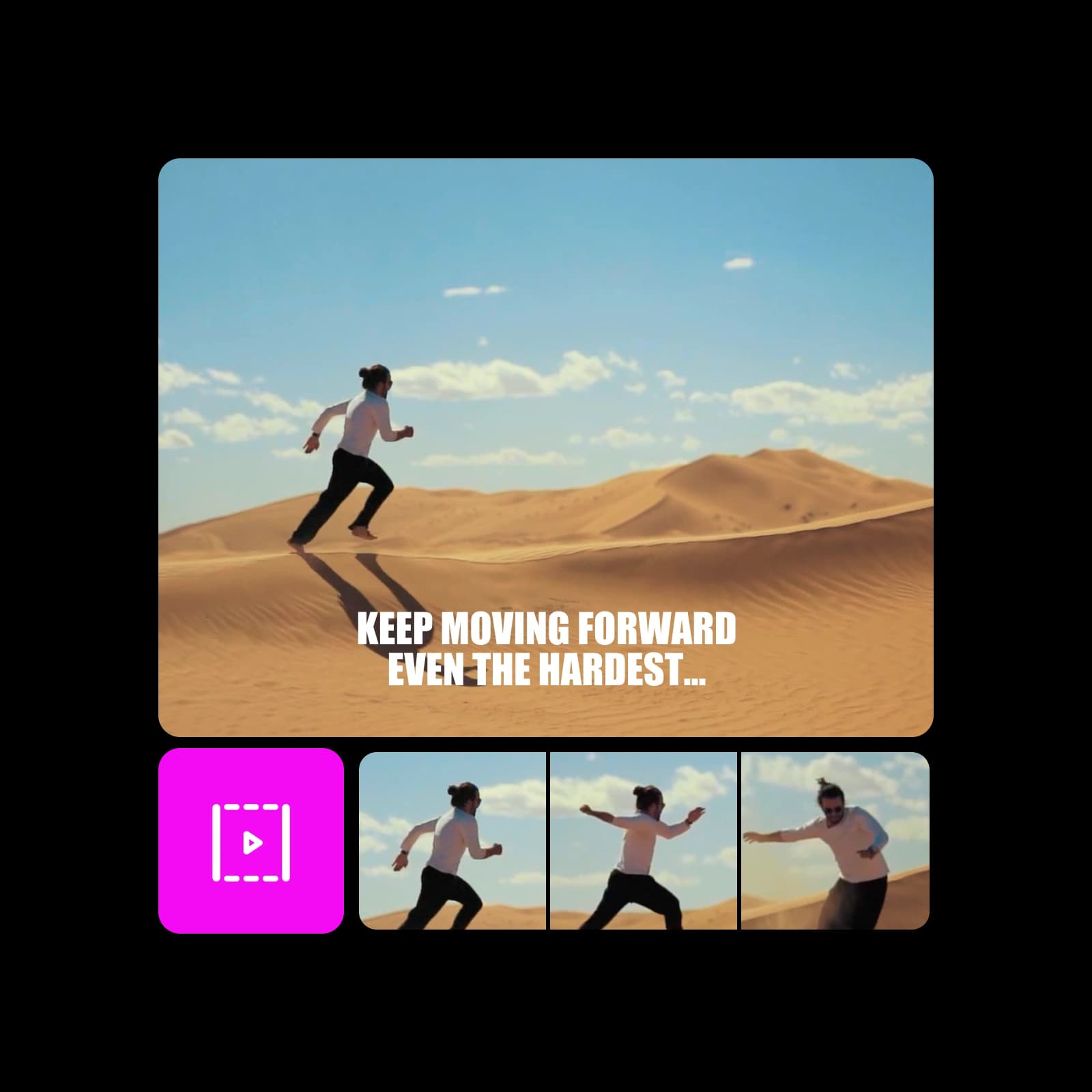
Add your keyframes in the order you want them to play. Flux 3 Max Keyframes spaces them evenly across the clip and generates the motion that carries each image into the next, guided by your prompt, so a mood board, a product lineup or a set of storyboard panels becomes one continuous video instead of a slideshow.
Flux 3 Max Keyframes output: 20-second 1080p video with audio
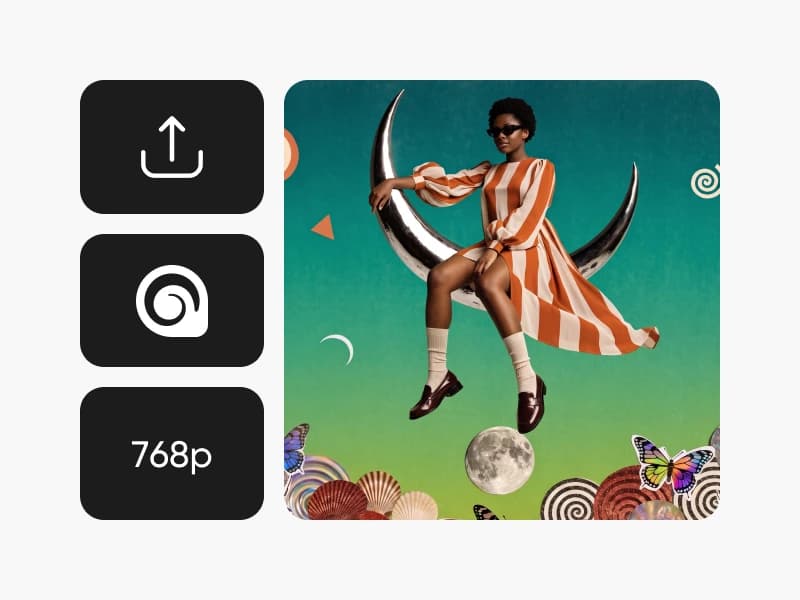
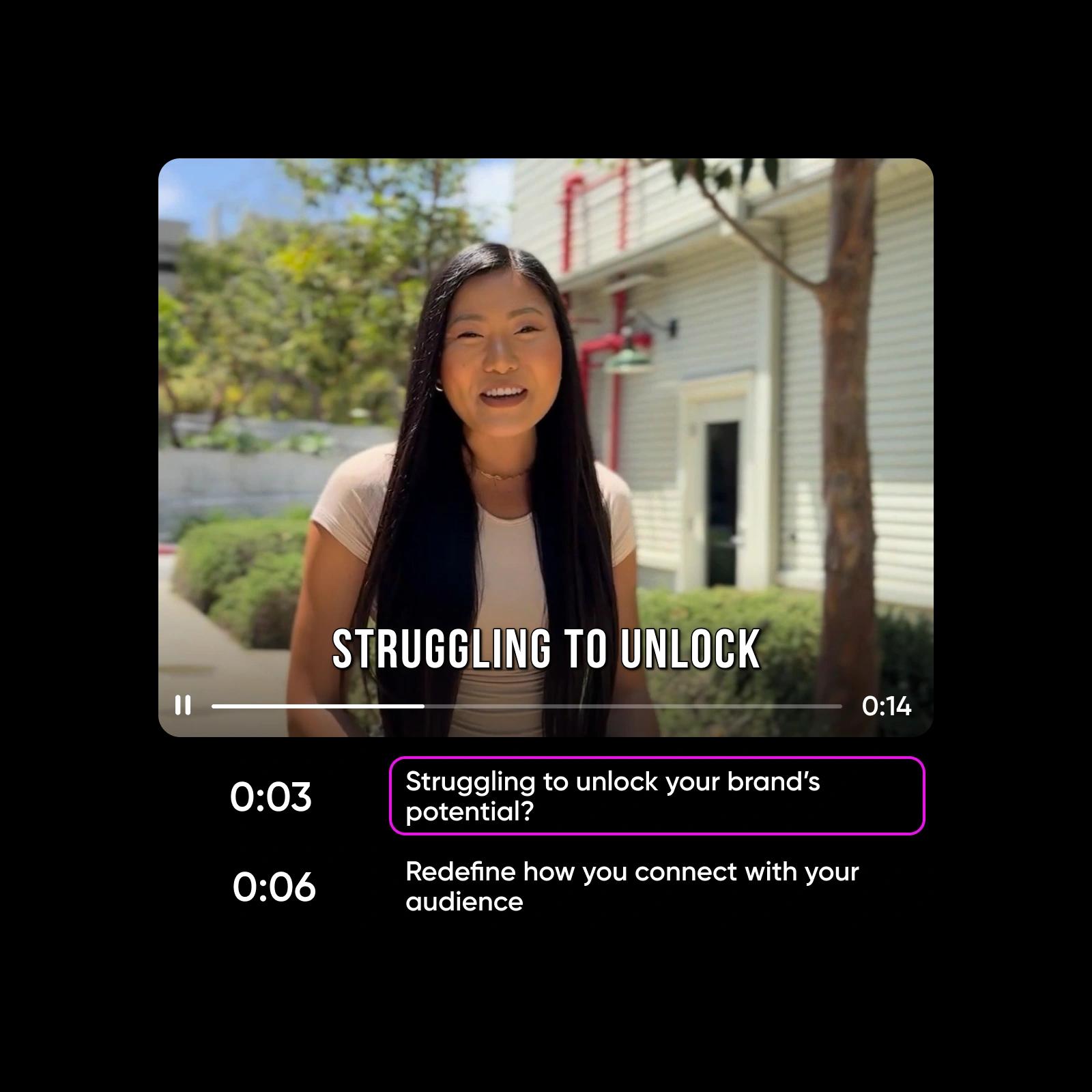
Pick any length from 5 to 20 seconds and render at 720p or 1080p, in eight framings from 9:16 to 21:9, or auto. Audio is generated with the picture by default and can be switched off. Your prompt directs the camera and pacing between keyframes; a reasoning level setting (low or high) and a fixed seed give you more control over each take.
How Flux 3 Max Keyframes works inside Picsart
Flux 3 Max Keyframes runs in Picsart's AI Playground, where one prompt can run against 150+ other models so you see the difference before you commit. Pick Flux 3 Max Keyframes, add your keyframes and prompt, choose length, resolution, ratio and audio, and generate. Only need a first and last frame? Flux 3 Max handles text, start and end frames. And you can reach Flux 3 Max Keyframes whichever way you work: on the web, in the desktop app, or built straight into your own projects via CLI, MCP, REST API, and SDK.
What you can create with Flux 3 Max Keyframes
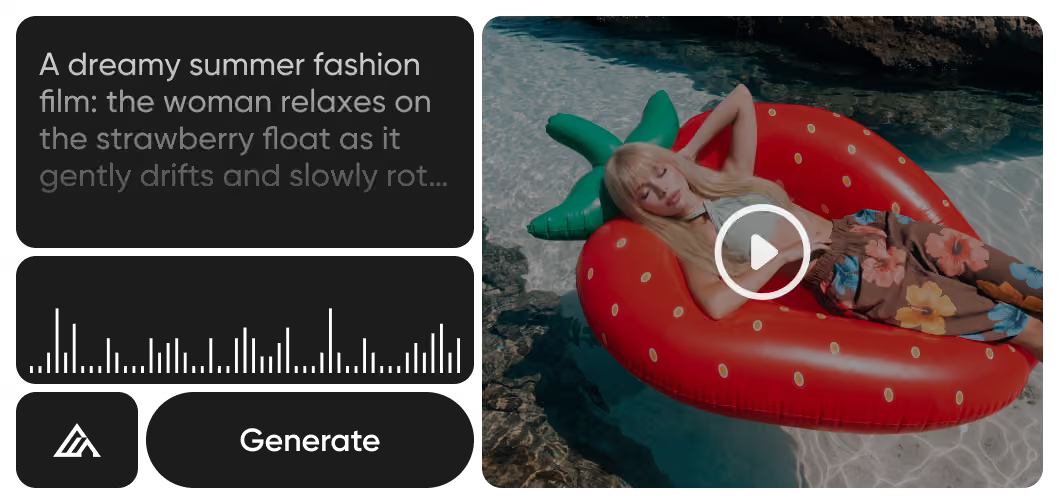
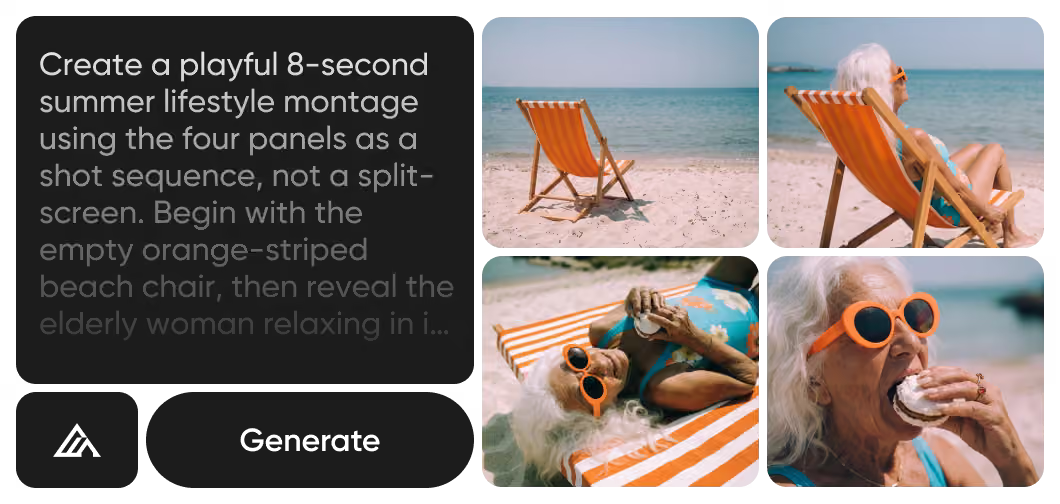
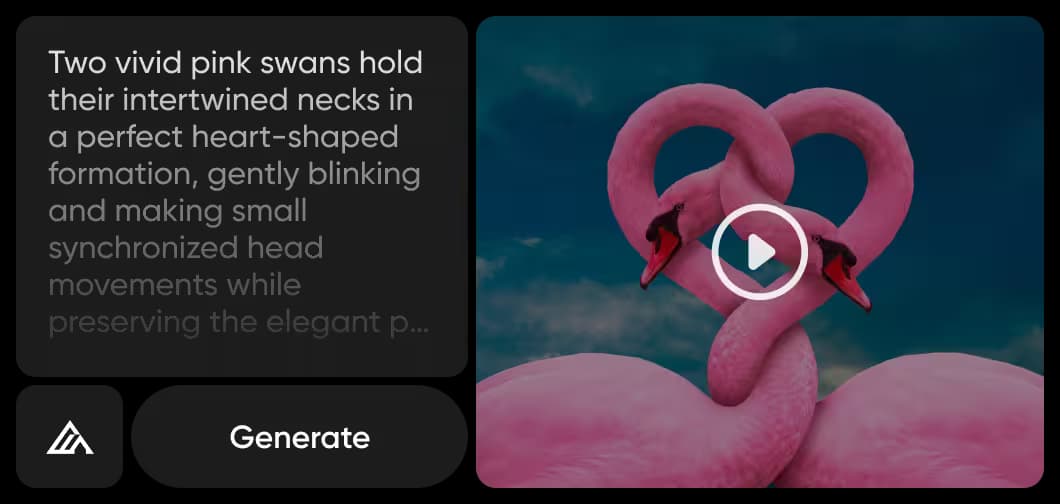
Turn a set of reference images into one moving sequence that passes through every look.
How to turn keyframes into video with Flux 3 Max Keyframes
Three steps from a set of images to one finished clip.
Flux 3 Max Keyframes FAQ
Answers about generating video with Flux 3 Max Keyframes in Picsart.
Flux 3 Max Keyframes is a Flux 3 Max video model by Black Forest Labs that turns 1 to 10 keyframe images into one video, spaced evenly across the clip, up to 20 seconds at 1080p with generated audio.
More AI models to use
Explore other AI video models you can use in Picsart.

Turn keyframes into video with Flux 3 Max Keyframes
Pro
Most popularAI tools for everyday creative work.
Ultra
Most powerfulHeavy AI usage for creators & teams.