Cartoon-Figurengenerator: Erstelle kostenlos individuelle Cartoons mit KI
Hast du dir schon einmal neue Figuren in deinem Lieblings-Cartoon-Universum vorgestellt? Mit dem KI-Cartoon-Figurengenerator von Picsart kannst du Cartoon-Figuren in jedem Stil erstellen. Kostenlos ausprobieren, online und einfach zu bedienen!
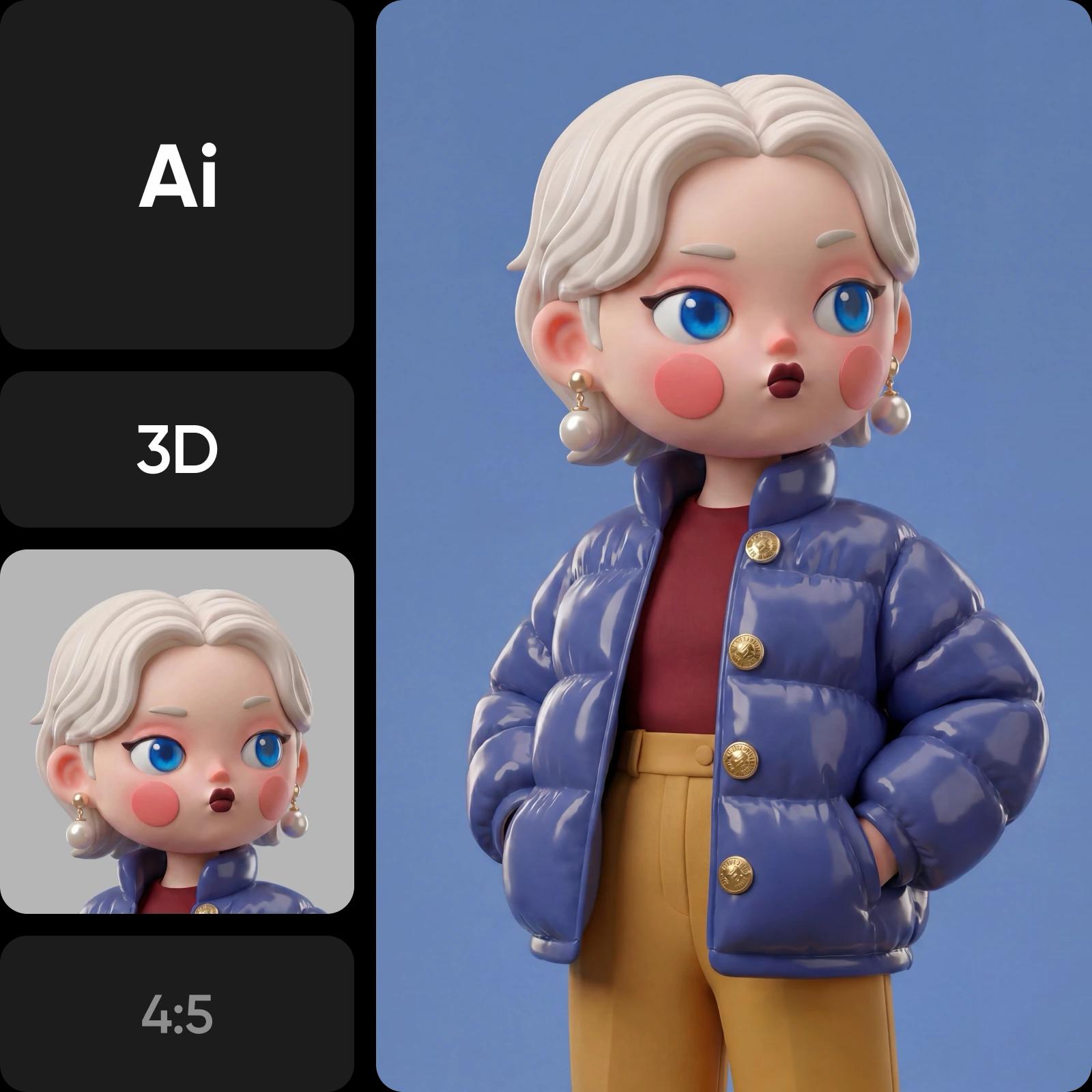
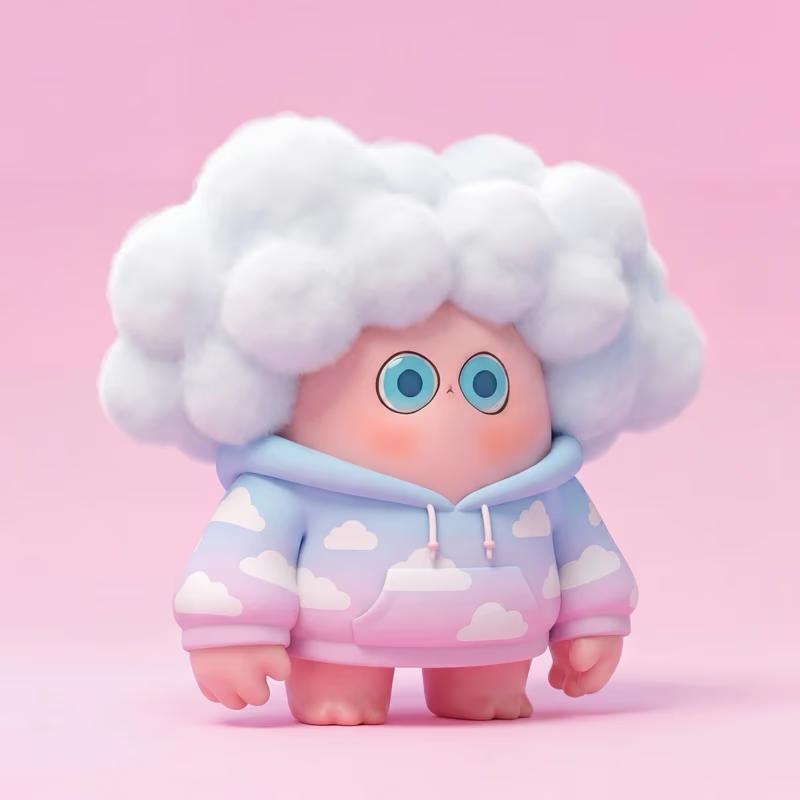
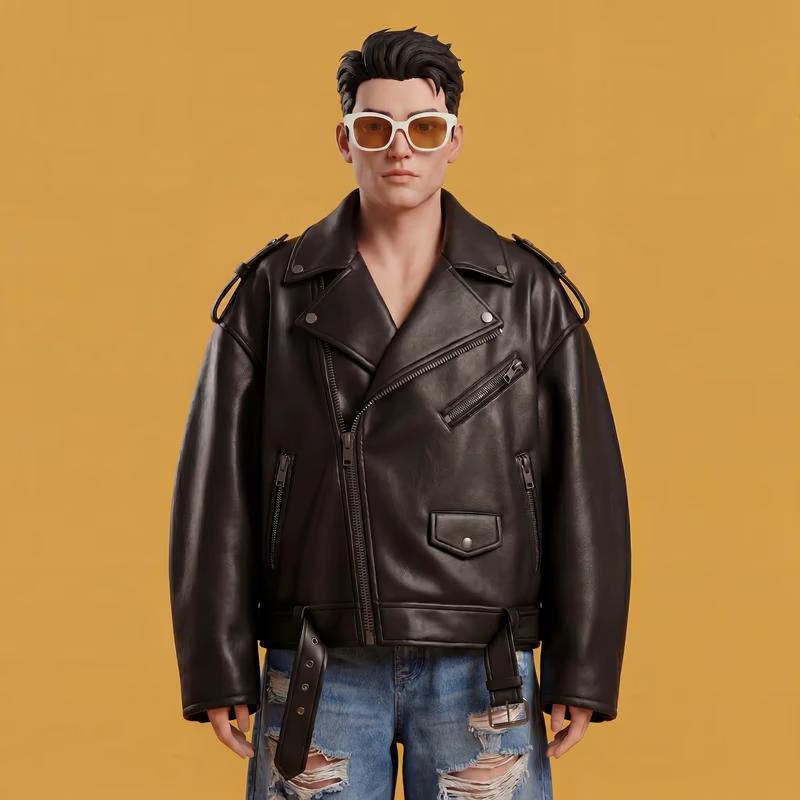


So verwendest du den KI-Cartoon-Figurengenerator von Picsart
Figuren mit dem Cartoon-Figurengenerator gestalten
Beschreibe deine Idee und der Cartoon-Figurengenerator verwandelt sie in ein detailreiches Bild. Bestimme Figurentyp, Gesichtsausdruck, Kleidung, Pose und Umgebung für präzise Ergebnisse. Erstelle alles – vom Elfenkrieger über ein Chibi-Mädchen bis zum 3D-Roboter – in Stilen wie Anime, Pixel Art oder Fantasy mit dem AI Image Generator.
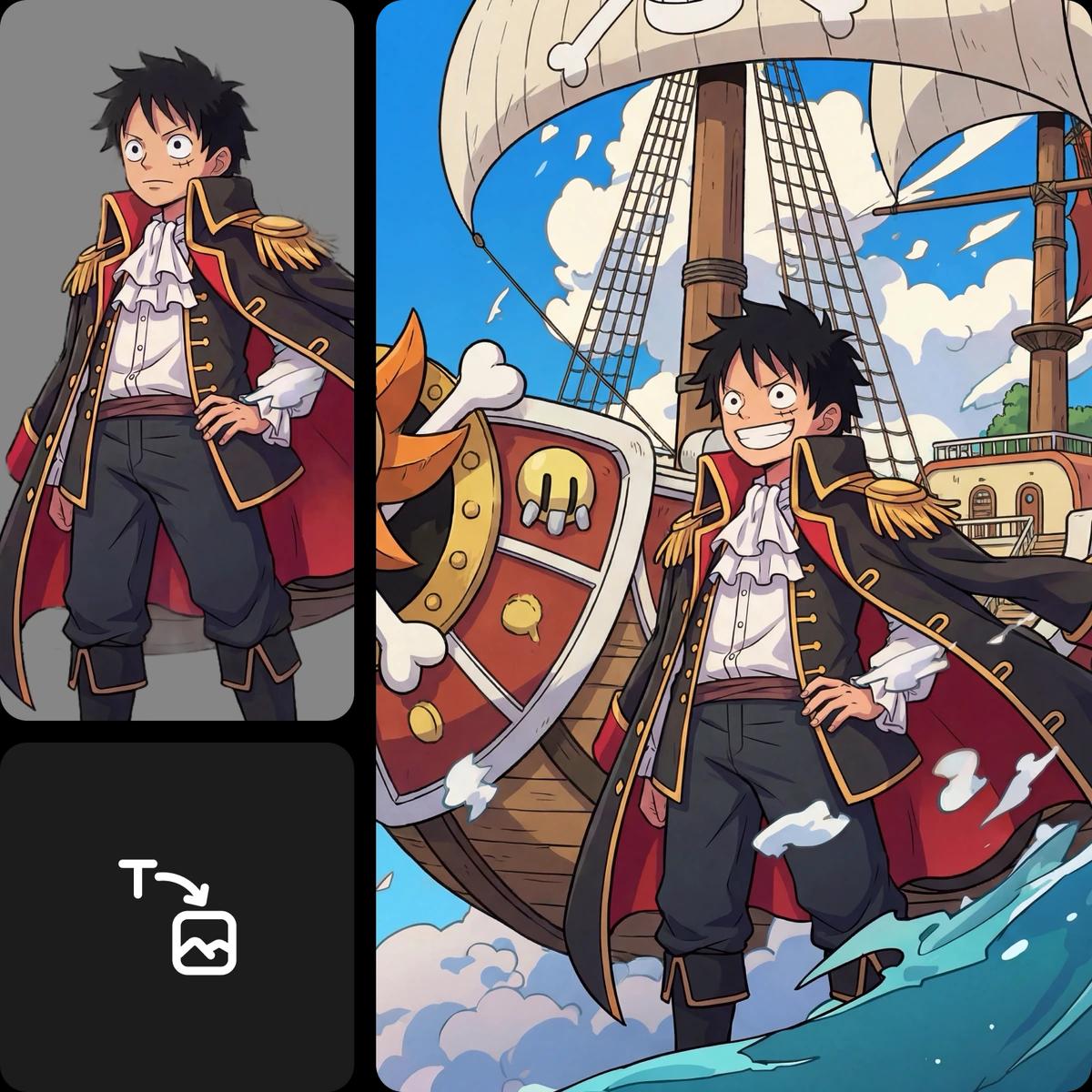
Figuren in allen Stilen erstellen – von Anime bis 3D
Eine „Cartoon-Figur“ kann fast alles sein – genau darum geht es. Entdecke mehr als nur einfache Stile und gestalte Figuren als 2D-Illustration, 3D-Render, Anime, Chibi, Pixel Art, Fantasy, Comic oder sogar im Cyberpunk-Look. Mit einer einzigen Eingabeaufforderung kannst du völlig unterschiedliche Bildwelten erschaffen und deine Kreativität voll entfalten.
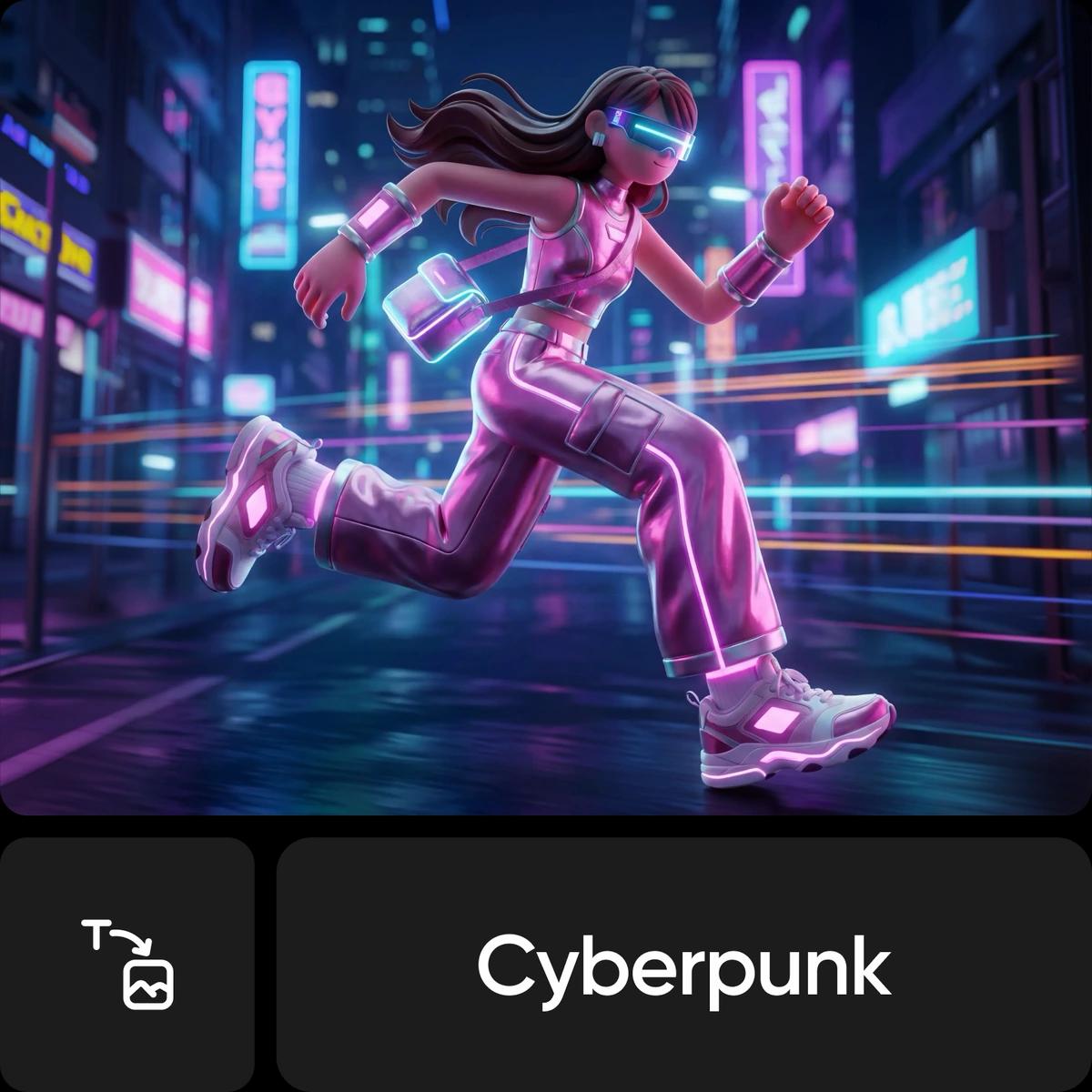
Figuren für echte Projekte erstellen
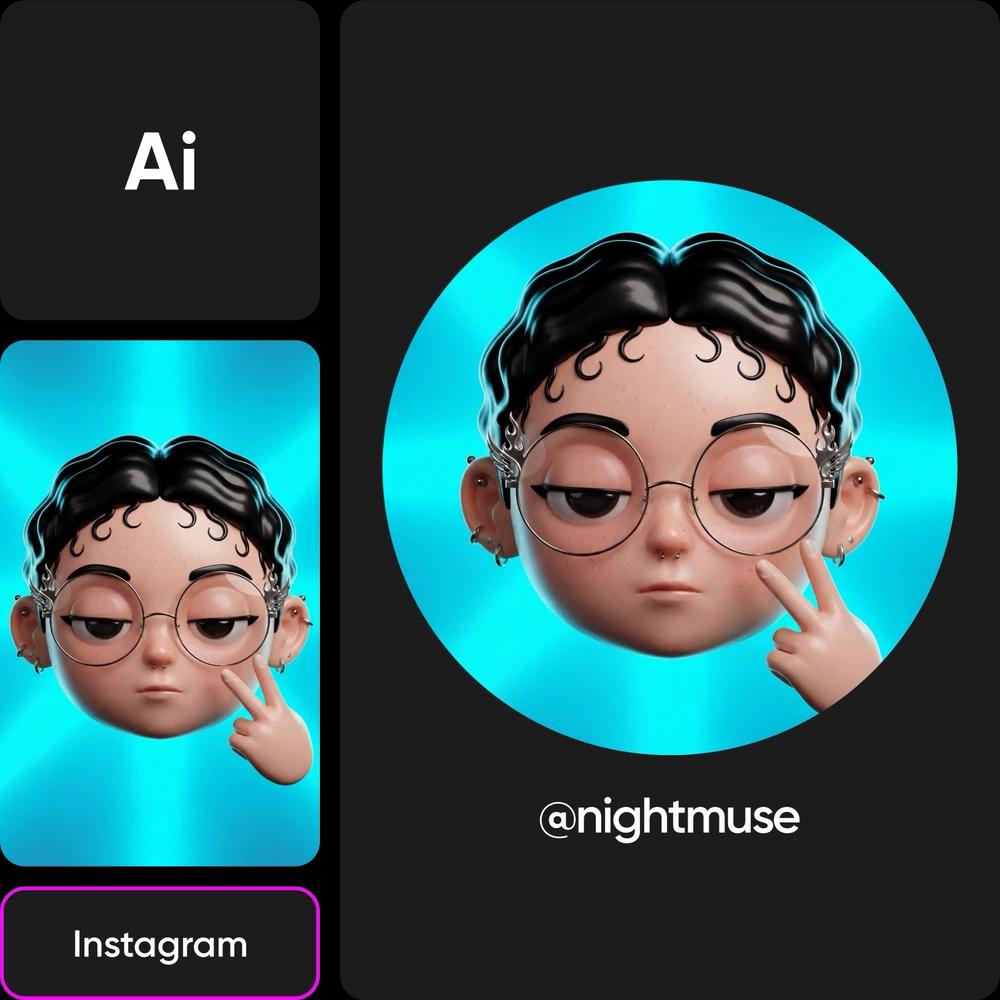
Soziale Medien & Avatare
Erstelle Cartoon-Profilbilder, gebrandete Avatare und Inhalte mit Figuren für Instagram, TikTok, YouTube und Gaming-Plattformen. Eine individuelle Figur hilft dir, dich von anderen abzuheben, deine Identität aufzubauen und einen einheitlichen Look zu schaffen.
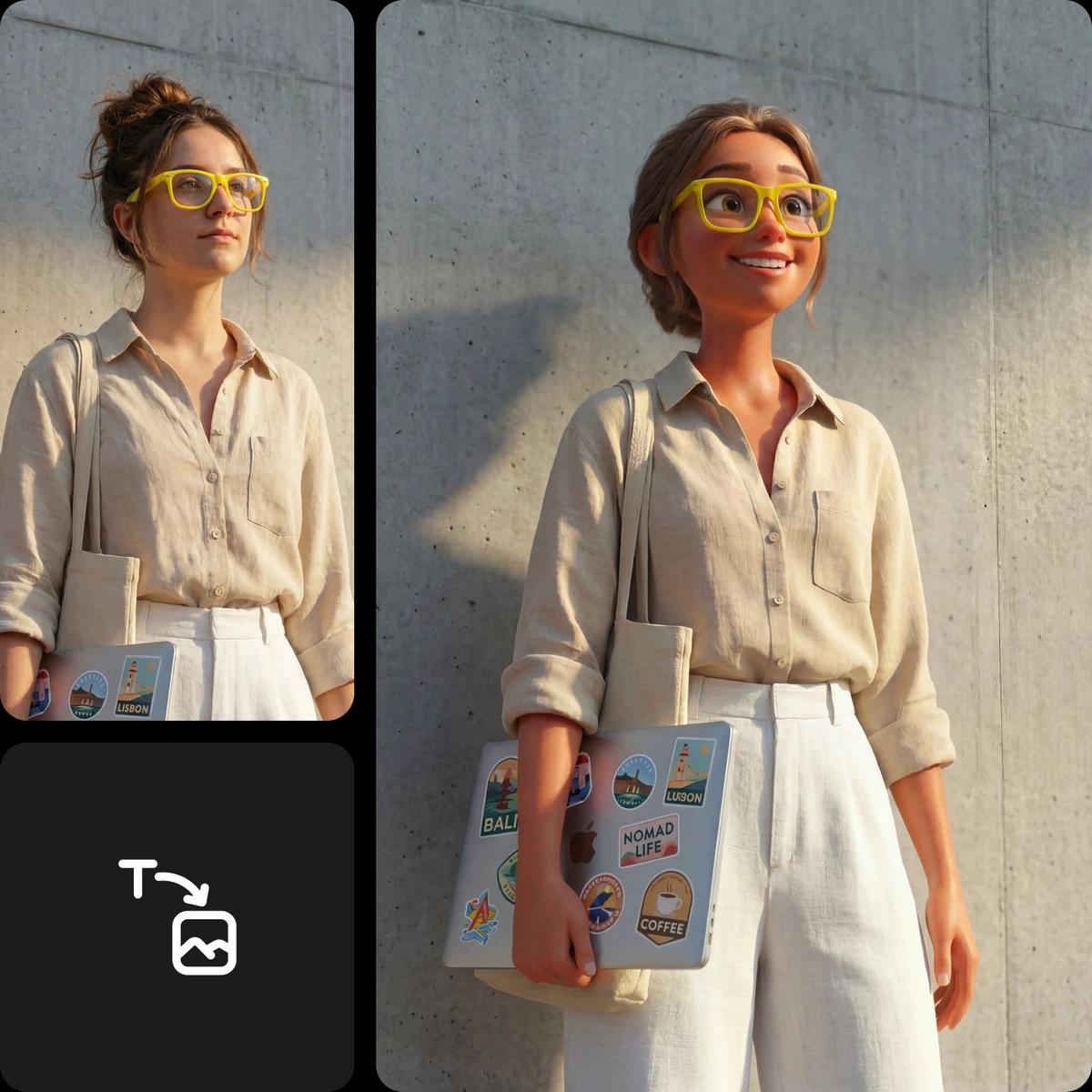
Fotos in Cartoon-Figuren verwandeln
Du möchtest nicht ganz von vorn anfangen? Lade ein Foto hoch und verwandle es in Sekundenschnelle in eine Cartoon-Figur. Verwende ein Bild von dir, deinem Haustier oder deinem Team und wende anschließend einen beliebigen Stil an – von Anime bis 3D. So entsteht eine völlig neue Version, die trotzdem sofort wiederzuerkennen ist.
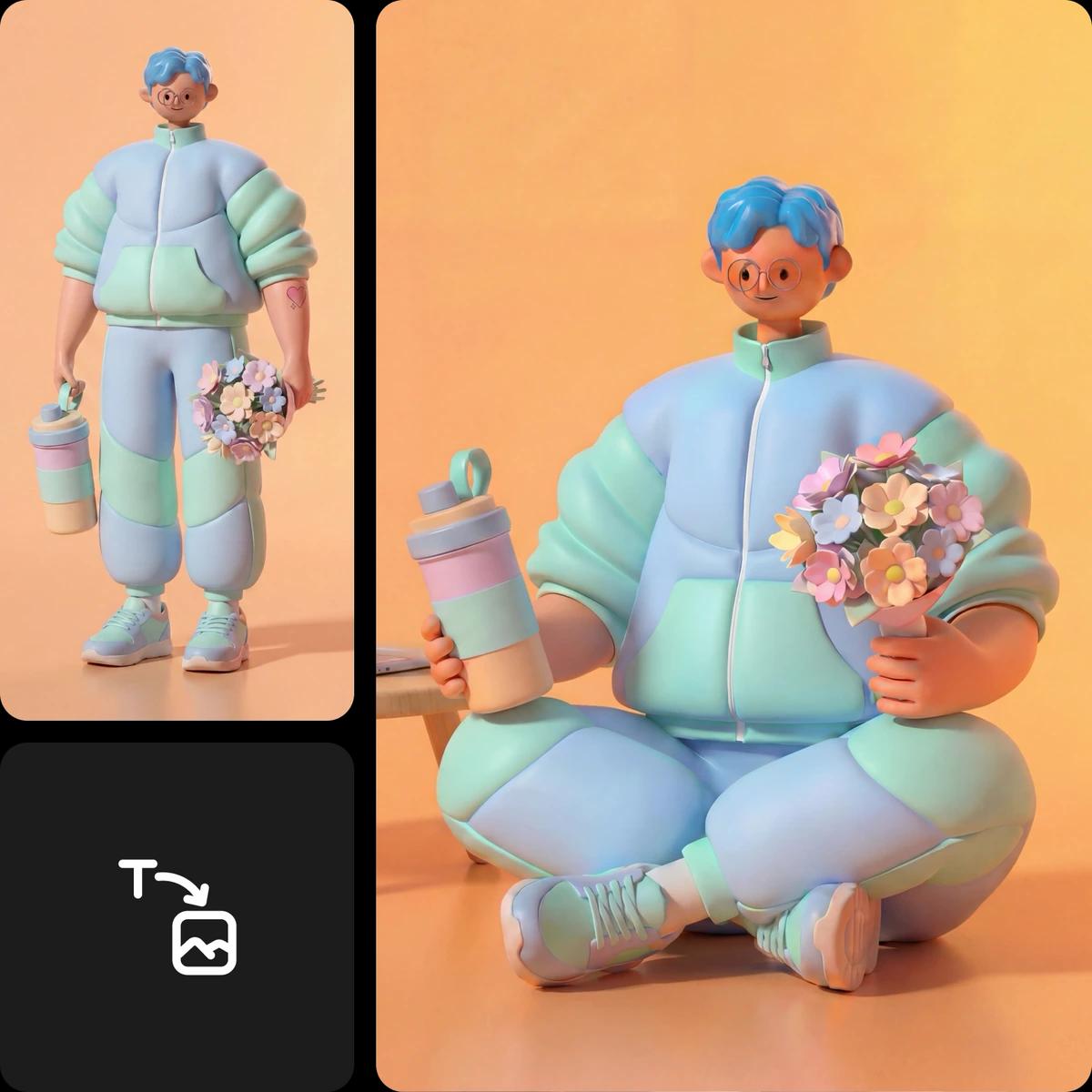
Figur bearbeiten und anpassen
Deine generierte Figur ist erst der Anfang. Verfeinere sie im integrierten Editor, indem du den Hintergrund änderst, Farben anpasst, Effekte hinzufügst oder Text und Sprechblasen einfügst. Kombiniere Elemente zu detailreicheren Szenen und exportiere deine Figur anschließend in hoher Auflösung für soziale Medien, den Druck oder andere kreative Projekte.
Weitere KI-Bildgenerator-Tools entdecken
Mit diesem Tool kannst du mehr als nur Cartoon-Figuren erstellen. Verwandle Ideen mit dem Tattoo Generator in Tattoo-Designs. Wenn du Avatare oder Profilbilder gestalten möchtest, probiere den Face Generator aus. Für Ganzkörperdesigns oder Konzeptkunst nutze den Character Generator. Und für ausgereifte, lebensechte Ergebnisse entdecke den Portrait Generator.
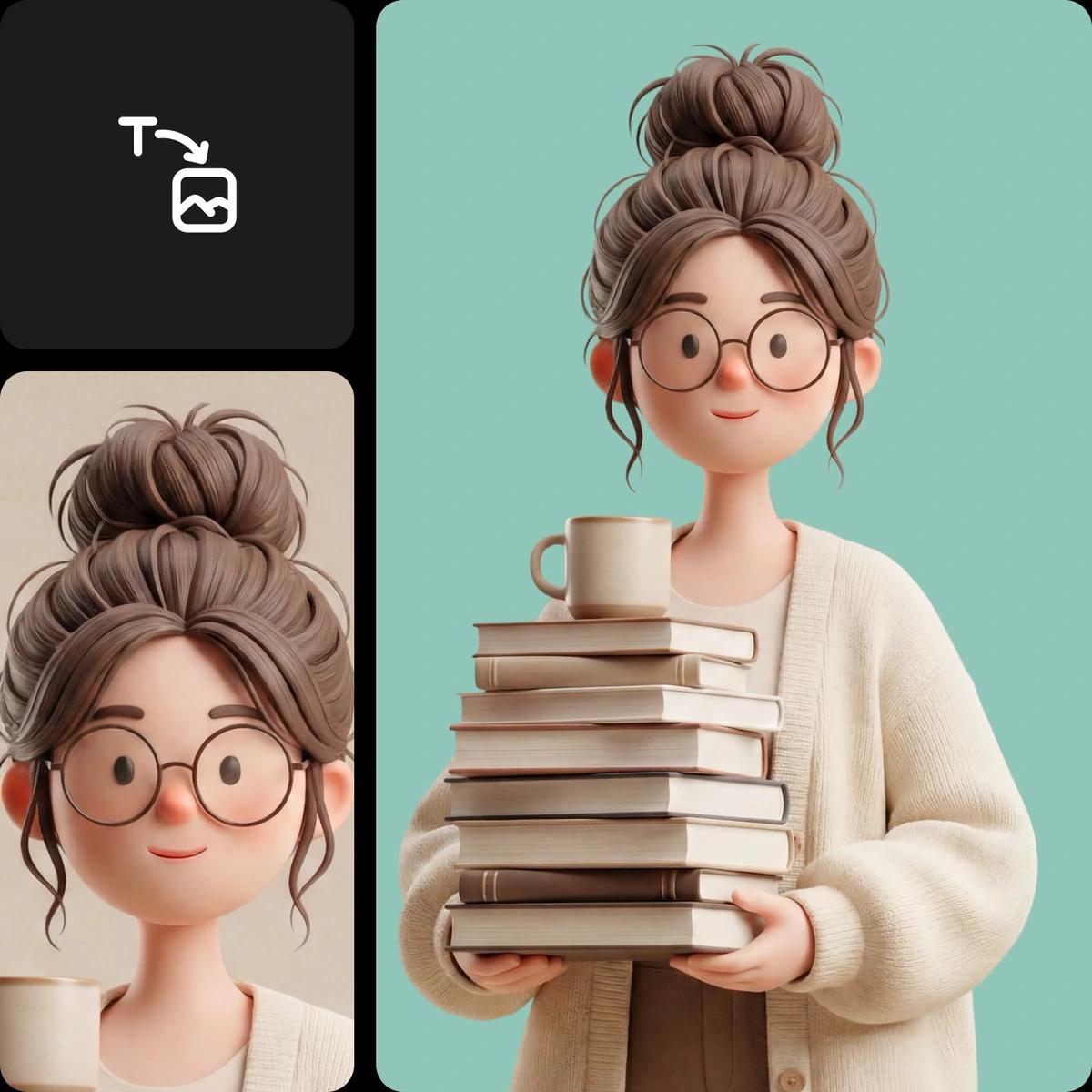
KI-Bildgenerierung verstehen
Erfahre, wie Eingabeaufforderungen, Stile und die Wahl des Modells die Bilder beeinflussen.
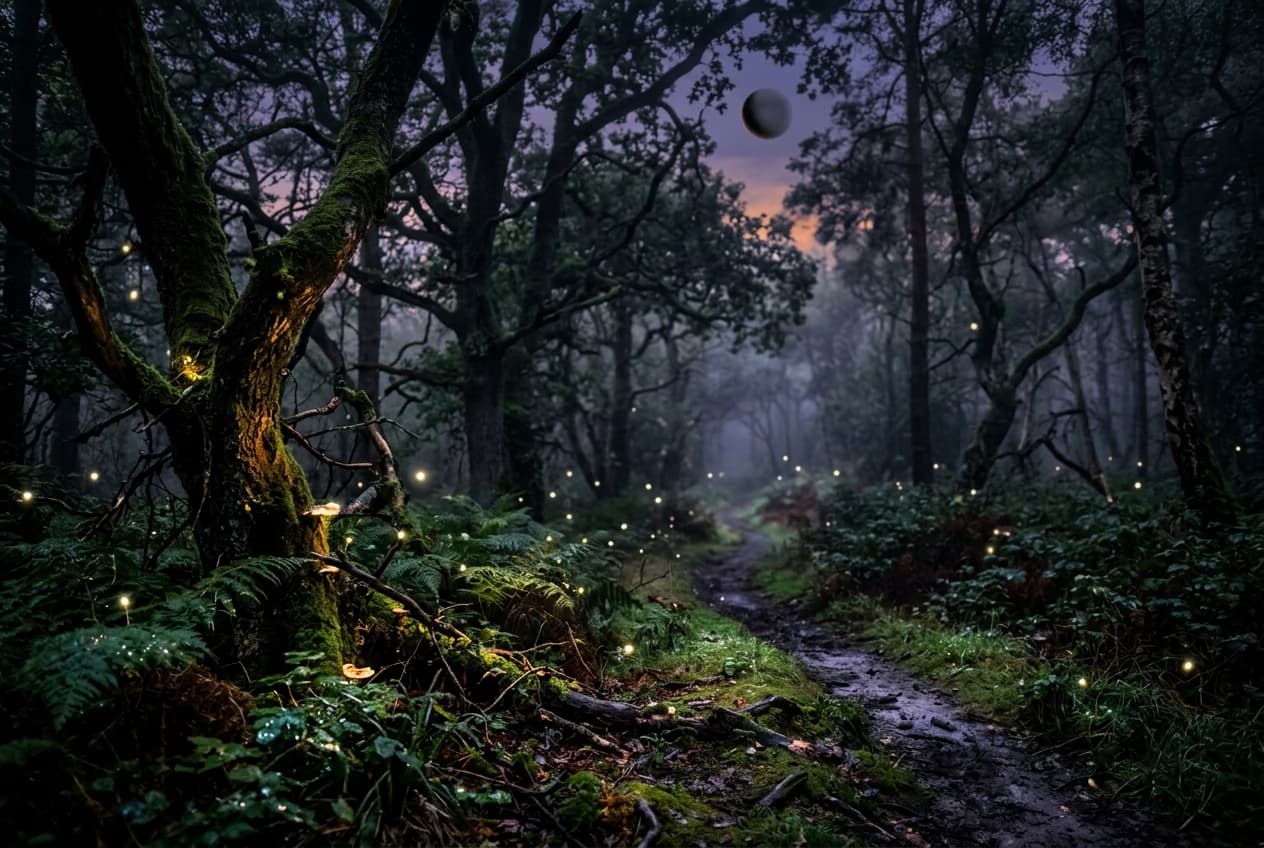
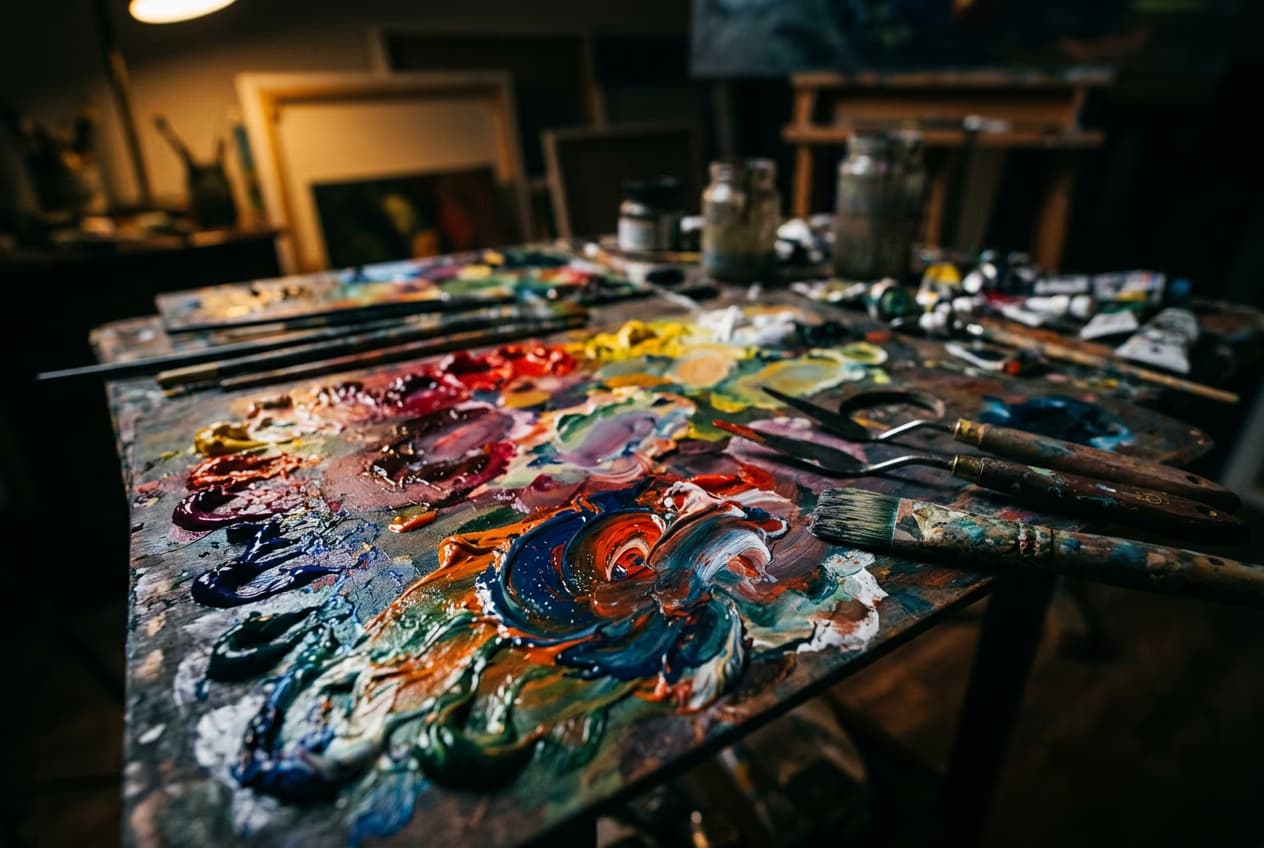
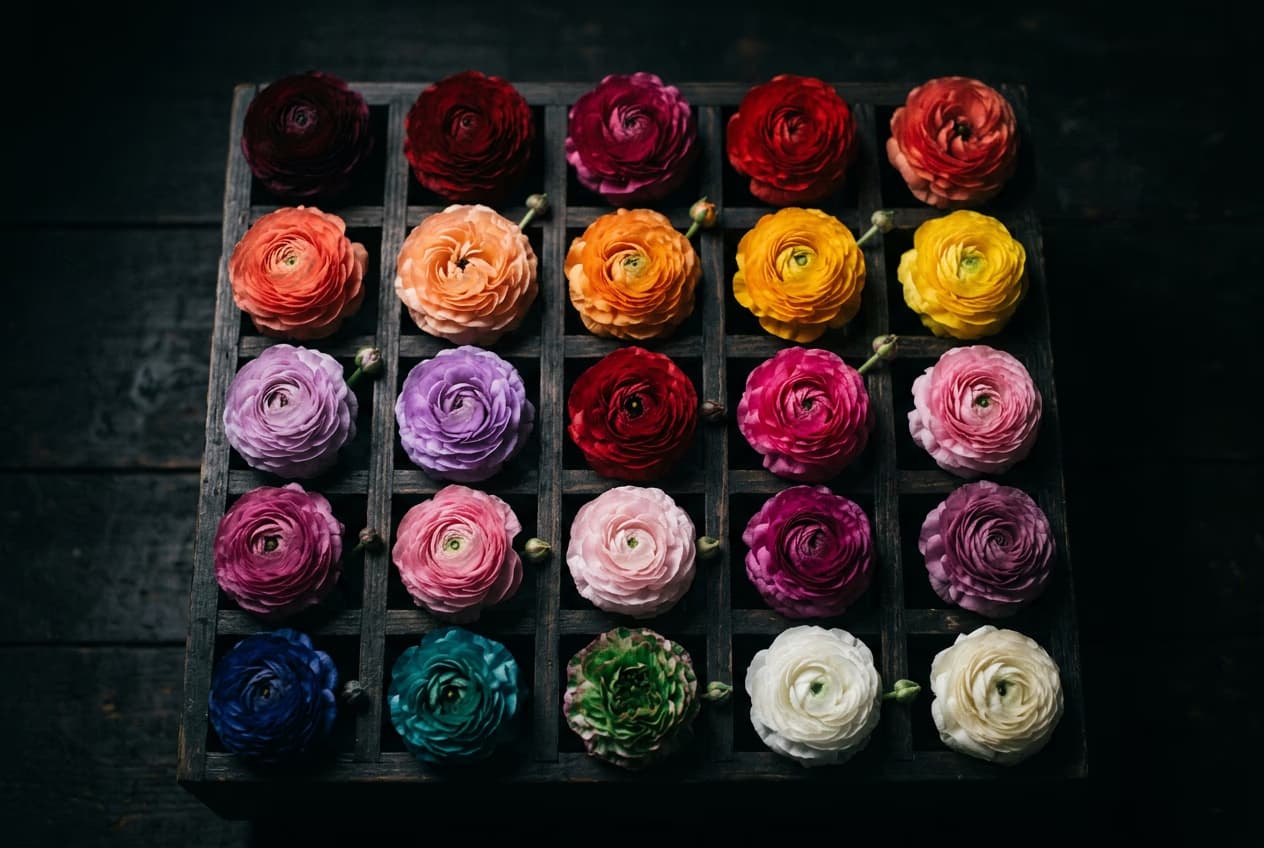
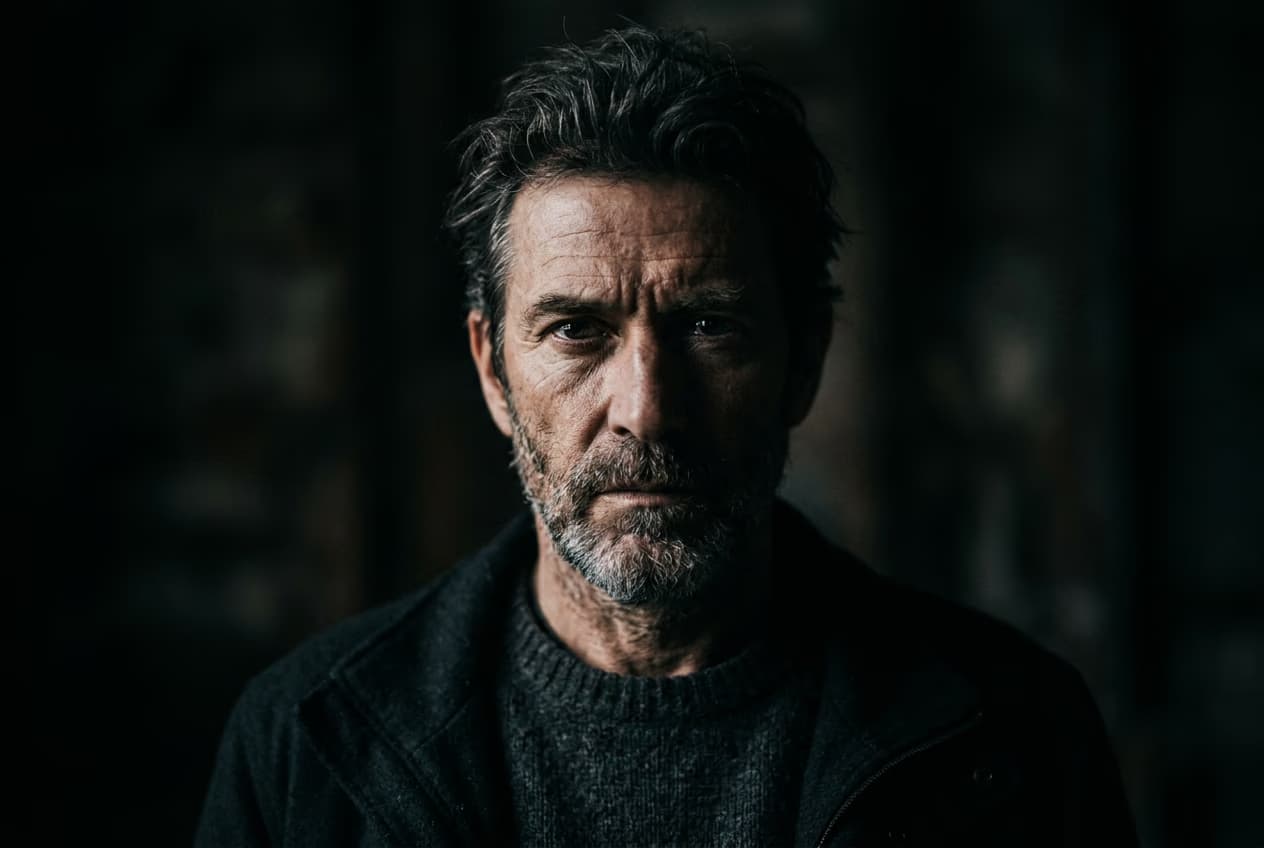
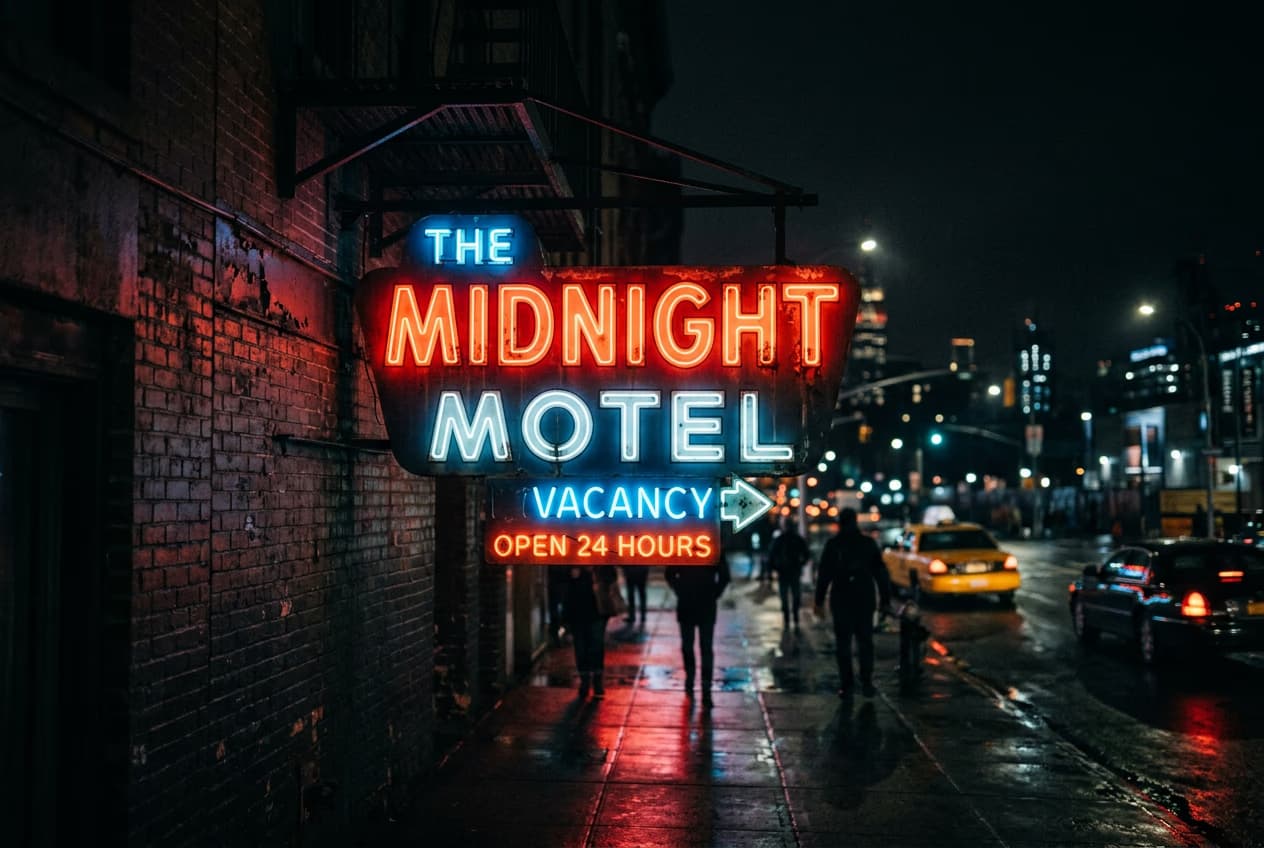
Cartoon-Figuren mit KI-Bildmodellen erstellen
Nutze Bildmodelle, um das Aussehen, die Posen und den visuellen Stil deiner Figuren für deine Geschichte zu gestalten.
FAQ zum Cartoon-Figurengenerator
Der KI-Cartoon-Figurengenerator von Picsart ist ein Tool, mit dem du individuelle Figuren aus Texteingaben oder Bildern erstellen kannst. Bestimme Stil, Merkmale und Details, um Figuren in Stilen wie Anime, 3D, Pixel Art oder Comic zu generieren.
Figuren für jede kreative Geschichte generieren
Pro
Most popularAI tools for everyday creative work.
Ultra
Most powerfulHeavy AI usage for creators & teams.


