Muse Image 1.0: Metas agentisches KI-Bildmodell
Muse Image 1.0 ist das erste Bildmodell von Meta Superintelligence Labs – und es arbeitet agentisch. Statt eine Eingabe direkt in Pixel umzuwandeln, nutzt es das Sprachmodell Muse Spark, um deine Anfrage zu durchdenken, reale Informationen aus dem Web abzurufen, die Komposition zu planen und deine Referenzfotos zu kombinieren, bevor es das Bild erstellt. Jetzt verfügbar in Picsarts AI Playground.
- Kombiniere deine Referenzfotos
- Gestalte die Komposition mit realen Informationen
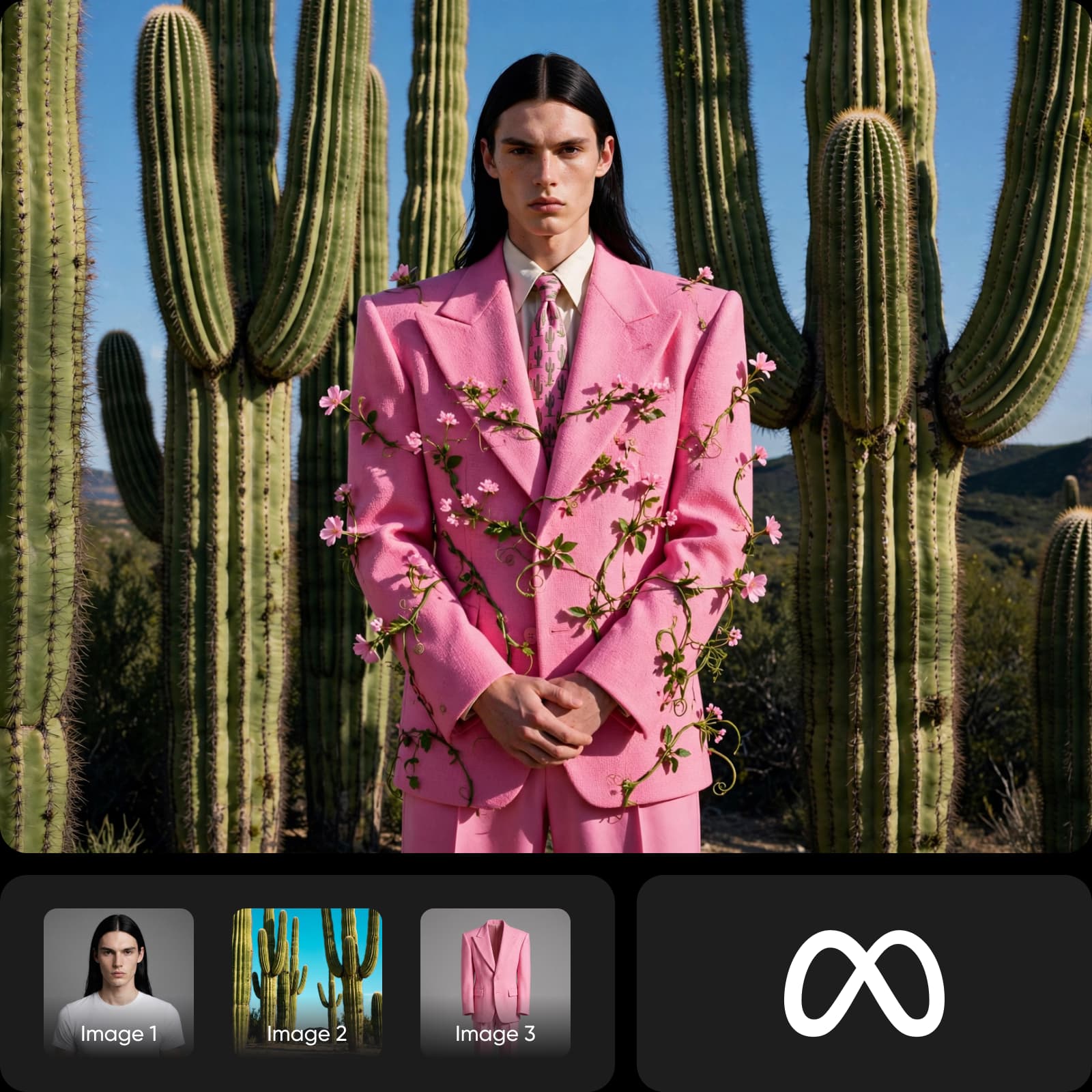
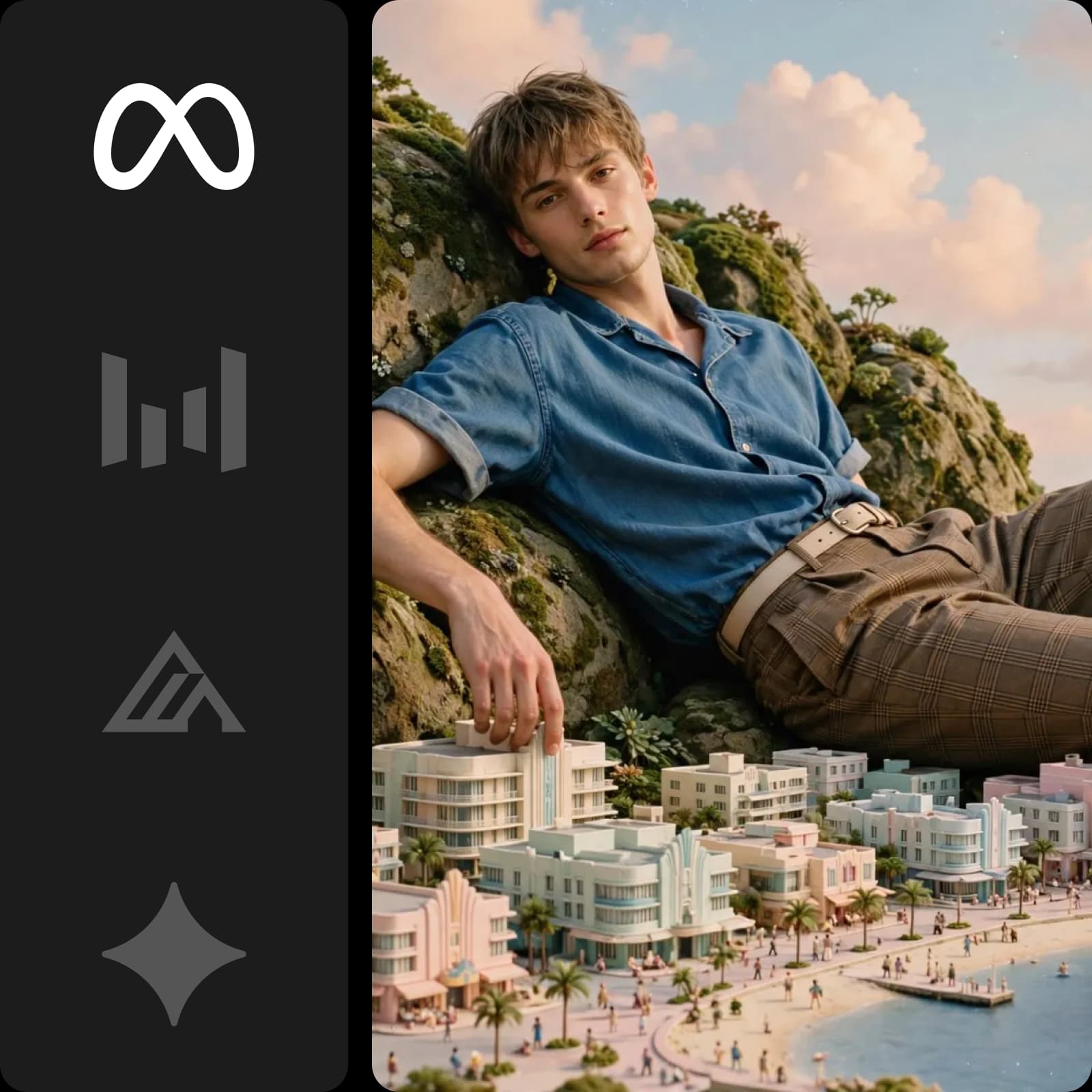
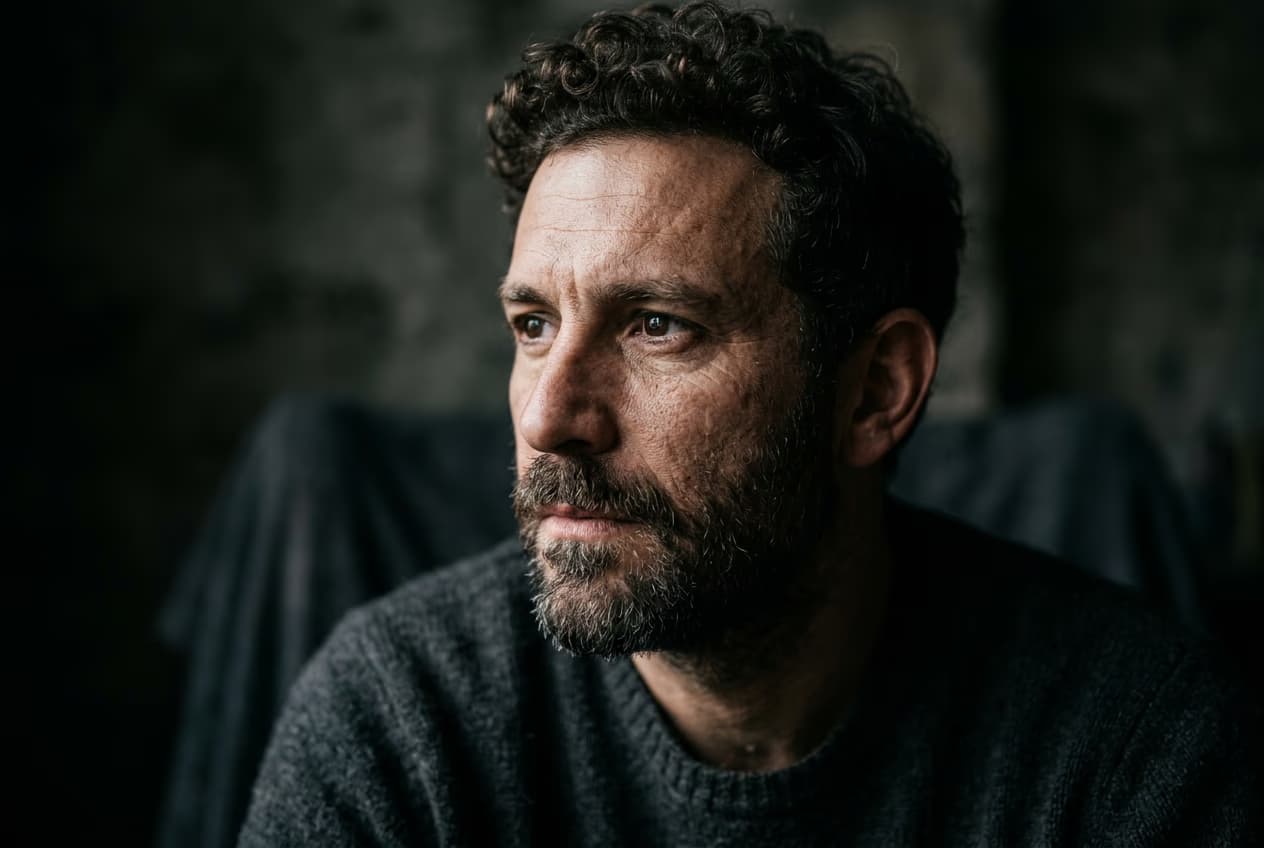
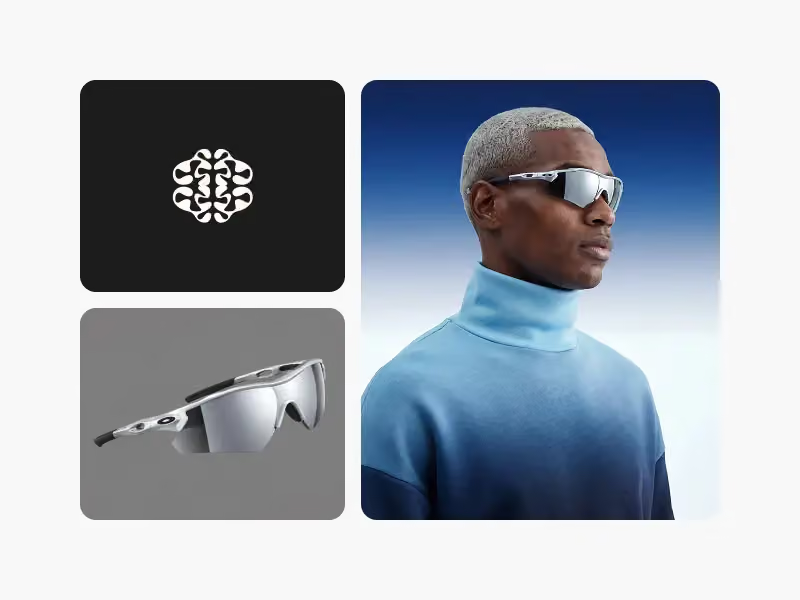
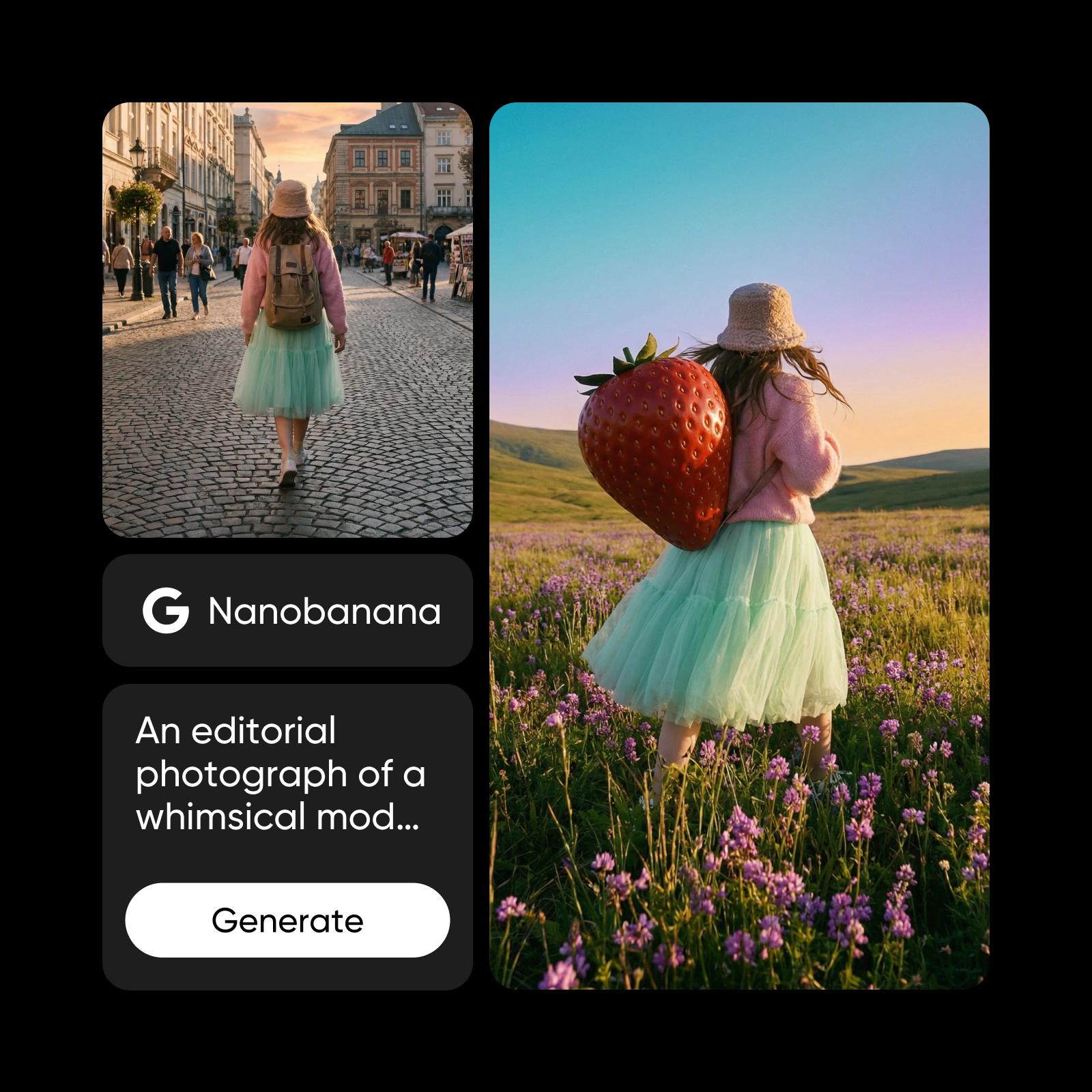
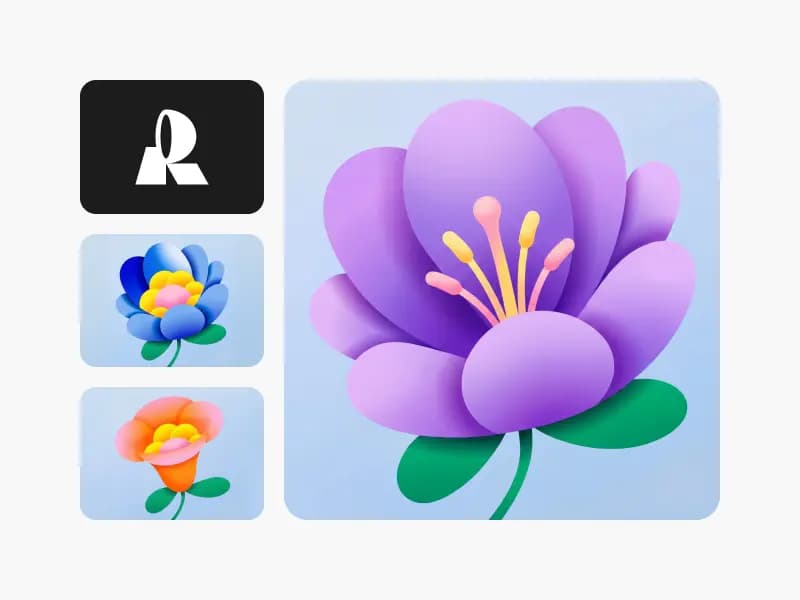
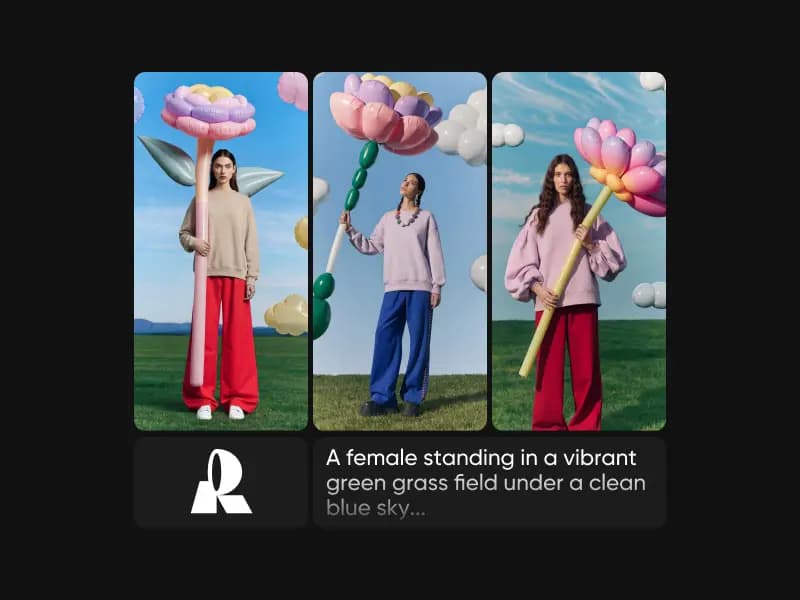
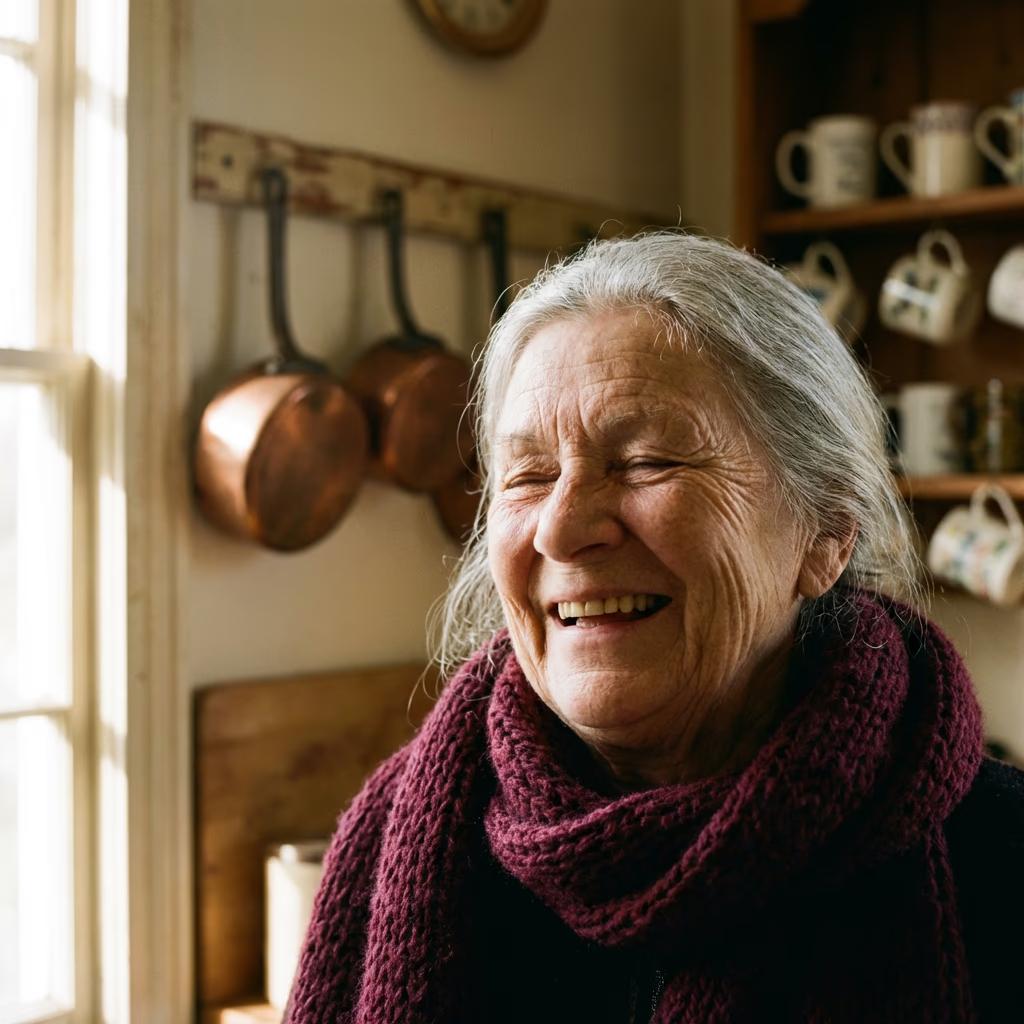
Mit Muse Image 1.0 erstellte Bilder
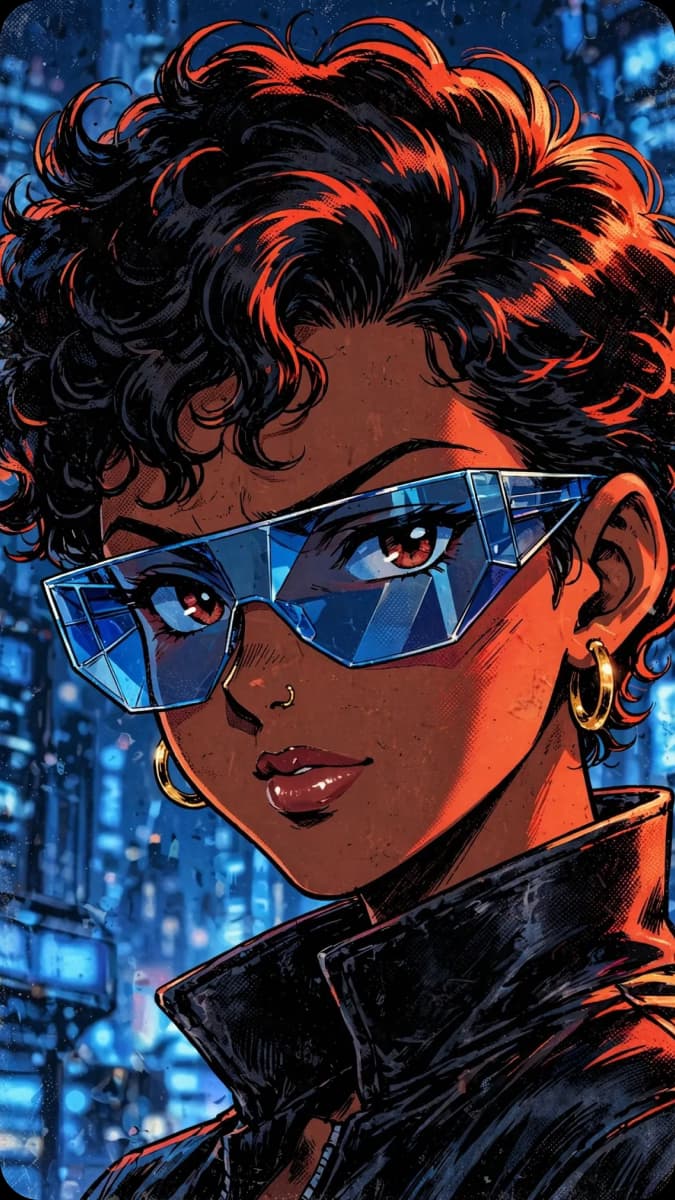
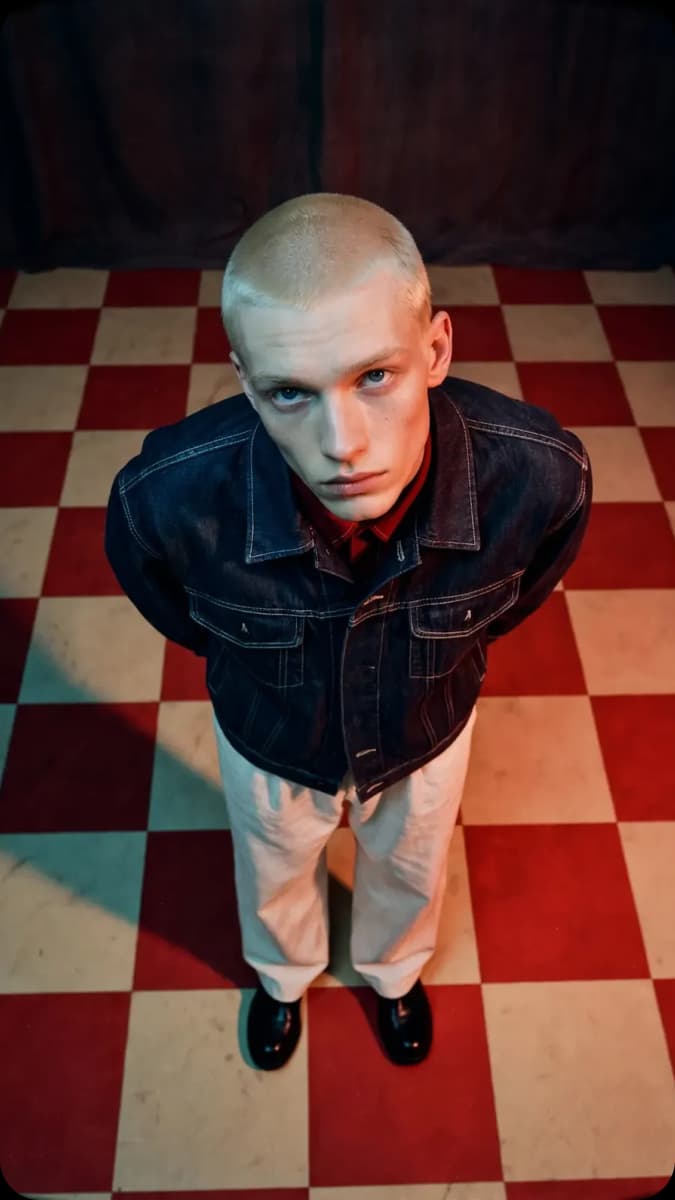
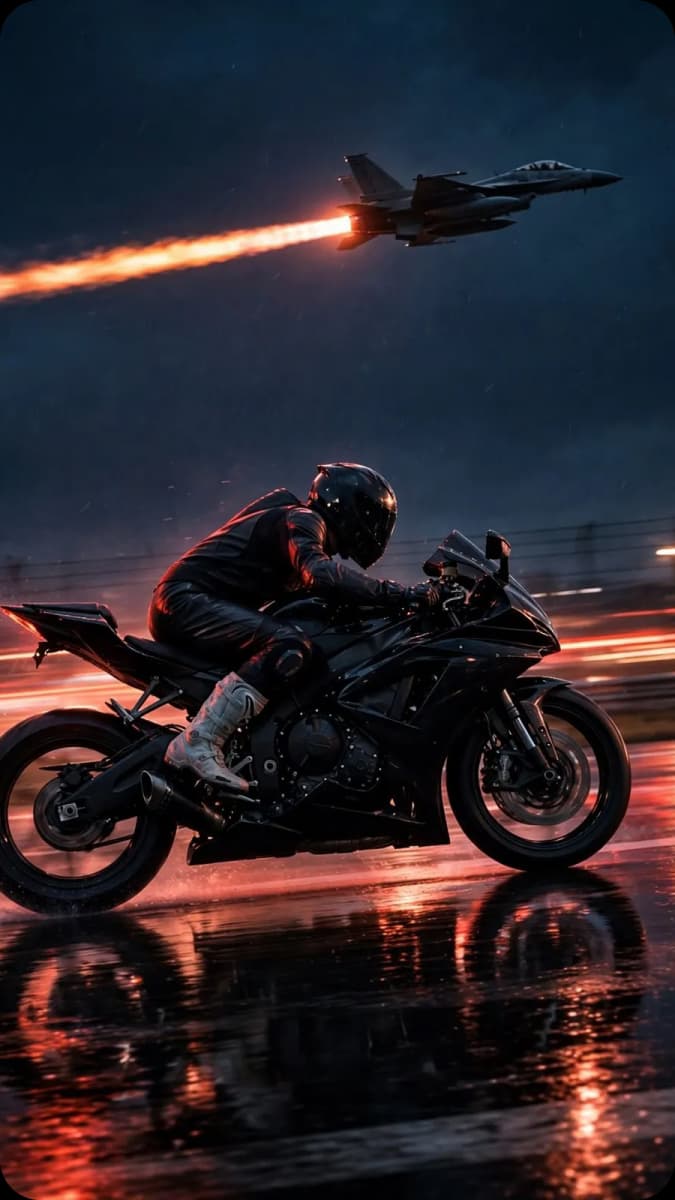
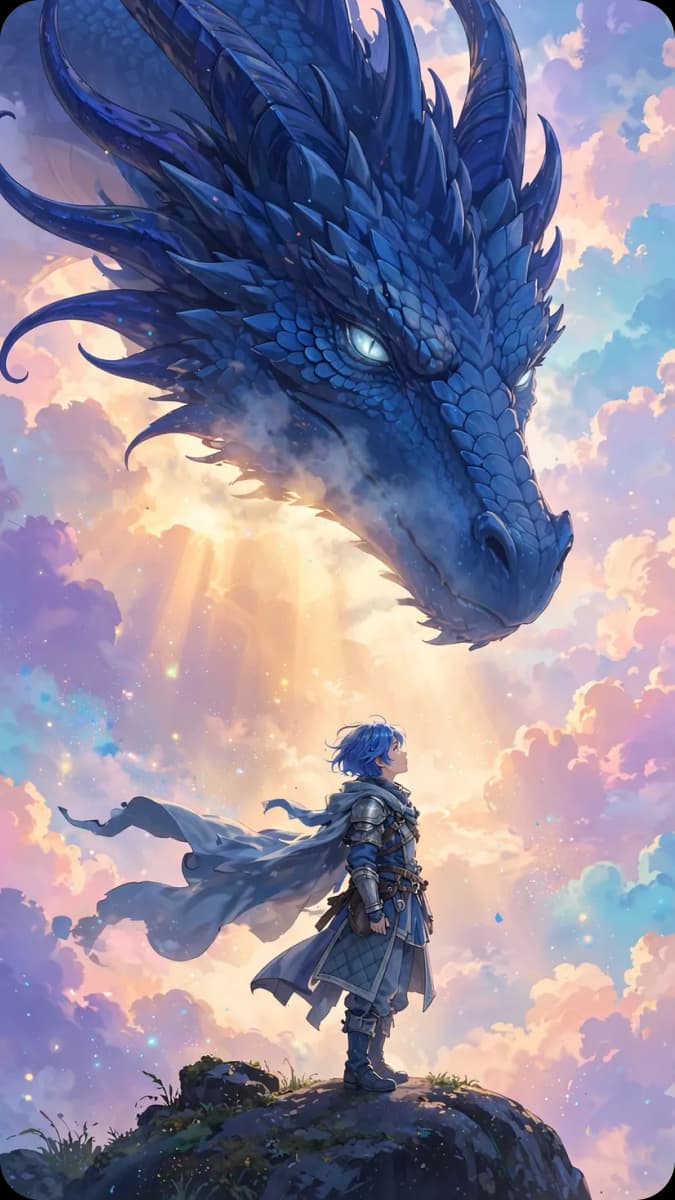
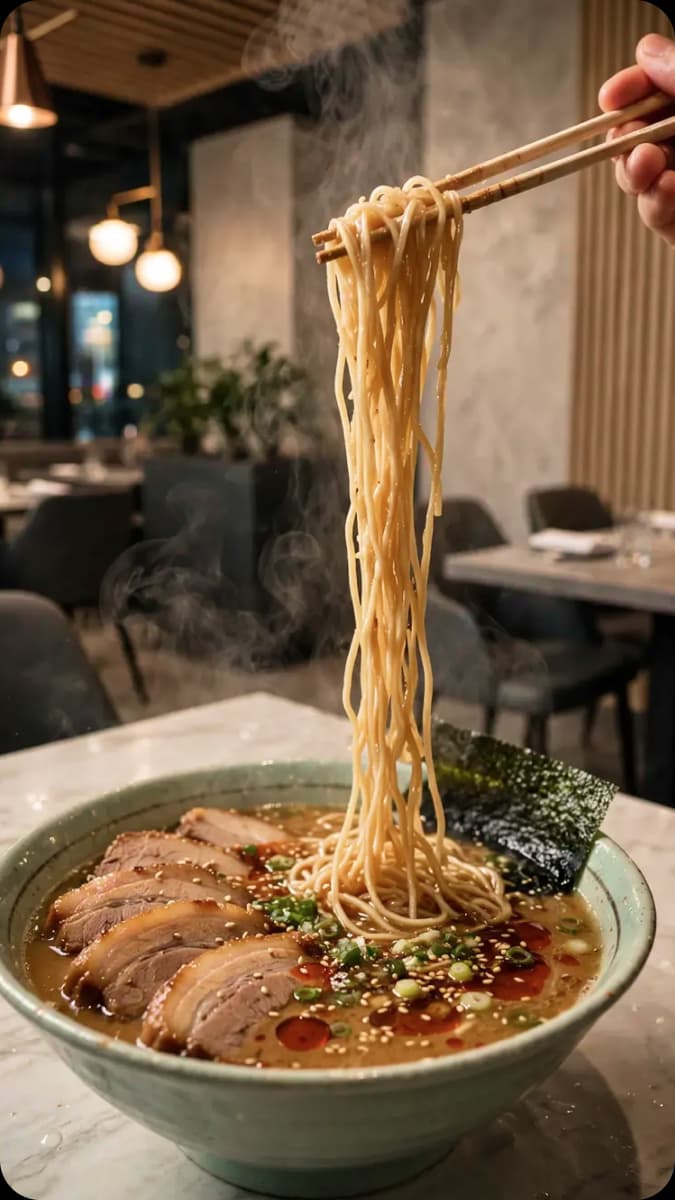
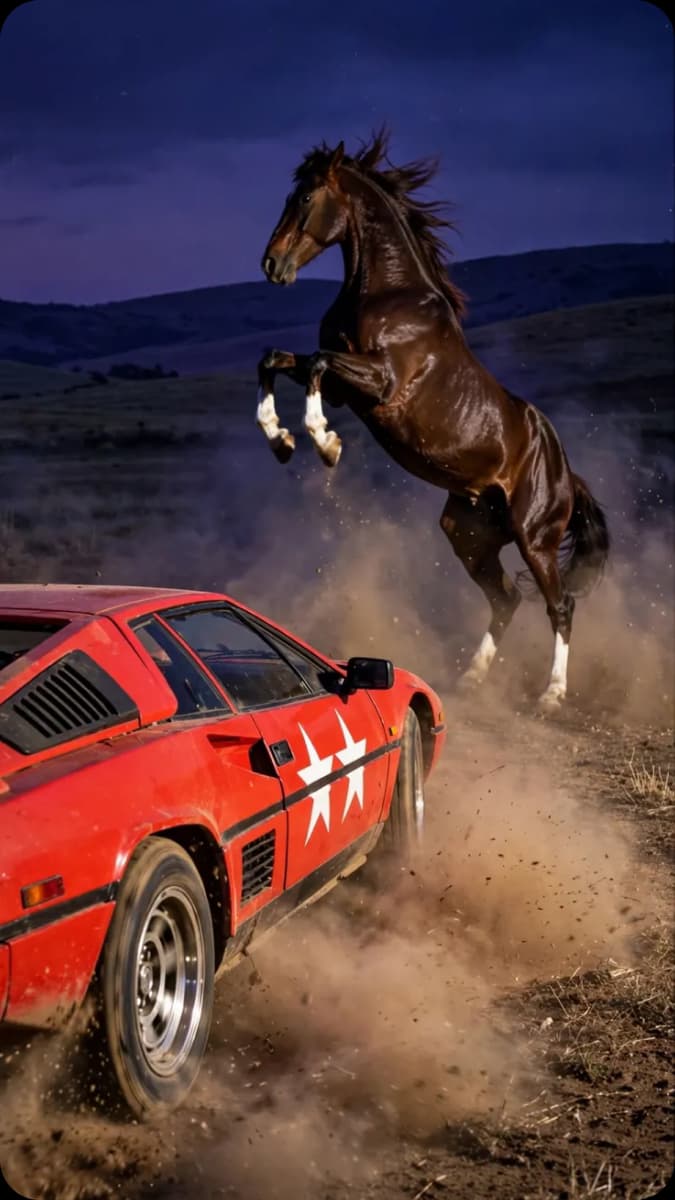
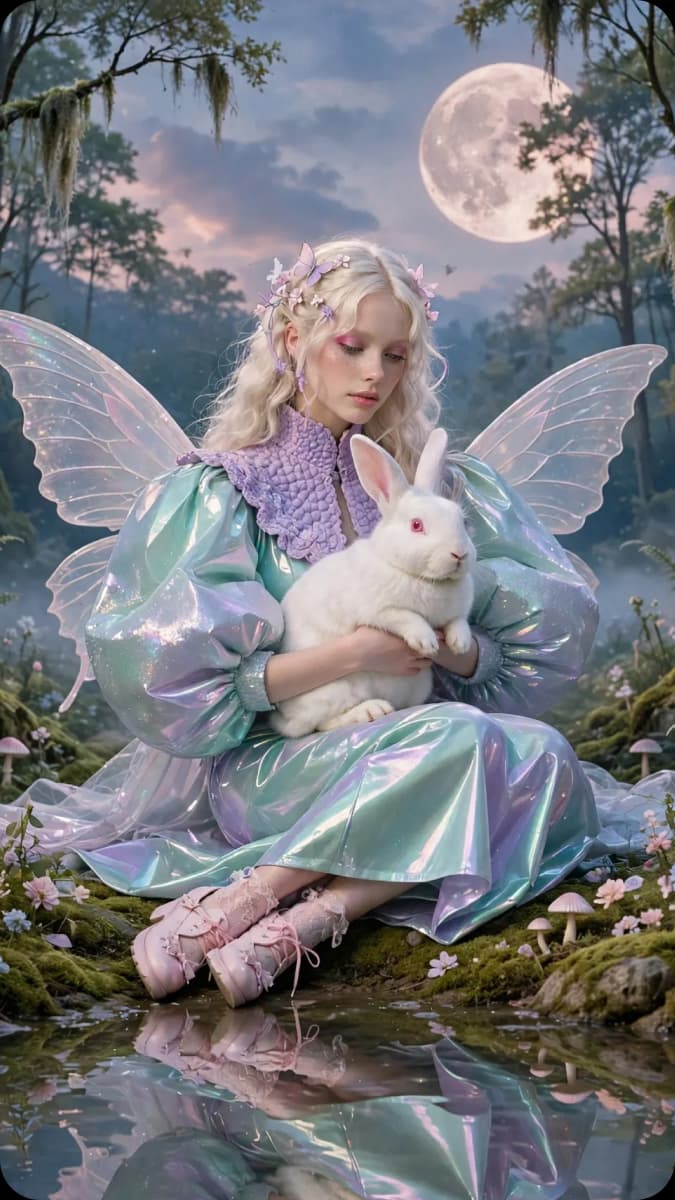
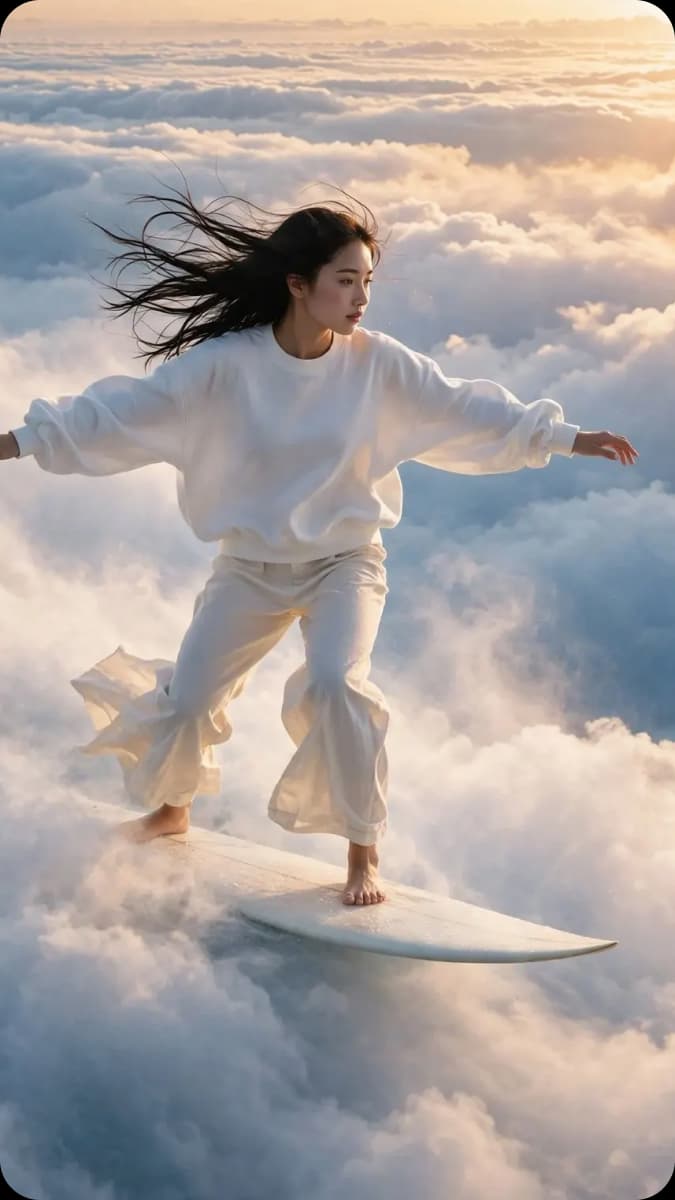
Was ist Muse Image 1.0?
Muse Image 1.0 (auch Muse Image genannt) ist das erste Bildmodell von Meta Superintelligence Labs. Es zeichnet sich durch seine agentische Arbeitsweise aus: Anstatt eine Eingabe direkt in ein Bild umzuwandeln, denkt es über deine Anfrage nach, sammelt Informationen aus der realen Welt und plant das Ergebnis, bevor es das Bild generiert. Dieses zusätzliche Nachdenken zahlt sich aus: Muse Image belegt auf der LMArena-Bestenliste für Text-zu-Bild, die Bearbeitung einzelner Bilder und die Bearbeitung mehrerer Bilder nach menschlicher Präferenz Platz 2.
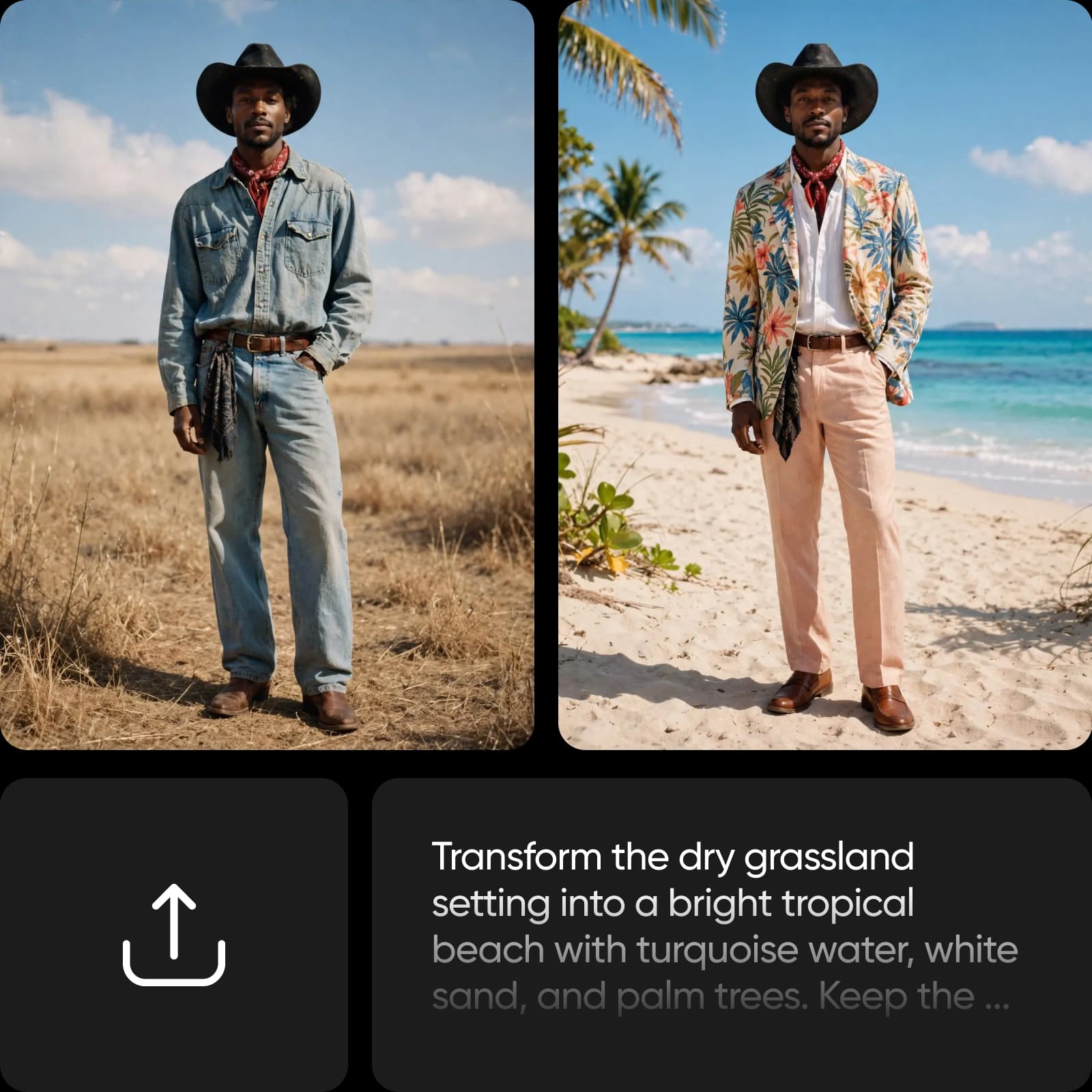
Es denkt nach und sucht, bevor es Bilder erstellt
Muse Image 1.0 arbeitet mit Metas Sprachmodell Muse Spark zusammen und agiert wie ein Agent. Es interpretiert deine Eingabe, ruft Echtzeitinformationen aus dem Web ab, sucht nach Referenzbildern, plant Layout und Komposition und optimiert das Ergebnis sogar selbst – indem es Such- und Denkwerkzeuge einsetzt, um Details zu präzisieren, bevor auch nur ein Pixel gezeichnet wird. Du kannst die Denkstärke von niedrig bis hoch einstellen: So bleiben schnelle Ideen schnell, während komplexe Szenen mit realitätsnahen Details umfassend umgesetzt werden.
- Passe die Denkstärke für komplexe Szenen an
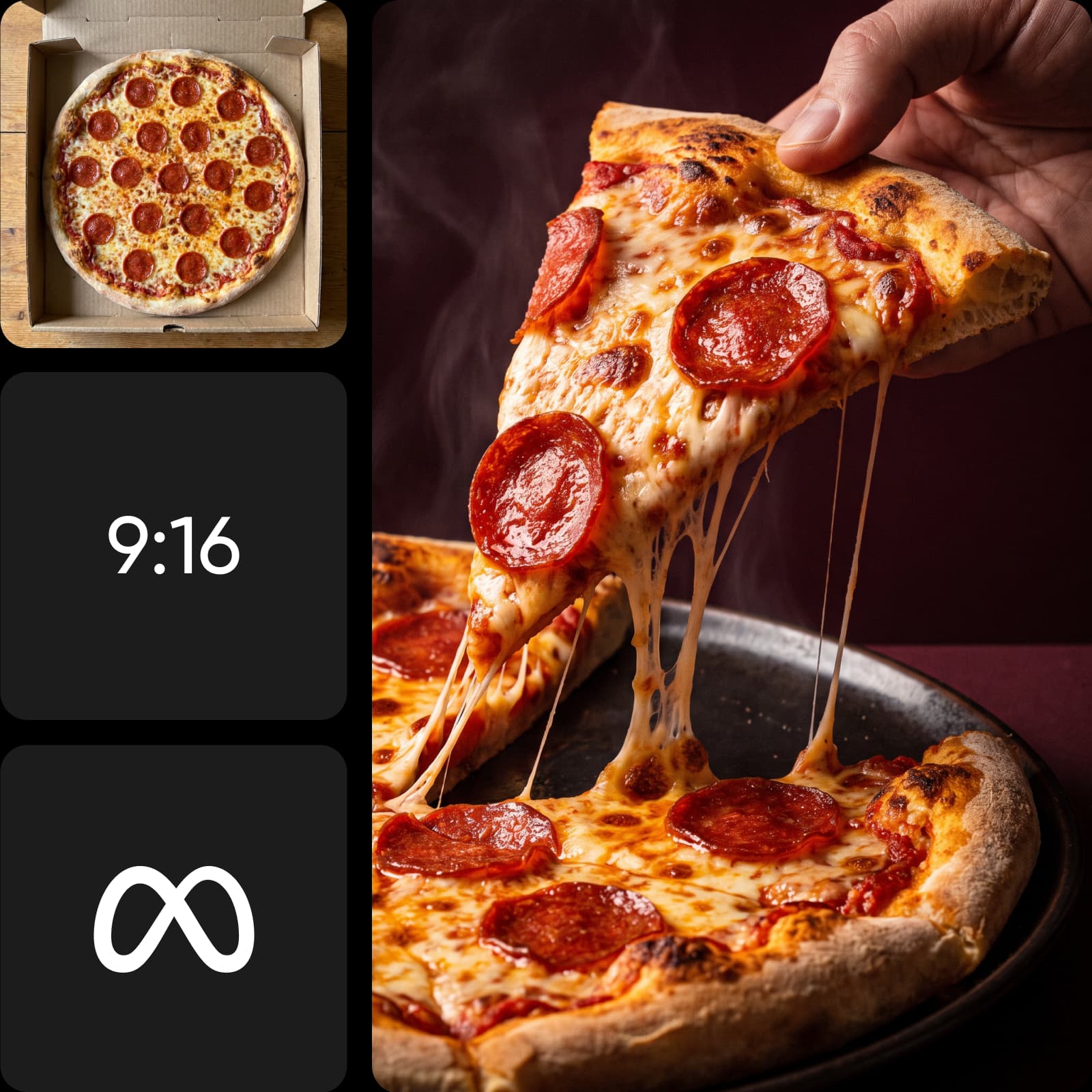
Kombiniere mehrere Referenzfotos zu einem Bild
Muse Image 1.0 wurde dafür entwickelt, Bilder zu komponieren, nicht nur zu generieren. Lade mehrere Referenzfotos hoch – etwa ein Motiv, eine Umgebung oder einen Stil. Das Modell überlegt, wie sie zusammenpassen, und kombiniert sie zu einem hochwertigen Bild. Erstelle pro Anfrage 1, 2, 4, 6, 8 oder 10 Varianten in Formaten vom quadratischen 1:1 bis zum breiten 16:9 und hochformatigen 9:16 und exportiere sie als PNG, JPEG oder WebP. Diese Bildgenerierung versteht deine Eingaben, statt sie zu überschreiben.
- Erstelle mehrere Varianten pro Anfrage
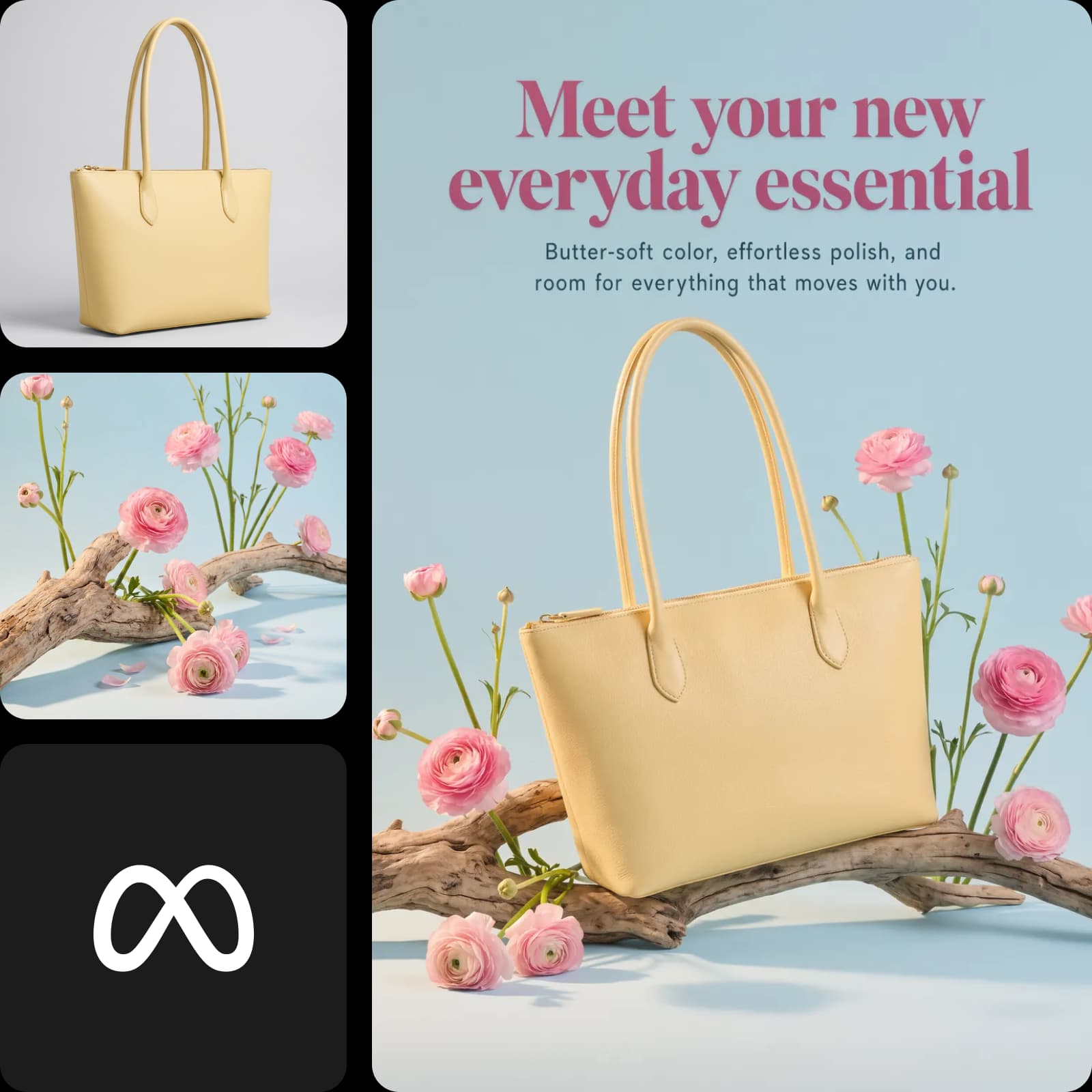
Nutze Muse Image 1.0 in Picsart
Muse Image 1.0 ist in Picsarts AI Playground verfügbar. Dort kannst du direkt damit Bilder generieren und die Ergebnisse anhand einer einzigen Eingabe mit über 170 weiteren KI-Modellen vergleichen – ganz ohne Einrichtung oder Modellkonfiguration. Und du kannst es ganz nach deinen Arbeitsabläufen nutzen: im Web, in der Picsart Desktop-App oder direkt in deinen eigenen Projekten über CLI, MCP, REST API und SDK – ganz ohne API-Schlüssel von Drittanbietern oder separate Abos.
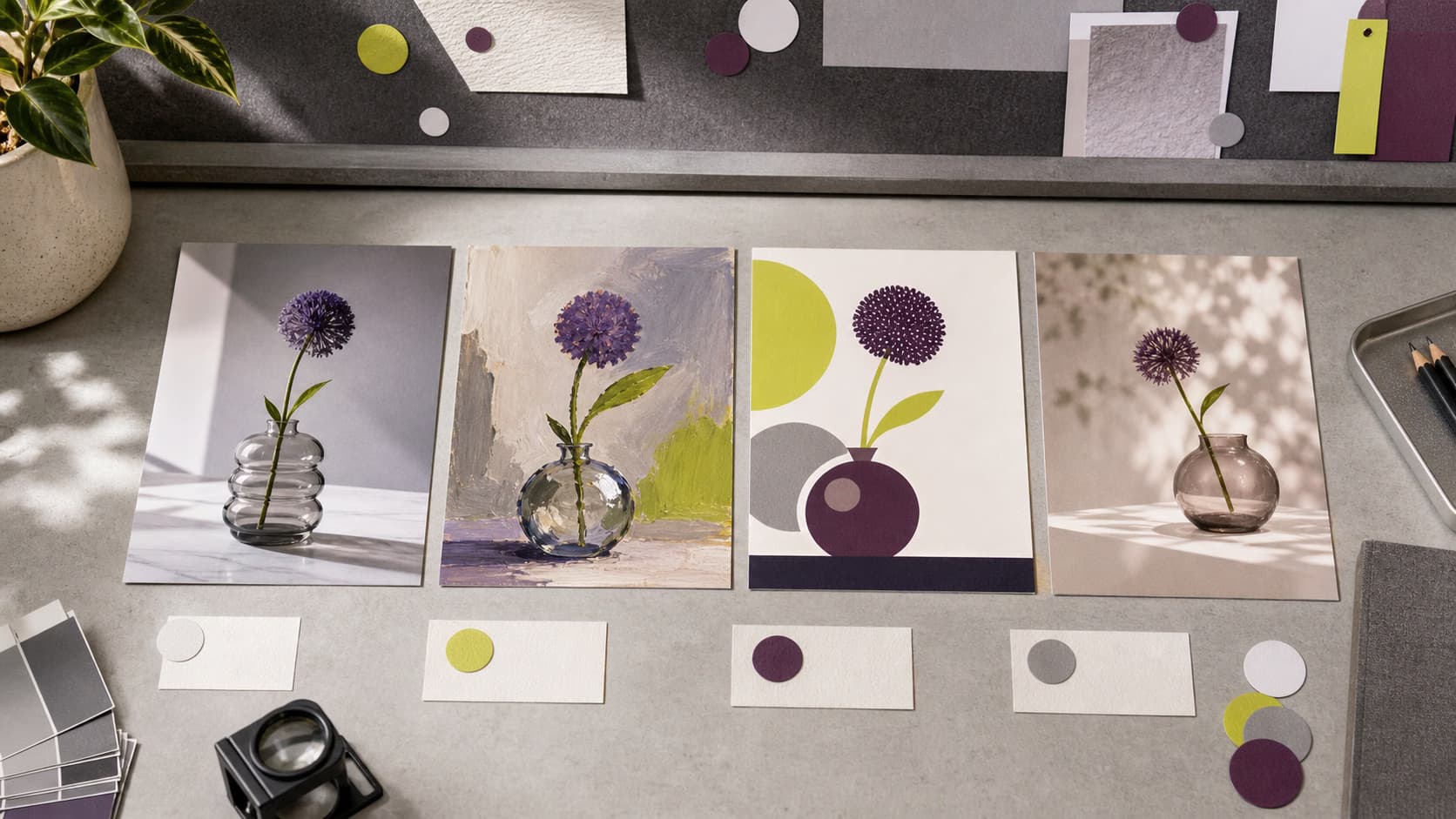
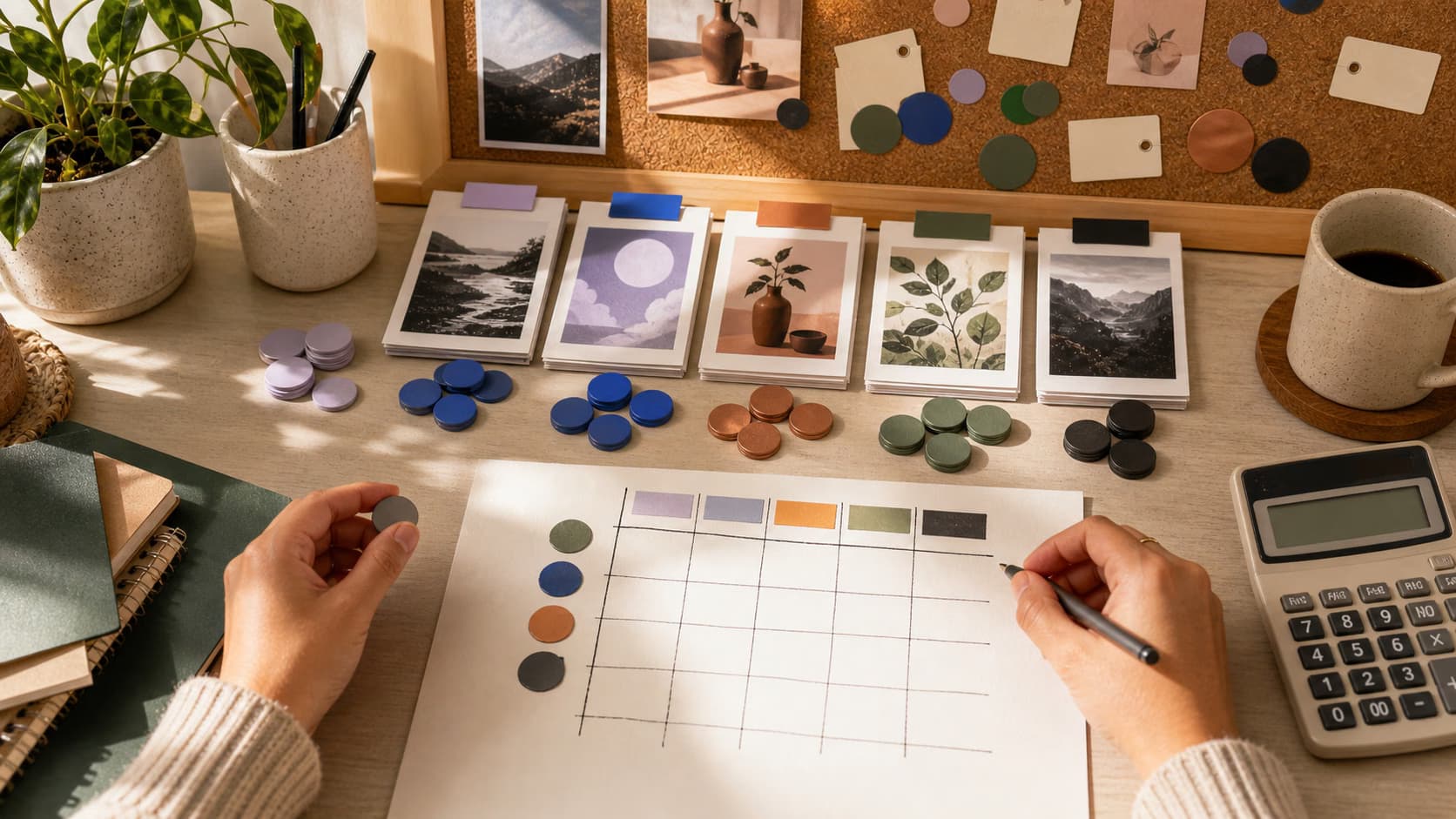
Die Auswahl an Bildmodellen verstehen
Erfahre, wie du Bildmodelle vergleichst und das passende Ergebnis auswählst.
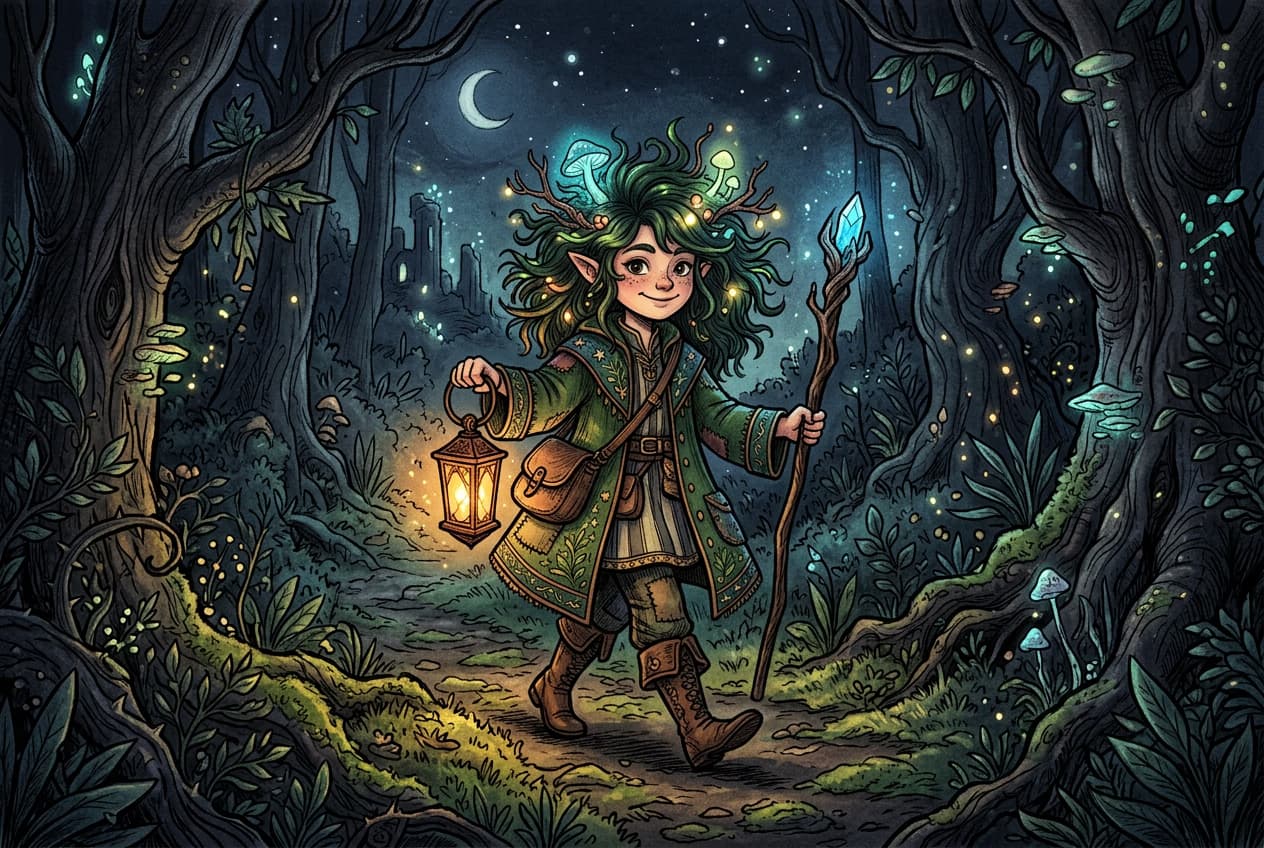
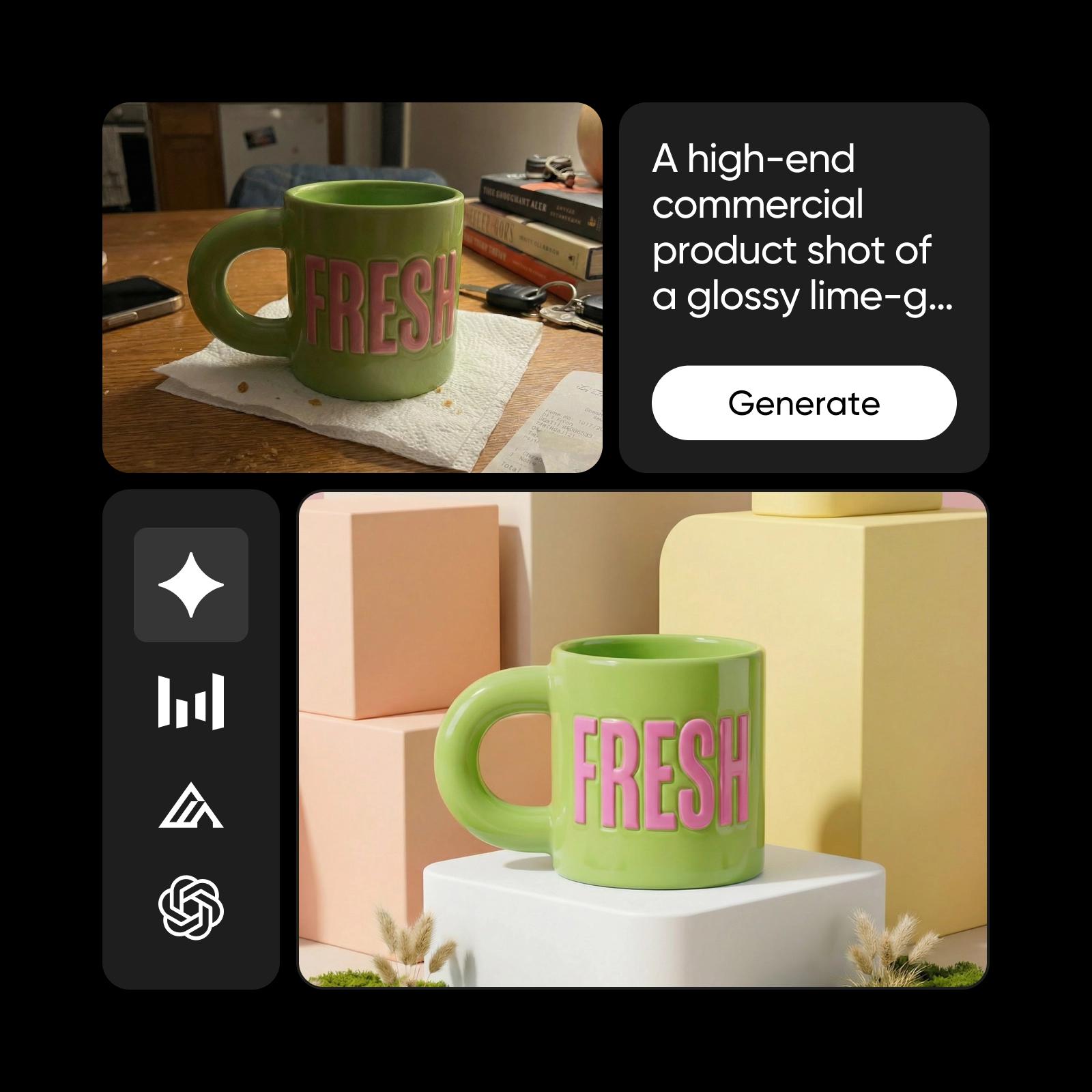
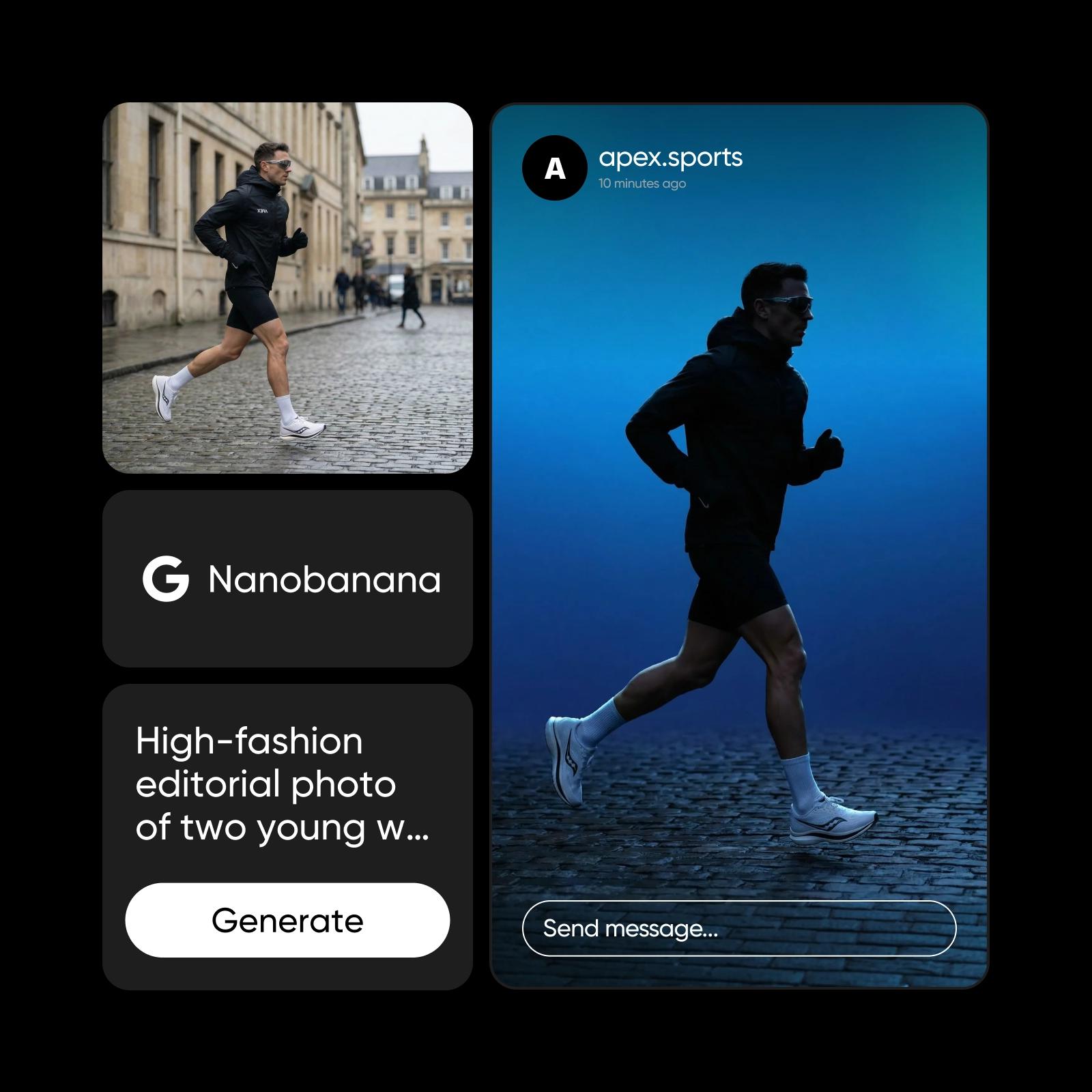
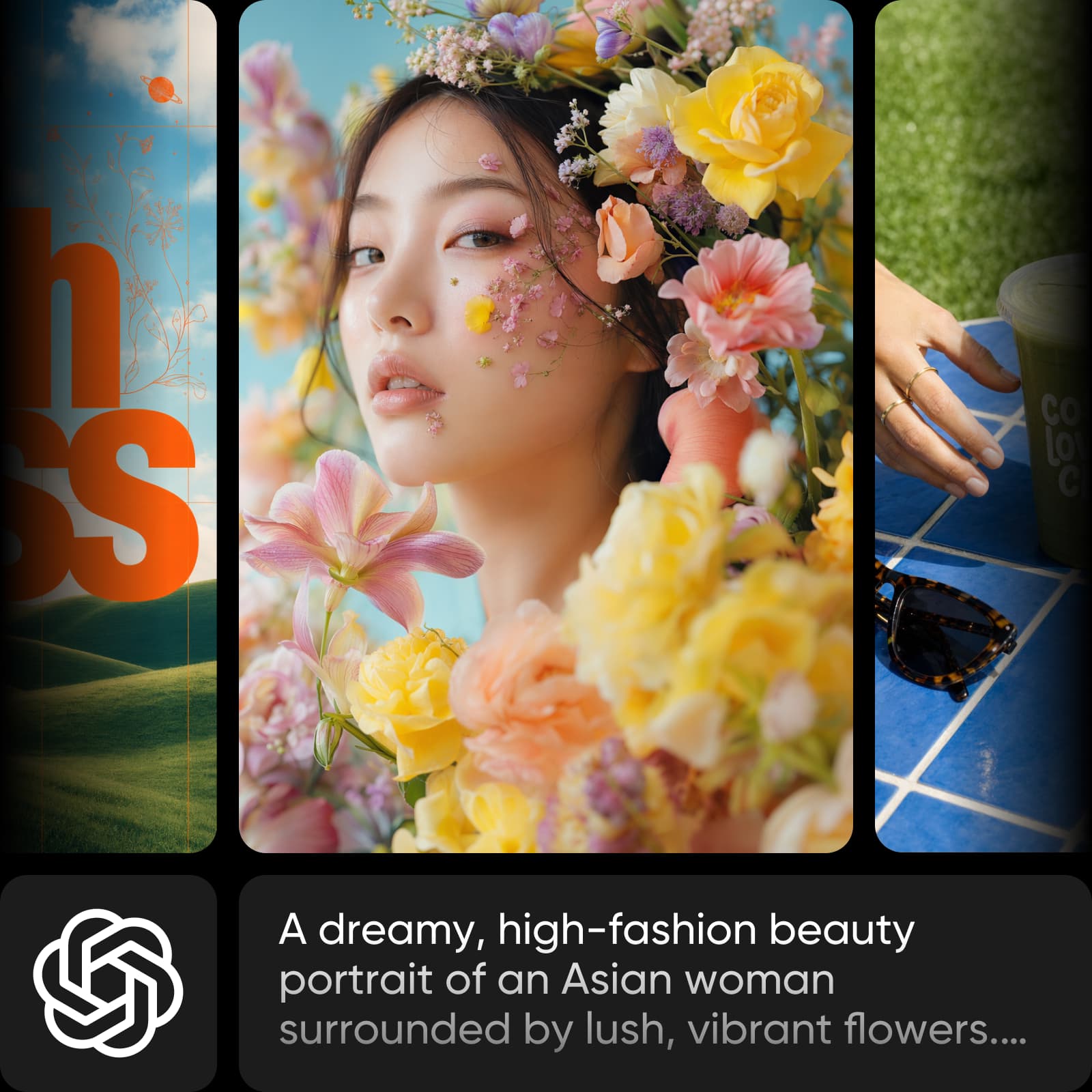
Weitere KI-Modelle zur Auswahl
Entdecke weitere KI-Bildmodelle, die du in Picsart nutzen kannst.

Häufig gestellte Fragen zu Muse Image 1.0
Muse Image 1.0 ist das erste Bildmodell von Meta Superintelligence Labs. Es arbeitet agentisch: Es denkt über deine Eingabe nach, sammelt Informationen aus der realen Welt, plant die Komposition und kombiniert Referenzfotos, bevor es ein Bild generiert. Es ist in Picsarts AI Playground und AI Image Generator verfügbar.
Erstelle KI-Bilder mit Muse Image 1.0
Pro
Most popularAI tools for everyday creative work.
Ultra
Most powerfulHeavy AI usage for creators & teams.