اضافه کردن زیرنویس به ویدئوها به صورت رایگان
زیرنویسهای دقیقی برای هر ویدئو در ثانیهها ایجاد کنید. تولید کننده زیرنویس خودکار Picsart زیرنویسهای خودکاری ایجاد میکند که با گفتار هماهنگ شده و نتایج صیقلی شده را به سرعت به شما ارائه میدهد. ویدئو خود را به راحتی ویرایش، طراحی و نهایی کنید - بدون نیاز به تجربه ویرایش قبلی.
چگونه زیرنویس بسازیم در ۴ مرحله
How to
ویدئوی خود را آپلود کنید
فایل ویدئویی خود را مستقیم به تولید کننده زیرنویس Picsart آپلود کنید تا شروع کنید.
زیرنویسهای خودکار را در ثانیه ها اضافه کنید
آیا میدانستید که حدود 85٪ از کاربران شبکههای اجتماعی ویدئوها را در حالت بیصدا تماشا میکنند؟ برای ویدئوهایی با گفتار، زیرنویس ها تنها راه برای حفظ تعامل بیننده هستند. تولید کننده زیرنویس Picsart با استفاده از AI پیشرفته، گفتار را تشخیص داده و زیرنویسهای ویدئویی به موقع ایجاد میکند - بدون نیاز به تجربه ویرایشی. میتوانید زیرنویسهای خودکار را به صورت آنلاین به ویدئو اضافه کنید، وقت صرفهجویی کرده و زیرنویسهای واضح و جذابی بسازید که توجه ها را جذب کرده و رول متن را متوقف میکند. مناسب برای شبکههای اجتماعی، آموزشها یا ارائههای تجاری، هر ویدئو سادهتر برای خواندن، جذابتر و آماده برای اشتراکگذاری میشود.
افزودن زیرنویس به ویدئوها برای شبکههای اجتماعی، آموزشها و بیشتر
تعامل و قابلیت دسترسی را با زیرنویسهای روشن ویدئو که به بینندهها کمک میکند تا بدون صدا محتوای شما را دنبال کنند، افزایش دهید. این تولید کننده زیرنویس ویدئویی در انواع ویدئوها، از گفتار سریع تا صدای خفه کار میکند، و زیرنویسهای دقیق و آسان برای خواندن ایجاد میکند. مناسب برای آموزشهای یوتیوب، تیکتاکها، دورههای آنلاین و ویدئوهای بازاریابی، تولید کننده زیرنویس خودکار محتوای شما را جامع، صیقلی و آماده برای اشتراکگذاری تنها با چند کلیک میکند.
تولید کننده زیرنویس که وضوح را به پیام شما میآورد
ویدئوهای خود را با زیرنویسهایی که بیش از صرفاً بازنویسی گفتار میکنند - آنها هر داستان را تقویت میکنند، بیشتر نمایشی و جذاب کنید. تولید کننده زیرنویس Picsart به خالقان، مربیان و برندها در ساخت محتوایی که ارتباط برقرار میکند، کمک میکند. از زیرنویسهای خودکار برای برجسته کردن لحظات کلیدی، انتقال احساس، و اطمینان از پیام خود استفاده کنید تا برای تماشاگران جهانی تاثیرگذار باشد. از آموزشها و ویدئو بلاگها تا کلیپهای بازاریابی، زیرنویسهای ویدئوی شما تنها اطلاع رسانی نمیکنند - آنها بینندهها را تشویق به ادامه تماشا میکنند.
ابزارهای ویدئویی AI بیشتری را کشف کنید
محتوای خود را با مجموعهای از ابزارهای ویدئویی AI Picsart بیشتر کنید. از ویدئو آواتار AI برای تولید ویدئوهای گوینده واقعی به سبک UGC استفاده کنید، سپس از ابزار تولید کننده زیرنویس برای گنجاندن زیرنویسهای دقیق با تنها یک کلیک استفاده کنید. باهم، به شما کمک میکنند ویدئوهای صیقلی، آماده برای انتشار تولید کنید که در هر پلتفرمی برجسته باشند. همچنین میتوانید محتوای ویدیویی خود را با استفاده از ویرایشگر ویدئوی AI, مبدل تصویر به ویدئو AI و حذف کننده پسزمینه ویدئو بهبود بخشید - ترکیب خلاقیت و اتوماسیون برای نتایج حرفهای در عرض چند دقیقه.
ویژگیهای قدرتمند تولید کننده زیرنویس
ویژگیهای اصلی که تولید کننده زیرنویس Picsart را به ابزار اصلی شما برای زیرنویسهای سریع، دقیق و قابل شخصیسازی در تمام فرمتهای ویدئویی تبدیل میکند، کشف کنید.
اصول ویرایش ویدئو را بیاموزید
بیاموزید که چگونه به تمیزتر کردن ویرایشهای کلیپ بپردازید.
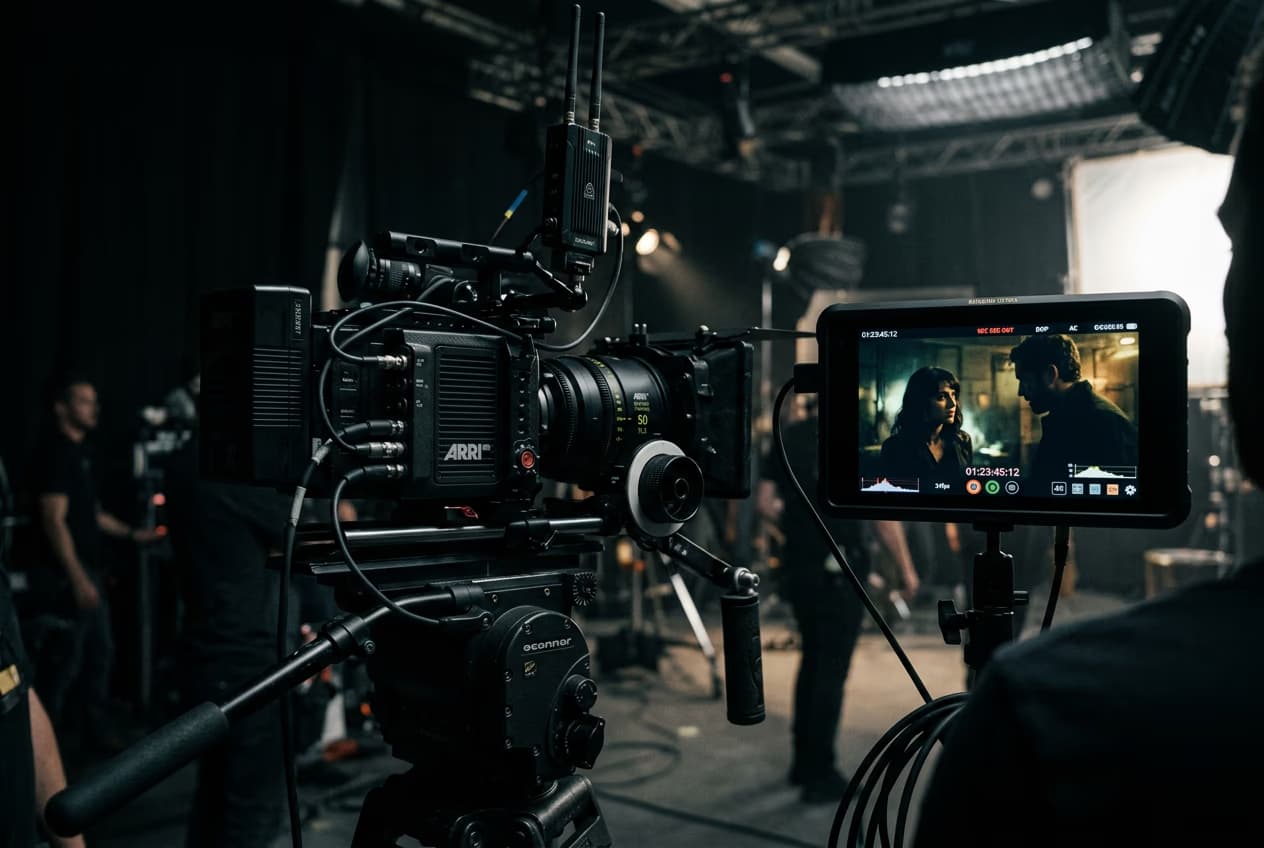
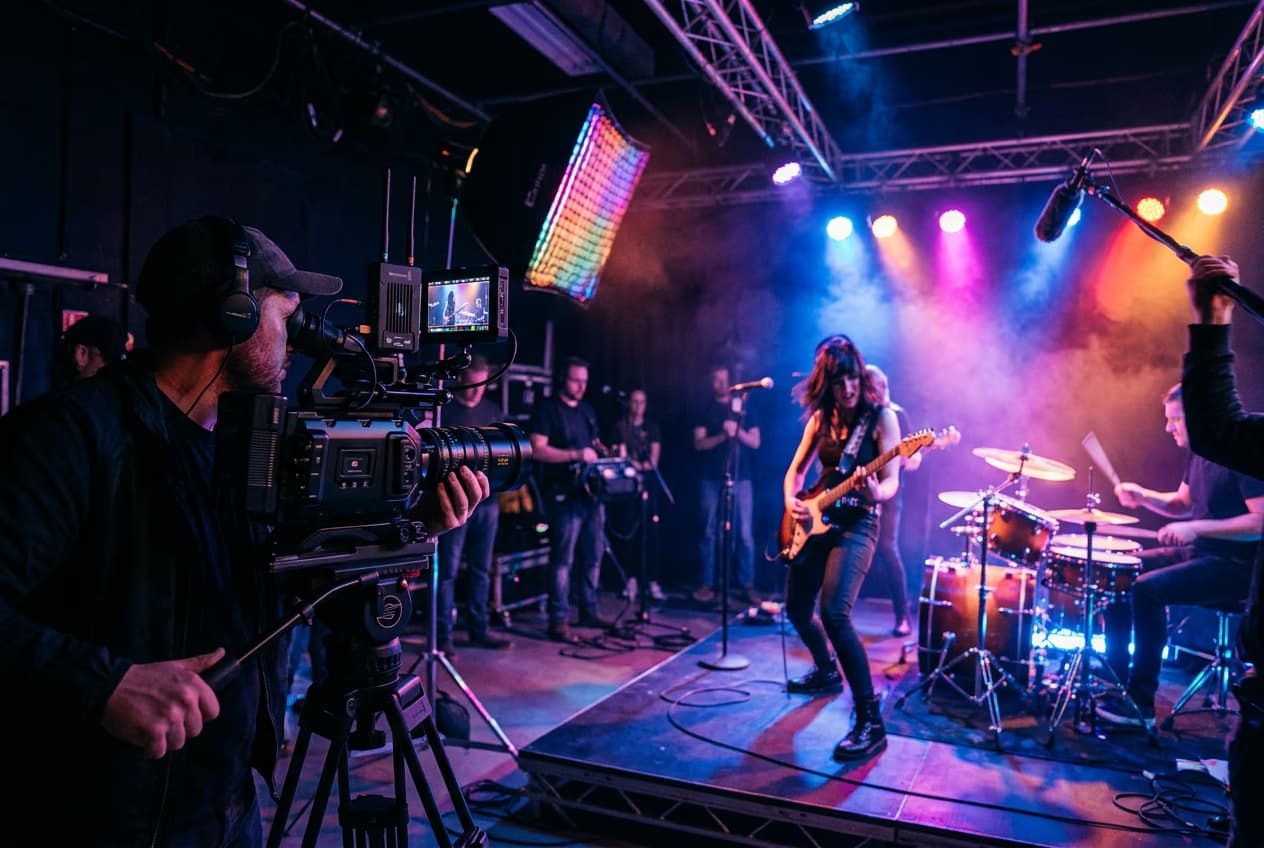
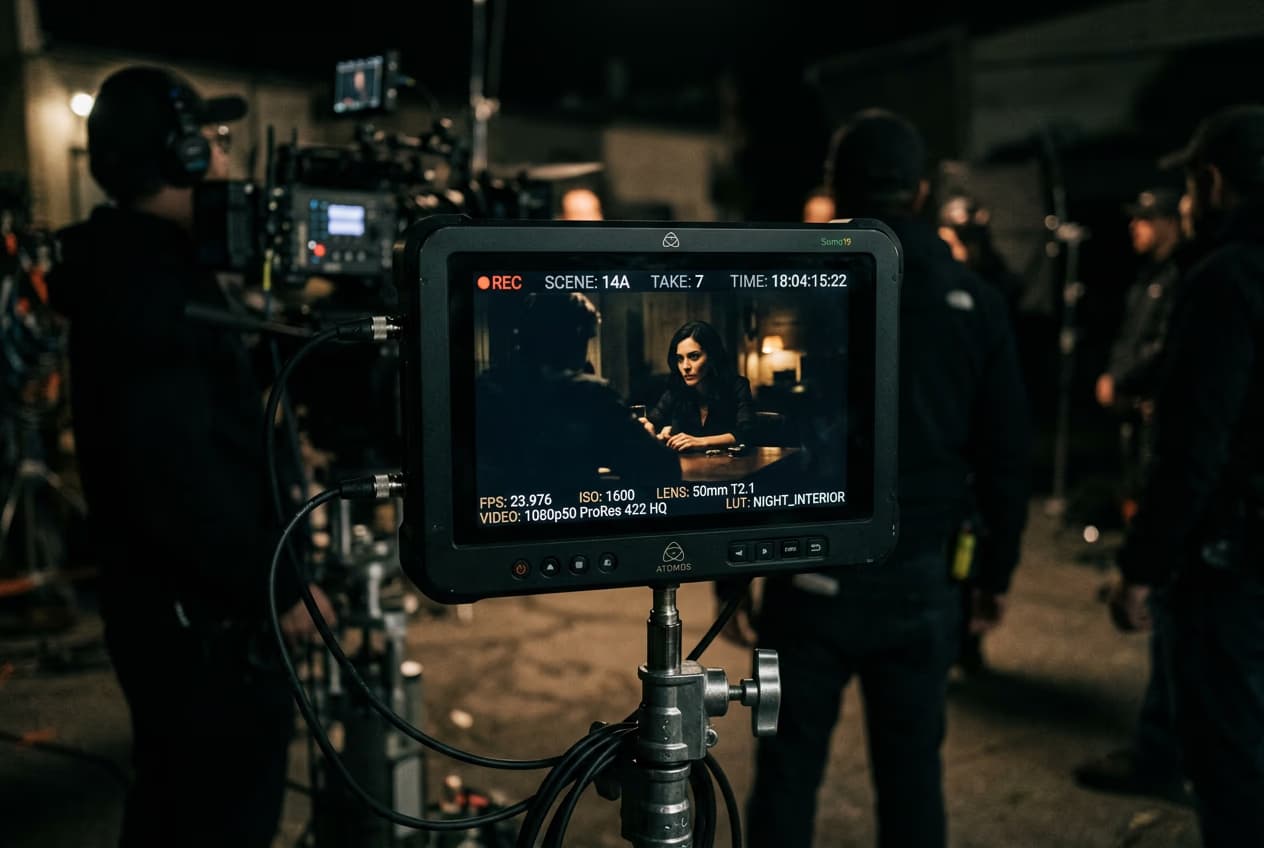
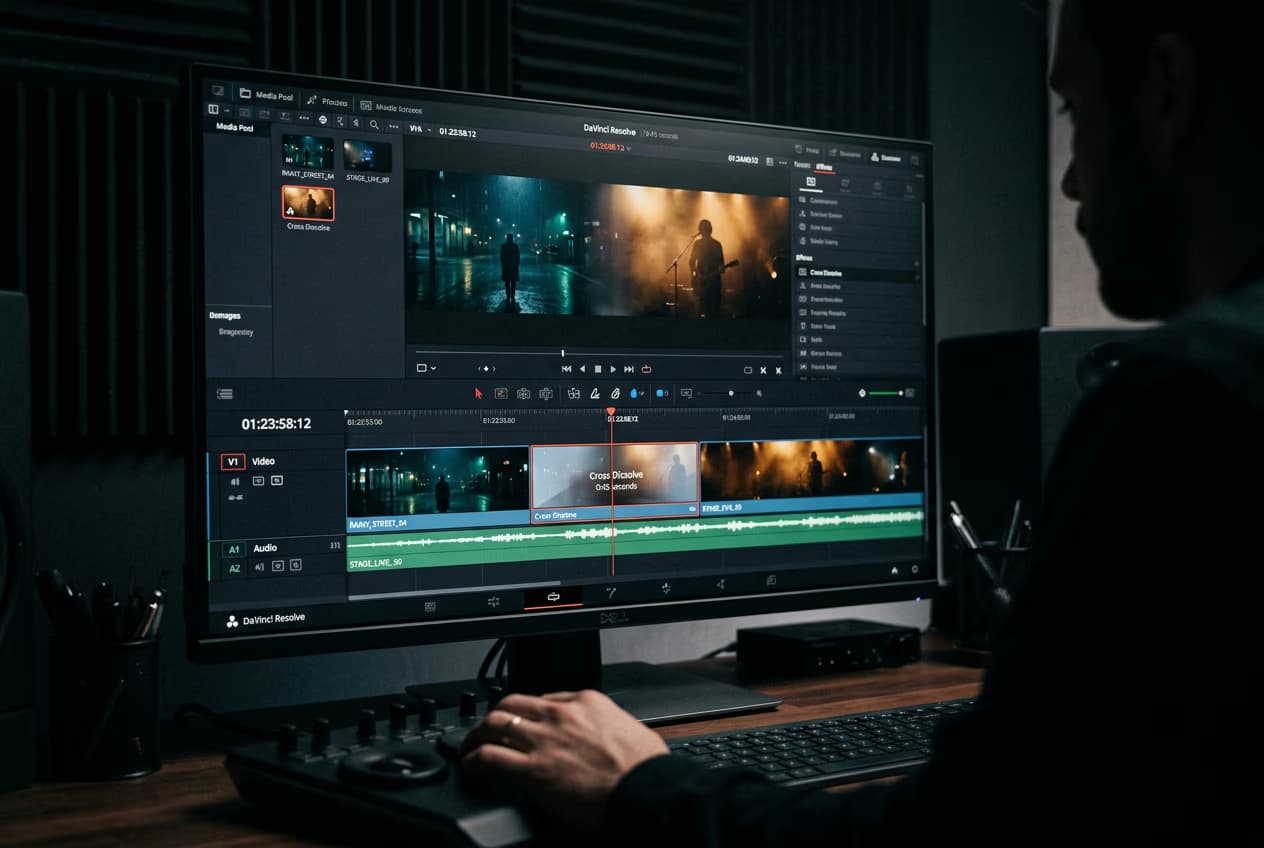
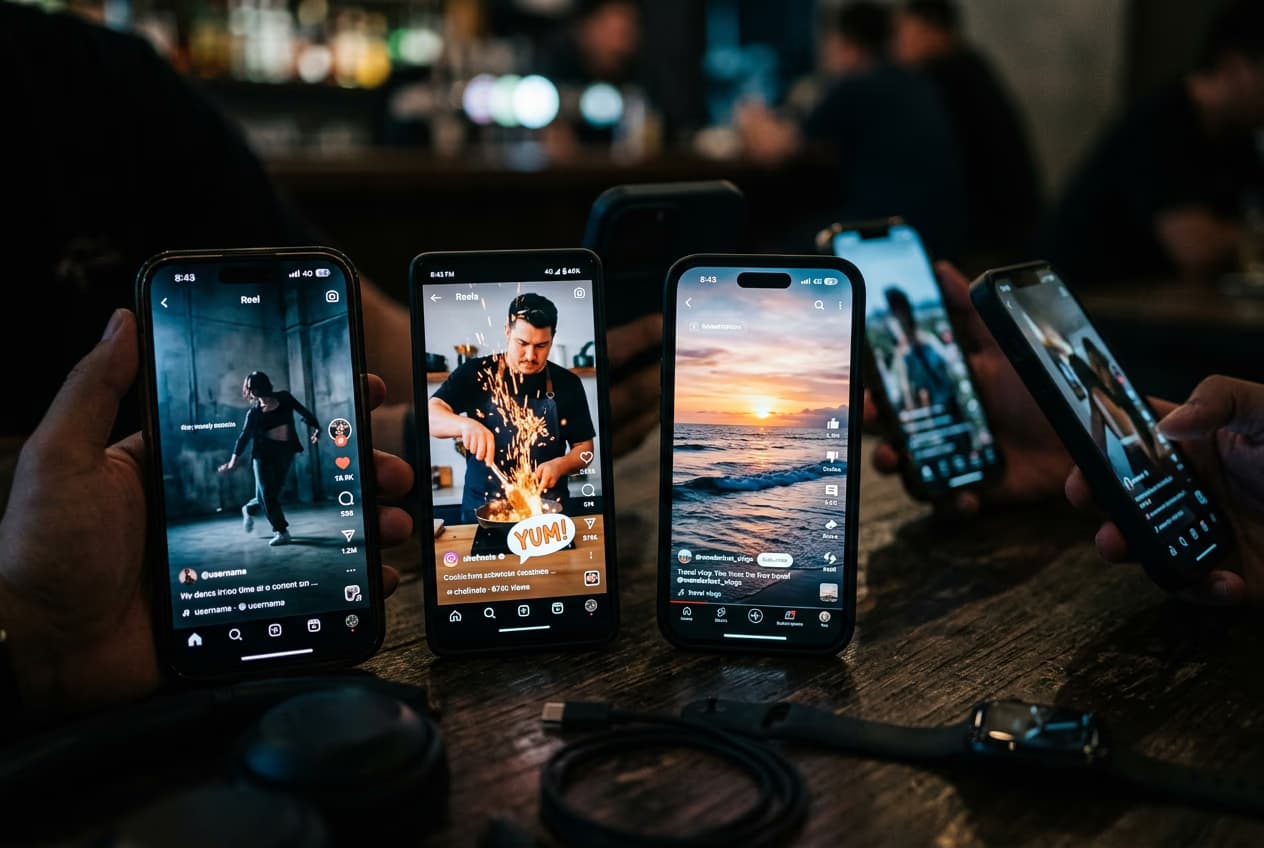

ویدئوهای زیرنویس دار با مدلهای ویدئوی AI بسازید
از مدلهای ویدئویی برای تبدیل کلیپها، فیلمها و دستورات به ویدئوهای زیرنویس دار برای شبکههای اجتماعی، تبلیغات و جریانهای خلاقانه استفاده کنید.
سوالات متداول افزودن زیرنویس به ویدئوها
زیرنویس بسته متن روی صفحه را برای گفتوگوی شفاهی و صداهای مهم مانند موسیقی یا نویز پسزمینه نمایش میدهد. خوانایی را بهبود میبخشد و اطمینان میدهد که بینندهها میتوانند به راحتی محتوای شما را دنبال کنند، حتی در محیطهای پرصدا یا زمانی که به حالت بیصدا تماشا میکنند.
ویرایش ویدئو ساخته شده برای هر صفحهنمایش
Pro
Most popularAI tools for everyday creative work.
Ultra
Most powerfulHeavy AI usage for creators & teams.


