הוסף כתוביות לסרטונים בחינם
צור כתוביות מדויקות עבור כל סרטון תוך שניות. מנוע הכתוביות של Picsart יוצר כתוביות אוטומטיות שמתוזמנות בצורה מושלמת עם הדיבור, ומעניק לך תוצאות מלוטשות במהירות. ערוך, עצב וסיים את הסרטון שלך בקלות - ללא צורך בניסיון עריכה קודם.
איך ליצור כתוביות ב-4 צעדים
How to
העלה את הסרטון שלך
ייבא את קובץ הווידאו שלך ישירות לגנרטור כתוביות של Picsart כדי להתחיל.
הוסף כתוביות אוטומטיות תוך שניות
האם ידעת שכ-85% מהמשתמשים במדיה החברתית צופים בסרטונים ללא קול? עבור סרטונים עם דיבור, כתוביות הן הדרך היחידה לשמור על המעורבות של הצופים. מנוע הכתוביות של Picsart משתמש ב-AI מתקדם כדי לזהות דיבור וליצור כתוביות וידאו מתוזמנות בצורה מושלמת - ללא צורך בניסיון עריכה. תוכל להוסיף כתוביות אוטומטיות לסרטונים באינטרנט, לחסוך זמן תוך יצירת כתוביות ברורות, אסטטיות ומושכות תשומת לב. אידיאלי עבור מדיה חברתית, מדריכים או מצגות עסקיות, כל סרטון הופך לקל לקריאה, שמרתק ומוכן לשיתוף.
הוסף כתוביות לסרטונים עבור מדיה חברתית, מדריכים ועוד
הגב את המעורבות והנגישות עם כתוביות סרטון ברורות שעוזרות לצופים לעקוב אחר התוכן שלך אפילו ללא קול. גנרטור כתוביות הוידאו עובד על כל סוגי הסרטונים, מדיבור מהיר עד אודיו מוחלש, יוצר כתוביות מדויקות וקוראות בקלות. אידיאלי עבור מדריכי YouTube, TikToks, קורסים מקוונים וסרטוני שיווק, גנרטור הכתוביות האוטומטי הופך את התוכן שלך לכלול, מלוטש ומוכן לשיתוף בכמה לחיצות בלבד.
גנרטור כתוביות שמביא הבהירות למסרים שלך
עשה את הסרטונים שלך יותר מבטאים ומרתקים בעזרת כתוביות שעושות יותר מתיעוד דיבור - הן משפרות כל סיפור. גנרטור הכתוביות של Picsart עוזר ליוצרים, מחנכים ומותגים ליצור תוכן שמחבר. השתמש בכתוביות אוטומטיות להדגשת רגעים מפתח, העברת רגשות והבטחה שהמסרים שלכם יתחברו לצופים ברחבי העולם. ממדריכים ובלוגים ועד קליפים שיווקיים, כתוביות הווידאו שלך לא רק מוסרות מידע - הן מעוררות השראה לצופים להמשיך לצפות.
גלה עוד כלים וידאו של AI
קח את התוכן שלך רחוק יותר עם מערכת הכלים של Picsart לווידאו מונע AI. השתמש ב-אוואטר וידאו AI כדי ליצור סרטוני דיבור מציאותיים בסגנון תוכן שנוצר על ידי משתמשים, ולאחר מכן שפר אותם עם כלי מנוע הכתוביות כדי להוסיף כתוביות מדויקות בלחיצה אחת בלבד. יחד, הם עוזרים לך ליצור סרטונים מלוטשים ומוכנים לפרסום שמבליטים בכל פלטפורמה. תוכל גם לשפר את תוכן הסרטון שלך עם ה-עורך וידאו AI, תמונה לווידאו AI, ו-מנקה רקע וידאו - שמֶזִים קריאטיביות ואוטומטיזציה לתוצאות מקצועיות תוך דקות.
תכונות חזקות של גנרטור הכתוביות
גלה את התכונות המרכזיות שהופכות את גנרטור הכתוביות של Picsart לכלי המומלץ שלך לצורך יצירת כתוביות מהירות, מדויקות ומותאמות לכל פורמט וידאו.
למד את הבסיסים של עריכת וידאו
למד איך ליצור עריכות נקיות יותר לקליפים.
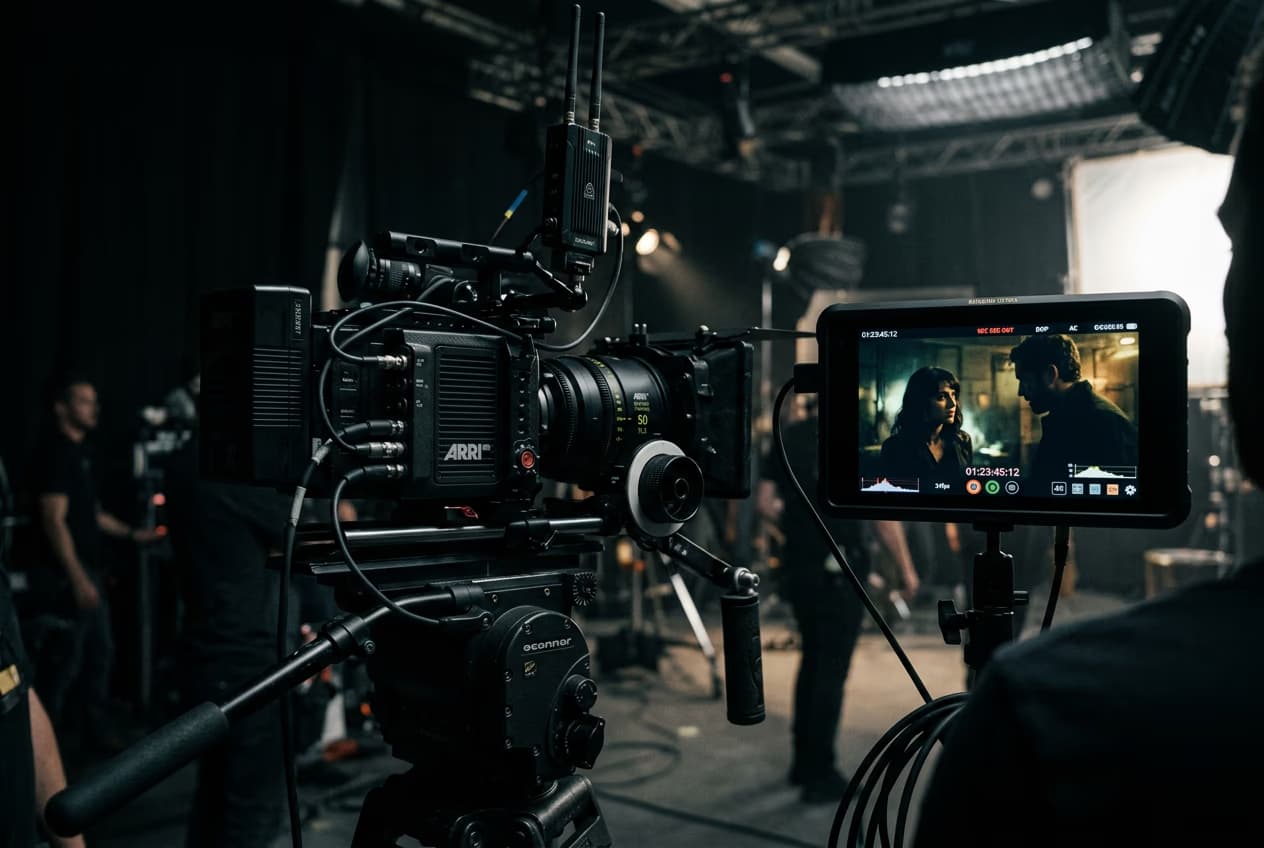
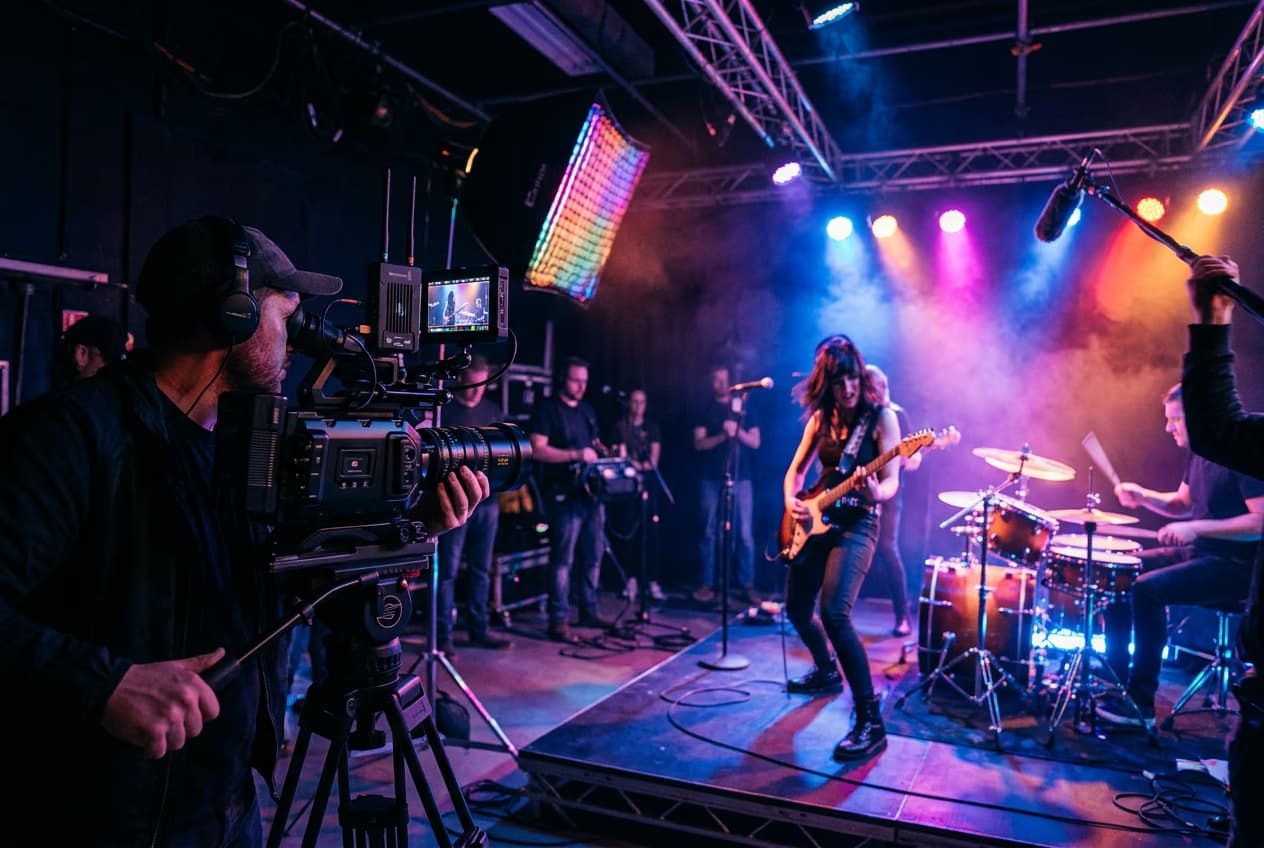
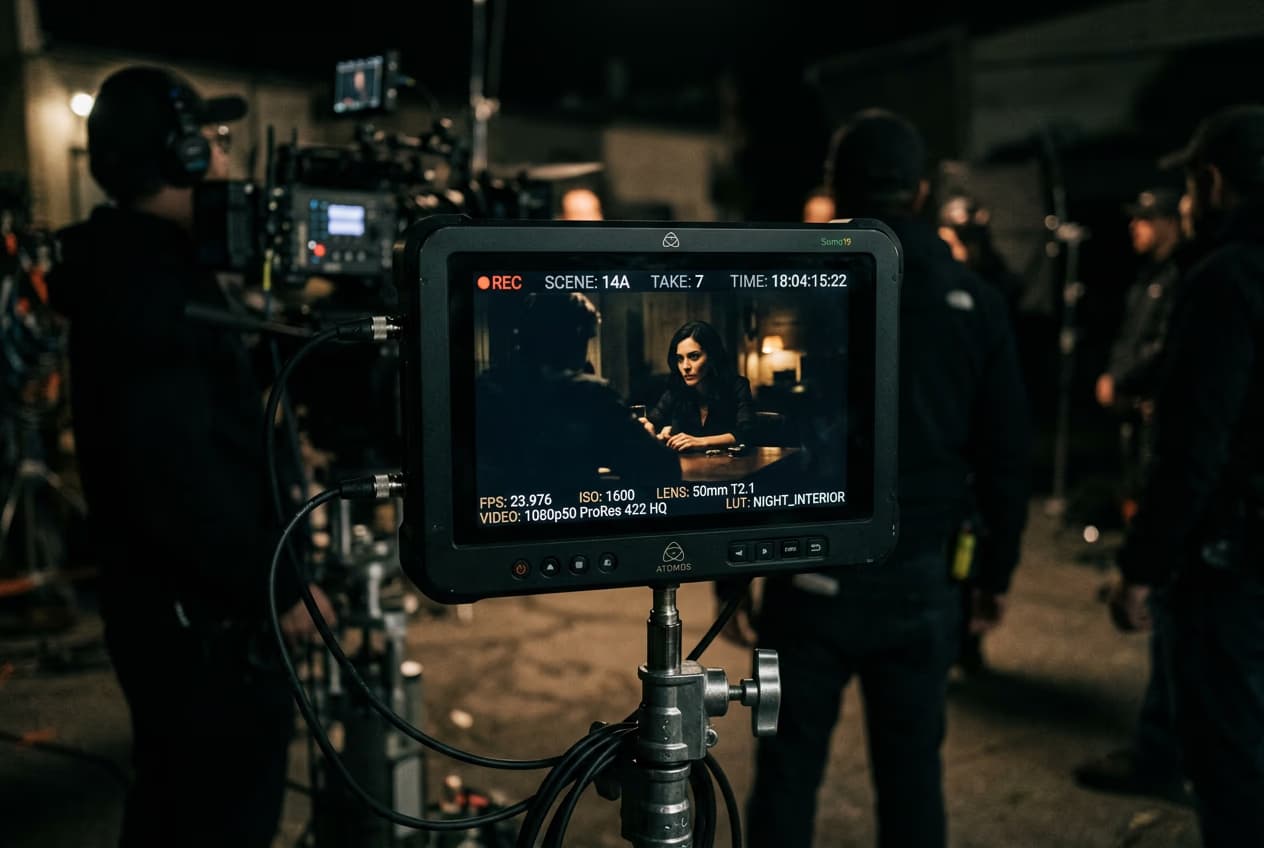
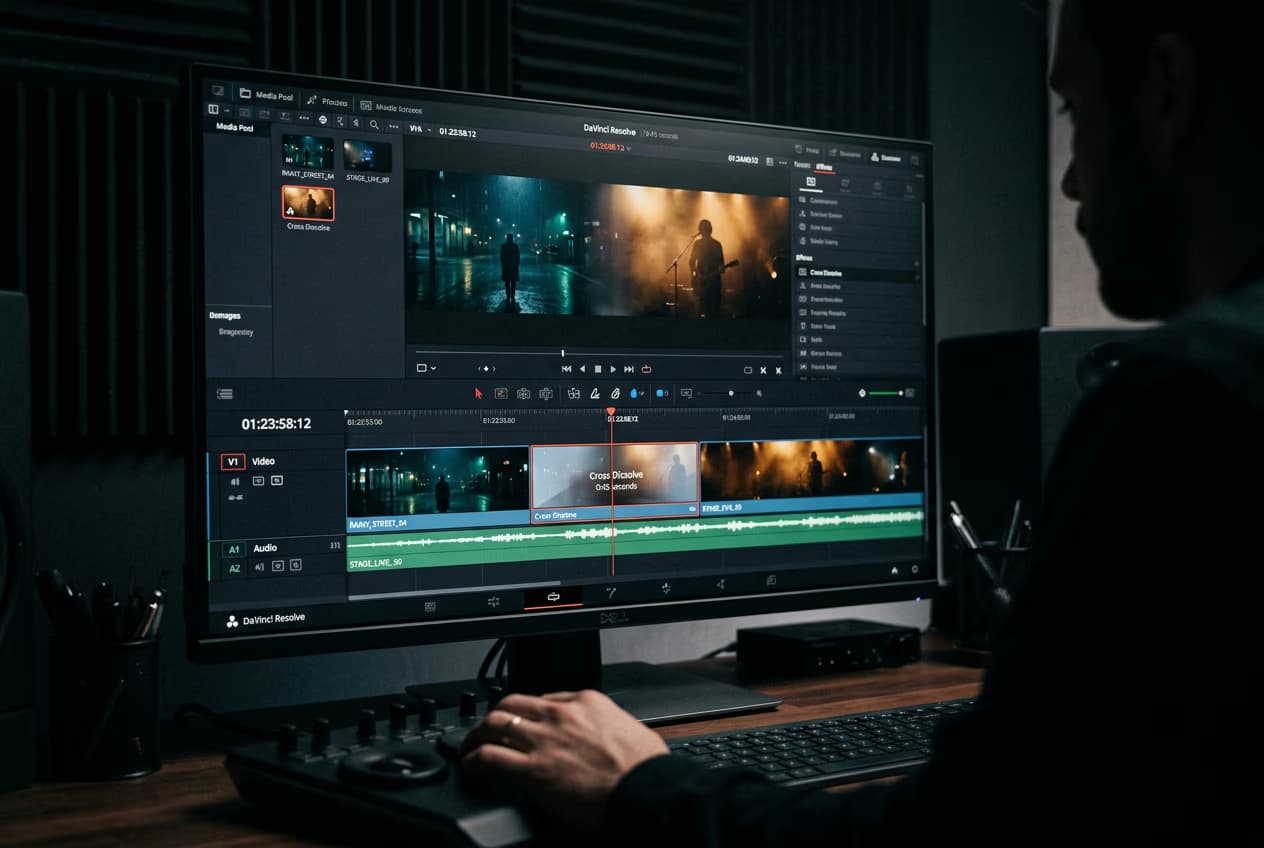
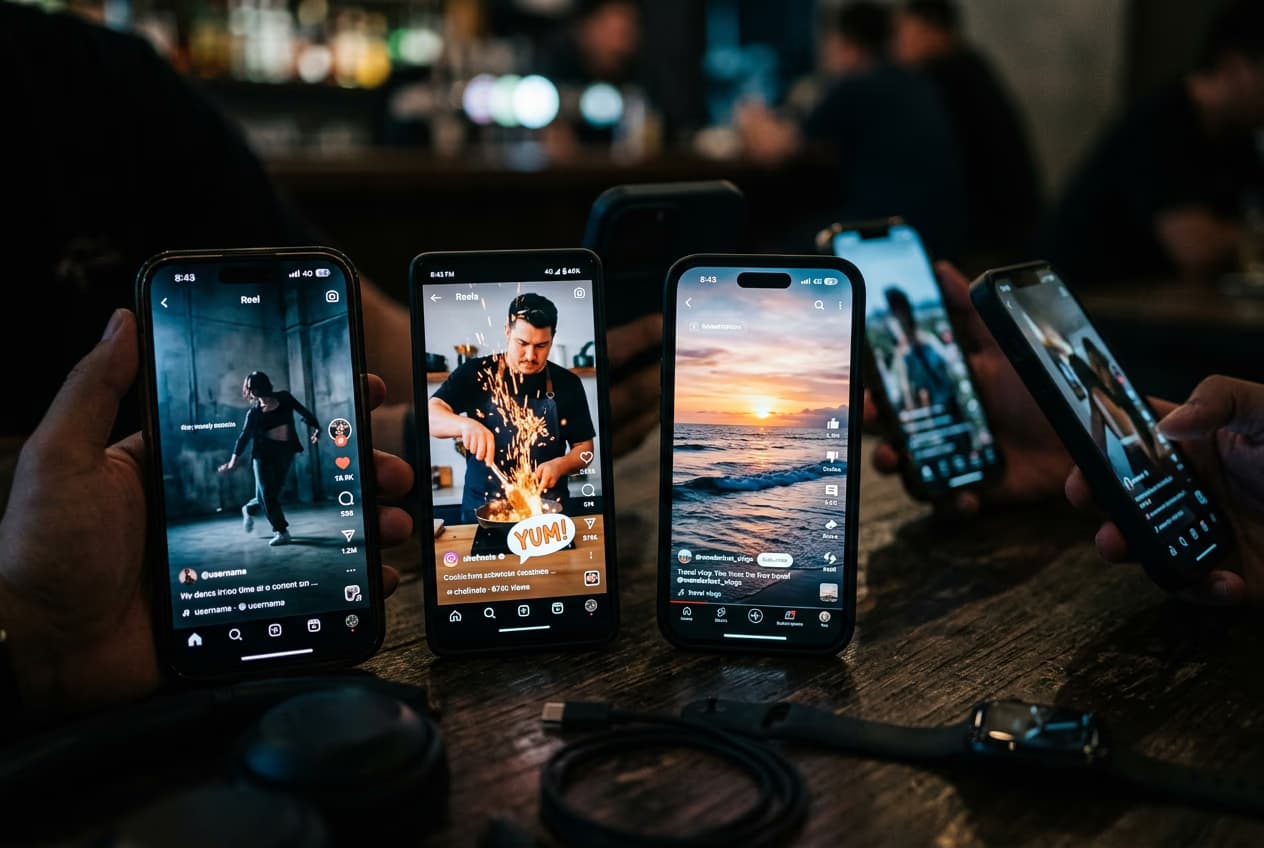

צור סרטונים עם כתוביות באמצעות מודלי וידאו AI
השתמש במודלי וידאו כדי להפוך קליפים, חומרים ואתגרים לסרטונים עם כתוביות עבור מדיה חברתית, מודעות וזרימות עבודה יצירתיות.
הוסף כתוביות לסרטונים - שאלות נפוצות
כתוביות סגורות מציגות טקסט על המסך עבור דיבור שיחתי וקולות חשובים כמו מוזיקה או רעשי רקע. הן משפרות את הקריאות ומבטיחות שהצופים יוכלו לעקוב אחר התוכן שלך בקלות, אפילו בסביבות רועשות או כשצופים בלי קול.
ערוך סרטונים המותאמים לכל מסך
Pro
Most popularAI tools for everyday creative work.
Ultra
Most powerfulHeavy AI usage for creators & teams.


