1. Home
  2. छवि को काटें

नि:शुल्क इमेज क्रॉपर: आसानी से ऑनलाइन छवियों को काटें

छवियों को काटना समय और प्रयास ले सकता है, लेकिन ऐसा होना नहीं चाहिए। Picsart के नि:शुल्क इमेज क्रॉपर के साथ आसानी से ऑनलाइन छवियों को काटें और आश्चर्यजनक, गुणवत्ता वाले दृश्य प्राप्त करें।

Picsart इमेज क्रॉपर
इन संबंधित छवि संपादन उपकरणों का अन्वेषण करें
अपनी छवियों का आकार बदलेंकई फ़ोटो को बैच में काटेंछवि पृष्ठभूमि हटाएंऑनलाइन फ़ोटो संपादित करेंफ़ोटो गुणवत्ता बढ़ाएंइंस्टाग्राम के लिए काटेंफ़ोटो कोलाज बनाएंइमेज स्ट्रेचर का प्रयास करेंवीडियो सामग्री को काटेंबैच फ़ोटो संपादित करेंत्वरित इमेज टूल्स का प्रयास करेंछवियों को फ़्लिप या घुमाएँ

Use Picsart anywhere

Install the app, or bring Picsart into the AI workspaces your team already uses.

Use Picsart with

  • ChatGPT / Codex
  • Claude
  • Terminal
  • Cursor
  • OpenClaw
  • Hermes

Download the app

Download on the App StoreGET IT ON Google PlayGet it from Microsoft

Follow Picsart

Pinterest
AICPA SOC

Create

  • AI Image Generator
  • AI Video Generator
  • AI Playground
  • Flow
  • AI Photo Editor
  • AI Video Editor
  • AI Agents
  • Content Library
  • AI Models

Creators

  • Earn with Picsart
  • Earn campaigns
  • Clipping
  • For Brands
  • Video Studio
  • Tutorials
  • Challenges

Connect

  • ChatGPT / Codex
  • MCP setup
  • Command line
  • Developers
  • Google Drive

Business

  • Pricing
  • Enterprise
  • Industries
  • Quicktools

Company

  • Support
  • Careers
  • About us
  • Blog
  • Press Center
Terms of UsePrivacy PolicyInternet-Based AdvertisingCommunity GuidelinesDMCASecurity PolicyAccessibility
© 2026 PicsArt, Inc.
नि:शुल्क आइकन

नि:शुल्क फोटो क्रॉपिंग

Picsart के नि:शुल्क इमेज क्रॉपर के साथ समय, पैसा और मानसिक शांति बचाएं।

उच्च गुणवत्ता आइकन

गुणवत्ता का कोई नुकसान नहीं

अपनी फोटो की गुणवत्ता का बलिदान किए बिना जल्दी से छवियों को काटें।

आसान क्रॉपिंग आइकन

शुरुआती-अनुकूल क्रॉपिंग

आसानी से उपयोग करने वाले क्रॉपिंग टूल के साथ ऑनलाइन फोटो को आसानी से काटें।

ऑनलाइन छवियों को कैसे काटें

1

फोटो अपलोड करें

काटना शुरू करने के लिए अपनी फोटो अपलोड करें।

2

क्रॉप समायोजित करें

3

परिवर्तन लागू करें

4

छवि डाउनलोड करें

तुरंत छवियों को अपलोड, क्रॉप और डाउनलोड करें

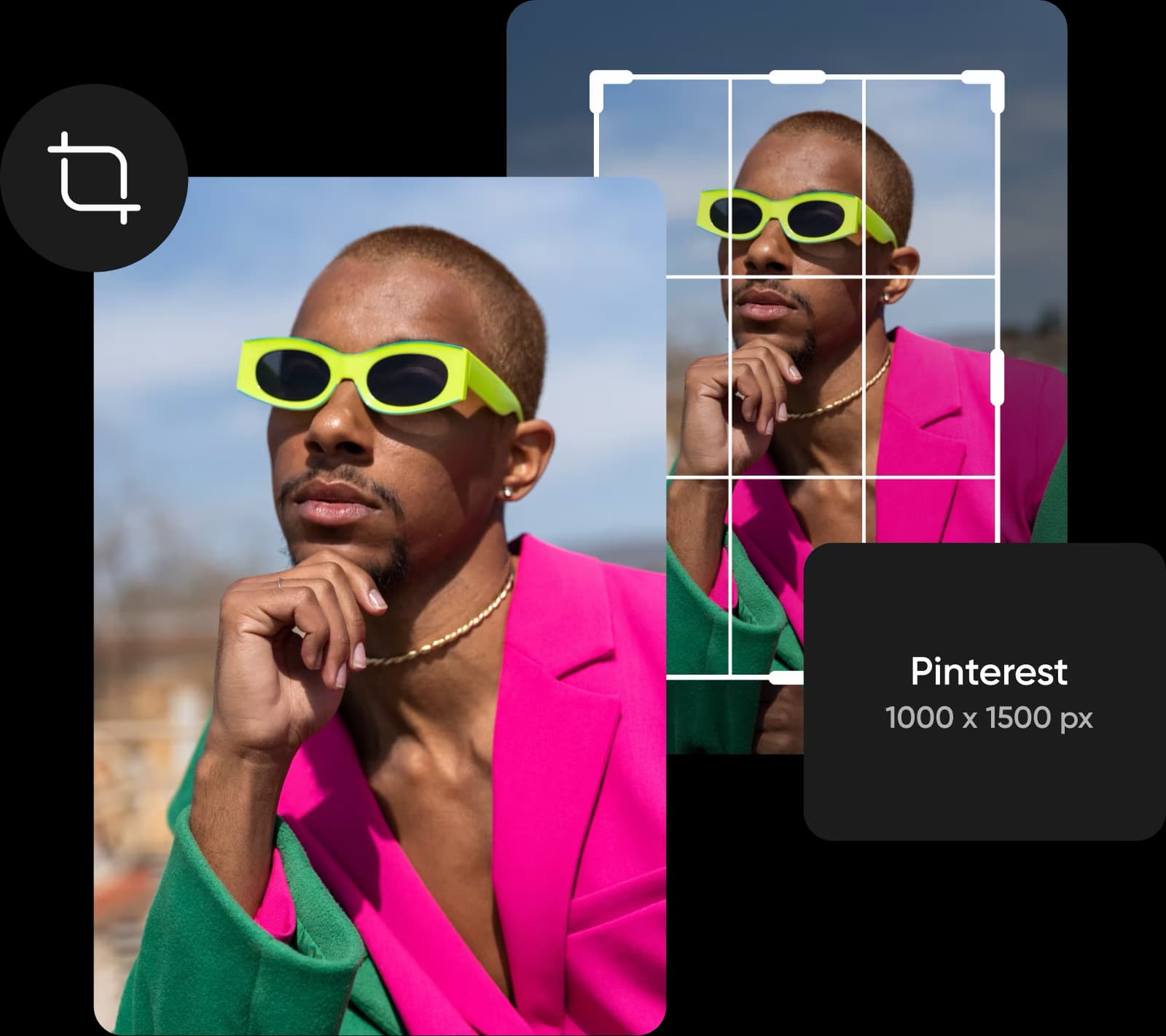
अपने फोटो को संपादित करने के लिए एक कुशल तरीका खोज रहे हैं? Picsart के ऑनलाइन फोटो क्रॉपर से आगे देखने की ज़रूरत नहीं है। फेसबुक कवर और पिंटरेस्ट पोस्ट से यूट्यूब बैनर तक, यह कभी भी ऑनलाइन छवियों को काटना आसान होता है, चाहे आप संपादन विशेषज्ञ न हों। हमारे व्यापक टेम्पलेट्स में से चुनें या अपने रचनात्मक आवश्यकताओं को पूरा करने के लिए बॉक्स को समायोजित करें।

ऑनलाइन छवियों को काटने का सबसे आसान तरीका

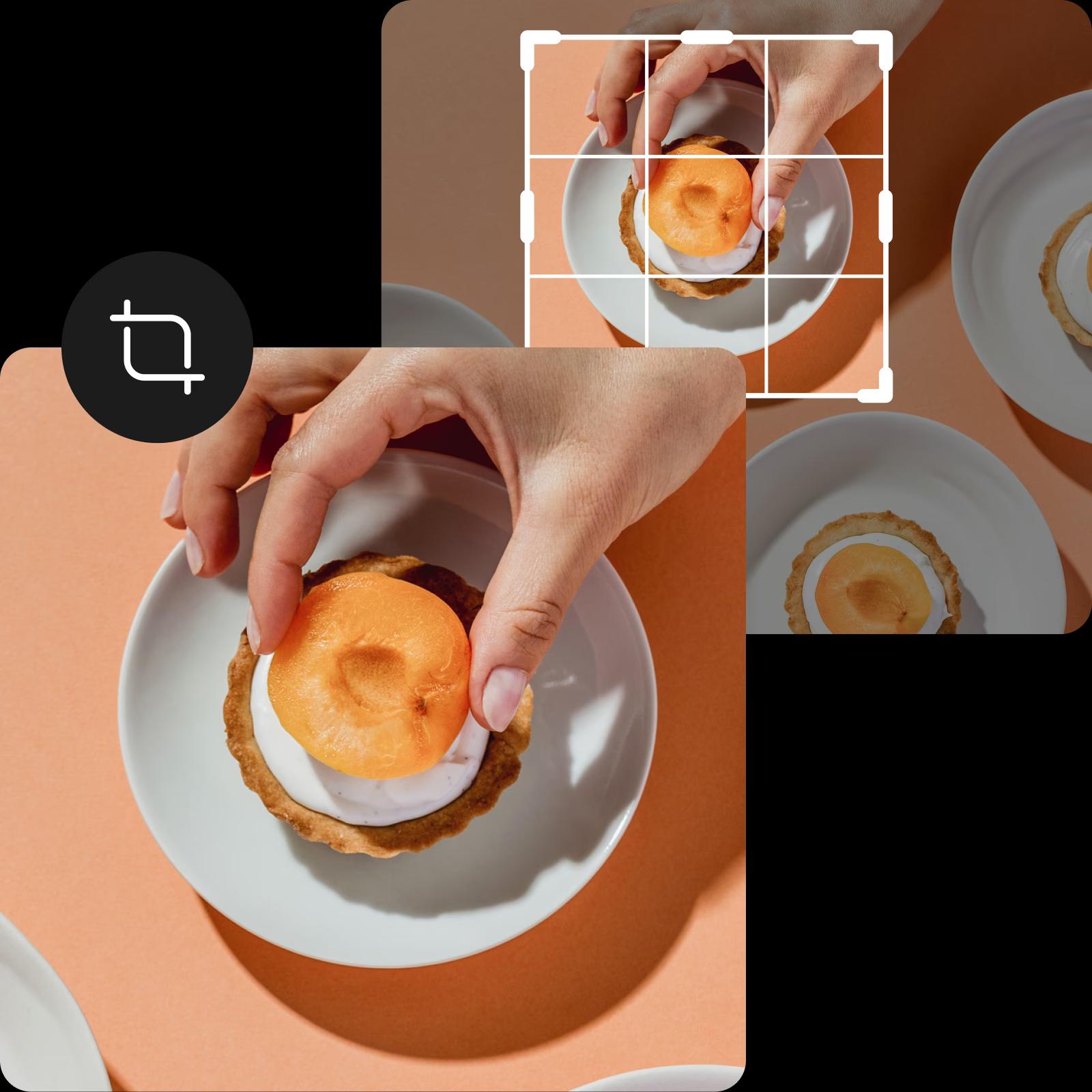
अपनी छवि के अवांछित भागों को आसानी से काटें

हम सभी वहां पहले भी रहे हैं: आपने एक लगभग पूर्ण शॉट क्लिक किया, लेकिन इसे दुनिया के साथ साझा करने से पहले आपको अपनी छवि से कुछ हिस्सों को हटाने की ज़रूरत है। Picsart का नि:शुल्क इमेज क्रॉपर आपकी छवि से अवांछित हिस्सों को हटाने का एक आसान समाधान प्रदान करता है, ताकि आप रचनात्मकता के कौशल को अधिकतम कर सकें और नई दृष्टिकोण से अपनी तस्वीरों को तरोताज़ा कर सकें।

अपनी छवि के अवांछित भागों को आसानी से हटा दें

सोशल मीडिया के लिए आपका पसंदीदा इमेज क्रॉपर

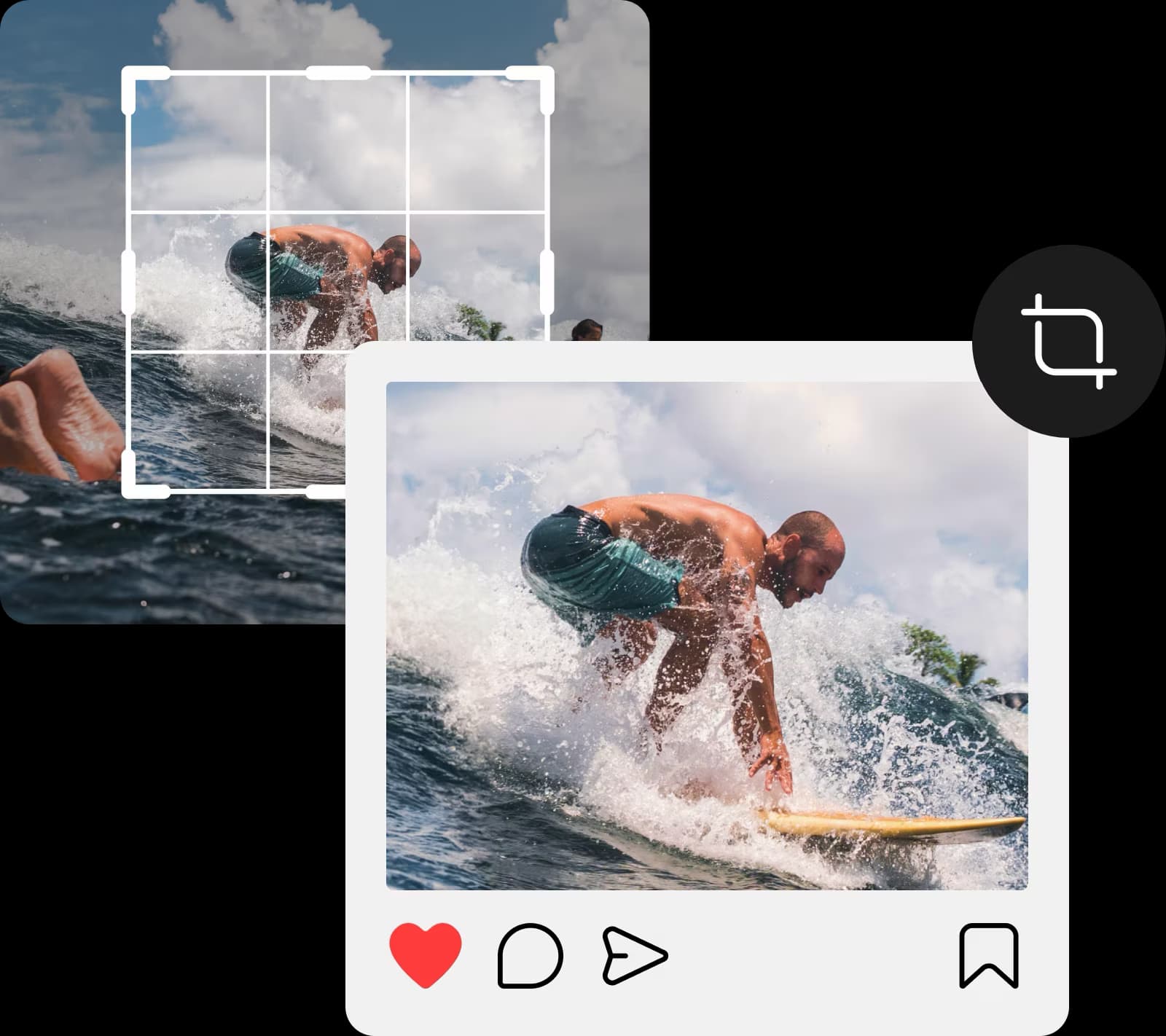
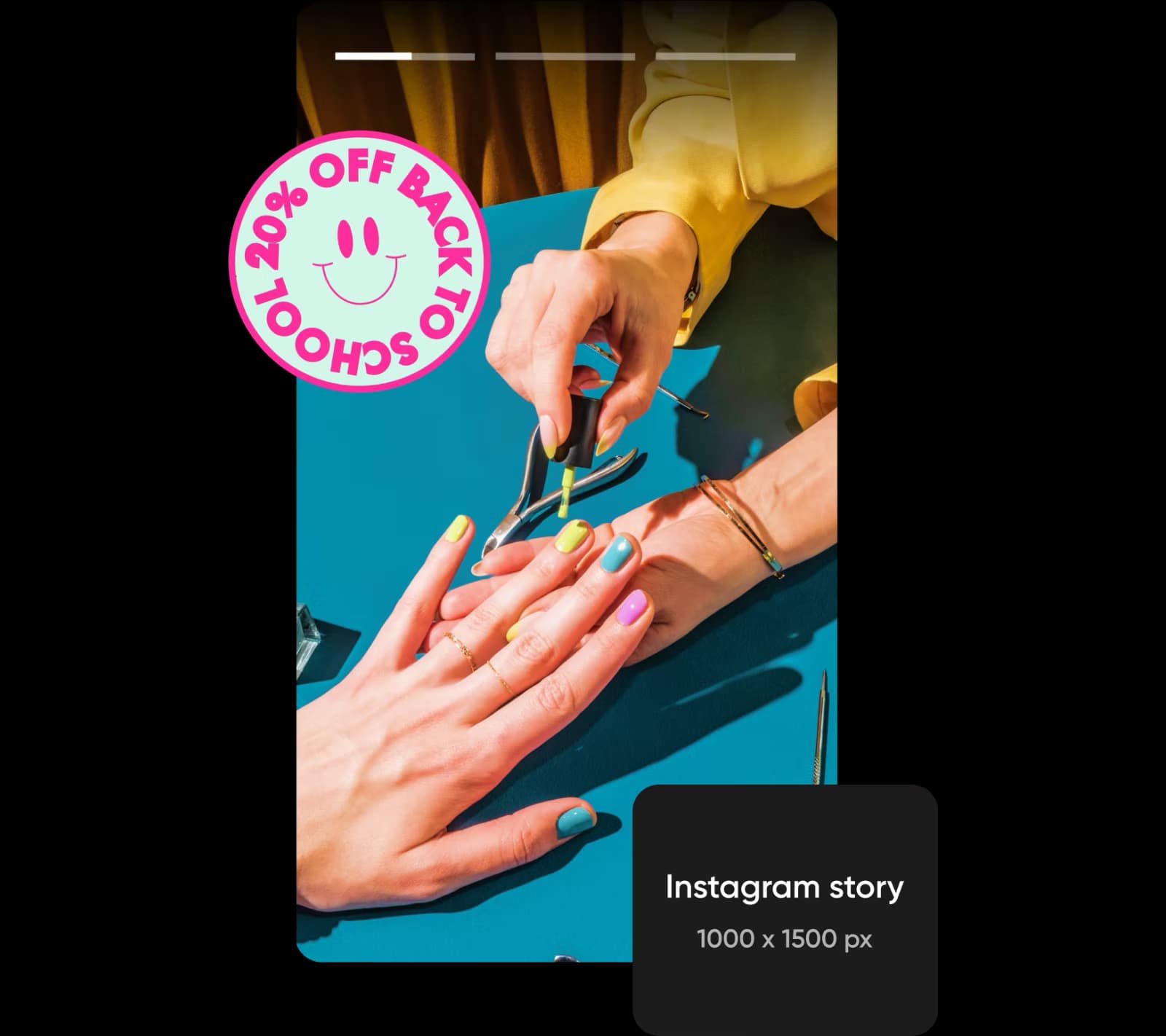
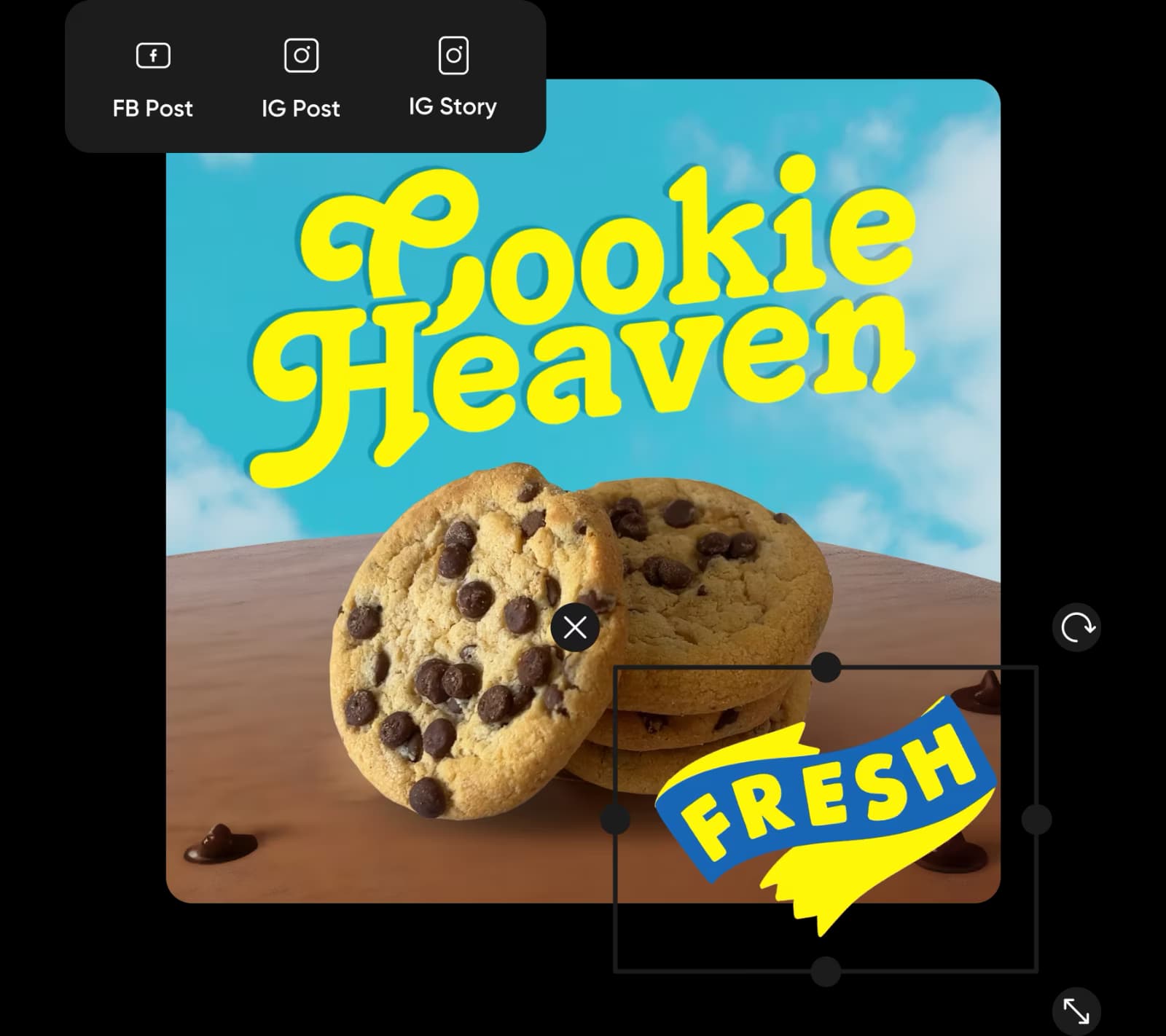
हममें से अधिकांश के पास जटिल संपादन उपकरणों पर समय बर्बाद करने का समय नहीं है। यही कारण है कि Picsart का उपयोग-में-आसान फोटो क्रॉपर आपके सभी क्रॉपिंग आवश्यकताओं के लिए सर्वोत्तम विकल्प है। Instagram, Facebook और अन्य लोकप्रिय सामाजिक प्लेटफ़ॉर्मों के लिए सुविधाजनक तैयार टेम्प्लेट्स के साथ, यह आपके सभी सोशल चैनलों के लिए एक ही छवि का उपयोग करने का सबसे आसान तरीका है, बिना प्लेटफ़ॉर्म-विशिष्ट आयामों की चिंता किए। और जब आप कर लें, तो कुछ अतिरिक्त चटपटा बनाने के लिए एक स्टीकर जोडना क्यों नहीं?

सोशल मीडिया के लिए आपका सबसे अच्छा इमेज क्रॉपर

अपने सही क्रॉप किए गए चित्रों को टेम्पलेट्स में रखें

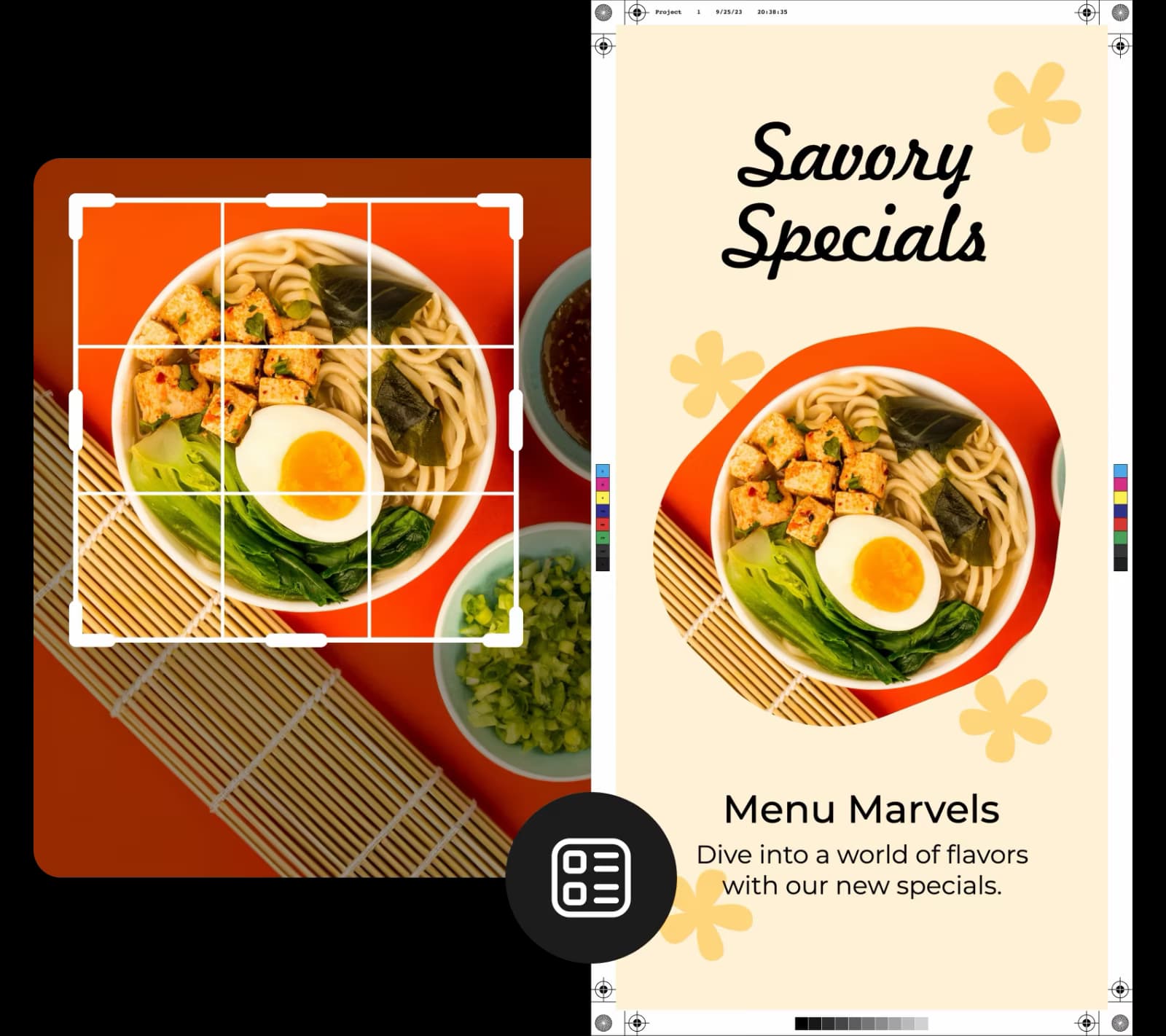
Picsart के व्यापक टेम्पलेट संग्रह का उपयोग करके अपने क्रॉप किए गए चित्रों के साथ आकर्षक सामग्री बनाएं। अपने रेस्तरां के नए मेनू को प्रमोट करने के लिए Instagram पोस्ट बनाने की मांग कर रहे हैं? इसके लिए एक टेम्प्लेट है। आपके ऑनलाइन कोर्स के लिए एक इन्फोग्राफ़िक के बारे में क्या? इसके लिए एक टेम्प्लेट है और कई अन्य भी! सबसे अच्छी बात यह है कि यह सब एक ही इंटरफ़ेस में बनाया गया है, इसलिए आपको उपकरणों के बीच स्विच करने की आवश्यकता नहीं है।

संपूर्ण रचना के लिए effortlessly फोटो क्रॉप करें

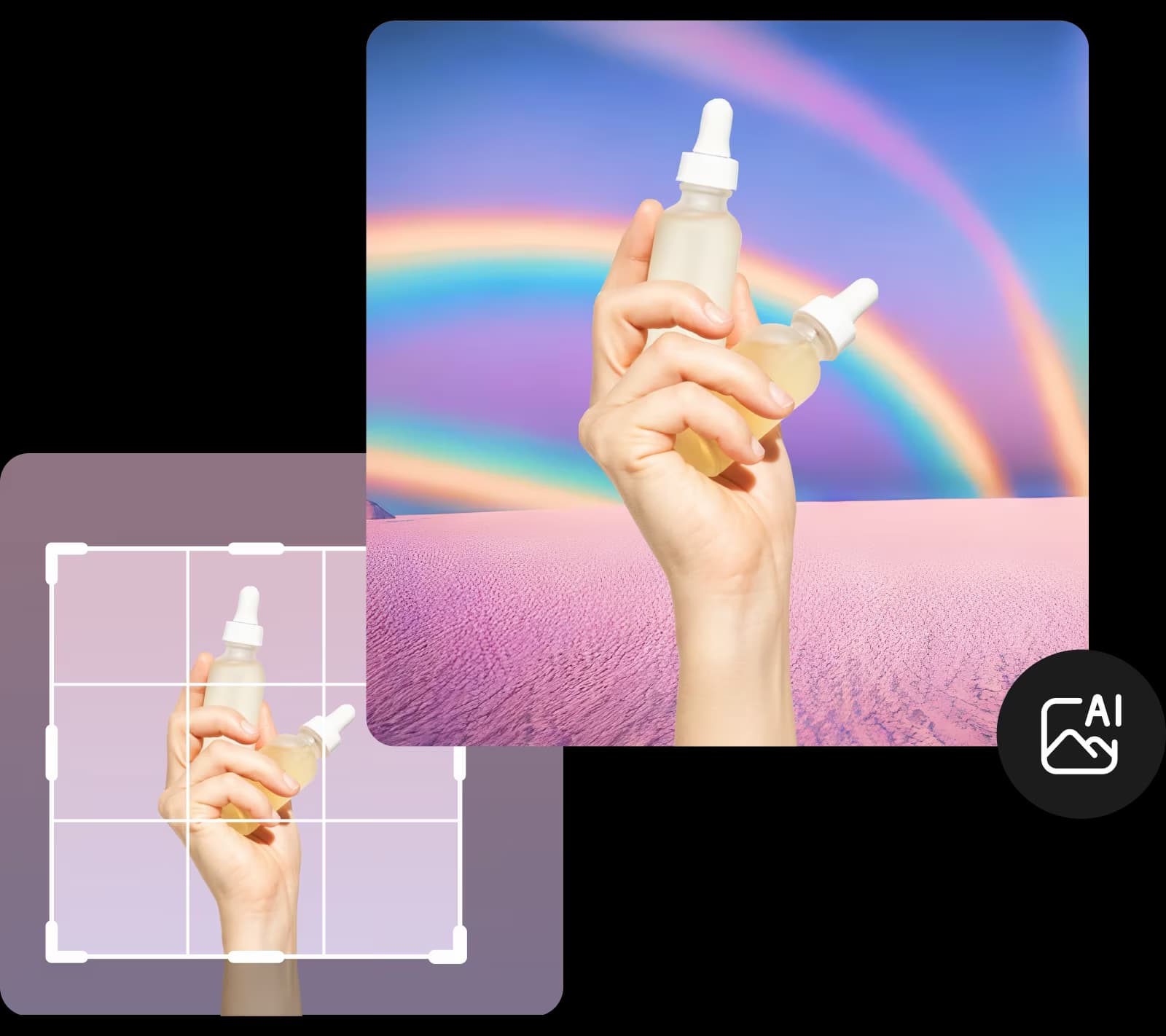
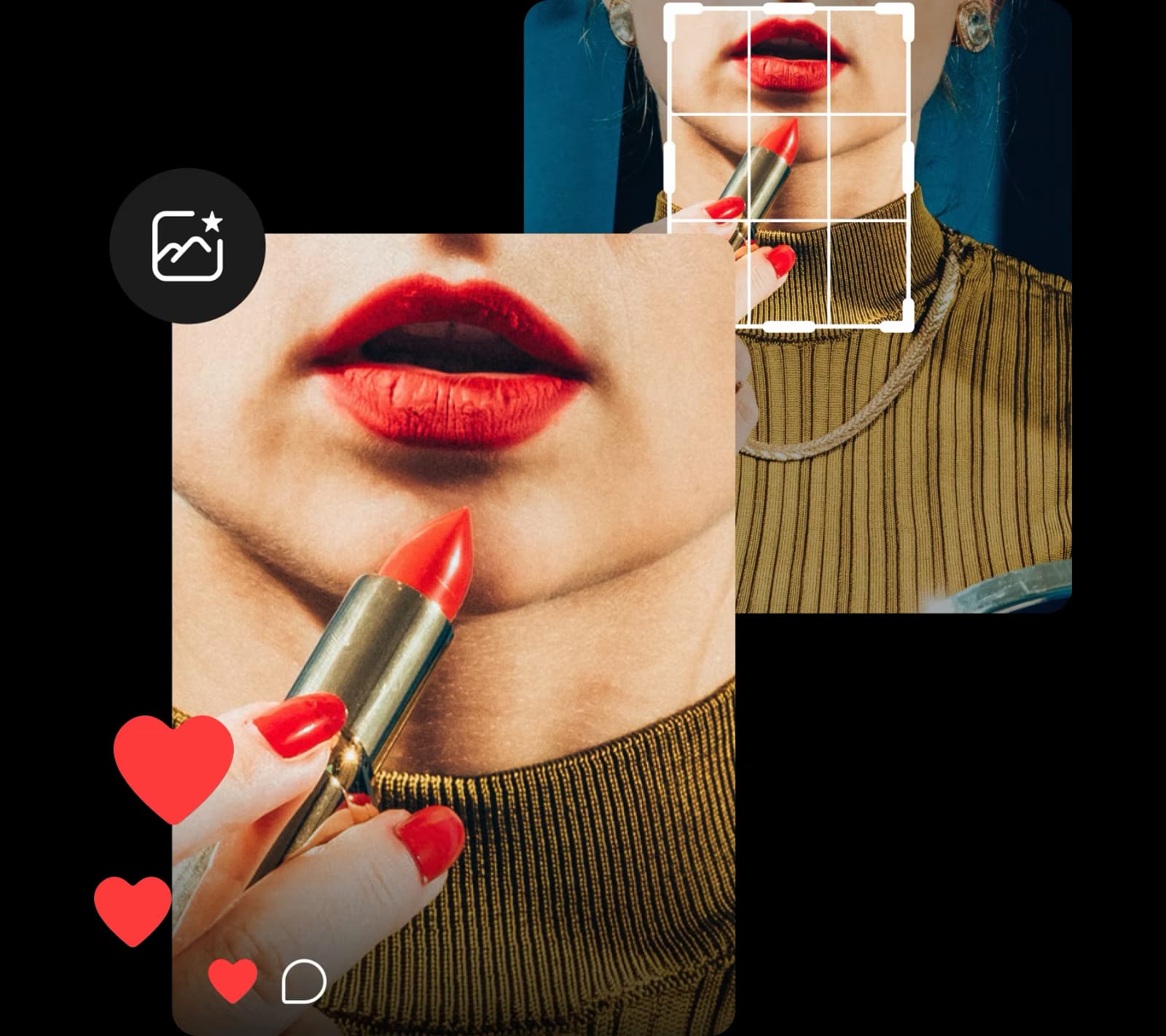
नज़दीकी उत्पाद शॉट्स से मजेदार सेल्फीज़ तक, संपादन प्रक्रिया के दौरान आपको किसी न किसी बिंदु पर अपनी छवि को क्रॉप करना पड़ सकता है। अच्छी खबर? Picsart के इमेज क्रॉपर के साथ, आपको बस अपनी फोटो अपलोड करनी है, एक तैयार टेम्पलेट चुनना है, या फ्रीफॉर्म जाना है। तब तक प्लेसमेंट के साथ खेलें जब तक आप परिणाम से खुश न हों। क्या आप अपनी तस्वीर को एक नया नया रूप देना चाहते हैं? एक आकर्षक फिनिश के लिए बैकग्राउंड चेंजर या बैकग्राउंड रिमूवर का उपयोग करें।

संपूर्ण रचना के लिए effortlessly फोटो क्रॉप करें

गुणवत्ता को प्रभावित किए बिना ऑनलाइन छवियों को क्रॉप करें

सामाजिक मीडिया पोस्ट से सुंदर परिदृश्य फ़ोटो तक, छवि गुणवत्ता मायने रखती है। सौभाग्य से, जब आप Picsart के साथ छवियों को काटते हैं, तो आपको किसी भी छवि गुणवत्ता के नुकसान की चिंता नहीं करनी होगी। इस तरह, आप आत्मविश्वास से क्रॉप कर सकते हैं, छवियों को किसी भी आकार में काट सकते हैं, बिना शॉट की मूल गुणवत्ता को प्रभावित किए। और यदि आपको छवि गुणवत्ता बढ़ाने की आवश्यकता है, तो जल्दी से सुधार के लिए छवि अपस्केल टूल का उपयोग करें।

गुणवत्ता को प्रभावित किए बिना ऑनलाइन छवियों को क्रॉप करें

बेसिक संपादन उपकरणों का सबसे तेज़ और सरल संग्रह

जब आप फ़ोटो को अपने पसंदीदा आकार में काटें, तो अंतिम टचेस जोड़ने का समय आ गया है। आसानी से फ़ोटो घुमाएँ प्रमुख सोशल मीडिया पोस्टों के लिए, या अपनी सभी रचनात्मक आवश्यकताओं को पूरा करने के लिए ऑनलाइन फ़ोटो का आकार बदलें। वहां से, Picsart का आसान-से-उपयोग फोटो संपादक का उपयोग करके अपनी छवियों को गतिशील फ़िल्टर, ट्रेंडी स्टीकर, और अधिक के साथ बढ़ाएं - कोई संपादन कौशल की जरूरत नहीं।

बेसिक संपादन उपकरणों का सबसे तेज़ और सरल संग्रह

ऑनलाइन छवियों को काटने का सबसे आसान तरीका

बिना साइन अप किए और नि:शुल्क आसानी से ऑनलाइन छवियों को क्रॉप करें। असीमित क्रॉप्स, एक आसान उपयोग इंटरफ़ेस का आनंद लें जो एक ब्राउज़र टैब के भीतर रहता है, और एक समर्पित फोटो संपादन उपकरण का एक सूट।

क्रॉप इमेज FAQ

हाँ, यह है! Picsart इमेज क्रॉपर पूरी तरह से मुफ्त है। आप अपने एक फ़ोटो को अपलोड कर सकते हैं, इसे क्रॉप कर सकते हैं, और कुछ ही सेकंडों में इसे सहेज सकते हैं।

Picsart का इमेज क्रॉपर JPG, PNG, और JPEG फॉर्मेट्स को सपोर्ट करता है।

जब आप नि:शुल्क Picsart क्रॉप टूल का उपयोग करके फ़ोटो क्रॉप करते हैं, तो आपके अंतिम डिज़ाइन में कोई गुणवत्ता ह्रास नहीं होता।

बिलकुल! अपने फोटो डिज़ाइन में नए तत्वों को जोड़ने और अनुकूलित करने के लिए Picsart डिज़ाइन टूल्स का उपयोग करना बहुत मजेदार है।


अपने फोटो को अगले स्तर के संपादन उपकरणों के साथ ऊंचा करें

एआई इमेज एन्हांसर्स

एआई वृद्धि

उच्च-गुणवत्ता की छवियों के लिए स्वचालित रूप से अपनी फोटो की रिज़ॉल्यूशन बढ़ाएं।

ऑल इन वन फोटो संपादक

फोटो संपादक

अपने फ़ोटो को नवीनतम फ़िल्टर, स्टीकर और अधिक के साथ अपग्रेड करें।

ऑब्जेक्ट हटाएं

फोटो से ऑब्जेक्ट हटाएँ

एआई की शक्ति के साथ अपनी तस्वीरों पर नियंत्रण प्राप्त करें।

फोटो इफेक्ट्स

आकर्षक प्रभावों के साथ अपनी रचनात्मकता को बढ़ावा दें।

ऐ फोटो संपादक

एआई फोटो संपादक

एआई सक्षम संपादन उपकरणों के साथ अपने दृश्य बढ़ाएं।

तस्वीरें साफ करें

तस्वीरें साफ करें

अवांछित लोगों, टेक्स्ट, ऑब्जेक्ट और अधिक को आसानी से हटा दें।

As Seen in

  • boredpanda
  • COSMOPOLITAN
  • UPROXX
  • yahoo! news
PricingSave big

एआई इमेज मॉडल्स के साथ क्रॉप इमेज बनाएं

चमकदार विजुअल, डिज़ाइन आइडियाज़ और रेडी-टू-एडिट एसेट्स में क्रॉप छवि को बदलने के लिए इमेज मॉडल्स का उपयोग करें।

GPT Image 2NewImage
Next-gen GPT image model with arbitrary output dimensions and multi-image input.Reference inputImage generationSee model
SESeedance 2.0NewVideo
SESeedance 2.0 FastNewVideo
SESeedance 2.0 Video EditNewVideo
SESeedance 2.0 Fast Video EditNewVideo
WAWan 2.7Video
Nano Banana 2Image
Nano Banana ProImage
FLFlux 2 FlexImage
SESeedream 5.0 LiteImage
KLKling V3Video
KLKling V3 TurboNewVideo
GPT Image 2NewImage
GPT Image 2NewImage
GPT Image 2NewImage
GPT Image 2NewImage
GPT Image 2NewImage
Next-gen cinematic video with optional audio and reference image. Up to 4K.Reference inputAudio4KCinematicSee model
Fast cinematic video with audio, reference images, and start/end frame control.Reference inputAudioFast generationCinematicSee model
Edit video — replace subjects, add or remove objects, restyle scenes with reference images.Video editingReference inputVideo generationSee model
Fast video edit — modify scenes with reference images.Video editingReference inputFast generationSee model
Wan 2.7 T2V — up to 15s at 1080p with audio input and prompt enhancement.Text to videoAudio1080pCinematicSee model
Fast 4K generation with accurate text and search-grounded accuracy.4KFast generationImage generationSee model
Top-tier 4K images with precise multilingual text rendering.4KPro qualityImage generationSee model
Adaptable generation across varied visual styles up to 4K.4KImage generationSee model
Speedy 3K output with negative prompt and dual-image input support.Reference inputFast generationImage generationSee model
Long-form video up to 15s with native audio and start/end frame control.AudioCinematicVideo generationSee model
Faster V3 variant — long-form video up to 15s with native audio, start/end frame control, and 720p/1080p output.Audio1080pFast generationCinematicSee model
Next-gen GPT image model with arbitrary output dimensions and multi-image input.Reference inputImage generationSee model
SESeedance 2.0NewVideo
Next-gen cinematic video with optional audio and reference image. Up to 4K.Reference inputAudio4KCinematicSee model
SESeedance 2.0 FastNewVideo
Fast cinematic video with audio, reference images, and start/end frame control.Reference inputAudioFast generationCinematicSee model
SESeedance 2.0 Video EditNewVideo
Edit video — replace subjects, add or remove objects, restyle scenes with reference images.Video editingReference inputVideo generationSee model
SESeedance 2.0 Fast Video EditNewVideo
Fast video edit — modify scenes with reference images.Video editingReference inputFast generationSee model
WAWan 2.7Video
Wan 2.7 T2V — up to 15s at 1080p with audio input and prompt enhancement.Text to videoAudio1080pCinematicSee model
Nano Banana 2Image
Fast 4K generation with accurate text and search-grounded accuracy.4KFast generationImage generationSee model
Nano Banana ProImage
Top-tier 4K images with precise multilingual text rendering.4KPro qualityImage generationSee model
FLFlux 2 FlexImage
Adaptable generation across varied visual styles up to 4K.4KImage generationSee model
SESeedream 5.0 LiteImage
Speedy 3K output with negative prompt and dual-image input support.Reference inputFast generationImage generationSee model
KLKling V3Video
Long-form video up to 15s with native audio and start/end frame control.AudioCinematicVideo generationSee model
KLKling V3 TurboNewVideo
Faster V3 variant — long-form video up to 15s with native audio, start/end frame control, and 720p/1080p output.Audio1080pFast generationCinematicSee model
Next-gen GPT image model with arbitrary output dimensions and multi-image input.Reference inputImage generationSee model
SESeedance 2.0NewVideo
Next-gen cinematic video with optional audio and reference image. Up to 4K.Reference inputAudio4KCinematicSee model
SESeedance 2.0 FastNewVideo
Fast cinematic video with audio, reference images, and start/end frame control.Reference inputAudioFast generationCinematicSee model
SESeedance 2.0 Video EditNewVideo
Edit video — replace subjects, add or remove objects, restyle scenes with reference images.Video editingReference inputVideo generationSee model
SESeedance 2.0 Fast Video EditNewVideo
Fast video edit — modify scenes with reference images.Video editingReference inputFast generationSee model
WAWan 2.7Video
Wan 2.7 T2V — up to 15s at 1080p with audio input and prompt enhancement.Text to videoAudio1080pCinematicSee model
Nano Banana 2Image
Fast 4K generation with accurate text and search-grounded accuracy.4KFast generationImage generationSee model
Nano Banana ProImage
Top-tier 4K images with precise multilingual text rendering.4KPro qualityImage generationSee model
FLFlux 2 FlexImage
Adaptable generation across varied visual styles up to 4K.4KImage generationSee model
SESeedream 5.0 LiteImage
Speedy 3K output with negative prompt and dual-image input support.Reference inputFast generationImage generationSee model
KLKling V3Video
Long-form video up to 15s with native audio and start/end frame control.AudioCinematicVideo generationSee model
KLKling V3 TurboNewVideo
Faster V3 variant — long-form video up to 15s with native audio, start/end frame control, and 720p/1080p output.Audio1080pFast generationCinematicSee model
Next-gen GPT image model with arbitrary output dimensions and multi-image input.Reference inputImage generationSee model
SESeedance 2.0NewVideo
Next-gen cinematic video with optional audio and reference image. Up to 4K.Reference inputAudio4KCinematicSee model
SESeedance 2.0 FastNewVideo
Fast cinematic video with audio, reference images, and start/end frame control.Reference inputAudioFast generationCinematicSee model
SESeedance 2.0 Video EditNewVideo
Edit video — replace subjects, add or remove objects, restyle scenes with reference images.Video editingReference inputVideo generationSee model
SESeedance 2.0 Fast Video EditNewVideo
Fast video edit — modify scenes with reference images.Video editingReference inputFast generationSee model
WAWan 2.7Video
Wan 2.7 T2V — up to 15s at 1080p with audio input and prompt enhancement.Text to videoAudio1080pCinematicSee model
Nano Banana 2Image
Fast 4K generation with accurate text and search-grounded accuracy.4KFast generationImage generationSee model
Nano Banana ProImage
Top-tier 4K images with precise multilingual text rendering.4KPro qualityImage generationSee model
FLFlux 2 FlexImage
Adaptable generation across varied visual styles up to 4K.4KImage generationSee model
SESeedream 5.0 LiteImage
Speedy 3K output with negative prompt and dual-image input support.Reference inputFast generationImage generationSee model
KLKling V3Video
Long-form video up to 15s with native audio and start/end frame control.AudioCinematicVideo generationSee model
KLKling V3 TurboNewVideo
Faster V3 variant — long-form video up to 15s with native audio, start/end frame control, and 720p/1080p output.Audio1080pFast generationCinematicSee model
Next-gen GPT image model with arbitrary output dimensions and multi-image input.Reference inputImage generationSee model
SESeedance 2.0NewVideo
Next-gen cinematic video with optional audio and reference image. Up to 4K.Reference inputAudio4KCinematicSee model
SESeedance 2.0 FastNewVideo
Fast cinematic video with audio, reference images, and start/end frame control.Reference inputAudioFast generationCinematicSee model
SESeedance 2.0 Video EditNewVideo
Edit video — replace subjects, add or remove objects, restyle scenes with reference images.Video editingReference inputVideo generationSee model
SESeedance 2.0 Fast Video EditNewVideo
Fast video edit — modify scenes with reference images.Video editingReference inputFast generationSee model
WAWan 2.7Video
Wan 2.7 T2V — up to 15s at 1080p with audio input and prompt enhancement.Text to videoAudio1080pCinematicSee model
Nano Banana 2Image
Fast 4K generation with accurate text and search-grounded accuracy.4KFast generationImage generationSee model
Nano Banana ProImage
Top-tier 4K images with precise multilingual text rendering.4KPro qualityImage generationSee model
FLFlux 2 FlexImage
Adaptable generation across varied visual styles up to 4K.4KImage generationSee model
SESeedream 5.0 LiteImage
Speedy 3K output with negative prompt and dual-image input support.Reference inputFast generationImage generationSee model
KLKling V3Video
Long-form video up to 15s with native audio and start/end frame control.AudioCinematicVideo generationSee model
KLKling V3 TurboNewVideo
Faster V3 variant — long-form video up to 15s with native audio, start/end frame control, and 720p/1080p output.Audio1080pFast generationCinematicSee model
Next-gen GPT image model with arbitrary output dimensions and multi-image input.Reference inputImage generationSee model
SESeedance 2.0NewVideo
Next-gen cinematic video with optional audio and reference image. Up to 4K.Reference inputAudio4KCinematicSee model
SESeedance 2.0 FastNewVideo
Fast cinematic video with audio, reference images, and start/end frame control.Reference inputAudioFast generationCinematicSee model
SESeedance 2.0 Video EditNewVideo
Edit video — replace subjects, add or remove objects, restyle scenes with reference images.Video editingReference inputVideo generationSee model
SESeedance 2.0 Fast Video EditNewVideo
Fast video edit — modify scenes with reference images.Video editingReference inputFast generationSee model
WAWan 2.7Video
Wan 2.7 T2V — up to 15s at 1080p with audio input and prompt enhancement.Text to videoAudio1080pCinematicSee model
Nano Banana 2Image
Fast 4K generation with accurate text and search-grounded accuracy.4KFast generationImage generationSee model
Nano Banana ProImage
Top-tier 4K images with precise multilingual text rendering.4KPro qualityImage generationSee model
FLFlux 2 FlexImage
Adaptable generation across varied visual styles up to 4K.4KImage generationSee model
SESeedream 5.0 LiteImage
Speedy 3K output with negative prompt and dual-image input support.Reference inputFast generationImage generationSee model
KLKling V3Video
Long-form video up to 15s with native audio and start/end frame control.AudioCinematicVideo generationSee model
KLKling V3 TurboNewVideo
Faster V3 variant — long-form video up to 15s with native audio, start/end frame control, and 720p/1080p output.Audio1080pFast generationCinematicSee model

परिष्कृत निर्माता सामग्री के लिए फ़ोटो संपादित करें

Free

Starter tools for casual exploration.

$0/mo
  • Standard photo & video editing tools
  • Selection of free images, videos & customizable templates
  • Limited AI access
  • 100 MB of cloud storage