AIアートジェネレーターで作品を作成

言葉を絵画やイラスト、想像力あふれるシーンに変えましょう。PicsartのAI Playgroundでプロンプトや参考写真から始め、アイデアに合わせてスタイル、色、構図を調整できます。
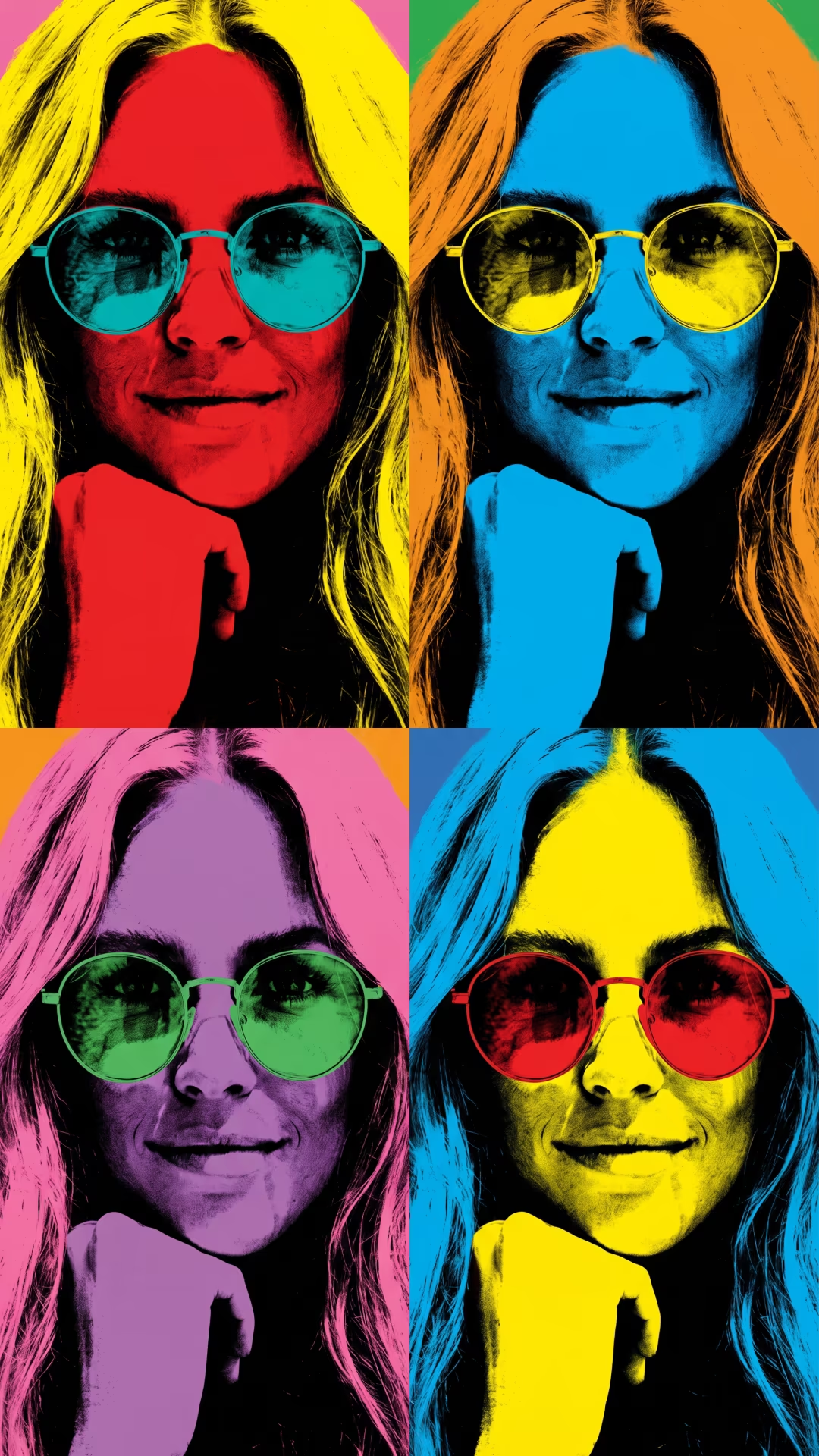
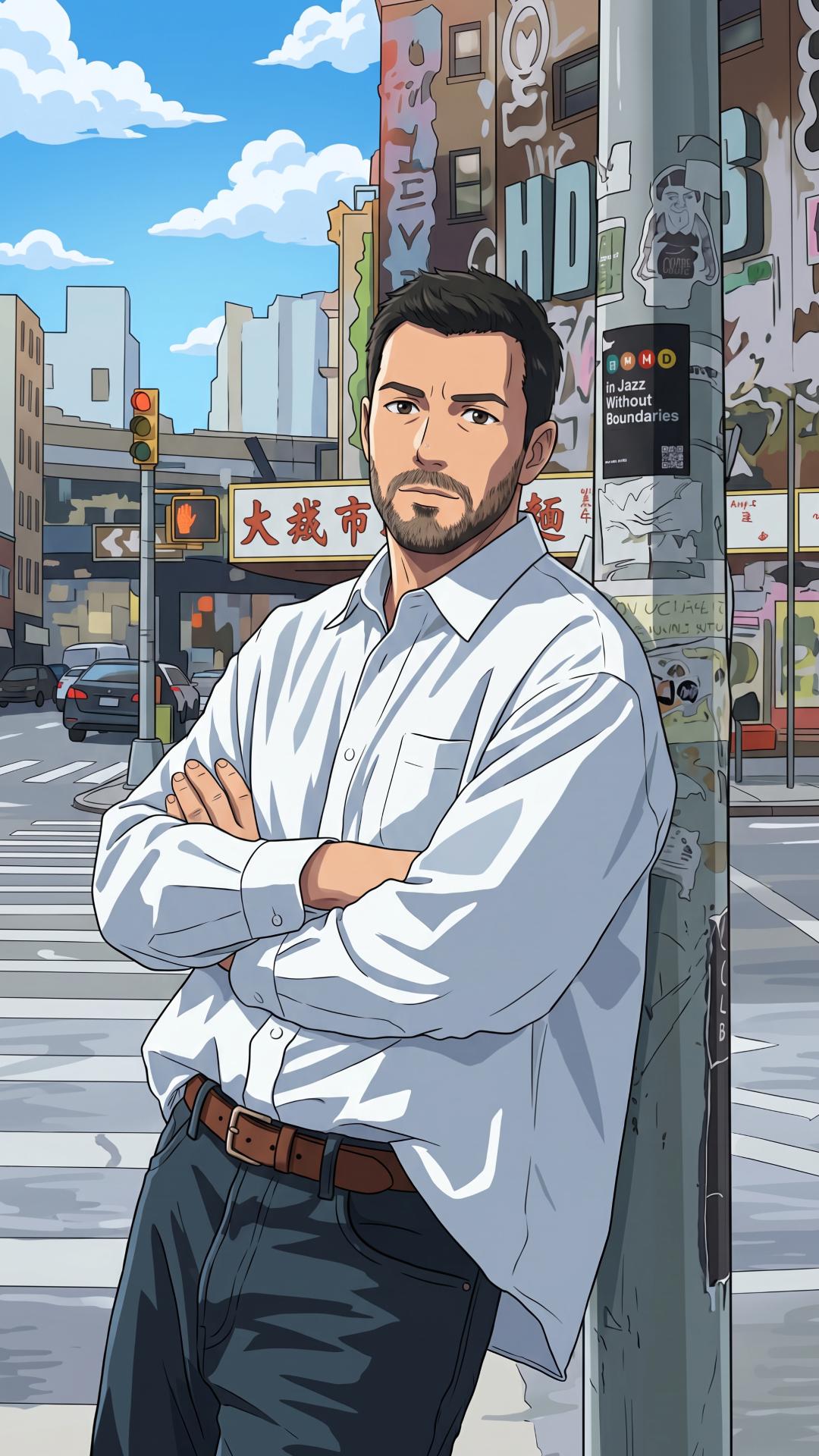
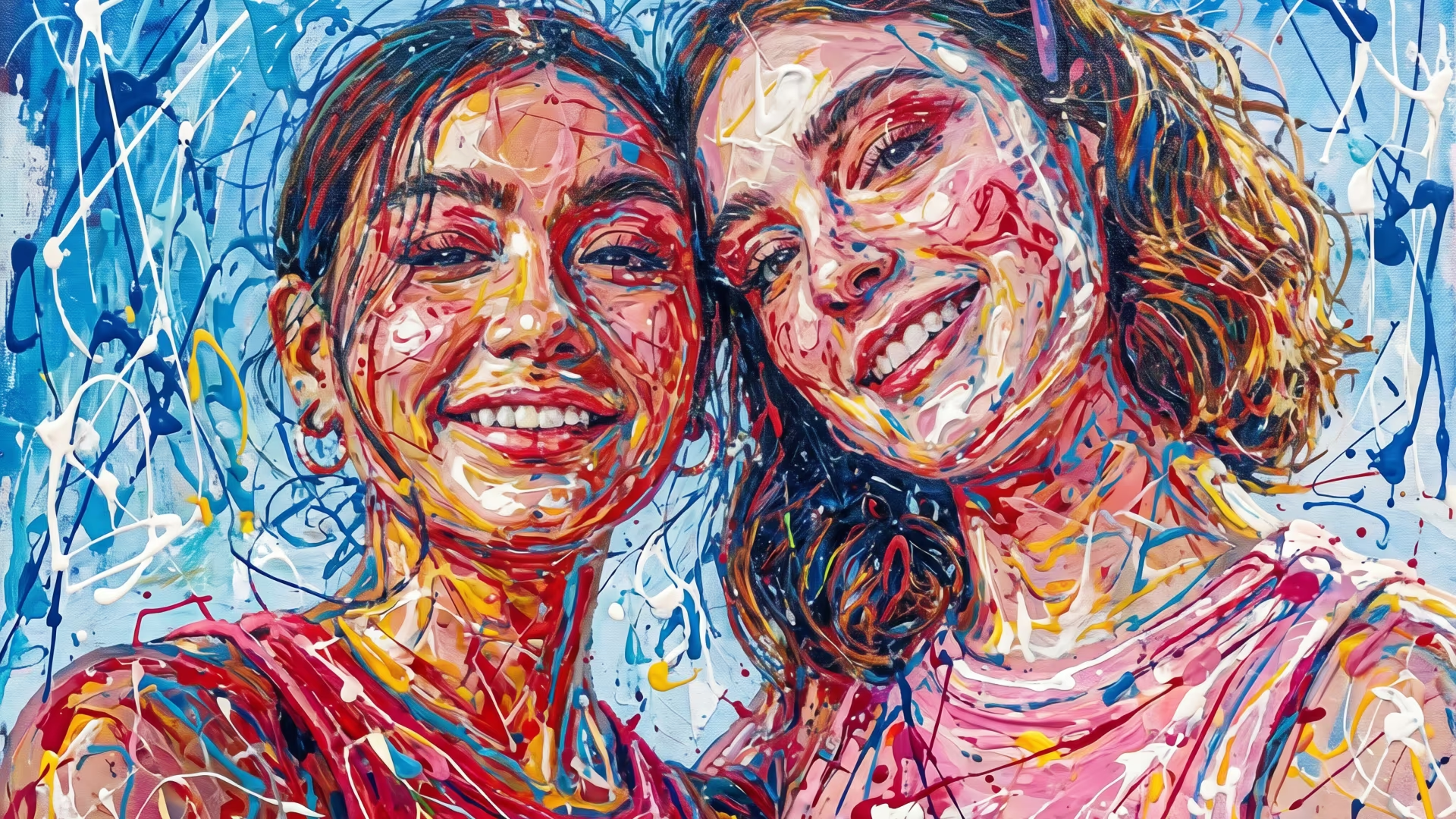
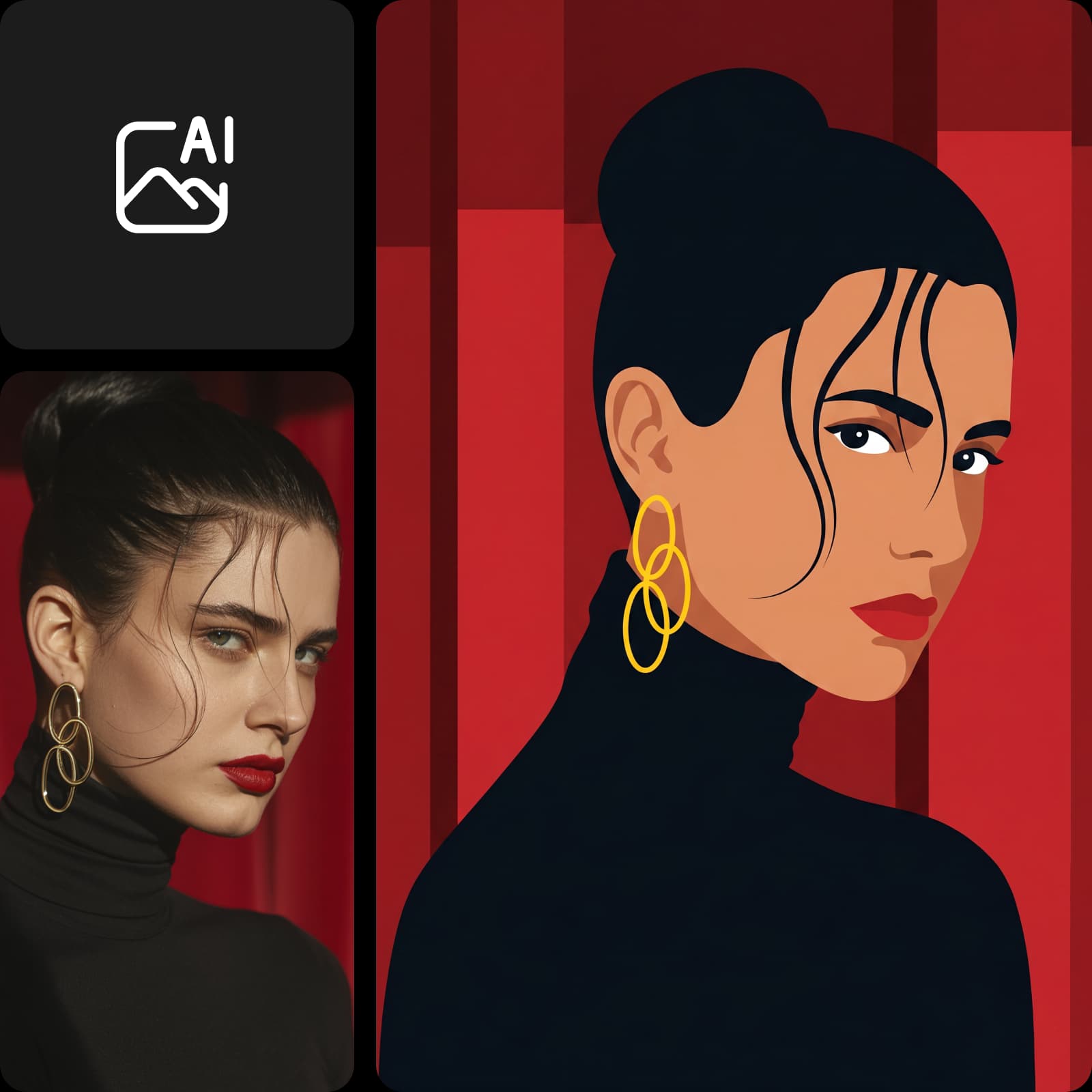
大胆でカラフルな作品を作成するポップアート風AIポートレートジェネレーター
ポップアート

アイデアが作品の方向性を決める

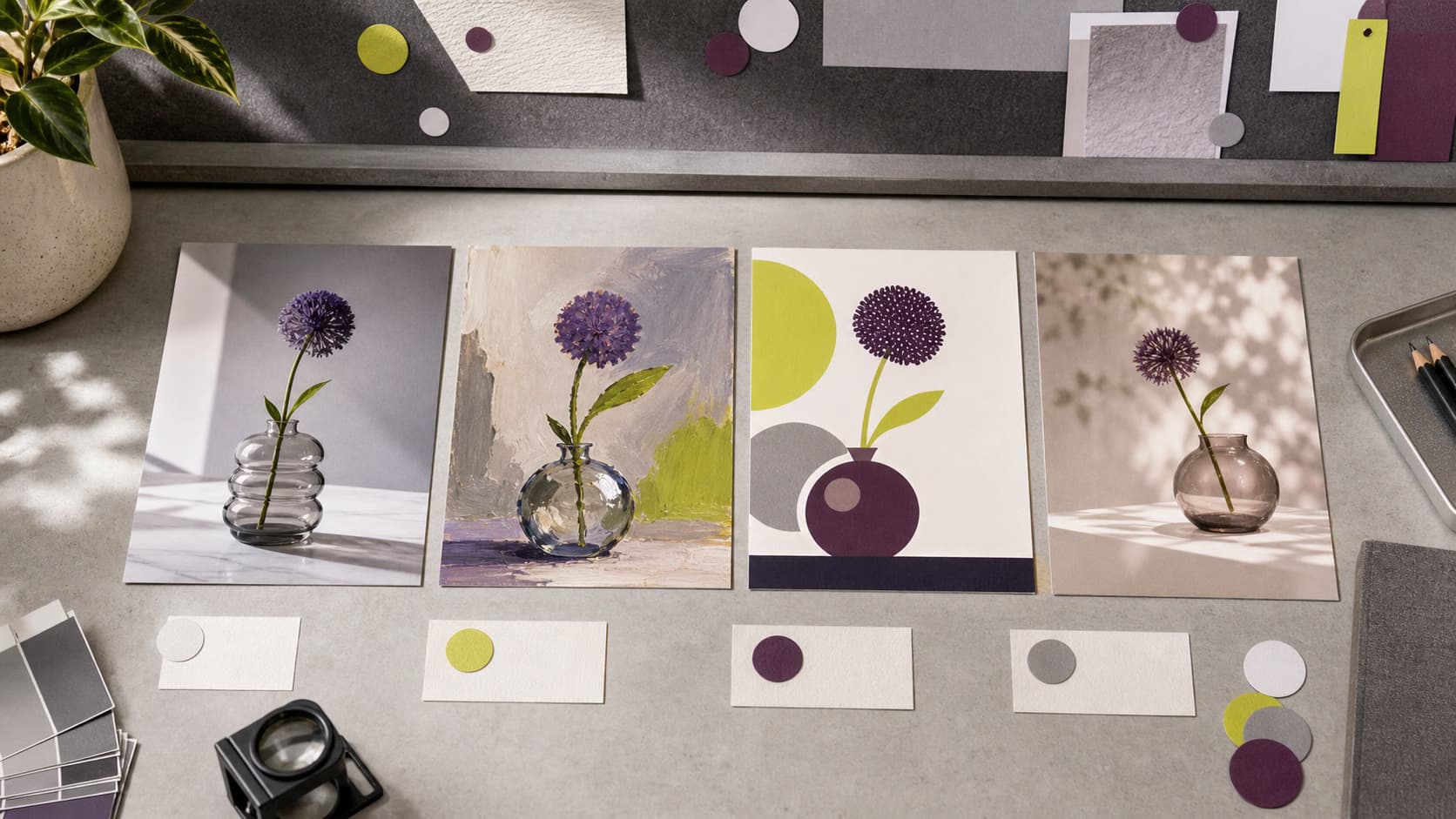
  • さまざまなアートスタイルを試す

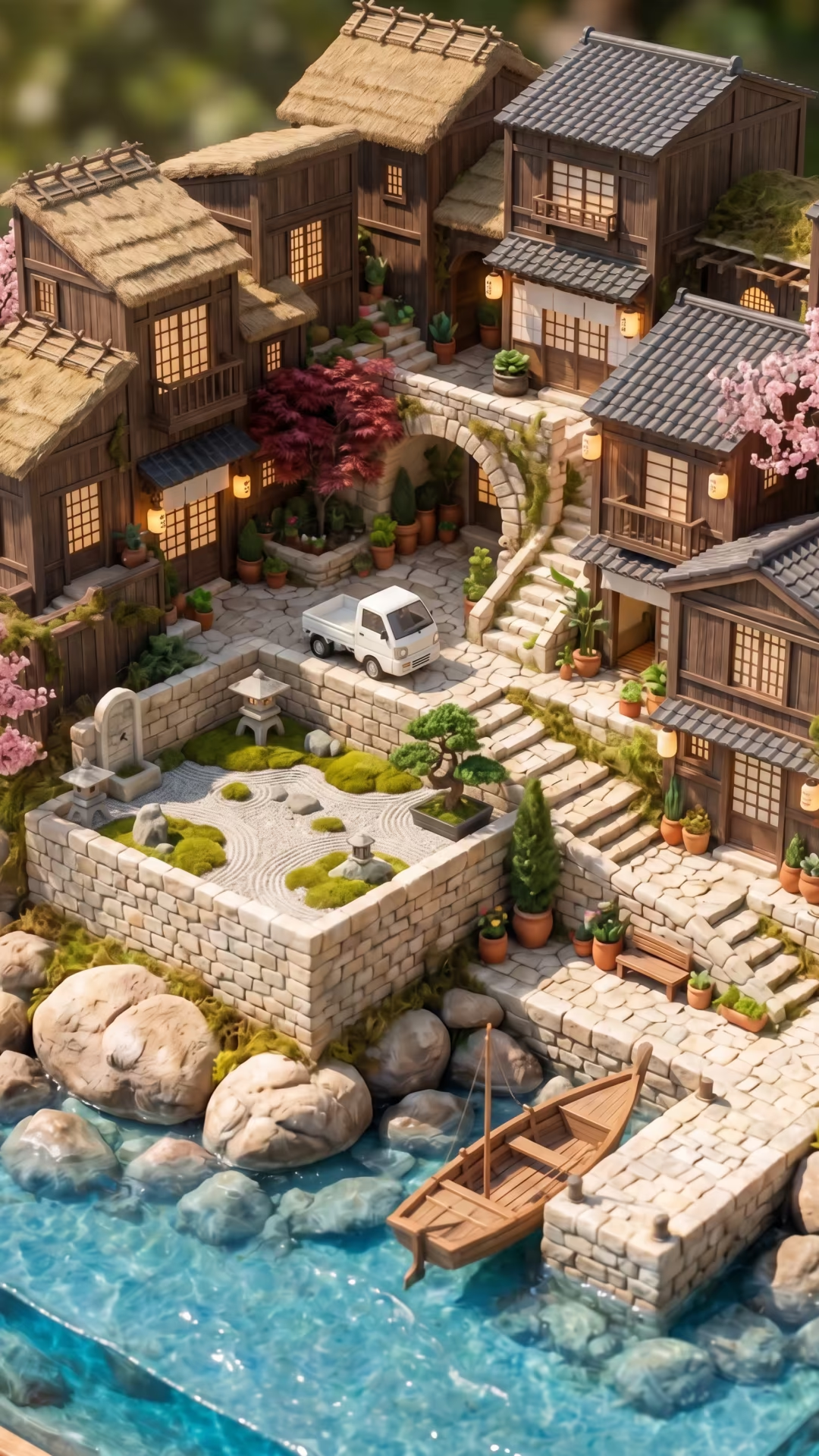
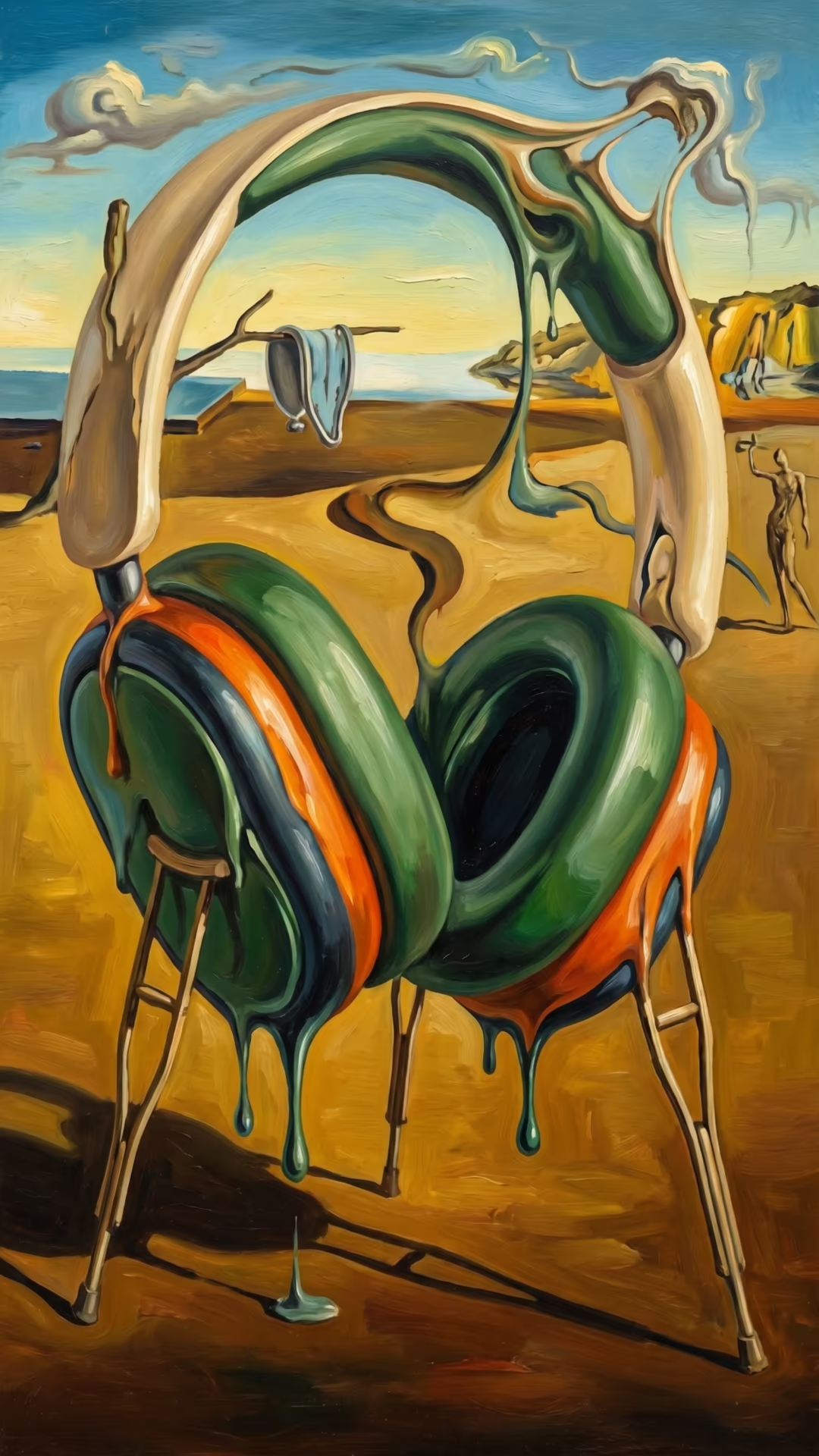
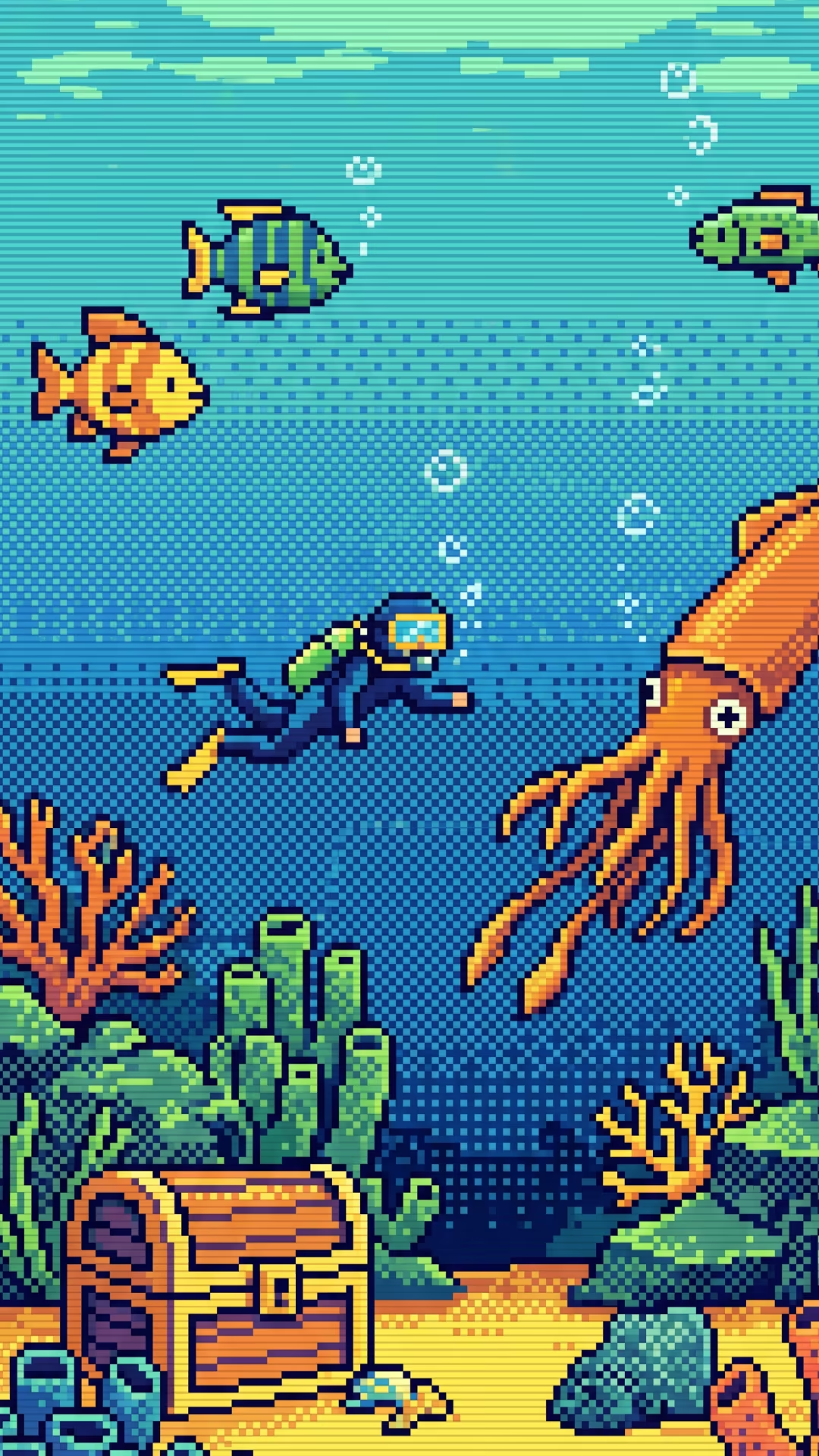
    プロンプトに、油絵や水彩画の風景、ピクセルアートなど、作りたい雰囲気を記入しましょう。

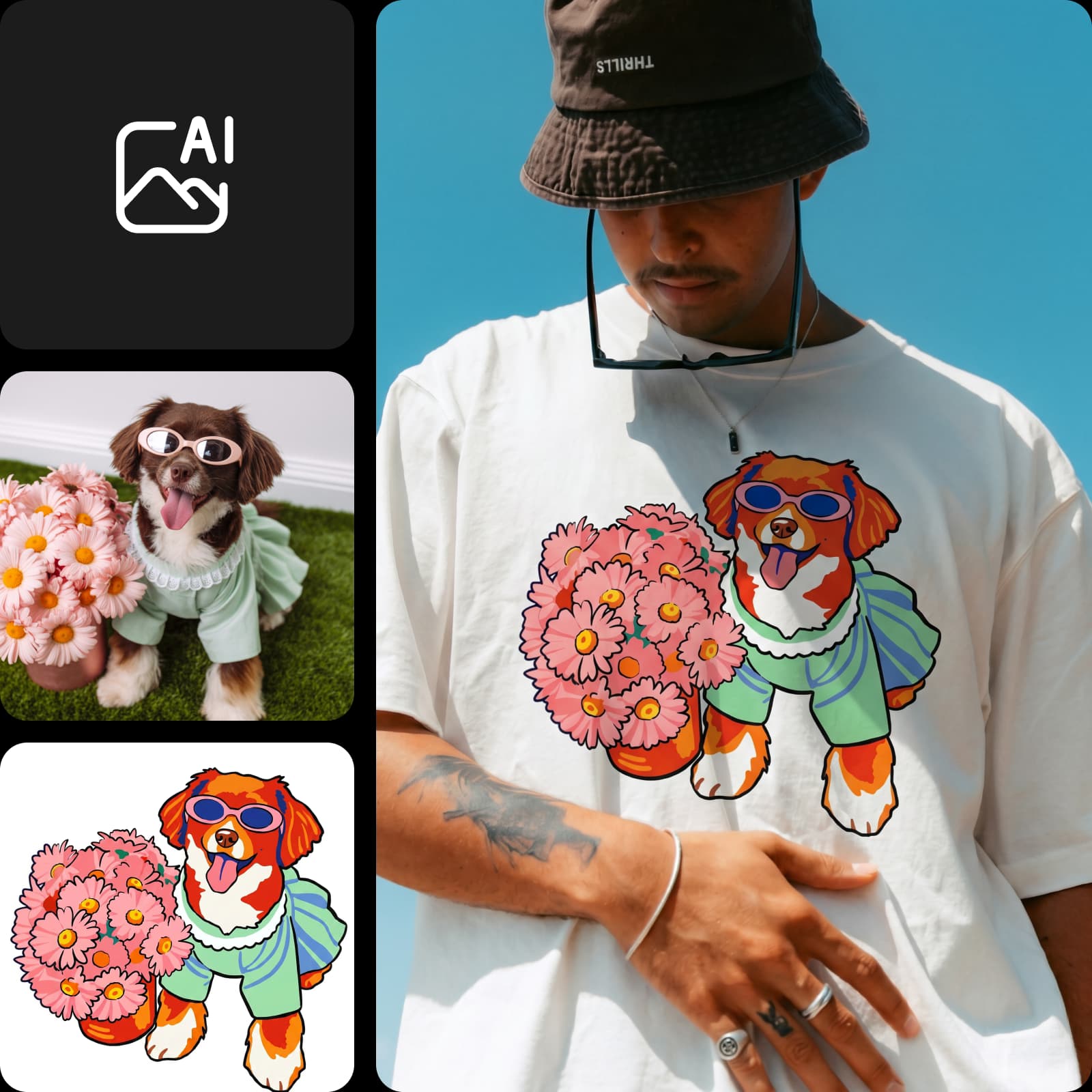
  • 写真から始める

    対応モデルで参考画像を追加して、新しい作品のイメージを伝えましょう。

  • 仕上がりを調整する

    プロンプトや画像の設定を変えて、次のバージョンを元のアイデアと比べてみましょう。

AIアートの作成方法

画像モードを開き、作りたい作品をプロンプトで説明しましょう。
How to

AI Playgroundを開く

PicsartのAI Playgroundを画像モードで開きます。作品を作成する際に求められたら、サインインしてください。

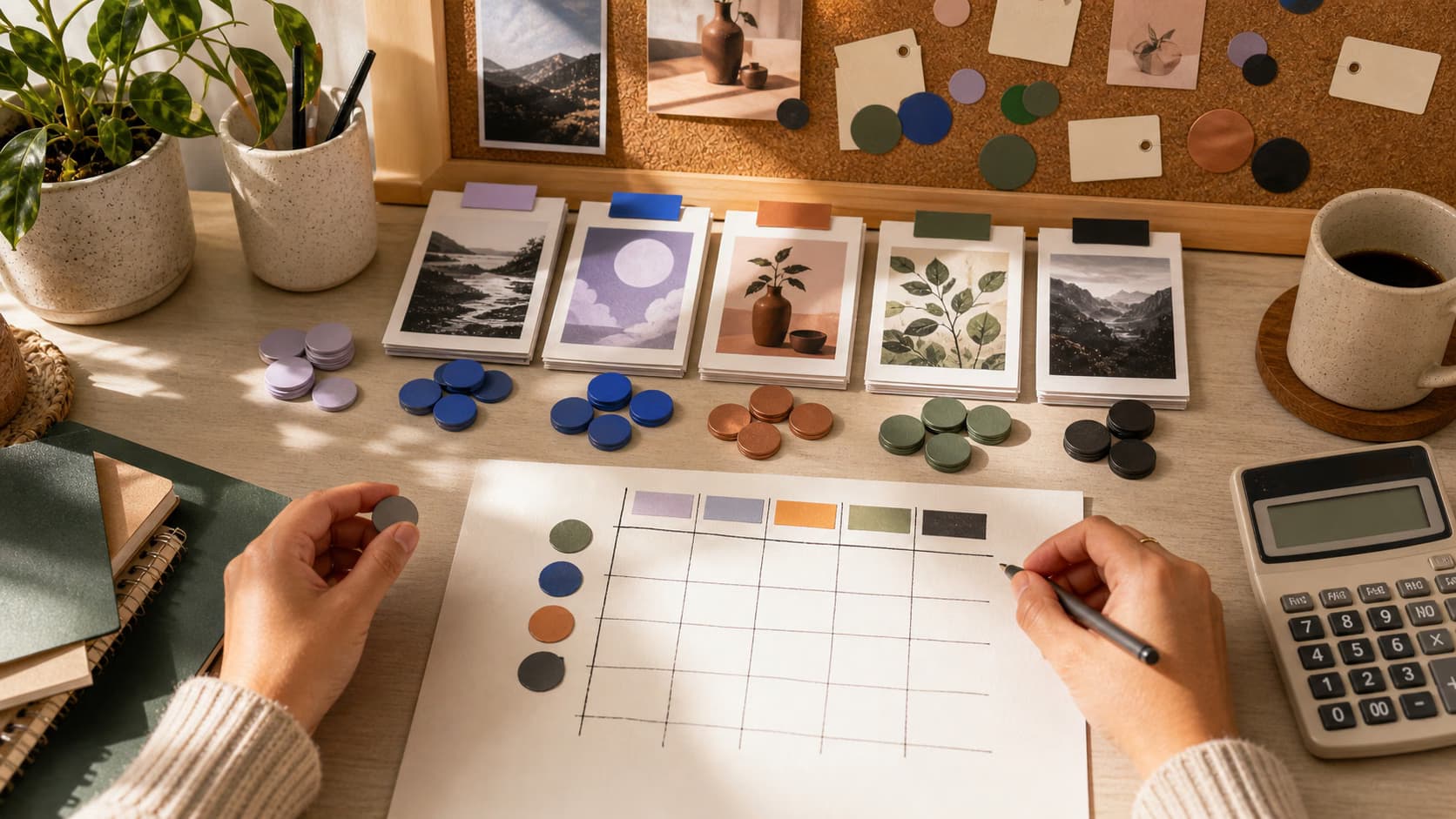
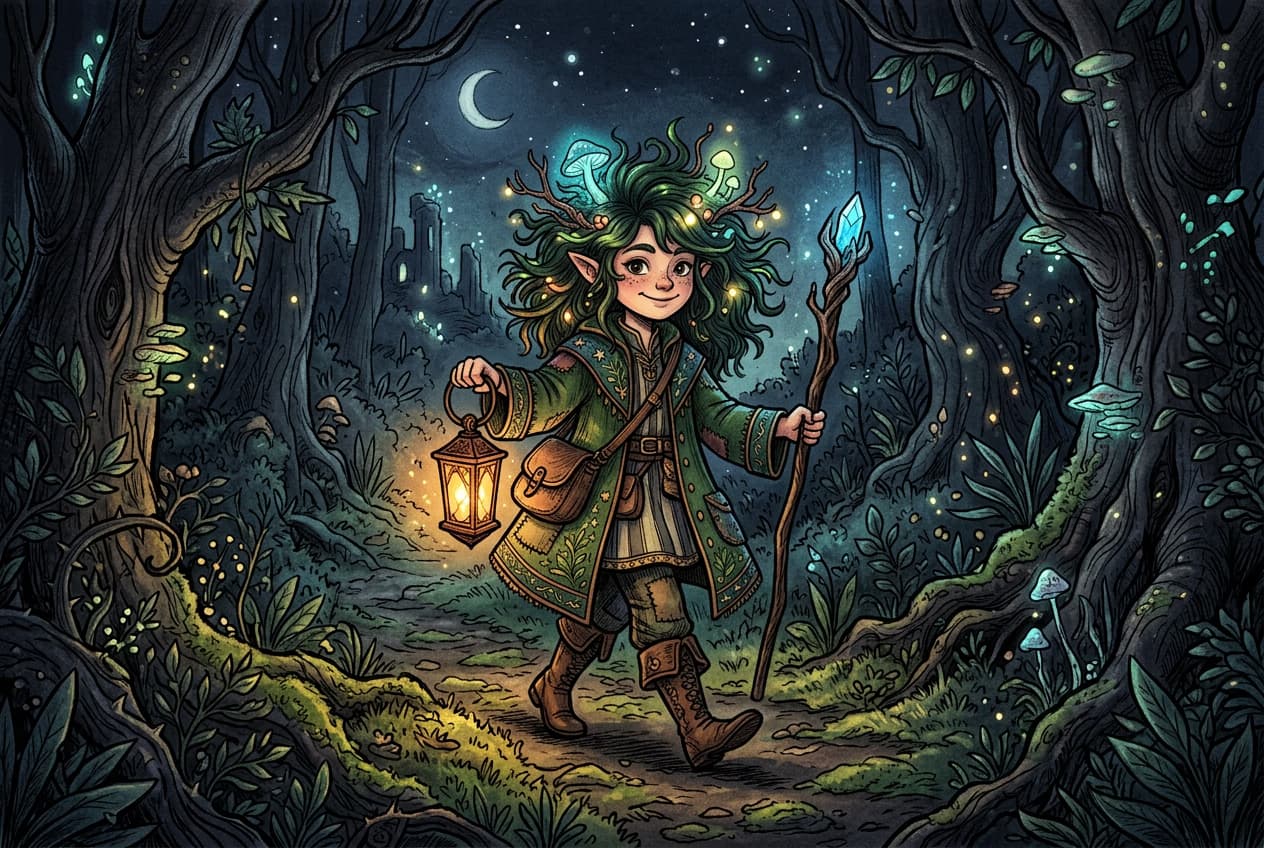
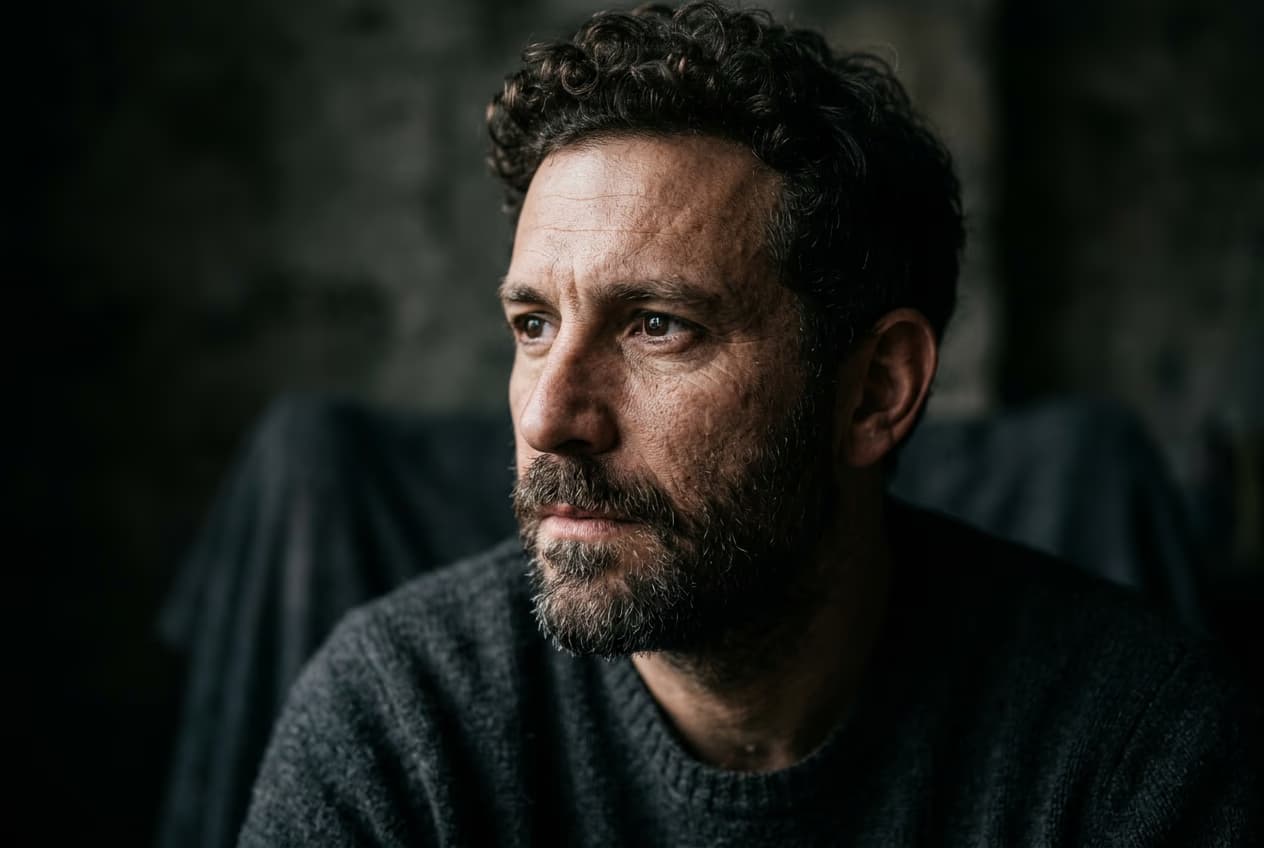
AI Playgroundを開く — AIアート作品の例
プロンプトから開始

言葉からAIアートを作成

見たいものを具体的に説明すると、アートのプロンプトがより効果的になります。まず題材を決め、水彩などの画材、雰囲気、光や構図に関する詳細をいくつか加えましょう。「日の出の山小屋、水彩画、暖かなピンク色の空」を出発点に、自分らしくアレンジしてみてください。

  • 自分のプロンプトで仕上げる
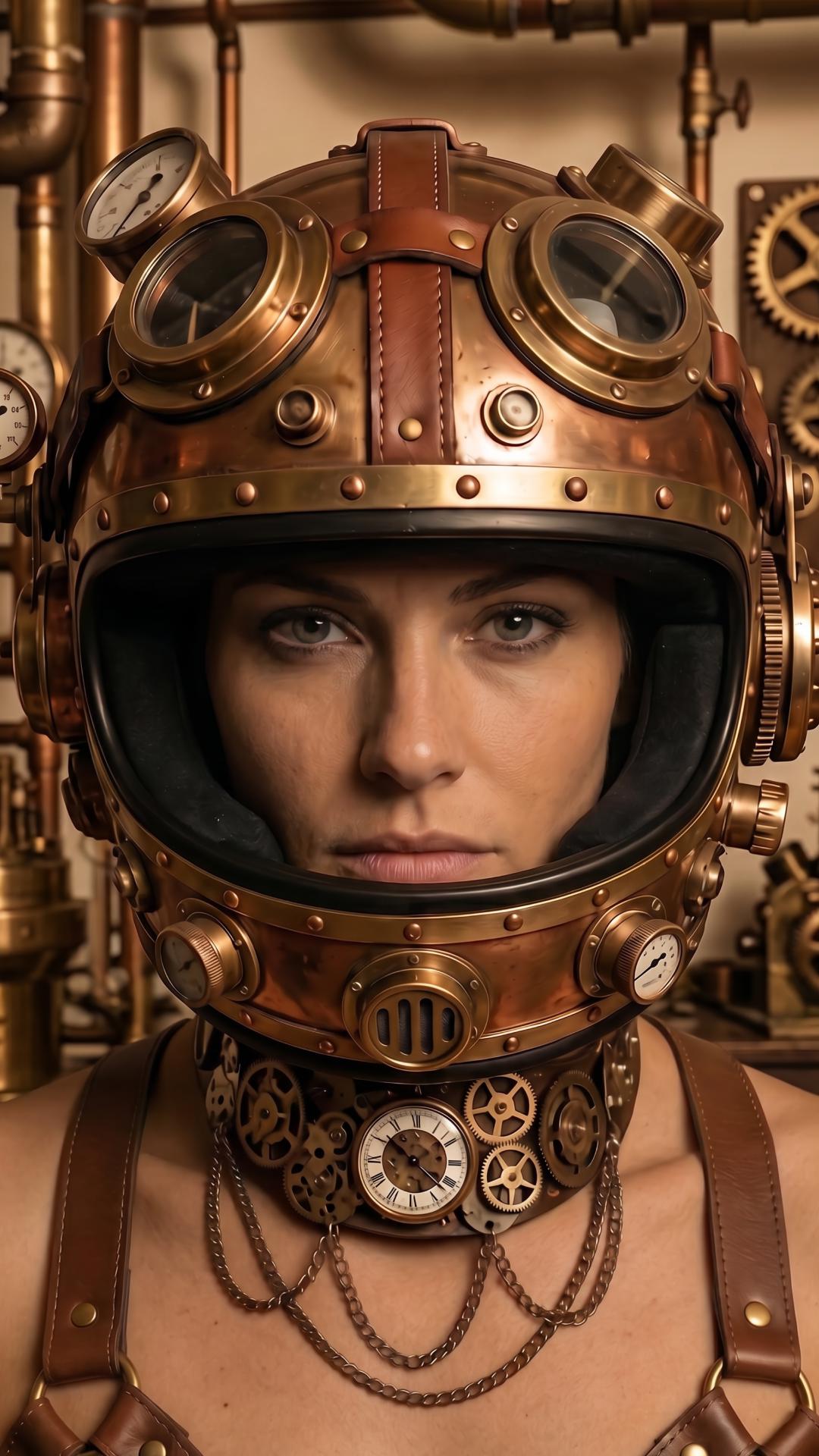
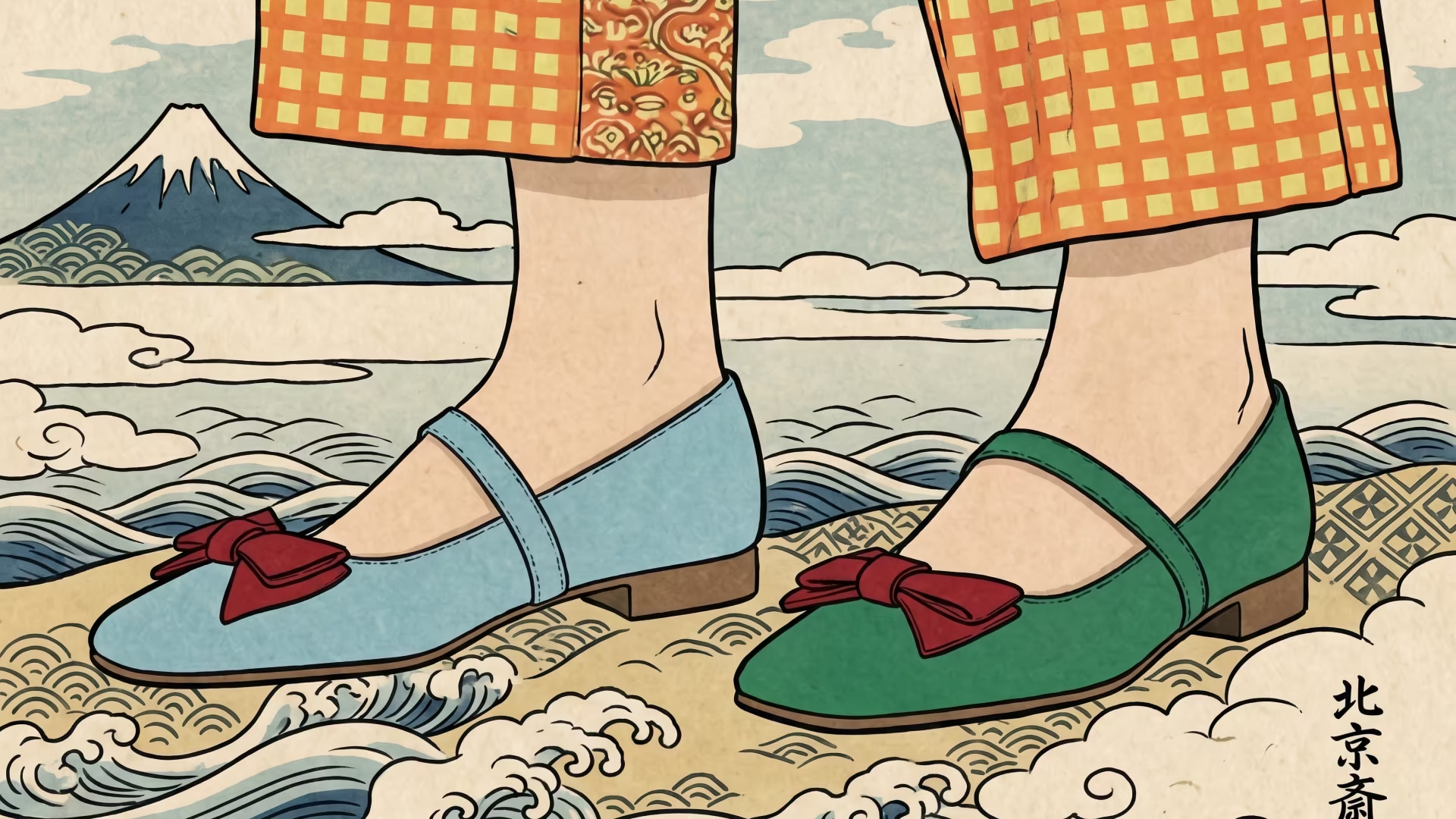
テキストプロンプトをもとにAIが生成したアート作品

写真からAIアートを生成

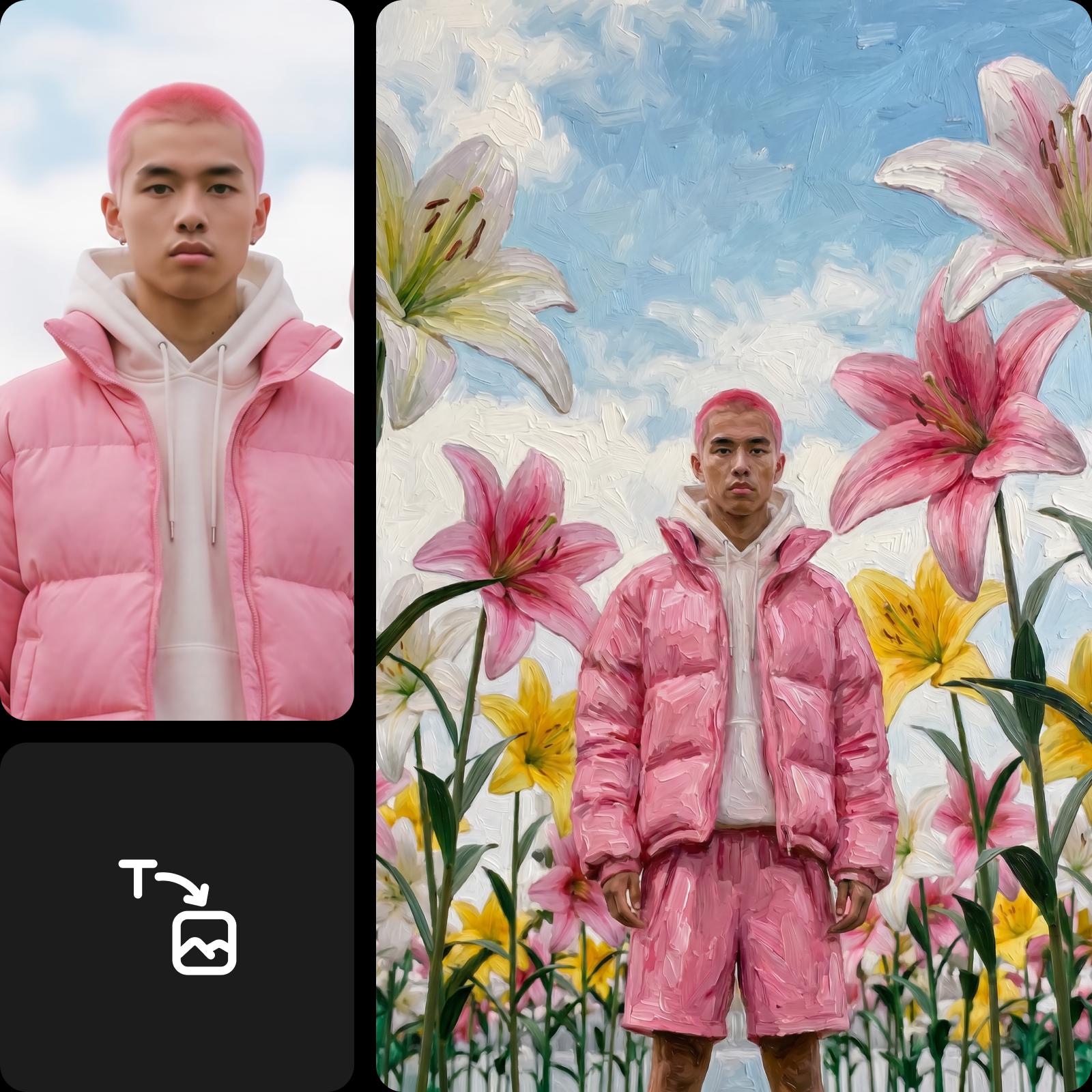
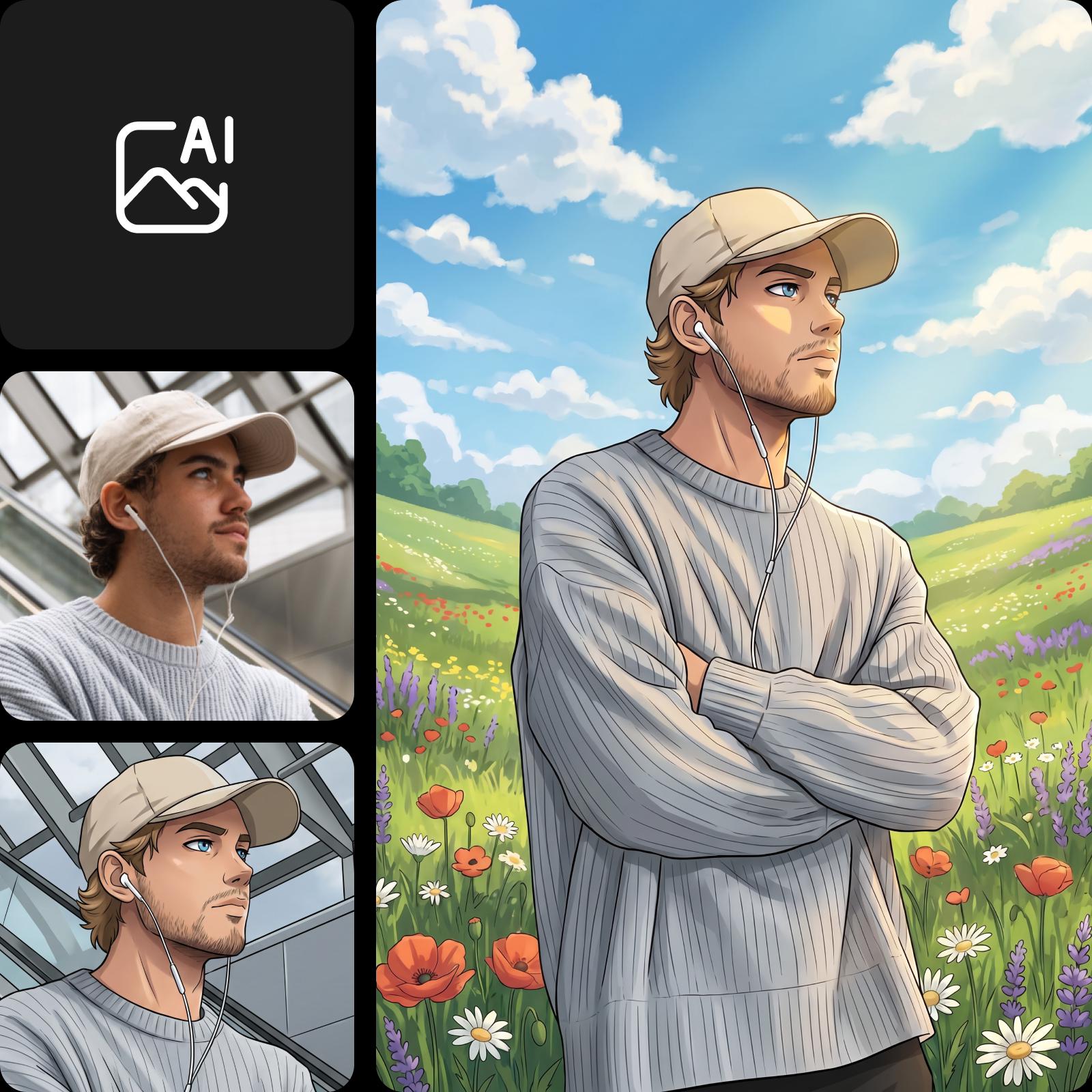
元画像に対応したモデルを使い、参考写真やスケッチを出発点にしましょう。残したい部分と、色使いやイラスト風の背景など加えたいアレンジを説明します。生成結果では細部が変わることがあるため、共有する前に確認してください。

  • 既存写真をベースに構築
画像を参考に作成したアートのバリエーション

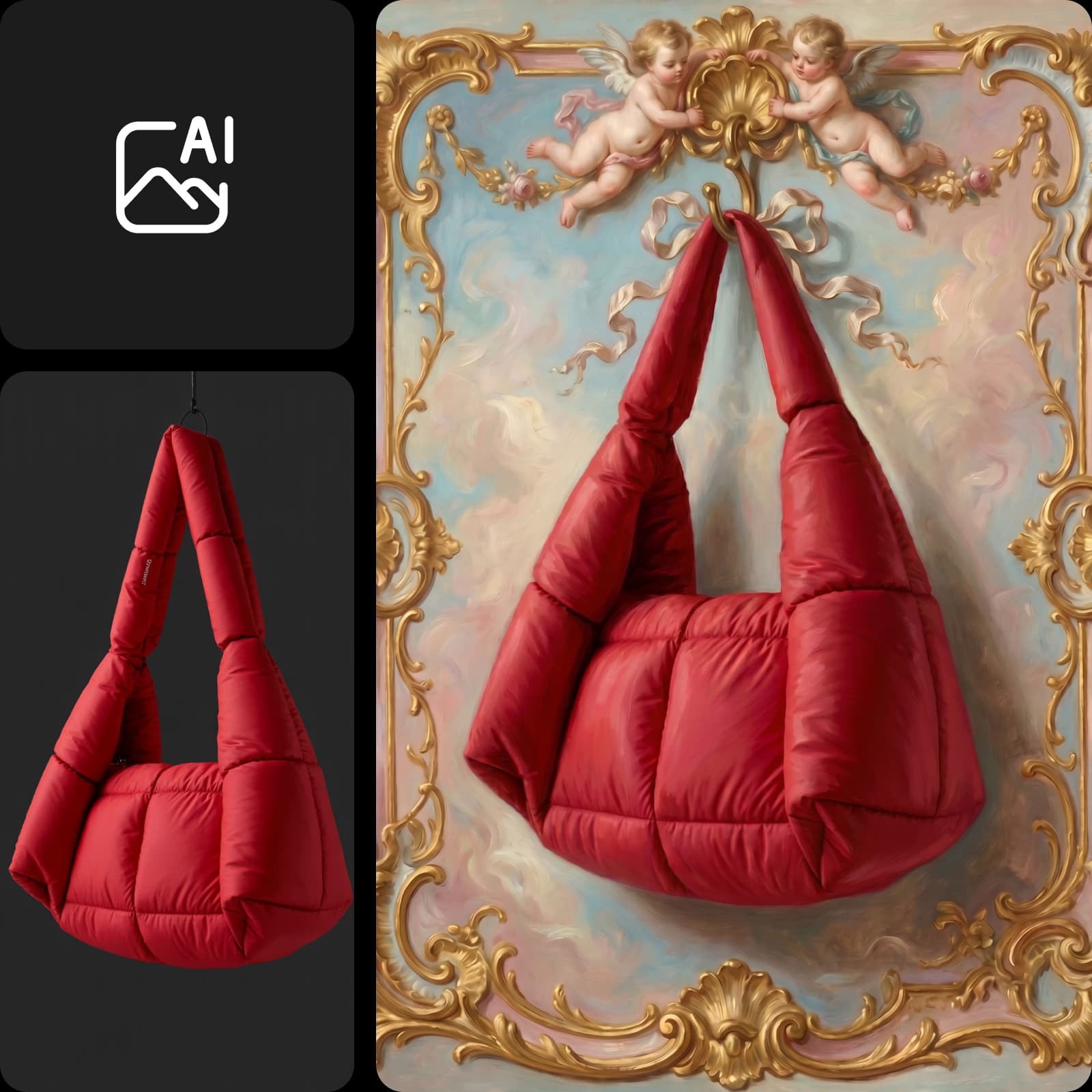
違うアート表現を試す

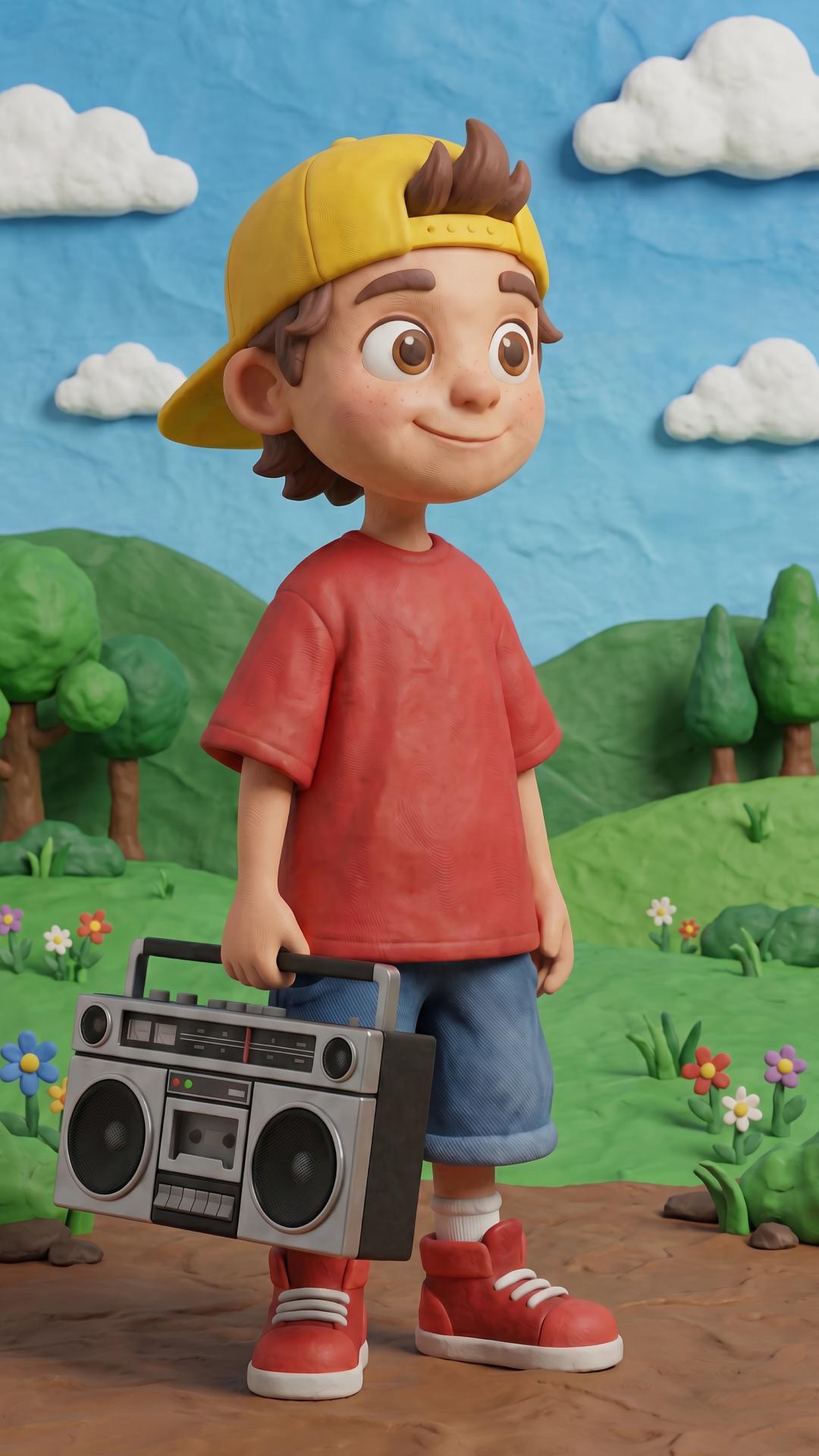
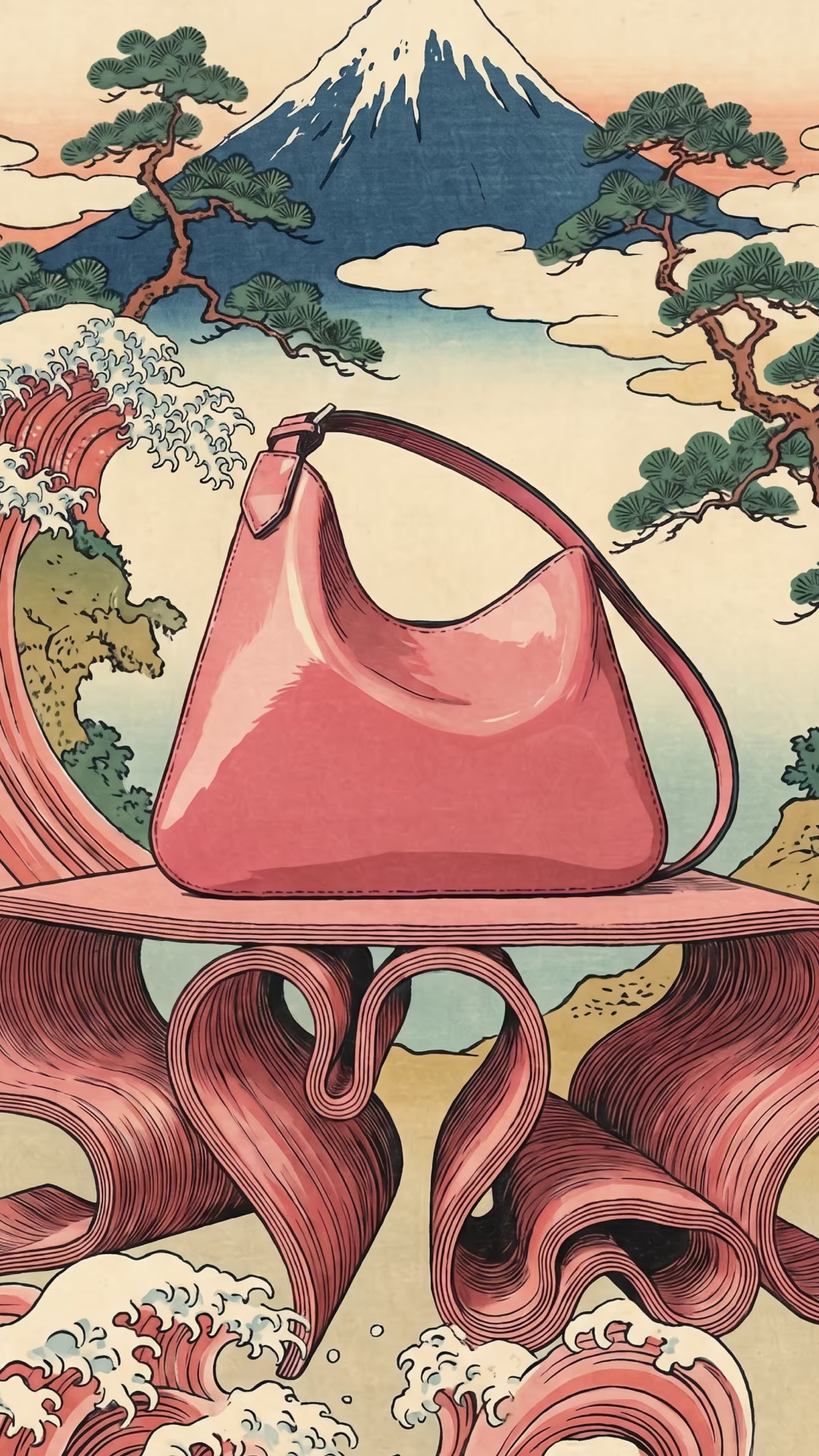
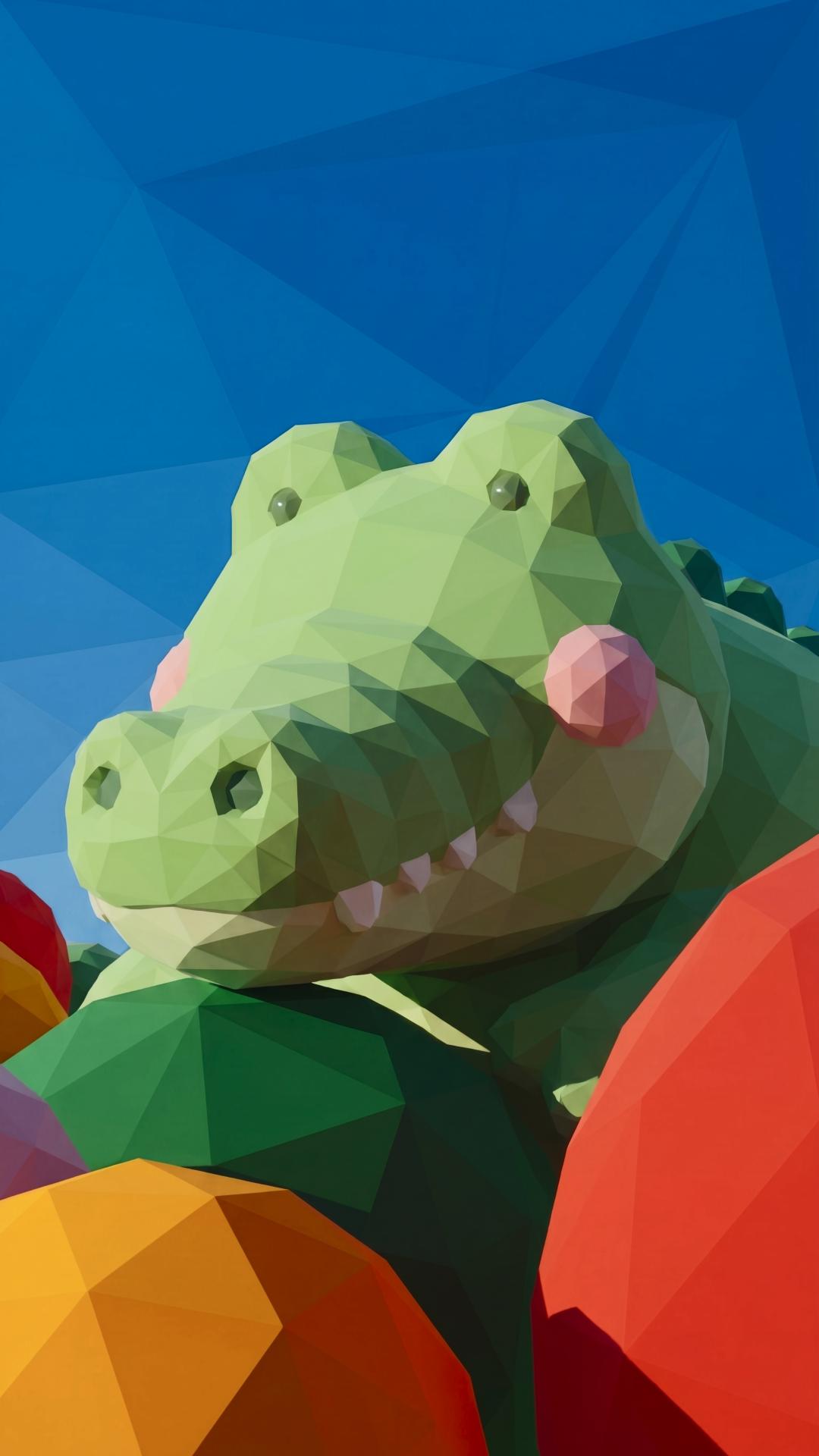
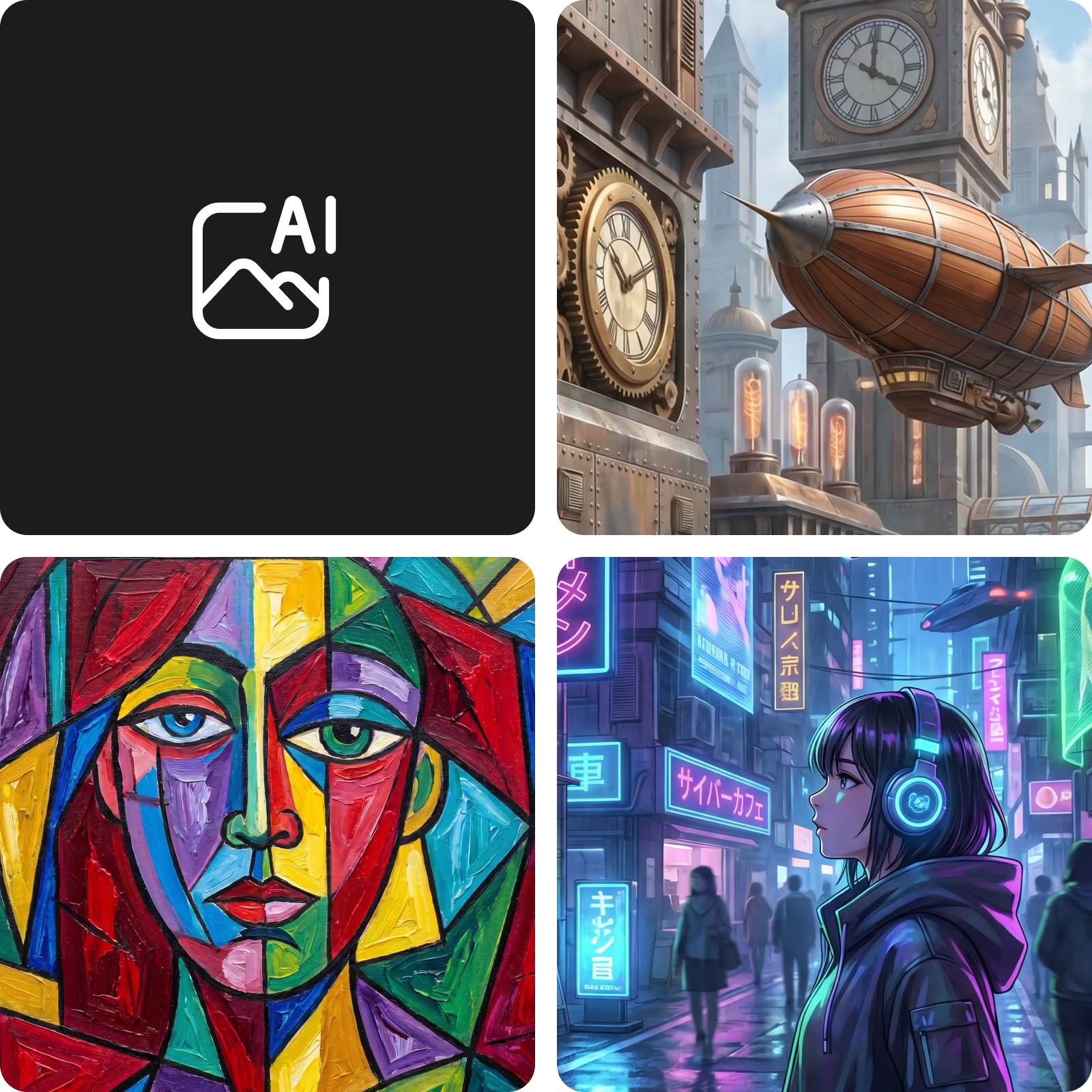
プロンプトで画材や雰囲気を指定しましょう。以下の作例を参考に、さまざまな表現を試せます。

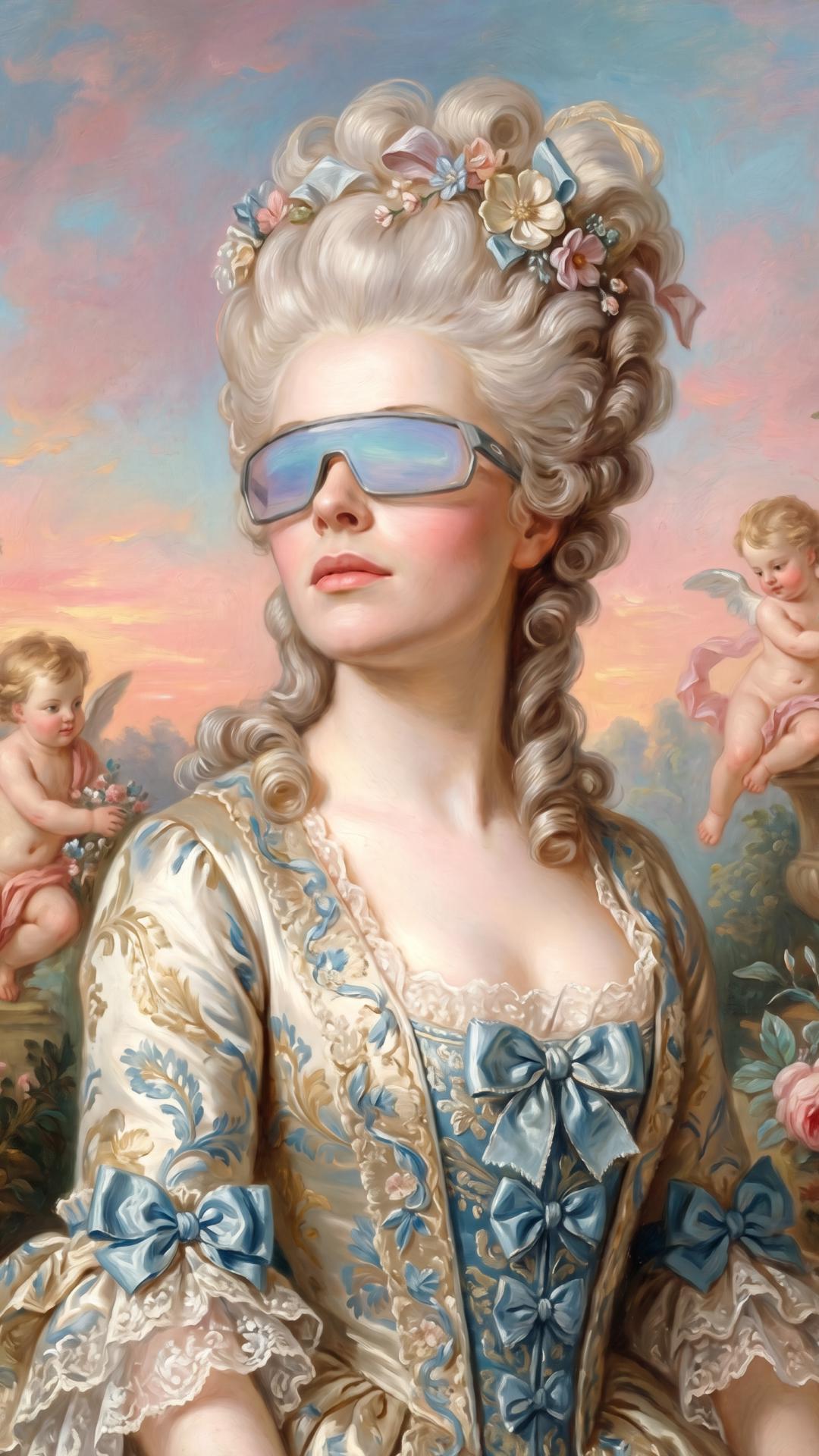
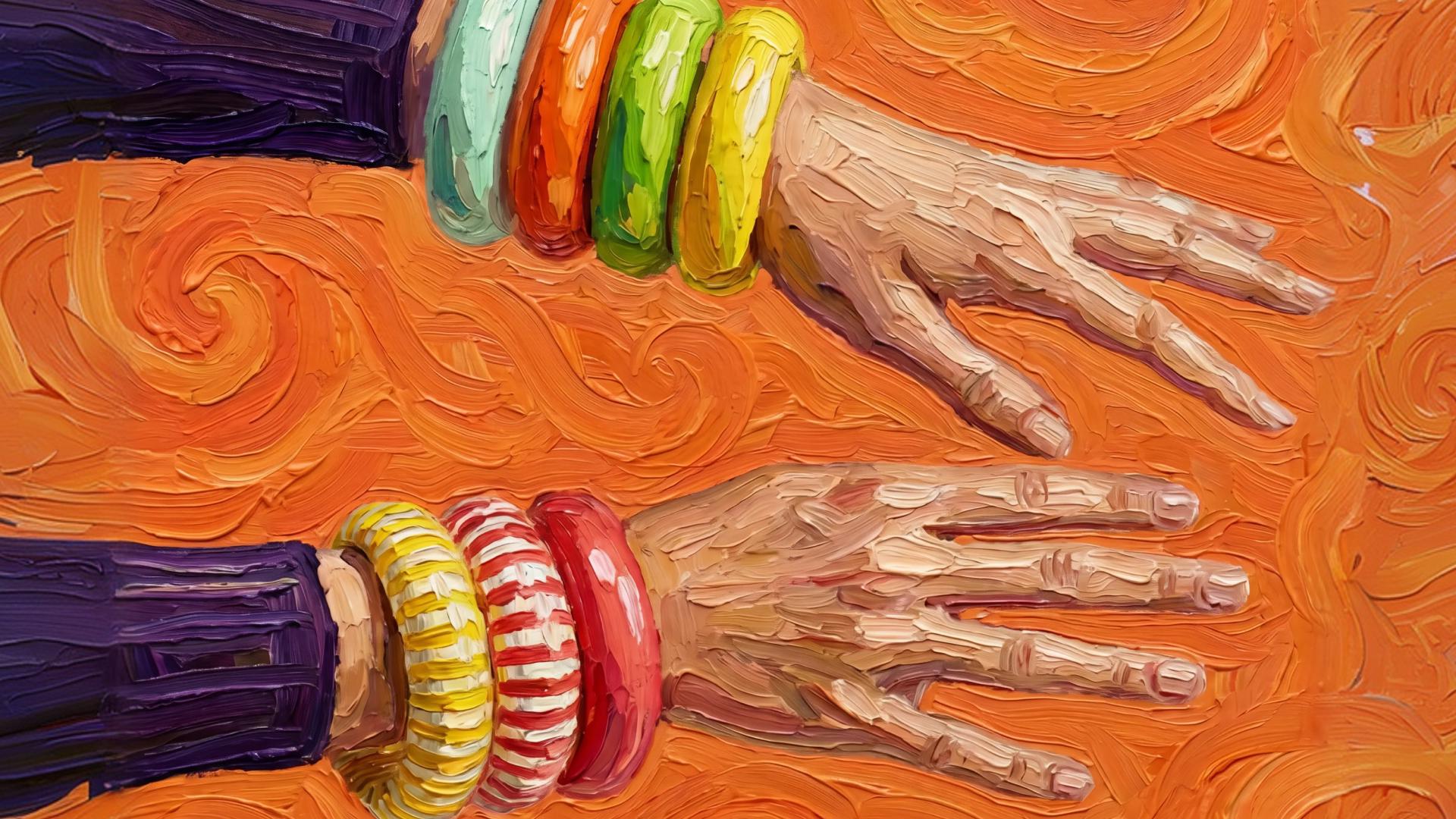
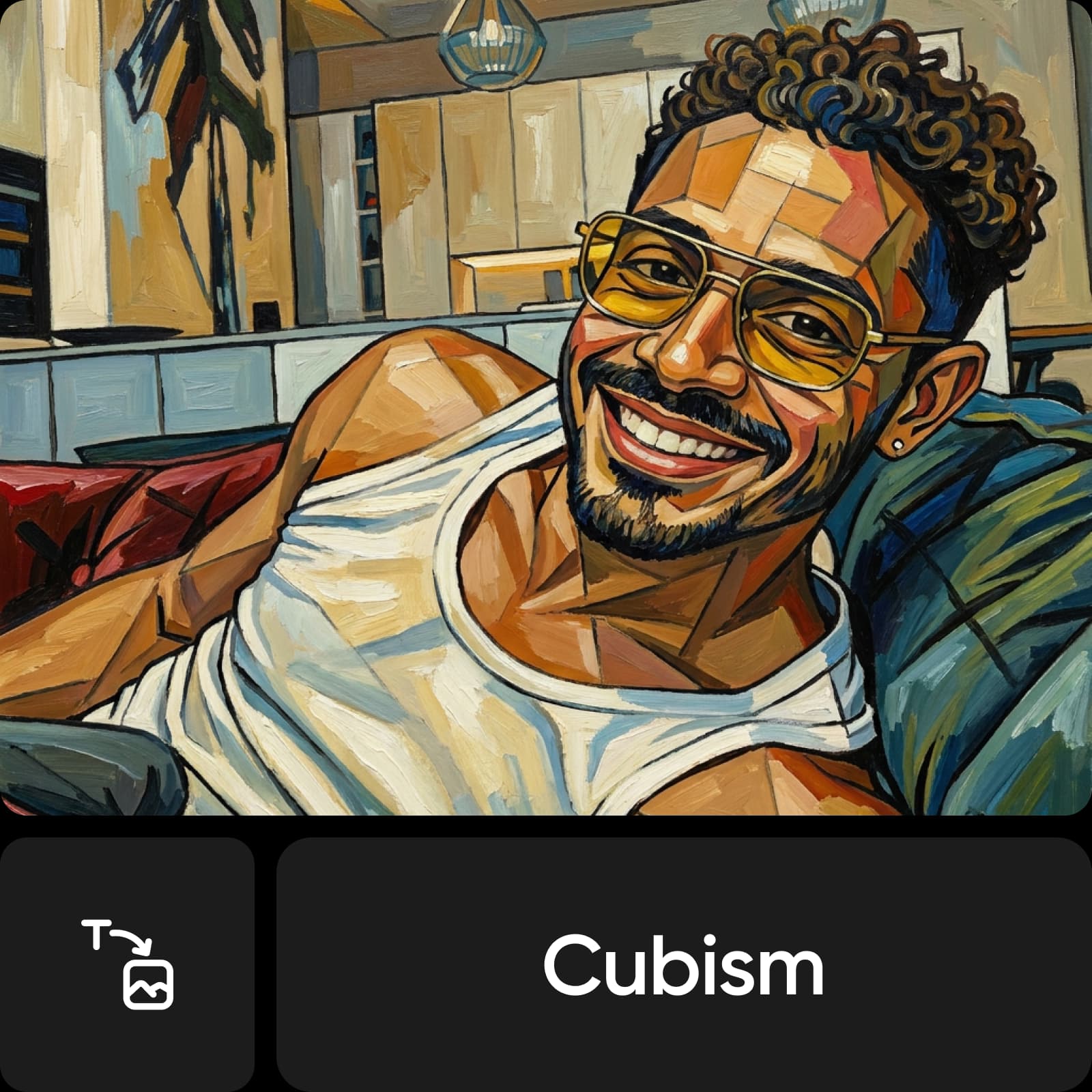
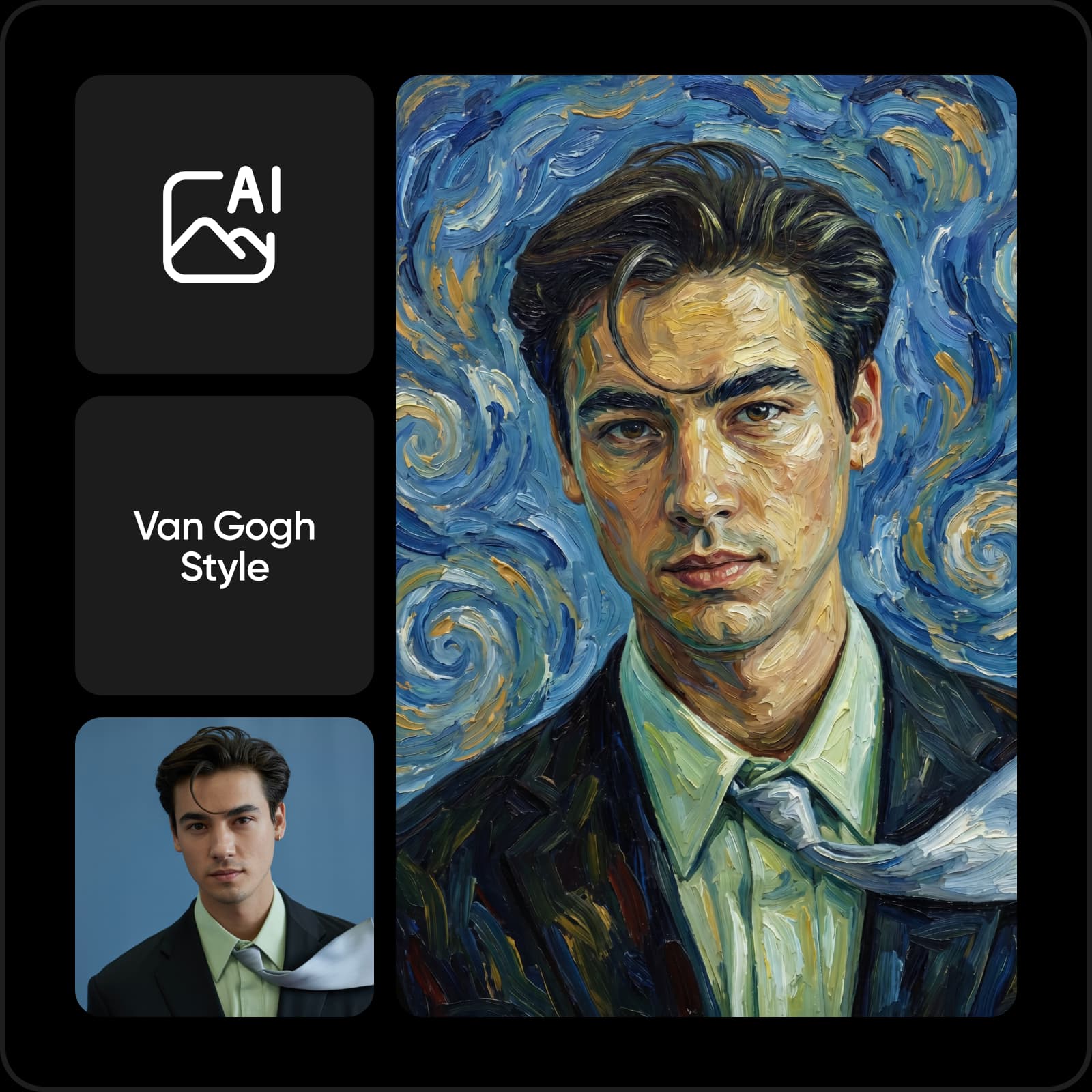
AIのペイント風ポートレート効果
ペイント風ポートレート

作品を仕上げる

気に入った作品をダウンロードしたら、レイアウトや仕上げを加えるためにPicsartのPhoto Editorで編集できます。キャンバスをトリミングしたり、テキストを追加したり、ほかの画像と組み合わせたりしましょう。背景やオブジェクトの編集ツールを使えば、デザインをさらに調整できます。

  • 生成アートに最後の仕上げを
Picsartの編集プロジェクトで使用したAI生成アート作品

次のクリエイティブプロジェクトにアートを

生成した作品を出発点にし、プロジェクトに必要な形式や細部、利用条件を確認しましょう。
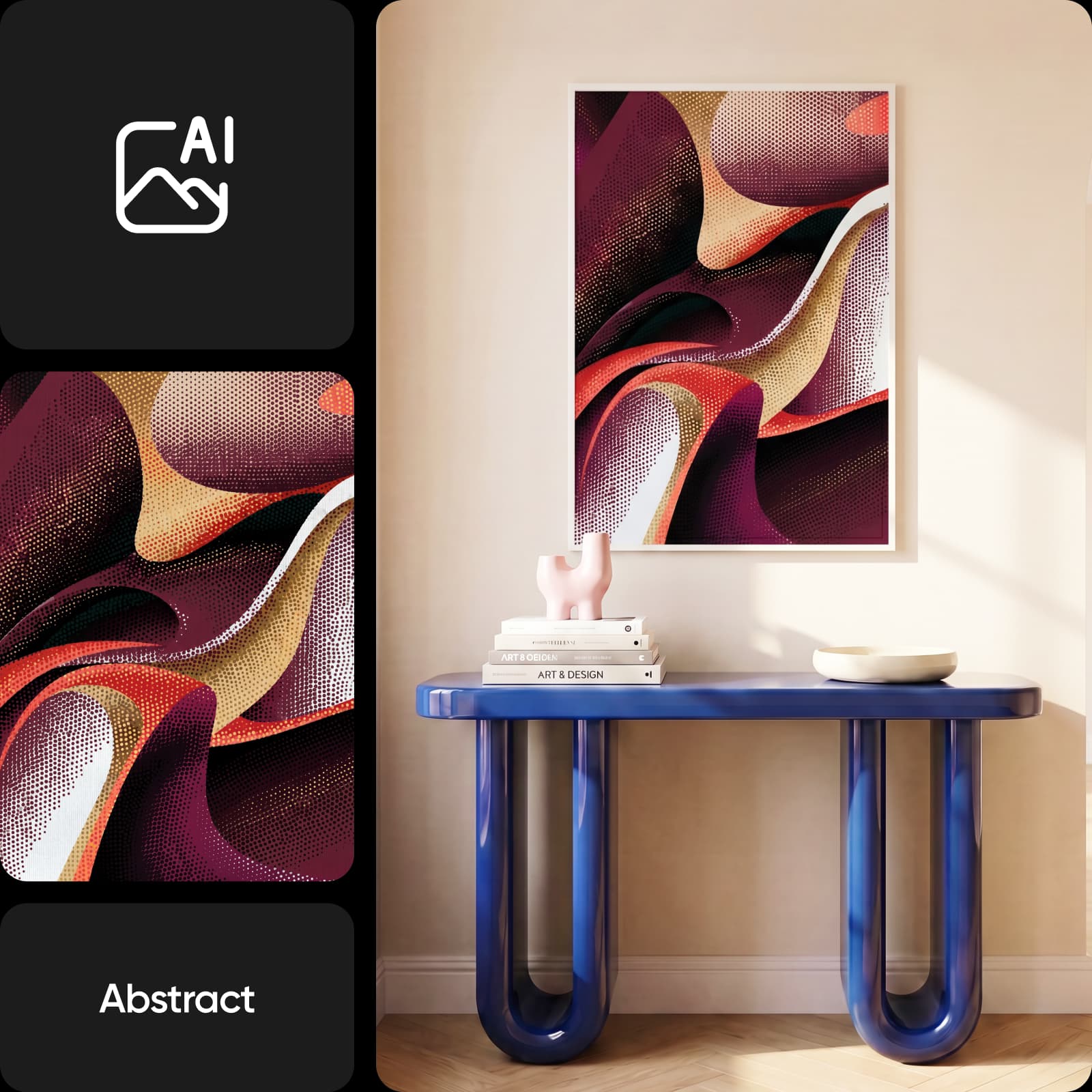
壁掛けアート・プリント最終的なサイズを決める前に、壁に飾る作品のイメージを作成しましょう。題材、色使い、構図を説明し、ダウンロードした画像がプリンターの要件を満たしているか確認してください。
ソーシャルメディア用アートフィード用のイラスト背景やアートシリーズを作成しましょう。プロンプトで色使いを統一し、投稿に合ったアスペクト比を選んでください。
コンセプトアート・イラストキャラクターや環境、シーンのさまざまな表現を試しましょう。対応している場合はスケッチを参考にし、ストーリーに欠かせない細部を調整できます。

アートに使う画像モデルを選ぶ

画像モデルによって、アートのプロンプトの解釈は異なります。現在のカタログからモデルを探し、参考画像への対応状況、設定、クレジット消費量を確認しましょう。

AIアートジェネレーターに関するよくある質問

  • AIアートジェネレーターは、テキストプロンプトや参考画像から作品を作成するツールです。題材とアートスタイルを説明し、生成された画像を確認して調整すれば、アイデアに近づけられます。

あらゆるアイデアをアートやビジュアルに

Pro

Most popular

AI tools for everyday creative work.

$15 $10.5/mo
Billed yearly
You save $54 with yearly
  • Access to all photo & video editing features
  • Advanced background & object removal
  • Parallel video generations with the world's most powerful AI video models
  • Unlimited image generations with Flex.2 Klein
  • 1-tap image enhancer
  • Millions of stock photos & Getty video clips
  • Selection of trendy fonts, text styles & stickers
  • Thousands of premium templates
  • Support for 3+ brand kits
  • Bulk edit up to 50 images at once
  • 100 GB of cloud storage
New features:
  • Auto-generate content from your terminal or agent with the Picsart CLI
  • Use Picsart inside Claude Code, Cursor, and ChatGPT via MCP — coming soon
  • AI agents for multi-step workflows and batch generation — coming soon

Ultra

Most powerful

Heavy AI usage for creators & teams.

$45 $24.5/mo
Billed yearly, per seat
You save $246 with yearly
  • Everything in Pro
  • Early access to advanced AI features
  • Leading AI models to design & automate workflows (Nano Banana, Veo 3, Seedance 2.0 & more)
  • Parallel video generations with the world's most powerful AI video models
  • Unlimited image generations with Flex.2 Klein
  • Support for 10+ brand kits
  • Add team seats
  • Create ad variations and localize
  • Track ads performance
  • 2000 credits for API services
  • Bulk edit up to 100 images at once
  • 300 GB of cloud storage per seat
New features:
  • Auto-generate content from your terminal or agent with the Picsart CLI
  • Use Picsart inside Claude Code, Cursor, and ChatGPT via MCP — coming soon
  • AI agents for multi-step workflows and batch generation — coming soon

Enterprise

Custom AI solutions for large organizations.

Custom credit volume
  • Volume discounts on credit rate
  • On-demand top-ups
Custom
Contact for pricing
  • Access to photo & video editor SDKs
  • Mobile web SDK support
  • Prepaid or pay-as-you-go creative APIs
  • Embed professional-grade editing into your product or workflow
  • Fully configurable editing experience
  • White-label to match your brand
  • Support for built-in marketing, e-commerce & printing use cases
  • Bring your own assets: images, templates & fonts
  • Enterprise-grade security, SLAs & support
  • Dedicated account manager