مؤثر مواد کی تخلیق کے لیے AI Video Editor
AI کے ساتھ ویڈیوز بنانے کا سب سے آسان طریقہ دریافت کریں۔ Picsart کا AI Video Editor پیچیدہ ایڈیٹنگ کے کام کو آسان بناتا ہے تاکہ آپ چند منٹوں میں اعلیٰ معیار، شیئر کے قابل مواد تیار کر سکیں۔ TikToks اور YouTube Shorts سے لے کر پیشہ ورانہ مارکیٹنگ کلپس تک، AI ویڈیو ایڈیٹنگ کے عمل کو بے تکلف بنا دیتا ہے۔
- 47%AI ڈرائیون ایڈیٹنگ ٹولز کے ساتھ پروڈکٹیویٹی میں اضافہ
- 58%AI جنریٹڈ ویڈیو ٹولز کے استعمال سے کاروباروں کے لیے اوسط لاگت کی بچت
- 14 گھنٹےAI پاورڈ ایڈیٹنگ کے ساتھ فی ویڈیو پروجیکٹ سیو کیا گیا
- 35%اضافی وسائل کے بغیر مواد کی پیداوار میں اضافہ
AI کے ساتھ ویڈیو کو کیسے ایڈٹ کریں
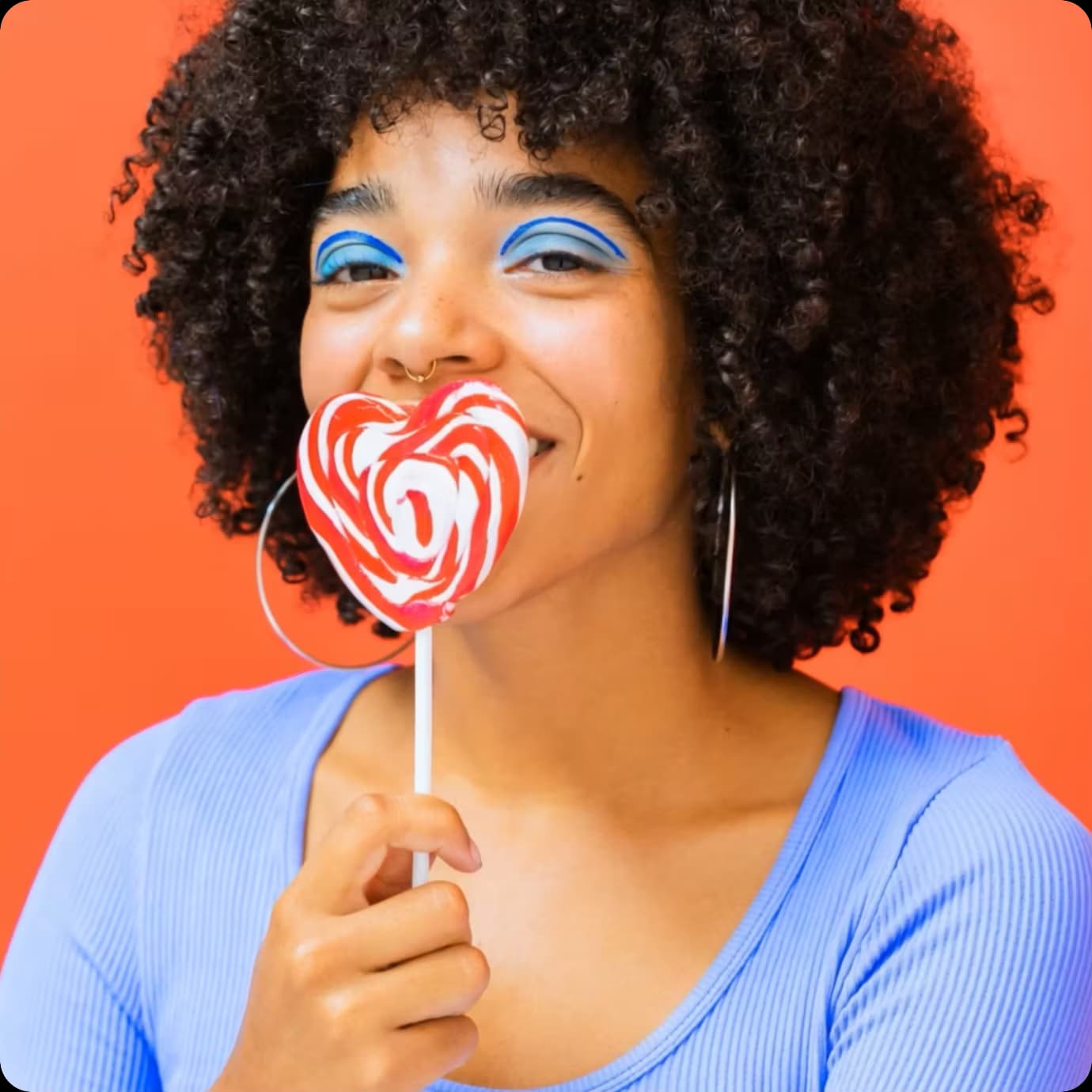
ہر کسی کے لیے AI Video Editor
AI Video Editor ویڈیو ایڈیٹنگ کو آسان اور بدیہی بناتا ہے، جدید ٹیکنالوجی کو صارف دوست ڈیزائن کے ساتھ ملا کر۔ مبتدی سے پیشہ ورانہ کسی بھی شخص کو چند منٹوں میں AI کے ساتھ ویڈیوز بنانے دیتا ہے۔ AI ویڈیو ایڈیٹنگ کے ساتھ سوشل میڈیا، ذاتی منصوبوں، یا کاروباری ضروریات کے لیے نوکیلا، اعلیٰ معیار کا مواد تیار کریں جو وقت کی بچت کرتا ہے اور تخلیقیت کو بڑھاتا ہے۔
شیئر کے قابل AI ویڈیوز بنائیں
AI Video Editor کے ساتھ، مشغول کرنے والا مواد بنانا تیز اور سادہ ہے۔ پیچیدہ کاموں کو خودکار کرکے، یہ ٹول کسی کو بھی AI کے ساتھ ویڈیوز بنانے دیتا ہے جو پیشہ ورانہ اور نوکیلی لگتی ہیں۔ صرف کچھ کلکس میں، اپنی فوٹیج کو شیئر کے قابل ویڈیوز میں تبدیل کریں جو توجہ حاصل کرتی ہیں اور سوشل میڈیا، ذاتی منصوبوں یا صارفین کی مہمات میں پیشہ ورانہ نظر آتی ہیں۔
اعلیٰ درجے کی سنیماٹک AI ویڈیو ایڈیٹنگ
Picsart کے آن لائن AI Video Editor کا استعمال کرکے سنیماٹک ویڈیو اثرات کے ساتھ اپنے مواد کو تبدیل کریں۔ ایک سادہ پرامپٹ کے ساتھ، ٹول خود بخود رنگ گریڈنگ، بصری اضافہ، اور متحرک اثرات لاگو کرتا ہے - کوئی پیچیدہ سافٹ ویئر کی ضرورت نہیں۔ ذاتی یادوں کو بڑھانے سے لے کر سنیماٹک انجام کے ساتھ پیشہ ورانہ مواد تیار کرنے تک اعلیٰ معیار کے نتائج حاصل کرتے ہوئے وقت کی بچت کریں۔
اپنی فوٹیج کو AI ویڈیوز میں تبدیل کریں
AI کے ساتھ ویڈیوز کو بڑھانا آسان بنا دیتا ہے - شروع سے شروع کرنے کی کوئی ضرورت نہیں۔ بس اپنی فوٹیج اپلوڈ کریں اور جدید الگوردمز کو معیار بہتر کرنے، اثرات شامل کرنے، اور چند منٹوں میں سنیماٹک تبدیلیاں لاگو کرنے دیں۔ AI ویڈیو ایڈیٹنگ کے ساتھ، آپ ذاتی ریکارڈنگ، مارکیٹنگ کلپس، یا پیشہ ورانہ منصوبوں کو کم از کم کوشش کے ساتھ اپ گریڈ کر سکتے ہیں۔
طاقتور AI ویڈیو تخلیق کے ٹولز کو دریافت کریں
اپنی تخلیقی عمل کو تیز اور آسان بنانے کے لیے ڈیزائن کردہ AI ویڈیو ٹولز کے مکمل سوٹ کے ساتھ ایڈیٹنگ سے آگے بڑھیں۔ ویڈیوز کے پس منظر کو ہٹانے سے لے کر، تصاویر کو ویڈیوز میں تبدیل کرنے تک، اور یہاں تک کہ ٹیکسٹ پرامپٹس سے کلپس جنریٹ کرنے تک، یہ AI ویڈیو تخلیق کے ٹولز آپ کو مواد کو تیزی سے اور ہوشیاری سے تیار کرنے کی لچک دیتے ہیں۔ چاہے آپ مارکیٹنگ مہمات بنا رہے ہوں، ٹٹوریلز یا مختصر AI ویڈیوز تخلیق کر رہے ہوں، AI ویڈیو جنریٹر پروڈکشن کو آسان بنا دیتا ہے۔
ہر تخلیق کار کے لیے AI Video Editor
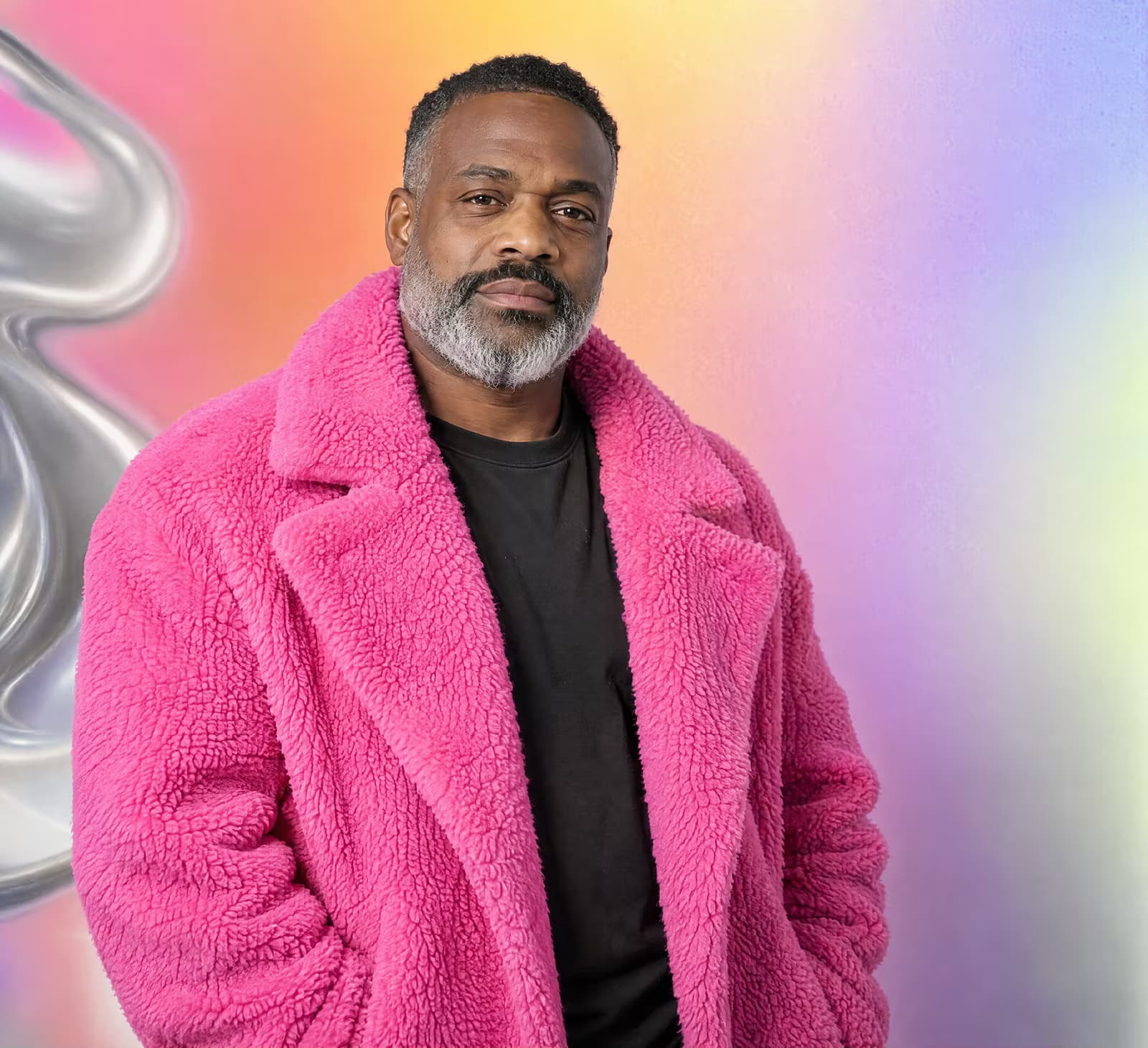
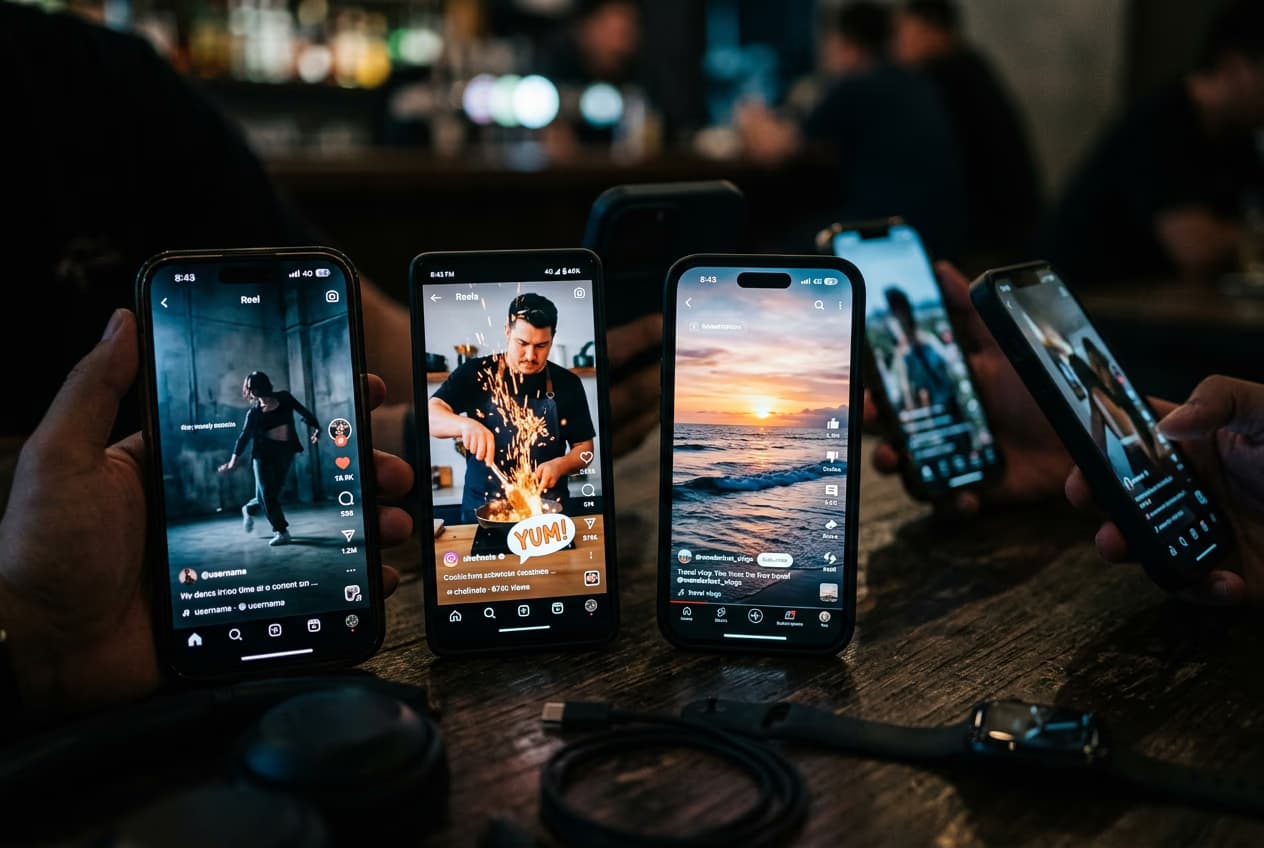
TikTok تخلیق کاروں کے لیے
کلپس ایڈیٹ کریں، اثرات شامل کریں، اور اپنے مواد کو رجحان پذیر رکھیں۔
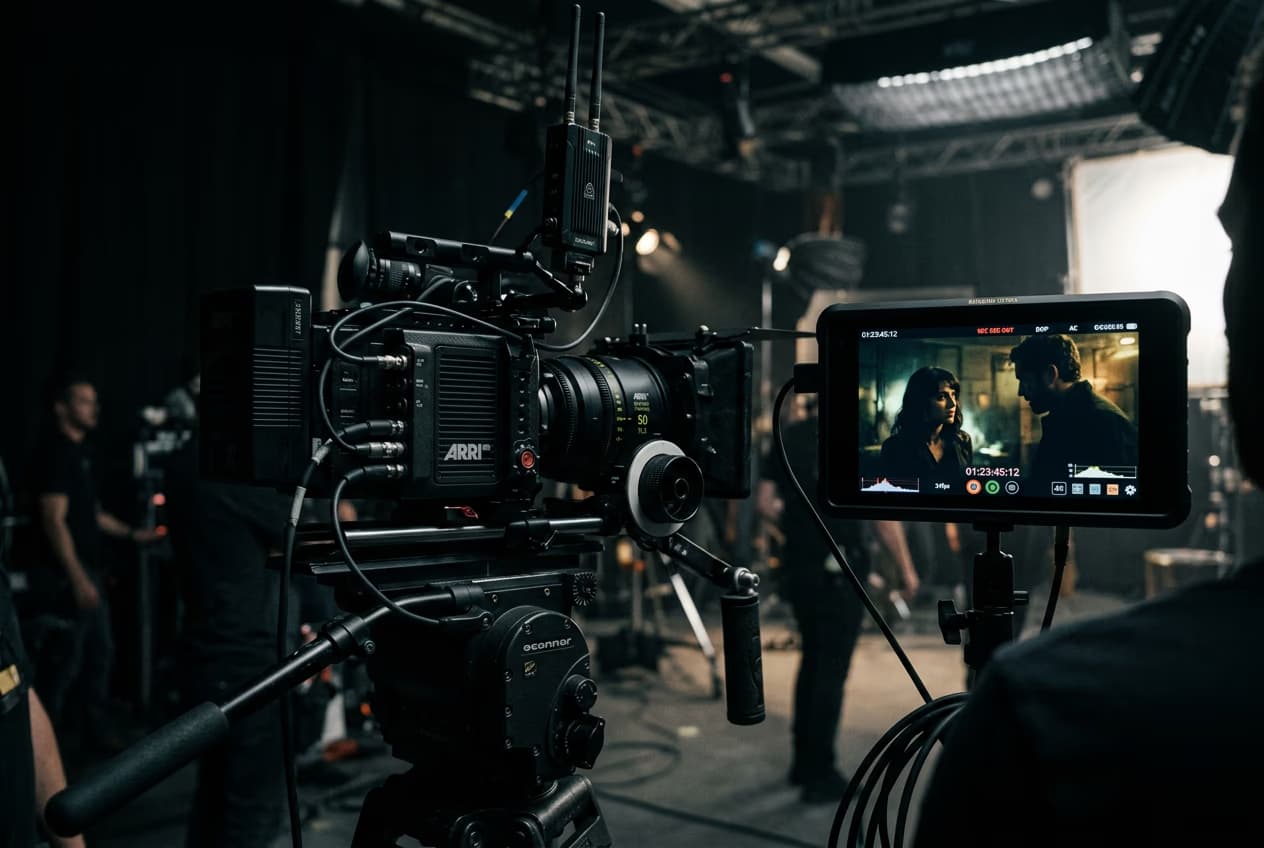
وہ تمام AI ویڈیو ایڈیٹنگ خصوصیات جو آپ کو درکار ہیں
Picsart کے سمارٹ ٹولز آپ کو ایک ہی جگہ پر تیزی سے، لچکدار ایڈٹ، اضافہ، اور اپنے ویڈیوز کو تبدیل کر لیتے ہیں۔
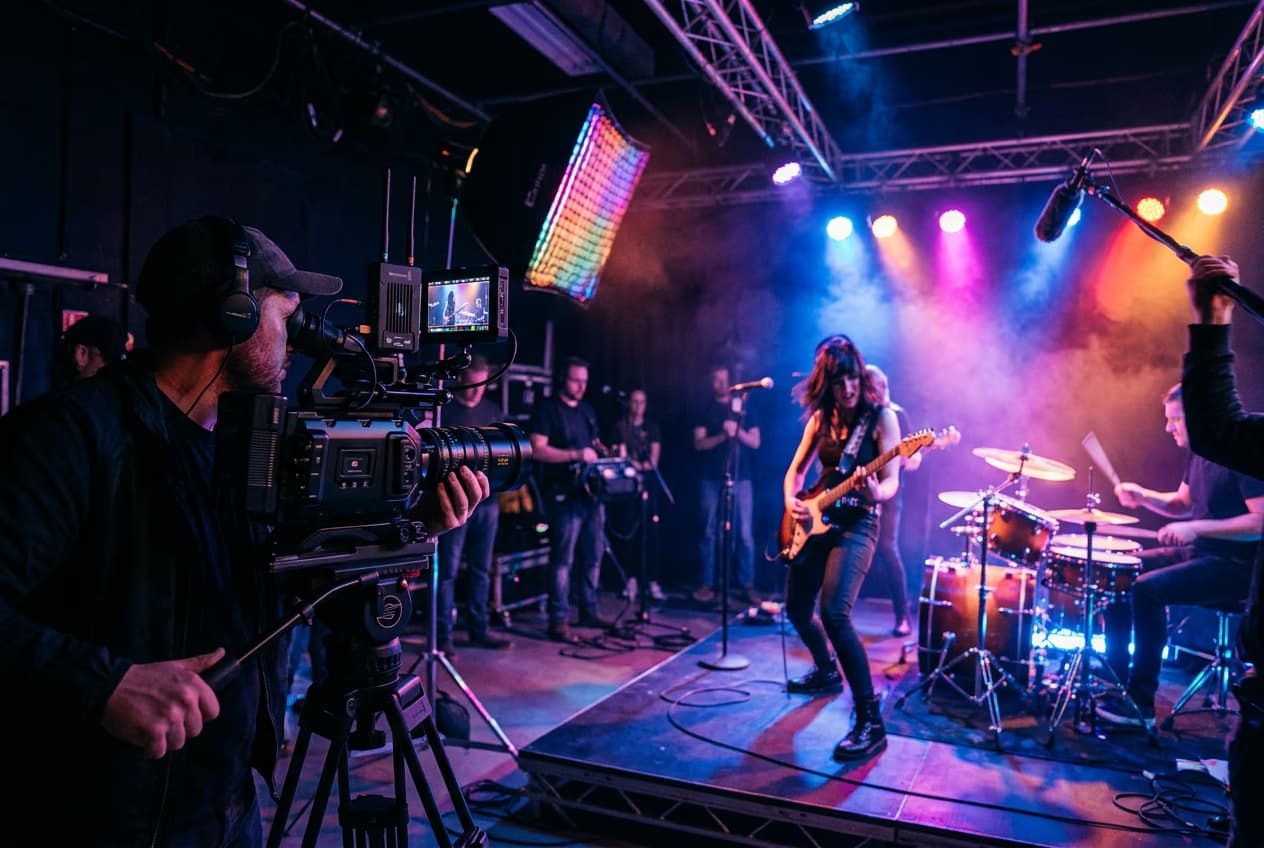
ویڈیو ایڈیٹنگ کی بنیادی باتیں سیکھیں
کلپس کے لیے صاف ایڈیٹس بنانے کا طریقہ سیکھیں۔

AI Video Editor سوالات
AI Video Editor ایک ایسا ٹول ہے جو آرٹیفیشل انٹیلی جنس کا استعمال کرکے ویڈیو ایڈیٹنگ کو آسان بناتا ہے، خودبخود اثرات، ادوار اور ایڈجسٹ فرماتا ہے تاکہ کوئی بھی پیشہ ورانہ نظر آنے والا مواد تشکیل دے سکے۔
ایڈیٹنگ خصوصیات، فارمیٹس، اور پرامپٹ-لیڈ ورک فلووں کے تفصیلی تجزیے کے لیے، AI Video Editor کی خصوصیات، فارمیٹس، اور ورک فلو گائیڈ پڑھیں۔
مزید ٹولز جو آپ کو پسند آئیں گے
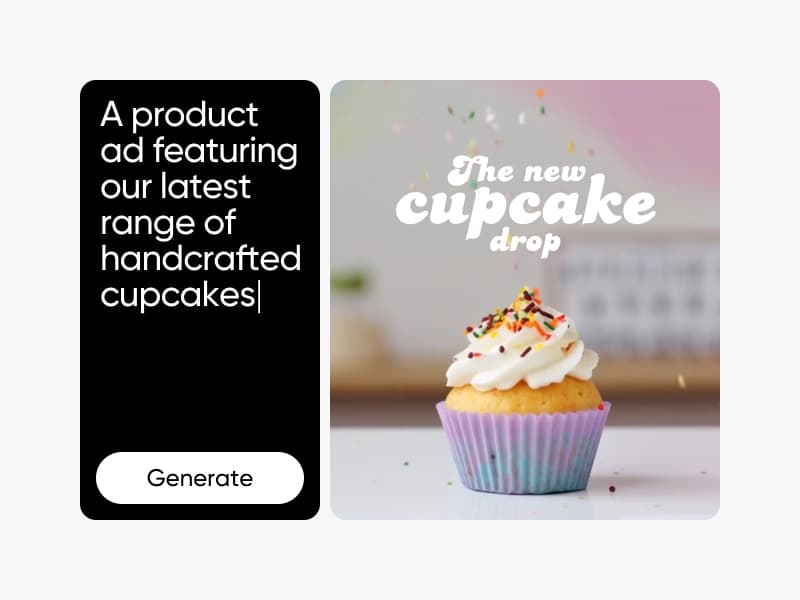
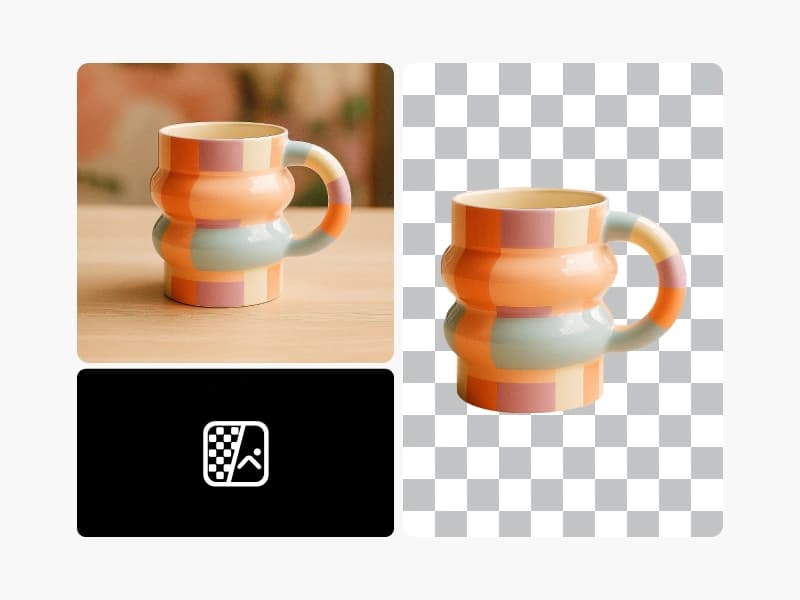
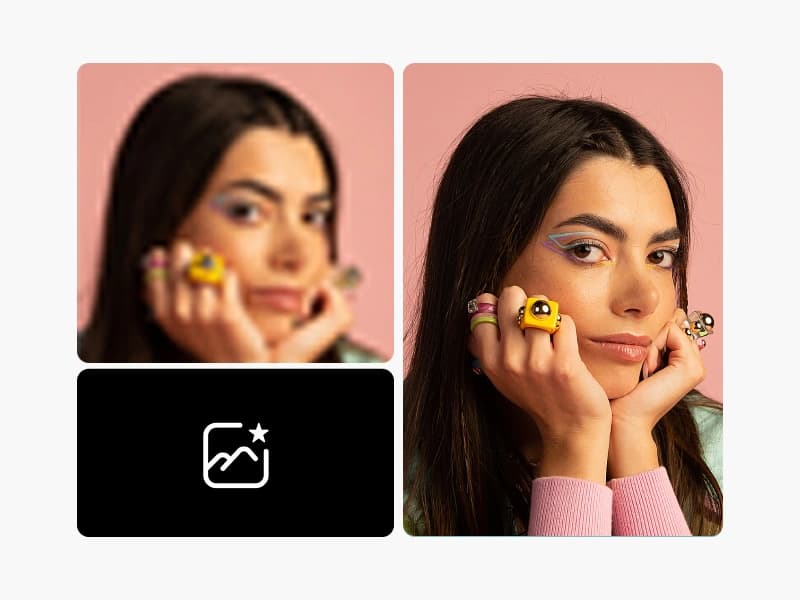
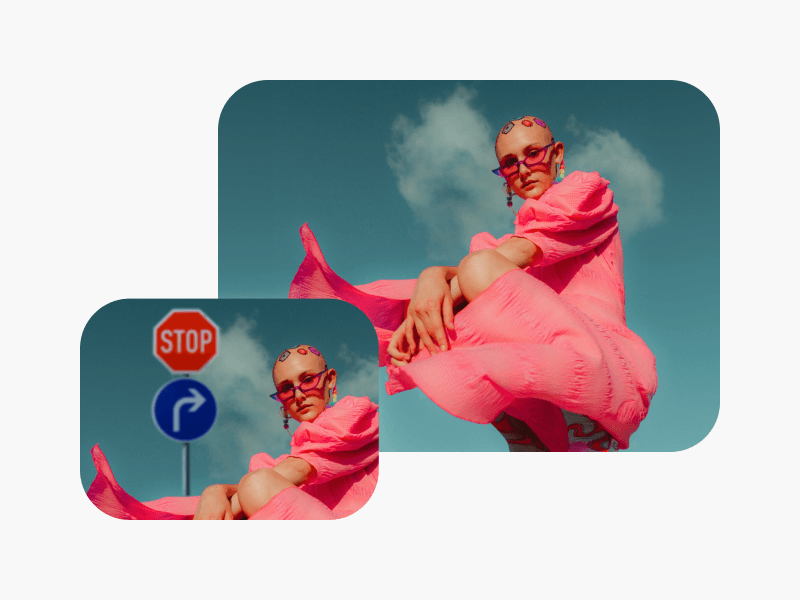
ہر مواد کے خیال کے لیے AI کے ساتھ ویڈیوز ایڈٹ کریں
Pro
Most popularAI tools for everyday creative work.
Ultra
Most powerfulHeavy AI usage for creators & teams.