FLUX Video Outpaint: AI video outpainting that expands the frame
Put your clip on a bigger canvas and FLUX Video Outpaint fills in the rest, frame by frame. Your original pixels and audio stay exactly as they are, so a vertical phone clip can become a widescreen shot without re-shooting.
Videos made with FLUX Video Outpaint

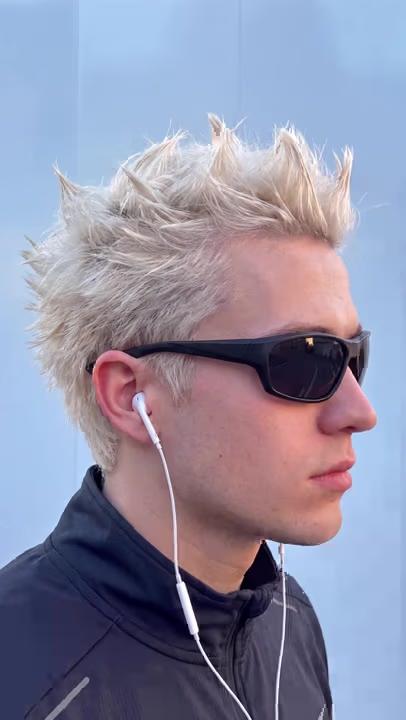
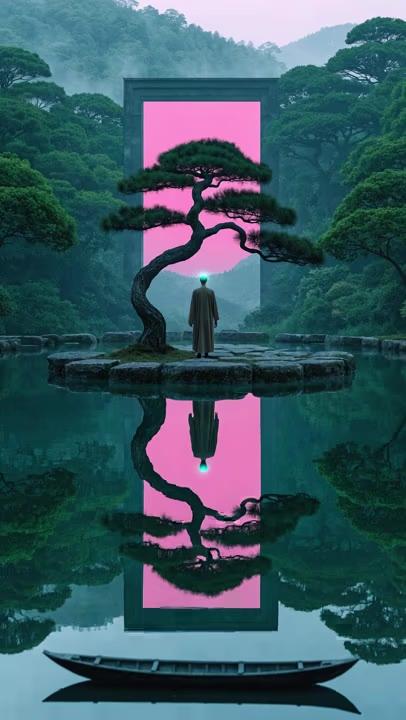
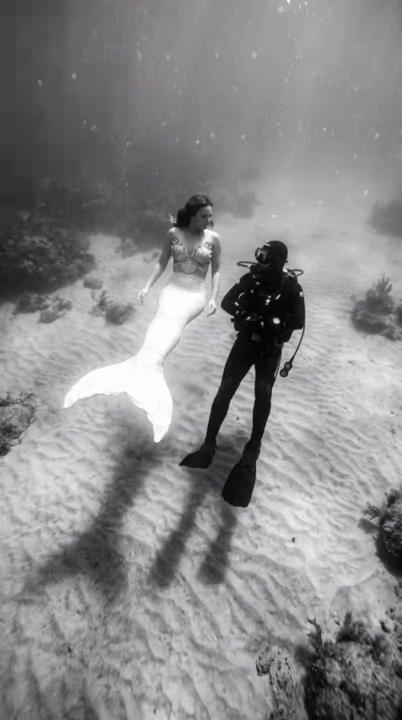
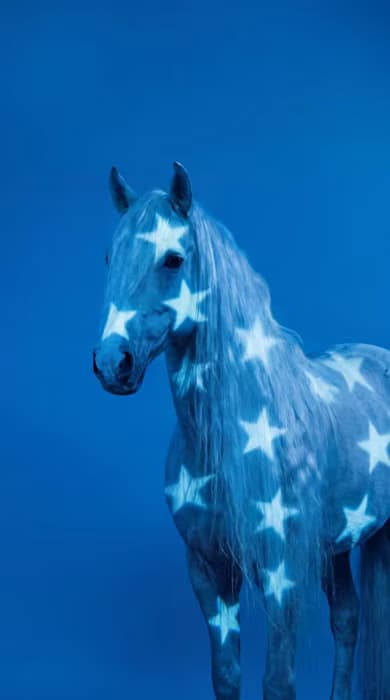
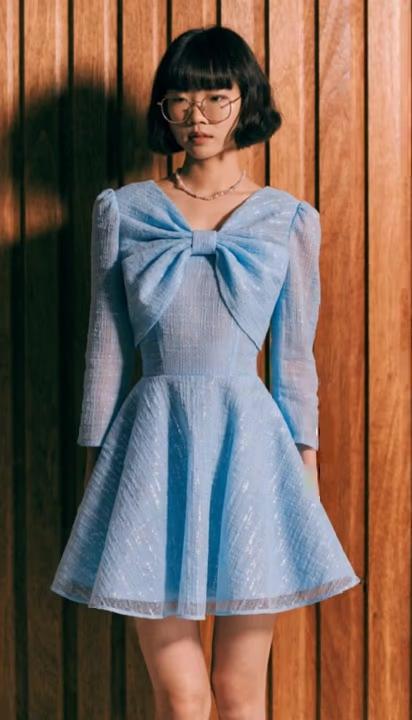


What is FLUX Video Outpaint? Video outpainting from Black Forest Labs
FLUX Video Outpaint is a video-to-video outpainting model from Black Forest Labs. You give it an existing clip and a larger canvas, and it generates new content around the original, frame by frame, so the scene continues past the old edges. The source footage and its audio are kept untouched. It handles clips of up to 20 seconds at 24 fps, and it sits in the FLUX video family next to FLUX Video Edit and Flux 3.
- Black Forest Labs video
- Original pixels kept
- Audio left untouched
Expand video beyond the frame, without touching the original
Most video expansion tools re-render the whole clip. FLUX Video Outpaint keeps every original pixel where it was and only paints the new area around it. Set the canvas size, then use the horizontal and vertical offset to decide where your clip sits on it: centered for an even widescreen extension, pushed to one side to open up space for a title, or moved down to add sky. Add a prompt to steer what appears in the new area, or leave it out and let the model continue the scene.
FLUX Video Outpaint settings: canvas size, placement and length
Width and height go from 64 to 1920 pixels in steps of 8, so you can build almost any shape, from 9:16 to ultrawide. The X and Y offsets place the original on that canvas, and an auto-crop option is there when you need it. Duration can stay on auto or be set to 5, 10, 15 or 20 seconds, and output runs at 24 fps. A fixed seed reproduces a take you like, and a safety tolerance setting (0 to 7, default 2) controls how strictly content is moderated.
How FLUX Video Outpaint works inside Picsart
Open FLUX Video Outpaint in Picsart's AI Playground, upload your clip, set the canvas and placement, add an optional prompt and generate. Want to compare results? Run the same clip through 150+ models, such as LTX 2.3 Outpaint, or change what is inside the frame with FLUX Video Edit. And you can reach FLUX Video Outpaint whichever way you work: on the web, in the desktop app, or built straight into your own projects via CLI, MCP, REST API, and SDK.
What you can create with FLUX Video Outpaint
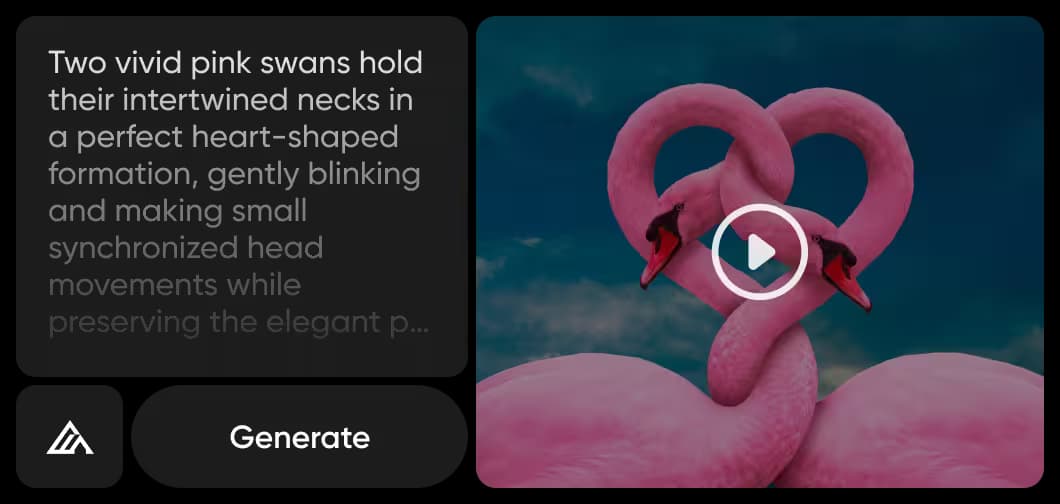
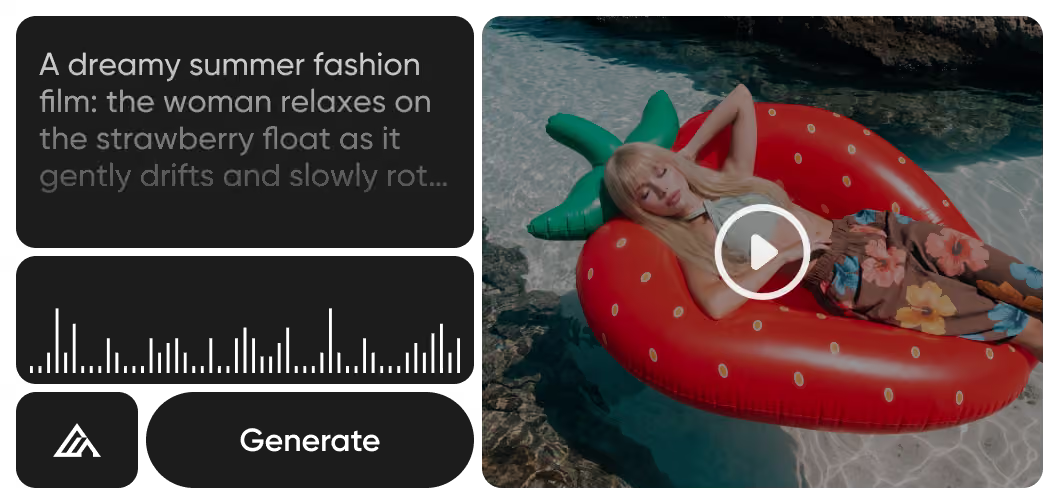
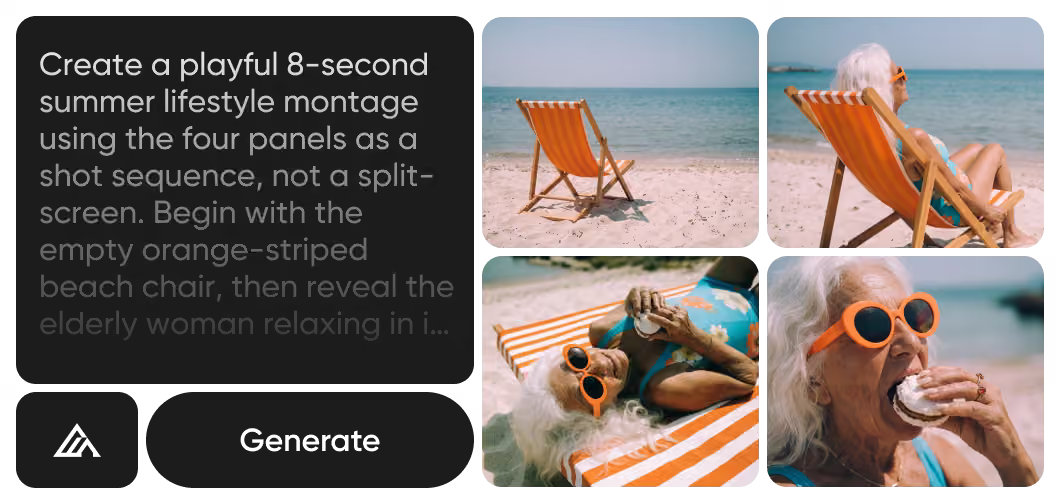
Turn 9:16 phone footage into a 16:9 or wider shot for YouTube, TV and web players without black bars.
How to expand a video with FLUX Video Outpaint
Three steps from a cropped clip to a wider shot.
FLUX Video Outpaint FAQ
Answers about expanding video with FLUX Video Outpaint in Picsart.
FLUX Video Outpaint is a Black Forest Labs video outpainting model. It places an existing clip on a larger canvas and generates new content around it, frame by frame, while keeping the original footage and audio unchanged.
More AI models to use
Explore other AI video models you can use in Picsart.

Expand your videos with FLUX Video Outpaint
Pro
Most popularAI tools for everyday creative work.
Ultra
Most powerfulHeavy AI usage for creators & teams.