Recraft V4.1 Flash vs GPT Image 2.5 Flare: pick the right AI image model
Both Recraft V4.1 Flash and GPT Image 2.5 Flare are built for speed, but they optimize for different things. Recraft V4.1 Flash is the fastest Recraft tier, generating 1K raster images in about 1.3 seconds at $0.007 each for rapid, high-volume concepting. GPT Image 2.5 Flare is OpenAI's speed-tuned variant, pairing fast generation with up to 4K output, up to 16 reference images, and precise editing. Compare them side by side in Picsart's AI Playground.
Feature comparison overview
Compare Recraft V4.1 Flash vs GPT Image 2.5 Flare side by side: speed, resolution, references, editing, output formats, and price for fast AI image generation.
| Feature | Recraft V4.1 Flash | GPT Image 2.5 Flare |
|---|---|---|
| Maker | Recraft V4.1 FlashRecraft | GPT Image 2.5 FlareOpenAI |
| Model position | Recraft V4.1 FlashFastest tier of the Recraft V4.1 family | GPT Image 2.5 FlareSpeed variant of GPT Image 2.5 |
| Speed | Recraft V4.1 Flash~1.3s per image (p50 1.4s, p95 1.8s) | GPT Image 2.5 FlareAbout half the latency of GPT Image 2 (up to 2-4x its pace) |
| Max resolution | Recraft V4.1 FlashRaster at 1K | GPT Image 2.5 FlareUp to 4K (max edge 3840px) |
| Output format | Recraft V4.1 FlashRaster only (PNG/JPG); no SVG | GPT Image 2.5 FlarePNG or WebP |
| Transparent background | Recraft V4.1 FlashNo | GPT Image 2.5 FlareYes |
| Reference images | Recraft V4.1 FlashNone - generate-only (no image-to-image) | GPT Image 2.5 FlareUp to 16 reference images |
| Multi-turn editing | Recraft V4.1 FlashNo editing - text-to-image only | GPT Image 2.5 FlarePrecise single-element and stable multi-turn editing |
| Quality tiers & controls | Recraft V4.1 FlashColor + background-color only; no style references | GPT Image 2.5 Flarexhigh + max quality tiers; sketch, templates, shared prompts |
| Higher-fidelity path | Recraft V4.1 FlashRefine to Recraft V4.1 Pro at 2048x2048 | GPT Image 2.5 FlareNative up to 4K; switch to Sunburst (precision) variant |
| Price | Recraft V4.1 Flash$0.007 per image | GPT Image 2.5 FlareNot publicly disclosed per image (included in Picsart plans) |
| Best for | Recraft V4.1 FlashReal-time concepting and high-volume drafts | GPT Image 2.5 FlareFast photoreal finals, precise edits, and 4K campaign visuals |
Get familiar with Recraft V4.1 Flash and GPT Image 2.5 Flare
At a glance, Recraft V4.1 Flash and GPT Image 2.5 Flare both prioritize speed, but they sit at opposite ends of the tradeoff. Flash is a lean, generate-only text-to-image model tuned for the fastest possible drafts at the lowest cost. Flare is OpenAI's speed-optimized GPT Image 2.5 variant that keeps pace while still offering 4K output, reference images, and precise editing. Try them both in Picsart's AI Image Generator.
How fast each model really is
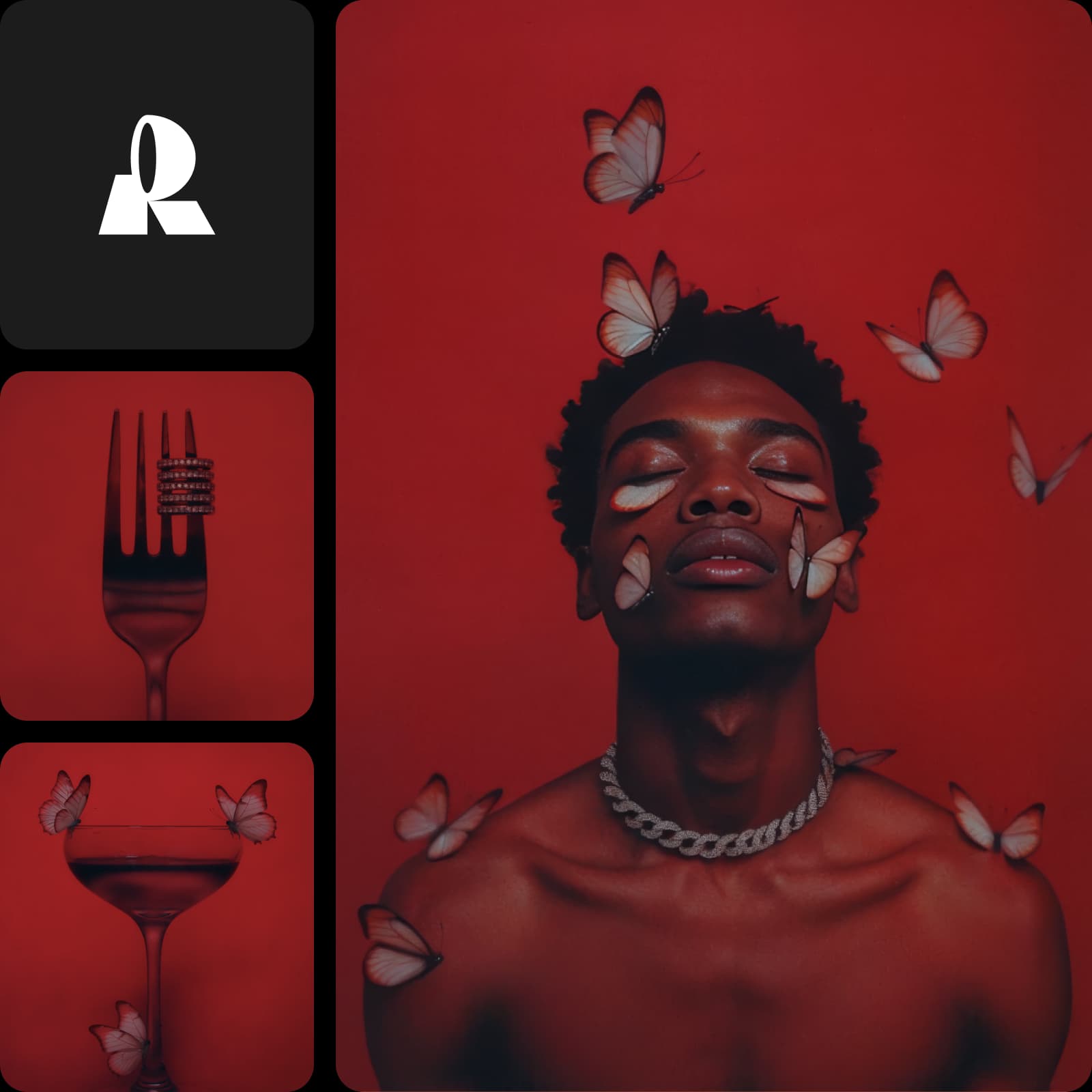
Recraft V4.1 Flash is built around one number: roughly 1.3 seconds from prompt to image (about 1.4s median, 1.8s at the 95th percentile), so it feels real-time. GPT Image 2.5 Flare is OpenAI's fast tier - about half the latency of GPT Image 2 and up to 50% quicker than Images 2.0 - though it isn't published as a single second-count. If raw, real-time draft speed is the goal, Flash leads; if you want fast plus high-end output in one model, Flare is the balance.
1K drafts vs up to 4K finals
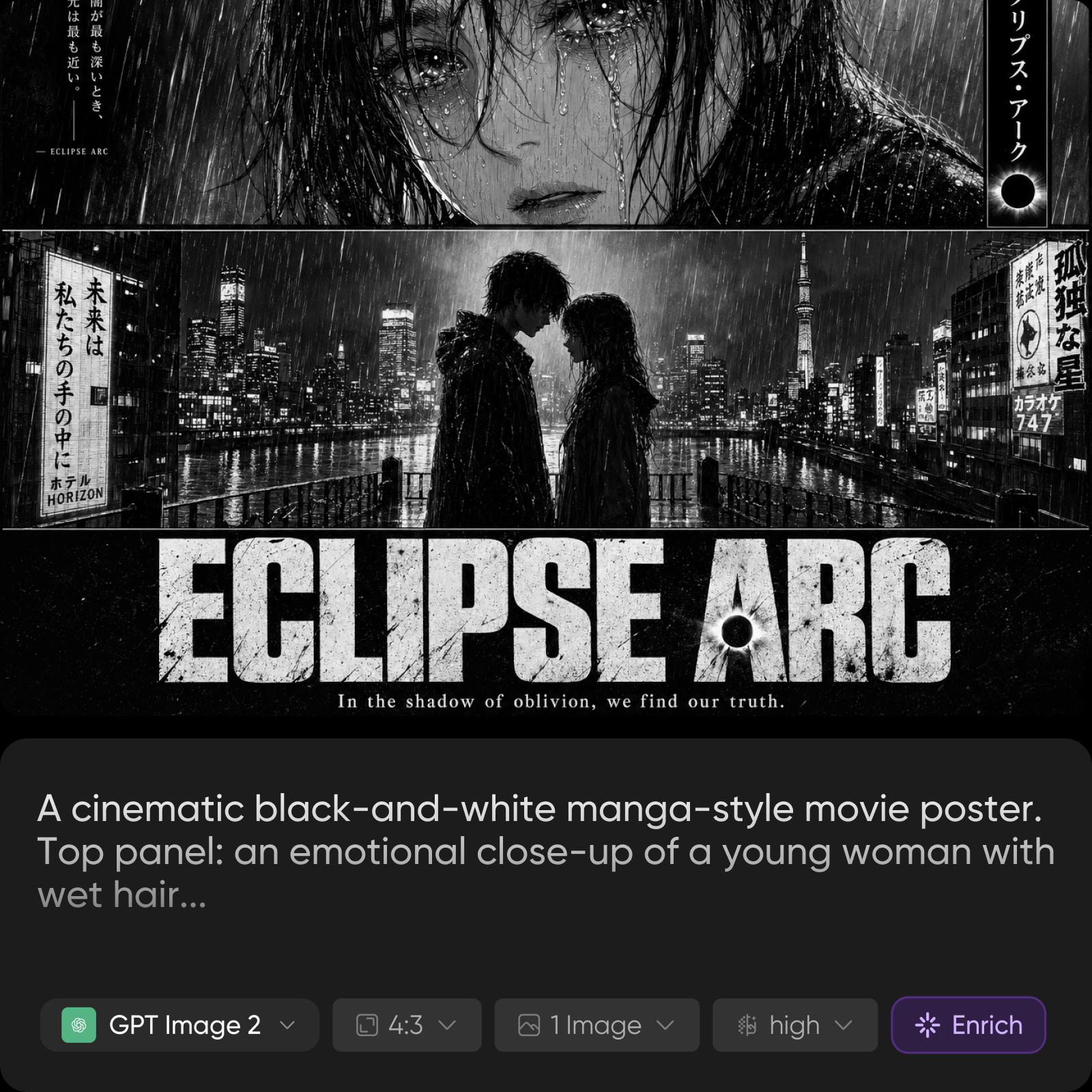
This is the clearest split. Recraft V4.1 Flash outputs raster images at 1K - ideal for quick exploration, and you can Refine a favorite up to Recraft V4.1 Pro at 2048x2048 when you need more. GPT Image 2.5 Flare generates natively up to 4K (maximum edge 3840px) with sharper detail, richer texture, and more natural lighting. For delivery-ready resolution straight out of the model, Flare wins; for fast 1K drafts, Flash is enough.
Generate-only vs references and precise edits
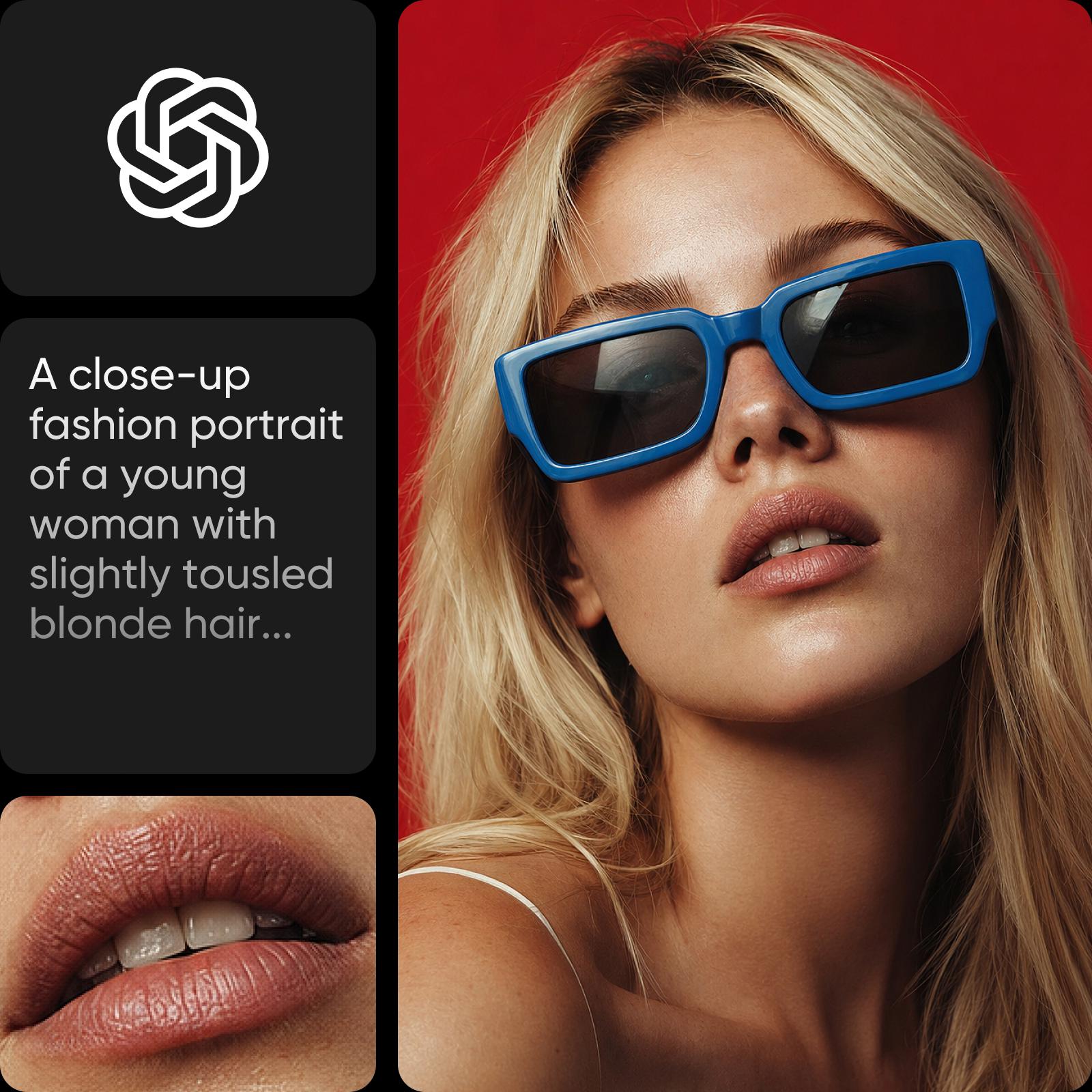
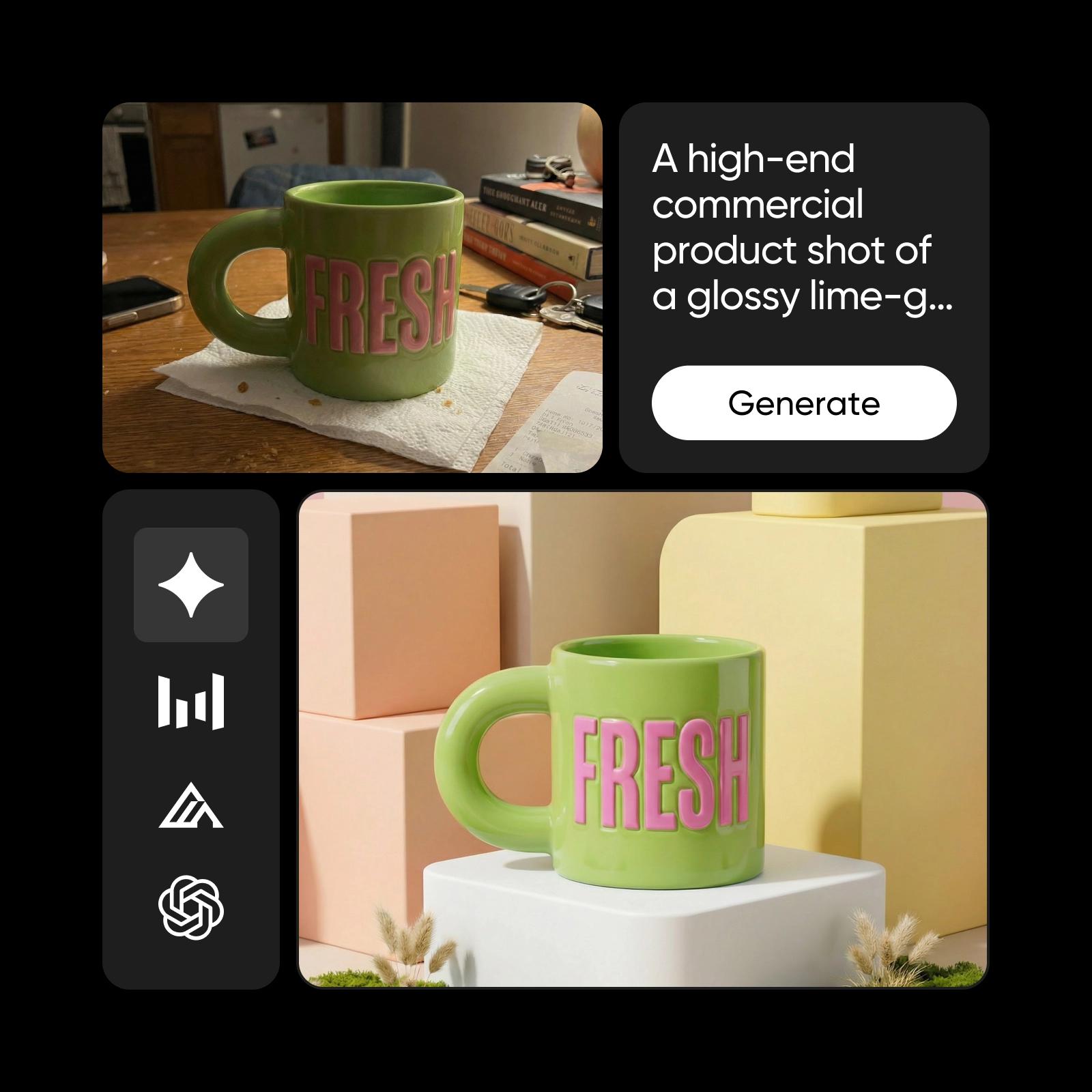
Recraft V4.1 Flash is deliberately generate-only: no image-to-image, no attached style references - just fast text-to-image, which is part of why it's so quick. GPT Image 2.5 Flare goes the other way, accepting up to 16 reference images and supporting precise single-element edits that hold steady across a long, multi-turn session. If you need to edit, iterate on a photo, or steer with references, Flare is the clear pick; Flash is for generating fresh, from scratch.
Output formats and transparent backgrounds
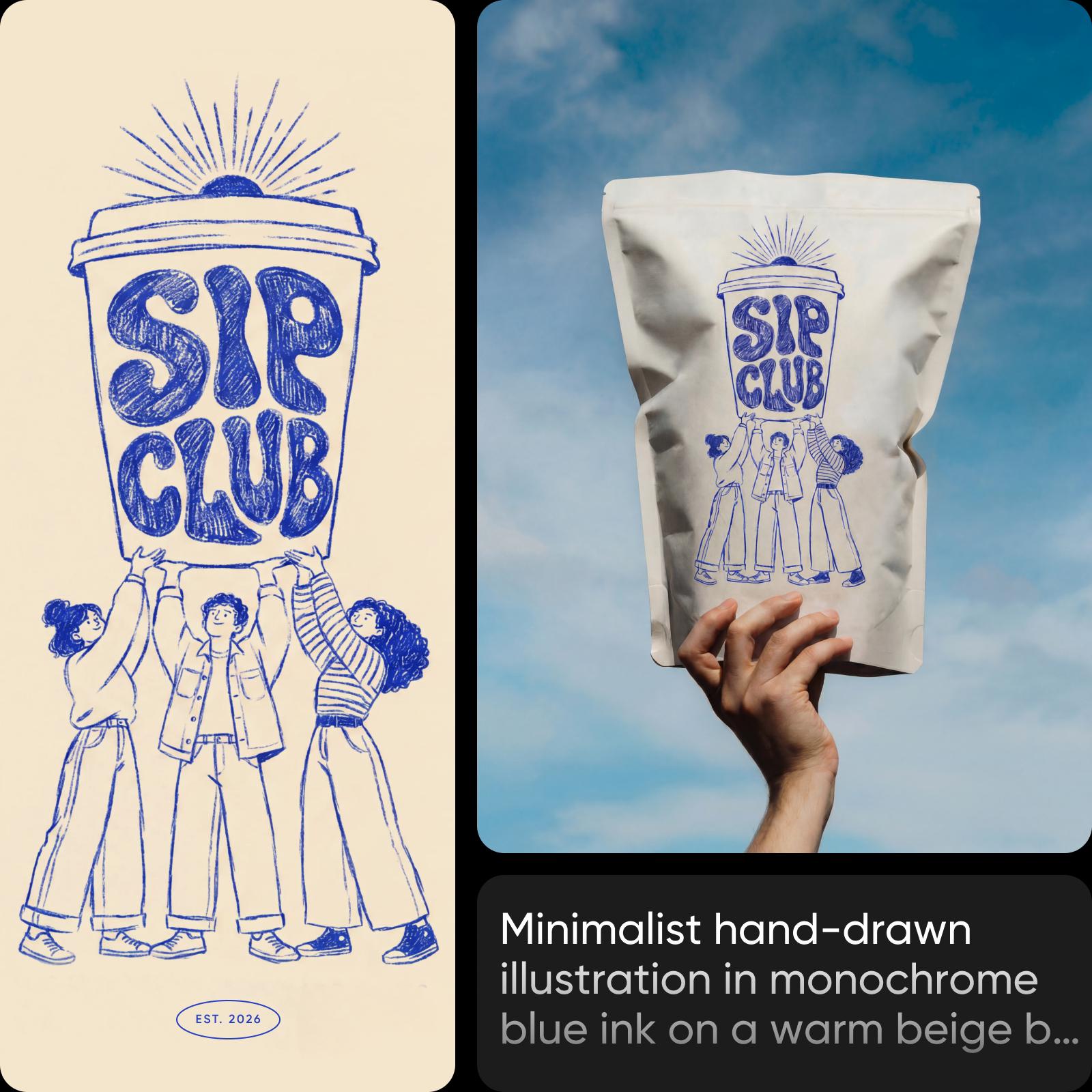
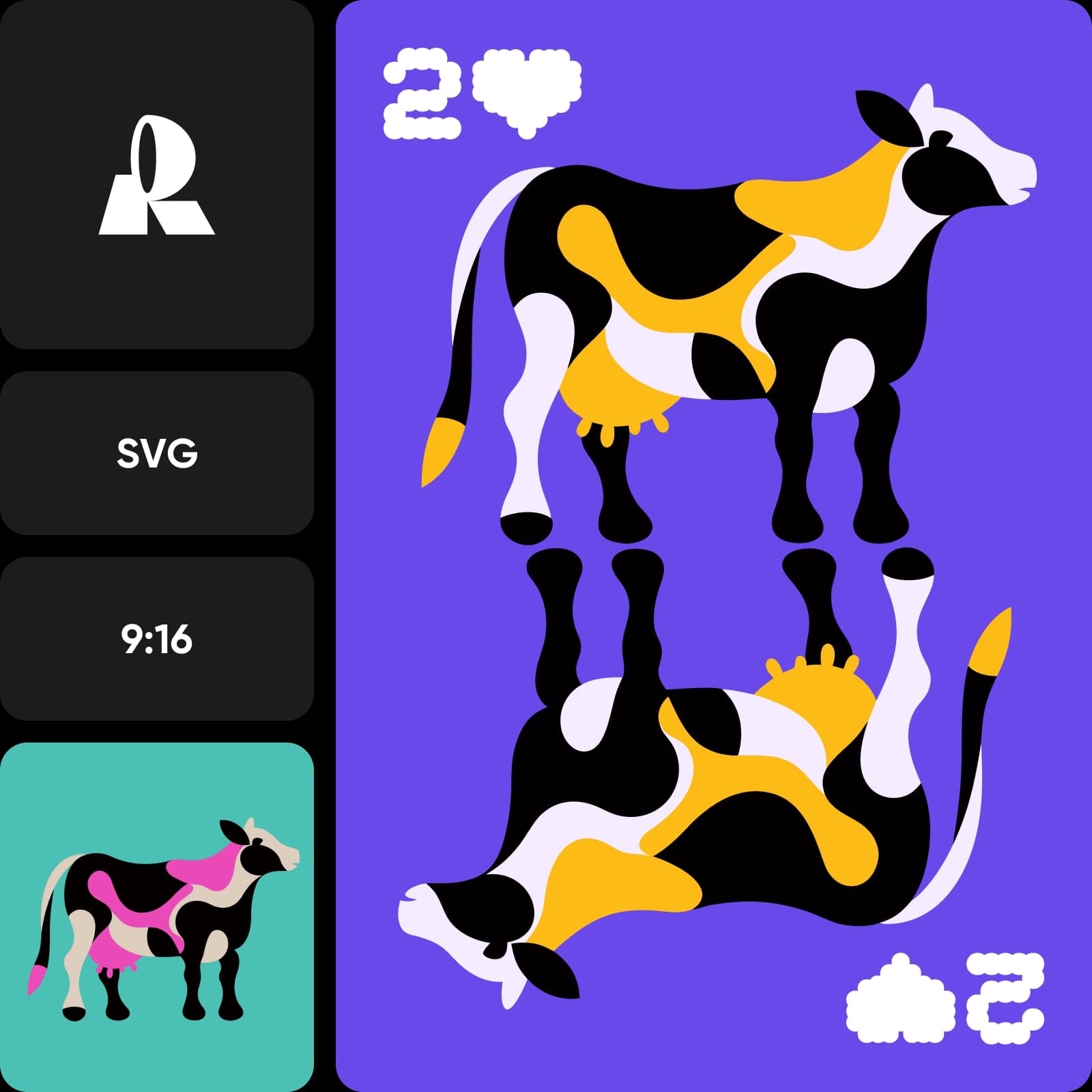
Recraft V4.1 Flash delivers raster images with lean color and background-color controls - great for flat, fast output, but no transparency or vector. GPT Image 2.5 Flare exports PNG or WebP, including transparent backgrounds, plus xhigh and max quality tiers and layout-friendly features like sketch input and templates. For logos, product cut-outs, and composited design work that needs alpha, Flare's transparent PNG output is the deciding factor.
Choose Recraft V4.1 Flash or GPT Image 2.5 Flare
Choose Recraft V4.1 Flash when speed and volume matter most - real-time concepting, dozens of cheap 1K drafts, then Refine the winner. Choose GPT Image 2.5 Flare when you want fast generation without giving up 4K resolution, reference images, transparent PNGs, and precise editing. Choose Picsart to use both - compare Recraft V4.1 Flash and GPT Image 2.5 Flare from a single prompt in the AI Playground and pick the best model for each job.
Recraft V4.1 Flash vs GPT Image 2.5 Flare FAQ
Both are speed-tuned image models, but Recraft V4.1 Flash is a generate-only tier that makes 1K raster drafts in about 1.3 seconds at $0.007 each, while GPT Image 2.5 Flare is OpenAI's fast variant with up to 4K output, up to 16 reference images, transparent PNG/WebP, and precise editing.
Understand image model choices
Learn how to compare image models and choose an output.