Recraft V4.1 Flash vs Recraft V4.1 Pro: pick the right tier
Recraft V4.1 Flash and Recraft V4.1 Pro are two tiers of the same design-quality Recraft V4.1 family - one built for real-time speed, the other for premium fidelity. This Recraft V4.1 Flash vs Recraft V4.1 Pro comparison breaks down speed, resolution, price, style control, and use cases so you can pick the right tier for every job. Try both side by side in Picsart's AI Playground.
Feature comparison overview
Compare Recraft V4.1 Flash vs Recraft V4.1 Pro side by side - speed, resolution, price, style control, and best use cases across the Recraft V4.1 family.
| Feature | Recraft V4.1 Flash | Recraft V4.1 Pro |
|---|---|---|
| Tier role | Recraft V4.1 FlashSpeed tier - fastest in the V4.1 family | Recraft V4.1 ProPremium tier - highest-fidelity V4.1 output |
| Generation speed | Recraft V4.1 Flash~1.3s prompt-to-image (real-time) | Recraft V4.1 ProQuality-first; slower than Flash |
| Max resolution | Recraft V4.1 Flash1K raster only | Recraft V4.1 ProUp to 2048x2048 |
| Output type | Recraft V4.1 FlashRaster images | Recraft V4.1 ProRaster, premium detail |
| Price | Recraft V4.1 Flash$0.007 per image | Recraft V4.1 ProPremium tier, priced above Flash (exact rate TBC) |
| Image-to-image & references | Recraft V4.1 FlashGenerate-only; no i2i or style references | Recraft V4.1 ProSupports reference images and create-style |
| Creative controls | Recraft V4.1 FlashColor + background color only | Recraft V4.1 ProFull V4.1 controls incl. style references |
| Max prompt length | Recraft V4.1 FlashUp to 10,000 characters | Recraft V4.1 ProUp to 10,000 characters |
| Aspect ratios | Recraft V4.1 Flash9 ratios (1:1 to 2:1 / 1:2) | Recraft V4.1 Pro9 ratios (1:1 to 2:1 / 1:2) |
| Refine workflow | Recraft V4.1 FlashSource - upgrades to Pro via Refine | Recraft V4.1 ProTarget - receives Flash output at 2048x2048 |
| Best for | Recraft V4.1 FlashRapid concepting, high-volume drafts | Recraft V4.1 ProPremium finals, high-res design assets |
| Availability | Recraft V4.1 FlashPicsart AI Playground | Recraft V4.1 ProPicsart AI Playground |
Get familiar with Recraft V4.1 Flash and Recraft V4.1 Pro
Recraft V4.1 Flash and Recraft V4.1 Pro are both tiers of the design-quality Recraft V4.1 family. Recraft V4.1 Flash is the speed tier - a generate-only model tuned for real-time iteration at low cost. Recraft V4.1 Pro is the premium tier - built for the highest fidelity, larger final assets, and full style control. Try them both in the AI Playground.
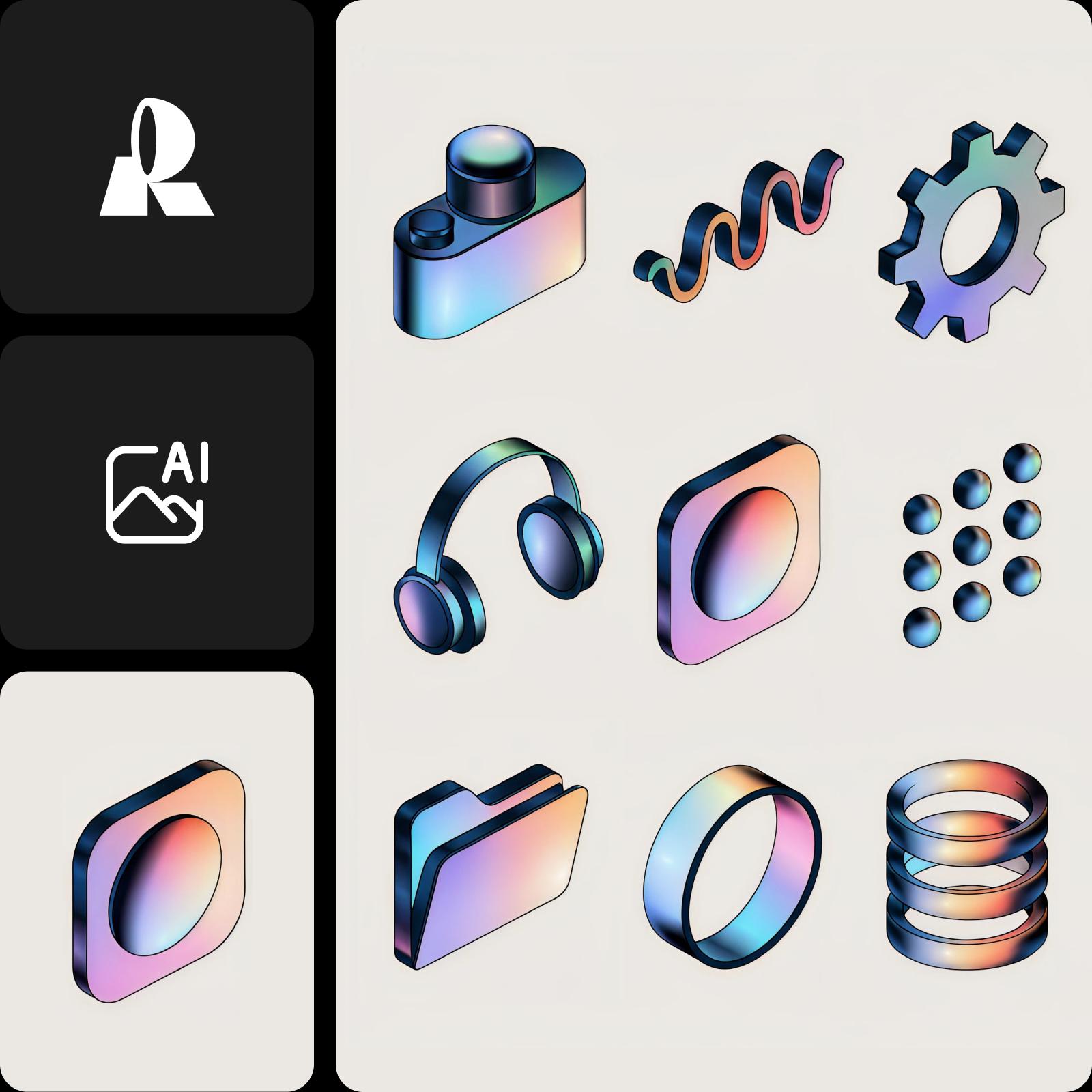
Real-time drafts or considered, quality-first renders
Speed is the whole point of Recraft V4.1 Flash: it turns a prompt into a finished image in about 1.3 seconds (roughly 1.4s at the median, 1.8s at the 95th percentile), fast enough to iterate in real time. Recraft V4.1 Pro takes the opposite stance - it trades that instant turnaround for maximum fidelity, so renders take longer but arrive with more detail. Choose Flash when momentum matters; choose Pro when the final frame does.
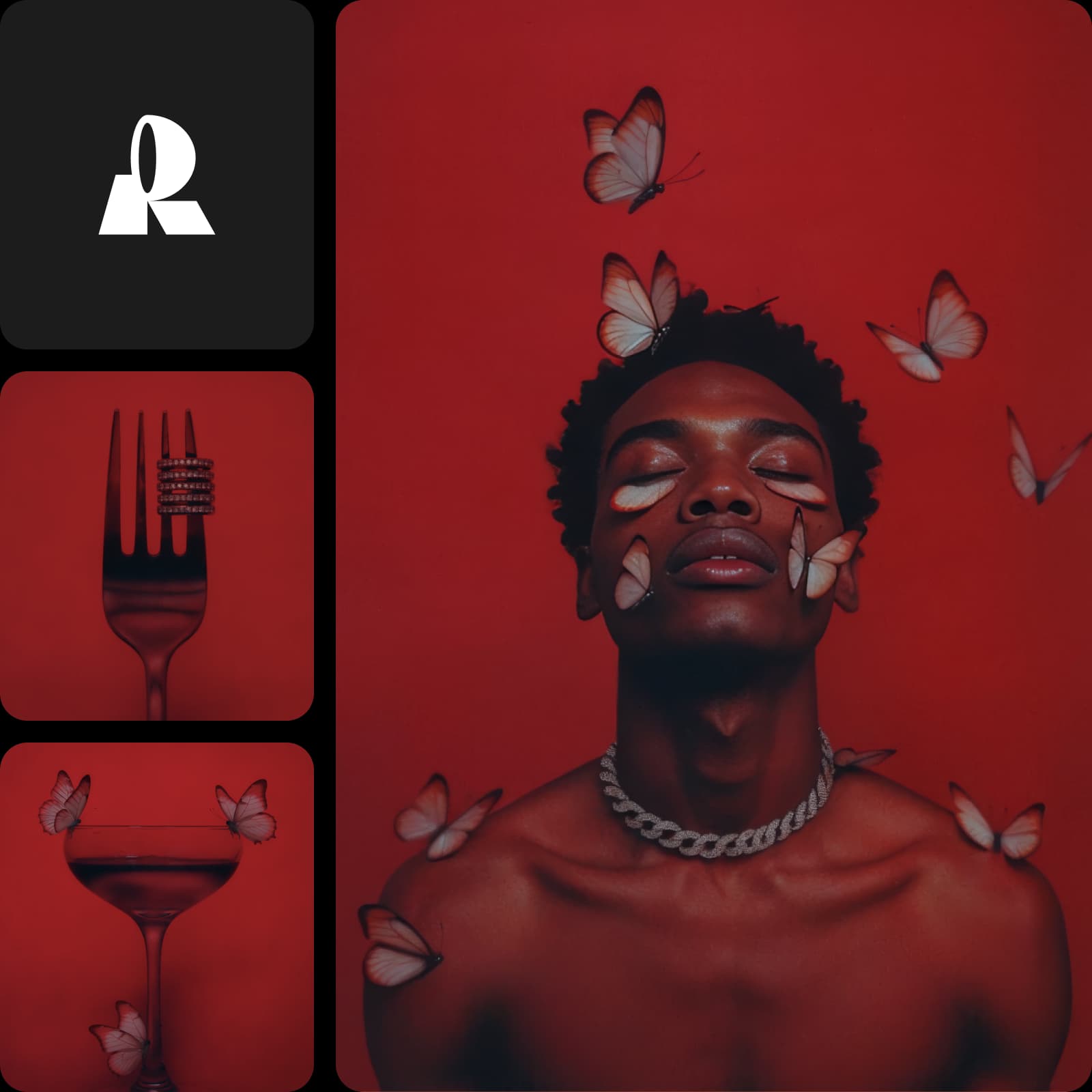
1K speed output vs 2048px premium detail
Recraft V4.1 Flash generates raster images at 1K resolution - crisp and more than enough for concepting, but capped for final delivery. Recraft V4.1 Pro is the high-resolution variant, producing premium output up to 2048x2048 with enhanced detail for larger final assets. In fact, Flash's own Refine step upgrades a draft to Pro quality at 2048x2048, which shows exactly where each tier sits: Flash for the fast look, Pro for the finished pixels.
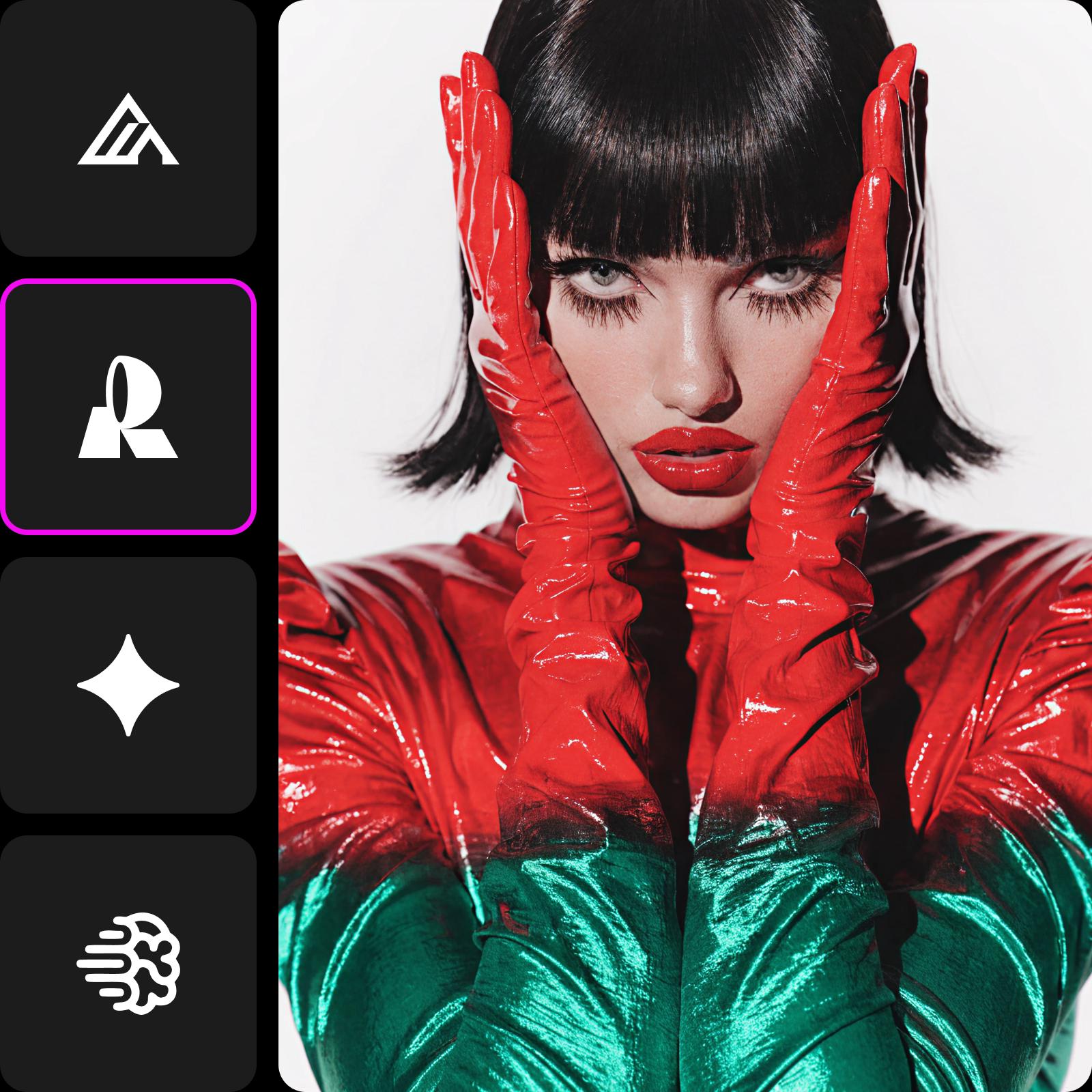
Explore for cents or finish with premium polish
At $0.007 per image, Recraft V4.1 Flash is priced for volume - fan out dozens of variations for a single brief and shortlist without watching the credit meter. Recraft V4.1 Pro is the premium tier and is priced above Flash, reflecting its higher resolution and added detail. The efficient workflow uses both: explore widely and cheaply with Flash, then spend on Pro only for the assets you actually ship.
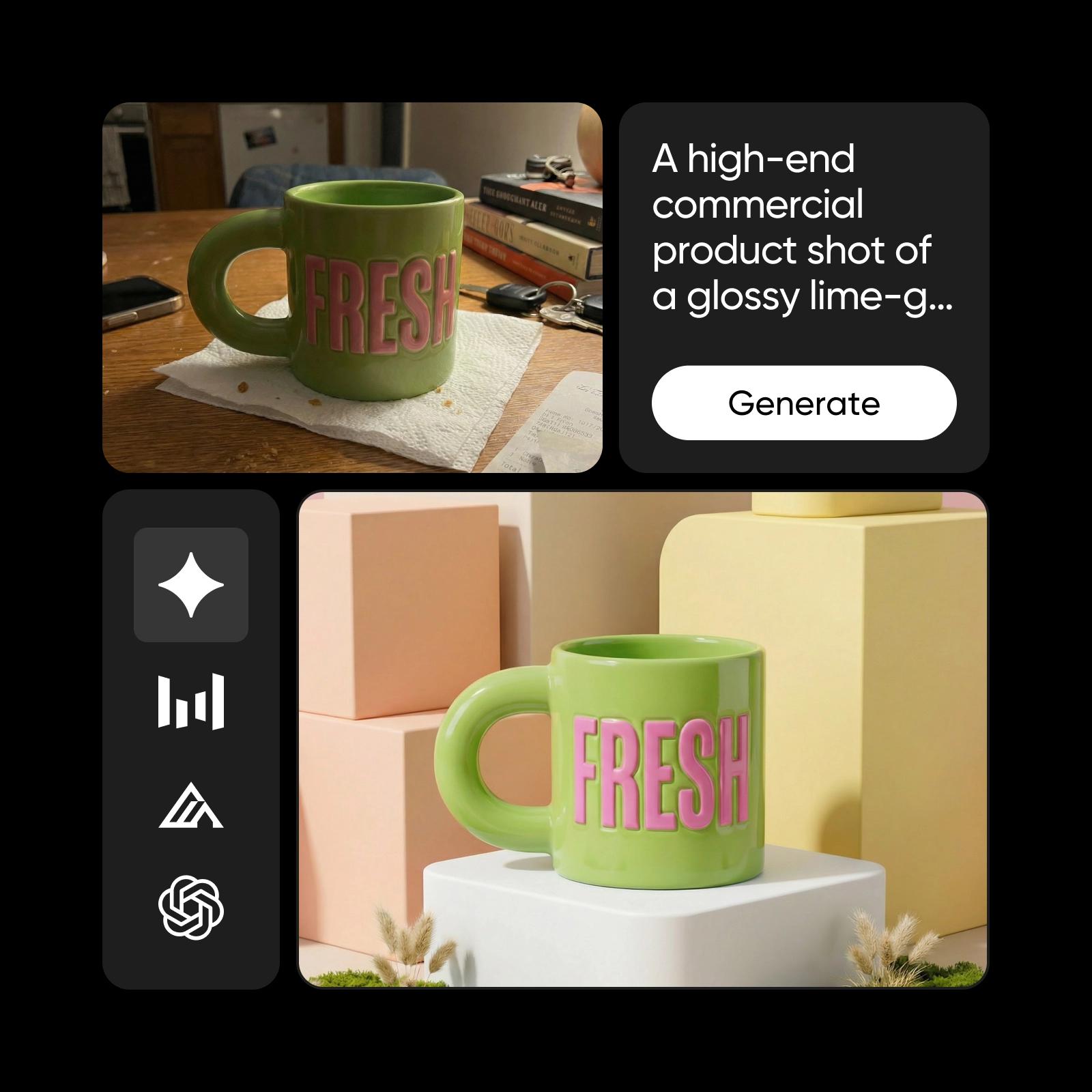
Generate-only speed vs full style control
Recraft V4.1 Flash is deliberately generate-only: it doesn't accept image-to-image inputs, create-style requests, or attached style references, and its controls are limited to color and background color - that focus is exactly what makes it fast. Recraft V4.1 Pro keeps the full V4.1 toolset, supporting reference images and create-style so you can lock a look across a set. If you need brand-consistent styling, Pro leads; if you need raw speed, Flash leads. Both read prompts up to 10,000 characters.
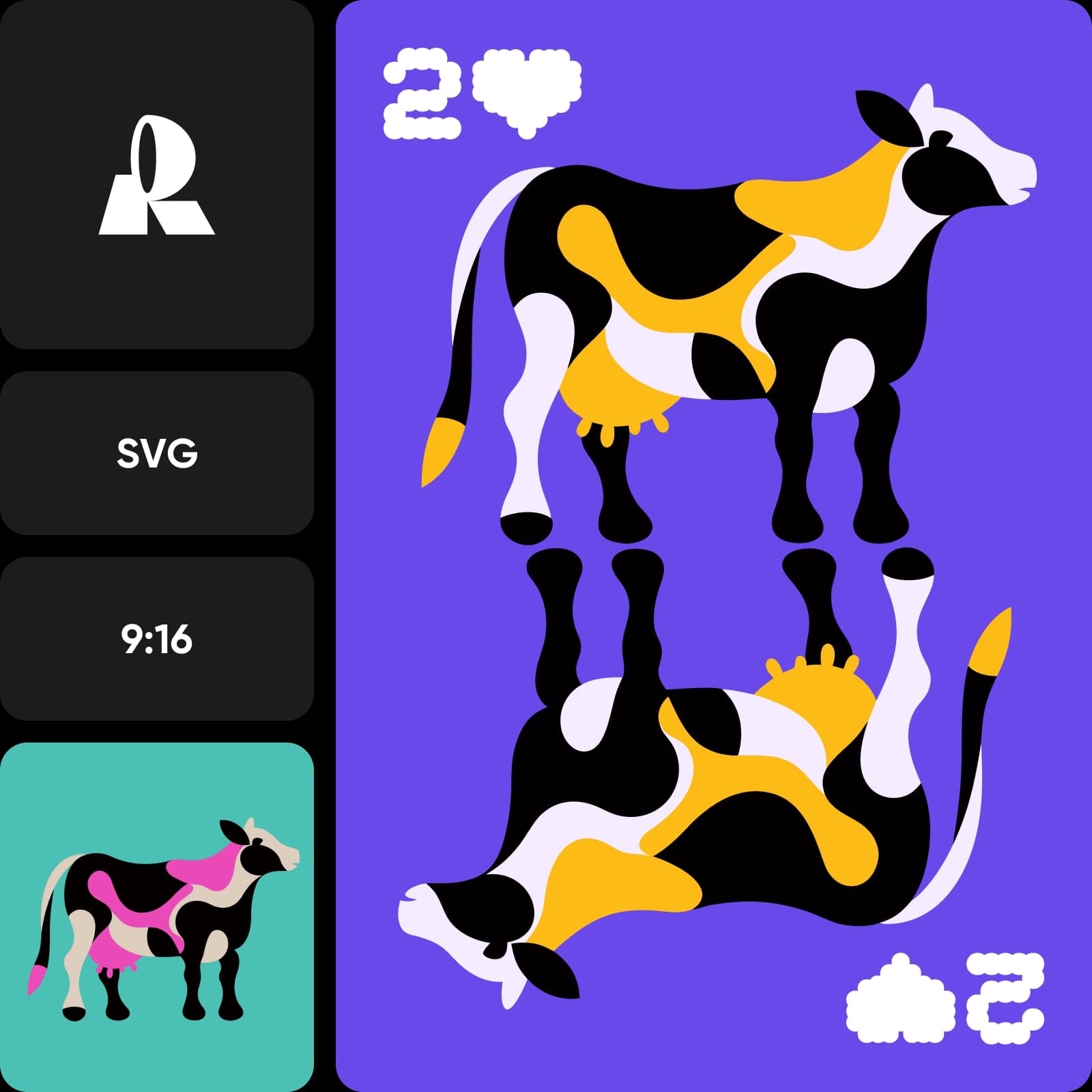
Choose Recraft V4.1 Flash or Recraft V4.1 Pro for your workflow
Choose Recraft V4.1 Flash for the messy, exploratory front end - rapid concepting, live brainstorms, and high-volume drafts at real-time speed and pennies per image. Choose Recraft V4.1 Pro for premium finals, high-resolution design assets, and work that needs style control and 2048px detail. Choose Picsart to use both: draft fast with Flash, finish sharp with Pro, and compare them side by side from a single prompt in the AI Playground.
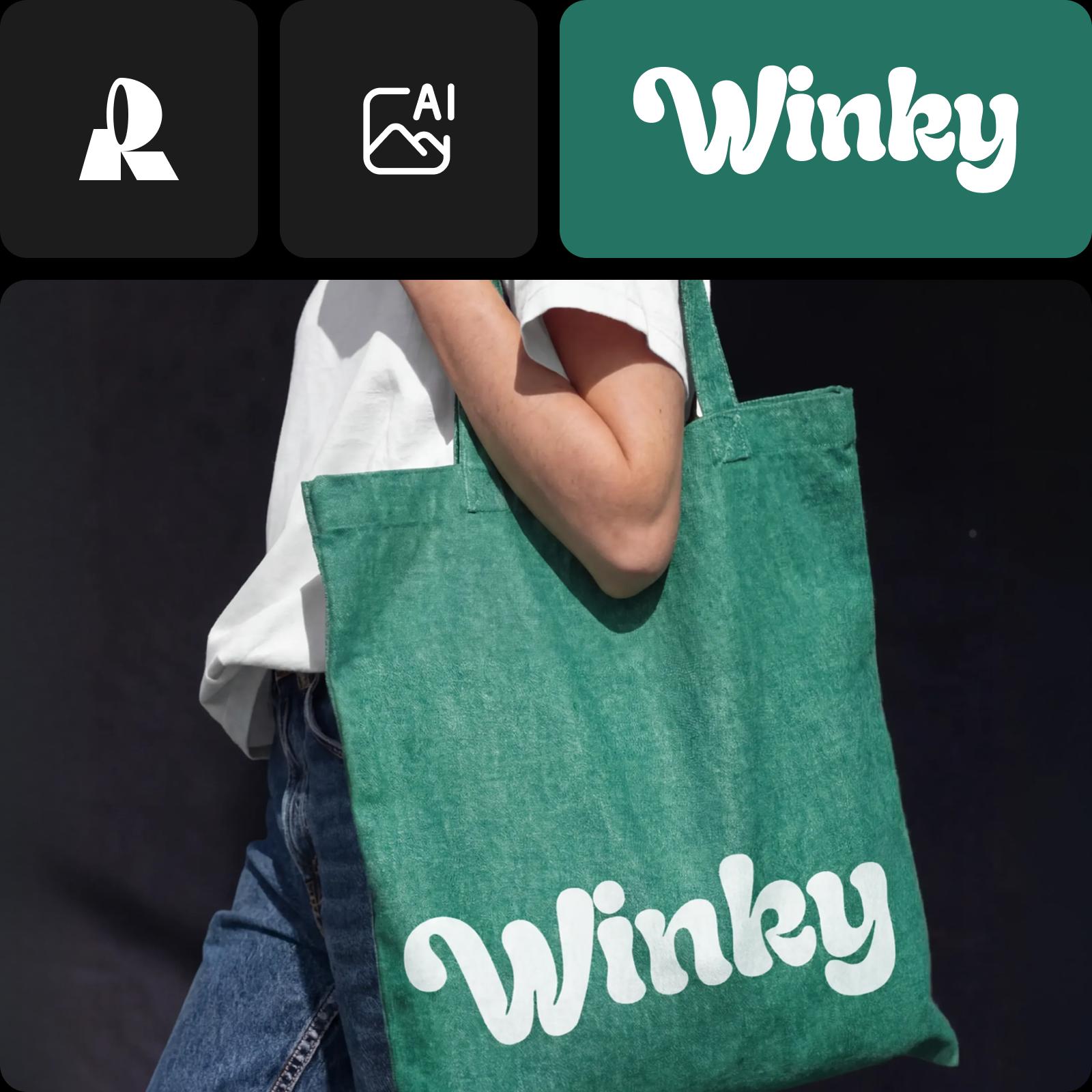
Recraft V4.1 Flash vs Recraft V4.1 Pro FAQ
Recraft V4.1 Flash is the speed tier - a generate-only model that turns a prompt into a 1K raster image in about 1.3 seconds at $0.007 per image. Recraft V4.1 Pro is the premium tier - higher fidelity, up to 2048x2048 resolution, with reference images and create-style support for full creative control.
Understand image model choices
Learn how to compare image models and choose an output.