Seedream 5.0 Flash vs Ideogram 4.5: point at the edit, or mask it
Seedream 5.0 Flash and Ideogram 4.5 both generate images and both edit them, so the choice is not about quality - it is how you tell each one where to work. Seedream lets you mark the spot by hand and can return the design in editable layers. Ideogram takes a mask and is built to survive repeated passes without the picture degrading. Try both side by side in Picsart's AI Playground.
- Test the same prompt on both models
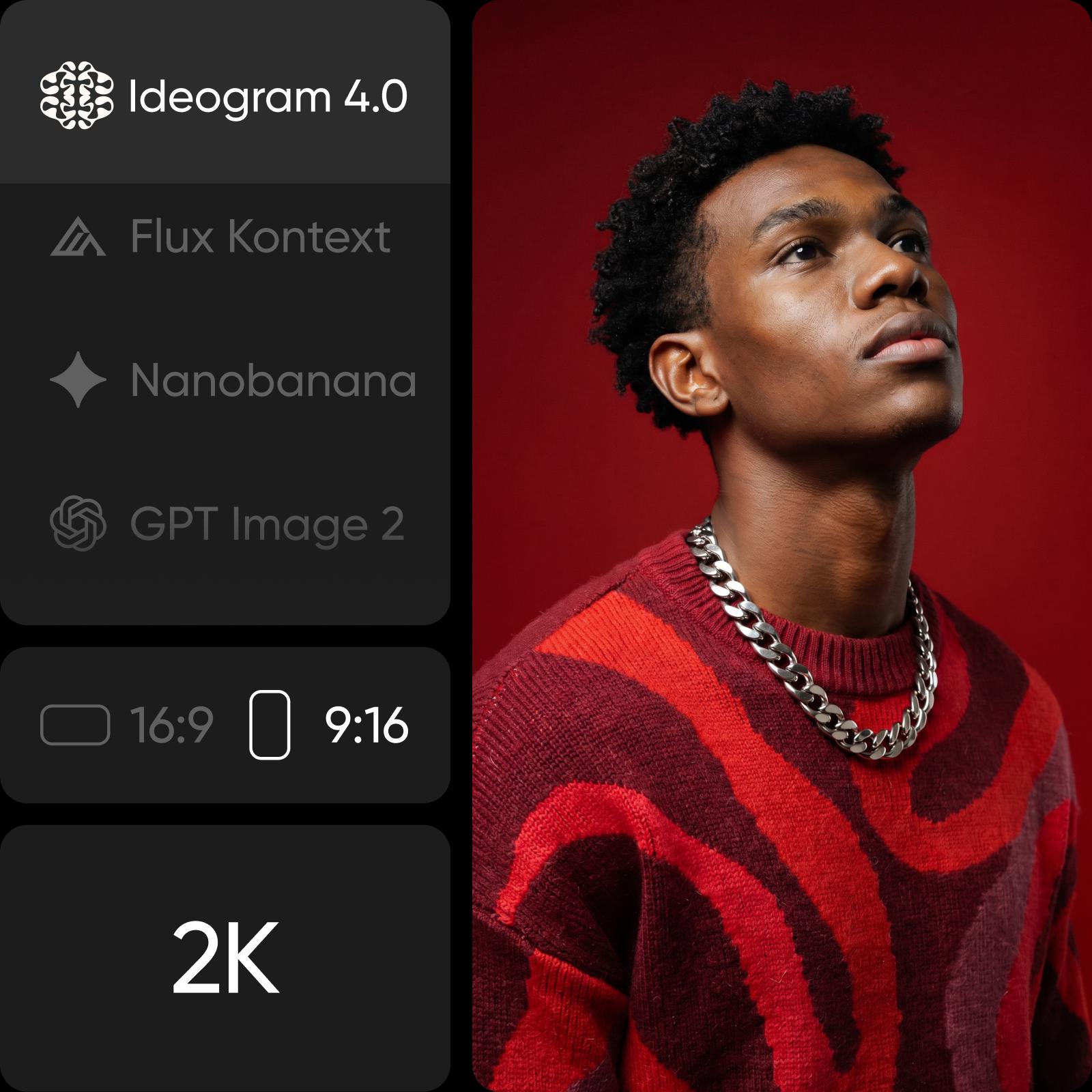
Feature comparison overview
Compare Seedream 5.0 Flash and Ideogram 4.5 across the features that matter most, from how you target an edit to what comes back, resolution and cost.
How you aim an edit is the real difference here
These 2 models overlap more than most pairings: both write images from a prompt, both take reference images, and both edit what they produce. So the question is how you point at the thing you want changed, and what you get back. Seedream 5.0 Flash lets you mark the spot directly on the picture and can return the design in pieces. Ideogram 4.5 takes a mask and is engineered so the tenth edit looks as clean as the first.

Seedream 5.0 Flash: draw on the image instead of describing the spot
Seedream 5.0 Flash is the fast, lower-cost tier of ByteDance Seed's Seedream 5.0 family - in ByteDance's own words it "generates images faster and costs less". Its first standout is how you aim an edit: scribble a circle or doodle straight onto the reference image and only that area changes. Its second is what comes back - a design can return as a base plus up to 16 transparent-PNG layers, each keeping its own position and stacking order.
Ideogram 4.5: edit the same image repeatedly without it falling apart
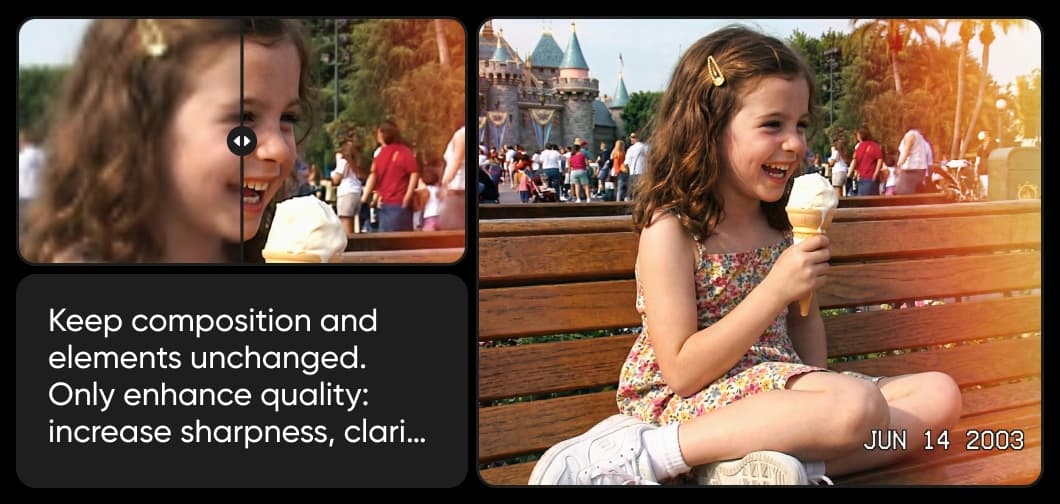
Ideogram calls 4.5 its most precise edit model, built for a problem every image model has: each pass introduces small pixel shifts, colour changes and texture artifacts until the picture has quietly drifted. Ideogram 4.5 reduces that drift and preserves detail across multi-turn edits. It also edits high-resolution images without downsizing them first - Ideogram's own example works on a 4,016 x 6,016 source. Picsart runs it alongside Ideogram 4.5 Precise Edit, the dedicated mask-inpainting variant.

Keep the work open, by layers or by passes
Both models answer the same complaint - that a generated image arrives welded shut - from opposite ends. Seedream 5.0 Flash breaks the result into parts, so the editing happens afterwards in your own tool. Ideogram 4.5 keeps the image whole and makes returning to it safe, so the editing happens in the model, one pass at a time. In the AI Playground both draw on the same credit balance, so switching between them costs you nothing extra.
Choose the right model for your workflow
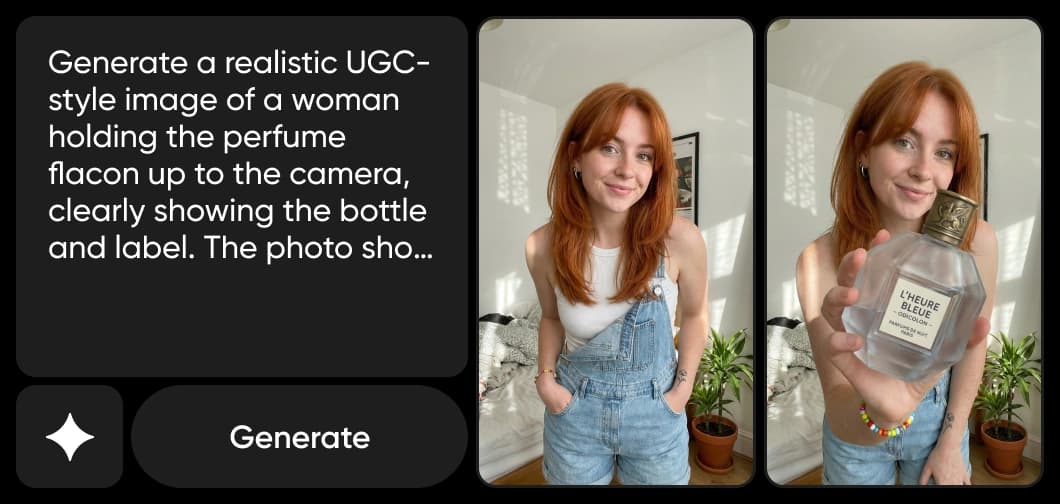
Reach for Seedream 5.0 Flash when you can see exactly what is wrong and want to point at it - one element in a campaign visual, a layout you would rather finish by hand with the pieces already separated. Reach for Ideogram 4.5 when a single image will take several rounds of notes and has to survive all of them. Choose Picsart to use both and pick the best model for each project.

Seedream 5.0 Flash vs Ideogram 4.5 FAQ
Both generate images and both edit them. Seedream 5.0 Flash lets you mark the area you want changed directly on the picture, and can return a finished design as up to 16 separate layers. Ideogram 4.5 takes a mask and is built so repeated edits do not degrade the image. Pick Seedream if you want to point and to keep the pieces; pick Ideogram if one image has to survive many rounds of changes.
Understand AI image generation
Learn how prompts, references, and model choices shape images.