Seedream 5.0 Flash vs Recraft V4.1 Flash: two speed tiers, two different jobs
Both models are the fast tier of their family, and the name is where the similarity ends. Recraft V4.1 Flash does one thing quickly: turns text into a 1K image in around 1.3 seconds for $0.007, with no image input at all. Seedream 5.0 Flash does more - it generates, edits the exact spot you mark, and can hand a design back in layers. Try both side by side in Picsart's AI Playground.
Feature comparison overview
Compare Seedream 5.0 Flash and Recraft V4.1 Flash across the features that matter most, from what each one accepts as input to editing, resolution, speed and cost.
Both are called Flash. Only one of them takes an image
The shared name hides the actual decision. Recraft V4.1 Flash is a text-to-image generator and deliberately nothing else - it will not accept an image to work from, and that narrowness is what makes it quick. Seedream 5.0 Flash takes reference images, lets you mark a region and change only what is inside it, and can return the result in layers. So answer one question first: does your work start from a picture, or from a blank page?
Seedream 5.0 Flash: the fast tier that still edits and splits
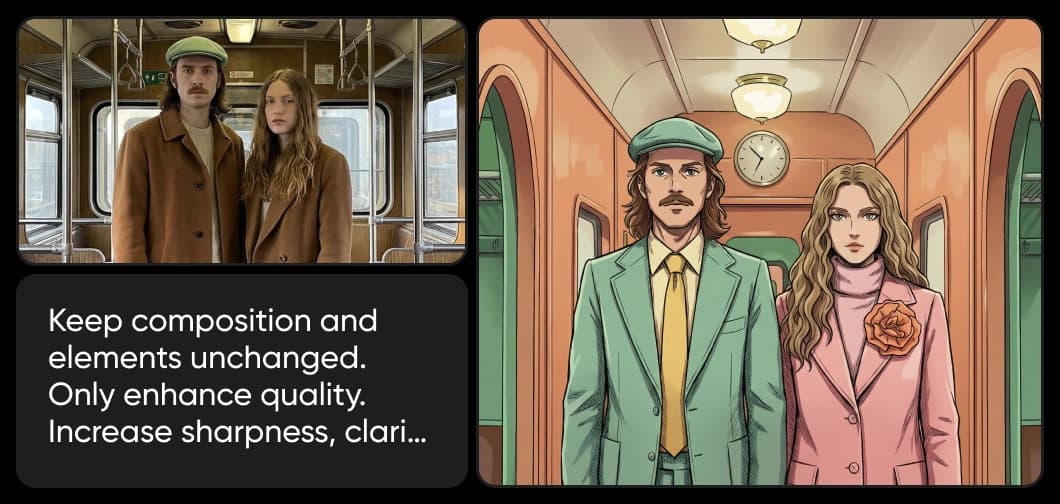
Seedream 5.0 Flash is the lower-cost half of ByteDance Seed's Seedream 5.0 pairing - in ByteDance's wording it "generates images faster and costs less". What separates it from most speed tiers is that it kept its capability. It writes from a prompt or from reference images, renders text natively in multiple languages, lets you mark a region by drawing on the picture, and can return the result as up to 16 transparent-PNG layers.
Recraft V4.1 Flash: narrow on purpose, and very quick because of it
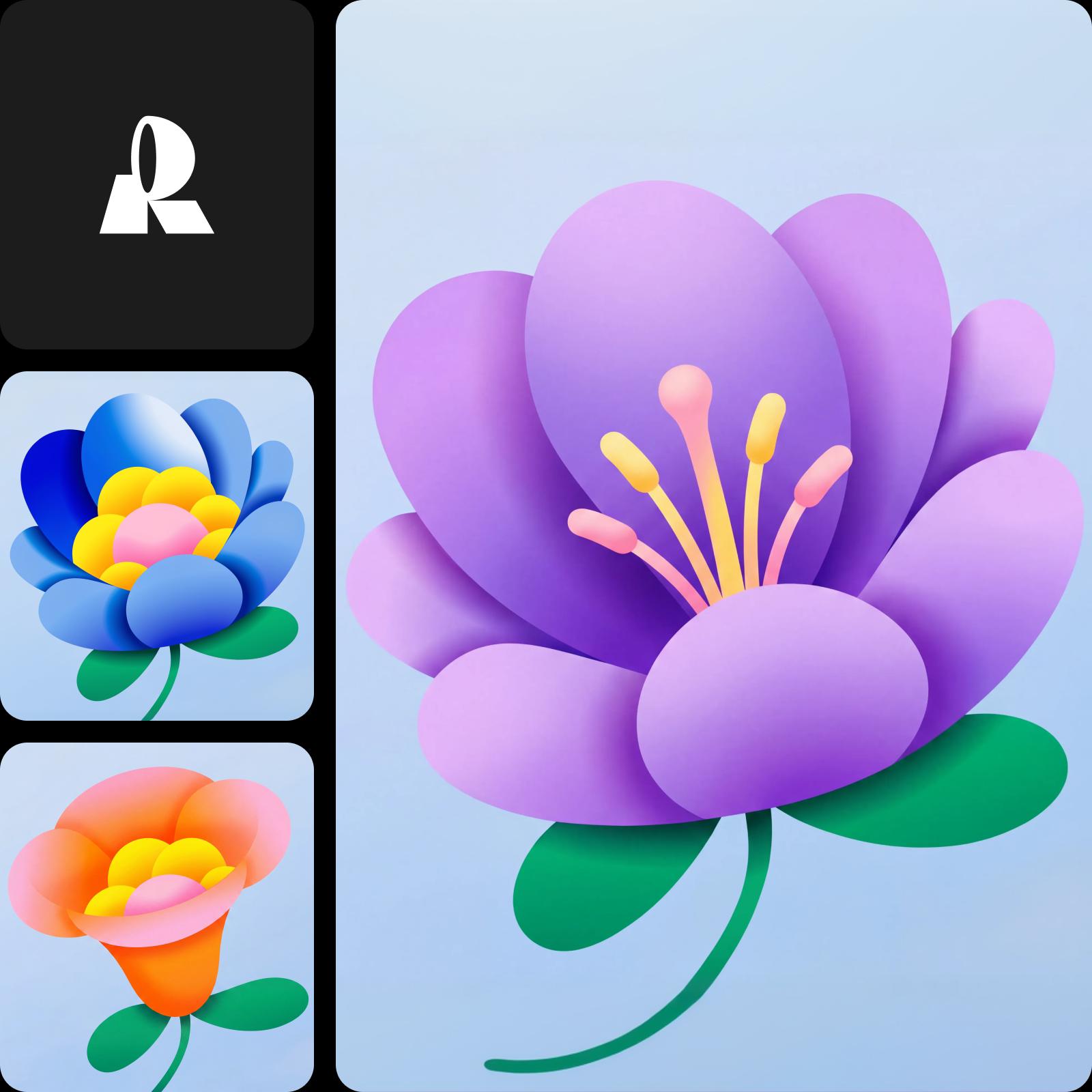
Recraft V4.1 Flash is the fastest model in the Recraft V4.1 family - a dedicated speed tier you select outright, not a mode inside another model. It returns a 1K raster image in roughly 1.3 seconds, with benchmark latencies of 1.4 seconds at the median and 1.8 at the 95th percentile, for $0.007 an image. The trade is stated plainly: no image-to-image input and no style references. Controls come down to colour and background colour.

Quick to make, or quick to change
Speed means different things here. Recraft V4.1 Flash is fast at the start of a job: at 1.3 seconds and under a cent an image, you can put twenty directions on screen while still thinking about the first. Seedream 5.0 Flash is fast at the end of one: mark the element that is wrong and leave the rest untouched. ByteDance has not published latency for Flash, so a head-to-head on raw seconds is not possible.

Choose the right model for your workflow
Reach for Recraft V4.1 Flash at the exploratory stage - a live brainstorm, twenty takes on a concept before anyone commits. Reach for Seedream 5.0 Flash once there is an image in play: something to correct, an element to swap, a layout you would rather finish with the pieces already separated. Used in sequence they cover the whole arc. Choose Picsart to use both and pick the best model for each project.

Seedream 5.0 Flash vs Recraft V4.1 Flash FAQ
Recraft V4.1 Flash only generates - it turns text into an image and does not accept an image as input. Seedream 5.0 Flash generates too, but it also edits an area you mark on an existing picture and can return a design as separate layers. If your work starts from a blank page and you want lots of options quickly, Recraft Flash. If there is a picture to change, Seedream Flash.
Understand AI image generation
Learn how prompts, references, and model choices shape images.