Generador de Tatuajes AI Gratuito
Diseña tatuajes personalizados con indicaciones de texto utilizando más de 31 modelos AI y un estilo de Arte de Tatuaje dedicado. Explora diseños tradicionales, japoneses, líneas finas, letras y realistas en segundos. No se necesitan habilidades de dibujo, solo describe tu idea y genera conceptos de tatuajes de alta calidad al instante.
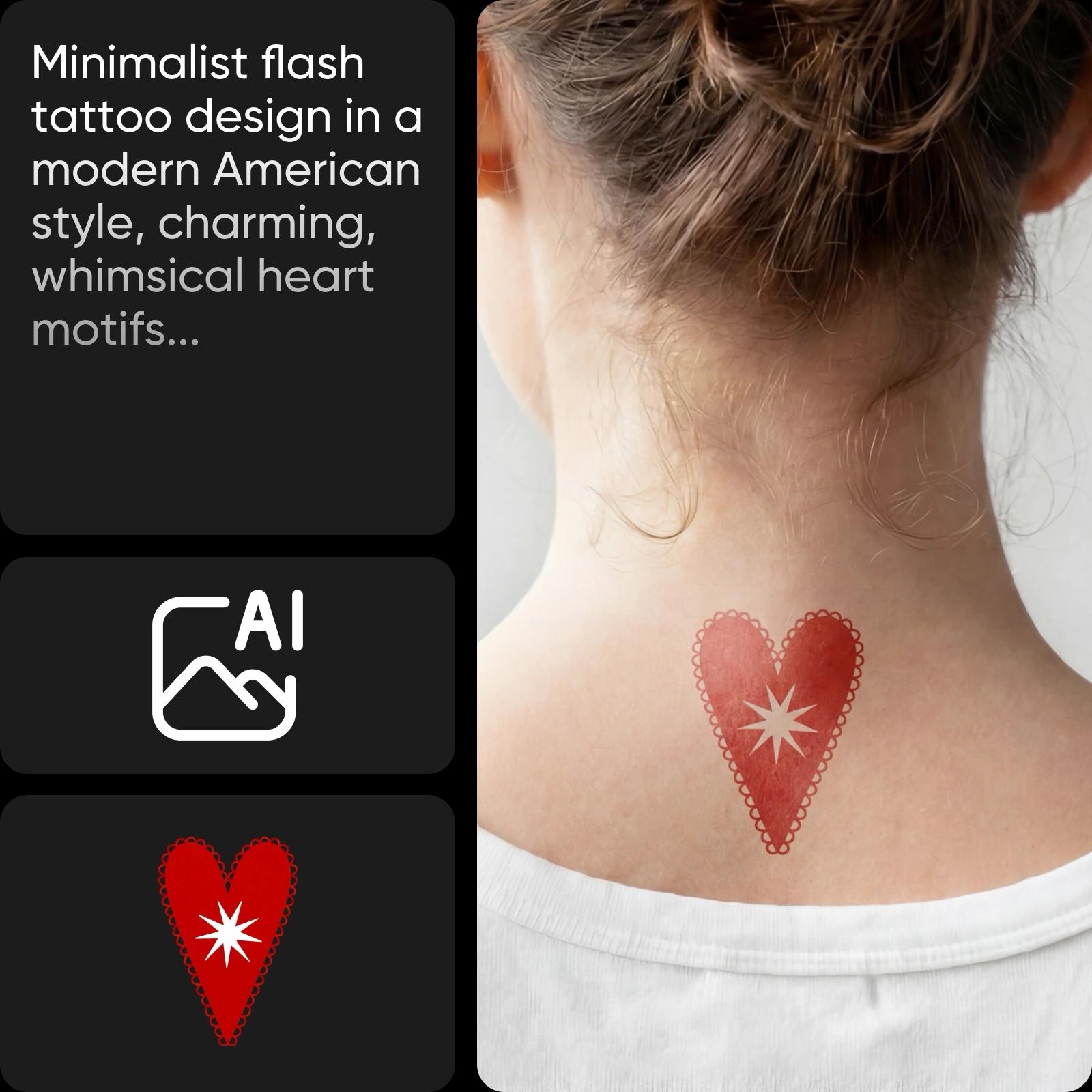
Diseña ideas de tatuajes con modelos de imágenes AI
Usa modelos de imágenes para explorar conceptos de tatuajes, lineamientos y referencias visuales.
Crea cualquier diseño de tatuaje con una sola herramienta


31 modelos AI para tatuajes
Elige entre 31 modelos AI, incluidos Recraft V4 para líneas limpias, Flux para detalles e Ideogram para letras precisas.
Estilo de arte de tatuaje dedicado
Aplica un estilo de Arte de Tatuaje incorporado para obtener resultados instantáneos, sin necesidad de indicaciones complejas o trucos de estilo.
14+ estilos listos para tatuajes
Explora más de 14 estilos como arte lineal, minimalista, acuarela, fantasía oscura, pegatina y diseños de caligrafía.
¿Cómo funciona el Generador de Tatuajes AI?
Abre el Generador de Tatuajes AI
Usa el botón de abajo para lanzar el Generador de Tatuajes AI y comenzar a crear tu diseño.
Genera tu tatuaje
Personaliza tu diseño (opcional)
Descargar
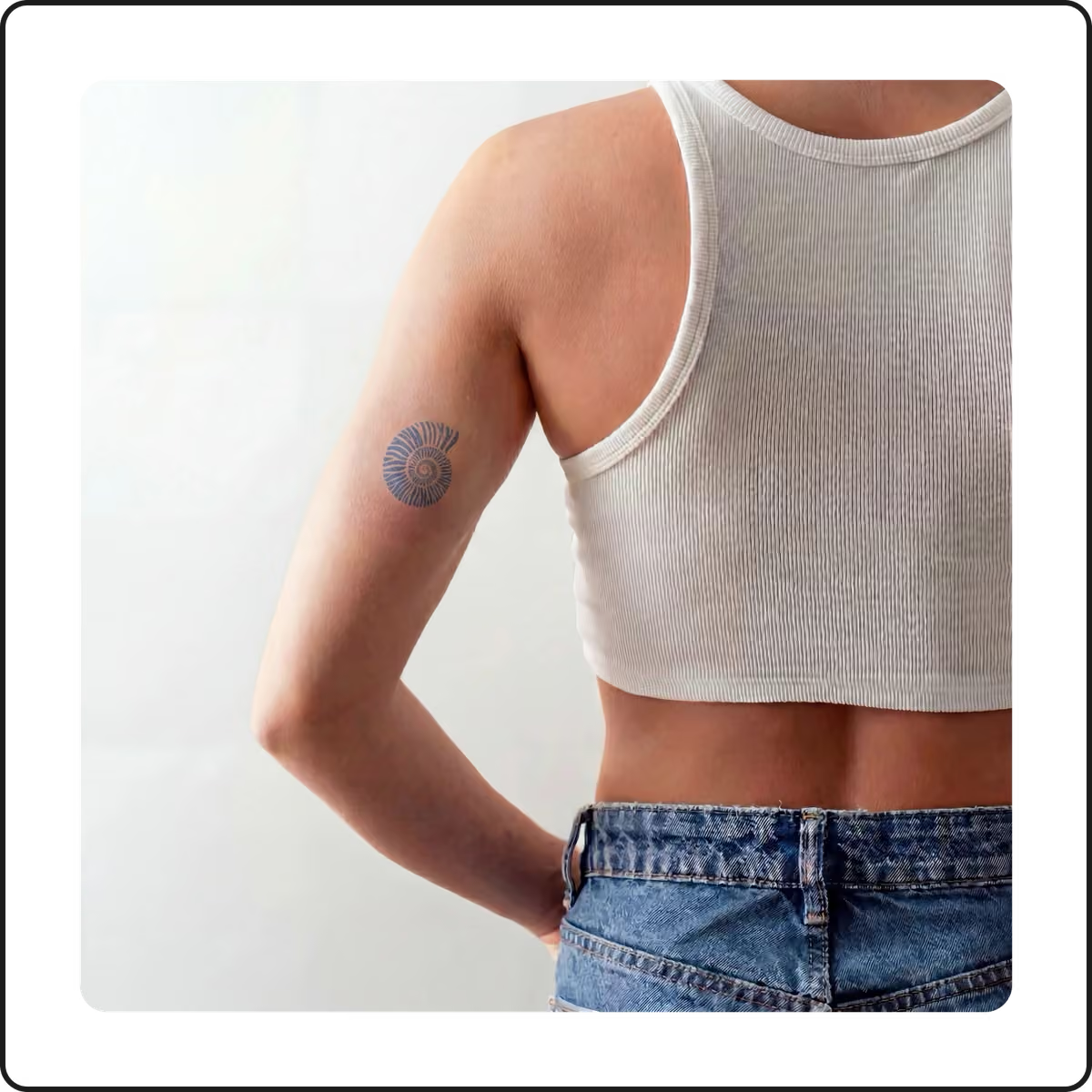
Visualiza tu arte corporal con el Generador de Tatuajes AI de Picsart
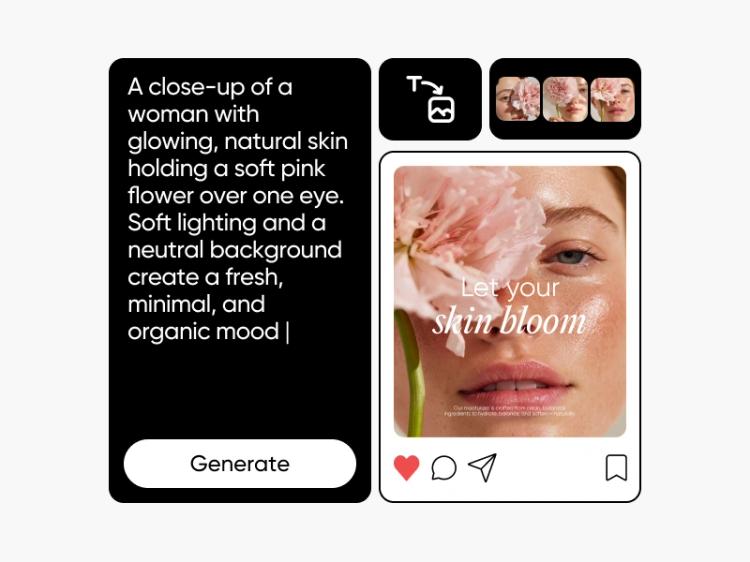
¡Diseñar tatuajes nunca ha sido tan fácil! Todo lo que necesitas es tu visión de un tatuaje y la herramienta de creación de diseño de tatuajes AI. Simplemente escribe tu referencia y observa cómo la herramienta genera diseños de tatuaje originales que puedes refinar y regenerar con indicaciones descriptivas. Usa el Generador de Imágenes AI para crear imágenes únicas para tus tatuajes.
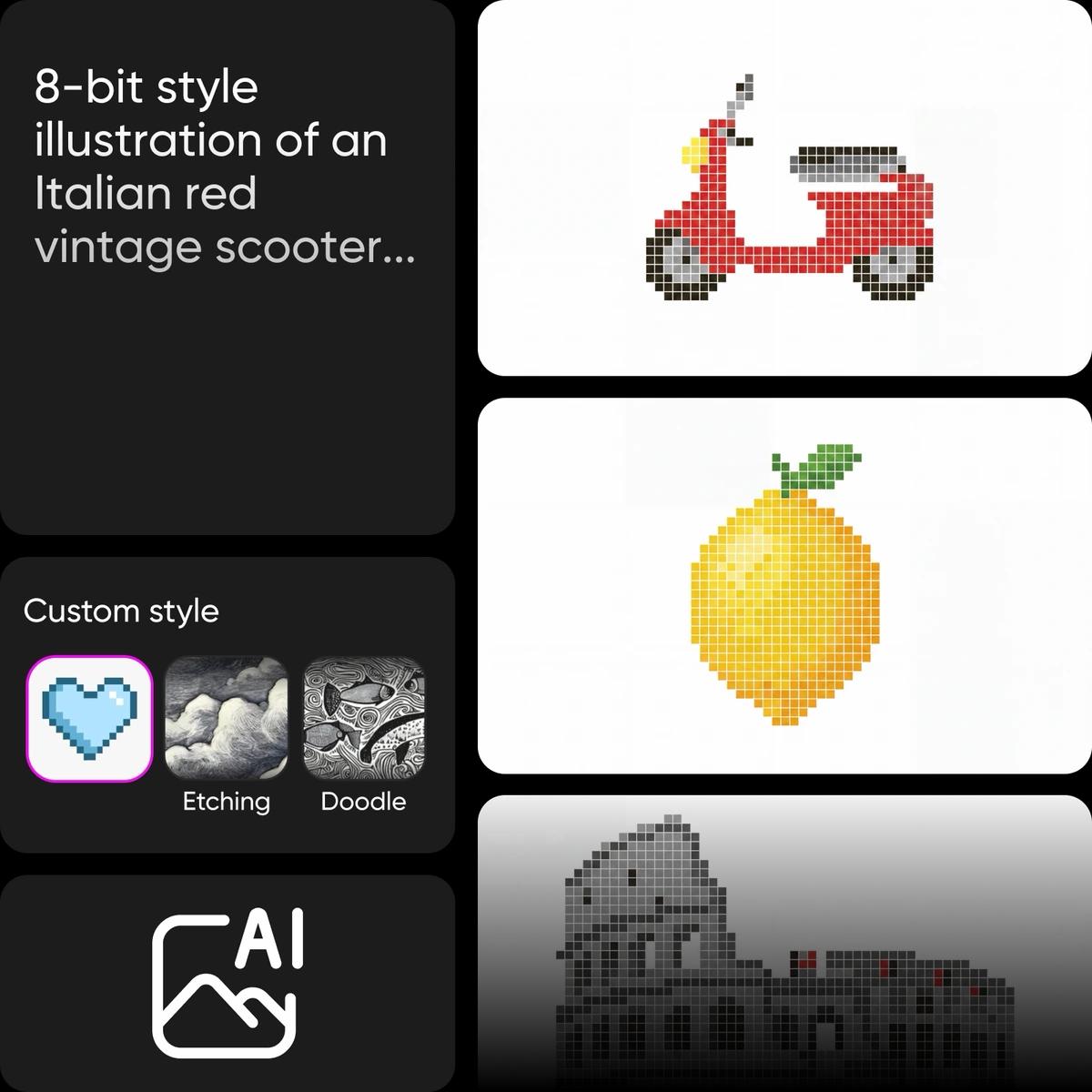
Tradicional y neotradicional
Crea diseños de tatuajes audaces con contornos fuertes, paletas de colores limitadas y motivos clásicos como anclas, rosas y dagas. Perfecto para piezas atemporales que se mantienen visualmente impactantes y reconocibles en diferentes tamaños y ubicaciones.
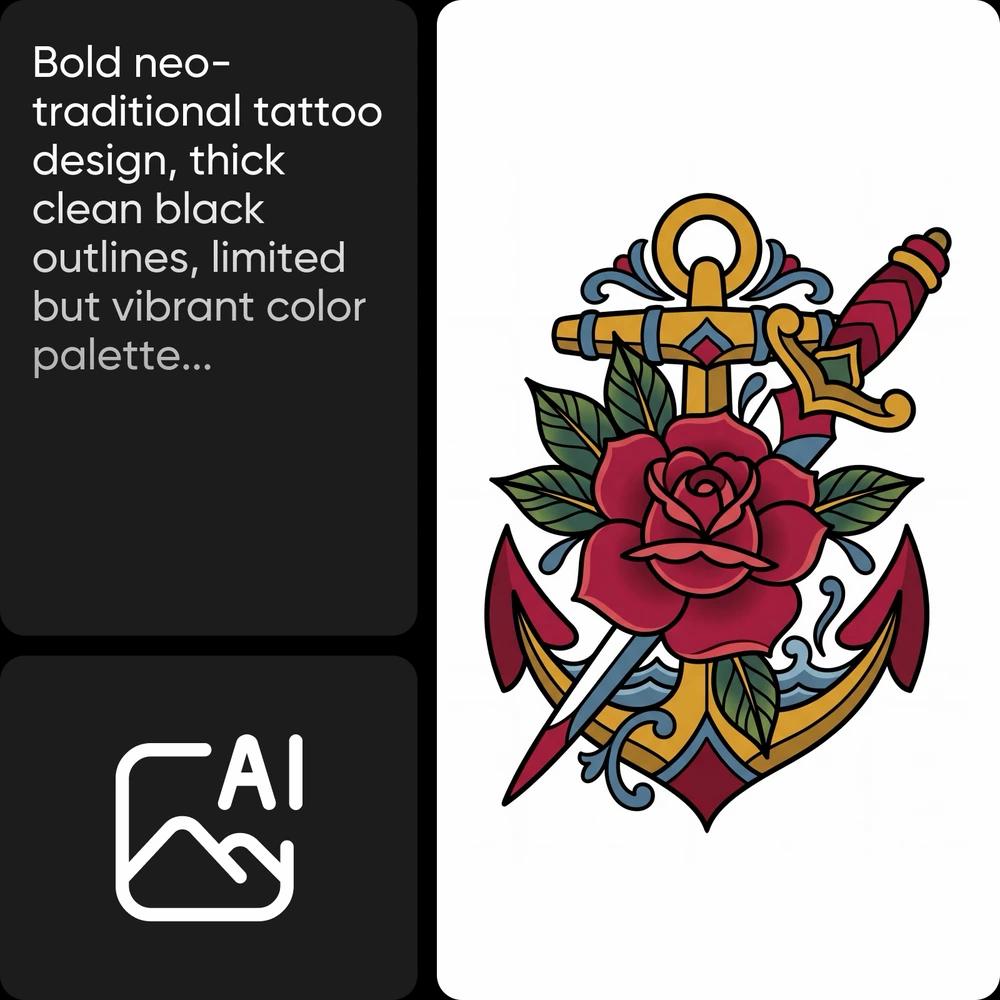
Dibuja tus diseños con el Generador de Tatuajes AI
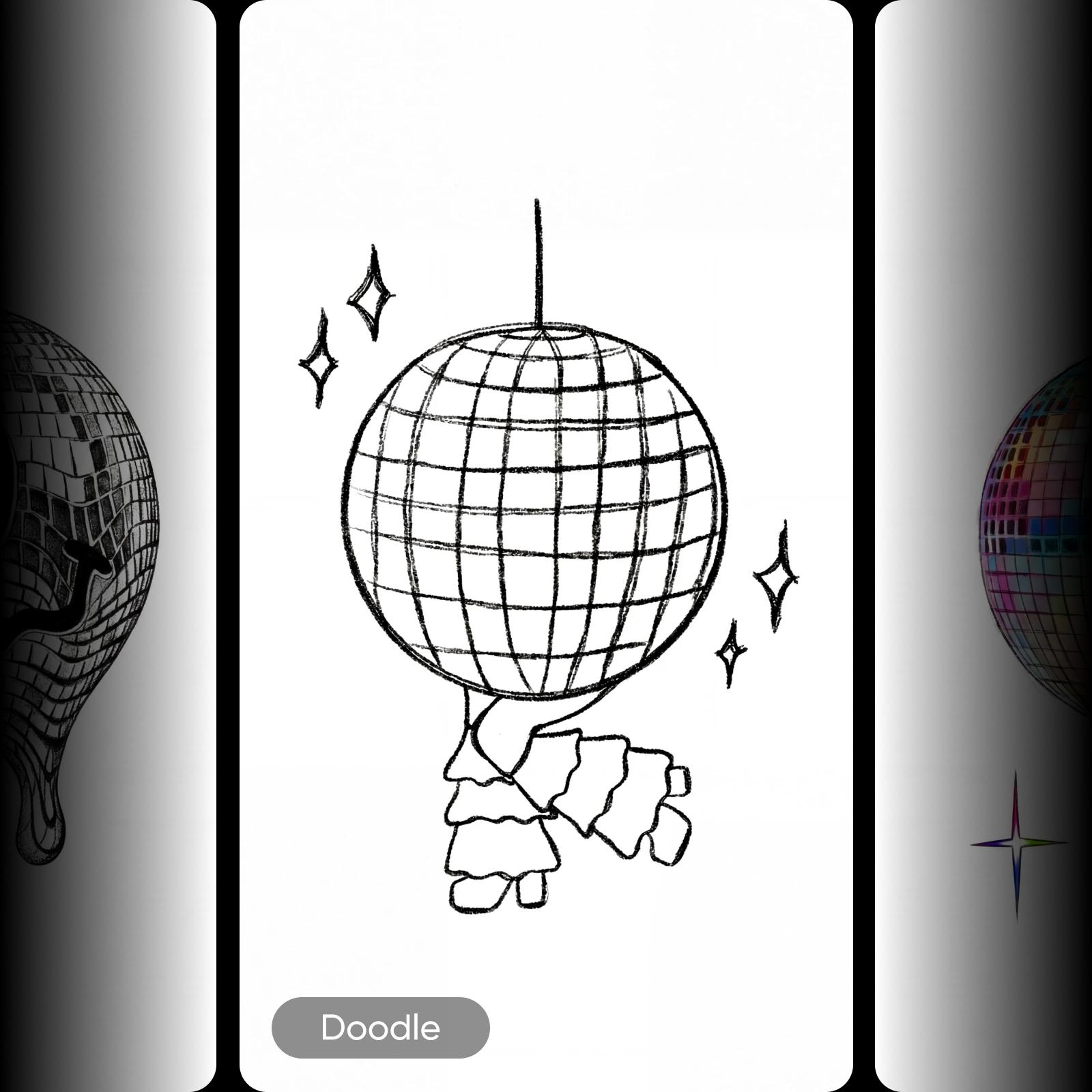
Olvídate de esbozar tus ideas en papel tras papel. Solo toma el generador de ideas de tatuajes y crea tu propio diseño de tatuaje Arte AI en cuestión de segundos. Experimenta con diferentes estilos, desde el clásico blanco y negro hasta tendencias más modernas como los tatuajes 3D.
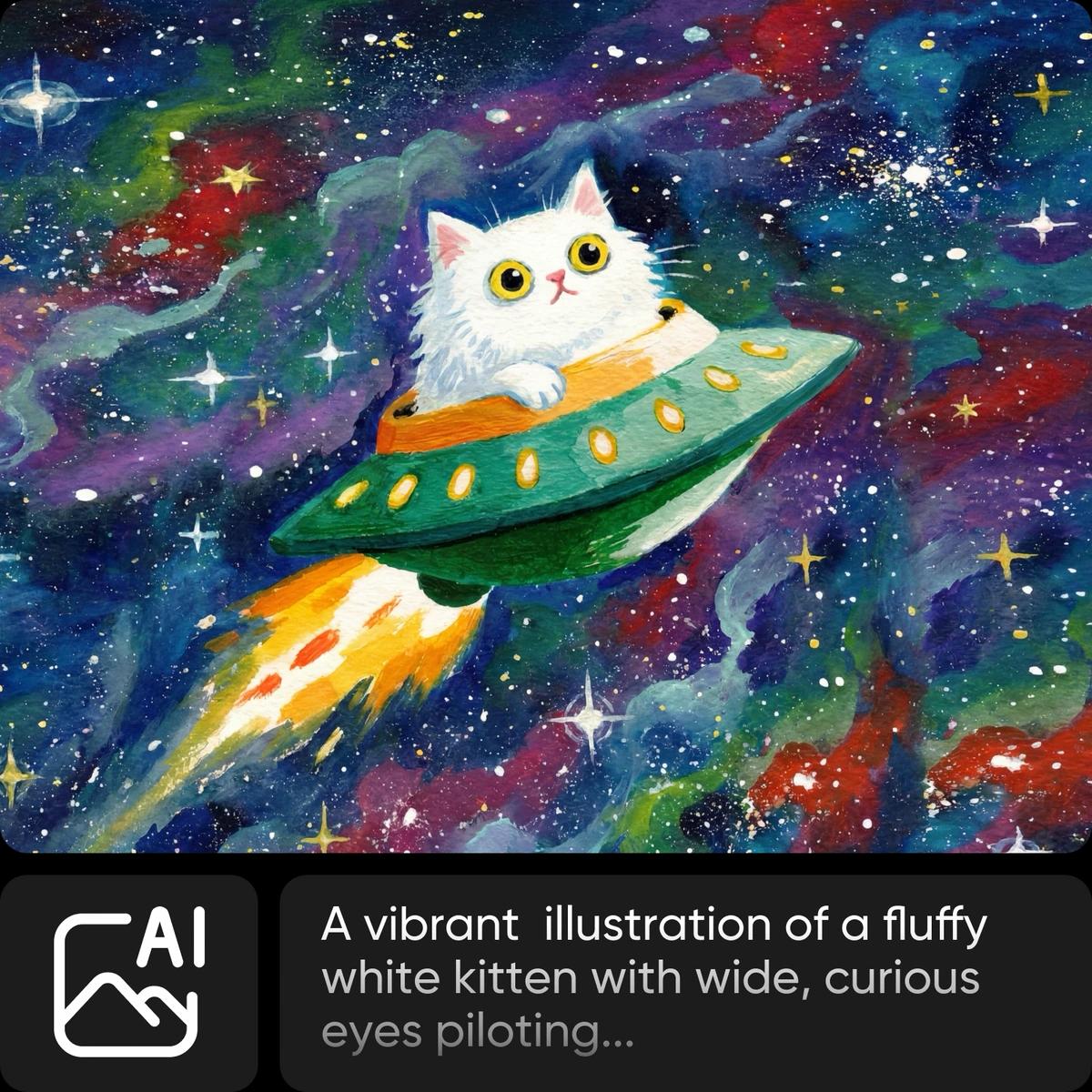
Crea diseños de tatuajes a partir de imágenes de referencia
Sube una imagen de referencia desde Pinterest, tu tatuador favorito o cualquier diseño guardado para guiar tus resultados. Genera tatuajes en un estilo similar, luego refínalos con ediciones basadas en indicaciones para ajustar detalles, composición o lineamientos hasta que logres un diseño completamente personalizado en minutos.
Previsualiza tus diseños de tatuajes en ti mismo
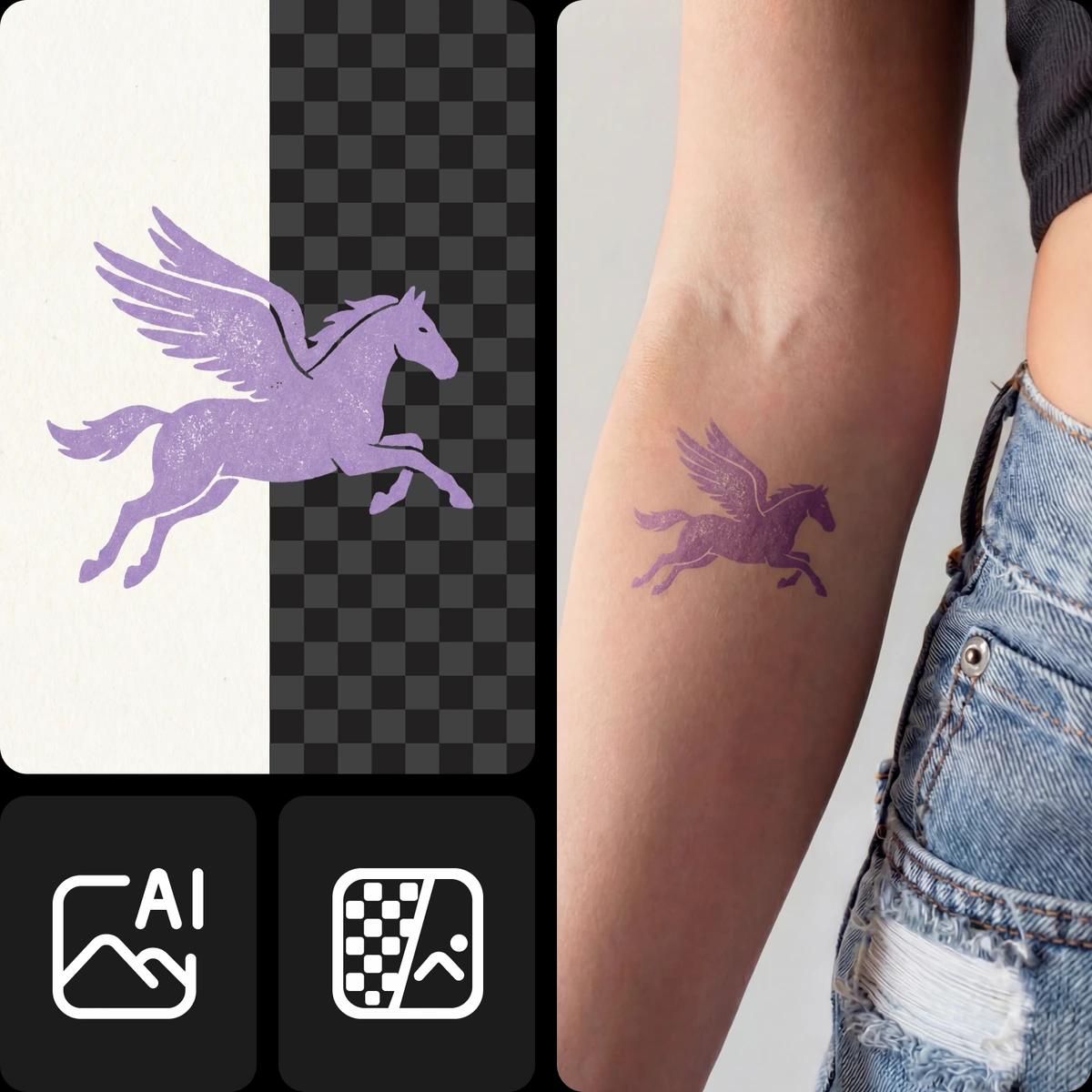
Un buen lema al hacerse un tatuaje es pensar antes de marcar. Una vez que diseñes tu tatuaje perfecto generado por AI en Picsart, puedes descargarlo y hacerlo transparente con la Herramienta de Eliminación de Fondos. Luego, usa el editor de fotos para añadir tu tatuaje a tus fotos y ver cómo se verán una vez que realmente los tatúen.
Escribe la indicación perfecta para tatuajes generados por AI
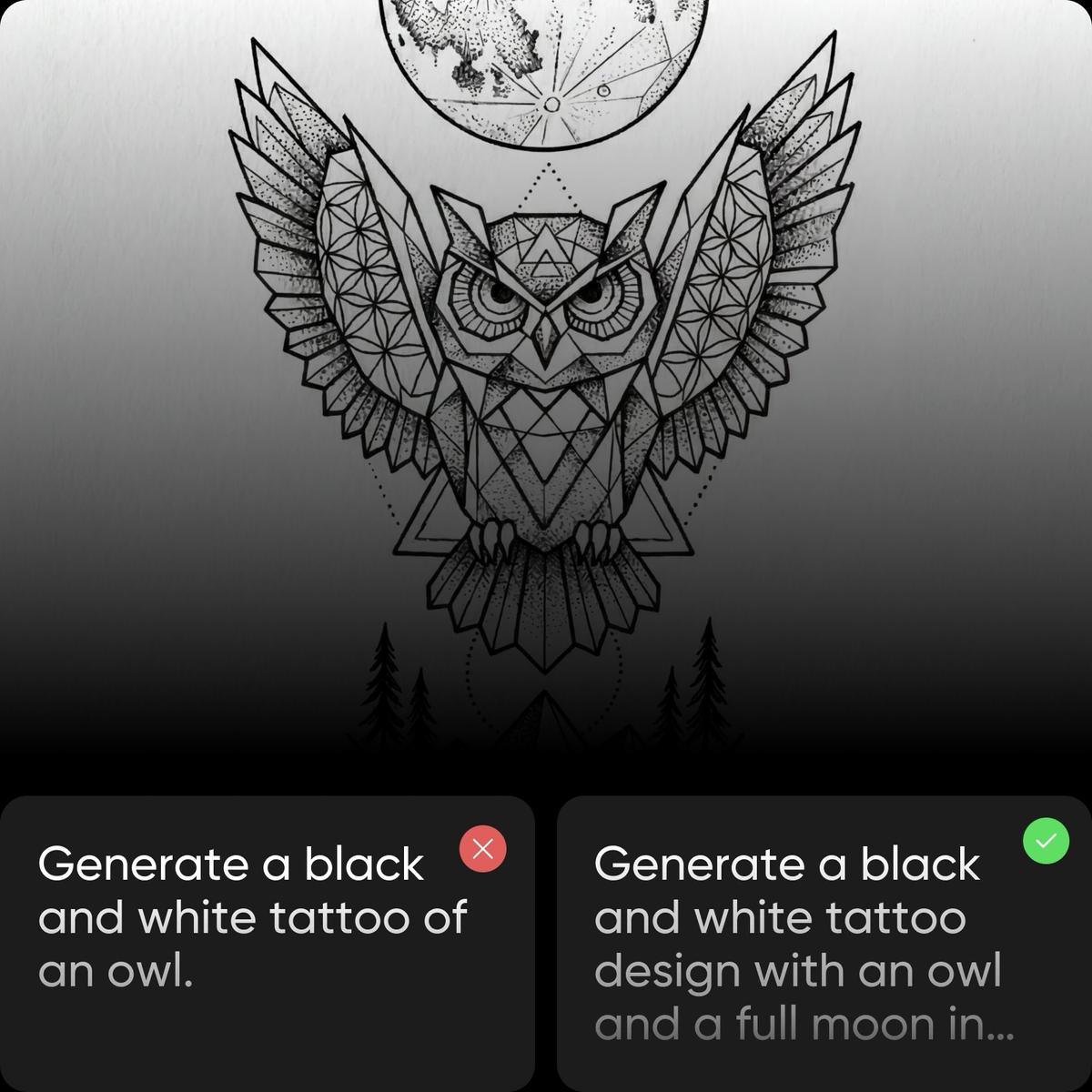
Cuanto más detalladas sean tus indicaciones, mejores serán los resultados. En lugar de una indicación genérica como "Generar un tatuaje en blanco y negro de un búho", restringe más para obtener mejores resultados. "Generar un diseño de tatuaje en blanco y negro con un búho y una luna llena en un estilo geométrico" te acercará más a un diseño de tatuaje más realista. Tómate tu tiempo con las indicaciones y experimenta con diferentes variantes para acercarte a tu visión final.
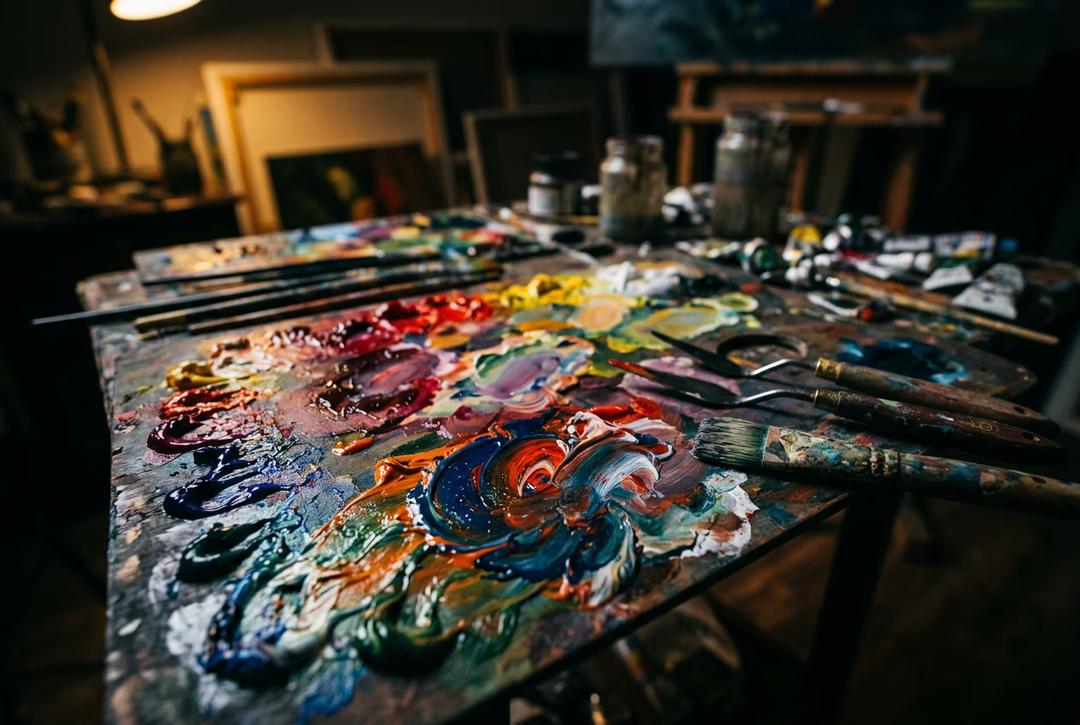
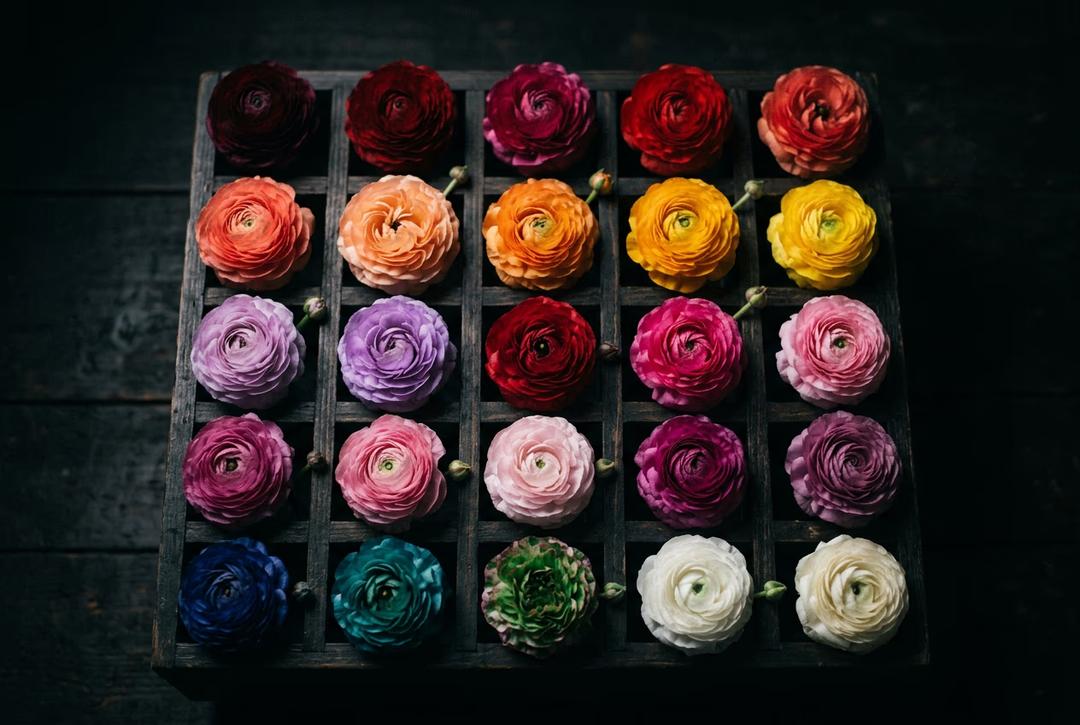
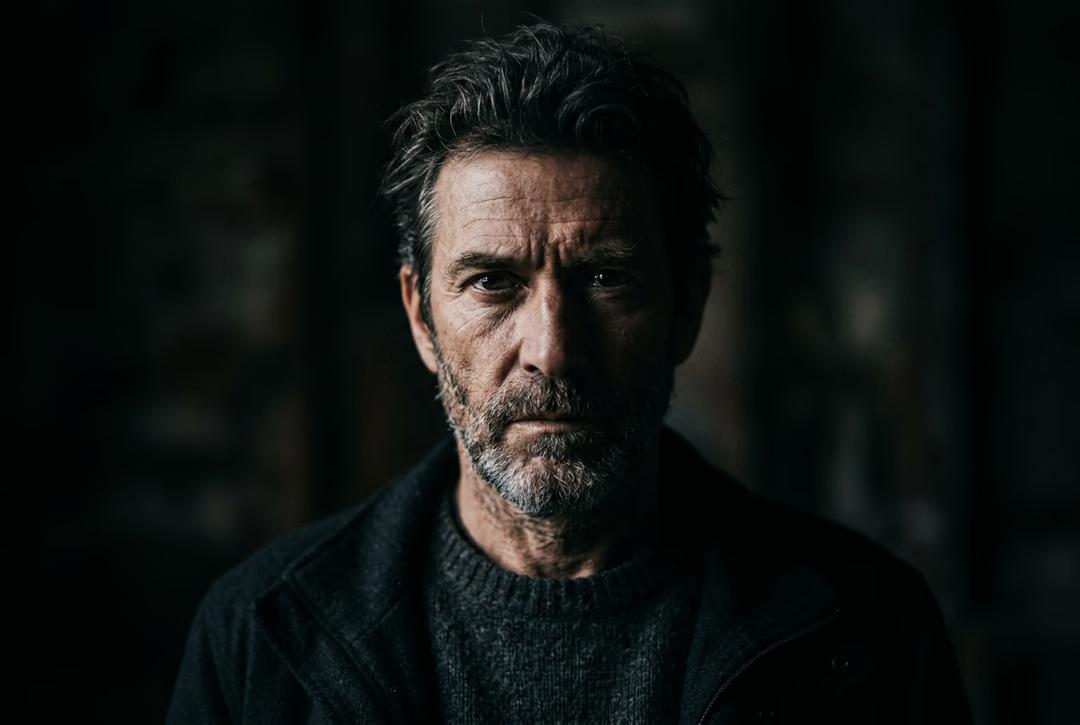
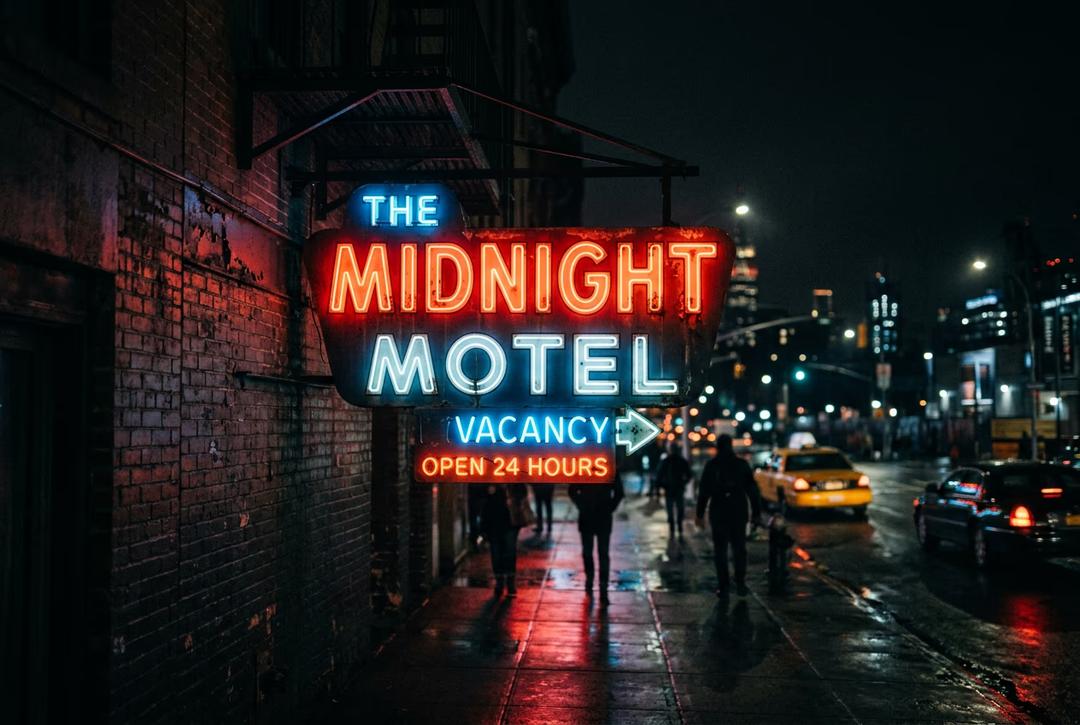
Entender la generación de imágenes AI
Aprende cómo las indicaciones, estilos y elecciones de modelos dan forma a las imágenes.
Preguntas frecuentes sobre el Generador de Tatuajes AI
Un Generador de Tatuajes AI es una herramienta que te ayuda a diseñar tatuajes personalizados utilizando indicaciones de texto o imágenes de referencia. Convierte tus ideas en conceptos visuales de tatuajes en diferentes estilos, incluidos tradicional, japonés, línea fina, realismo y letra.
Comienza describiendo tu idea de tatuaje en una indicación o subiendo una imagen de referencia. Luego elige un estilo o modelo AI y genera múltiples variaciones de diseño. Puedes refinar tus resultados con ediciones de indicaciones hasta obtener un diseño de tatuaje que coincida con tu visión.
Sí, puedes refinar tus diseños de tatuajes usando edición basada en indicaciones. Ajusta detalles, estilos y composición o regenera variaciones hasta que el diseño se sienta correcto. También puedes mejorar tus resultados utilizando herramientas AI adicionales para ediciones más precisas.
Sí, puedes crear diseños de tatuajes completamente personalizados basados en tus ideas. Usa indicaciones de texto o imágenes de referencia, explora diferentes estilos y genera conceptos únicos que puedes descargar y compartir con tu tatuador.
Sí, puedes subir imágenes de fuentes como Pinterest o artistas de tatuajes para guiar tu diseño. El AI crea tatuajes en un estilo similar, que luego puedes refinar y personalizar para que coincidan con tus preferencias exactas.
Descubre más herramientas AI
Últimas herramientas AI para verificar en Picsart
Generar tatuaje AI para proyectos listos para creadores
Pro
Most popularAI tools for everyday creative work.
Ultra
Most powerfulHeavy AI usage for creators & teams.
Enterprise
Custom AI solutions for large organizations.
- Volume discounts on credit rate
- On-demand top-ups