1. Home
  2. Suppresseur de fond vidéo

Outil gratuit de suppression de fond vidéo

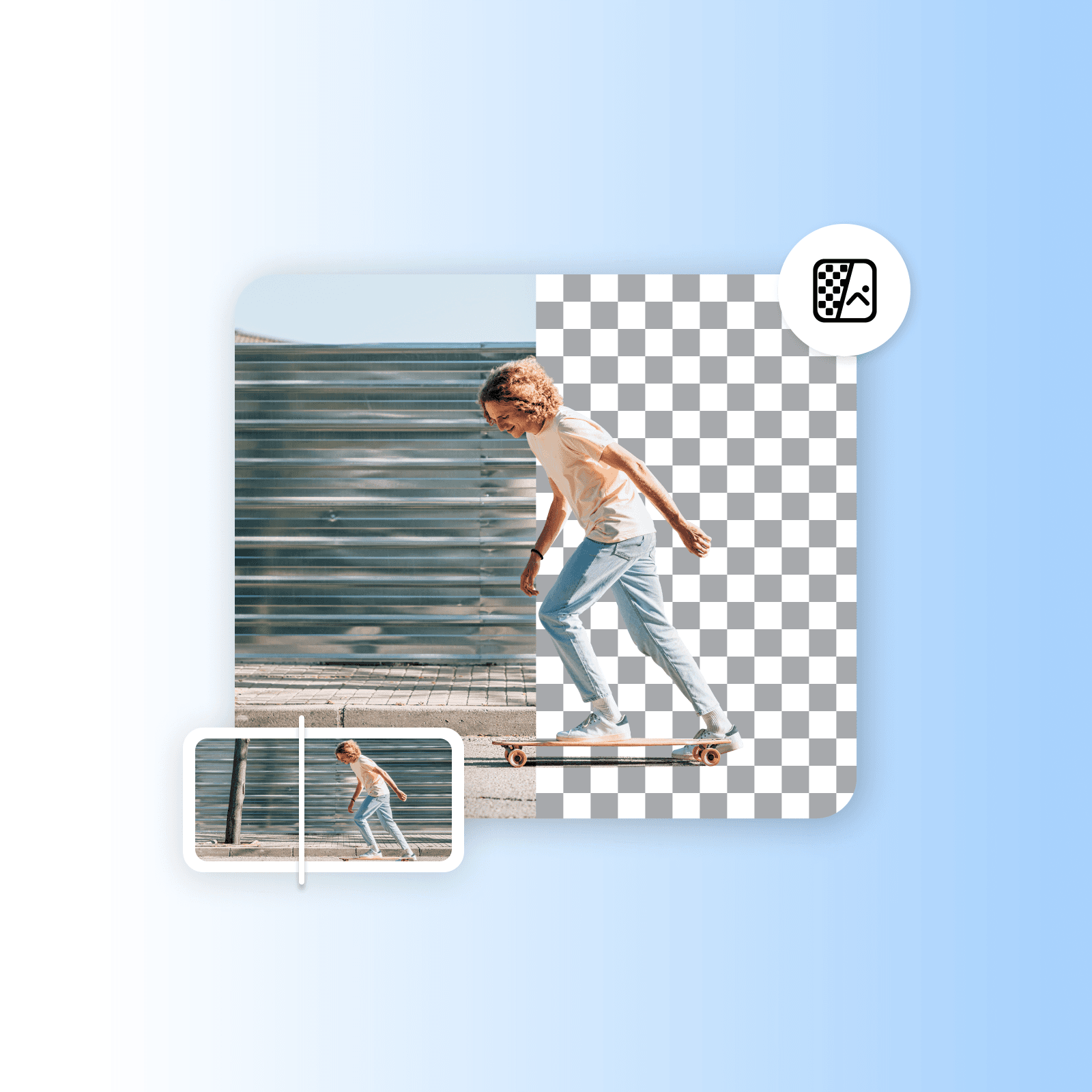
Supprimez sans effort les arrière-plans vidéo avec l'outil de suppression de fond vidéo alimenté par l'IA de Picsart. Aucune compétence en montage vidéo ou logiciel nécessaire, tout est parfaitement automatisé, précis et convivial pour les débutants.

icône pour suppression de fond vidéo

Suppression facile du fond vidéo

Supprimez facilement le fond d'une vidéo sans utiliser d'outils compliqués.

icône pour utilisation gratuite

Gratuit

Profitez de suppressions de fond vidéo économiques avec Picsart. 

icône pour IA

Interface simple et intuitive

Simplifiez la suppression de fond vidéo avec un outil facile à utiliser. 

Autres outils de montage vidéo pertinents
Supprimer les objets des vidéosÉditer des vidéos en ligneSupprimer les arrière-plans d'imagesCréer du contenu vidéoAjouter des filtres vidéoGénérer des arrière-plans IATransformer des images en vidéosAjouter de la musique aux vidéosRedimensionner vos vidéosRecadrer le contenu vidéoDécouper des clips vidéoDécouvrez les outils vidéo

Use Picsart anywhere

Install the app, or bring Picsart into the AI workspaces your team already uses.

Use Picsart with

  • ChatGPT / Codex
  • Claude
  • Terminal
  • Cursor
  • OpenClaw
  • Hermes

Download the app

Download on the App StoreGET IT ON Google PlayGet it from Microsoft

Follow Picsart

Pinterest
AICPA SOC

Create

  • AI Image Generator
  • AI Video Generator
  • AI Playground
  • Flow
  • AI Photo Editor
  • AI Video Editor
  • AI Agents
  • Content Library
  • AI Models

Creators

  • Earn with Picsart
  • Earn campaigns
  • Clipping
  • For Brands
  • Video Studio
  • Tutorials
  • Challenges

Connect

  • ChatGPT / Codex
  • MCP setup
  • Command line
  • Developers
  • Google Drive

Business

  • Pricing
  • Enterprise
  • Industries
  • Quicktools

Company

  • Support
  • Careers
  • About us
  • Blog
  • Press Center
Terms of UsePrivacy PolicyInternet-Based AdvertisingCommunity GuidelinesDMCASecurity PolicyAccessibility
© 2026 PicsArt, Inc.

Comment supprimer les fonds vidéo avec Picsart

1

Téléchargez votre vidéo

Utilisez le bouton Parcourir les fichiers ci-dessus pour sélectionner une vidéo. 

2

Prévisualisez le résultat

3

Télécharger

Automatisez les suppressions de fond vidéo avec l'IA 

Téléchargez une vidéo et supprimez le fond en un seul clic avec l'outil de suppression de fond vidéo de Picsart. La technologie alimentée par l'IA détecte les arrière-plans et les fait disparaître instantanément, gratuitement. Tout est automatisé et instantané. Laissez l'outil faire sa magie pendant que vous gagnez du temps et réduisez le travail manuel. 

Supprimez les fonds vidéo
suppression automatique du fond vidéo

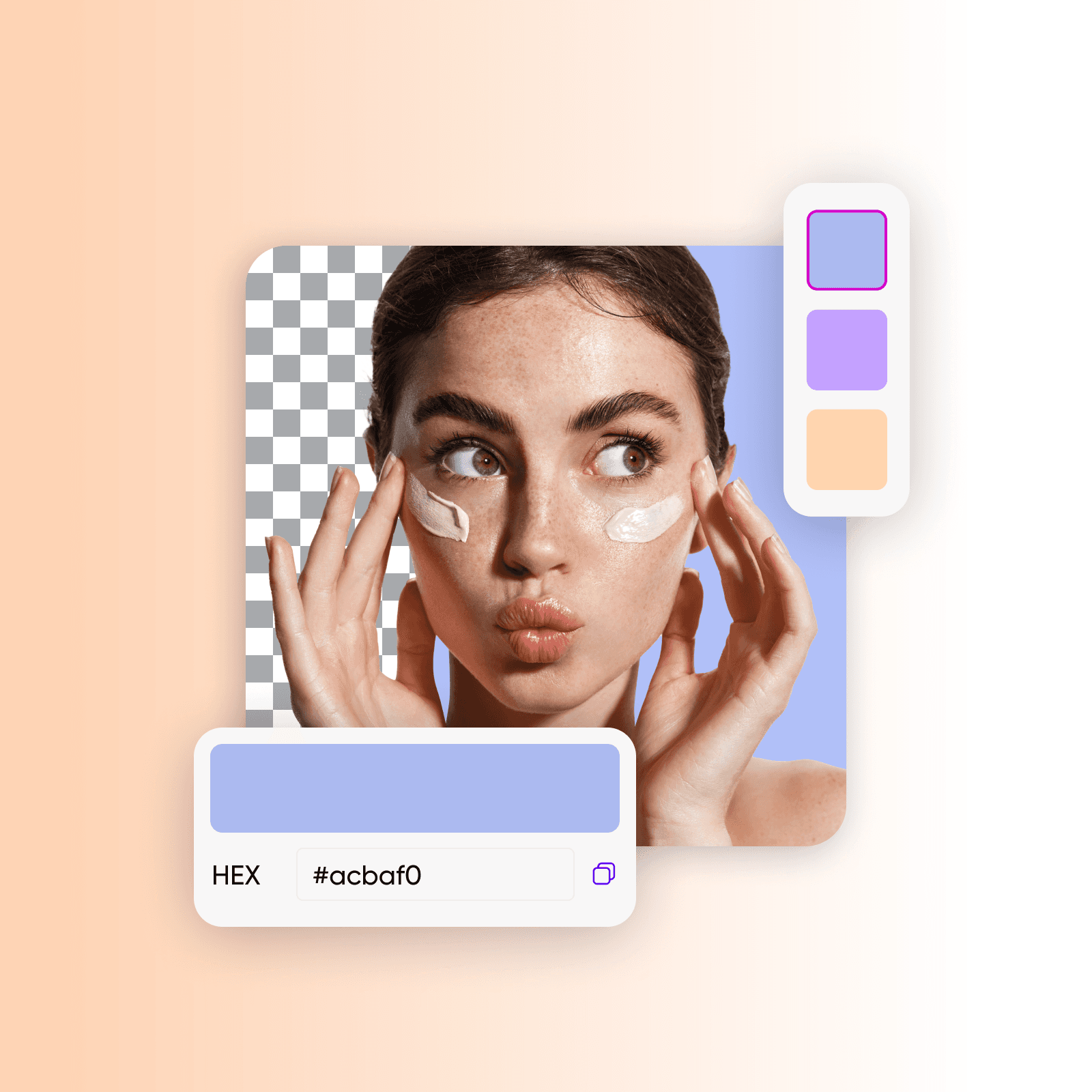
Remplacez le fond vidéo par des arrière-plans personnalisés

Non seulement vous pouvez utiliser l'outil de remplacement de fond vidéo pour supprimer les arrière-plans facilement, mais l'outil vous permet également de remplacer le fond par différentes couleurs. Allez encore plus loin en ajoutant vos propres arrière-plans ou couleurs complètement personnalisés. 

Supprimez les fonds vidéo
changer le fond vidéo en ligne

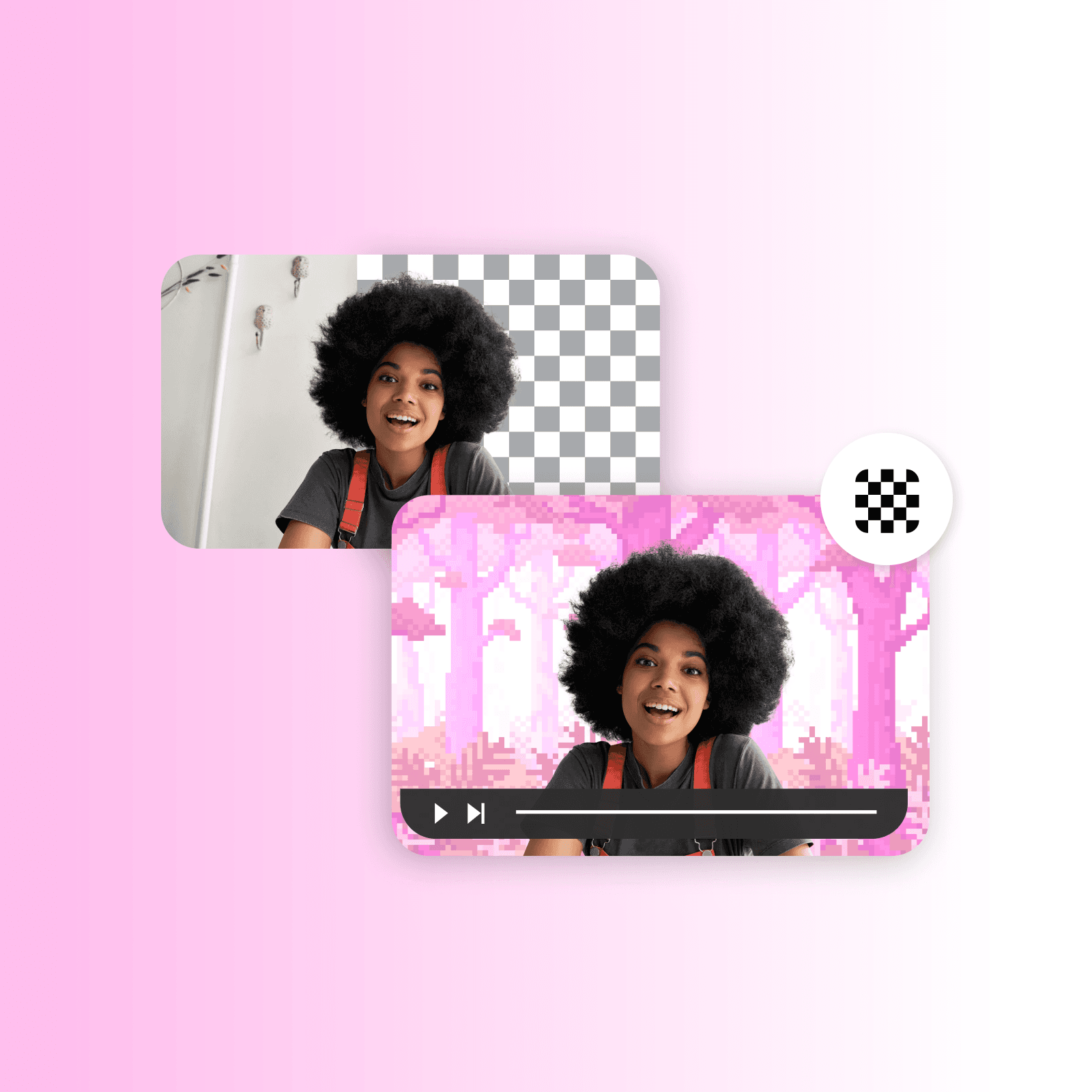
Remplacez facilement les fonds d'écran vert

Remplacez facilement même les arrière-plans d'écran vert par n'importe quelle image en utilisant l'outil de suppression de fond vidéo de Picsart. Imaginez transporter un présentateur sur une montagne volcanique, présenter votre produit dans une ville animée, ou créer d'autres effets visuels époustouflants. Exploitez la technologie de suppression d'écran vert alimentée par l'IA pour créer un contenu vidéo engageant et captivant.

Supprimez les fonds vidéo
supprimer et remplacer les fonds d'écran vert

Créez des tutoriels vidéo avec des arrière-plans uniques

L'outil de suppression de fond vidéo de Picsart aide les tuteurs et instructeurs à créer rapidement des vidéos de formation professionnelles. Changez les arrière-plans pour améliorer votre apparence à l'écran, utilisez des diapositives de votre présentation, ou sélectionnez des images attrayantes. Redonnez du plaisir aux tutoriels en ajoutant des sous-titres et en générant des arrière-plans contextuels avec l'outil arrière-plan intelligent de Picsart. 

Supprimez les fonds vidéo
tutoriels vidéo éducatifs avec arrière-plans personnalisés

Améliorez le marketing produit avec la suppression de fond vidéo

Assurez-vous que votre produit fait une excellente première impression en utilisant l'outil de suppression de fond vidéo de Picsart. Ajoutez des superpositions, des animations, du texte et d'autres éléments pour créer des démos produit remarquables et interactives. Associez l'outil à l'outil de création d'annonces vidéo de Picsart pour créer des annonces vidéo engageantes imbattables, et laissez vos produits briller sur n'importe quel fond. 

Supprimez les fonds vidéo
supprimer le fond vidéo pour créer du matériel marketing intéressant

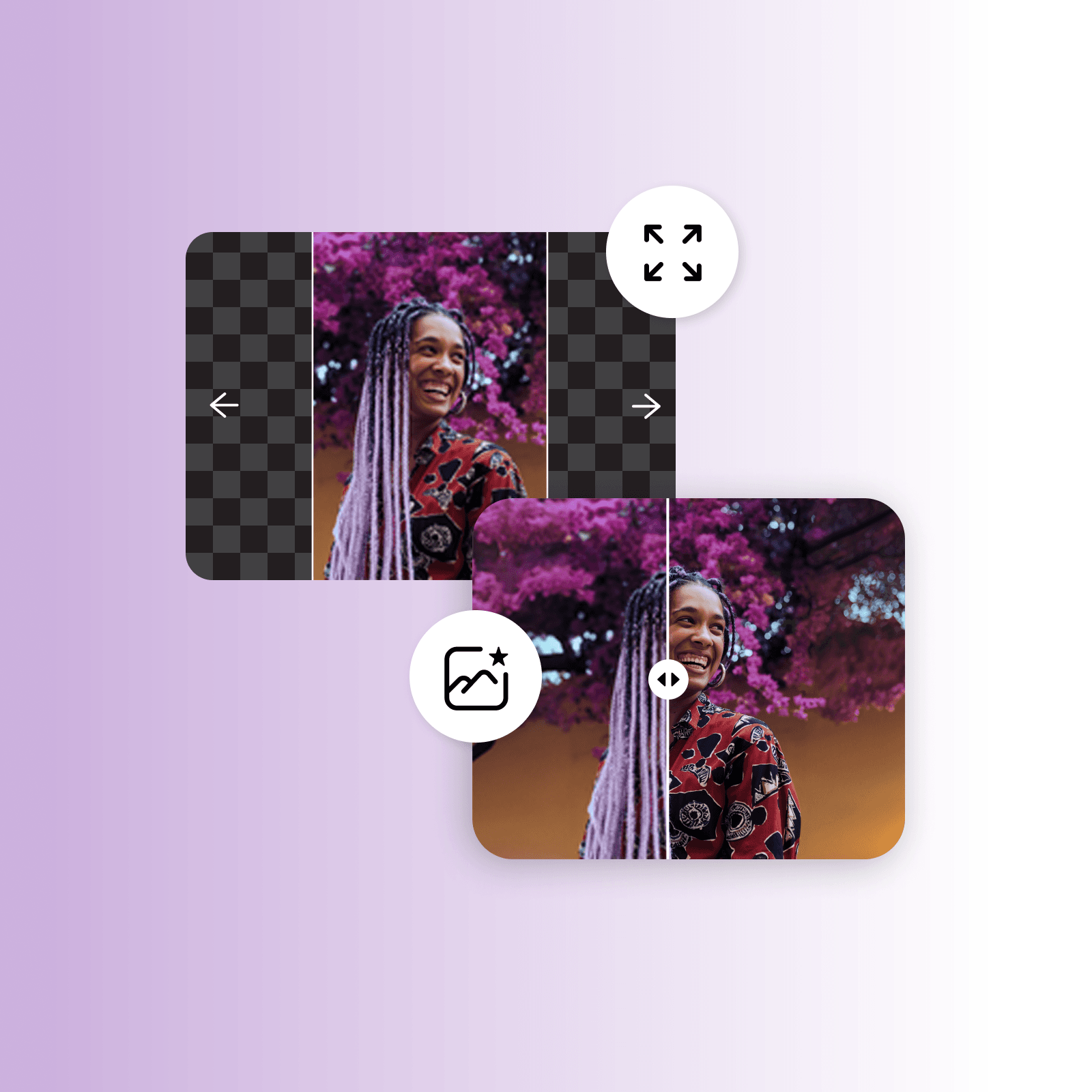
Faites plus que des suppressions de fond vidéo

Progressez avec les outils d'édition faciles à utiliser de Picsart. Devenez expert en suppression d'arrière-plans de vidéos et d'images avec l'IA. Explorez des outils comme l' extenseur d'image, les filtres IA, l'éditeur de texte et bien d'autres. Supprimez les objets des vidéos et dépixelisez les photos en un instant. Brisez les conventions en améliorant votre contenu. 

Supprimez les fonds vidéo
plus que la suppression de fond vidéo

 Outil gratuit de suppression de fond vidéo par Picsart

Utilisez l'outil gratuit de suppression de fond vidéo de Picsart pour vous débarrasser des arrière-plans vidéo, changer les photos de produits pour votre vitrine, améliorer le marketing sur les réseaux sociaux, et augmentez les enchères avec des démos produits et des présentations. Inspirez-vous avec les autres outils IA de Picsart comme l'extenseur d'image, l'IA writer, le créateur de personnages de dessin animé et bien d'autres. 

Supprimez les fonds vidéo

FAQ sur la suppression de fond vidéo

Un outil de suppression de fond vidéo vous permet d'effacer l'arrière-plan original de votre vidéo et de le remplacer par quelque chose d'autre, comme une couleur unie ou un visuel personnalisé.

Le moyen le plus facile de supprimer le fond d'une vidéo est d'utiliser un outil gratuit de suppression de fond vidéo en ligne comme celui de Picsart. 

Oui, avec un outil de suppression de fond vidéo alimenté par l'IA, vous pouvez supprimer n'importe quelle couleur de votre vidéo. 

Oui, l'outil de suppression de fond vidéo de Picsart est gratuit. 

Non. Grâce à ses capacités, l'IA détectera et supprimera les arrière-plans vidéo sans sacrifier la qualité.

Oui, une fois que la suppression du fond vidéo est effectuée, vous pouvez le remplacer par d'autres images et même des couleurs. 


Plus d'outils de Picsart à essayer

outil de suppression d'arrière-plan dans l'éditeur photo Picsart

Suppression d'arrière-plan

Effacez magistralement l'arrière-plan avec l'IA ou rendez-le transparent. 

outil de changement d'arrière-plan

Changer d'arrière-plan

Échangez l'arrière-plan avec votre propre photo ou sélectionnez-en un dans la bibliothèque de Picsart. 

Sélecteur de couleurs par Picsart

Sélecteur de couleurs

Trouvez instantanément le code de teinte de couleur exact que vous recherchez. 

Affinez les images avec Picsart

Affiner l'image

Trouvez instantanément le code de teinte de couleur exact que vous recherchez. 

créateur d'annonces vidéo

Créateur d'annonces vidéo

Créez des annonces vidéo engageantes en secondes avec l'IA. 


filtres noir et blanc

Outil d'effacement d'objets vidéo

Débarrassez-vous des détails inutiles de vos vidéos à l'aide de l'IA. 

dépixeliser les images en ligne

Dépixeliser les images

Clarifiez les images avec l'outil d'amélioration d'image alimenté par l'IA de Picsart. 

Générez des arrière-plans avec le générateur d'arrière-plan IA de Picsart

Arrière-plan IA

Générez des arrière-plans uniques à partir de zéro avec juste une invite. 

améliorer la clarté de l'image avec l'outil de dés-floutage de Picsart

Dés-flouter l'image

Dites adieu aux photos floues avec la suppression de flou par l'IA. 

PricingSave big

Créez des vidéos sans fond avec les modèles vidéo IA

Utilisez les modèles vidéo pour transformer des clips, des séquences et des invites en vidéos sans fond pour les réseaux sociaux, les annonces et les flux créatifs.

SESeedance 2.0New
Next-gen cinematic video with optional audio and reference image. Up to 4K.Reference inputAudio4KCinematicSee model
SESeedance 2.0 FastNew
SESeedance 2.0 Video EditNew
SESeedance 2.0 Fast Video EditNew
WAWan 2.7
KLKling V3
KLKling V3 TurboNew
KLKling V2.6
KLKling V3 Omni
KLKling Video O1New
KLKling Motion Control V3
KLKling Motion Control 2.6
SESeedance 2.0New
SESeedance 2.0New
SESeedance 2.0New
SESeedance 2.0New
SESeedance 2.0New
Fast cinematic video with audio, reference images, and start/end frame control.Reference inputAudioFast generationCinematicSee model
Edit video — replace subjects, add or remove objects, restyle scenes with reference images.Video editingReference inputVideo generationSee model
Fast video edit — modify scenes with reference images.Video editingReference inputFast generationSee model
Wan 2.7 T2V — up to 15s at 1080p with audio input and prompt enhancement.Text to videoAudio1080pCinematicSee model
Long-form video up to 15s with native audio and start/end frame control.AudioCinematicVideo generationSee model
Faster V3 variant — long-form video up to 15s with native audio, start/end frame control, and 720p/1080p output.Audio1080pFast generationCinematicSee model
Mature pipeline with audio and pro-tier rendering.
AudioPro qualityCinematic
See model
Flexible generation across creative styles using V3 Omni architecture, with optional 4K output.
4KCinematicVideo generation
See model
O1-architecture video generation with 5 or 10 second output.CinematicVideo generationSee model
Map body movement from a video clip onto a portrait photo — V3 quality.CinematicPhotorealVideo generationSee model
Transfer body movement from a reference video onto a portrait photo.Reference inputCinematicPhotorealSee model
Next-gen cinematic video with optional audio and reference image. Up to 4K.Reference inputAudio4KCinematicSee model
SESeedance 2.0 FastNew
Fast cinematic video with audio, reference images, and start/end frame control.Reference inputAudioFast generationCinematicSee model
SESeedance 2.0 Video EditNew
Edit video — replace subjects, add or remove objects, restyle scenes with reference images.Video editingReference inputVideo generationSee model
SESeedance 2.0 Fast Video EditNew
Fast video edit — modify scenes with reference images.Video editingReference inputFast generationSee model
WAWan 2.7
Wan 2.7 T2V — up to 15s at 1080p with audio input and prompt enhancement.Text to videoAudio1080pCinematicSee model
KLKling V3
Long-form video up to 15s with native audio and start/end frame control.AudioCinematicVideo generationSee model
KLKling V3 TurboNew
Faster V3 variant — long-form video up to 15s with native audio, start/end frame control, and 720p/1080p output.Audio1080pFast generationCinematicSee model
KLKling V2.6
Mature pipeline with audio and pro-tier rendering.AudioPro qualityCinematicSee model
KLKling V3 Omni
Flexible generation across creative styles using V3 Omni architecture, with optional 4K output.4KCinematicVideo generationSee model
KLKling Video O1New
O1-architecture video generation with 5 or 10 second output.CinematicVideo generationSee model
KLKling Motion Control V3
Map body movement from a video clip onto a portrait photo — V3 quality.CinematicPhotorealVideo generationSee model
KLKling Motion Control 2.6
Transfer body movement from a reference video onto a portrait photo.Reference inputCinematicPhotorealSee model
Next-gen cinematic video with optional audio and reference image. Up to 4K.Reference inputAudio4KCinematicSee model
SESeedance 2.0 FastNew
Fast cinematic video with audio, reference images, and start/end frame control.Reference inputAudioFast generationCinematicSee model
SESeedance 2.0 Video EditNew
Edit video — replace subjects, add or remove objects, restyle scenes with reference images.Video editingReference inputVideo generationSee model
SESeedance 2.0 Fast Video EditNew
Fast video edit — modify scenes with reference images.Video editingReference inputFast generationSee model
WAWan 2.7
Wan 2.7 T2V — up to 15s at 1080p with audio input and prompt enhancement.Text to videoAudio1080pCinematicSee model
KLKling V3
Long-form video up to 15s with native audio and start/end frame control.AudioCinematicVideo generationSee model
KLKling V3 TurboNew
Faster V3 variant — long-form video up to 15s with native audio, start/end frame control, and 720p/1080p output.Audio1080pFast generationCinematicSee model
KLKling V2.6
Mature pipeline with audio and pro-tier rendering.AudioPro qualityCinematicSee model
KLKling V3 Omni
Flexible generation across creative styles using V3 Omni architecture, with optional 4K output.4KCinematicVideo generationSee model
KLKling Video O1New
O1-architecture video generation with 5 or 10 second output.CinematicVideo generationSee model
KLKling Motion Control V3
Map body movement from a video clip onto a portrait photo — V3 quality.CinematicPhotorealVideo generationSee model
KLKling Motion Control 2.6
Transfer body movement from a reference video onto a portrait photo.Reference inputCinematicPhotorealSee model
Next-gen cinematic video with optional audio and reference image. Up to 4K.Reference inputAudio4KCinematicSee model
SESeedance 2.0 FastNew
Fast cinematic video with audio, reference images, and start/end frame control.Reference inputAudioFast generationCinematicSee model
SESeedance 2.0 Video EditNew
Edit video — replace subjects, add or remove objects, restyle scenes with reference images.Video editingReference inputVideo generationSee model
SESeedance 2.0 Fast Video EditNew
Fast video edit — modify scenes with reference images.Video editingReference inputFast generationSee model
WAWan 2.7
Wan 2.7 T2V — up to 15s at 1080p with audio input and prompt enhancement.Text to videoAudio1080pCinematicSee model
KLKling V3
Long-form video up to 15s with native audio and start/end frame control.AudioCinematicVideo generationSee model
KLKling V3 TurboNew
Faster V3 variant — long-form video up to 15s with native audio, start/end frame control, and 720p/1080p output.Audio1080pFast generationCinematicSee model
KLKling V2.6
Mature pipeline with audio and pro-tier rendering.AudioPro qualityCinematicSee model
KLKling V3 Omni
Flexible generation across creative styles using V3 Omni architecture, with optional 4K output.4KCinematicVideo generationSee model
KLKling Video O1New
O1-architecture video generation with 5 or 10 second output.CinematicVideo generationSee model
KLKling Motion Control V3
Map body movement from a video clip onto a portrait photo — V3 quality.CinematicPhotorealVideo generationSee model
KLKling Motion Control 2.6
Transfer body movement from a reference video onto a portrait photo.Reference inputCinematicPhotorealSee model
Next-gen cinematic video with optional audio and reference image. Up to 4K.Reference inputAudio4KCinematicSee model
SESeedance 2.0 FastNew
Fast cinematic video with audio, reference images, and start/end frame control.Reference inputAudioFast generationCinematicSee model
SESeedance 2.0 Video EditNew
Edit video — replace subjects, add or remove objects, restyle scenes with reference images.Video editingReference inputVideo generationSee model
SESeedance 2.0 Fast Video EditNew
Fast video edit — modify scenes with reference images.Video editingReference inputFast generationSee model
WAWan 2.7
Wan 2.7 T2V — up to 15s at 1080p with audio input and prompt enhancement.Text to videoAudio1080pCinematicSee model
KLKling V3
Long-form video up to 15s with native audio and start/end frame control.AudioCinematicVideo generationSee model
KLKling V3 TurboNew
Faster V3 variant — long-form video up to 15s with native audio, start/end frame control, and 720p/1080p output.Audio1080pFast generationCinematicSee model
KLKling V2.6
Mature pipeline with audio and pro-tier rendering.AudioPro qualityCinematicSee model
KLKling V3 Omni
Flexible generation across creative styles using V3 Omni architecture, with optional 4K output.4KCinematicVideo generationSee model
KLKling Video O1New
O1-architecture video generation with 5 or 10 second output.CinematicVideo generationSee model
KLKling Motion Control V3
Map body movement from a video clip onto a portrait photo — V3 quality.CinematicPhotorealVideo generationSee model
KLKling Motion Control 2.6
Transfer body movement from a reference video onto a portrait photo.Reference inputCinematicPhotorealSee model
Next-gen cinematic video with optional audio and reference image. Up to 4K.Reference inputAudio4KCinematicSee model
SESeedance 2.0 FastNew
Fast cinematic video with audio, reference images, and start/end frame control.Reference inputAudioFast generationCinematicSee model
SESeedance 2.0 Video EditNew
Edit video — replace subjects, add or remove objects, restyle scenes with reference images.Video editingReference inputVideo generationSee model
SESeedance 2.0 Fast Video EditNew
Fast video edit — modify scenes with reference images.Video editingReference inputFast generationSee model
WAWan 2.7
Wan 2.7 T2V — up to 15s at 1080p with audio input and prompt enhancement.Text to videoAudio1080pCinematicSee model
KLKling V3
Long-form video up to 15s with native audio and start/end frame control.AudioCinematicVideo generationSee model
KLKling V3 TurboNew
Faster V3 variant — long-form video up to 15s with native audio, start/end frame control, and 720p/1080p output.Audio1080pFast generationCinematicSee model
KLKling V2.6
Mature pipeline with audio and pro-tier rendering.AudioPro qualityCinematicSee model
KLKling V3 Omni
Flexible generation across creative styles using V3 Omni architecture, with optional 4K output.4KCinematicVideo generationSee model
KLKling Video O1New
O1-architecture video generation with 5 or 10 second output.CinematicVideo generationSee model
KLKling Motion Control V3
Map body movement from a video clip onto a portrait photo — V3 quality.CinematicPhotorealVideo generationSee model
KLKling Motion Control 2.6
Transfer body movement from a reference video onto a portrait photo.Reference inputCinematicPhotorealSee model

Modifiez les vidéos qui vous gardent au centre de l'attention

Pro

Most popular

AI tools for everyday creative work.

$15 $10.5/mo
Billed yearly
You save $54 with yearly
  • Access to all photo & video editing features
  • Advanced background & object removal
  • Parallel video generations with the world's most powerful AI video models
  • Unlimited image generations with Flex.2 Klein
  • 1-tap image enhancer
  • Millions of stock photos & Getty video clips
  • Selection of trendy fonts, text styles & stickers
  • Thousands of premium templates
  • Support for 3+ brand kits
  • Bulk edit up to 50 images at once
  • 100 GB of cloud storage
New features:
  • Auto-generate content from your terminal or agent with the Picsart CLI
  • Use Picsart inside Claude Code, Cursor, and ChatGPT via MCP — coming soon
  • AI agents for multi-step workflows and batch generation — coming soon

Ultra

Most powerful

Heavy AI usage for creators & teams.

$45 $24.5/mo
Billed yearly, per seat
You save $246 with yearly
  • Everything in Pro
  • Early access to advanced AI features
  • Leading AI models to design & automate workflows (Nano Banana, Veo 3, Seedance 2.0 & more)
  • Parallel video generations with the world's most powerful AI video models
  • Unlimited image generations with Flex.2 Klein
  • Support for 10+ brand kits
  • Add team seats
  • Create ad variations and localize
  • Track ads performance
  • 2000 credits for API services
  • Bulk edit up to 100 images at once
  • 300 GB of cloud storage per seat
New features:
  • Auto-generate content from your terminal or agent with the Picsart CLI
  • Use Picsart inside Claude Code, Cursor, and ChatGPT via MCP — coming soon
  • AI agents for multi-step workflows and batch generation — coming soon

Enterprise

Custom AI solutions for large organizations.

Custom credit volume
  • Volume discounts on credit rate
  • On-demand top-ups
Custom
Contact for pricing
  • Access to photo & video editor SDKs
  • Mobile web SDK support
  • Prepaid or pay-as-you-go creative APIs
  • Embed professional-grade editing into your product or workflow
  • Fully configurable editing experience
  • White-label to match your brand
  • Support for built-in marketing, e-commerce & printing use cases
  • Bring your own assets: images, templates & fonts
  • Enterprise-grade security, SLAs & support
  • Dedicated account manager

Comprendre les modifications de fond

Apprenez à supprimer, remplacer et nettoyer les arrière-plans.

How to remove backgrounds from photos with AI preview
Backgrounds

How to remove backgrounds from photos with AI

3 minBeginner
How to replace backgrounds with AI-generated scenes preview
Backgrounds

How to replace backgrounds with AI-generated scenes

4 minIntermediate
How to generate custom backgrounds from text descriptions preview
Backgrounds

How to generate custom backgrounds from text descriptions

4 minIntermediate
How to create product photography backgrounds with AI preview
Backgrounds

How to create product photography backgrounds with AI

4 minIntermediate
How to make virtual backgrounds for video calls preview
Backgrounds

How to make virtual backgrounds for video calls

3 minBeginner
Backgrounds

How to replace product photo backgrounds at scale with AI agents

4 minAdvanced
Voir tous les tutoriels