どんな写真も無料で背景色を変更
Picsartの背景色変更ツールで、目を引くビジュアルをオンラインで作成しましょう。気になる背景をシンプルな色に置き換えれば、普通の写真がクリエイティブなSNS投稿や商品写真に生まれ変わります。


なぜ背景色変更を使うのか?




画像の背景色を変更する方法
How to
写真をアップロード
写真をアップロードすると、背景が自動で消去され、オンラインで背景色を変更できます。
写真の背景色を簡単に変更
画像の背景色をオンラインで変更するには時間がかかることもありますが、もっと手軽にできます。PicsartのBackground Changerを使えば、写真をこれまで以上に簡単に新しい印象に仕上げられます。画像をアップロードするだけで、AI搭載のBackground Removerが既存の背景を自動で削除します。その後、数秒で背景を好きな色に変更できます。ぴったりの色を見つけるには、Background Color Changerでさまざまな色合いやHEXコード、ブランドカラーを試してみましょう。
- 被写体に違う背景をセット
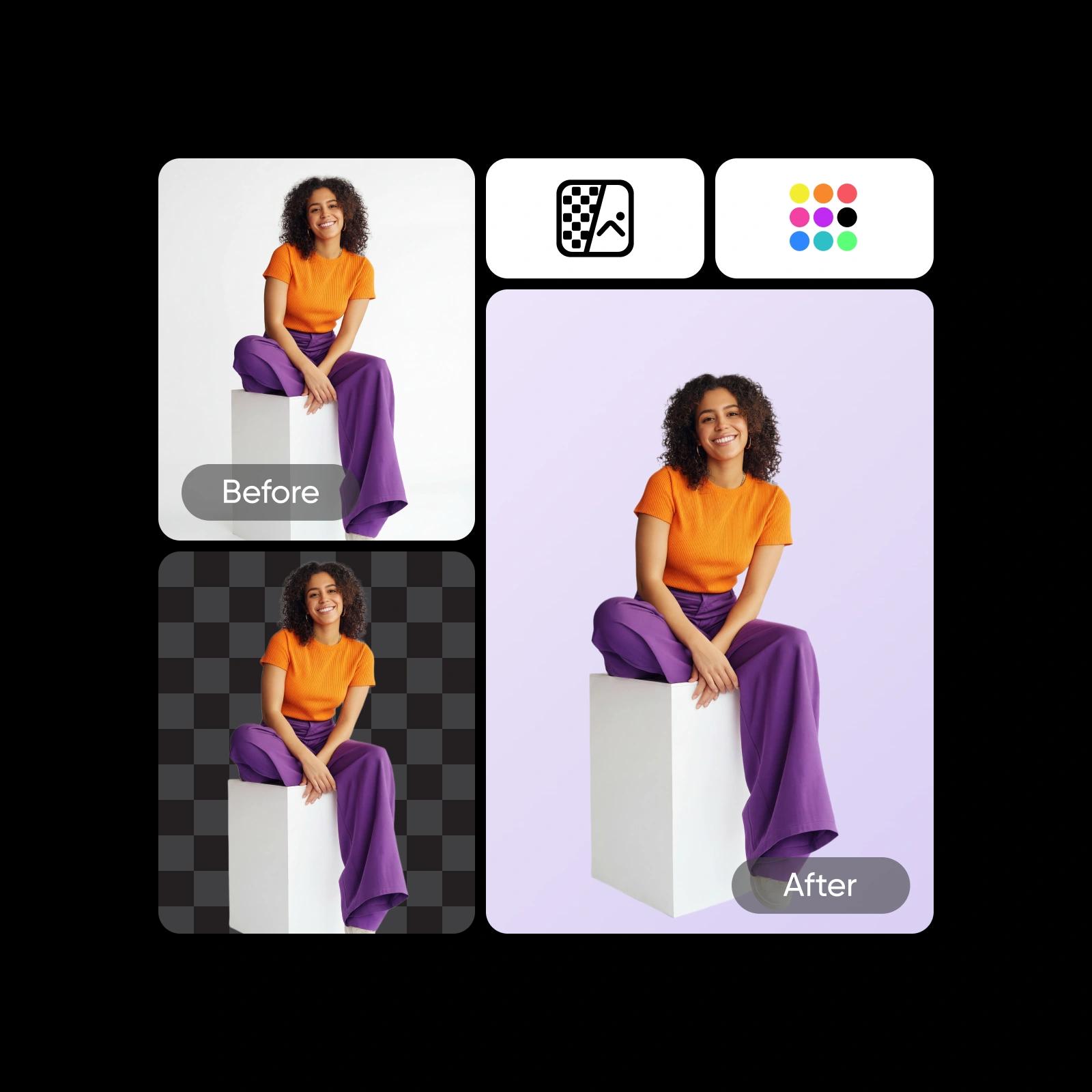
背景色をあっという間に切り替え
画像の背景色の変更が、これまでになく簡単になりました。明るい色で楽しい雰囲気を表現したり、白い背景で被写体を際立たせたり、黒い背景で写真を洗練された印象に仕上げたりできます。操作は簡単。既存の背景を自動で削除し、さまざまなプリセットカラーから選ぶか、カラーホイールで正確な色合いを指定しましょう。または、AI Background Generatorを使って、オリジナルのシーンを一から作成することもできます。
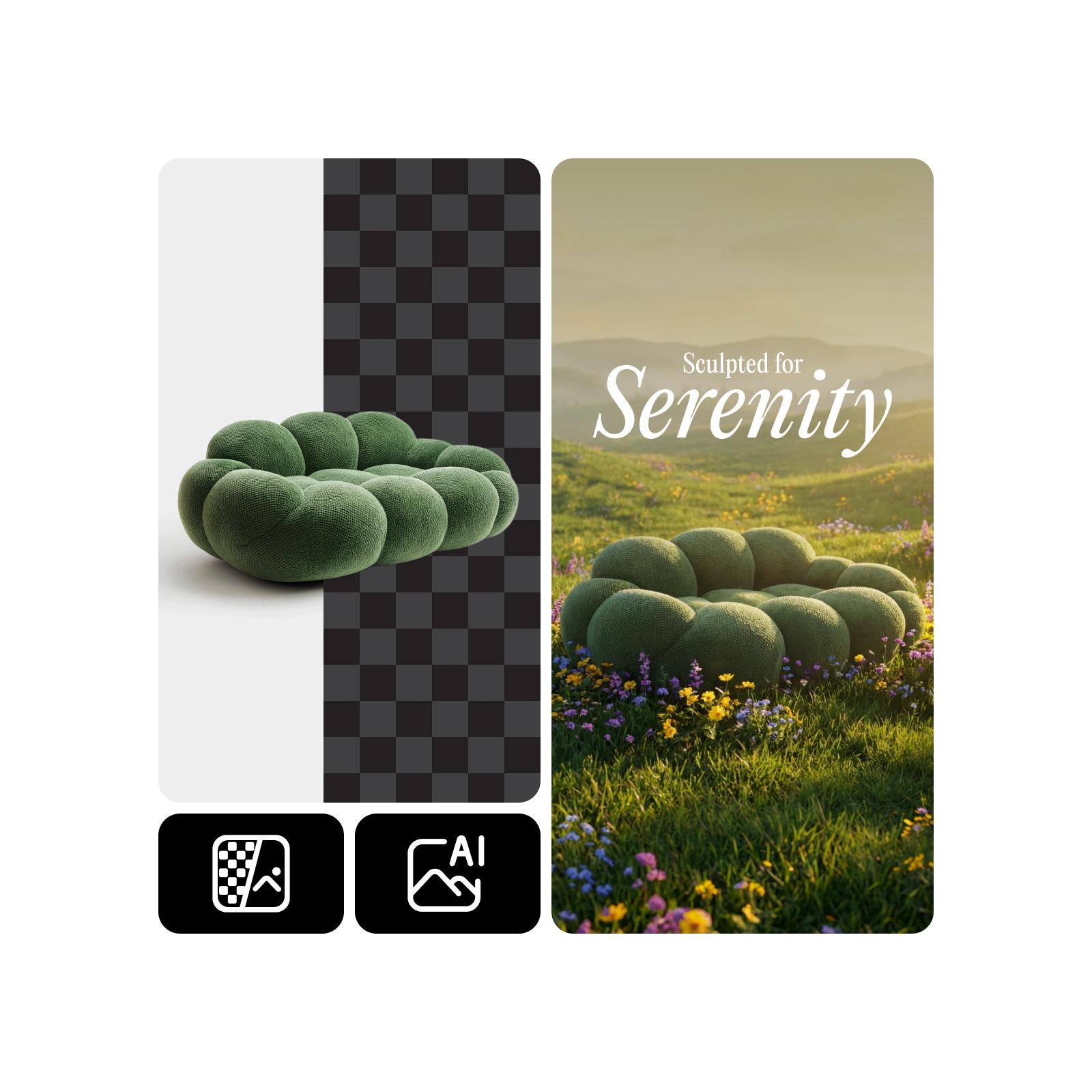
ポートレート、テキスト、グラフィックなどの背景を作成
PicsartのオンラインBackground Color Changerを使えば、個人用から仕事用まで、あらゆる画像の背景を編集できます。ポートレート、グラフィック、テキストの背景を置き換えたいときも、Picsartの直感的なAIが複雑な細部まで処理し、元の背景の跡を残さずに背景色を変更します。
- プロジェクトに背景を合わせる
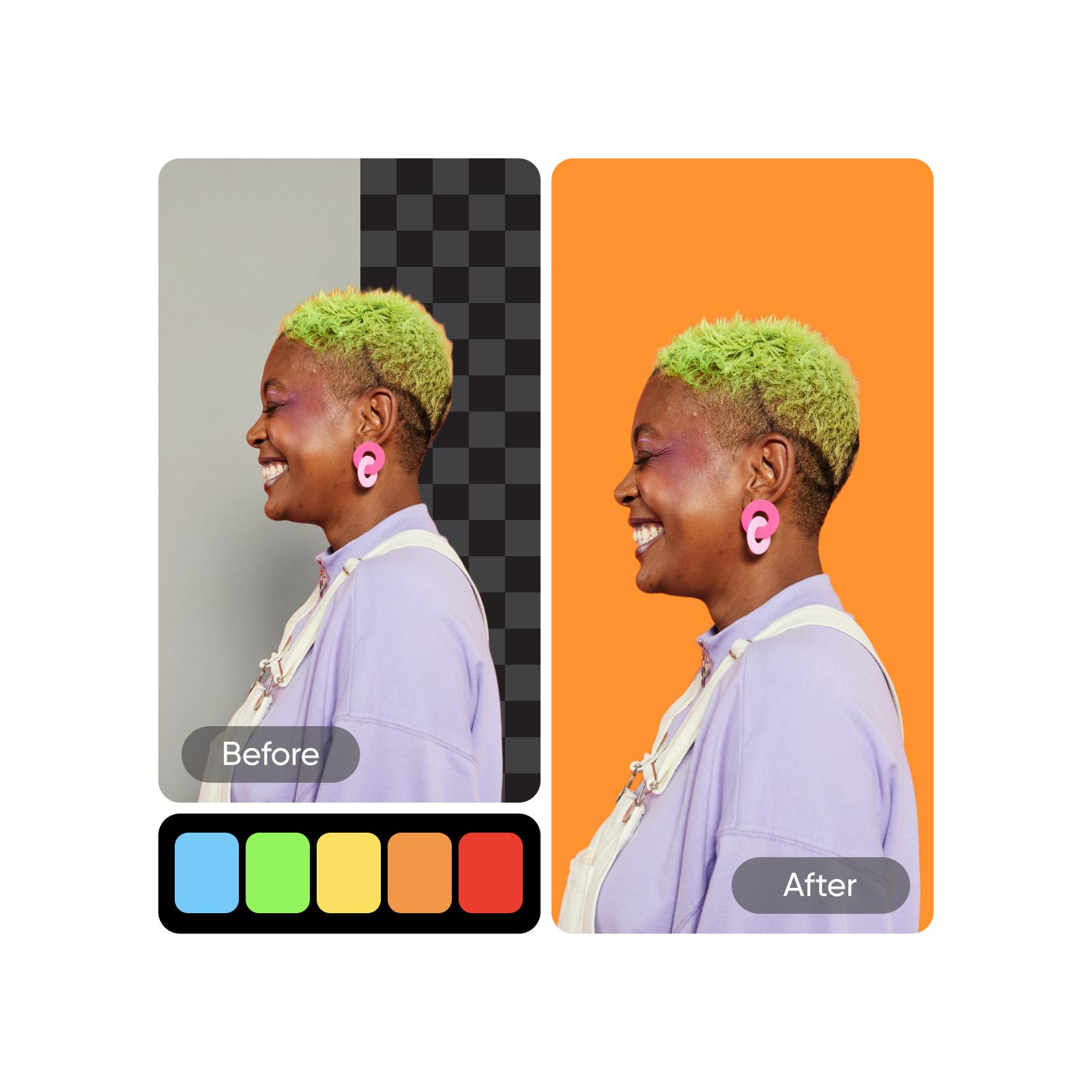
プロジェクトごとにユニークなバリエーションを作成
背景色を変えたバリエーションを複数作れば、1枚の写真からアイデアが次々と広がります。マーケティングキャンペーン、商品紹介、SNS投稿、クライアント向けプレゼンテーションなどに合わせて、個性豊かなビジュアルを作りましょう。それぞれのバージョンに最適なスタイルを反映できるため、ブランドイメージに一貫性を持たせながら、すばやく用途に合わせて調整できます。一から作り直すことなく、新しいクリエイティブのアイデアを生み出しましょう。
- 別用途のカラーバリエーションを作る
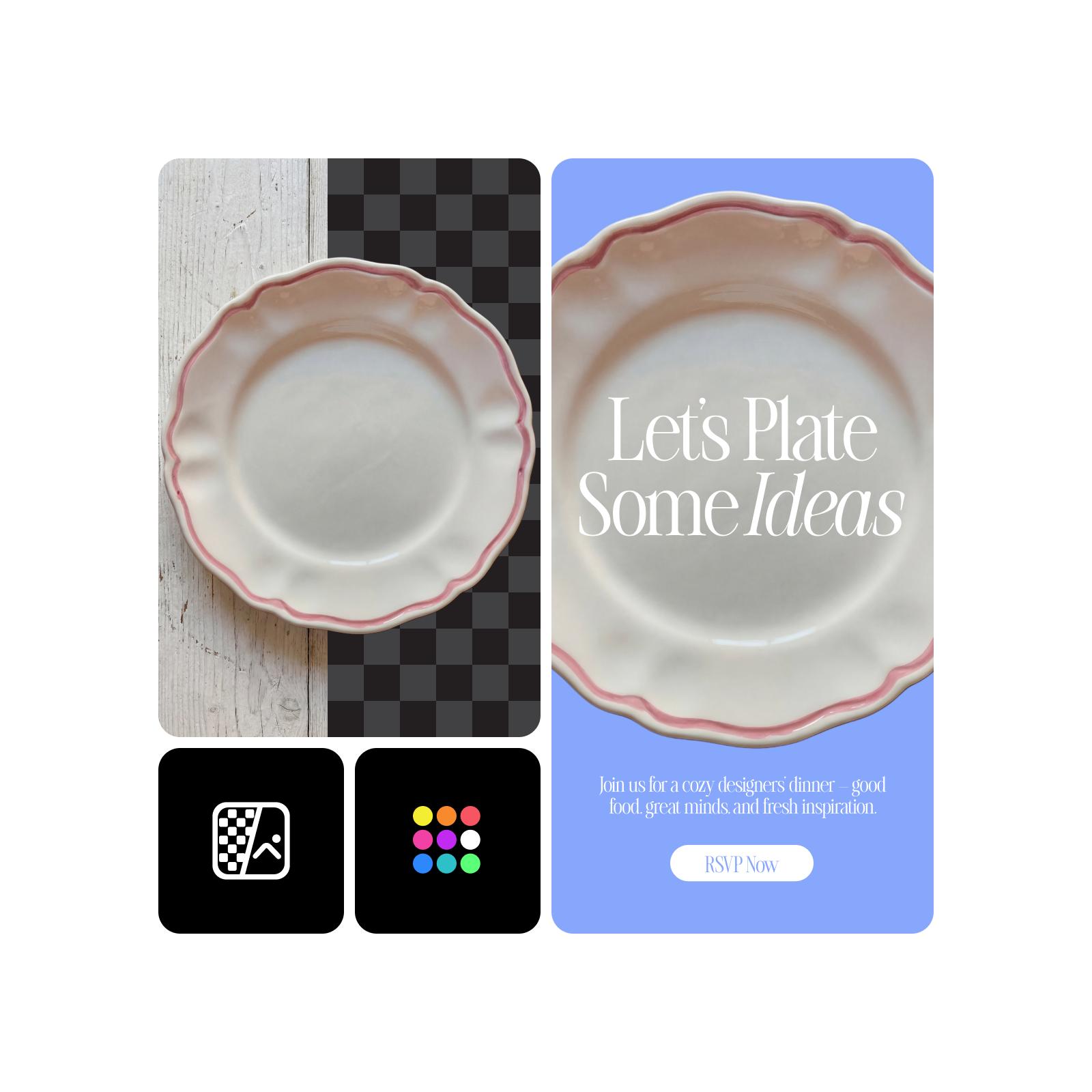
AIで想像力をさらに広げよう
写真の背景色を変更できるようになったら、仕上げに取りかかりましょう。キャンバスをさらに魅力的にするには、AI Photo Editorを使ってPicsartの背景ライブラリから新しい背景を追加したり、ステッカー、フィルター、デザイン要素でイメージを形にしたりできます。編集作業を効率化して背景をすばやく削除するには、PicsartのBatch Photo Editorをお試しください。さらにAI Backgroundで、AIが生成する新鮮な背景を試し、最終画像を仕上げることもできます。
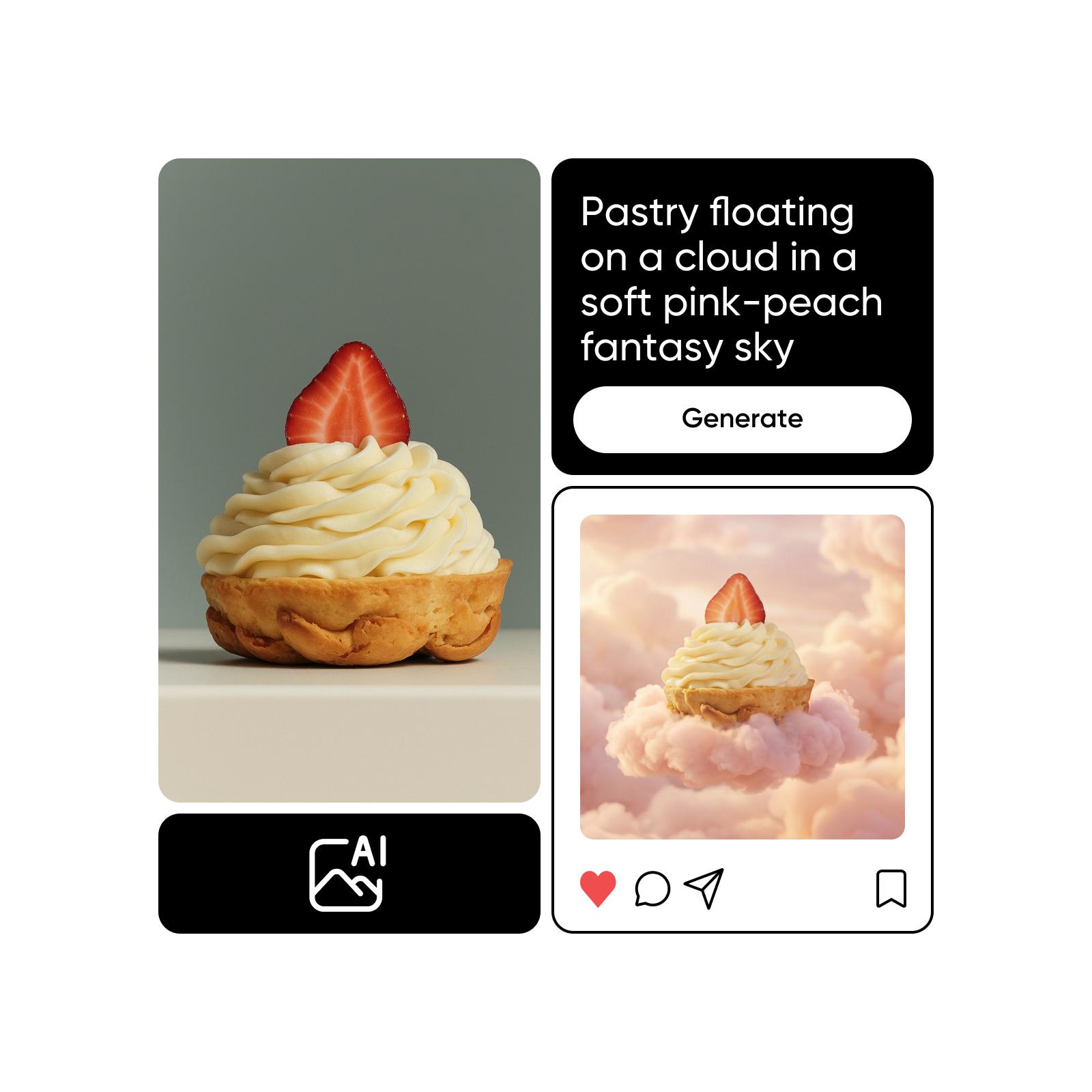
AI画像モデルで色を作成
画像モデルを使って背景、商品写真、切り抜き画像を洗練されたビジュアルに仕上げましょう。
Background Color Changerに関するよくある質問
写真の背景色をオンラインで変更するには、Background Color Changerに写真をアップロードし、現在の背景を削除して、新しい色を選ぶだけです。とても簡単です。
あらゆるビジュアルスタイルに合う背景色を作成
Pro
Most popularAI tools for everyday creative work.
Ultra
Most powerfulHeavy AI usage for creators & teams.
関連する編集ツールを探る


