logo
AI Image
AI Video
Library
Solutions
Community
MCP & CLI
Pricing
  1. Home
  2. AI Tools
  3. Scene Maker

Scene Maker: Turn ordinary photos into studio-level promos

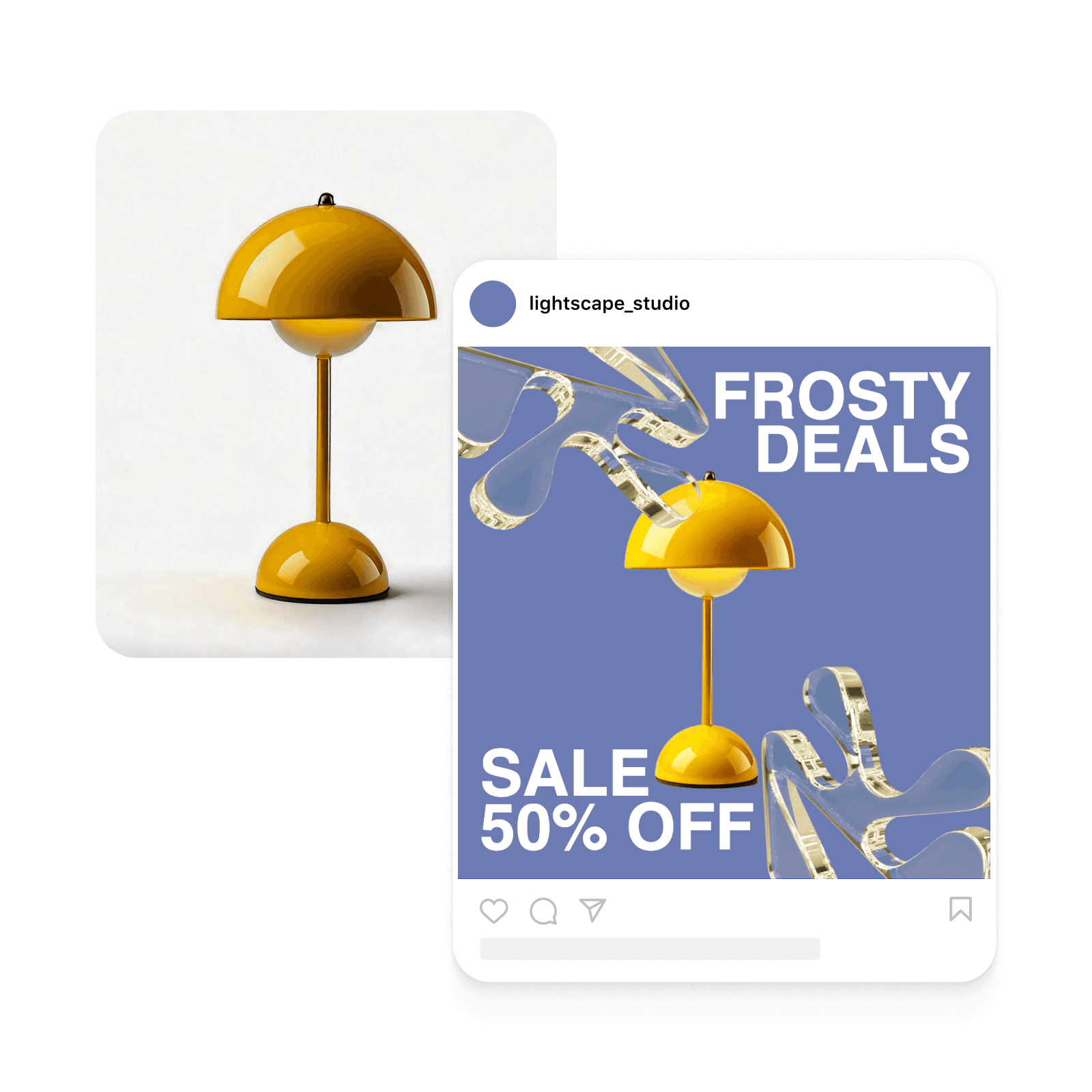
Transform product snapshots into polished visuals across multiple platforms instantly. Upload one product shot, and Scene Maker automatically generates variations for e-commerce listings, social posts, and ads. No more hours spent creating different versions – get all the visuals you need in one go.

online scene maker
Icon for fast creative workflow

Sped up creative workflow

Generate multiple background variations in seconds. Scene changer handles the heavy lifting, letting you focus on picking the perfect look for your brand.

Icon for AI

Easy way to stand out

Transform ordinary product shots into scroll-stopping social posts with professional templates and eye-catching backgrounds.

Icon for content creation scale

Perfect for scaling content creation

Create content variations in bulk for different platforms, campaigns, and seasons. Save time while maintaining brand consistency across all your marketing materials.


How to transform photos with Scene Maker

1

Upload your image

Use the Upload button at the bottom of the screen to select an image. 

2

Preview scene variations

3

Personalize

4

Download

Generate professional product shots instantly

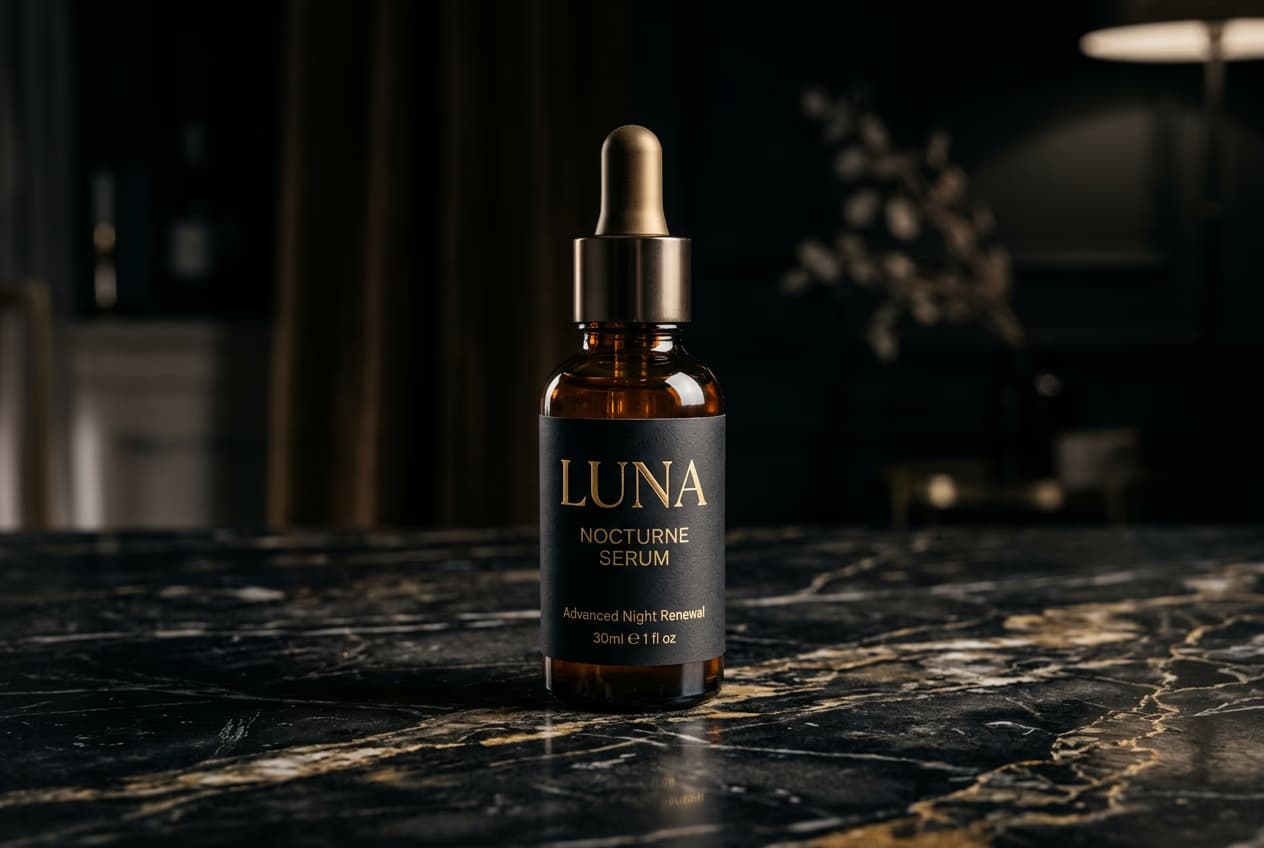
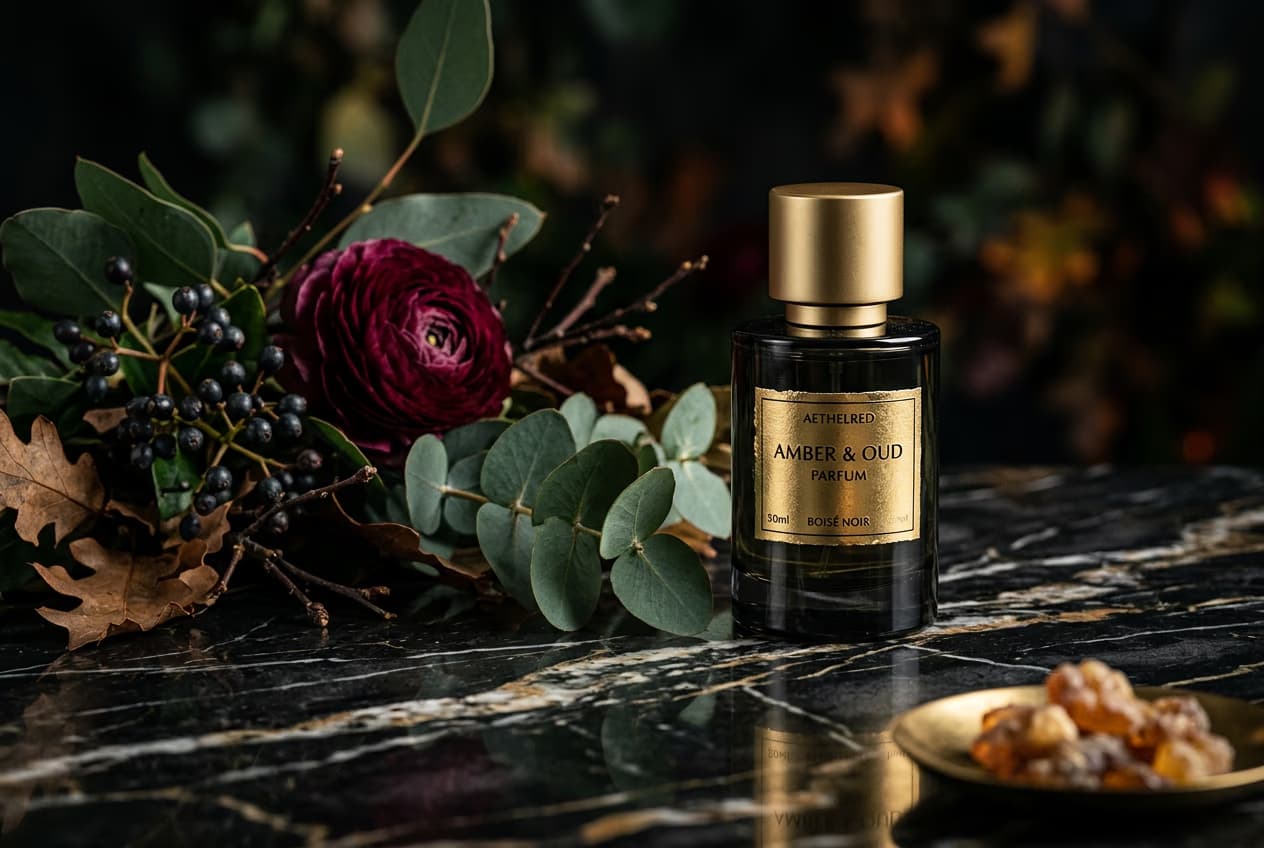
Create appealing product shots for e-commerce listings in seconds. Switch between clean, solid-color backdrops and AI-crafted backgrounds tailored specifically for your product. Scene changer helps capture attention and drive clicks with visuals that make products stand out. Perfect for refreshing product catalogs or launching new collections across multiple platforms.

create product shots for social media in an instants

Transform product photos into social posts

Get simultaneous social media designs along with your e-commerce photos and ads. Scene Maker matches products with on-brand backdrops and text, and places them into ready-to-use templates. All you need to do is select the best design, customize the text and colors if necessary and you’re all set. Generating multiple variations to maintain fresh, consistent content across all social channels has never been faster and easier!

turn simple images into product listings

Create platform-ready product ads

Generate high-performing static ads customized to specific product categories and brand guidelines. Scene changer puts products center stage by changing the original background with professional backdrops and layouts. This way you can get campaigns live faster and reduce dependencies. Adapt visuals quickly for different ad platforms while maintaining brand consistency and professional quality.

Create product ad images

Scale ad creative creation with AI

Get multiple creative variations for your ad experiments without any extra effort. Scene Maker generates diverse product shot variants and ad designs in seconds, making it easy to find and scale winning combinations across different platforms. Save time and creative energy with AI-powered background generation that adapts to each product category and campaign need.

Create social media ads with scene maker

Hit all your visual goals with one tool

Skip the hassle of manual visual creation. Transform product shots into scroll-stopping content, test multiple variations, and scale your creative production – all from a single platform.


Scene Maker FAQ

Picsart’s Scene Maker seamlessly integrates Picsart’s existing tools background changer, BG remover, and AI background for an even faster product photo creation. It analyzes your product and creates several variations that you can use on e-commerce platforms, social media posts, ads, landing page visuals, etc.

Yes, you can use Picsart’s brand kit capabilities to specify visual preferences and get relevant results.


Explore Picsart’s creative suite

online brand kit generator

Brand kit generator

Set up your brand guide in Picsart to effortlessly access everything you need to create consistent designs.

background remover tool in Picsart photo editor

Background remover

Masterfully remove the background with AI or make it transparent.

background changer

Background changer

Swap up the backdrop or remove it altogether. 

Generate backgrounds with Picsart's AI background generator

AI background

Generate unique backgrounds from scratch with just a prompt.

online png maker

PNG maker

Transform photos into transparent PNGs with the PNG maker.

free transparent background maker

Transparent background maker

Add a transparent background to your photos with ease. 

online green screen remover

Green screen remover

Automatically remove green color backgrounds from images.

remove background from logo

Logo background remover

Create transparent backgrounds for your logo files with ease.

Add a color background to PNGs.

PNG color changer

Add a background color to your transparent PNG files.

More ways to create.
Generate photo collagesCreate stickersMake transparent PNGsGenerate transparent background makerGenerate stickersCreate animationMake slideshowsMake stickersCreate videosGenerate ad

Get the free app

Download on the App StoreGET IT ON Google PlayGet it from Microsoft
Pinterest
AICPA SOC

Explore

  • AI Image Generator
  • AI Video Generator
  • AI Playground
  • AI Image Models
  • AI Video Models
  • AI Photo Editor
  • Templates
  • Design Tools

Solutions

  • For Enterprise
  • For Developers
  • For Google Drive
  • For specific Industries
  • Quicktools
  • AI Avatar
  • Pricing

Company

  • Support
  • Careers
  • About us
  • Earn with Picsart
  • Blog
  • Press Center
Terms of UsePrivacy PolicyDo Not SellInternet-Based AdvertisingCommunity GuidelinesDMCASecurity PolicyAccessibility
© 2026 PicsArt, Inc.

Understand background edits

Learn how to remove, replace, and clean up backgrounds.

How to remove backgrounds from photos with AI preview
Backgrounds

How to remove backgrounds from photos with AI

3 minBeginner
How to replace backgrounds with AI-generated scenes preview
Backgrounds

How to replace backgrounds with AI-generated scenes

4 minIntermediate
How to generate custom backgrounds from text descriptions preview
Backgrounds

How to generate custom backgrounds from text descriptions

4 minIntermediate
How to create product photography backgrounds with AI preview
Backgrounds

How to create product photography backgrounds with AI

4 minIntermediate
How to make virtual backgrounds for video calls preview
Backgrounds

How to make virtual backgrounds for video calls

3 minBeginner
Backgrounds

How to replace product photo backgrounds at scale with AI agents

4 minAdvanced
See all tutorials