처음부터 직관적이에요
첫 동영상을 한 번에 편집했어요. 처음부터 사용법이 직관적이라 괜찮은 결과물을 만들기 위해 튜토리얼을 볼 필요가 없었어요.
Lena M., 소셜 미디어 크리에이터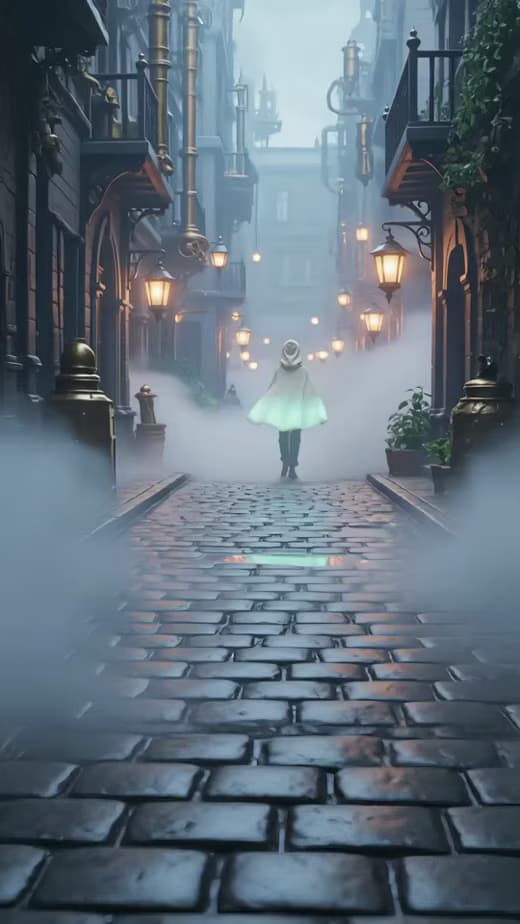
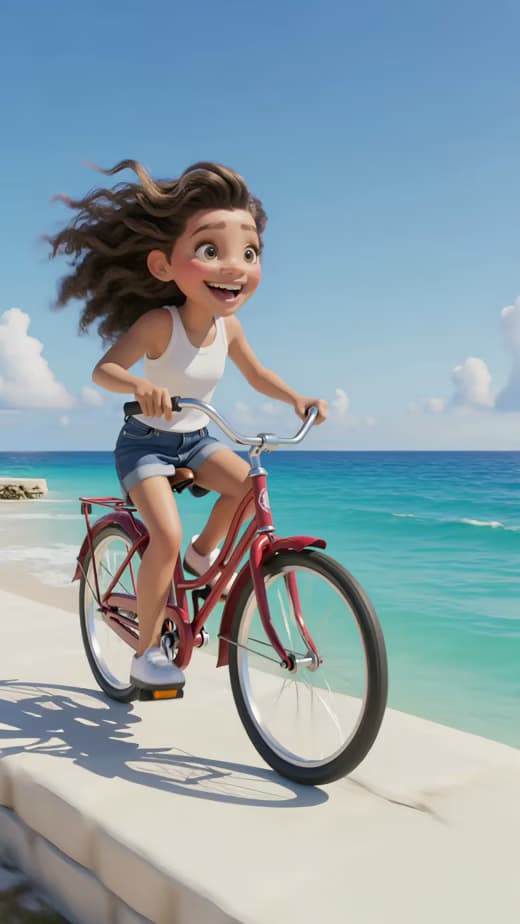

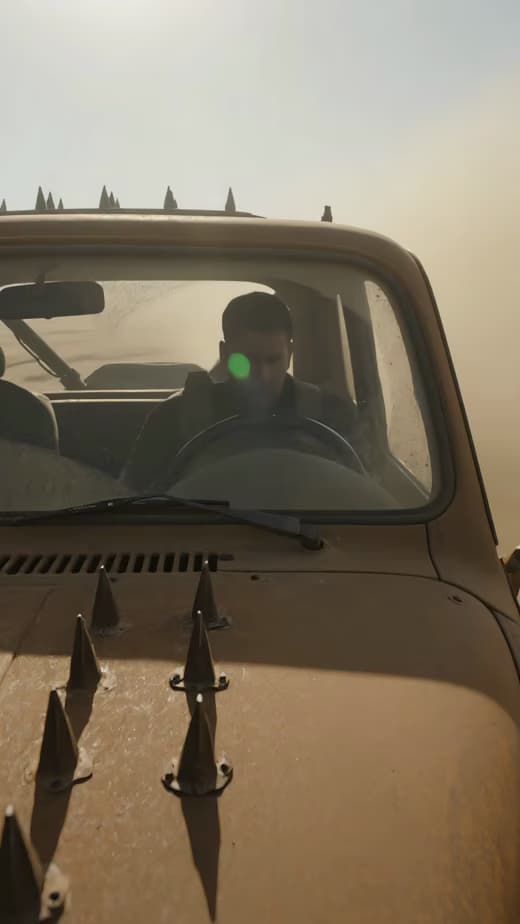
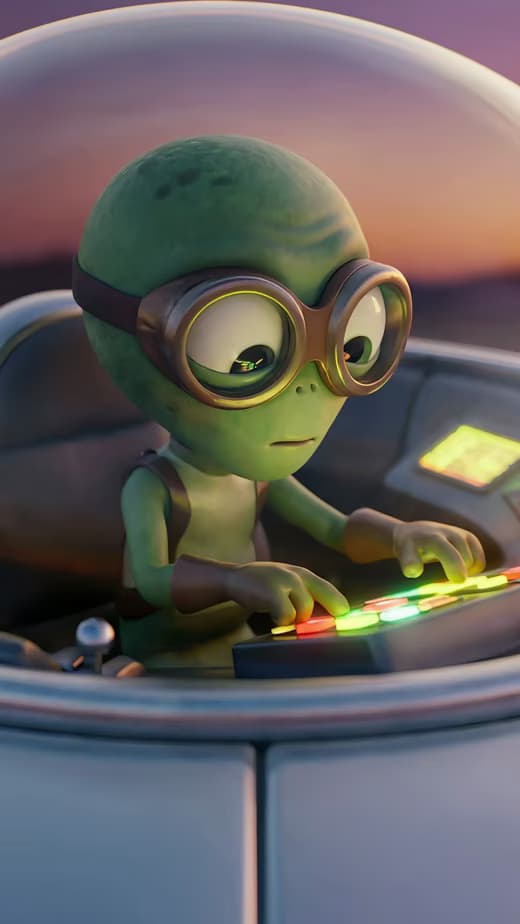
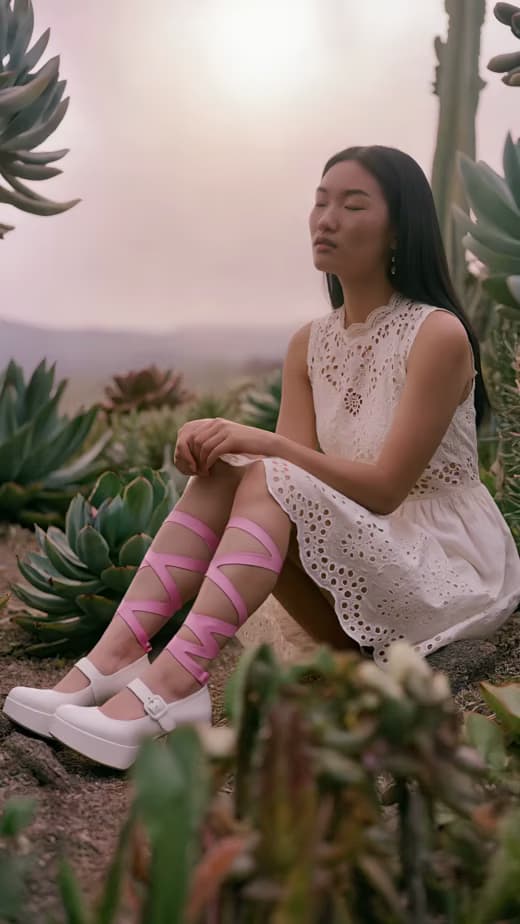
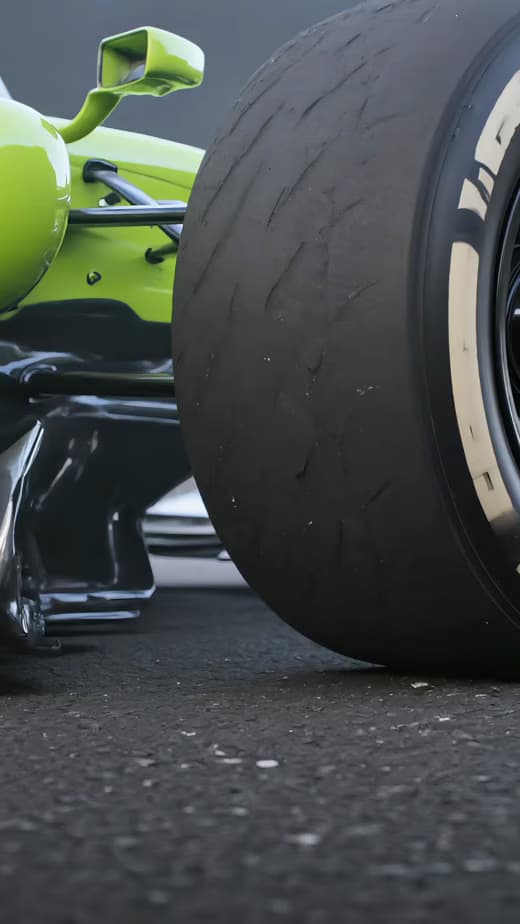
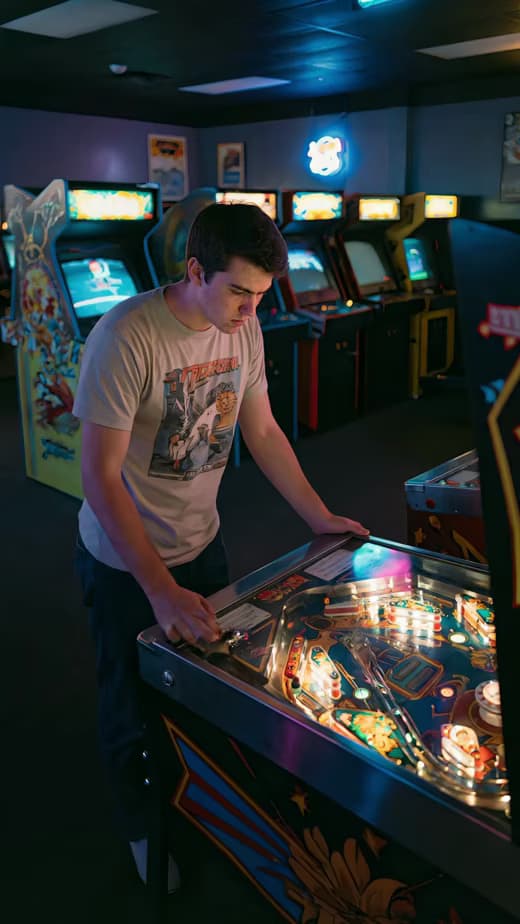

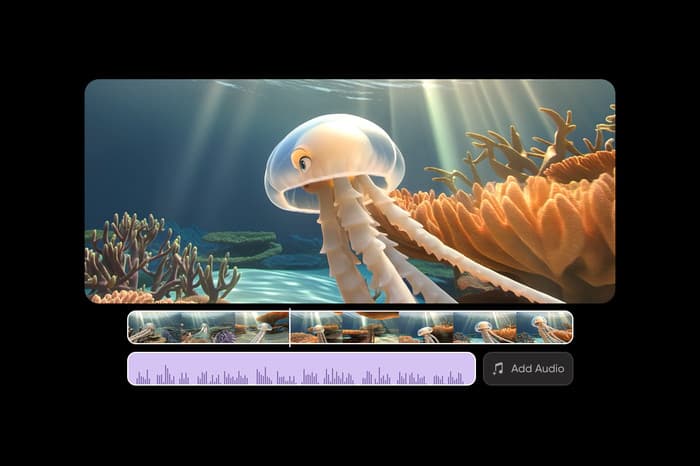
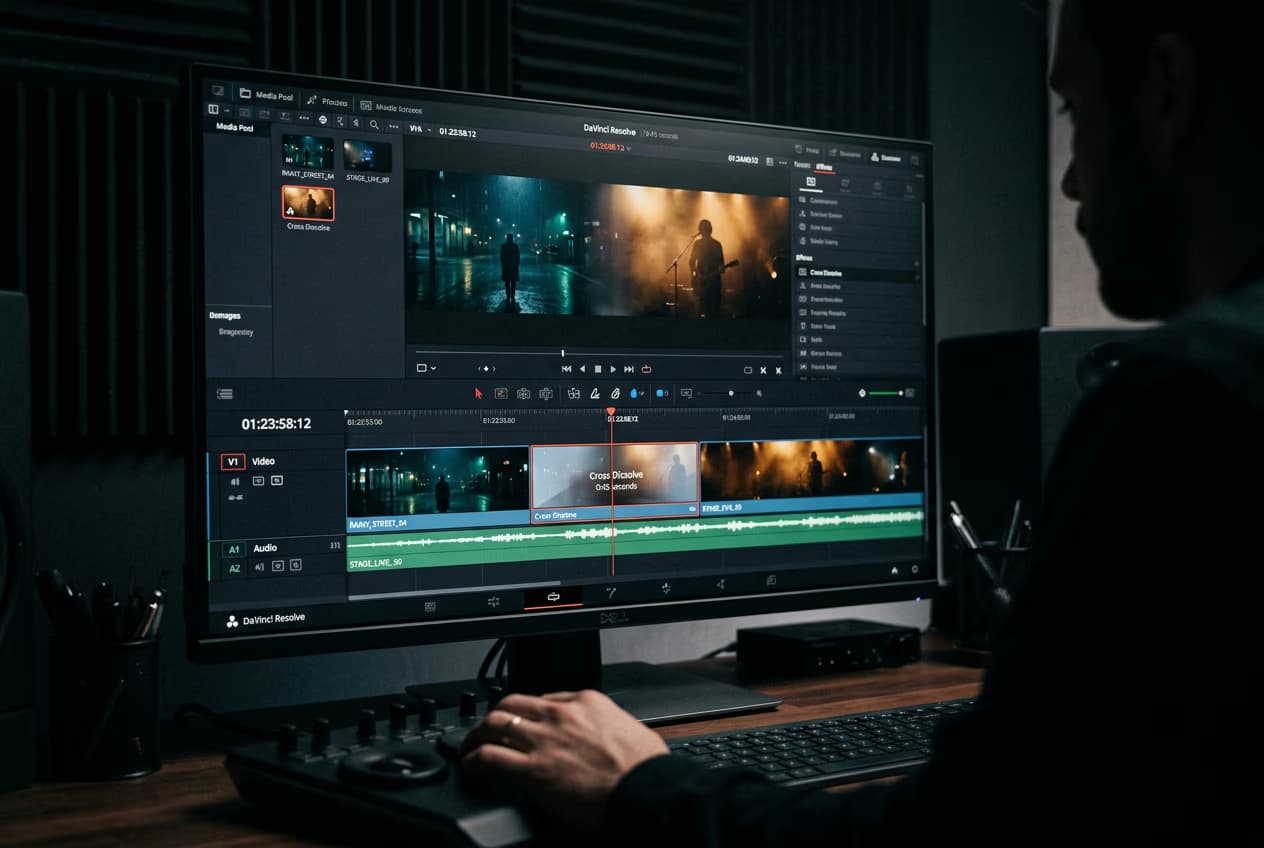
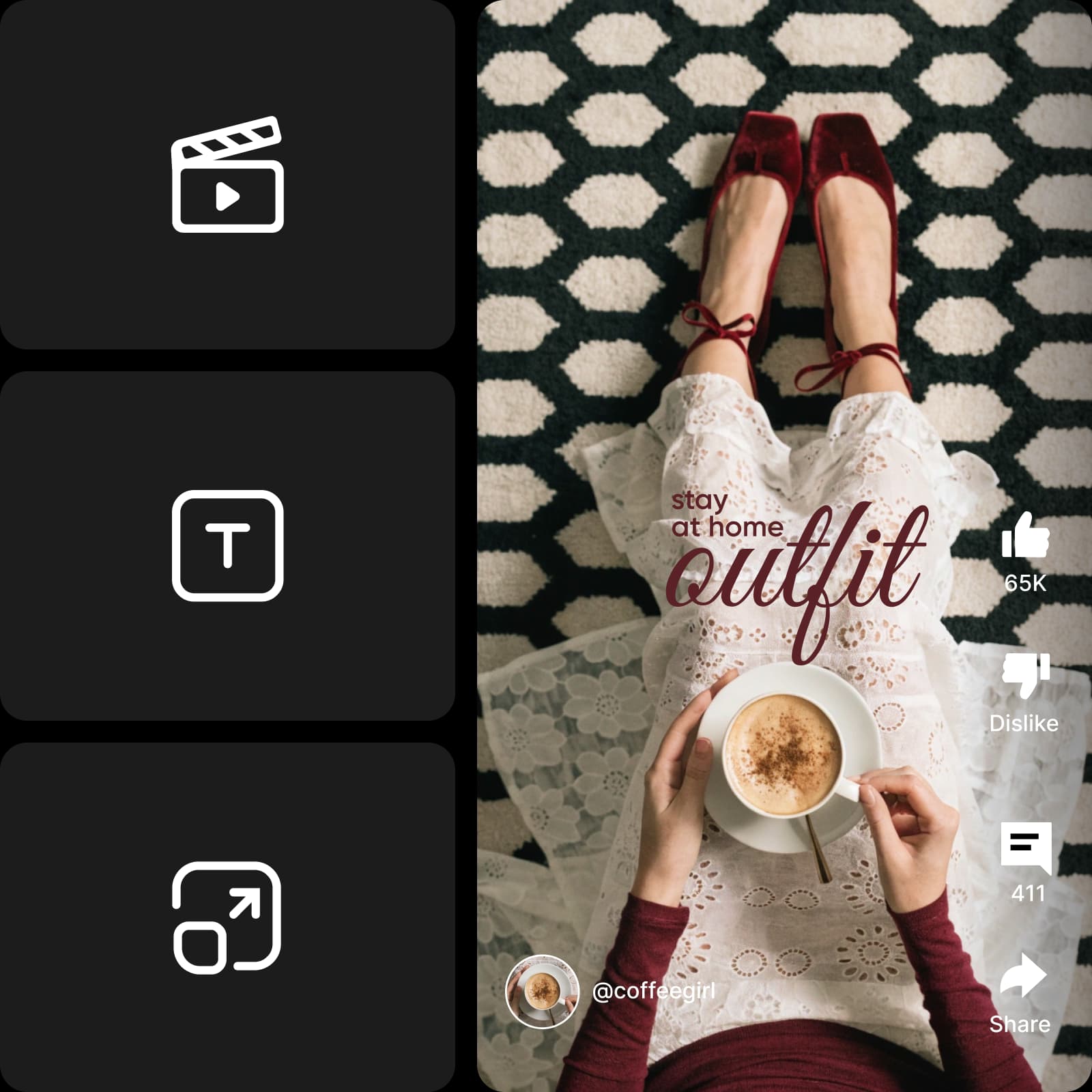
간편한 제작과 일상적인 사용을 위해 설계된 동영상 편집기로 온라인에서 무료로 동영상을 편집하세요. 설치나 별도의 학습 없이 브라우저에서 간단한 수정부터 전체 프로젝트까지 진행할 수 있습니다. 동영상과 오디오가 하나의 타임라인에 표시되어 편집하면서 클립, 사운드, 레이어를 손쉽게 정리할 수 있습니다.
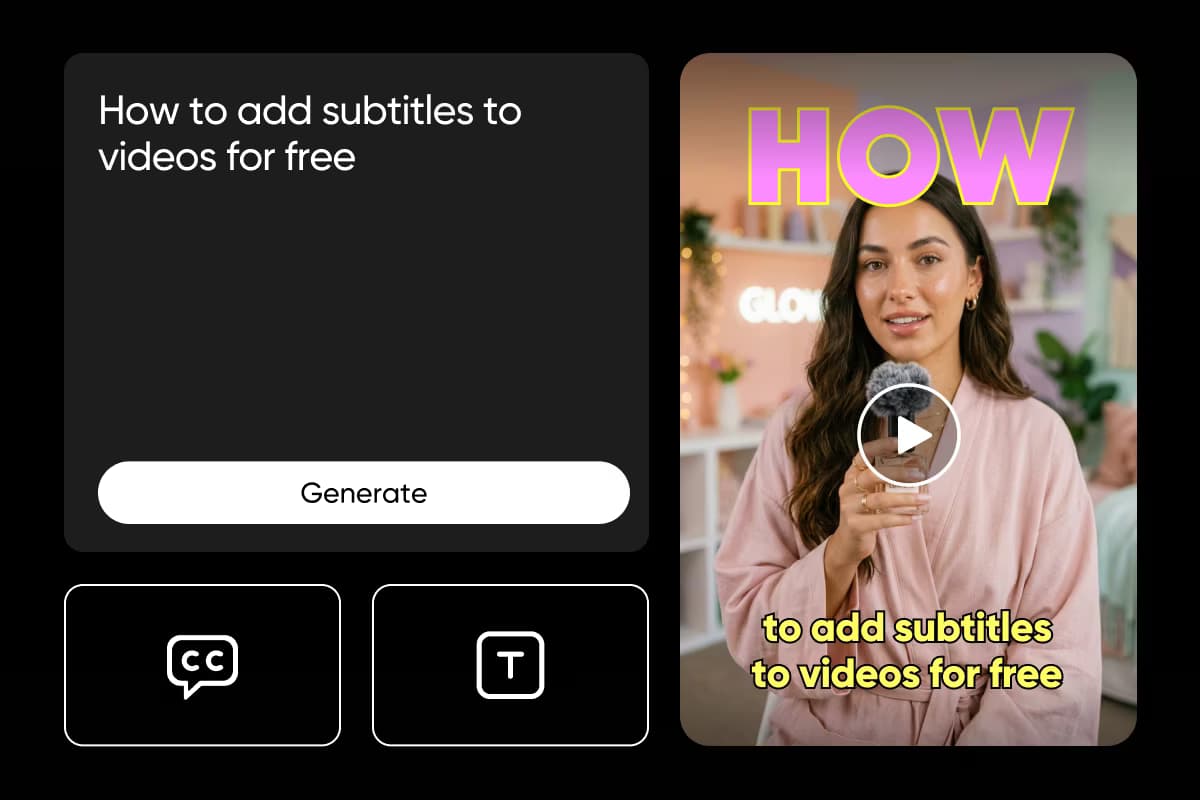
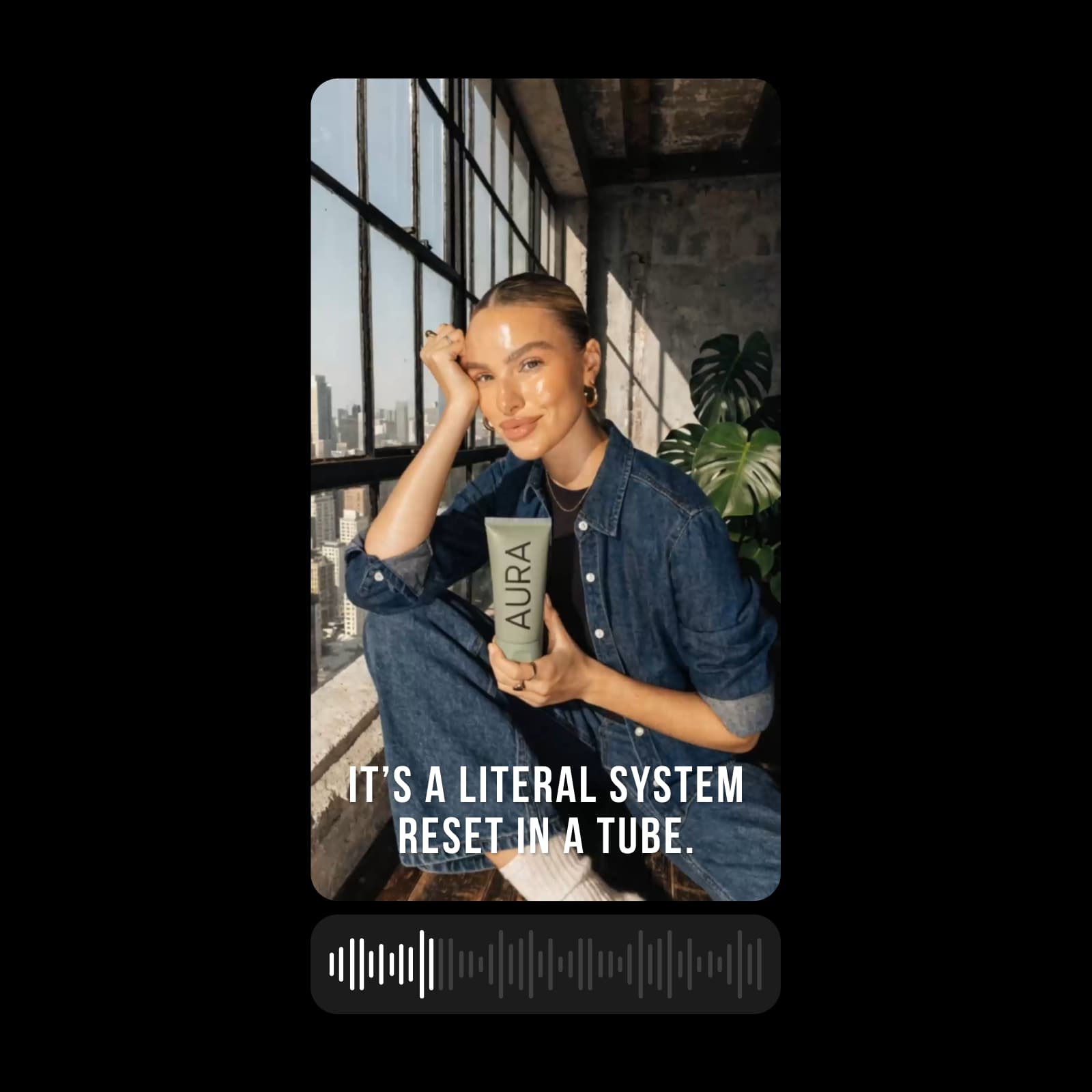
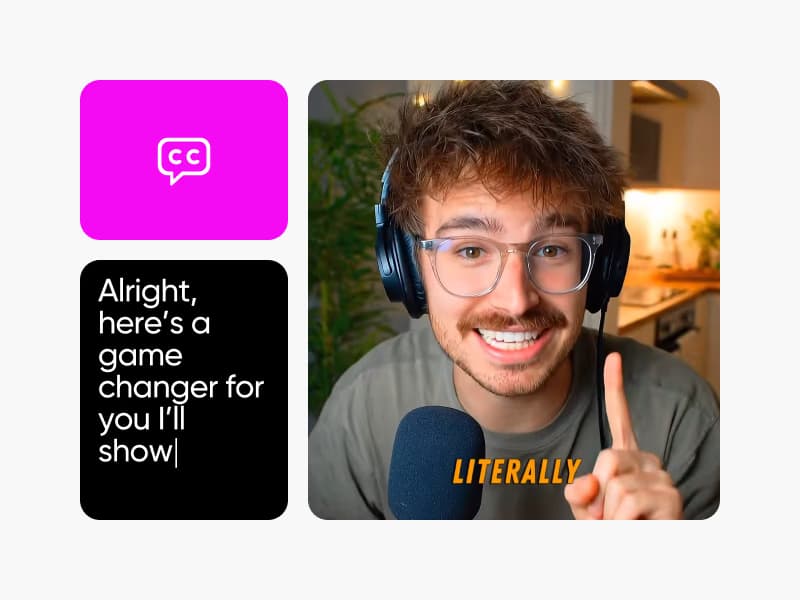
명확하고 몰입감 있는 스토리텔링을 위한 간편한 동영상 편집기로 동영상을 개선하세요. 텍스트 오버레이를 추가해 중요한 순간을 강조하고, 배경 음악이나 보이스오버를 넣고, 이해와 접근성을 높이는 자동 자막을 생성할 수 있습니다. 멀티트랙 타임라인에서 복잡한 편집 과정 없이 몇 번의 클릭만으로 레이어별 글꼴, 타이밍, 재생 속도, 오디오 레벨을 세밀하게 조정하세요.
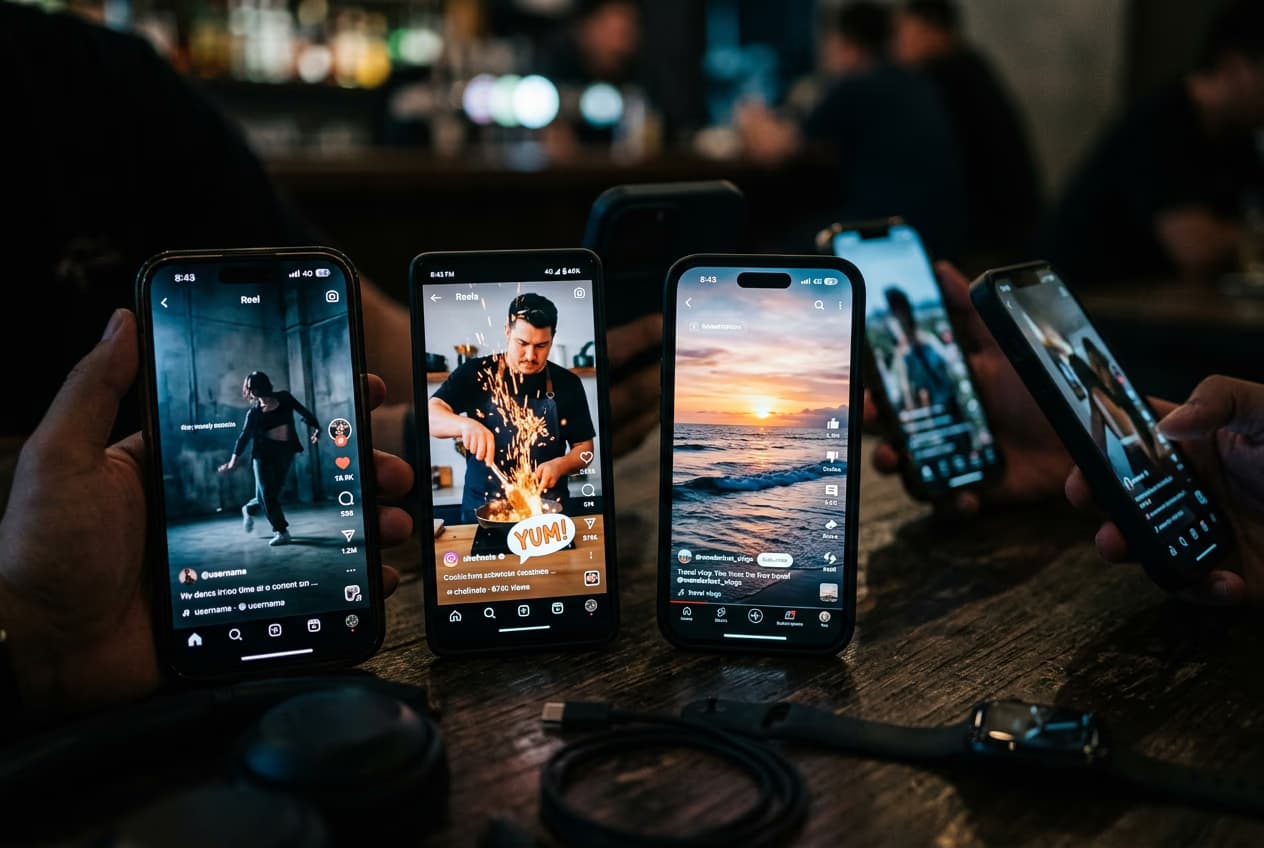
소셜 미디어용 동영상 편집기로 Instagram, TikTok, YouTube Shorts 등의 동영상을 온라인에서 편집하세요. 각 플랫폼의 사양에 맞게 클립의 형식과 길이를 조정하고 원하는 대로 꾸미면서 빠르고 일관된 작업 흐름을 유지할 수 있습니다. 소셜 콘텐츠뿐 아니라 개인 프로젝트, 공지, 제품 소개, 소규모 비즈니스를 위한 간단한 홍보 동영상에도 활용할 수 있습니다.
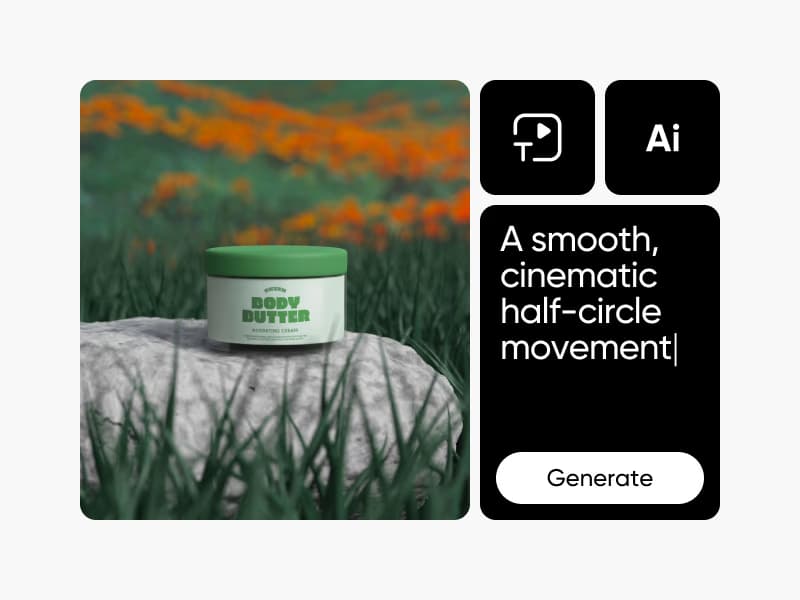
더 자동화된 편집 방식을 원하시나요? 기본 동영상 편집기와 함께 Picsart는 일상적인 작업을 빠르게 처리하도록 설계된 전용 AI Video Editor도 제공합니다. 스마트 동영상 편집 기능을 통해 AI가 조정, 개선, 반복 편집을 도와주는 동안 최종 결과는 직접 제어할 수 있습니다. 직접 편집하는 창작 방식을 유지하면서 추가 도움을 받고 싶을 때 유용한 빠른 편집 옵션입니다.
강력한 편집 도구와 더불어 Picsart는 빠른 제작을 돕는 다양한 동영상 템플릿도 제공합니다. 맞춤 설정 가능한 템플릿으로 편집 방향을 쉽게 잡고, 원하는 대로 텍스트, 화면, 음악, 타이밍을 동영상 편집기에서 바로 변경할 수 있습니다. 모든 편집을 자유롭게 제어하면서 준비 시간을 절약하세요.
긴 편집 없이도 트렌드를 따라가세요. 프리셋, 스마트 컷, 최적화된 크기로 클립을 TikTok, Reels, Shorts 콘텐츠로 만들어 보세요. 더 빠르게 게시하고 일관성을 유지할 수 있습니다.
첫 동영상을 한 번에 편집했어요. 처음부터 사용법이 직관적이라 괜찮은 결과물을 만들기 위해 튜토리얼을 볼 필요가 없었어요.
Lena M., 소셜 미디어 크리에이터빠른 소셜 콘텐츠 제작에 딱이에요. 여러 도구를 번갈아 사용할 필요 없이 동영상을 자르고 크기를 조정한 뒤 플랫폼별로 내보낼 수 있어요.
Jason K., 소규모 비즈니스 운영자처음에는 기본 편집부터 시작했는데, 프로젝트가 커지면서 자연스럽게 더 고급 기능도 사용하게 됐어요.
Amira S., 콘텐츠 마케터클립을 더 깔끔하게 편집하는 방법을 알아보세요.
동영상 편집 경험을 개선하고 손쉽게 콘텐츠를 만들 수 있는 도구를 더 알아보세요.
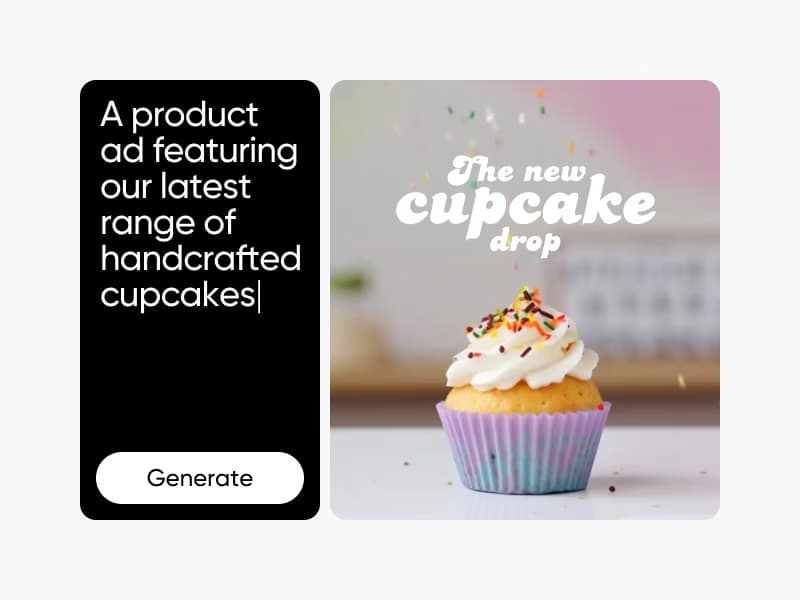
AI tools for everyday creative work.
Heavy AI usage for creators & teams.