Скратете видео онлајн
Задржете ги важните моменти. Отворете го клипот директно во Trim & Cut, скратете го почетокот или крајот и прегледајте го резултатот пред да го извезете видеото.
- Чувај само потребниот дел
- Прегледај краток клип пред извоз
Направете пократка монтажа
Како да скратите видео онлајн
Алатката за скратување видео го менува времетраењето на клипот
Скратете го видеото кога сакате пократок клип со иста видлива рамка. Отстранете го времето потрошено за подготовка на кадарот или последниот момент откако дејството ќе заврши. Почнете со најмала промена што ќе го направи клипот појасен, а потоа пуштете го целиот. Скратувањето го менува времетраењето; сечењето на видео го менува она што се гледа околу рабовите.
Претворете подолга снимка во фокусиран краток клип
Корисното кратко видео има јасна тема уште од почетокот. Изберете дел од подолга снимка што има смисла самостојно, како еден одговор, демонстрација или детаљ за производ. Оставете малку контекст пред клучниот момент за преминот да не делува нагло. За извадок од подкаст или објава на социјалните мрежи, преслушајте го звукот и прегледајте ја сликата пред да извезете.
- Дај јасен фокус на подолг снимок
Изберете скратување или сечење според потребите на монтажата
Со скратување се отстранува време од почетокот или крајот на клипот. Сечењето може да значи и разделување на снимката или отстранување дел од средината. Алатката Trim & Cut ги обединува овие уредувања на времетраењето во едноставен процес. Проверете кои контроли се достапни за клипот и прегледајте ги двете страни на резот за движењето или реченицата и понатаму да имаат смисла. Зачувајте копија од оригиналната снимка за друго уредување.
Довршете го пократкото видео со соодветната алатка
По скратувањето, користете Resize Video ако ви се потребни други димензии за излезното видео или Crop Video ако сакате потесна рамка околу темата. Додајте наслов со текстуални преклопувања или музичка подлога со Add Music to Video. Повторно проверете го времетраењето по секое уредување што ја менува конечната секвенца.
- Продолжи со уредување по скратување
Научете ги основите на уредувањето видео
Научете како да ги монтирате клиповите почисто.
How to edit videos with AI in Picsart video editor
5 minIntermediate
How to apply AI video filters and effects in Picsart
4 minBeginner
How to add text and captions to videos online
4 minBeginner
How to create smooth video transitions with AI effects
4 minIntermediate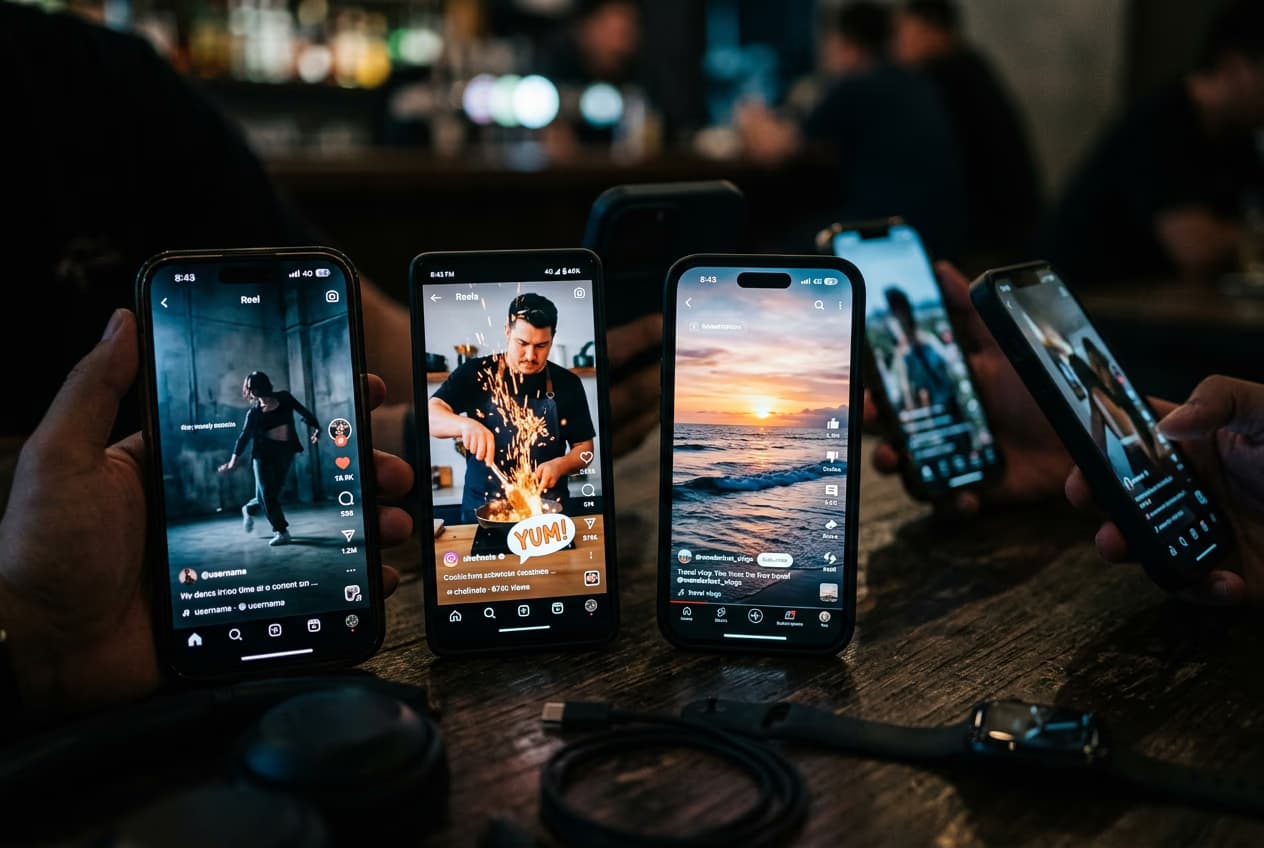
How to export videos for TikTok, Reels, YouTube, and Stories
5 minIntermediate
How to fix eye contact in talking-head videos with AI
4 minIntermediateHow to create faceless YouTube history videos with Picsart Storyline
4 minIntermediate
Најчести прашања за скратување видео
Отворете го видеото во алатката Trim & Cut на Picsart и прилагодете каде почнува и завршува клипот. Прегледајте го пократкото видео, а потоа извезете го резултатот.
Уредувајте видеа за поефективни објави на социјалните мрежи
Споредете ги плановите за алатките и функциите за уредување што сакате да ги користите.
Pro
Most popularAI tools for everyday creative work.
Ultra
Most powerfulHeavy AI usage for creators & teams.
Enterprise
Custom AI solutions for large organizations.
- Volume discounts on credit rate
- On-demand top-ups