Бесплатен отстранувач на видео-позадина
Лесно отстранете ги заднините од видеата со AI алатката на Picsart за отстранување видео-позадини. Не ви се потребни вештини за уредување видео ниту софтвер — сè се автоматизира совршено, прецизно и едноставно за почетници.
Создавајте видеа без заднина со AI модели за видео
Користете видео модели за да претворите клипови, снимки и текстуални упатства во видеа без заднина за социјалните мрежи, реклами и креативни проекти.
Како да отстраните заднини од видеа со Picsart
How to
Поставете го видеото
Користете го копчето Прелистај датотеки погоре за да изберете видео.
Автоматизирајте го отстранувањето видео-заднини со AI
Поставете видео и отстранете ја заднината со само еден чекор со алатката на Picsart за отстранување видео-заднини. Технологијата со AI ги препознава заднините и ги отстранува веднаш, бесплатно. Сè се одвива автоматски и за миг. Оставете ја алатката да ја заврши работата додека вие заштедувате време и го намалувате рачниот труд.
Отворете ја алатката за отстранување видео-заднини во апликацијата
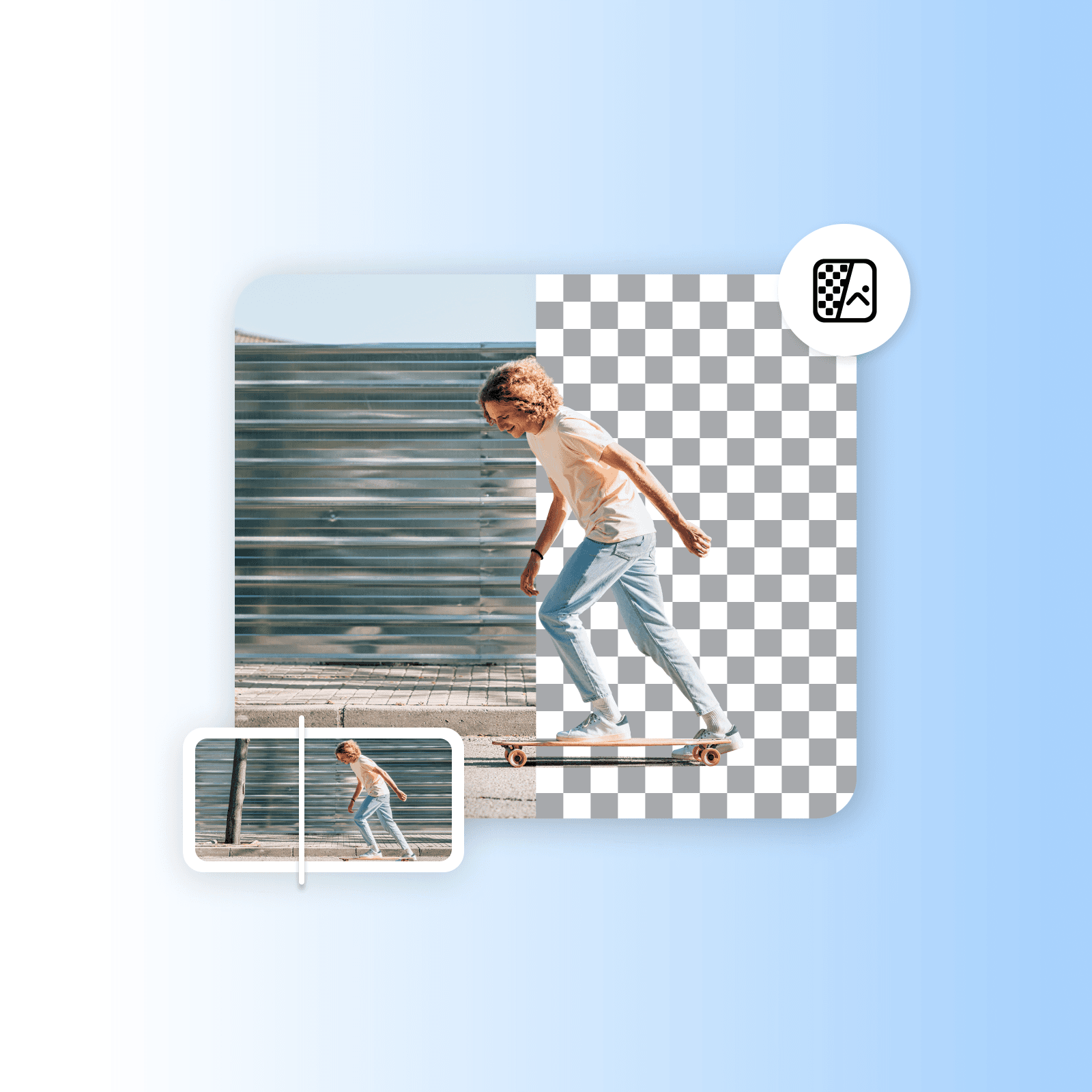
Заменете ја видео-заднината со сопствена заднина
Со алатката за промена на видео-заднина не само што можете лесно да ги отстраните заднините, туку и да ги замените со различни бои. Одете чекор понатаму и додајте сопствени заднини или целосно приспособени бои.
Отворете ја алатката за отстранување видео-заднини во апликацијата
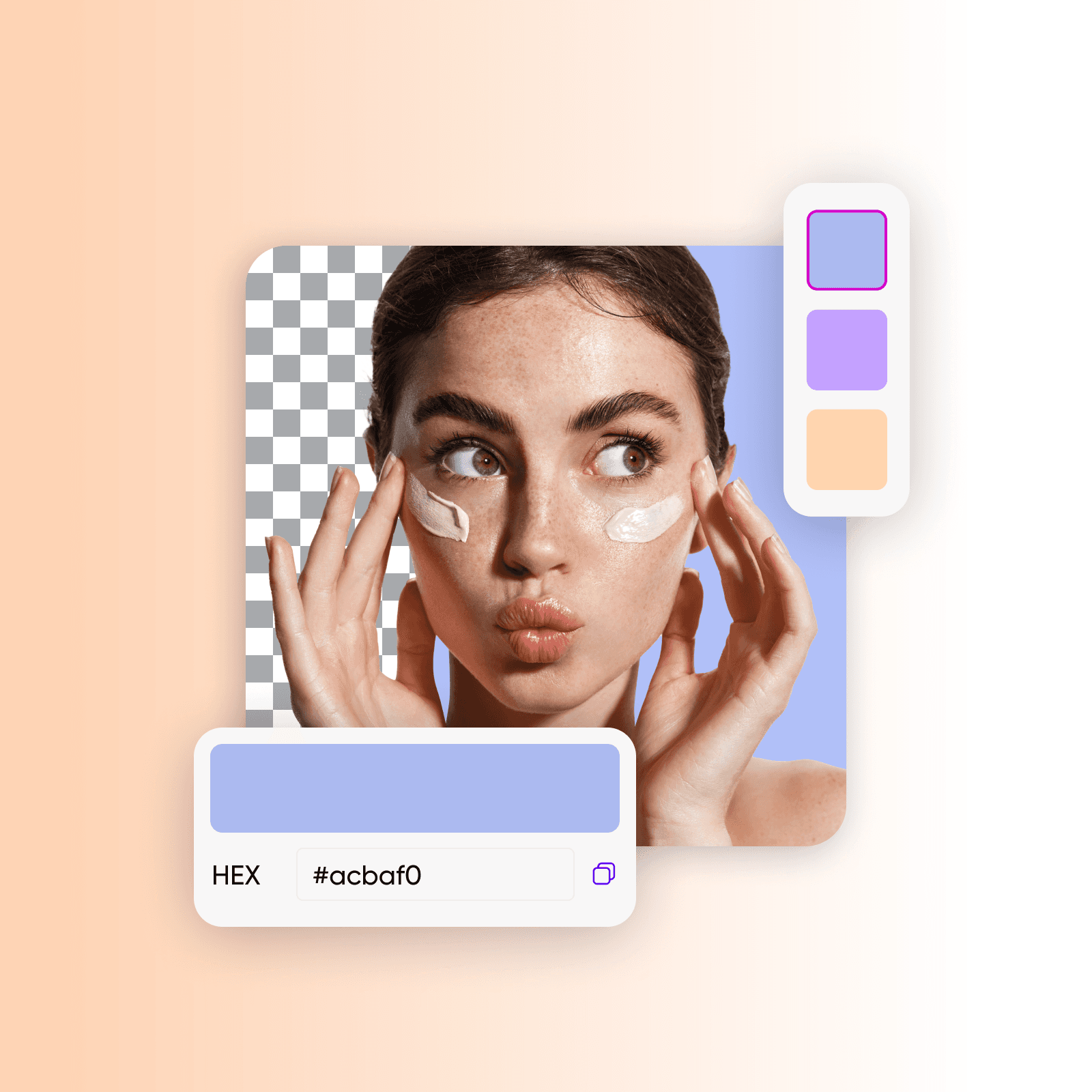
Лесно заменете ги зелените екрани
Лесно заменете ги и заднините со зелен екран со која било слика користејќи ја алатката на Picsart за отстранување видео-заднини. Замислете да префрлите презентер на вулканска планина, да го прикажете производот во раздвижен град или да создадете други неверојатни визуелни ефекти. Искористете ја технологијата со AI за отстранување зелен екран и создавајте привлечни и интересни видеа.
Отворете ја алатката за отстранување видео-заднини во апликацијата

Создавајте видео упатства со уникатни заднини
Алатката на Picsart за отстранување видео-заднини им помага на туторите и инструкторите брзо да создаваат професионални едукативни видеа. Менувајте ги заднините за да го подобрите изгледот на екранот, користете слајдови од презентацијата или изберете привлечни слики. Внесете забава во упатствата со додавање натписи и создавање заднини според контекстот со алатката на Picsart за паметни заднини.
Отворете ја алатката за отстранување видео-заднини во апликацијата
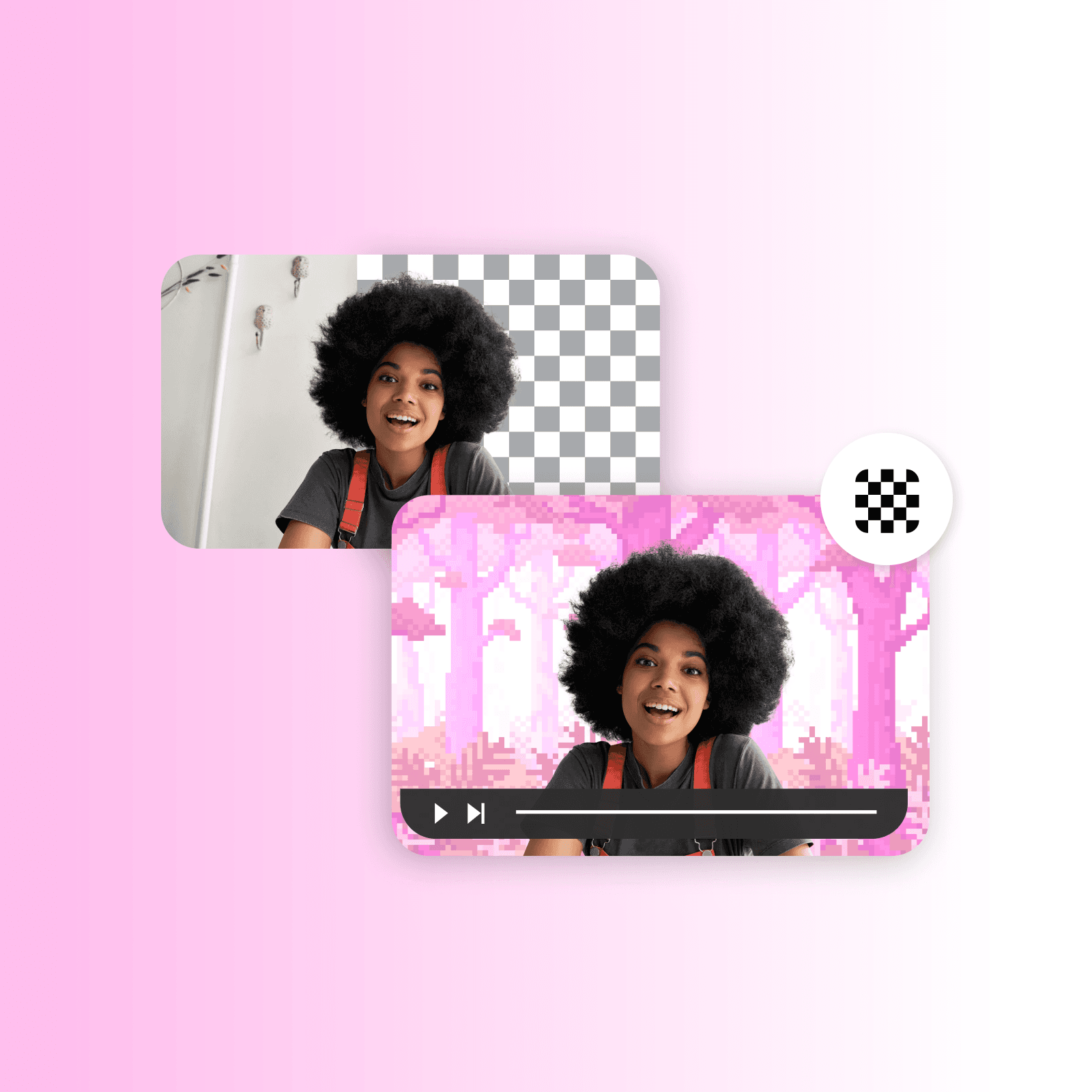
Подобрете го маркетингот на производи со отстранување видео-заднини
Погрижете се вашиот производ да остави силен прв впечаток со алатката на Picsart за отстранување видео-заднини. Додајте преклопувања, анимации, текст и други елементи за да создадете впечатливи интерактивни демонстрации на производи. Комбинирајте ја алатката со алатката за создавање видео реклами на Picsart за да составите привлечни видео реклами на кои нема да им одолеете, и истакнете ги производите на која било заднина.
Отворете ја алатката за отстранување видео-заднини во апликацијата

Направете повеќе од отстранување видео-заднини
Унапредете ги своите вештини со лесните алатки за уредување на Picsart. Совладајте го отстранувањето заднини од видеа и слики со AI. Испробајте алатки како проширувачот на слики, AI филтри, уредувачот на текст и друго. За миг избришете објекти од видеа и подобрете ги пикселизираните фотографии. Поместете ги границите на унапредувањето содржини.
Отворете ја алатката за отстранување видео-заднини во апликацијата
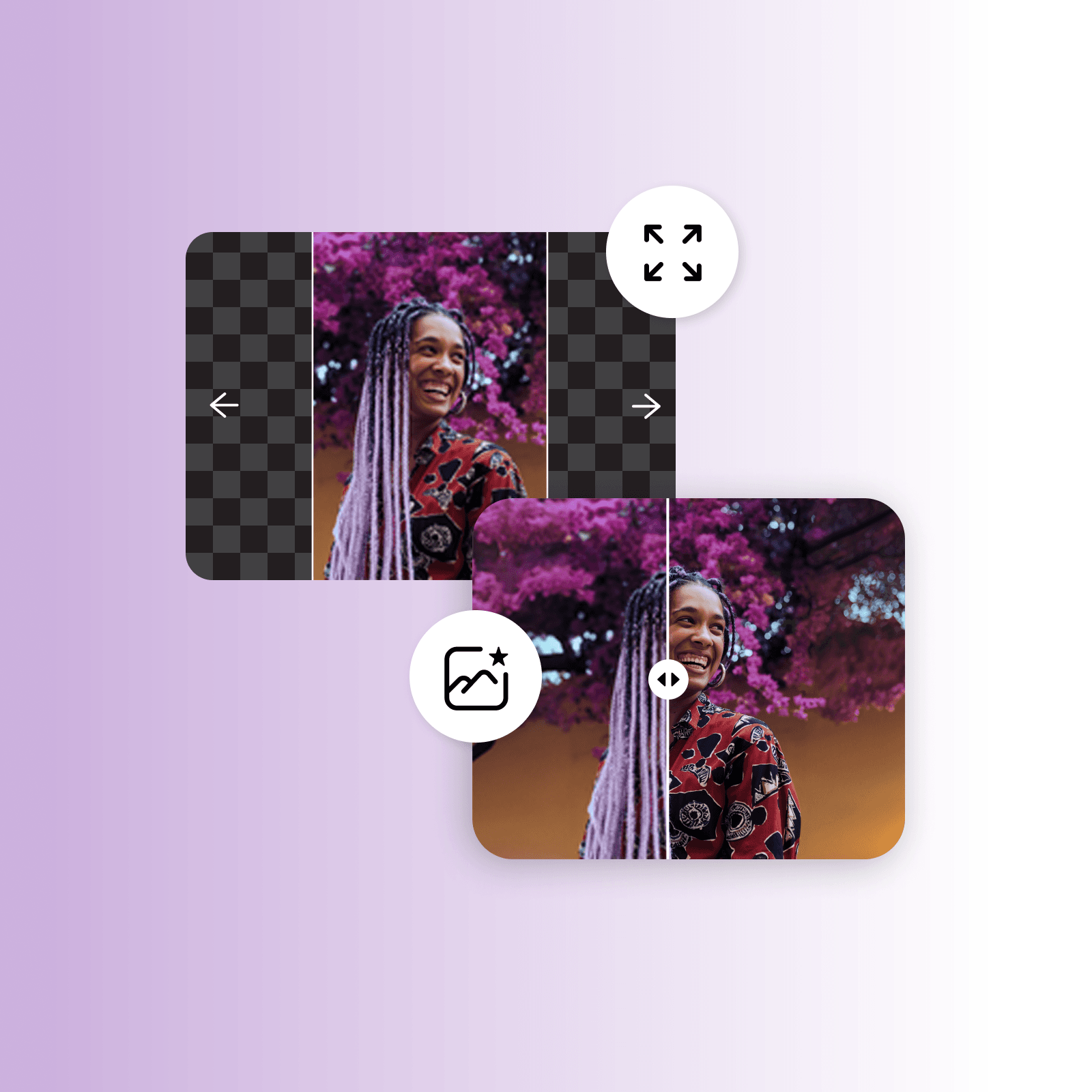
Бесплатен отстранувач на видео-заднини од Picsart
Користете го бесплатниот отстранувач на видео-заднини на Picsart за да ги отстраните заднините од видеата, да ги смените фотографиите на производи за вашата онлајн продавница, да го подобрите маркетингот на социјалните мрежи и да ги унапредите демонстрациите и презентациите на производи. Најдете инспирација меѓу другите AI алатки на Picsart, како што се проширувачот на слики, AI писателот, алатката за создавање цртани ликови и друго.
Отворете ја алатката за отстранување видео-заднини во апликацијата
Запознајте се со уредувањето заднини
Научете како да отстранувате, заменувате и доработувате заднини.





ЧПП за отстранувачот на видео-заднини
Отстранувачот на видео-заднини ви овозможува да ја избришете оригиналната заднина од видеото и да ја замените со нешто друго, како еднобојна заднина или сопствена слика.
Уредувајте видеа што го задржуваат вниманието на вас
Pro
Most popularAI tools for everyday creative work.
Ultra
Most powerfulHeavy AI usage for creators & teams.
Enterprise
Custom AI solutions for large organizations.
- Volume discounts on credit rate
- On-demand top-ups


