இலவச புகைப்பட மேம்படுத்தி
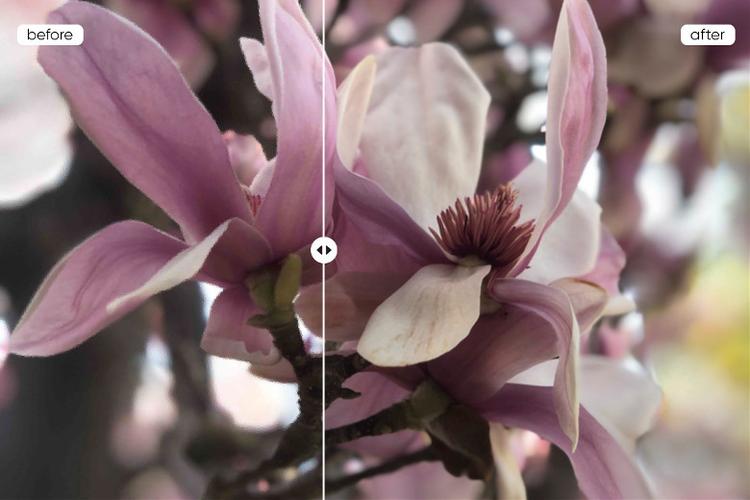
சிறந்த புகைப்படத்தை மேலும் தெளிவாக மற்றும் துல்லியமாக ஒரு கிளிக்கில் உருவாக்கவும். Picsart புகைப்பட மேம்படுத்தி படம் தரத்தைக் கூட்டுகிறது, விவரங்களைச் சேர்க்கிறது, மற்றும் உங்கள் புகைப்படங்களை பகிர்வதற்குத் தயாராகக் கூடியவை. மேலும், நீங்களே குறைந்த தீர்மானம் படங்களை இலவசமாக சேமிக்கலாம்!

கருவி மதிப்பீடு




ஏஐ (AI) இயக்கப்படும் புகைப்பட மேம்படுத்தி
Picsart ஏஐ மேம்படுத்தி குரல், மந்தம் மற்றும் குறைந்த வித்தியாசங்களை குறித்து அடையாளம் காணவும் சரிசெய்யவும் பயிற்சிக்கப்பட்டுள்ளது.

திடீரென்ற தீர்மானம் உயர்த்துதல்
பிக்சல் எண்ணை அதிகரித்து, சில நொடிகளில் அந்த பலகங்கள் தெளிவான படம் தரத்தைப் பெறுங்கள்.

விவரங்கள் அதிகரிப்பு, மந்தத்தை குறைத்தல்
மந்தத்தை நீக்கி, பொன்னான கணங்களை உயர்தரத்தில் காத்துக் கொள்ளுங்கள் ஏஐ புகைப்பட மேம்படுத்தி உதவியுடன்.
படம் தரத்தை மேம்படுத்த எப்படி
உங்கள் புகைப்படத்தைப் பதிவேற்றவும்
உங்கள் படத்தை வித்ஜெட்டில் விடுங்க அல்லது அழுத்தி நேரடியாக பதிவேற்றுங்கள்.
ஏஐ உங்கள் வேலை செய்யட்டும்
உங்கள் முடிவுகளைப் பதிவிறக்கிக்கொள்ளுங்கள்
மேலும் மாற்றங்கள் செய்யவும்

உங்கள் படங்களின் தாக்கத்தை மேம்படுத்துங்கள்
பட தர மேம்பாட்டம்
வேகமான திருத்த பணப்பாதை
மேம்படுத்தப்பட்ட படங்களில் அதிக ஈர்ப்பு
புகைப்பட திருத்தத்தில் செலவுகள் குறைப்புகள்
ஏஐ பயன்படுத்தி பட தரத்தை மேம்படுத்துங்கள்
உங்கள் தயாரிப்பு கீழே படமாக்க வேண்டும் என்று விரும்புகிறீர்களா? ஒரு ஏஐ படம் மேம்படுத்தி அதை செய்ய முடியும். அதிகமாக படமாக்க விரும்புகிறீர்கள் அல்லது அச்சு செய்ய வேண்டும் என்பதை பற்றி கவலைப்படாமல் இருக்க முடியுமா? ஏஐ அதை கையாளவும் முடியும். தனிப்பட்ட திட்டங்கள் அல்லது தொழில்முறை வேலைக்கு இது மெய்ம்மை தர முடியும், Picsart புகைப்பட மேம்படுத்தி அதை மிகவும் எளிமையாகவும் துல்லியமாகவும் வழங்குகிறது. இது ஏஐ இயக்கப்படும் அம்சங்களுடன் மற்றும் எளிதில் பாவிக்க முடியும் இடைமுகத்துடன் கட்டமைக்கப்பட்டுள்ளது, இது ஒவ்வொன்றும் இயல்பான மற்றும் நிபுணத்துவமான தோற்றத்திற்கு உறுதிசெய்யக்கூடியது - எந்த வல்லுநரின் அடிப்படையைத் தேவைப்படாது.

இவ்வளவு சிறிய விவரங்களையும் பாதுகாக்கவும்
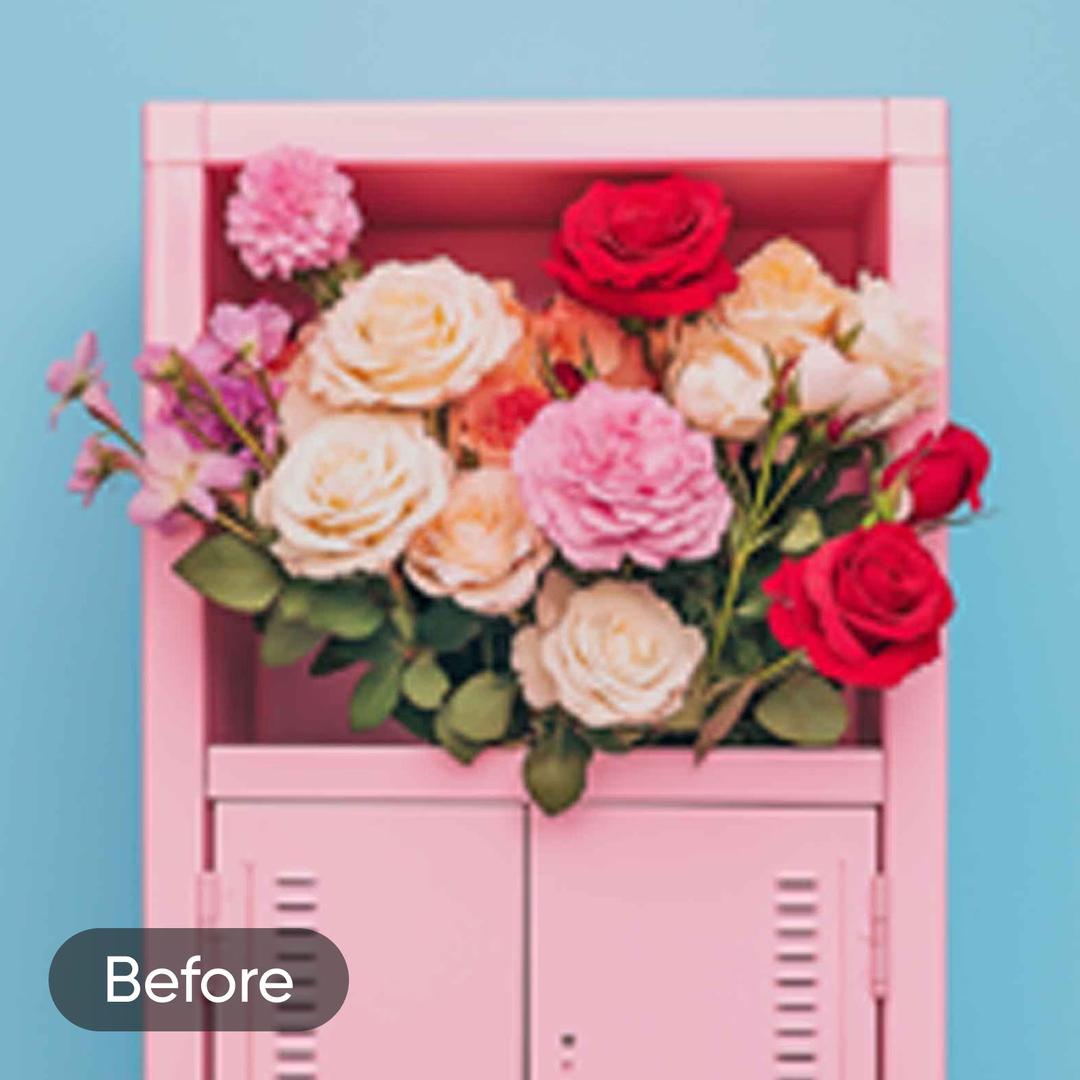
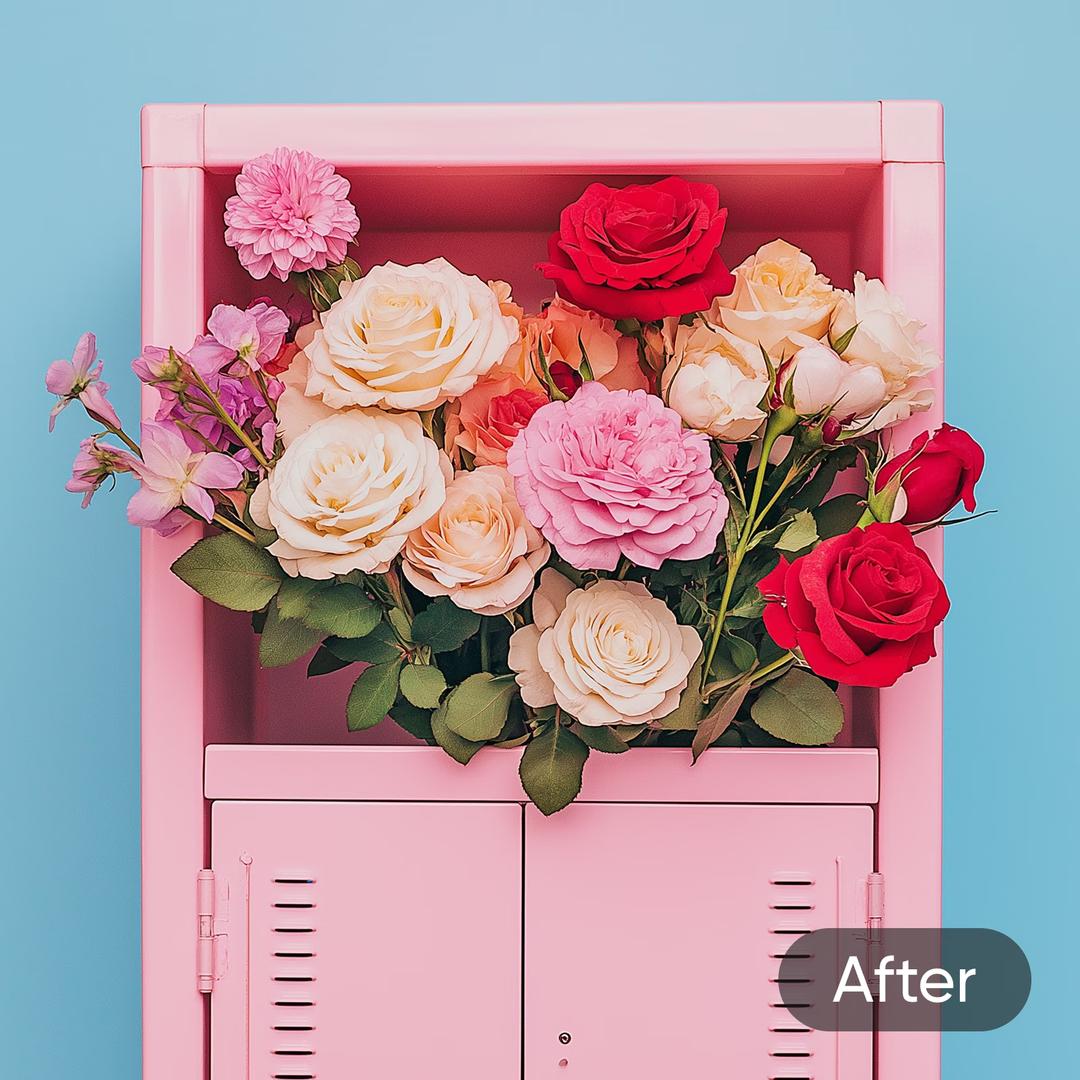
உங்கள் படங்களை எந்த தர இழப்பும் இல்லாமல் மேம்படுத்துங்கள். பிறகு பிக்சலேட்டான படங்கள் மற்றும் திசை பாடங்களை விட்டு பெற வேண்டாம். உயர் படங்களை ஆயிரக்கணக்கான படங்கள்தன் பயிற்சிக்கப்பட்டுள்ள முன்னேற்றமான ஏஐ இயக்கமுற்ற கருவிகள் மூலம் பாதுகாப்புடன் மேம்படுத்த உங்களுக்கு ஏமாற்றம் மறு புனரமைப்பு வழங்குகிறது, மற்றும் உருவாக்குபவர்கள், புகைப்படக் கலைஞர்கள் மற்றும் நிறுவனங்கள் அனைத்திற்கும் அடையாளம் இல்லாமல் வழங்குகிறது.
ஒவ்வொரு புகைப்பட திருத்தத்திற்கும் உங்கள் சிறந்த ஏஐ மேம்படுத்தியாக
நேர்த்தியான தரத்தை இழவாது சிறிய விவரங்களை வெளிப்படுத்துங்கள்.
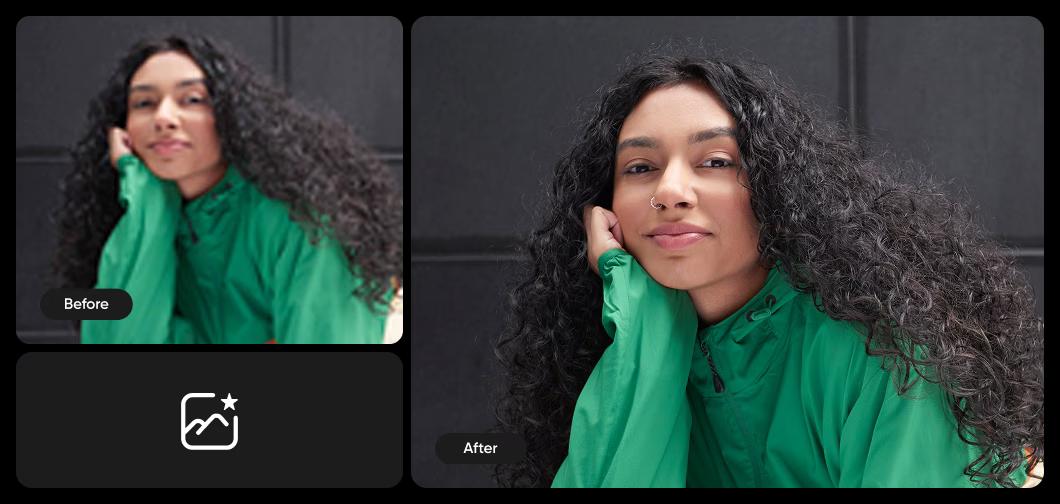
நொடிகளில் ஒளி மற்றும் வண்ணங்களை சரிசெய்யவும்
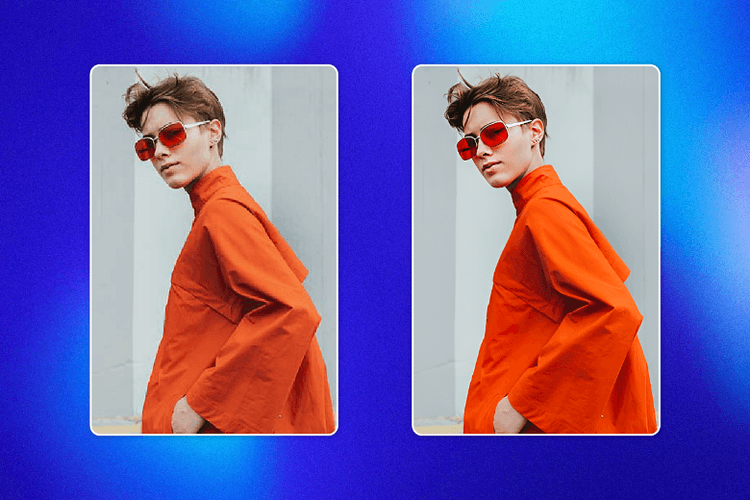
சிறந்த பிரகாசத்துக்கு, நிறம்தன்மை மற்றும் சமச்சீரற்ற வடிவங்களை தானியக்கமாக சரிசெய்யவும். வெறும் ஒரு கிளிக்கில், ஏஐ படம் மேம்படுத்தி இயல்பான பிரஜ்ஞாணத்தையும் தெளிவையும் கொண்டு வருகிறது. இதற்கு கூடுதல் கைமுறை சரிசெய்தல் தேவையில்லை. எளிமையான இடைமுகம் எளிய சரிசெய்தல்களை சில நிமிடங்களில் அல்லாமல் சில நொடிகளில் வழிகாட்டுகிறது. இது முகப்புகள், பொருள் ஷாட்கள் அல்லது இயற்கை காட்சிகளுக்கு மேற்கோளாக செயல்படுவதற்கு இலகுவானது, ஒவ்வொரு முறையும் நிலையான மற்றும் நன்கு செய்த முடிவுகளை உறுதிசெய்கிறது.

பட மேம்படுத்தியை உங்கள் தயாரிப்பில் API மூலம் ஒருங்கிணைக்கவும்
பட மேம்படுத்தியின் முழு அழகுக்களத்தையும் உங்கள் தயாரிப்பில் மாற்றவும். அமைக்கவும், அதை விரைவில் இயக்கவும். விலையமைப்பு முறை எளிதானது: நீங்கள் எதை செலுத்துகிறீர்களோ அதை செலுத்துங்கள், குறைந்தபட்சங்களின்றி, அதெடுத்தல் மாத்திர வெள்ளத்து பயன்படுத்துவதில் பொருத்தமான தள்ளுபடிகளைப் பெறலாம். மேலும் அறியவும் Ultra Enhance API.
ஏஐ படம் கருவிகளால் உங்கள் புகைப்படங்களை மகிழ்ச்சியடையுங்கள்
மேம்புட்டுடன், உங்கள் திருத்தங்களை மேலும் எடிடிங்கிற்கு கொண்டு செல்லுங்கள் Picsart’s AI Photo Editor. தனித்துவமான புகைபட விளைவுகளை சுவாரசியமாக மாற்றுங்கள், பயன்பாடு AI பின்புலம் உருவாக்கி, படமெடுப்புகளில் சேர்க்க அல்லது புதிய படங்களை மேற்கொண்டு புதிய படங்களை உருவாக்கவும் Picsart அனைத்திலும் உள்ள ஒரு எடிட்டின் உள்ள குறுந்தை அனுபவத்தின் அமைப்பு.
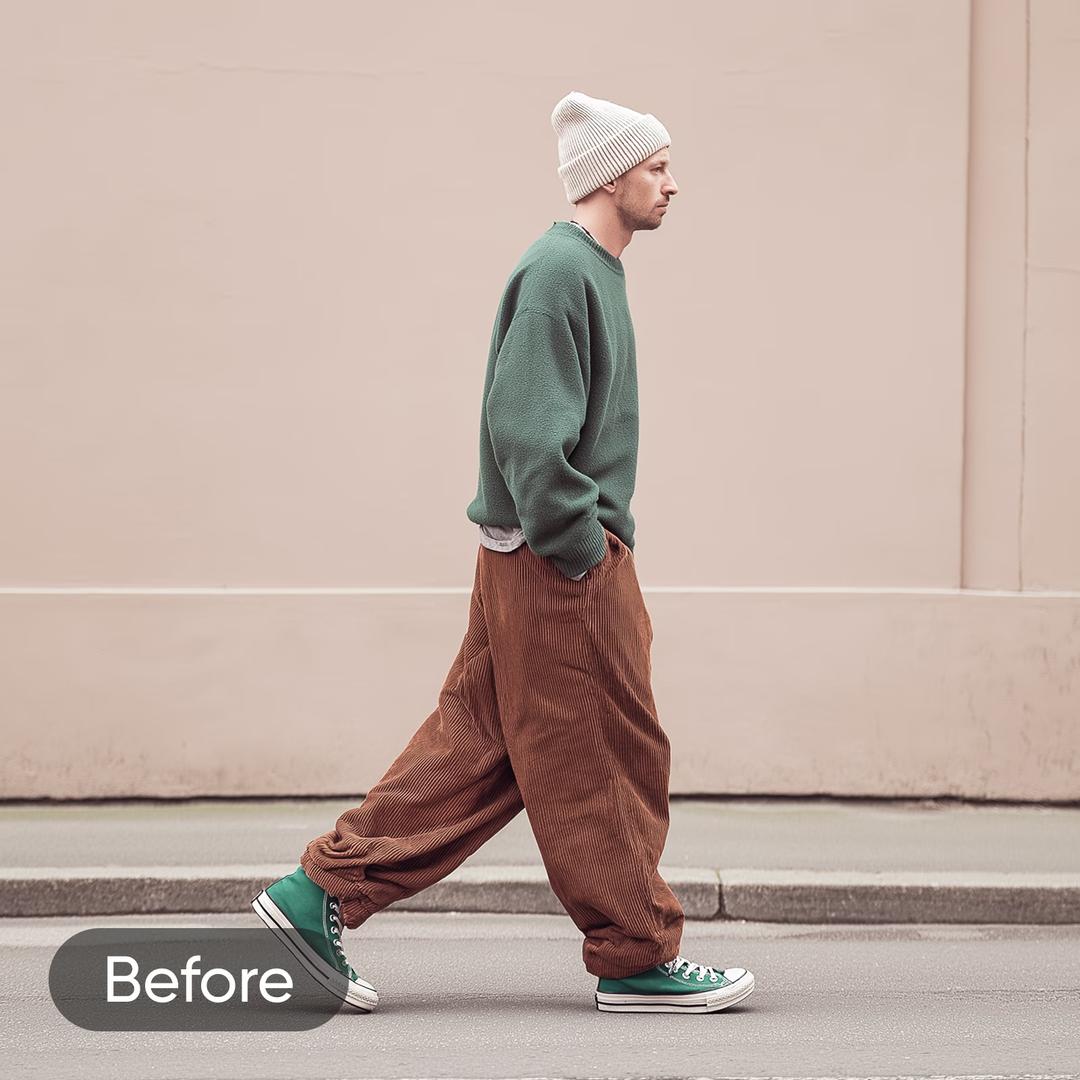
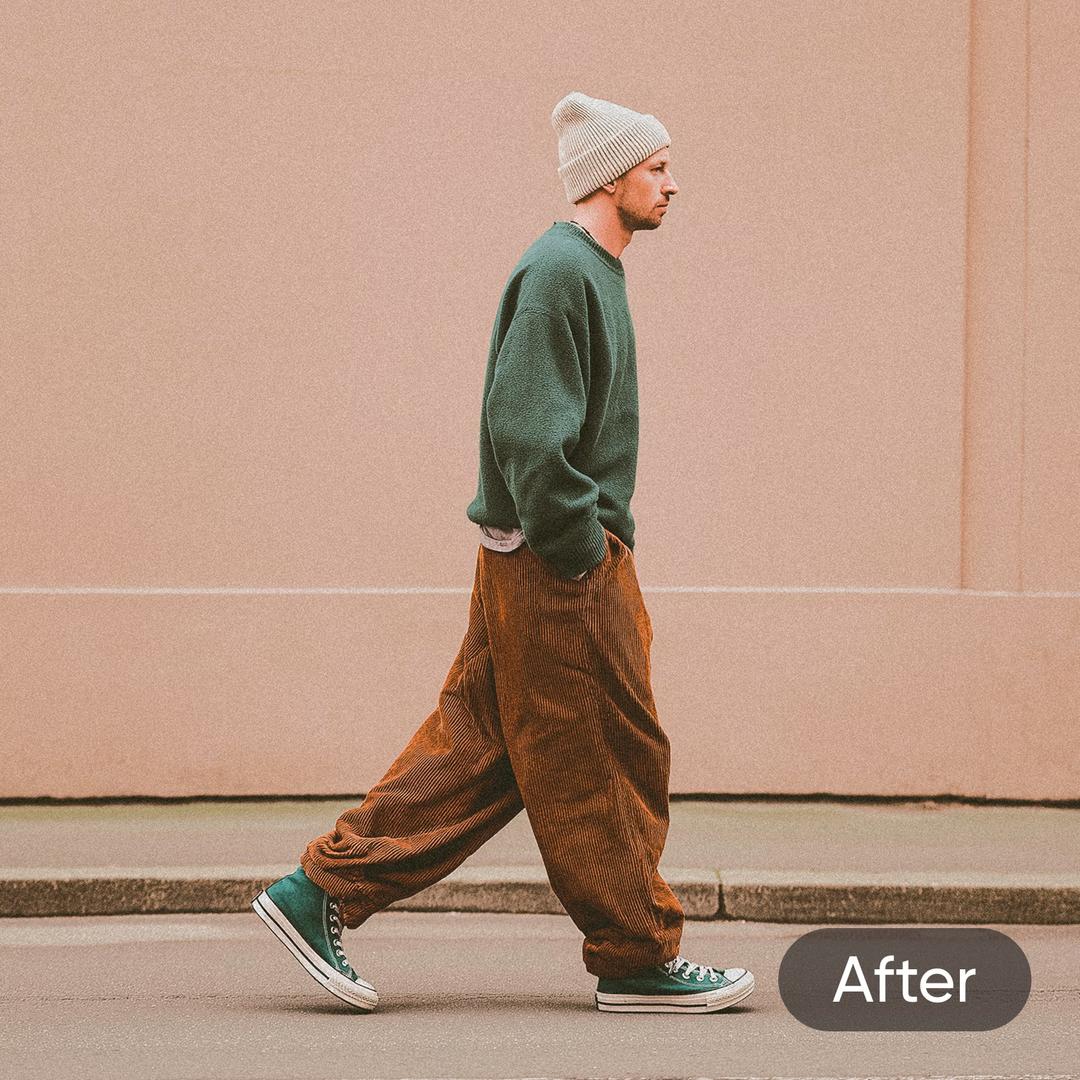
ஏஐ உதவியுடன் வீடியோ தரத்தை மேம்படுத்தவும்
உங்கள் புகைப்படங்களை கூர்மை செய்யும் அதே ஏஐ தொழில்நுட்பம் இப்போது வீடியோவில் செயல்படுகிறது. Picsart's AI Video Enhancer தீர்மானத்தை உயர்த்துகிறது, சத்தத்தை குறைக்கிறது, மற்றும் ஒவ்வொரு கட்டத்தையும் தெளிவாக செய்கிறது, எனவே உங்கள் படக்காட்சிகள் ஆகியவற்றை உங்கள் படங்களுக்குத் தகுதியாக காட்டுகிறது. ஒரு கிளிப்பைக் கேரியிர்த்து, கருவி ஒவ்வொரு செருமனையை ஒழுங்குசெய்வதற்க்கும் வீடியோ காட்சிகளை தானியக்கம் செய்கிறது. இது சமூக செய்திக் கருப்பு வீடியோக்களை மேம்படுத்த, பழைய பதிவு செய்திகளைப் புதுப்பிக்க, அல்லது ஒரு சூழ்நிலை நிகழ்வு சகித கட்தர்க்கும் போதிக்கவும் - எந்த ஒழுங்கு திறனும் தேவையில்லை.

இந்தியவொலிக்கெல்லாம் தேவைப்பட்ட ஒரு மட்டும் பட மேம்படுத்தி
படம் தரம் மற்றும் தீர்மானத்தை மேம்படுத்தவும்
ஏஐ படம் மேம்படுத்தி உடன் உங்கள் படங்களை எளிதில் மேம்படுத்தவும் மற்றும் விவரங்களை துல்லியமாக்கவும்,
சத்தங்களை குறைக்கவும் மற்றும் தீர்மானத்தை உயர்த்தி அற்புதமான, உயர் தரம் முடிவுகளுக்காக.
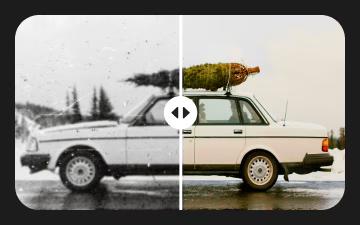
பழைய புகைப்படங்களை மீட்டெடுக்கவும்
ஏஐ இயக்கிவ் புகைப்பட மீனவியால் உங்கள் மங்கலான நினைவுகளை மீண்டு வந்துவிடுங்கள் ஏஐ புகைப்பட மீட்டு முன்னேற்றம்.

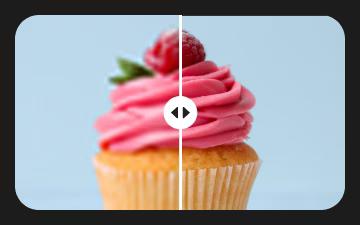
பட சத்தத்தை குறைக்கவும்
முருகிய, அதிகஎன் அழகான தோற்றத்துக்கு விரைவில் பட சத்தங்களை அகற்றுங்கள்.
பட தெளிவை மேம்படுத்துங்கள்
ஏஐ மூலம் உங்கள் புகைப்படங்களை மேம்படுத்தி படங்களை மந்தப்படுத்தி கூர்மையாகவும் செய்திகள் எடுத்துப் பெறவும்.
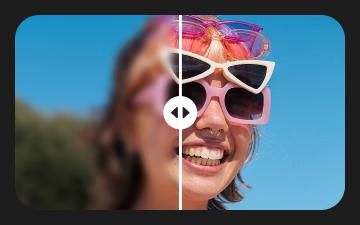
இந்தியிலேயே தேவைச்செய்யும் ஒரு மட்டும் பட மேம்படுத்தி
விரைவில் படங்களை மந்தமற்ற தயவுகூரவும் உங்கள் துணுச்சாந்த விளக்கங்களை மீண்டு வரக்கூடிய வொழுமெனியமான ஒப்புவைப் பயன்படுத்தவும்.
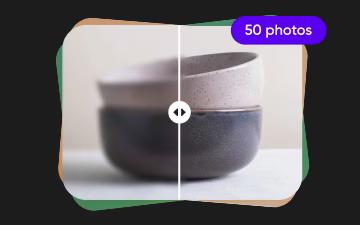
பல படங்களையும் மேம்படுத்துங்கள்
ஏஐ மூலம் பல படங்களையும் அடுத்தடுத்த ஏற்பாடுகளுடன் மேம்படுத்தவும் கிலாம்பவுள்ள படம் மேம்படுத்தல்.
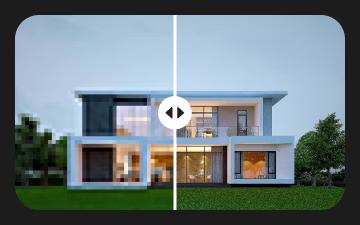
பிக்சலேட் செய்யப்பட்ட படங்களை தெளிவாக்குங்கள்
இந்தியவில் பிக்சலேட் படங்களை அழிக்கவும் தெற்றுமிக்க புள்ளிகள் மற்றும் விளக்கவிவரங்கள் மீண்டும் பெறவும்.
ஏஐ படம் மேம்படுத்தி பற்றிய மேலும் அறியவும் மற்றும் தொடர்புடைய வலைப்பதிவுத் பதிவுகளை கண்டறியவும்
பட திருத்த அடிப்படைகளை கல்லுங்கள்
பயனமாக ஈடுகள் செய்ய எளிமையான படிகளை கல்லுங்கள்.

புகைப்பட மேம்படுத்தி எஃக்யூவிஸ்வு
ஏஐ படம் மேம்படுத்தி AI தொழில்நுட்பத்தைப் பயன்படுத்தி படம் தரம் மற்றும் தீர்மானத்தை மேம்படுத்துவரையான நேரடிக் கருவியாகக் குறிக்கப்படுகிறது.
உங்களை கணிகனியர் வரை இருப்பினும் உங்கள் புகைப்படத்தை ஏஐ மேம்படுத்தியில் பதிவேற்றியிருந்தபொருட்டு, நாங்கள் அதனை சிறப்பியார்கள் காவலர் கூறியது ஏஐ புரிய்ஸ் அமாநிலதானது.
அது தான் எட்டுக்கடோல்ஸ் பூண்கதை பயன்பாடு ஏற்பட்டது ஏன்ணப்பங்களைக் கண்டறியவும் மற்றும் கோடமைபட்ஸ் வைக்கிறோம், இன்னும்.
ஆம், நீங்கள் உங்கள் உறுவிழை வெற்றிகாக்க எல்லையை, முறை செய்யப்பட்ட வடிவை நிறுவவும் முடியும்.
எப்பொழுதுமே எப் அனைவரன் உங்கள் உருவை மேம்படுத்தும் Picsart வழியாகப் புகாரி வருகிறது. மேலும் எளிதில் மாற்றியமைத்த தேவையில்லாமல் கலிங்க கடைசையுமான மகிழ்ச்சியுற அரந்தராக செய்கிறது!
AI திருத்த பயிமான்களை Picsart கண்டறியவும்
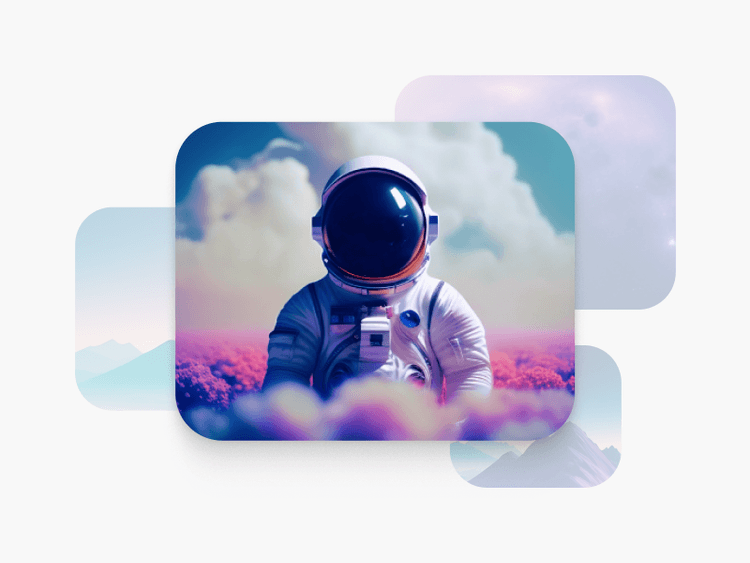
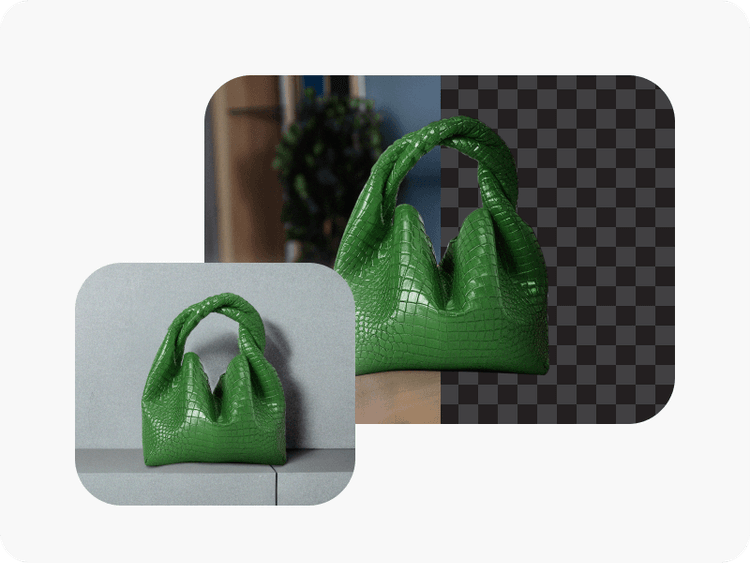
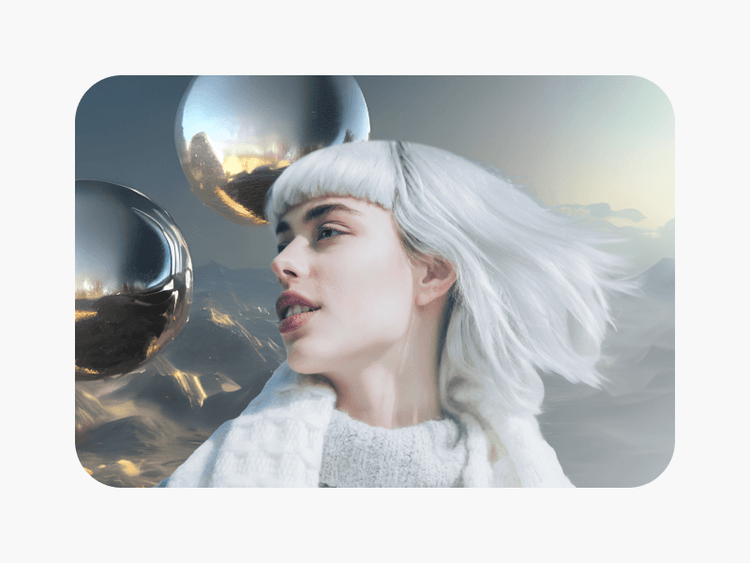

Picsart மூலம் கூர்மையான படங்கள் மற்றும் பல்வேறான உருவாக்கங்களை திறக்கவும்
Pro
Most popularAI tools for everyday creative work.
Ultra
Most powerfulHeavy AI usage for creators & teams.
Enterprise
Custom AI solutions for large organizations.
- Volume discounts on credit rate
- On-demand top-ups