Thay đổi màu nền trên bất kỳ ảnh nào miễn phí
Tạo hình ảnh bắt mắt trực tuyến với Công cụ Thay Đổi Màu Nền của Picsart. Thay thế nền gây xao lãng bằng các thay đổi màu nền tối giản để biến những bức ảnh thông thường thành bài đăng mạng xã hội sáng tạo và ảnh sản phẩm.
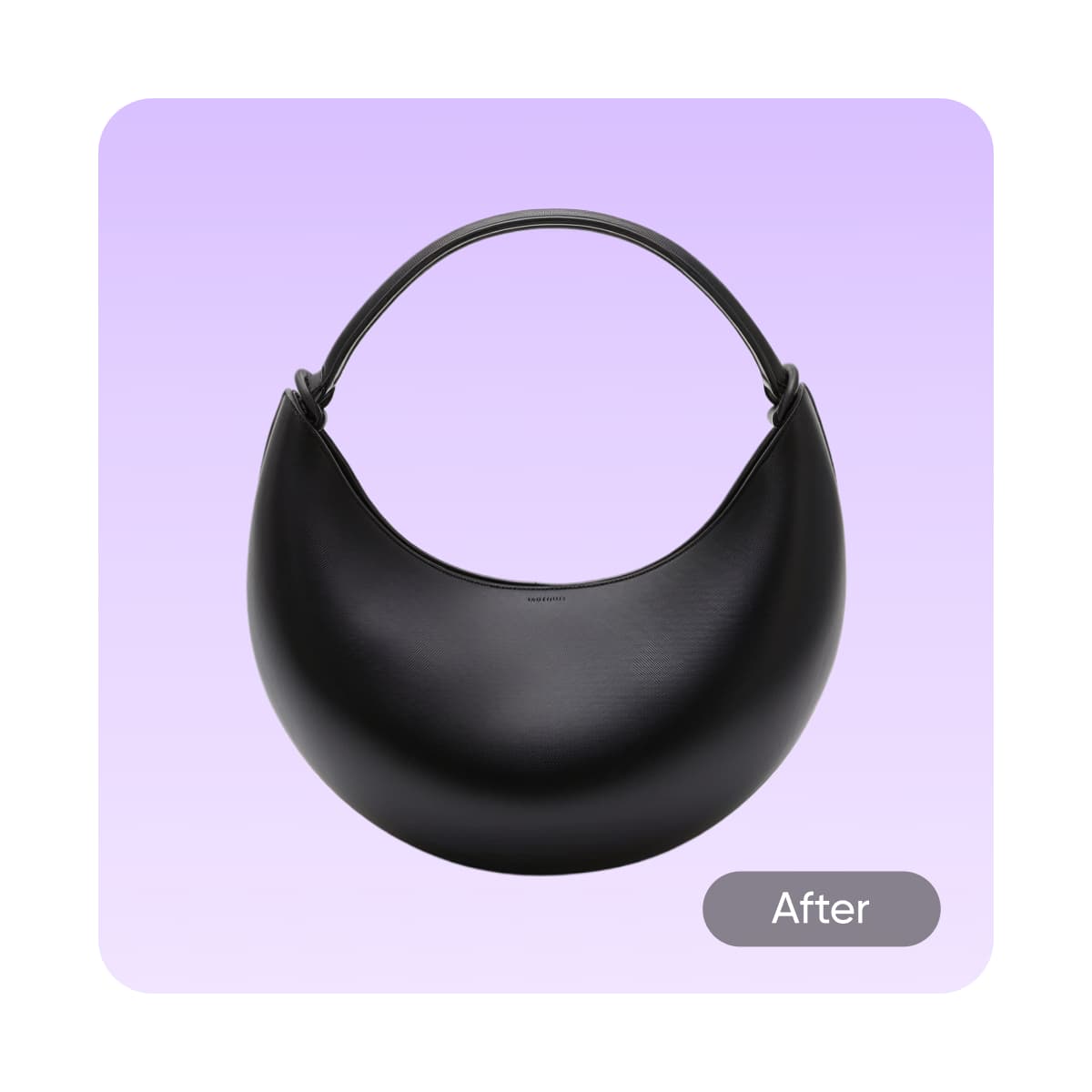
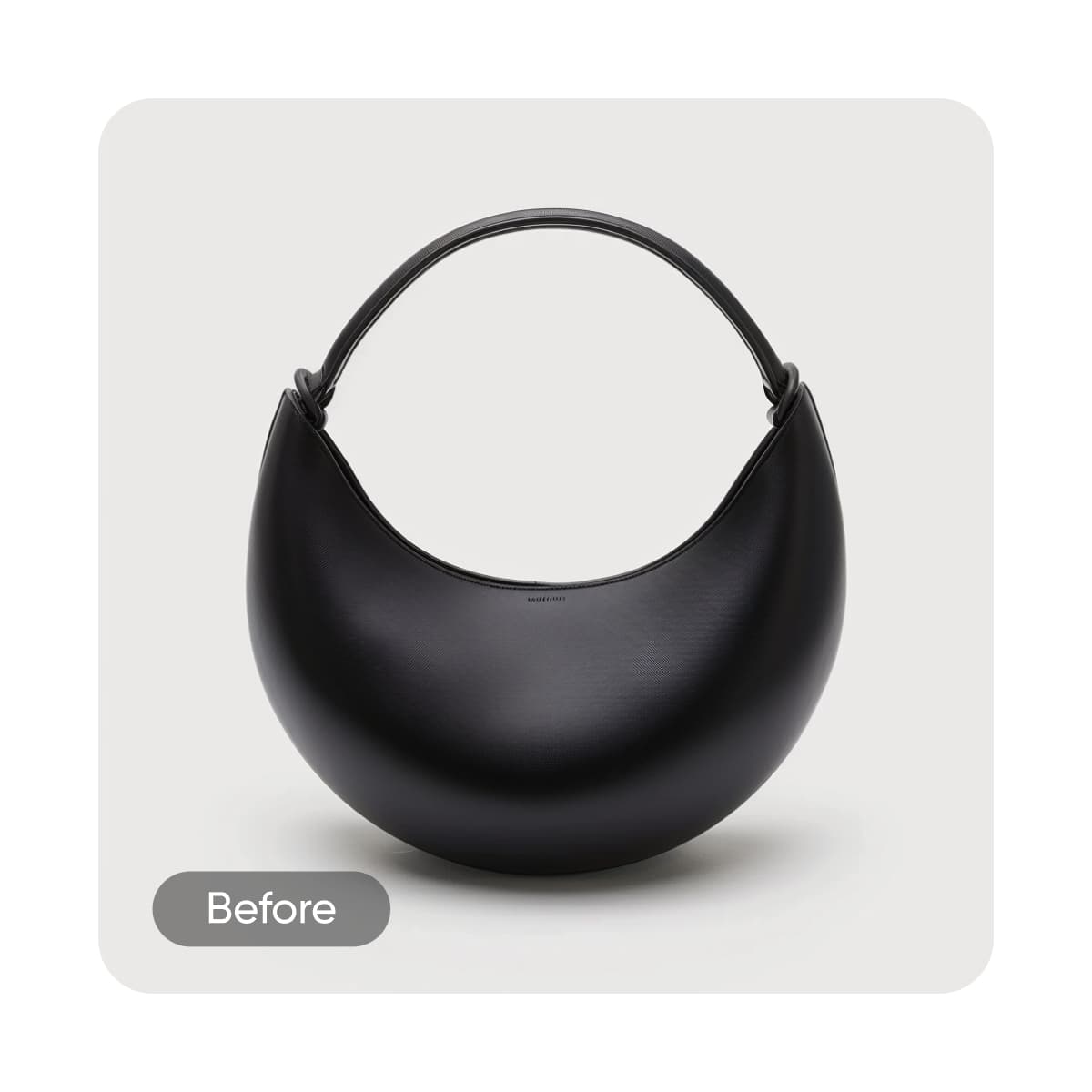
Tại sao nên thay đổi màu nền?




Cách thay đổi màu nền của một bức ảnh
How to
Tải lên ảnh
Tải lên một bức ảnh để tự động xóa và thay đổi màu nền trực tuyến.
Dễ dàng thay đổi màu nền của ảnh
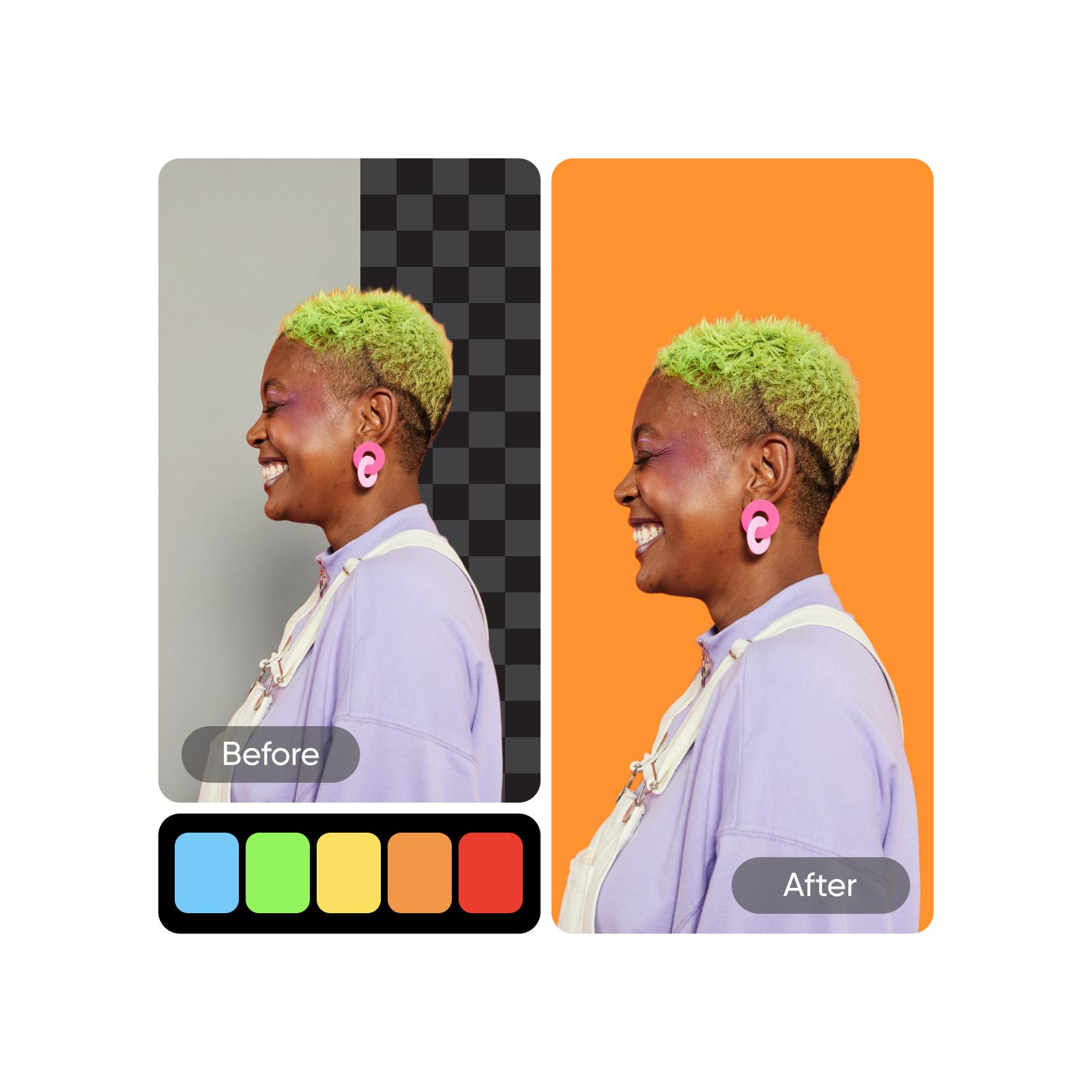
Việc thay đổi màu nền hình ảnh trực tuyến mất thời gian, nhưng không phải vậy với Picsart’s Trình đổi nền. Giờ đây việc tạo diện mạo mới cho ảnh trở nên dễ dàng hơn bao giờ hết. Chỉ cần tải ảnh lên và để công cụ Tẩy nền chạy bằng AI tự động loại bỏ nền cũ. Sau đó, bạn có thể thay đổi màu nền trong vài giây. Để tìm kiếm màu phù hợp nhất, hãy sử dụng công cụ đổi màu nền thử với các tông màu, mã HEX và màu thương hiệu khác nhau.
- Thay nền cho chủ thể của bạn
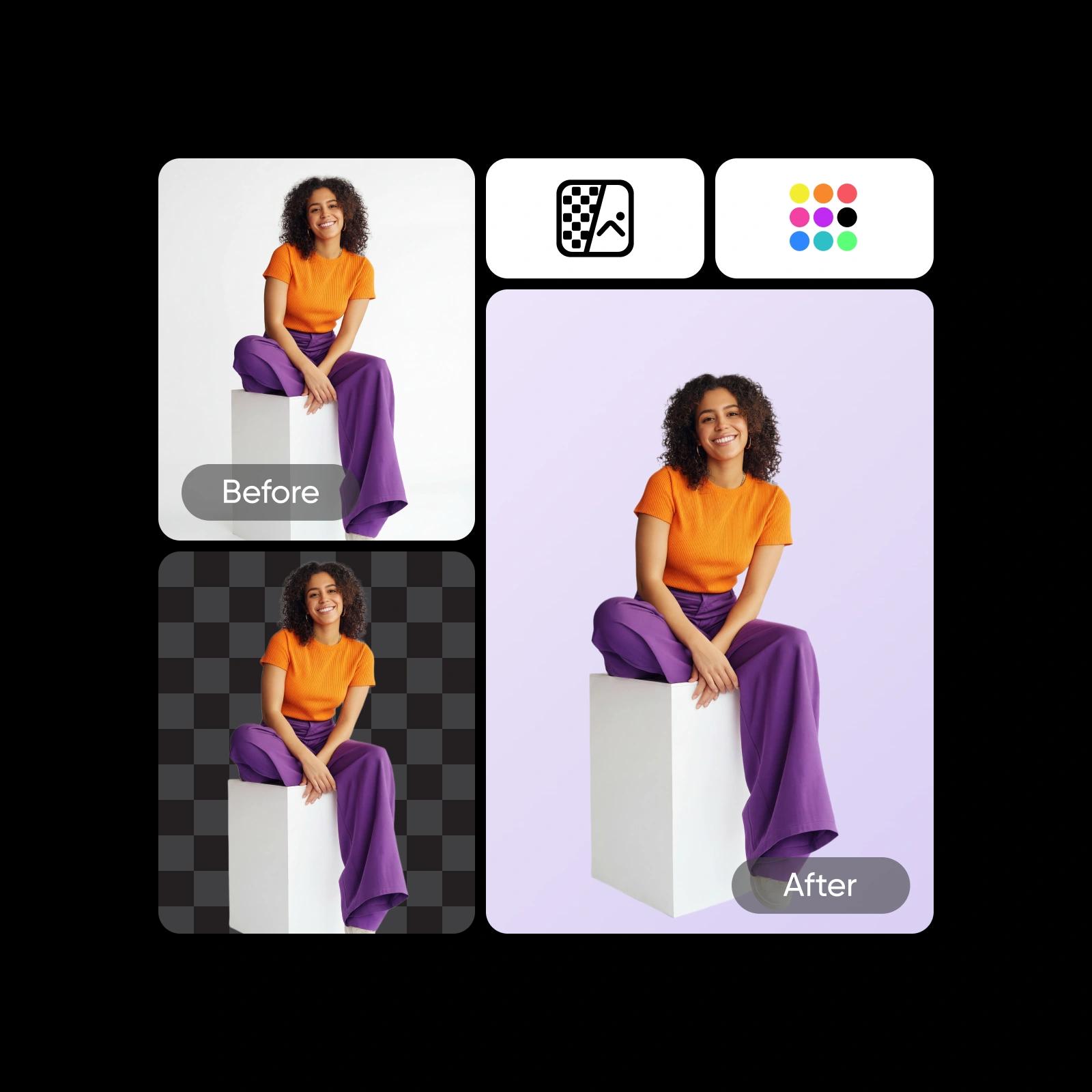
Chuyển đổi giữa các màu nền một cách nhanh chóng
Việc thay đổi màu nền hình ảnh chưa bao giờ dễ dàng đến vậy. Bạn muốn thể hiện sự vui nhộn với màu sáng, làm nổi bật chủ thể với nền trắng, hay tạo vẻ tinh tế với nền đen? Dễ dàng thôi. Tự động loại bỏ nền hiện tại, duyệt qua nhiều màu đã chọn sẵn, dùng bánh xe màu để chọn sắc thái chính xác, hoặc sử dụng Trình tạo nền AI để tạo cảnh riêng tùy ý.
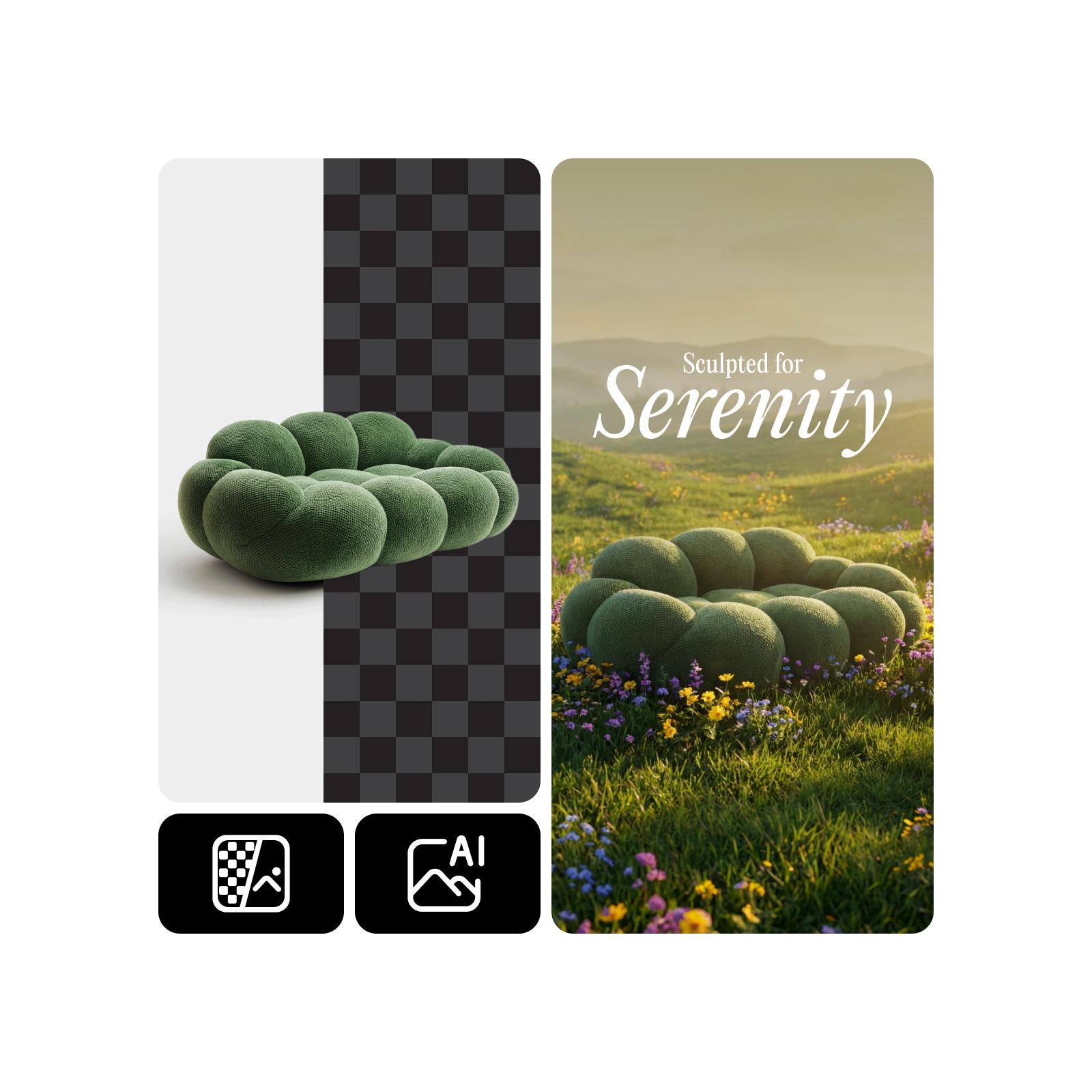
Thiết kế nền cho chân dung, văn bản, đồ họa, và nhiều hơn nữa
Khám phá Công cụ Thay Đổi Màu Nền trực tuyến của Picsart để chỉnh sửa nền của tất cả các kiểu hình ảnh, cả cho dự án cá nhân và chuyên nghiệp. Cho dù bạn muốn thay thế nền của chân dung, đồ họa, hay văn bản, AI trực quan của Picsart có thể xử lý mọi chi tiết phức tạp và thay đổi màu nền mà không để lại dấu vết nào của hình ảnh gốc.
- Phối nền phù hợp dự án
Tạo các phiên bản độc đáo cho mọi dự án
Một bức ảnh có thể khơi dậy vô số ý tưởng khi bạn tạo ra nhiều biến thể màu nền khác nhau. Xây dựng diện mạo riêng biệt cho các chiến dịch tiếp thị, điểm nhấn sản phẩm, bài đăng xã hội, hoặc thuyết trình khách hàng. Mỗi phiên bản mang lại cho bạn phong cách thị giác riêng, giúp bạn thích ứng nhanh chóng, duy trì vẻ nhất quán với thương hiệu của mình, và tạo ra các hướng sáng tạo mới mà không cần bắt đầu từ đầu.
- Tạo biến thể màu cho mục đích khác

Nâng cao trí tưởng tượng của bạn với AI
Sau khi bạn đã thành thạo nghệ thuật thay đổi màu nền ảnh, đã đến lúc thêm những điểm nhấn cuối cùng. Để nâng cấp khung tranh của bạn, hãy sử dụng Trình chỉnh sửa ảnh AI để thêm phông nền mới từ thư viện nền của Picsart hoặc biến ý tưởng của bạn thành hiện thực với nhãn dán, bộ lọc và các yếu tố thiết kế. Để đẩy nhanh quá trình chỉnh sửa và loại bỏ nền nhanh chóng, hãy dùng Trình chỉnh sửa ảnh hàng loạt của Picsart. Bạn cũng có thể khám phá AI Background để thử nghiệm các phông nền mới do AI tạo ra cho bức ảnh cuối cùng của mình.
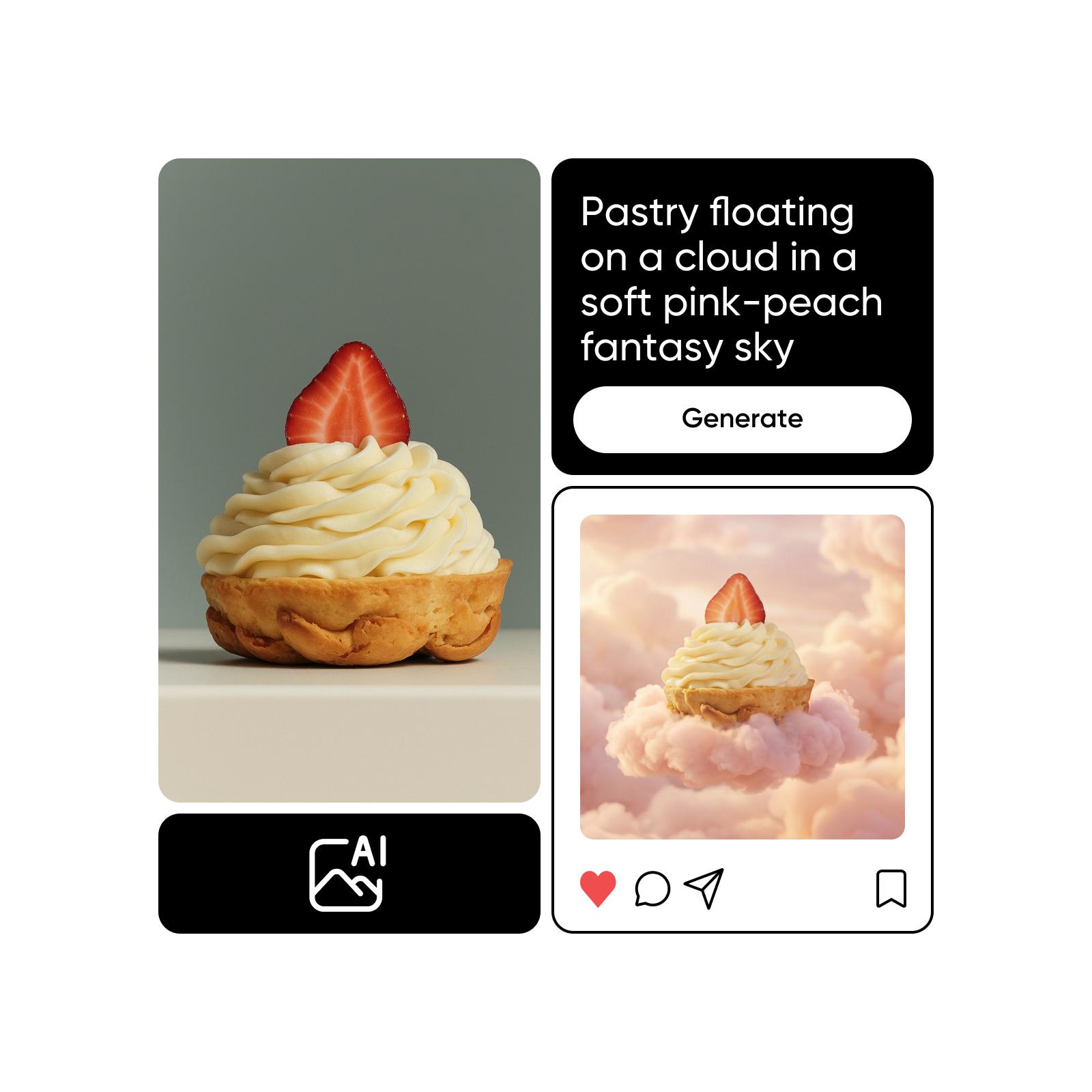
Tạo màu với hình ảnh AI
Sử dụng mô hình hình ảnh để biến đổi nền, ảnh sản phẩm và ảnh cắt ghép thành các hình ảnh sáng bóng.
Câu hỏi thường gặp về Trình Thay Đổi Màu Nền
Để thay đổi màu nền của ảnh trực tuyến, tất cả những gì bạn cần làm là tải lên ảnh của bạn vào Công cụ Thay Đổi Màu Nền, xóa nền hiện tại của bạn và chọn màu mới. Đơn giản như vậy!
Tạo màu nền cho mọi phong cách thị giác
Pro
Most popularAI tools for everyday creative work.
Ultra
Most powerfulHeavy AI usage for creators & teams.
Khám phá các công cụ chỉnh sửa liên quan


