logo

AI Image Generator

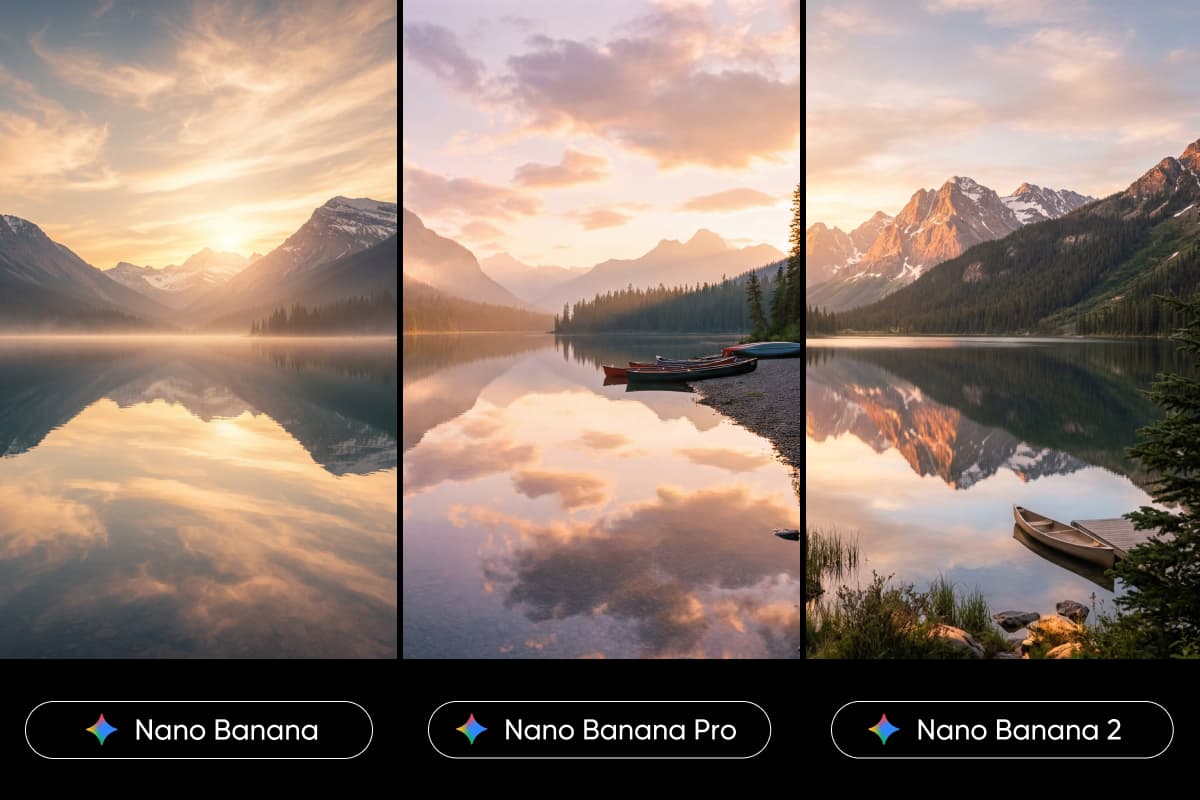
Turn text to image in seconds using Picsart's AI Image Generator powered by 30 models. No design skills needed - just type your idea and generate visuals in full screen. Try it free and see how different models shape completely different results.

Start generating
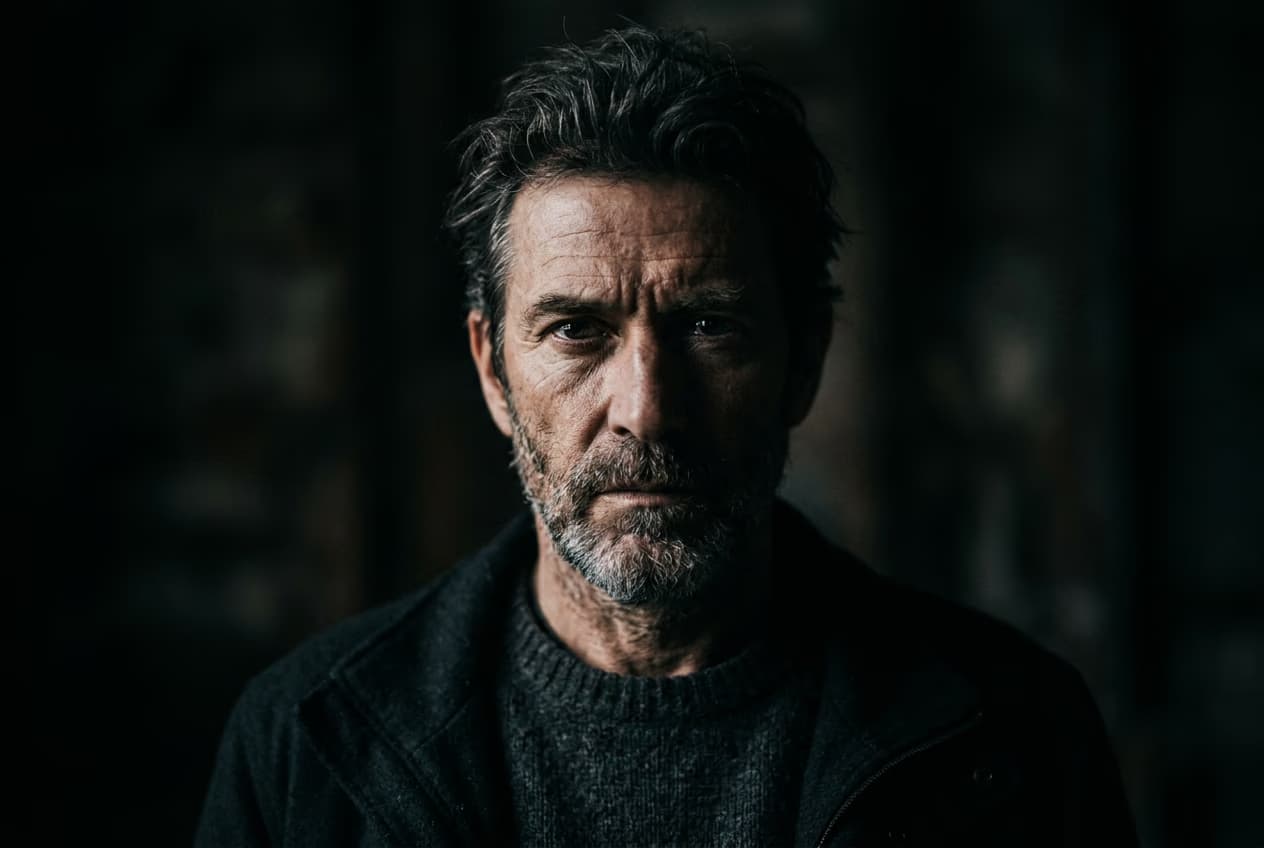
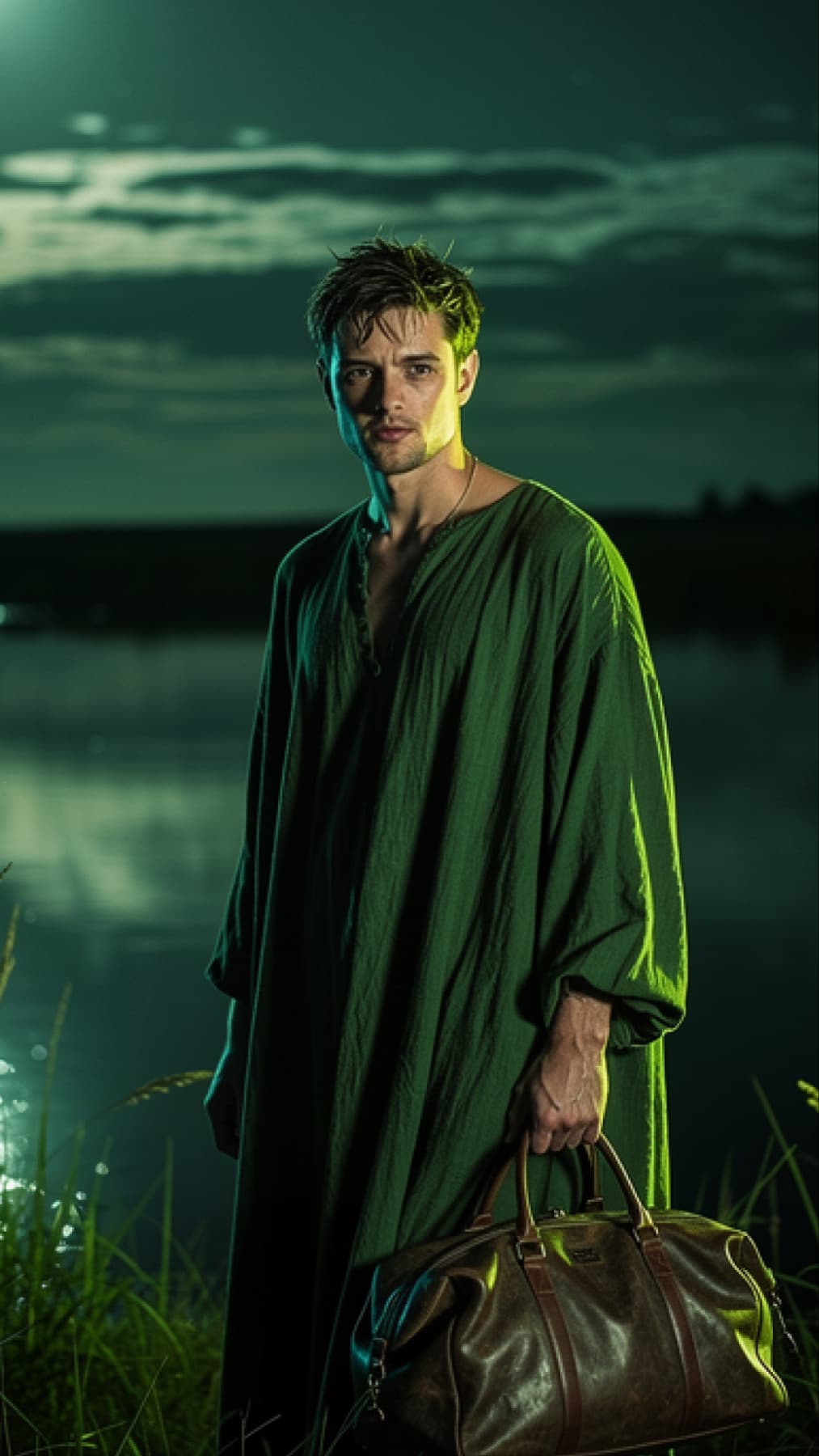
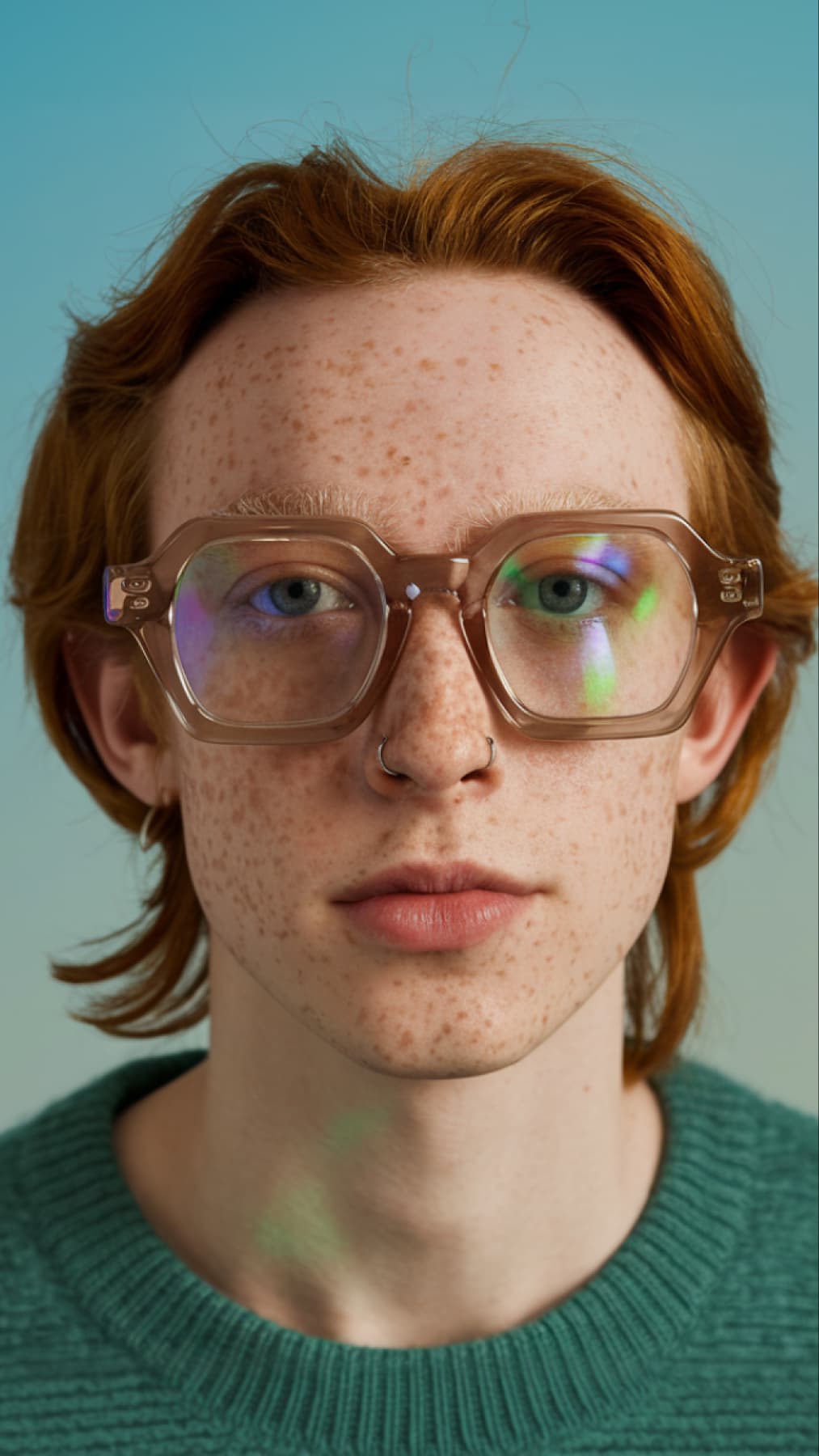
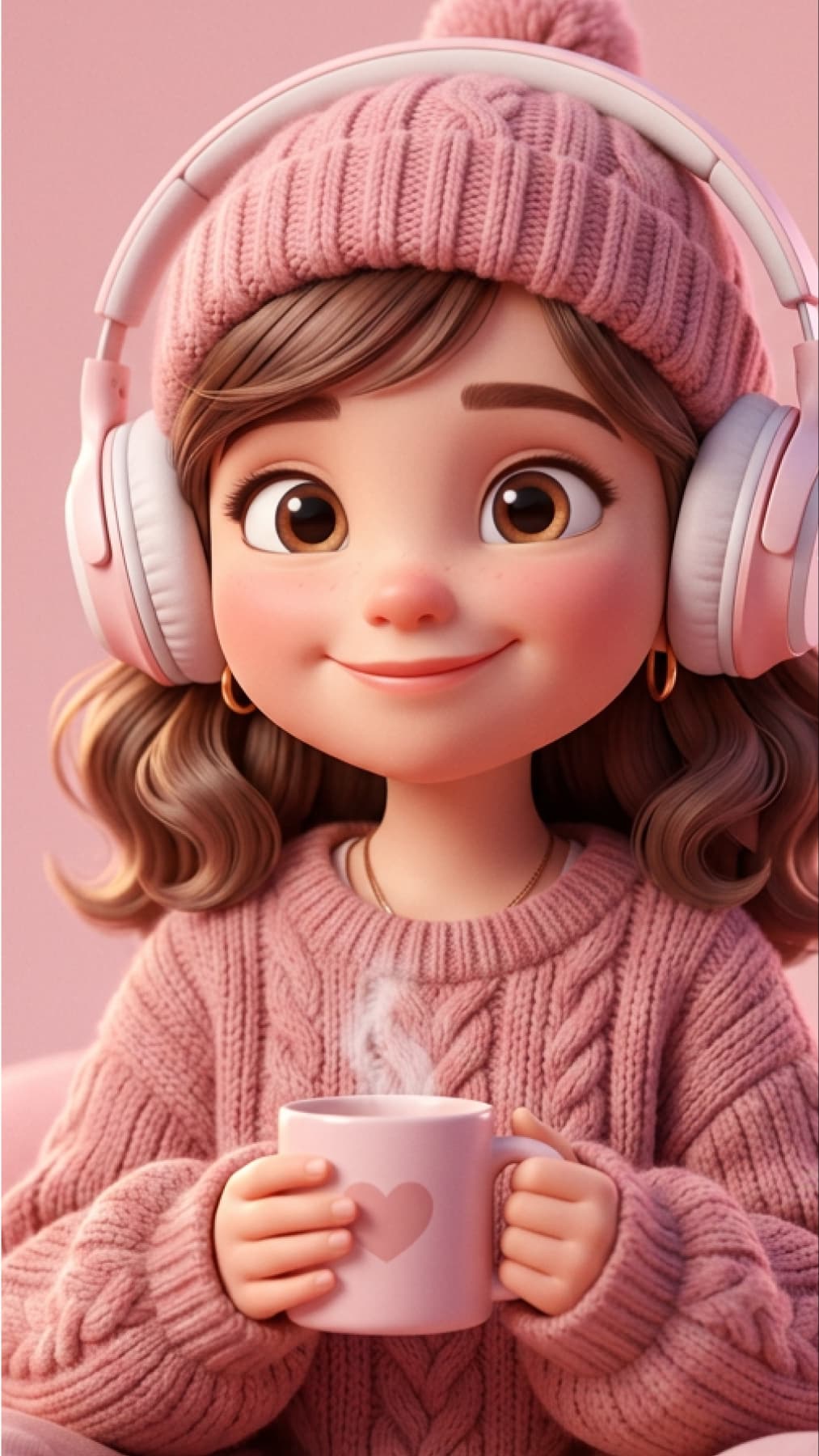
image generation with Flux.2 Pro ai model
Flux.2 Pro
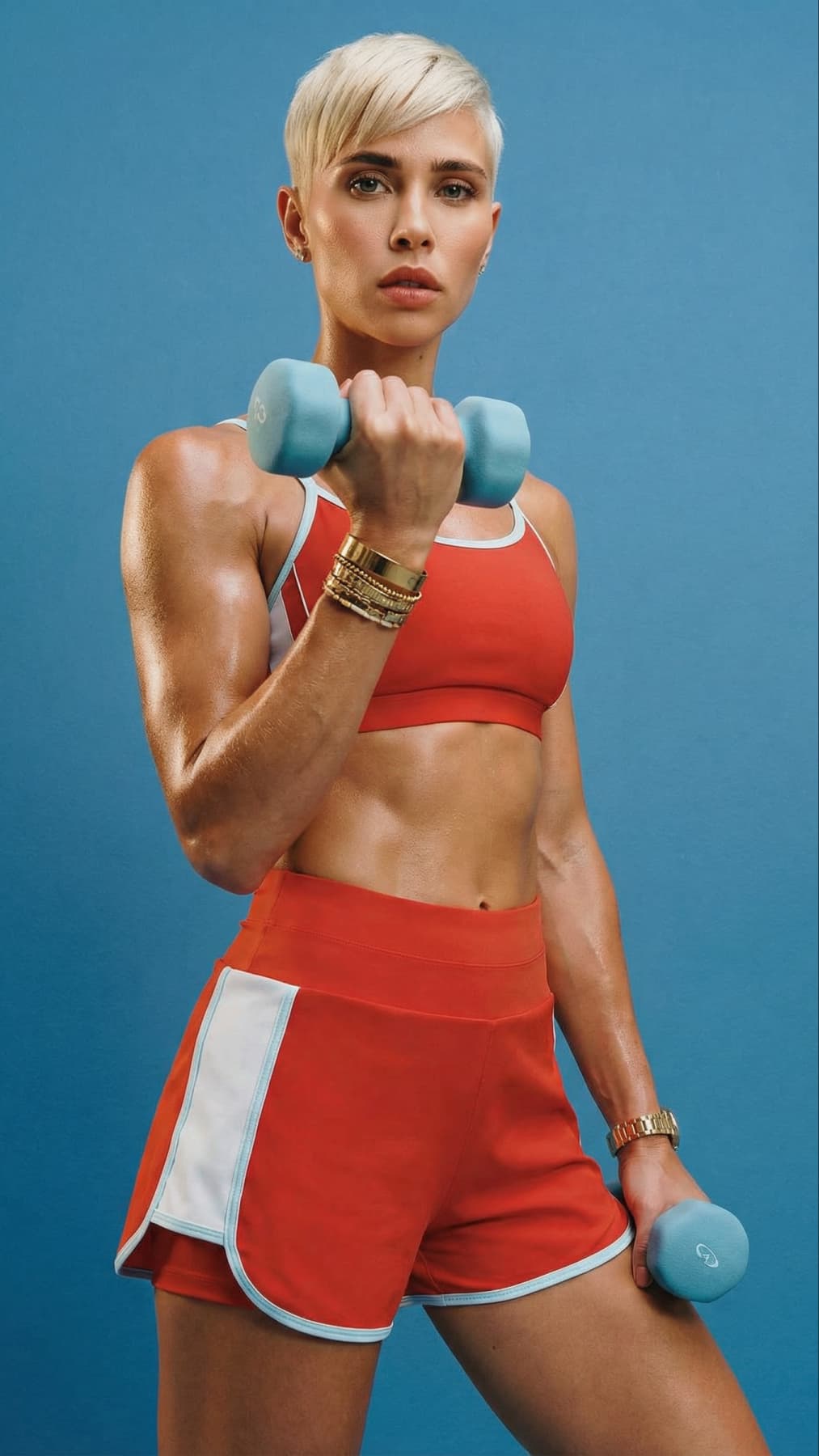
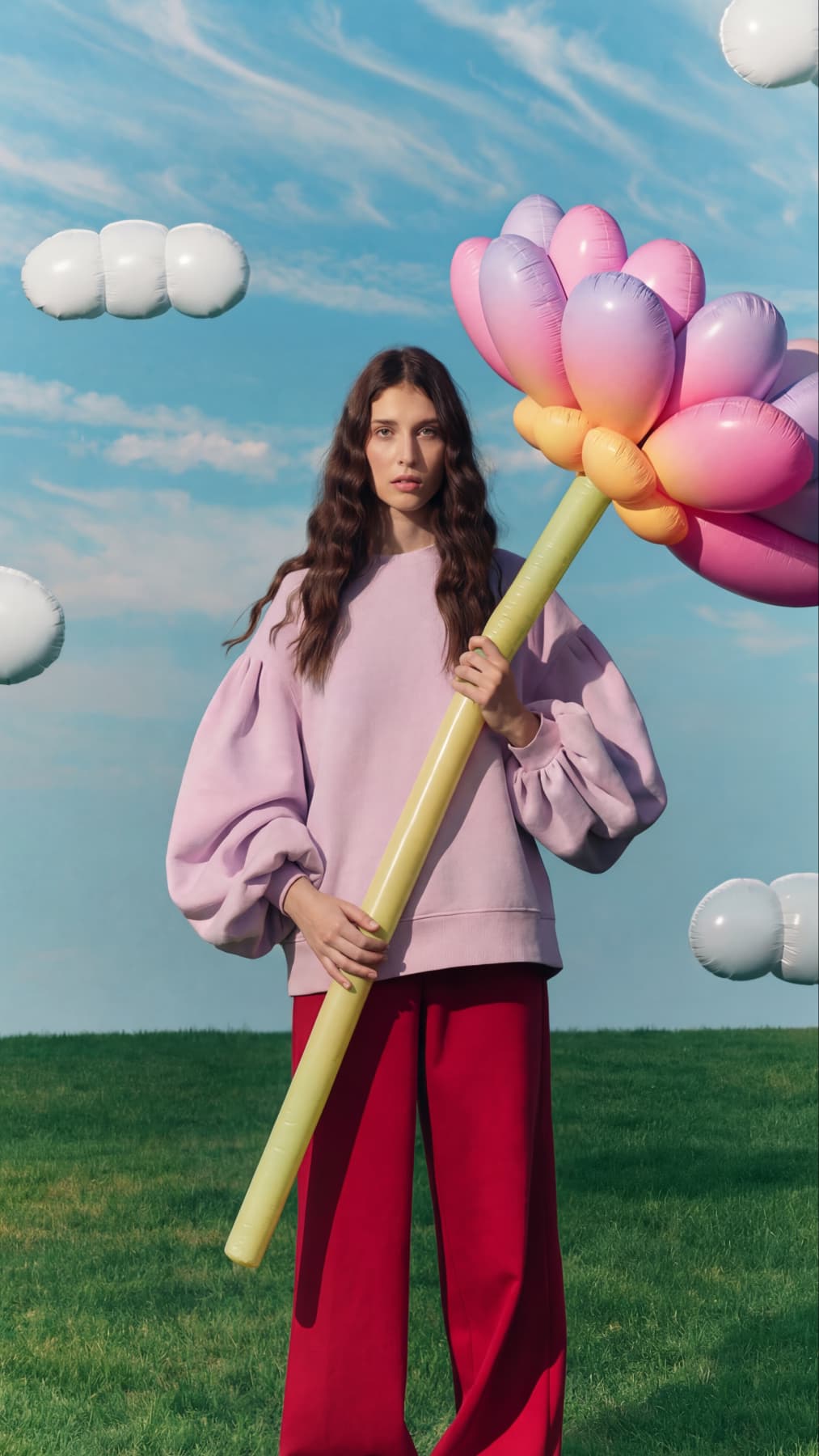
ai image generation with Flux.2 Pro
Flux.2 Pro
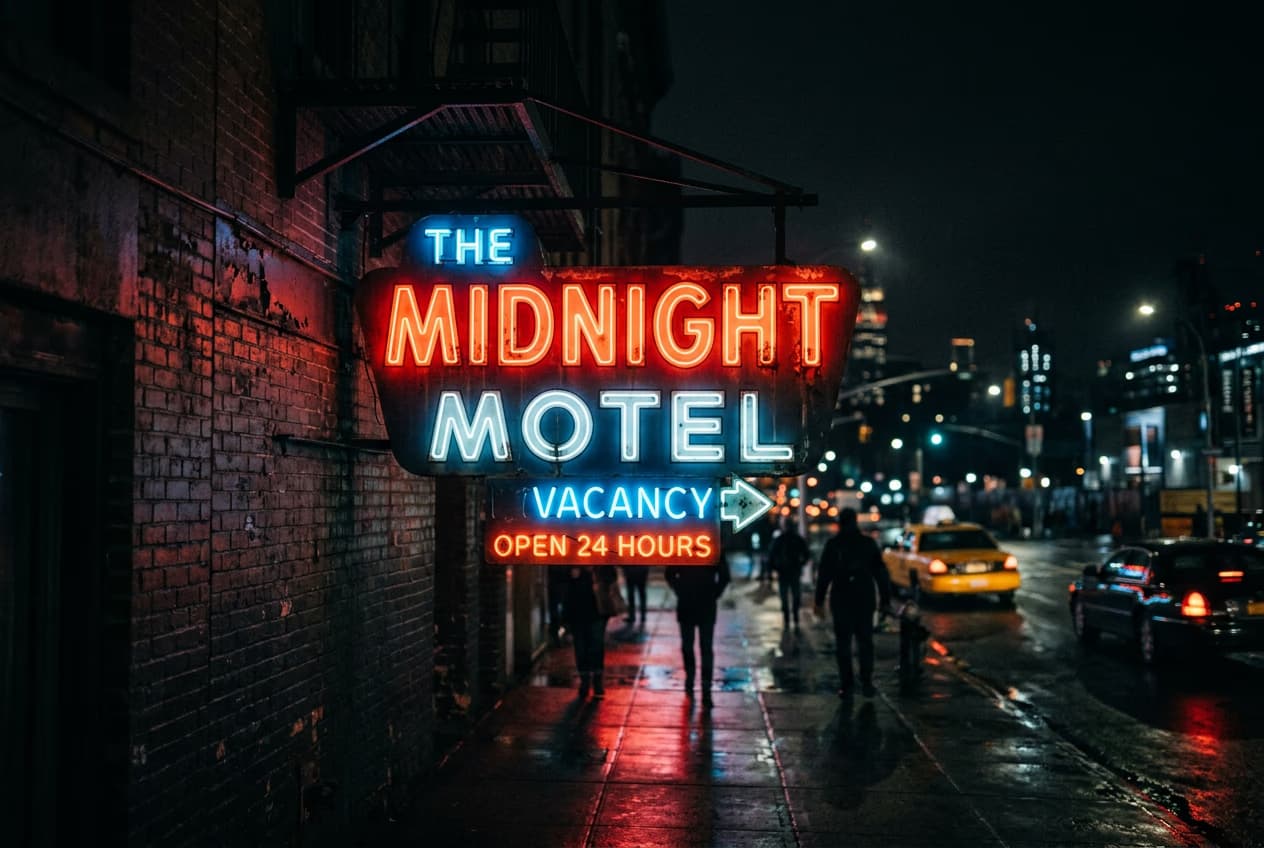
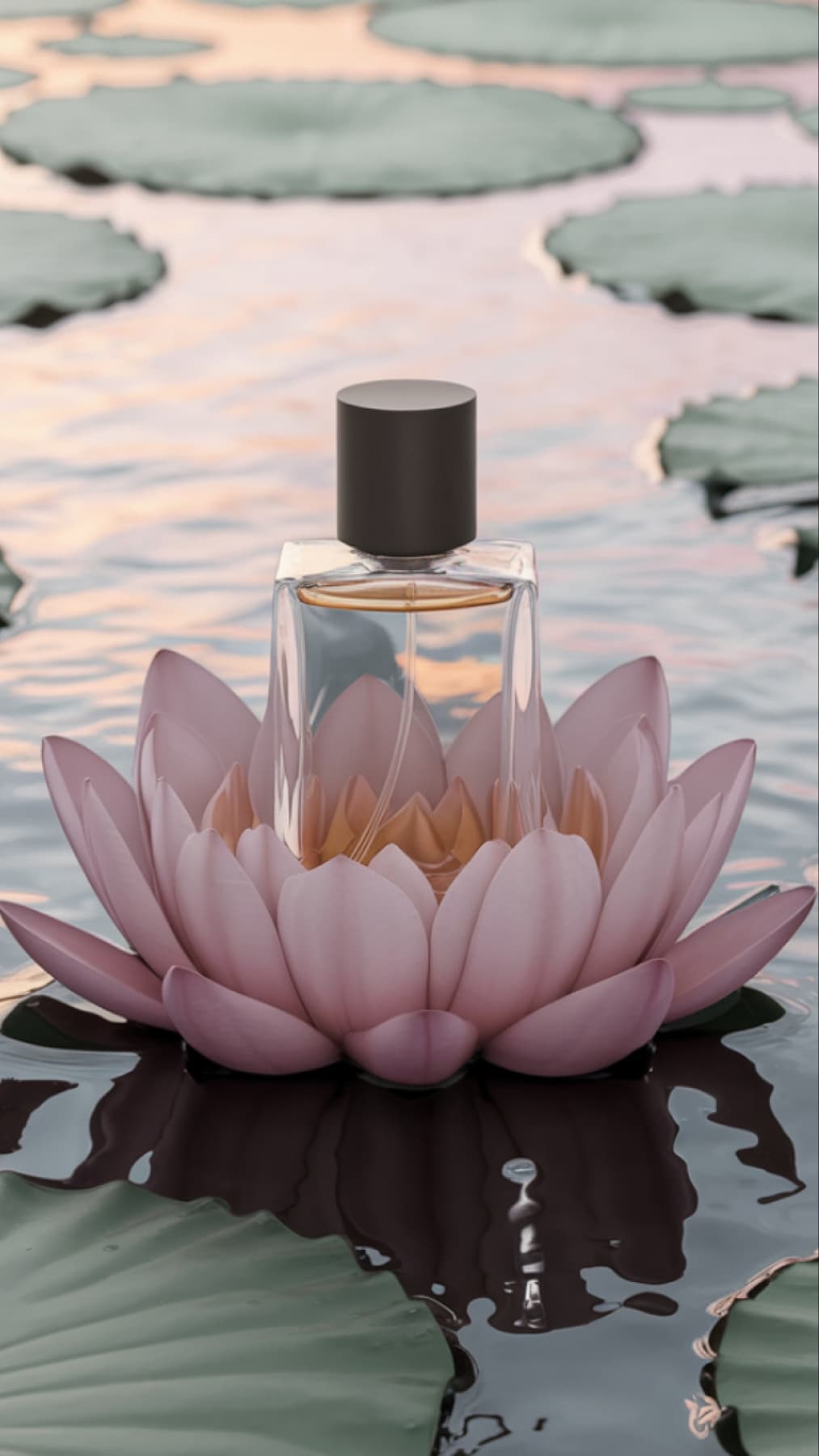
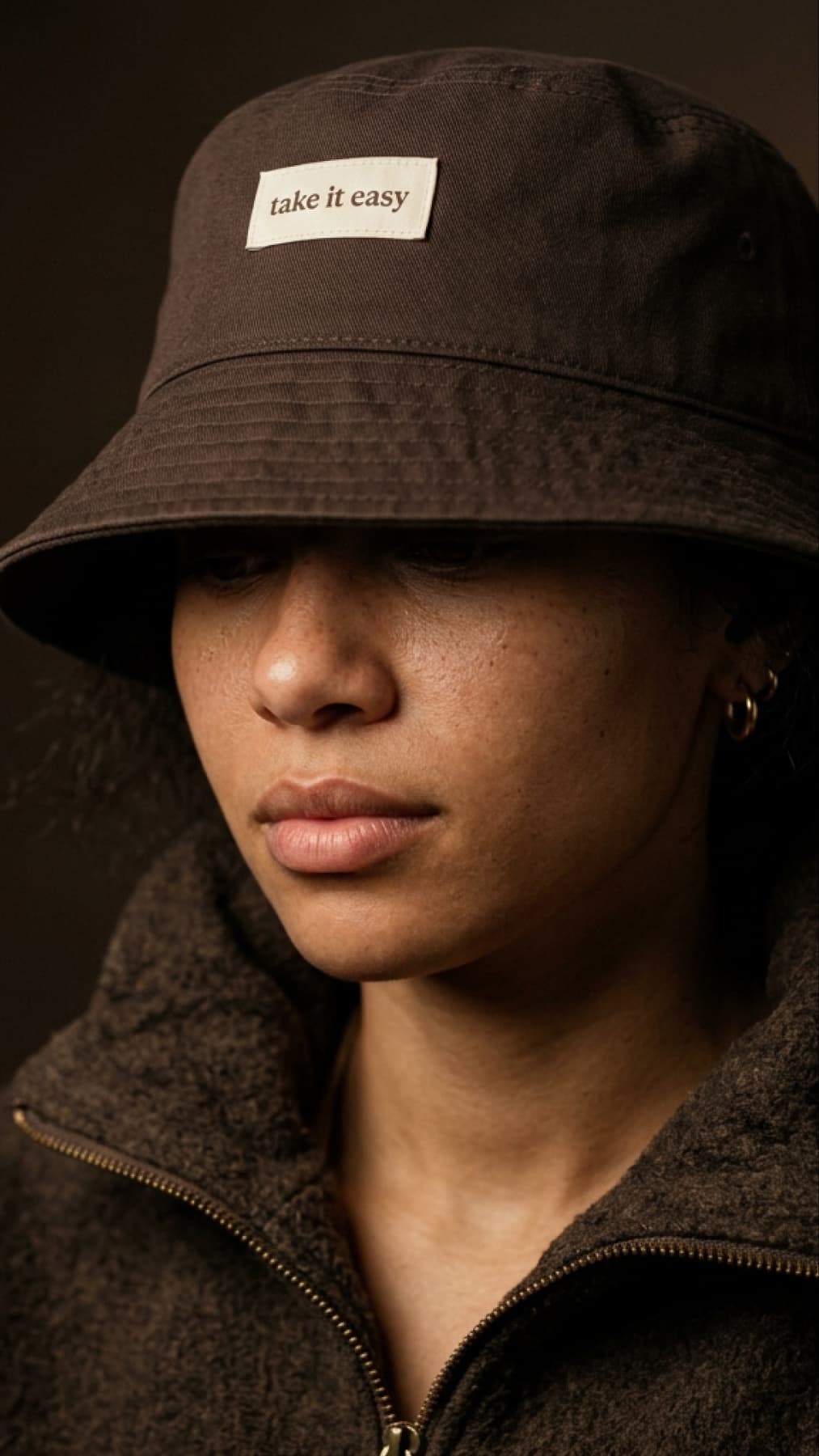
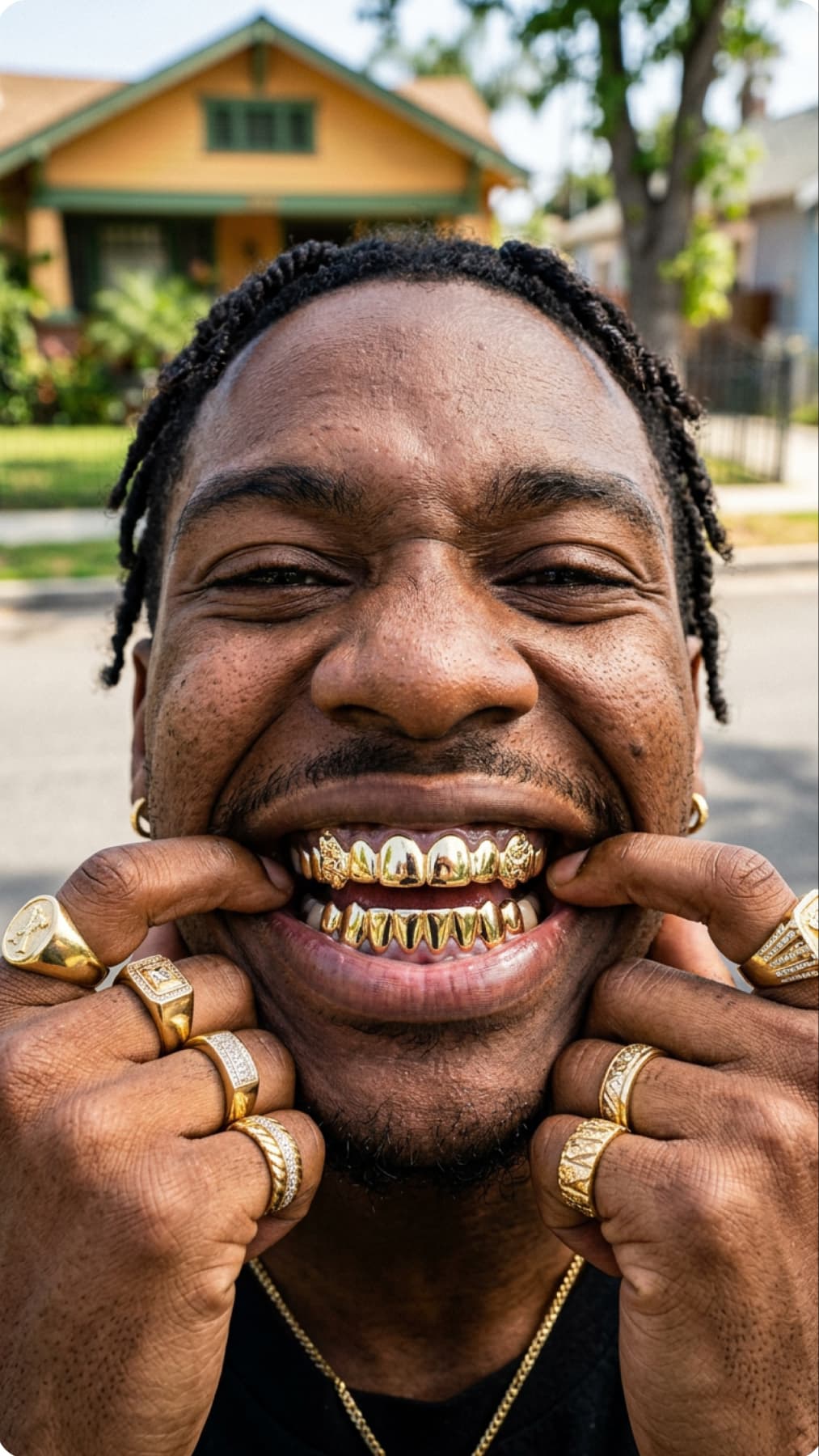
image generation with Ideogram V3 ai model
Ideogram V3

Offers 30 AI models

Access 30 AI image models, each tuned for photorealism, illustration, typography, or speed.

Applies 48 style presets

Choose from 48 built-in styles that shape your image from the very first prompt.

Delivers fast high-res results

Generate sharp, high-resolution images up to 8K, ready for social, print, or professional use.


Open Discover or My Images

Open Discover or My Images

Start in Discover to create something new from a text prompt, or switch to My Images to upload and edit an existing picture.

Open Discover or My Images

Access 30 AI image models on one platform

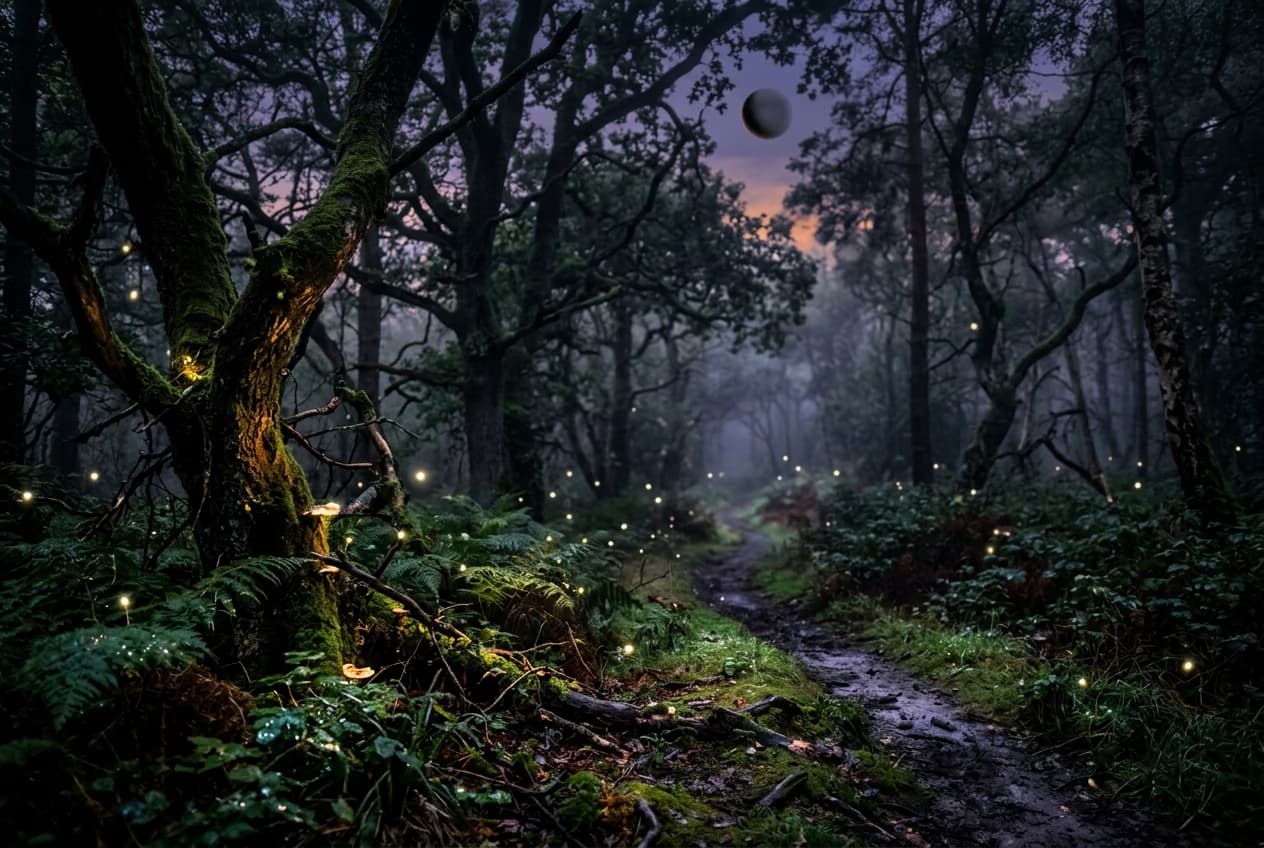
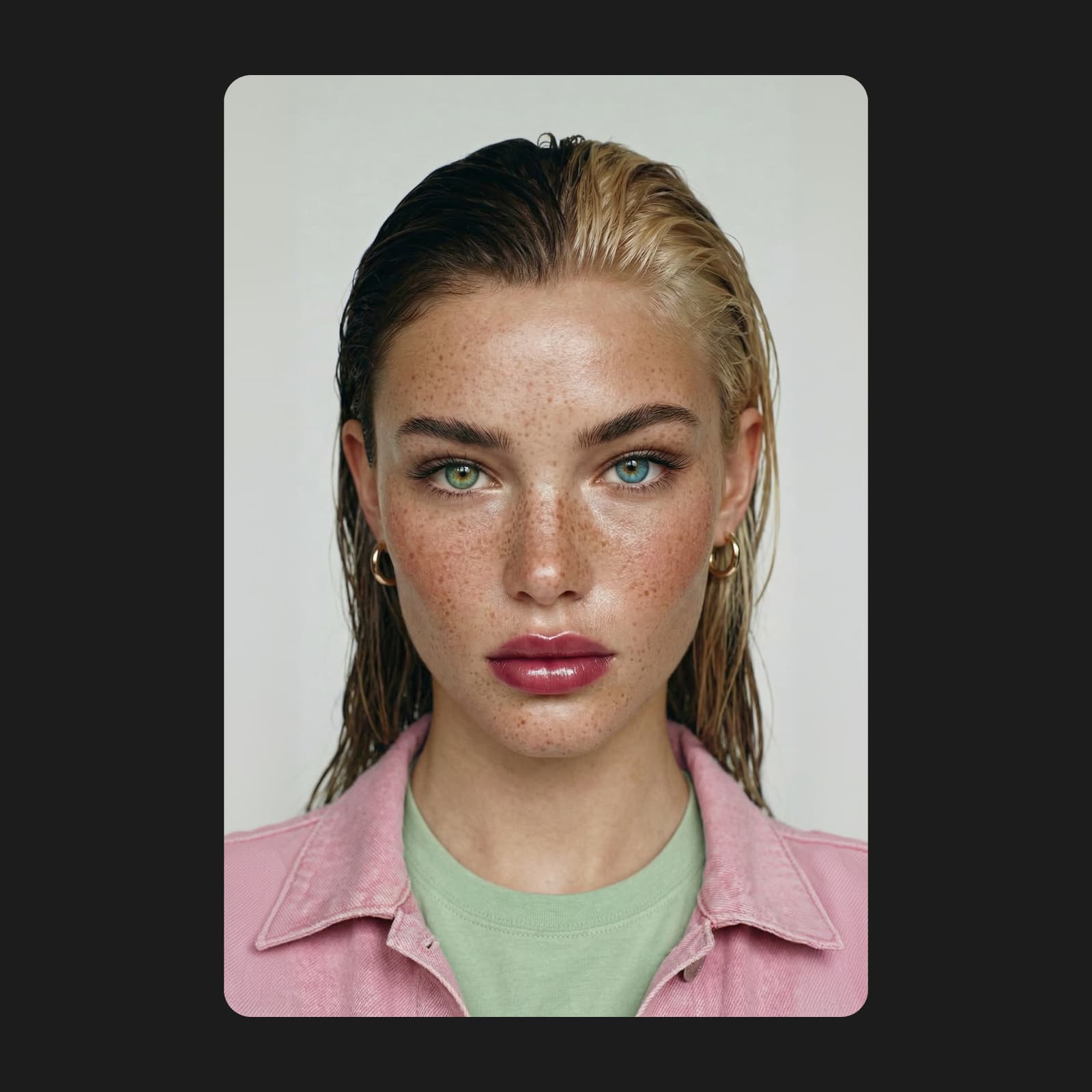
Every AI image model has a strength. Need photorealistic detail with natural lighting? Imagen 4.0 handles that. Want readable text placed directly inside an image? Ideogram V3 is built for it. Looking for artistic styles with precise creative control? Go with Flux 2 Pro. For fast, versatile results, try GPT Image 1.5 or Gemini 3 Pro. Pick the model that fits your goal and generate from one place.

Try now
AI Assistant interface showing design generation capabilities

Turn a simple prompt into a finished image

Type a text prompt, pick from 100 presets, or upload a reference image to guide your generation. Choose from 48 style filters attached to the prompt bar and set your aspect ratio manually or let it adjust per model. This free AI image generator gives you three ways into every text-to-image creation.

Start creating

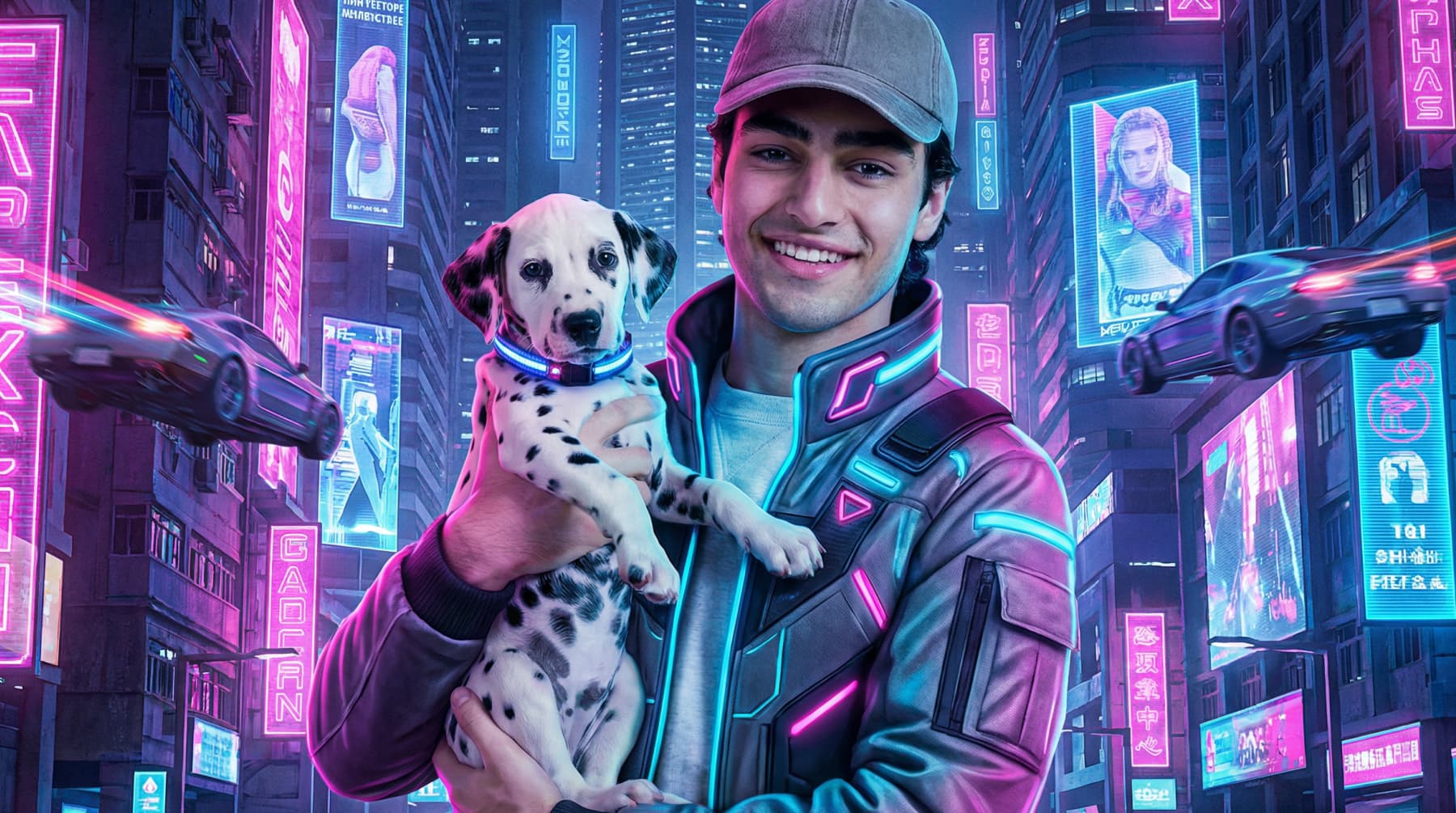
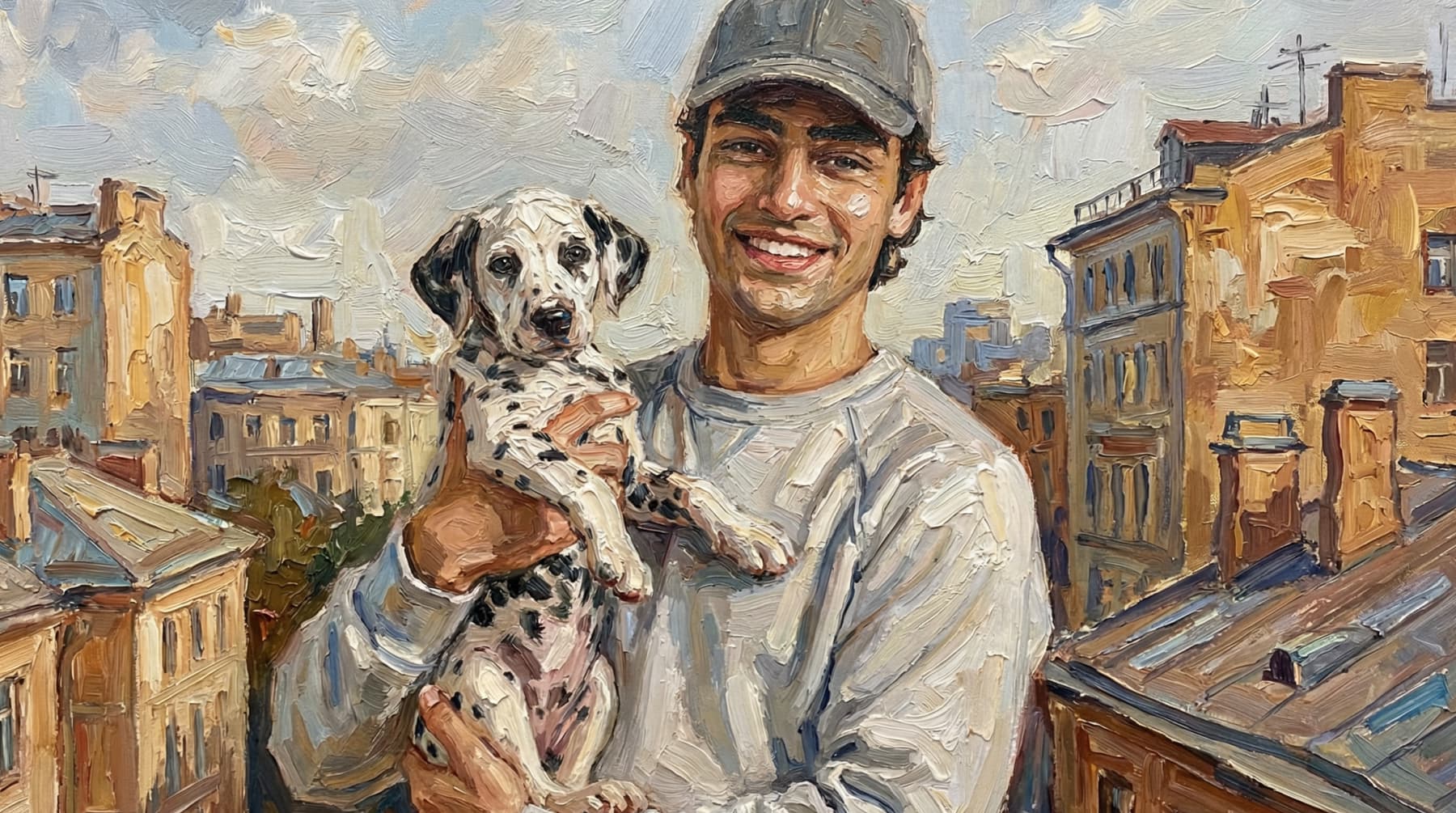
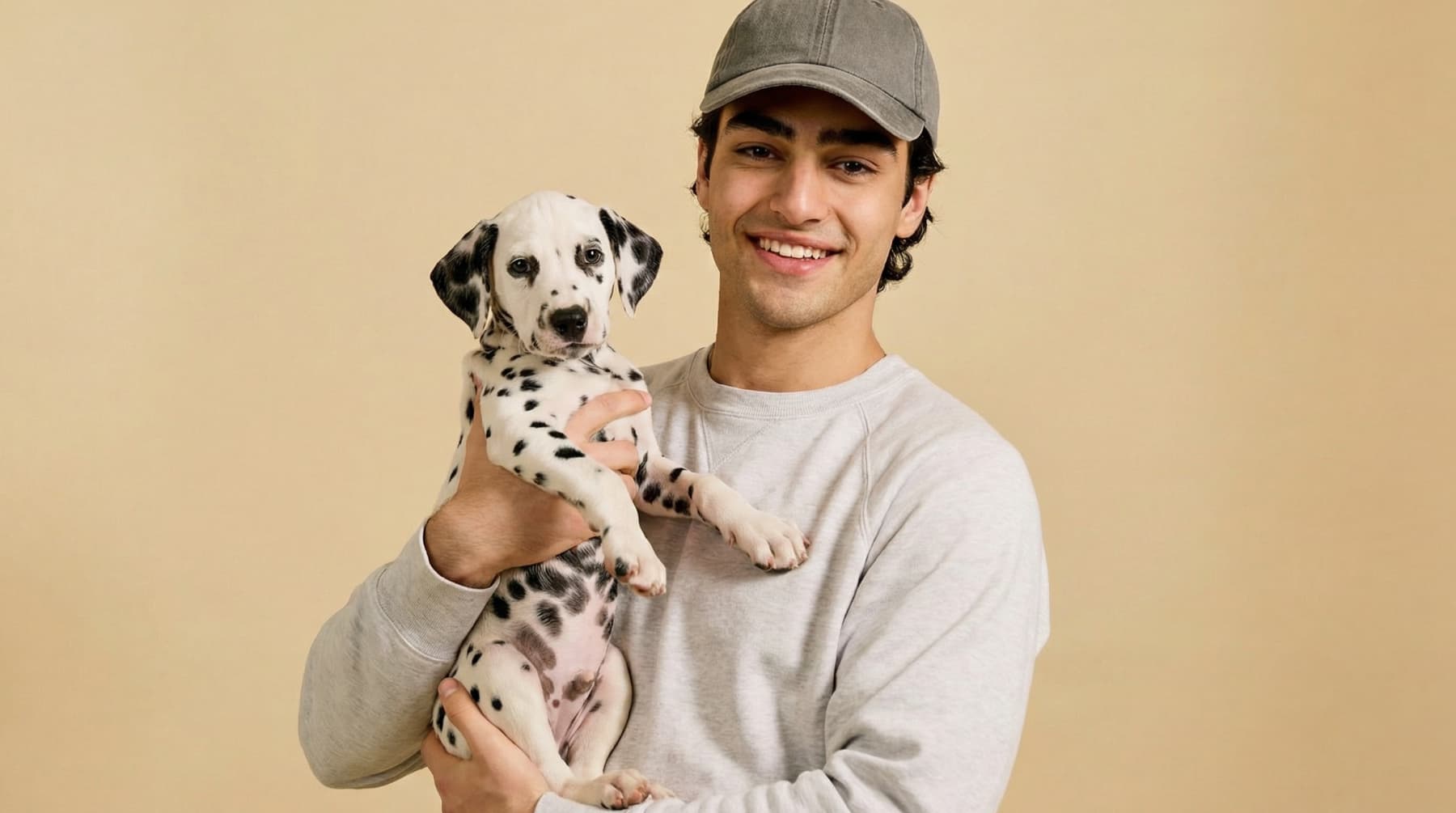
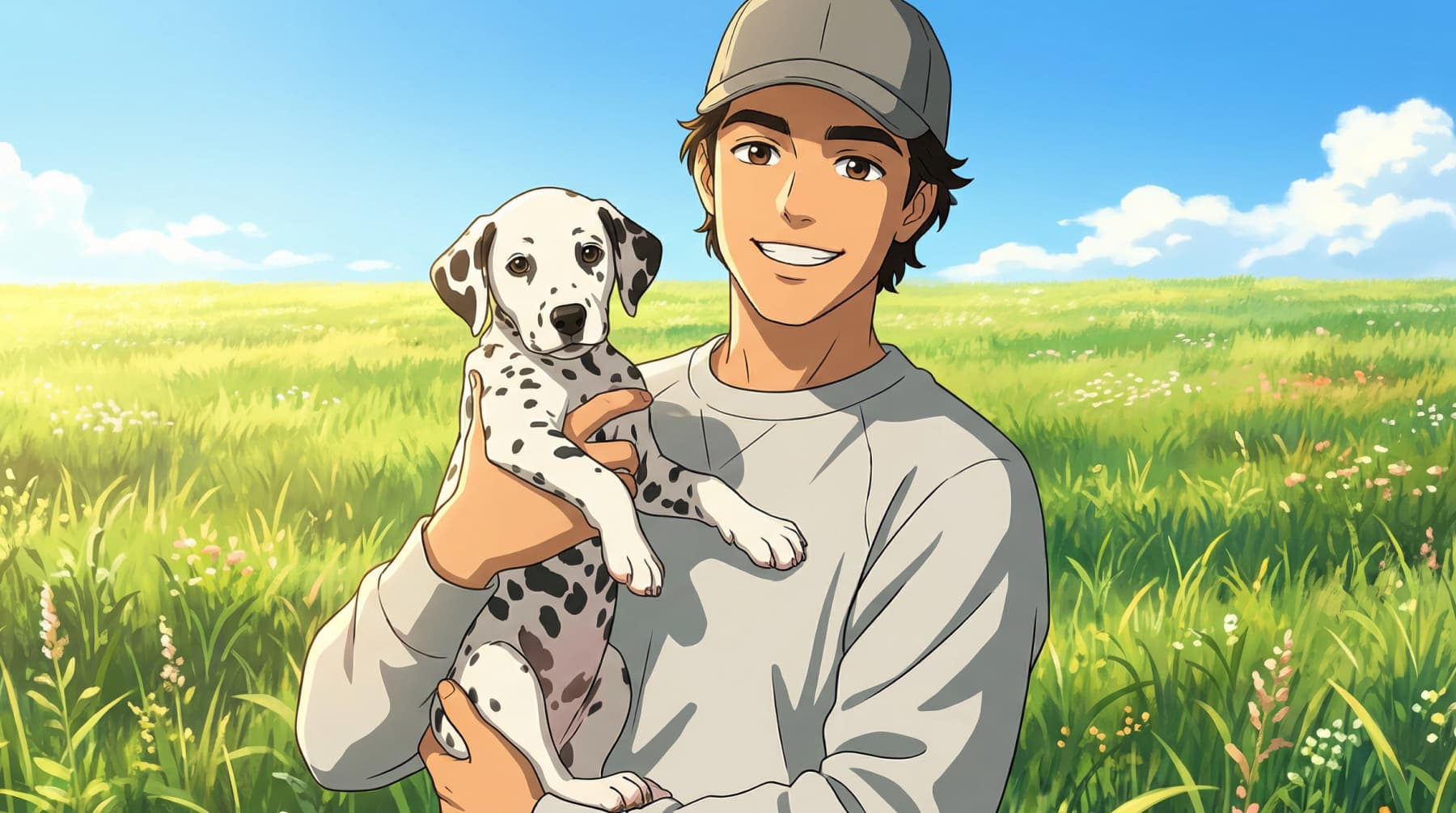
Get completely different outputs from the same prompt

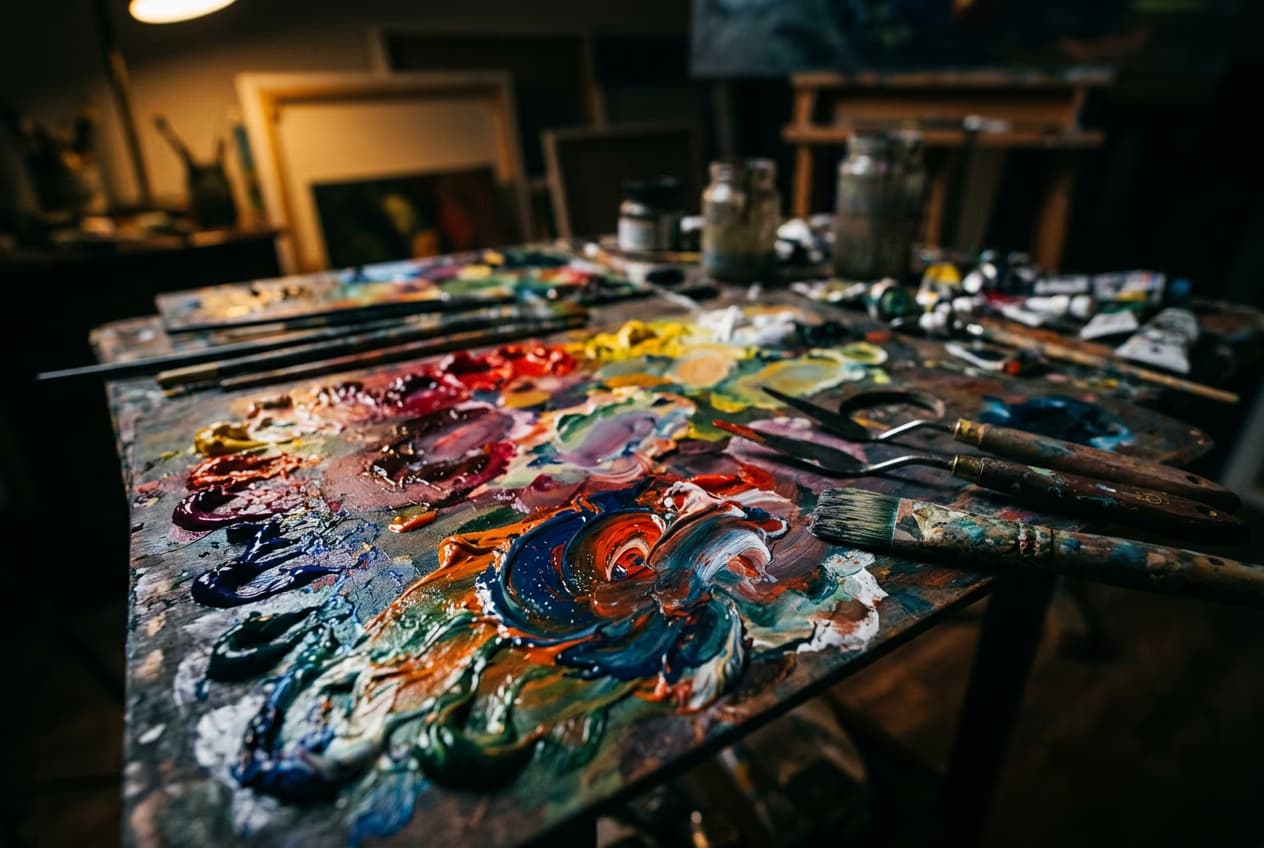
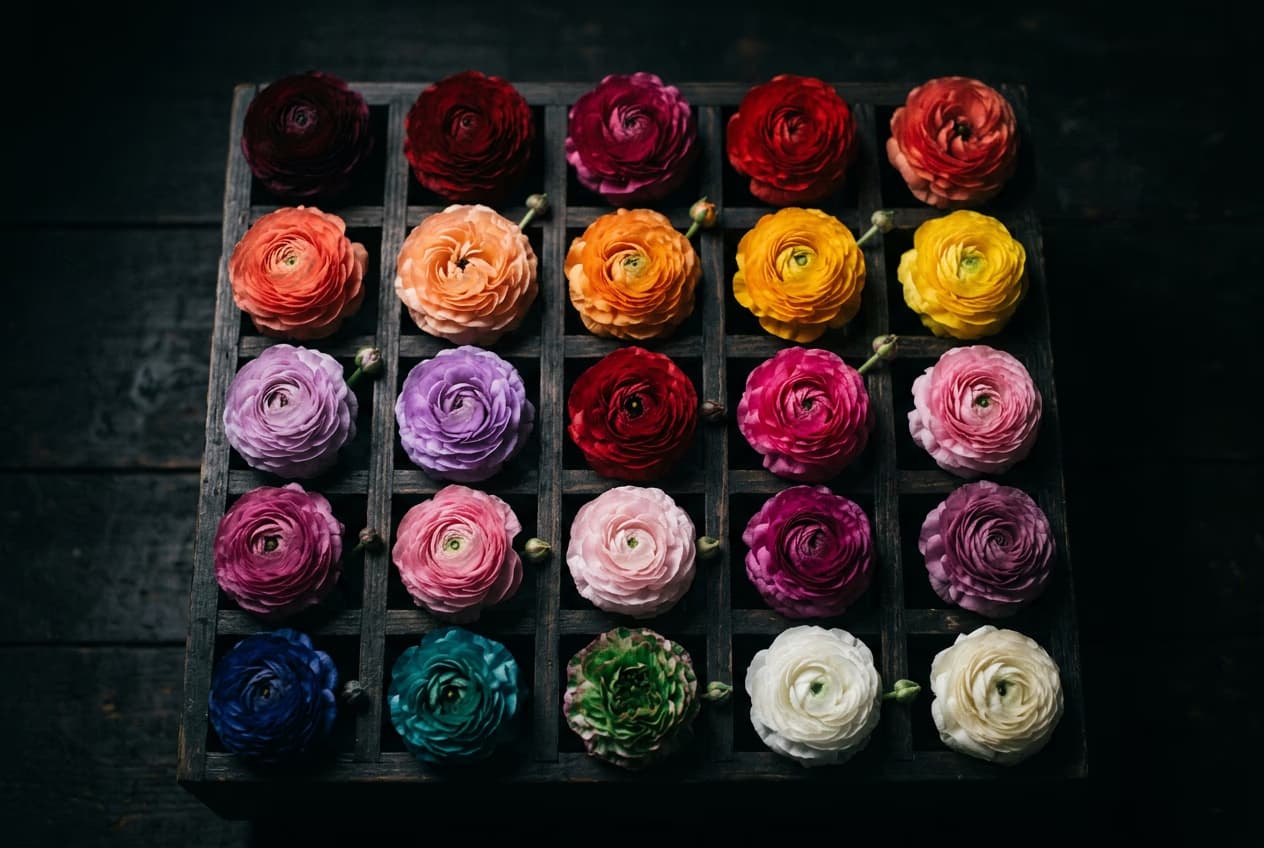
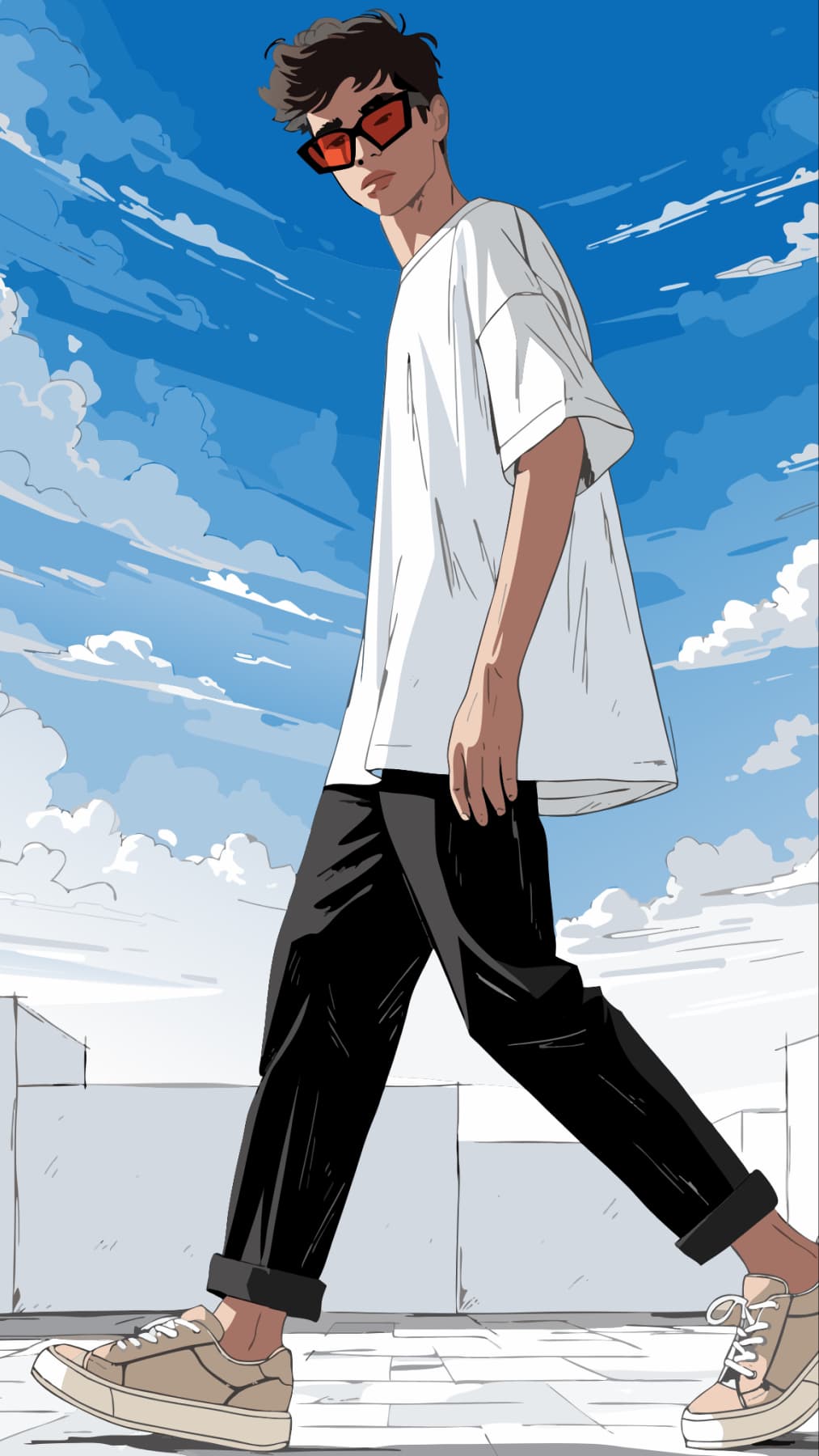
Type one prompt and watch it shift across styles - Anime, Y2K, Cyberpunk, Studio Ghibli, Photorealistic, Oil Painting, and more. Each preset reshapes the same idea into a completely different visual direction, all built into the generation flow. You choose your look before you generate, so the style shapes the image from the start - not as a separate step later.

Explore styles
AI Assistant interface showing design generation capabilities

Edit AI generated images with built-in tools

Take any AI generated image further without leaving the platform. Swap backgrounds with AI Background, replace specific elements using AI Replace, sharpen details with AI Image Enhancer, or make full adjustments in the AI Photo Editor. Generate and edit AI images in one workflow.

Edit images

Make every AI image brand-ready

Your brand shouldn't disappear the moment you start generating images. Add your logo, brand colors, and custom fonts to any AI-generated image and keep a consistent visual identity across marketing campaigns, social media, and ad creatives. Go from a text prompt to a polished, branded asset without switching platforms.

Brand your images
AI Assistant interface showing design generation capabilities

Create AI images for any project

Social media

Generate visuals sized for Instagram, TikTok, and YouTube thumbnails. Built-in presets match each platform's format automatically. Try GPT Image 1.5 or Gemini 3.1 Flash for quick, versatile results.

Social media

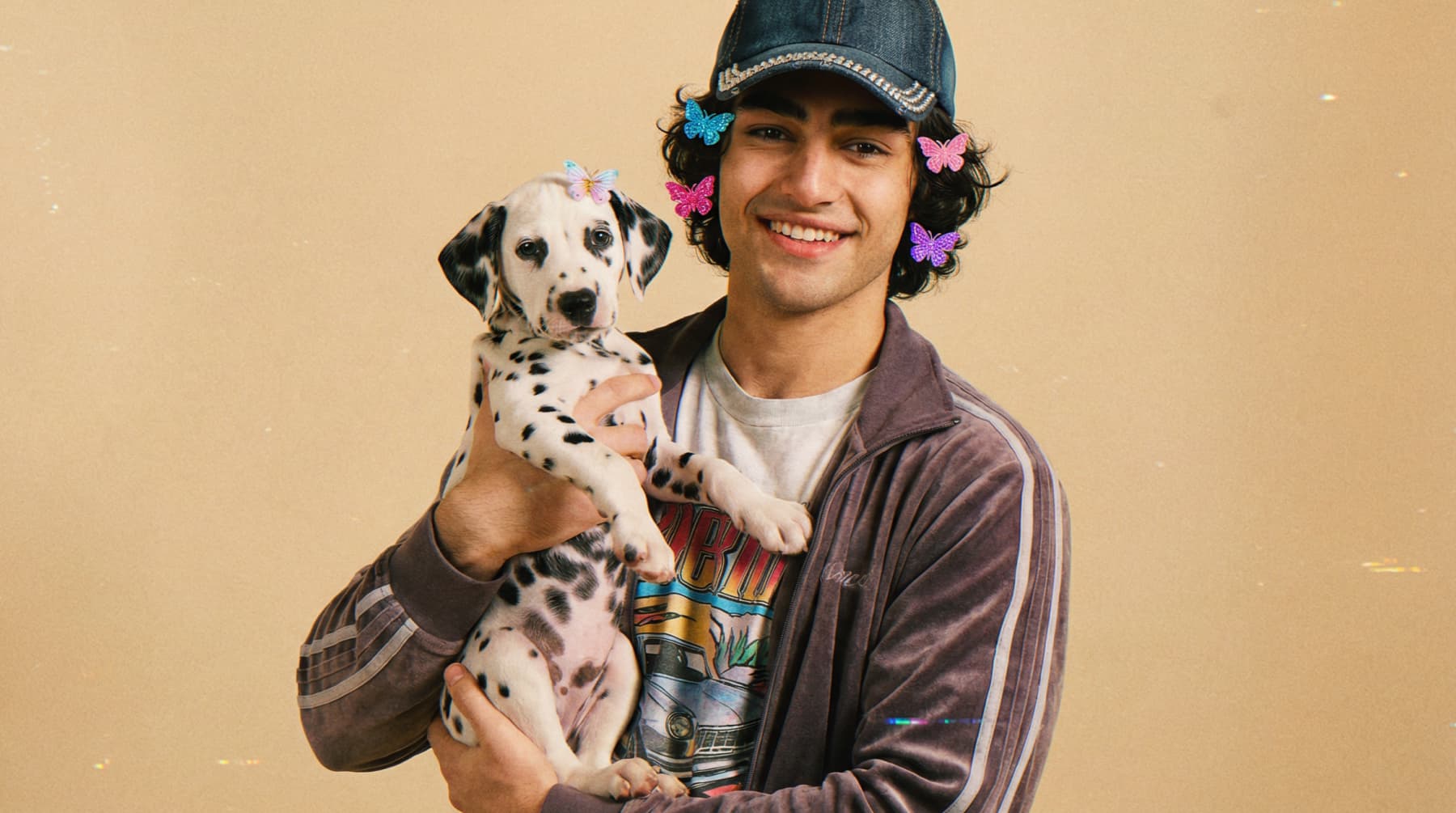
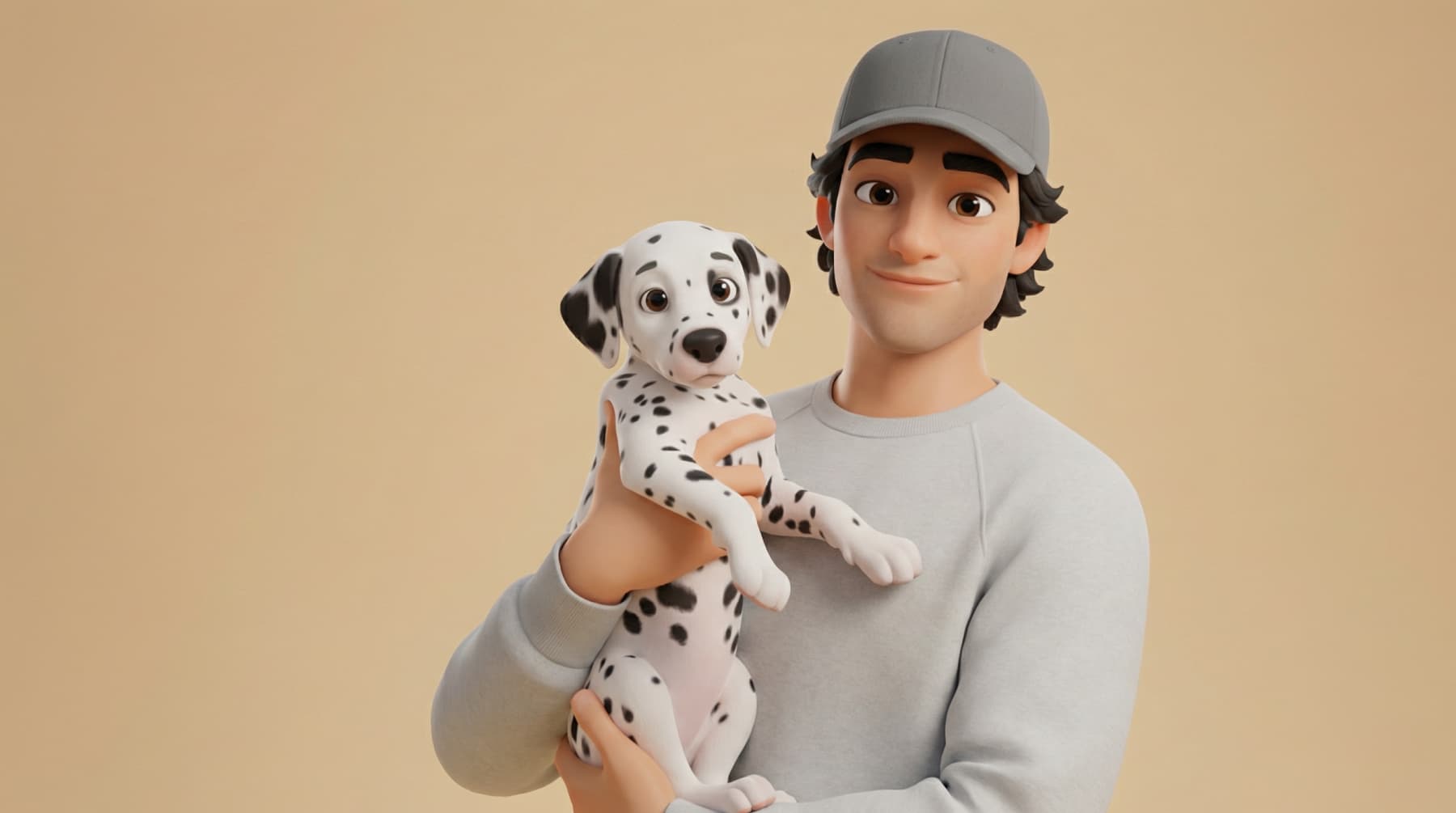
See how one prompt looks across multiple styles

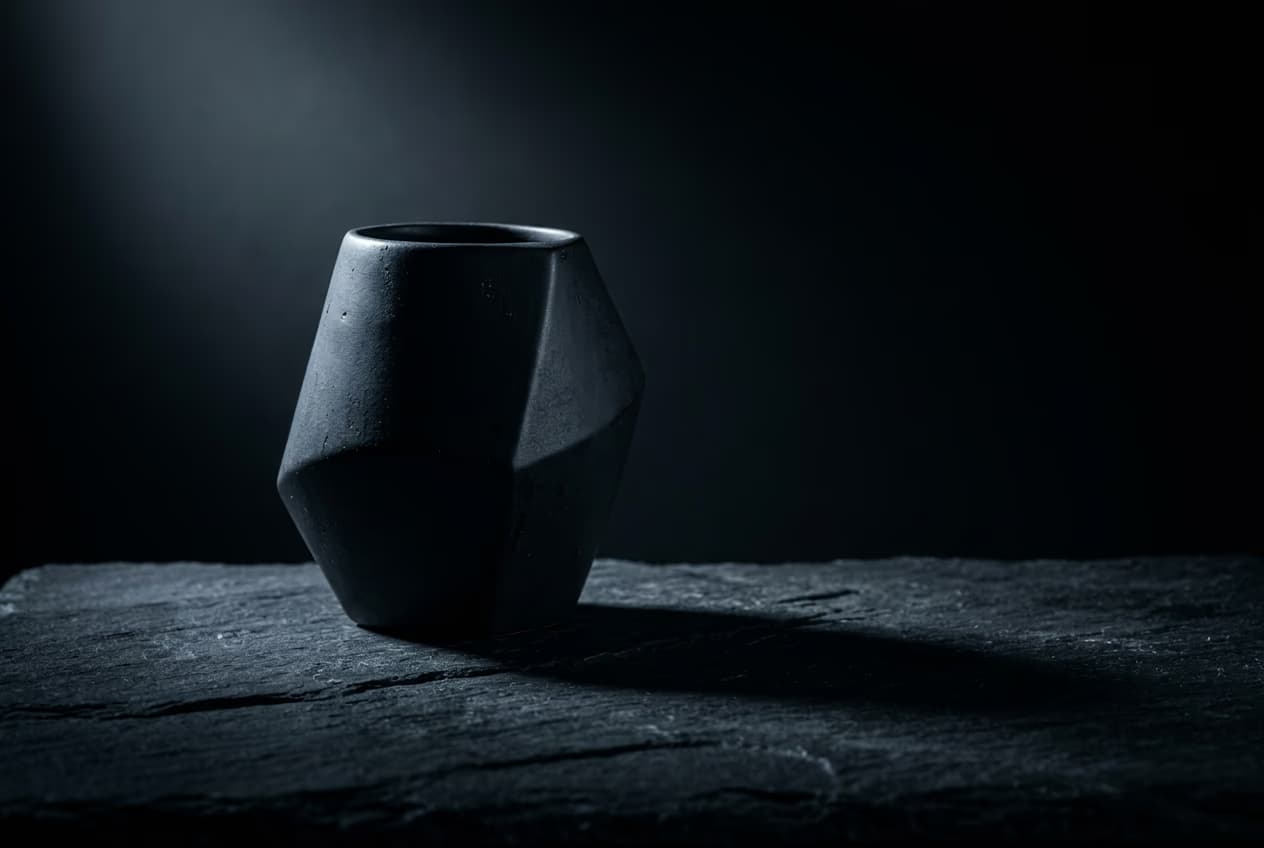
3D clay render ai image
3D Clay Render
cyberpunk ai image
Cyberpunk

Go beyond basic AI image generation

Choose from 30 AI models

Select the right model for photorealism, illustration, typography, or artistic output.

Browse 100 generation presets

Start fast with ready-made prompts covering popular subjects and creative themes.

Apply 48 style filters

Shape your image with styles from Photorealistic to Anime before generating.

Upload a reference image

Guide your generation with an existing visual for consistent style and direction.

Control aspect ratio

Set dimensions manually or let the model auto-adjust based on your format.

Store your generated images

Save all AI images in one place for easy access, comparison, and re-editing.

Generate images fast

Get results in seconds across all models with output up to 8K resolution.

Export in multiple formats

Download AI generated images in the format that fits your project or platform.


Testimonials

First block decorationFirst block bottom decoration

Multi-model testing saves time

I used to switch between three different AI tools to get the right look. Now I test the same prompt across multiple models in Picsart and pick the best output. The full-screen generator makes comparing results so much faster.

Alex R., Freelance Graphic Designer
Style filters changed my workflow

The style filters changed how I pitch concepts to clients. I generate Photorealistic, Anime, and Oil Painting versions of the same idea in minutes. One prompt, three directions - clients love having options.

Maya T., Social Media Manager

Second block decoration

All top models in one place

Having Imagen, Flux, and Ideogram in one place is what sold me. I use different models depending on the project and the full-screen view lets me actually see the detail before I download. No more guessing.

Jordan K., Marketing Lead

Testimonial decoration


Frequently asked questions

01

What can I do with a text-to-image AI generator?

A text-to-image AI generator turns written descriptions into images. Type a prompt describing your subject, style, and mood, and the AI produces a matching visual. With 48 style filters and 100 presets, you can create everything from photorealistic product shots to stylized illustrations and social media graphics.