قص الفيديو عبر الإنترنت
احتفظ باللحظات المهمة. افتح مقطعك مباشرةً في Trim & Cut، واختصر بدايته أو نهايته، وعاين النتيجة قبل تصدير الفيديو.
- احتفظ بالجزء الذي تحتاجه فقط
- راجع المقطع القصير قبل التصدير
احصل على مونتاج أكثر إحكامًا
كيفية قص فيديو عبر الإنترنت
تغيّر أداة قص الفيديو مدة مقطعك
قص الفيديو عندما تريد مقطعًا أقصر بالإطار المرئي نفسه. احذف الوقت المستغرق في التحضير لتصوير مشهد أو اللحظات الأخيرة بعد انتهاء الحدث. ابدأ بأبسط تعديل يجعل المقطع أوضح، ثم شغّله كاملًا. يؤثر القص في المدة، بينما يغيّر اقتصاص الفيديو ما يظهر عند الحواف.
حوّل تسجيلًا طويلًا إلى مقطع قصير ومركّز
يبدأ الفيديو القصير المفيد بموضوع واضح. اختر جزءًا من تسجيل أطول يمكن فهمه بمفرده، مثل إجابة واحدة أو عرض توضيحي أو تفصيل عن منتج. اترك بعض السياق قبل اللحظة الأساسية حتى لا يبدو الانتقال مفاجئًا. إذا كنت تعدّ مقتطفًا من بودكاست أو منشورًا اجتماعيًا، فاستمع إلى الصوت وشاهد الصورة قبل التصدير.
- اجعل التسجيل الطويل مركزًا واضحًا
اختر القص أو الاقتطاع بحسب التعديل الذي تحتاج إليه
يزيل القص وقتًا من بداية المقطع أو نهايته. وقد يعني الاقتطاع أيضًا تقسيم اللقطات أو حذف جزء من المنتصف. تجمع أداة Trim & Cut هذه التعديلات على المدة ضمن سير عمل مخصص. راجع عناصر التحكم المتاحة لمقطعك وتحقق من جانبي موضع الاقتطاع حتى تظل الحركة أو الجملة واضحة. احتفظ بنسخة من التسجيل الأصلي لتستخدمها في تعديل آخر.
أكمل تعديل الفيديو الأقصر باستخدام الأداة المناسبة
بعد القص، استخدم Resize Video عندما تحتاج إلى أبعاد إخراج مختلفة، أو Crop Video عندما يحتاج الموضوع إلى إطار أضيق. أضف عنوانًا باستخدام التراكبات النصية أو أضف موسيقى تصويرية باستخدام Add Music to Video. راجع التوقيت مجددًا بعد أي تعديل يغيّر تسلسل الفيديو النهائي.
- واصل التحرير بعد تقصير المقطع
تعرّف على أساسيات تحرير الفيديو
تعلّم كيفية إجراء تعديلات أنقى على المقاطع.
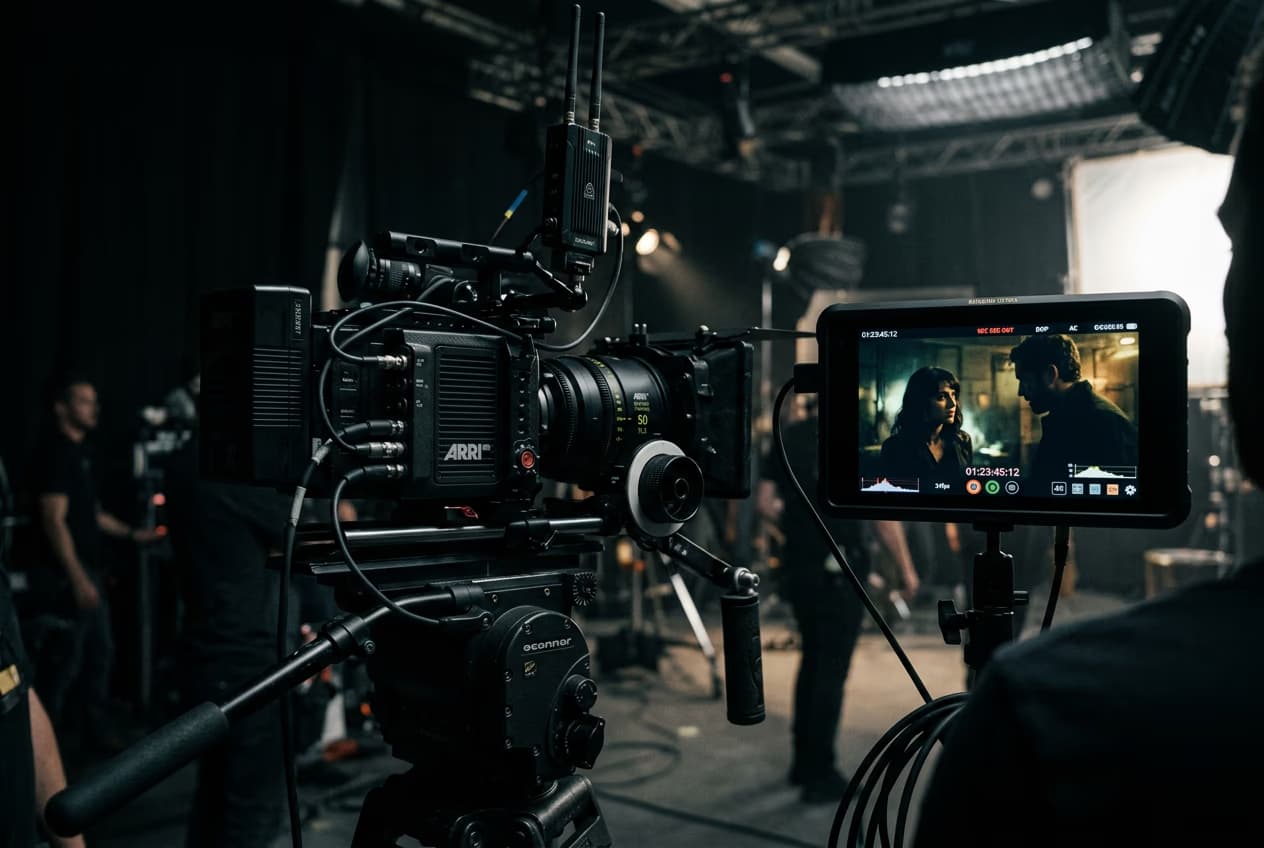
How to edit videos with AI in Picsart video editor
5 minIntermediate
How to apply AI video filters and effects in Picsart
4 minBeginner
How to add text and captions to videos online
4 minBeginner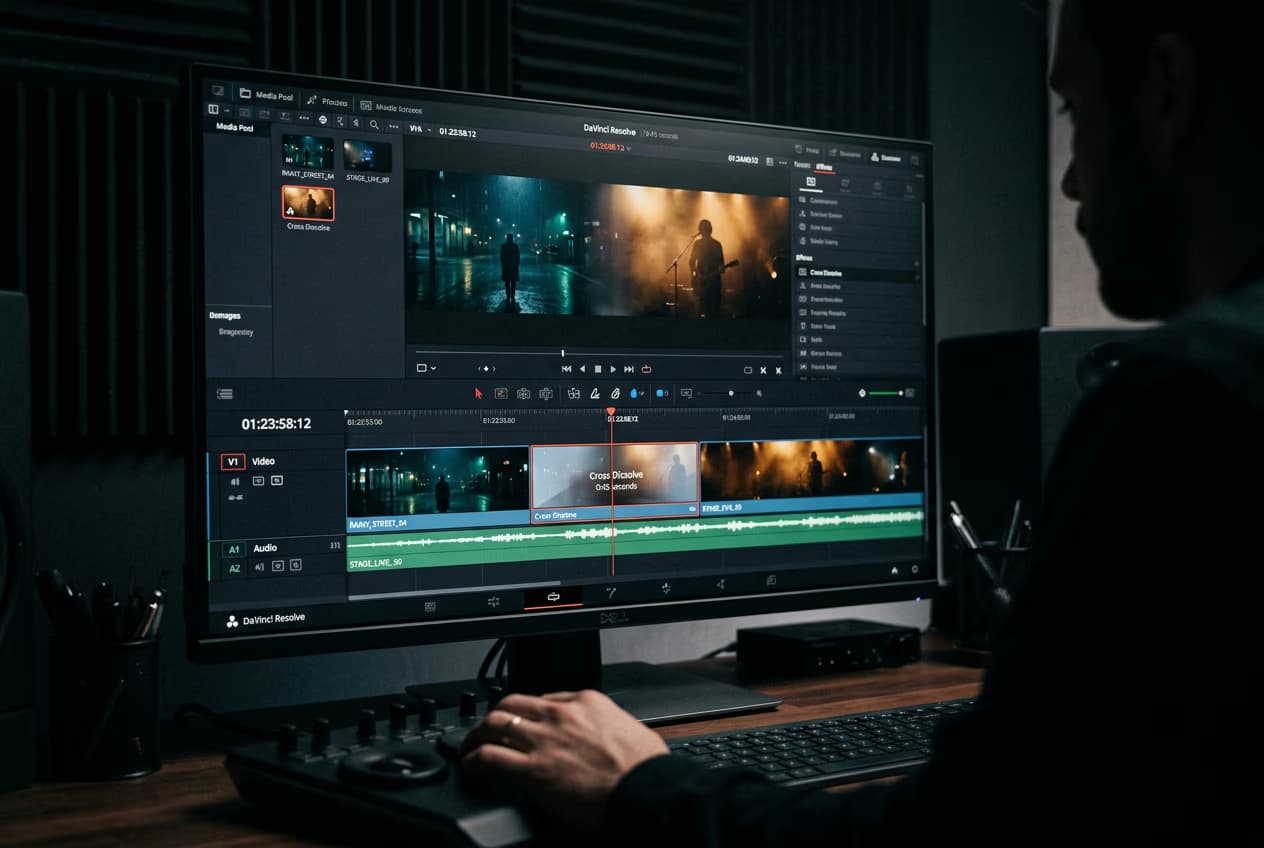
How to create smooth video transitions with AI effects
4 minIntermediate
How to export videos for TikTok, Reels, YouTube, and Stories
5 minIntermediate
How to fix eye contact in talking-head videos with AI
4 minIntermediateHow to create faceless YouTube history videos with Picsart Storyline
4 minIntermediate
الأسئلة الشائعة حول قص الفيديو
افتح الفيديو في أداة Trim & Cut من Picsart واضبط بداية المقطع ونهايته. عاين الفيديو الأقصر، ثم صدّر النتيجة.
حرّر مقاطع الفيديو لمنشورات اجتماعية أكثر تميزًا
قارن الخطط واختر أدوات التحرير والميزات التي ترغب في استخدامها.
Pro
Most popularAI tools for everyday creative work.
Ultra
Most powerfulHeavy AI usage for creators & teams.
Enterprise
Custom AI solutions for large organizations.
- Volume discounts on credit rate
- On-demand top-ups