Flux 3 Max vs Seedance 2.5: frame control or 30-second scenes?
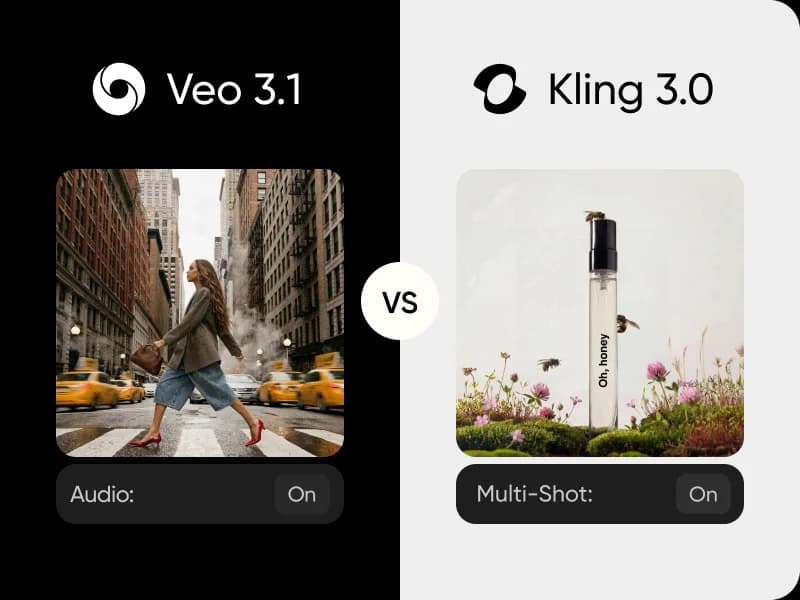
Flux 3 Max and Seedance 2.5 both generate video with audio from text or from start and end frames. This Flux 3 Max vs Seedance 2.5 comparison covers clip length, resolution, aspect ratios, references and controls, so you can choose the right model for each project. Try both side by side in AI Playground.
Feature comparison overview
Compare Flux 3 Max vs Seedance 2.5 side by side: audio, resolution, clip length, aspect ratios, frames and references.
Get to know Flux 3 Max and Seedance 2.5
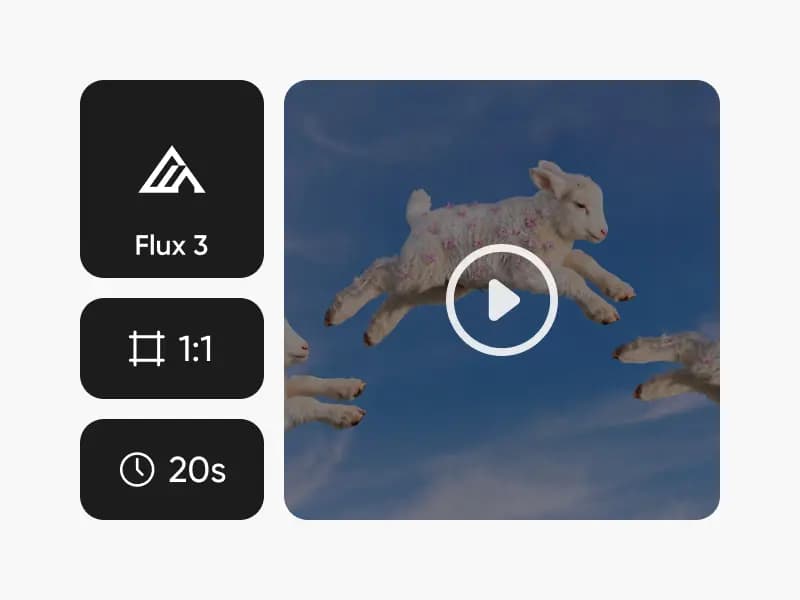
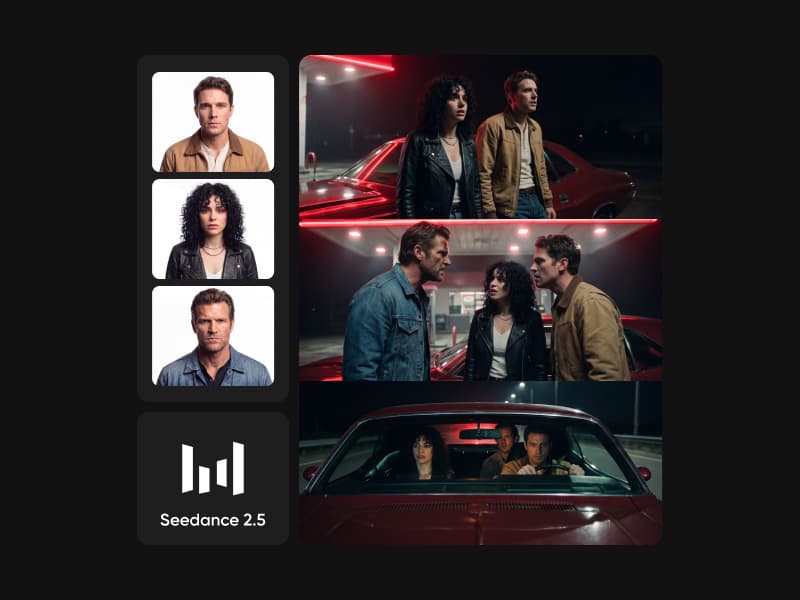
Flux 3 Max is the Max tier of Black Forest Labs' Flux 3 video: text-to-video, or motion from a start frame to an optional end frame, up to 20 seconds at 1080p. Seedance 2.5 is ByteDance's video model: up to 30 seconds at up to 1080p, guided by up to 30 images, 10 videos and 10 audio clips, with modes to edit and extend. Both generate audio with the picture. Try them both in our AI Playground.
Flux 3 Max vs Seedance 2.5 on clip length
Seedance 2.5 runs longer: 4 to 30 seconds, or auto, which lets the model choose. Flux 3 Max covers 5 to 20 seconds in 1-second steps. For a full scene in one generation, Seedance 2.5 has more room; for clips that must hit a set length between two frames, Flux 3 Max gives you exact control.
Both reach 1080p, framed differently
Both models top out at 1080p; Seedance 2.5 also renders at 480p, Flux 3 Max at 720p. Flux 3 Max offers eight framings, including 2:1 and an auto ratio that follows your start frame. Seedance 2.5 offers seven, including adaptive, and exports MP4 or MOV with 10-bit color for grading.
Start and end frames vs 50 references
Both take a start frame and an optional end frame. Seedance 2.5 goes much further on references: up to 30 images, 10 videos and 10 audio clips, plus reference, edit and extend modes for working on existing footage. Flux 3 Max stays focused on frames, with a reasoning level and a seed; Flux 3 Max Keyframes adds up to 10 keyframe images.
Choose Flux 3 Max or Seedance 2.5 in Picsart
Choose Flux 3 Max when a shot has to travel between two frames you choose, in almost any format. Choose Seedance 2.5 for longer scenes driven by many references, or to edit and extend video you already have. Or use both: in Picsart's AI Playground you can run the same prompt through each and keep the better take.
Flux 3 Max vs Seedance 2.5 FAQ
Answers about generating video with Flux 3 Max and Seedance 2.5 in Picsart.
Flux 3 Max generates 5 to 20-second clips at up to 1080p from text or from a start and optional end frame. Seedance 2.5 generates 4 to 30-second clips at up to 1080p and accepts up to 30 images, 10 videos and 10 audio clips as references, with edit and extend modes.
More AI video comparisons
Explore other AI video model comparisons available in Picsart.