Flux 3 Max vs Veo 3.1: 20-second takes or native 4K?
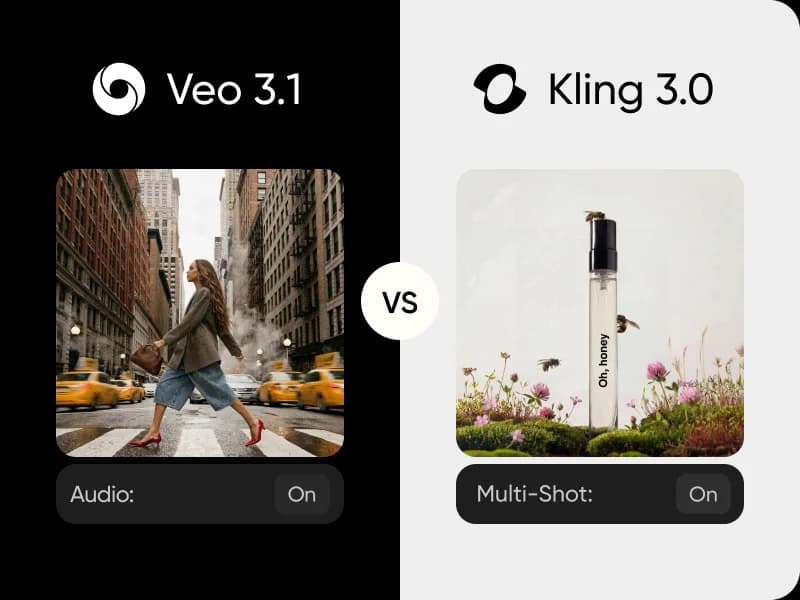
Flux 3 Max and Veo 3.1 both generate video with audio and both accept a start and an end frame. This Flux 3 Max vs Veo 3.1 comparison covers clip length, resolution, aspect ratios, references and controls, so you can pick the right model for each shot. Try both side by side in AI Playground.
Feature comparison overview
Compare Flux 3 Max vs Veo 3.1 side by side: audio, resolution, clip length, aspect ratios, frames and references.
Get to know Flux 3 Max and Veo 3.1
Flux 3 Max is the Max tier of Black Forest Labs' Flux 3 video: text-to-video, or motion from a start frame to an optional end frame, up to 20 seconds at 1080p. Veo 3.1 is Google DeepMind's video model: short 4, 6 or 8-second clips at up to 4K, steered by up to 3 reference images and a negative prompt. Both generate audio with the picture. Try them both in our AI Playground.
Flux 3 Max vs Veo 3.1 on clip length
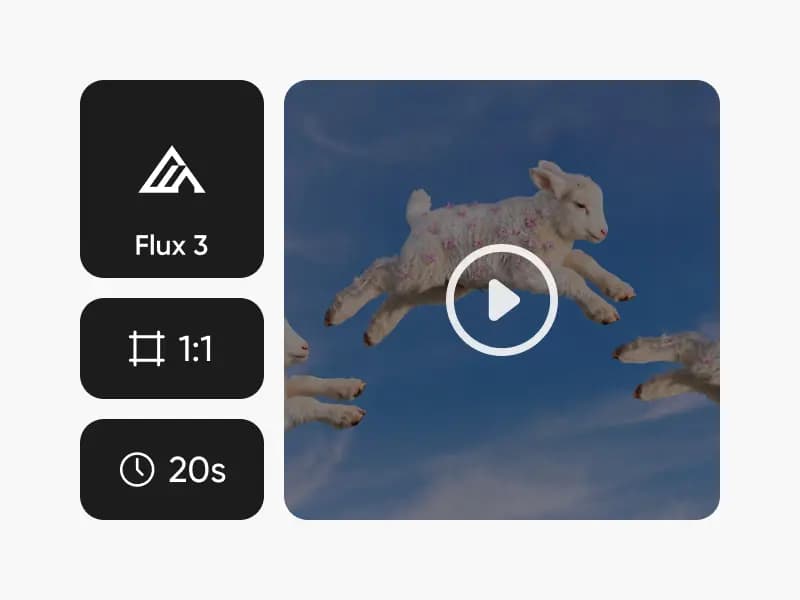
Flux 3 Max lets you set any length from 5 to 20 seconds, in 1-second steps, so one take can hold a full scene. Veo 3.1 works in three fixed lengths: 4, 6 or 8 seconds. If the action needs room, or you want to match an exact edit slot, Flux 3 Max leads. If you are cutting short beats, Veo 3.1's lengths are enough.
1080p in eight framings vs 4K in two
Veo 3.1 renders at 720p, 1080p or 4K, the higher ceiling of the two, in 16:9 or 9:16. Flux 3 Max tops out at 1080p but frames in eight ways: auto, 21:9, 2:1, 16:9, 4:3, 1:1, 3:4 and 9:16. For maximum resolution, Veo 3.1 leads; for square, cinemascope or 4:3 placements, Flux 3 Max leads.
Start frames, end frames and references
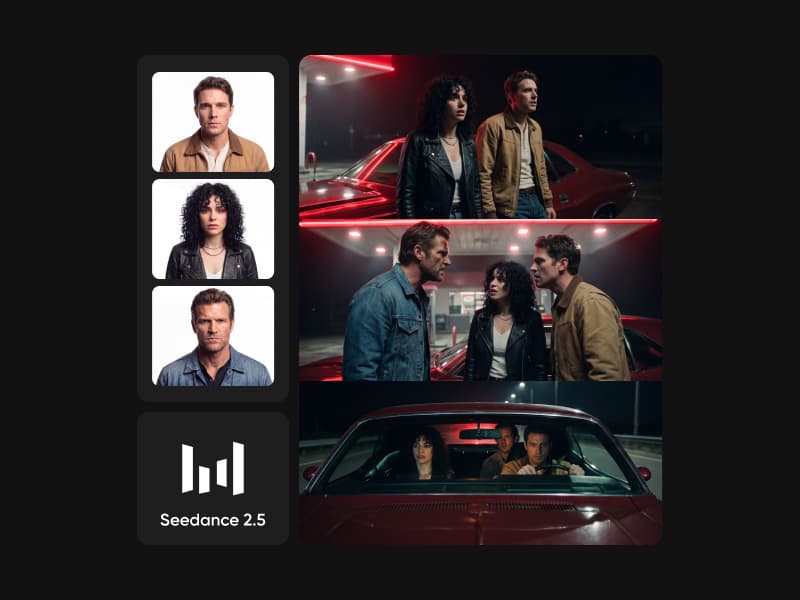
Both models take a start frame and an optional end frame, so either one can move between two images you choose. Veo 3.1 adds up to 3 reference images for characters, objects or scenes, plus a negative prompt. Flux 3 Max keeps to frames and adds a reasoning level setting and a seed; for more images, Flux 3 Max Keyframes sequences up to 10.
Choose Flux 3 Max or Veo 3.1 in Picsart
Choose Flux 3 Max for longer frame-to-frame shots, up to 20 seconds, in almost any format. Choose Veo 3.1 for short 4K clips where reference images keep a character or product consistent. Or use both: in Picsart's AI Playground you can run the same prompt through each and keep the better take.
Flux 3 Max vs Veo 3.1 FAQ
Answers about generating video with Flux 3 Max and Veo 3.1 in Picsart.
Flux 3 Max generates 5 to 20-second clips at up to 1080p in eight aspect ratios, from text or from a start and optional end frame. Veo 3.1 generates 4, 6 or 8-second clips at up to 4K in 16:9 or 9:16, with start and end frames, up to 3 reference images and a negative prompt.
More AI video comparisons
Explore other AI video model comparisons available in Picsart.