צרו מסנני וידאו ואפקטים של AI אונליין
תנו לסרטון הבא שלכם מראה ייחודי עם אפקטי הווידאו של AI מבית Picsart. התחילו מתמונה וגלו תנועה קולנועית, סצנות וינטג׳יות וטרנספורמציות מונפשות ב-GenAI Studio.
- הפוך תמונה סטטית לתנועה
- התחל מאפקט מוכן מראש
נסו אפקטי וידאו של AI מהאוסף הנוכחי
עיינו בתצוגות המקדימות, בחרו מראה ופתחו את ההגדרה המוכנה מראש שלו ב-GenAI Studio. האפקטים האלה יוצרים סרטונים מהתמונות שלכם.


בחרו כיוון לסרטון שלכם
איך ליצור סרטון עם אפקטים של AI
בחרו הגדרה מוכנה מראש, הוסיפו תמונה וצרו סרטון ב-GenAI Studio. השלבים האלה משתמשים בדוגמאות מאוסף Image to Video Effects כדי להמחיש את המראות השונים שתוכלו לבחור.
הוסיפו תנועה קולנועית לסצנה קפואה
Frozen Time מוסיף תנועת מצלמה קולנועית ומעגלית לסצנה קפואה. הוא מתאים לתמונה עם נקודת מיקוד ברורה: פורטרט, רגע מטיול או חפץ שתרצו למשוך אליו את תשומת הלב. התנועה יוצרת רושם שונה משינוי צבעי התמונה בלבד.
בחרו במראה הזה כשתרצו שתנועת המצלמה תעביר את הרעיון. התחילו מקומפוזיציה שכבר עובדת, ואז בדקו אם נוצרו שינויים בנושא ובפרטים שסביבו. בפוסט על מוצר, בדקו את הצורה, התווית ופרטים נוספים שצריכים להישאר מדויקים.
- הפוך תנועה לחלק מהסצנה
נסו חשיפה בסגנון וינטג׳ לסרטון הבא שלכם
Polaroid Printout Video הופך תמונה לחשיפה בסגנון מצלמת אינסטנט, עם הדפס שמחליק לתוך התמונה וגימור חמים בסגנון וינטג׳. נסו אותו לסיכום טיול, לפורטרט או לרגע יומיומי שתרצו להציג כמזכרת.
השתמשו בחשיפה כפתיחה לסיפור במקום להוסיף כמה אפקטים שמתחרים זה בזה. נושא שקל לזהות עוזר לתמונה לבלוט כשהיא מופיעה. אם אתם יוצרים סדרת פוסטים, בחרו תמונות עם אווירה דומה כדי שהסרטונים יתחברו זה לזה. צפו קודם בתצוגה המקדימה כדי להחליט אם הסגנון הנוסטלגי מתאים לסיפור שלכם.
צרו סרטון אמנותי בחשיפה כפולה
Forest Double Exposure משלב צללית של פורטרט עם עצים, ערפל ואור. פרטי היער הנעים יוצרים אווירה אמנותית שחורגת מגוון או התאמת צבע פשוטים. זהו כיוון מתאים לפורטרט בהשראת הטבע, לטיזר מוזיקלי או לפרויקט יצירתי אישי.
בחרו פורטרט עם צללית ברורה. המראה השכבתי של האפקט עלול להפוך פרטים עדינים לבולטים פחות, לכן חשבו מה הצופים צריכים לזהות. אם מדובר בפרופיל או בקמפיין שבו חשוב לדייק בפרטי פנים או מוצר, השוו את הטרנספורמציה הזו לאפקט תנועת מצלמה עדין יותר לפני בחירת התוצאה.
הוסיפו מעט תנועה לתמונה אישית
Old Photo Comes to Life מנפיש פורטרט באמצעות הבעה ותנועה עדינות. התצוגה המקדימה שלו מציגה תנועה רכה ולא שינוי דרמטי בסצנה. נסו את הכיוון הזה כשהאדם שבתמונה הוא במרכז, ותרצו תוצאה רגועה יותר לזיכרון משפחתי או לפוסט אישי.
תוצאה מונפשת היא פרשנות יצירתית חדשה לתמונה. צפו בסרטון כולו ובדקו שההבעה מרגישה מתאימה לפני השיתוף. השתמשו בתמונה שמותר לכם להעלות ולשתף, במיוחד אם מופיע בה אדם אחר.
מצאו מראה שמתאים לסרטון שתרצו לשתף
בחרו מסנן וידאו או אפקט גנרטיבי
מסנן וידאו מסורתי משנה את הצבע או את הגימור של סרטון קיים. אפקט גנרטיבי יכול להוסיף תנועה או להפוך תמונה לסצנת וידאו חדשה. ההגדרות המוכנות מראש באוסף Image to Video Effects שבעמוד הזה משתמשות בתמונות כקלט, ולכן הן מתאימות כשרוצים ליצור סרטון מתמונה סטטית.
אם יש לכם סרטון קיים שצריך לקצר, להוסיף לו טקסט או מוזיקה, המשיכו לעורך הווידאו. כדי ליצור סצנה חדשה לפי הנחיה משלכם ובחירת מודל, גלו את מחולל הווידאו של AI. בחרו כאן הגדרה מוכנה מראש אם אתם רוצים להתחיל ממראה מוכן.
- בחר זרימת עבודה לפי הקלט שלך
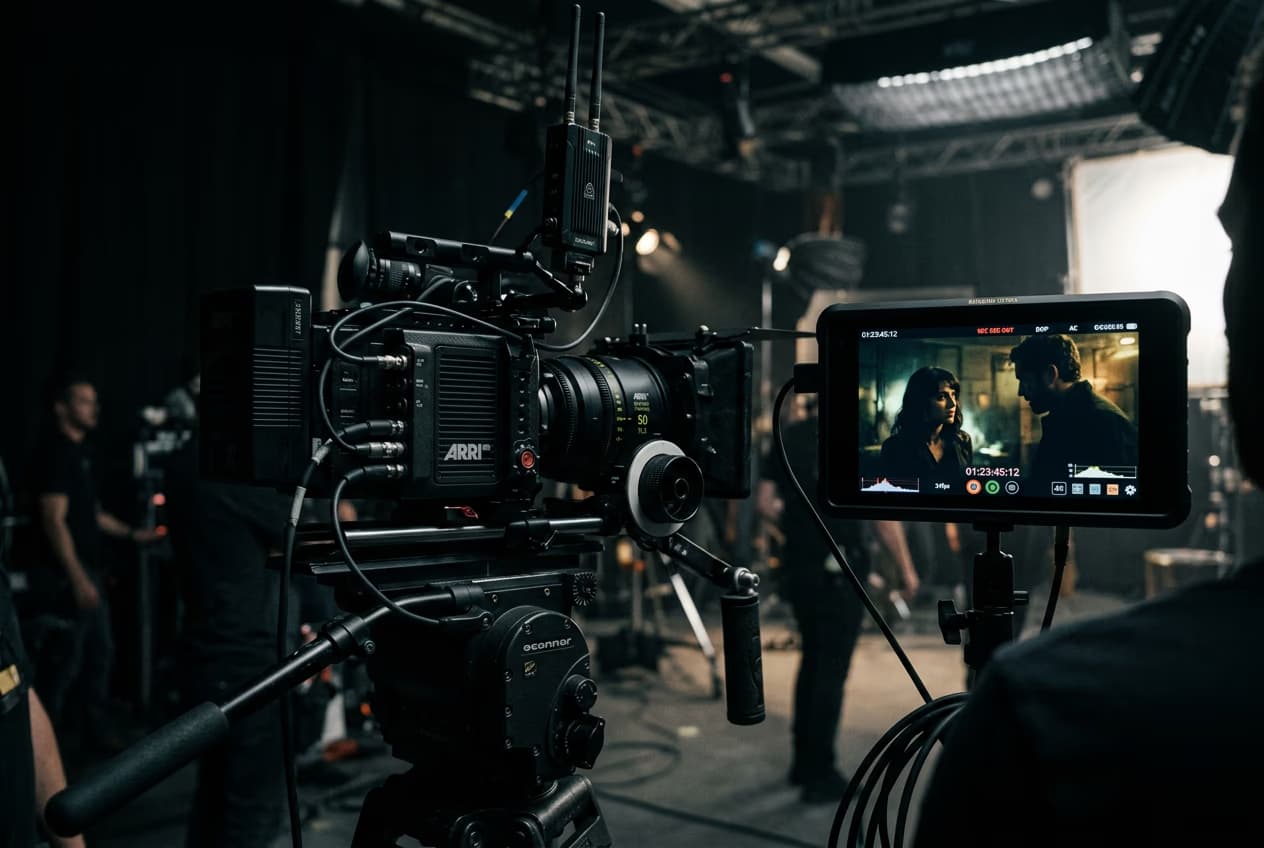
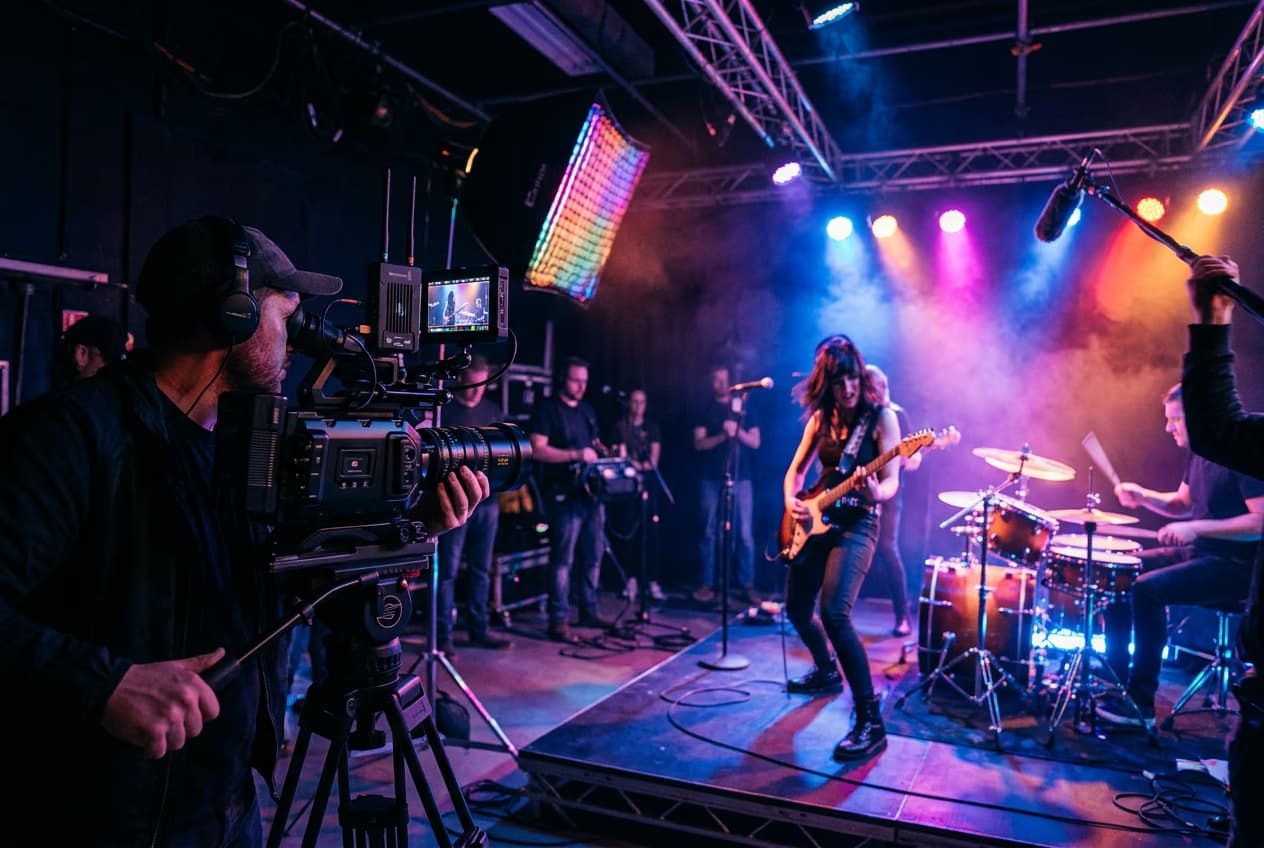
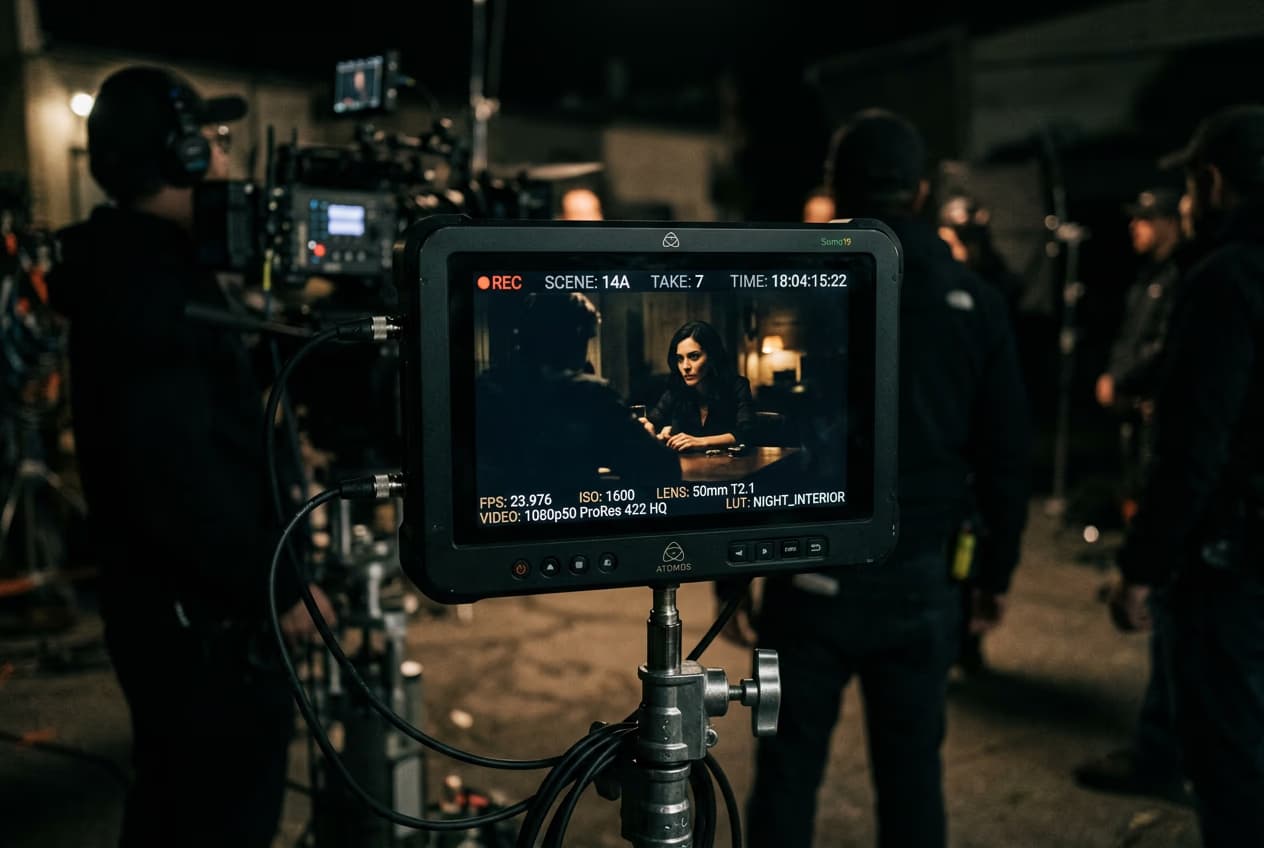
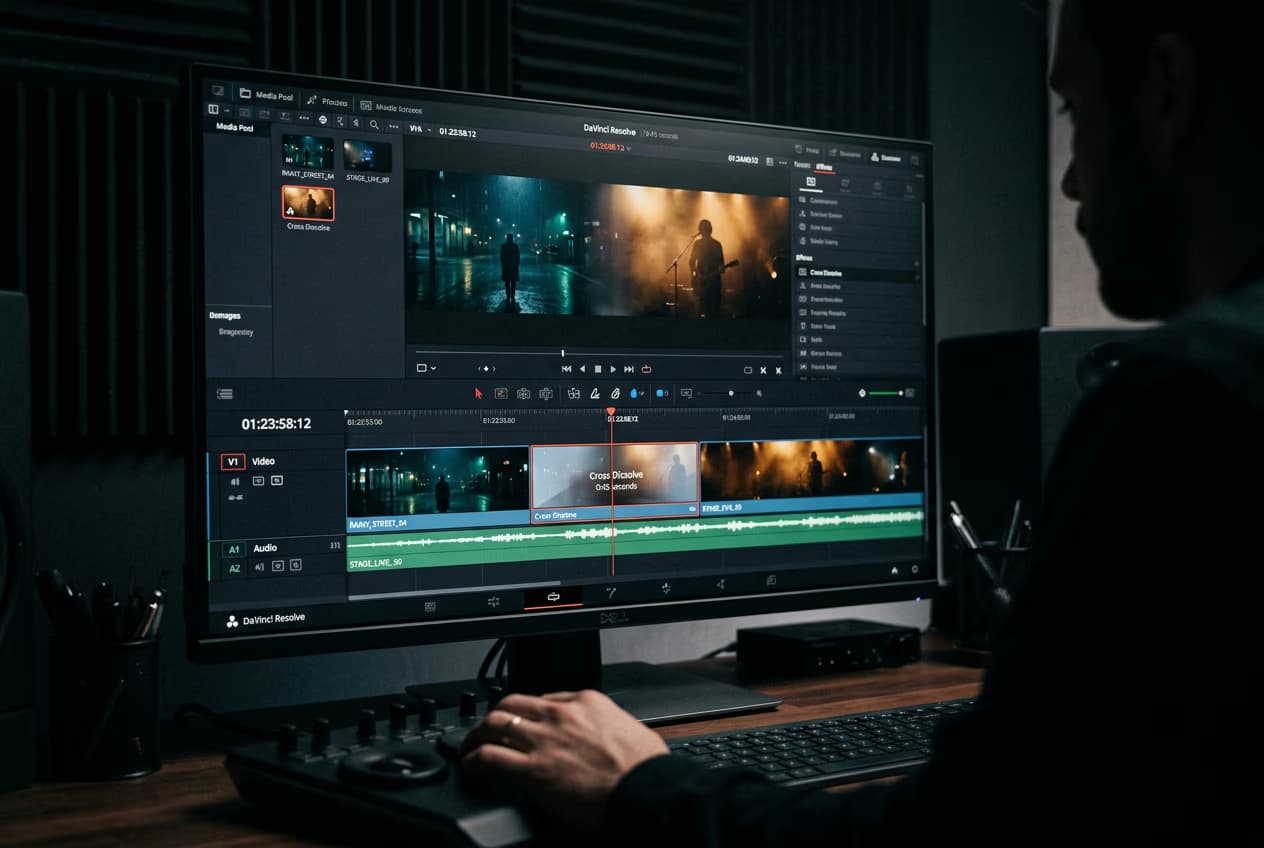
למדו את יסודות עריכת הווידאו
המשיכו מעבר לאפקטי AI עם תהליכי עבודה שימושיים לעריכת וידאו.

שאלות נפוצות על מסנני וידאו של AI
מסנני וידאו של AI משתמשים בבינה מלאכותית ליצירת סגנון חזותי או טרנספורמציה. תהליכי עבודה מסוימים משנים את הסגנון של סרטונים קיימים; ההגדרות המוכנות מראש באוסף Image to Video Effects של Picsart יוצרות סרטונים מתמונות. בחרו אפקט מוכן מראש ב-GenAI Studio כדי לגלות תנועת מצלמה, חשיפה בסגנון וינטג׳ או טרנספורמציה אמנותית של פורטרט.
צרו מראות וידאו לכל פיד ולכל פורמט
Pro
Most popularAI tools for everyday creative work.
Ultra
Most powerfulHeavy AI usage for creators & teams.