Видалити чорні фони
Миттєво видаляйте чорний фон зі своїх фото за допомогою онлайн-інструмента Picsart.
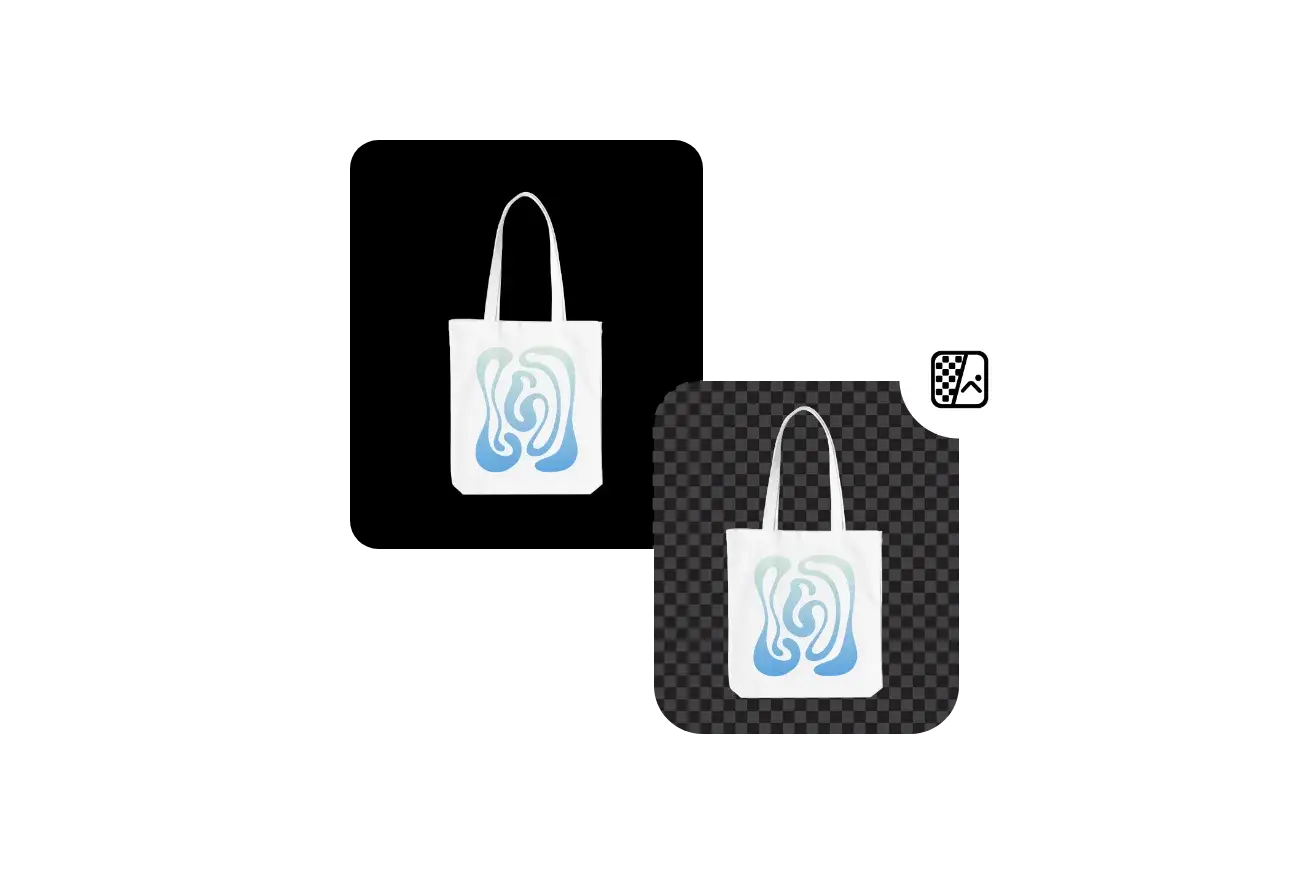
Створюйте редагування з чорним фоном за допомогою моделей зображення AI
Використовуйте моделі зображень, щоб перетворити вирізки в темні фото продуктів, рекламу та драматичні візуалізації.
Оцінка інструмента
Спробуйте Picsart, щоб переконатися, чому це улюблений інструмент редагування для мільйонів користувачів.
Як видалити чорний фон з зображення
Видаліть чорні фони з AI точністю
Попрощайтеся з нудними завданнями видалення фону за допомогою онлайн-інструмента видалення чорного фону від Picsart. Залиште це AI, щоб миттєво визначити та очистити чорні фони за допомогою однієї кнопки. Те, що ви отримаєте в кінці, - це некомпресований прозорий PNG, який досить універсальний, щоб бути використаним на інших кольорах фону, візерунках і зображеннях.
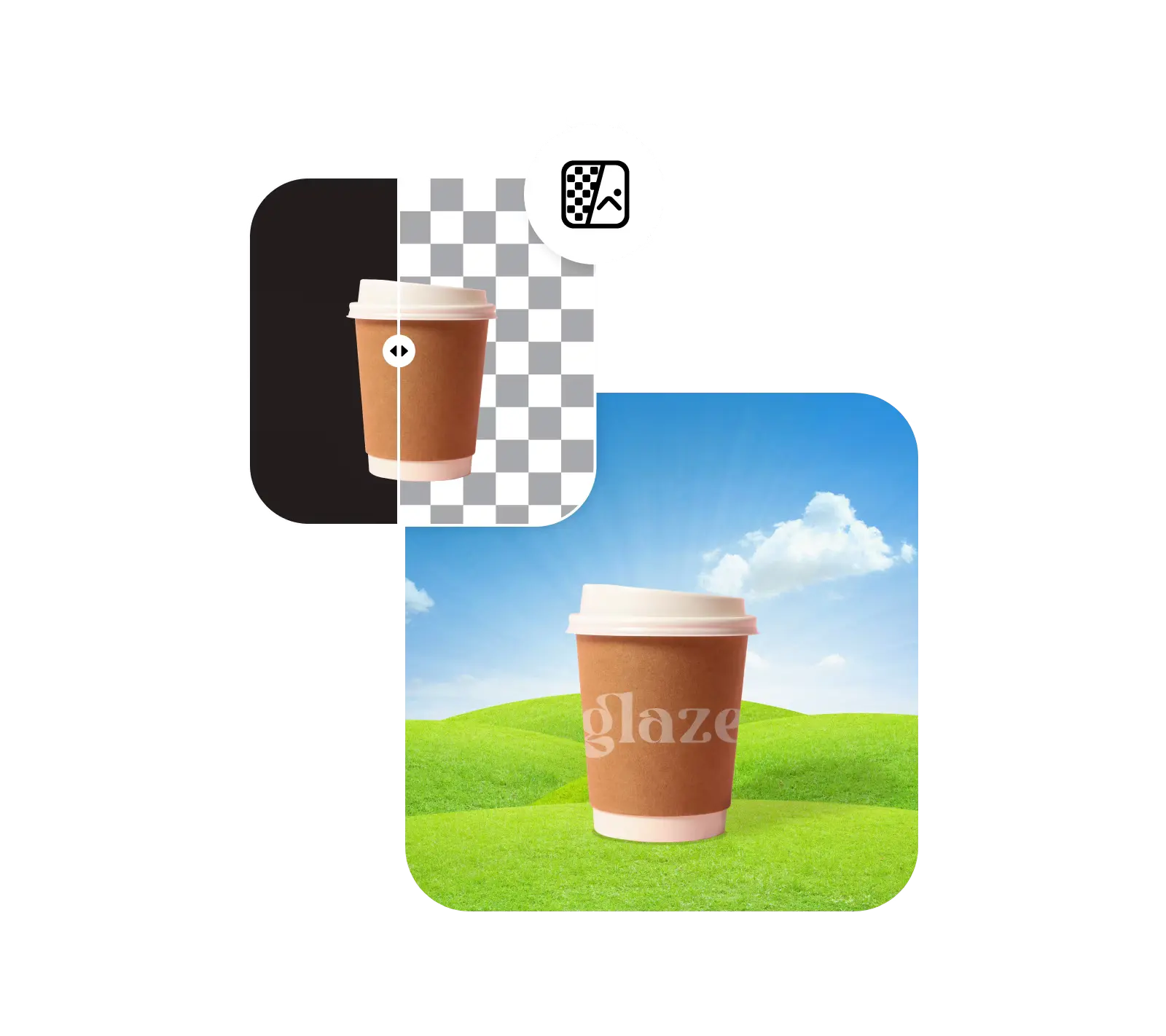
Винаходьте свої візуальні зображення для соціальних медіа
Як тільки чорний фон зникає, ви можете легко змінити колір фону вашого зображення, щоб представити його в зовсім новий спосіб. Завдяки гумці чорного фону Picsart, вам не потрібно турбуватися про втрату якості. Оригінальне зображення не компресується в процесі видалення. А якщо початкова якість не була достатньо високою, ви можете використати вбудований інструмент розфокусування, щоб зробити його різким в мить.
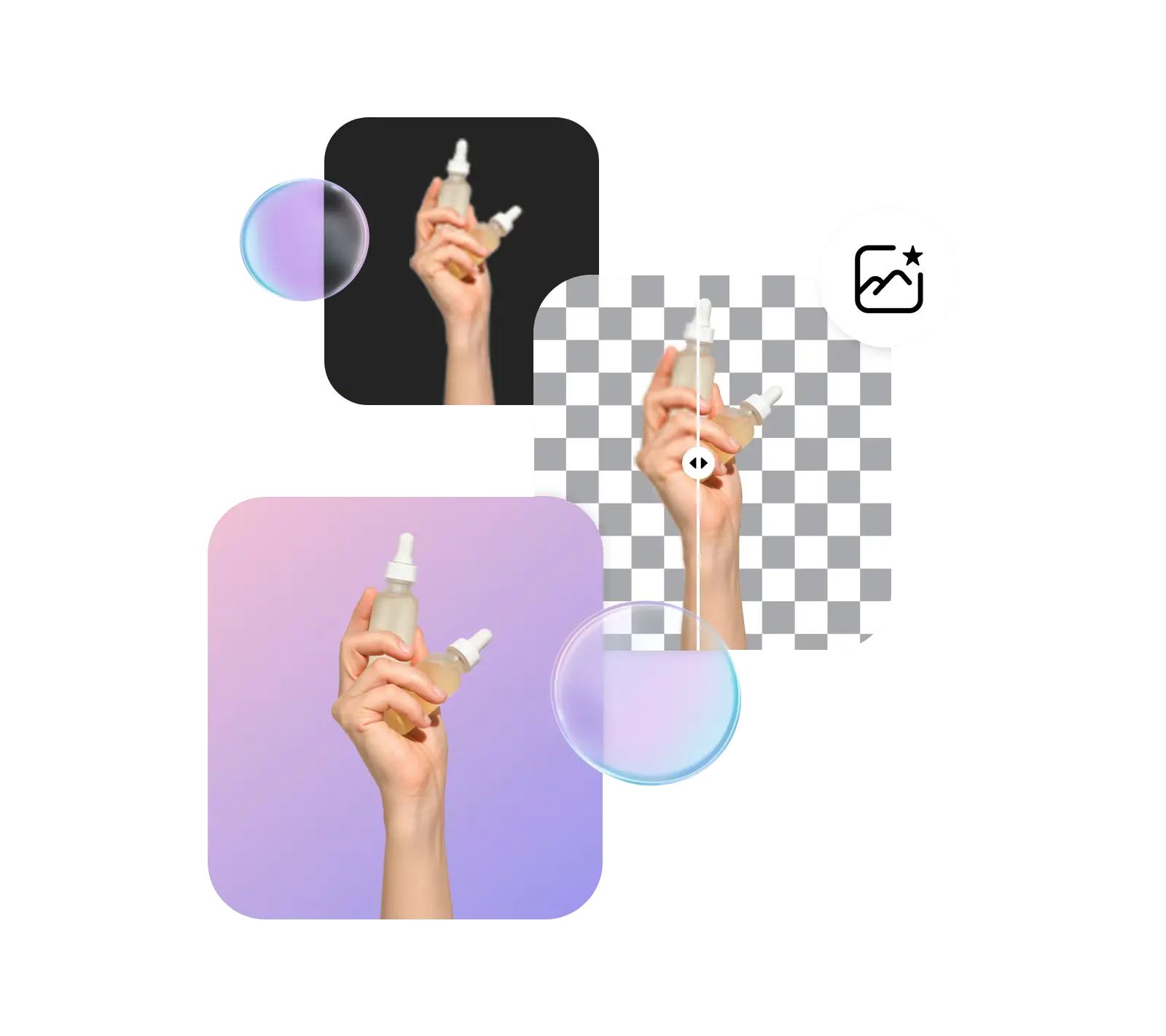
Покращуйте фотографії продуктів, видаляючи чорні фони
Забезпечте, щоб ваші зображення продуктів виділялися з чистим і професійним виглядом за допомогою інструмента видалення чорного фону. Покращуйте візуальну привабливість, зберігайте узгодженість бренду та збільшуйте фокус на самому продукті, переходячи від чорного до прозорого фонів.
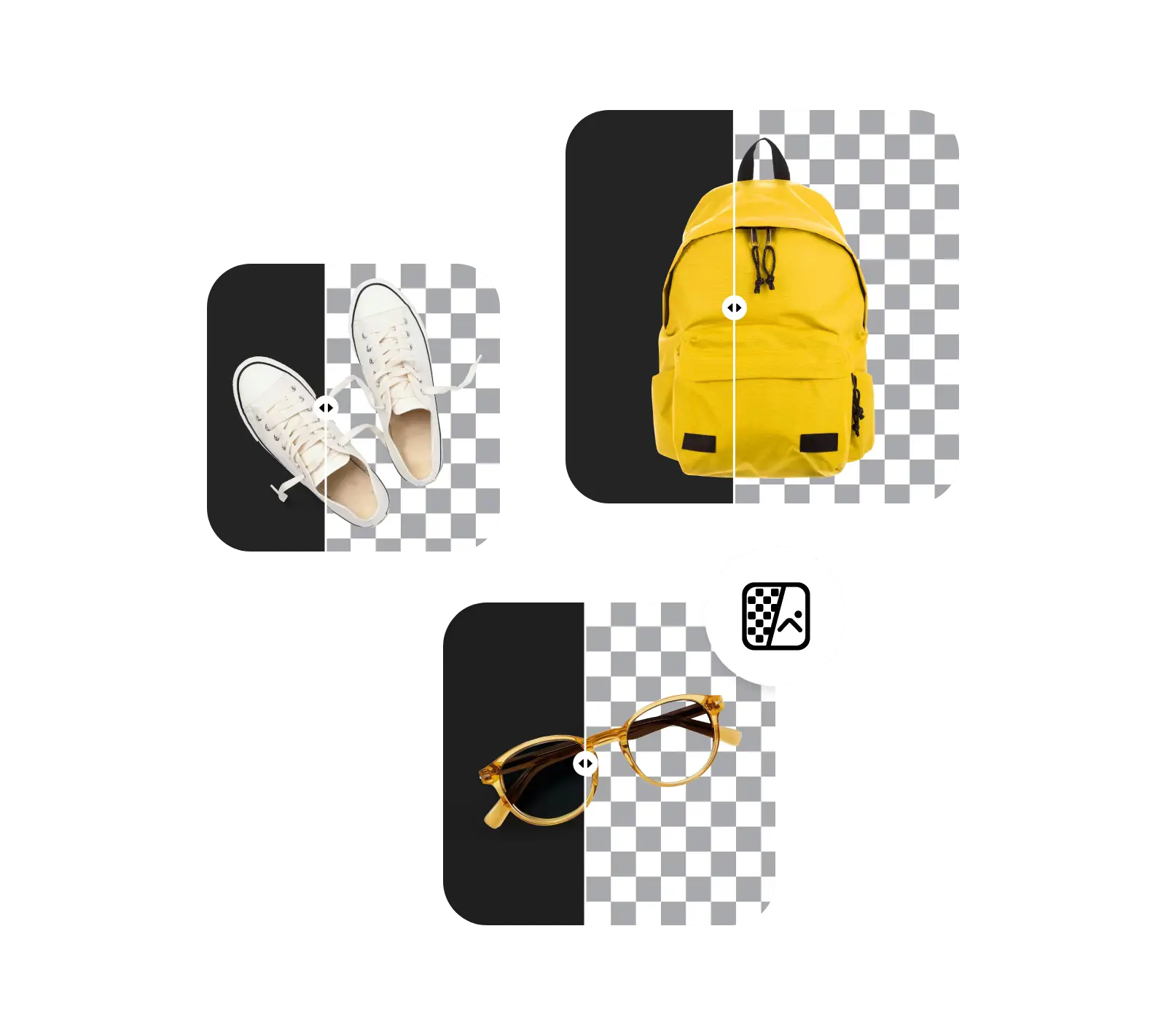
Спрощуйте ваш робочий процес з масовим видаленням
Позбавтеся чорних фонів з декількох зображень одразу за допомогою масового редактора від Picsart і значно скоротіть час, витрачений на завдання з видалення фону. Просто завантажте кілька зображень і дозвольте AI зробити все інше. Ідеально підходить для внесення інших одночасних змін до кількох зображень, таких як обрізання, покращення, зміна кольору PNG тощо.
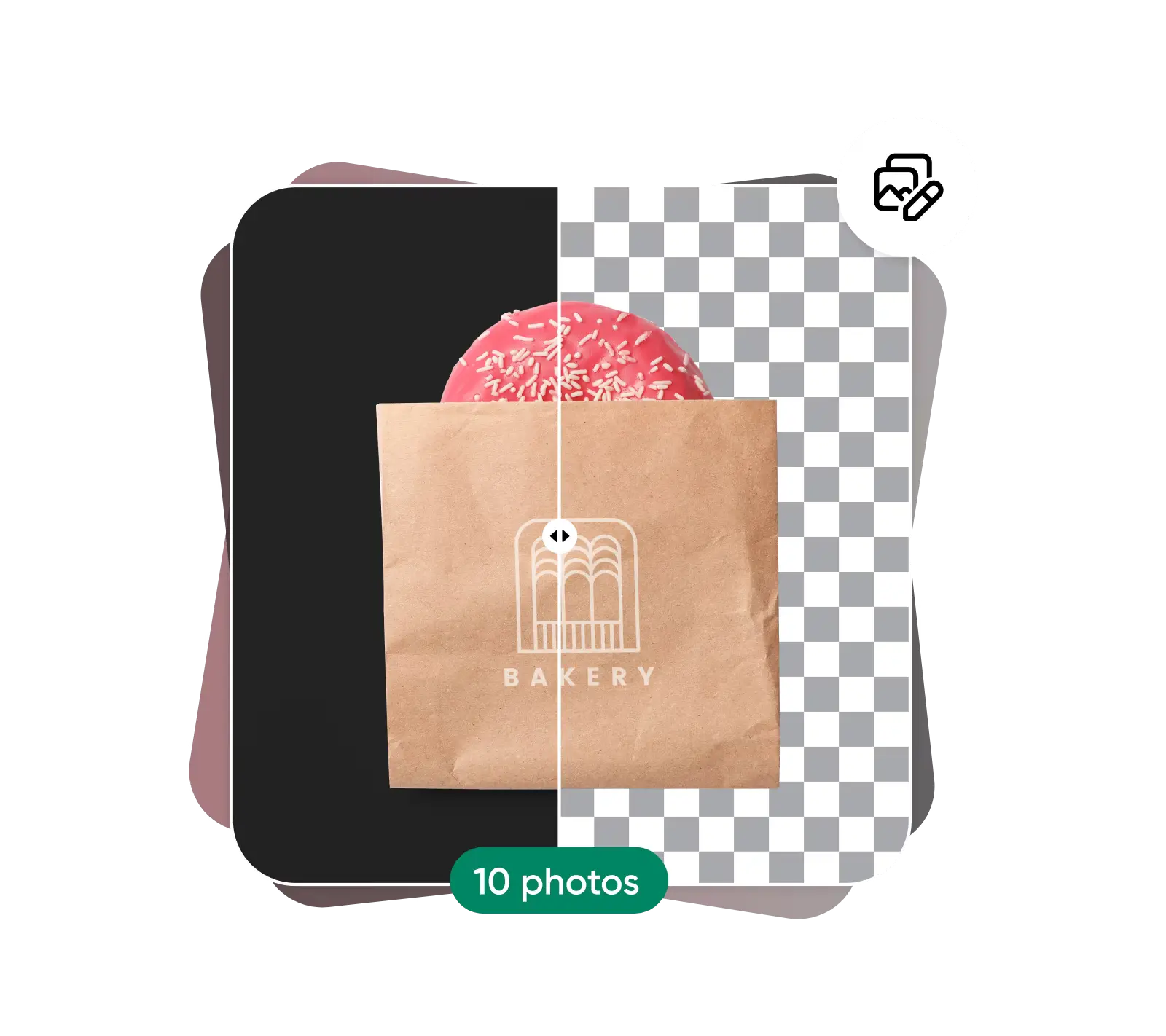
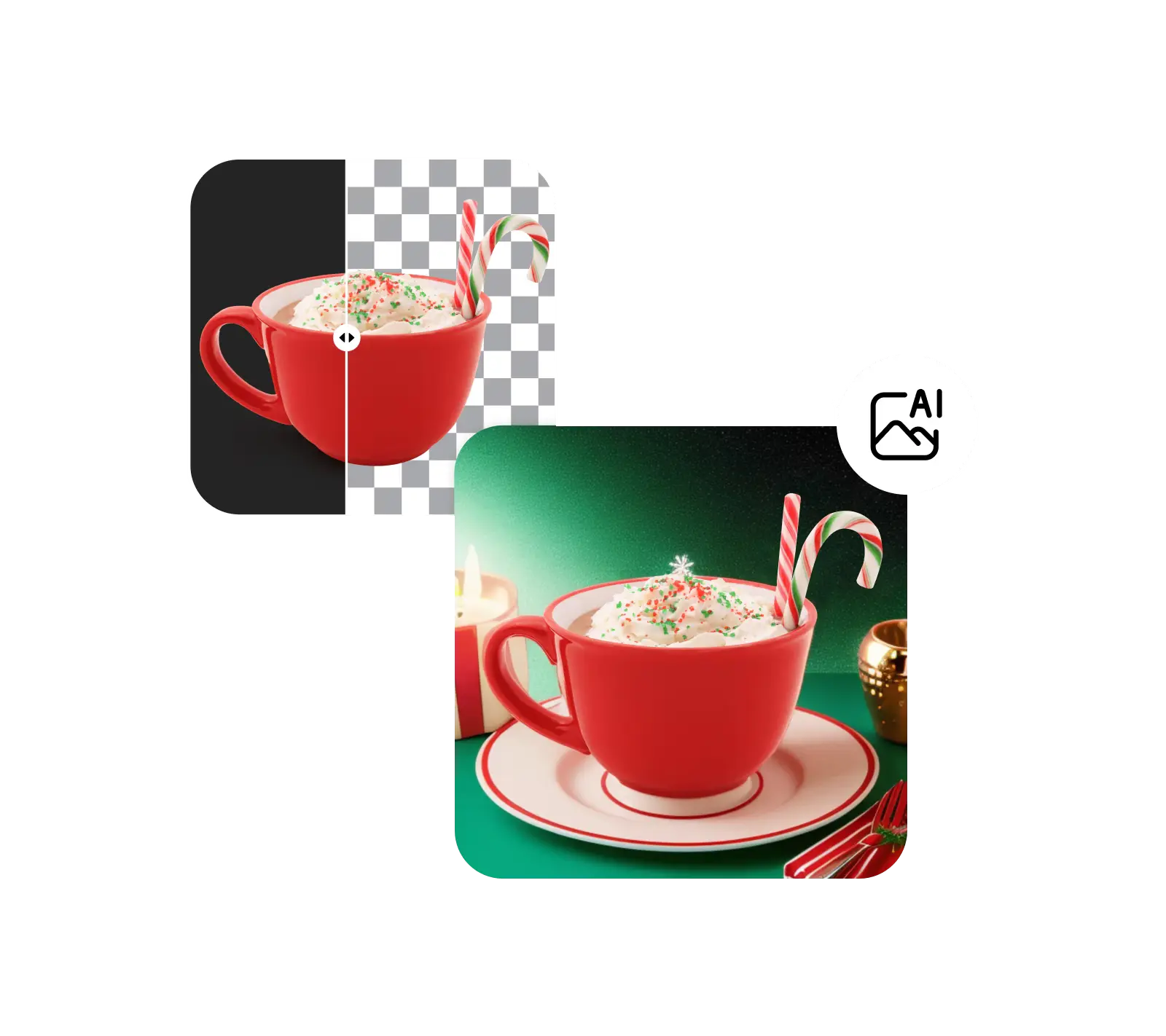
Продовжуйте редагувати фон з Picsart
Видалення чорного фону - це лише один з багатьох інструментів з AI редагування фотографій від Picsart. Продовжуйте творчий імпульс, замінюючи фон або на суцільний колір, або на один з багатьох візуалів, які ви можете знайти в бібліотеці фонів Picsart. І якщо ви шукаєте щось особливе, створіть новий фон за допомогою AI. Або створюйте прозорі зображення, видаляючи фони з логотипів, і багато іншого!
Онлайн-видалення чорного фону
Відкрийте можливості видалення чорного фону в Picsart і змінюйте зображення за секунди. Досліджуйте велику колекцію інструментів дизайну на основі ШІ та редагуйте як професіонал.
Зрозумійте редагування фону
Дізнайтеся, як видаляти, замінювати та очищати фони.


Часті питання про видалення чорного фону
Інструмент видалення чорного фону - це інструмент редагування фотографій, який автоматично виявляє та видаляє чорні фони з зображень.
Як представлено в


Очистіть візуальні зображення для відполірованих створених контентів
Pro
Most popularAI tools for everyday creative work.
Ultra
Most powerfulHeavy AI usage for creators & teams.


