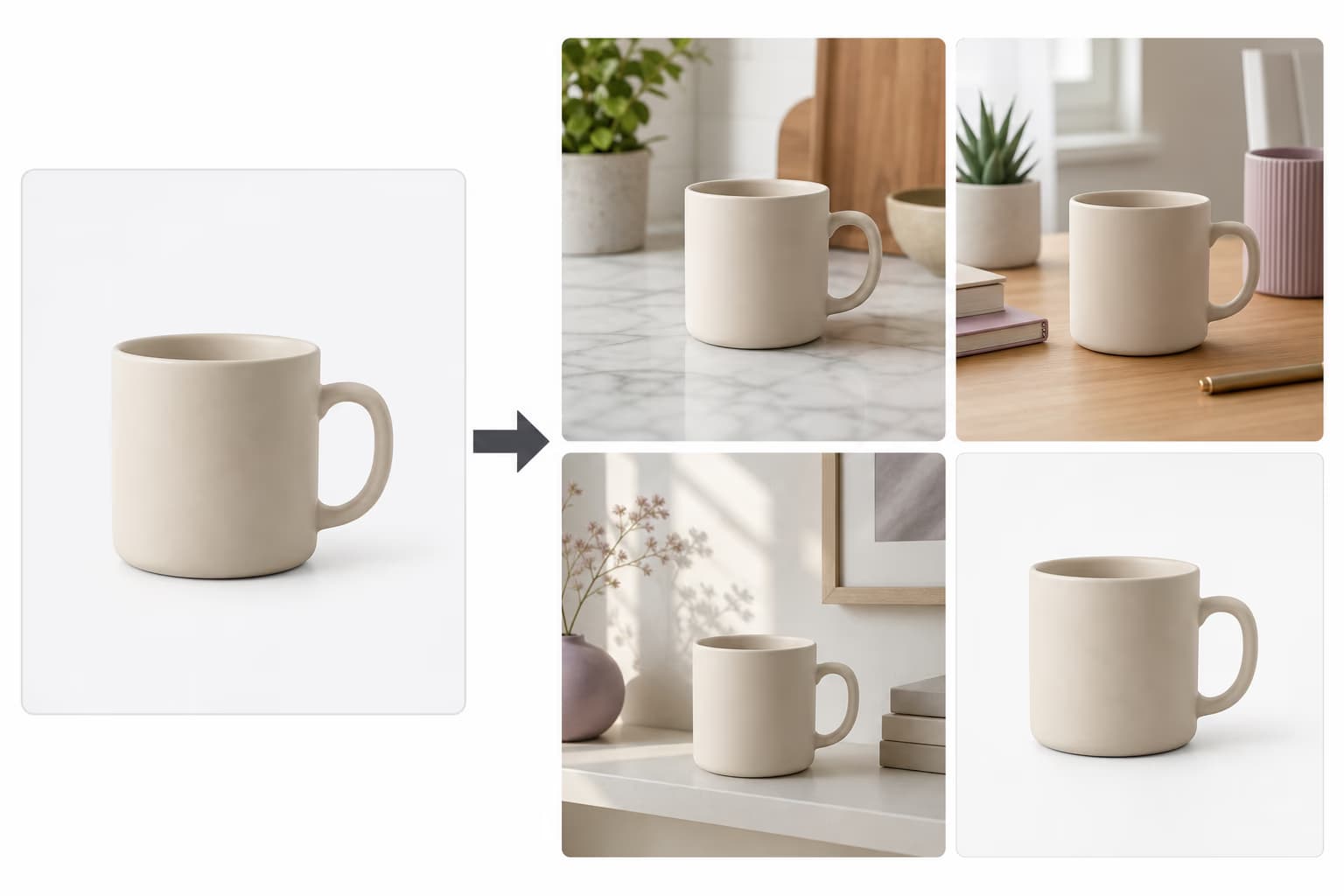
免费批量图片尺寸调整器:一次调整多张图片

使用 Picsart 免费批量图片尺寸调整器,一次性调整多张图片大小,无需任何设计技能。可设置精确尺寸或选择平台预设,数秒内批量调整多达 50 张照片且不损失质量。
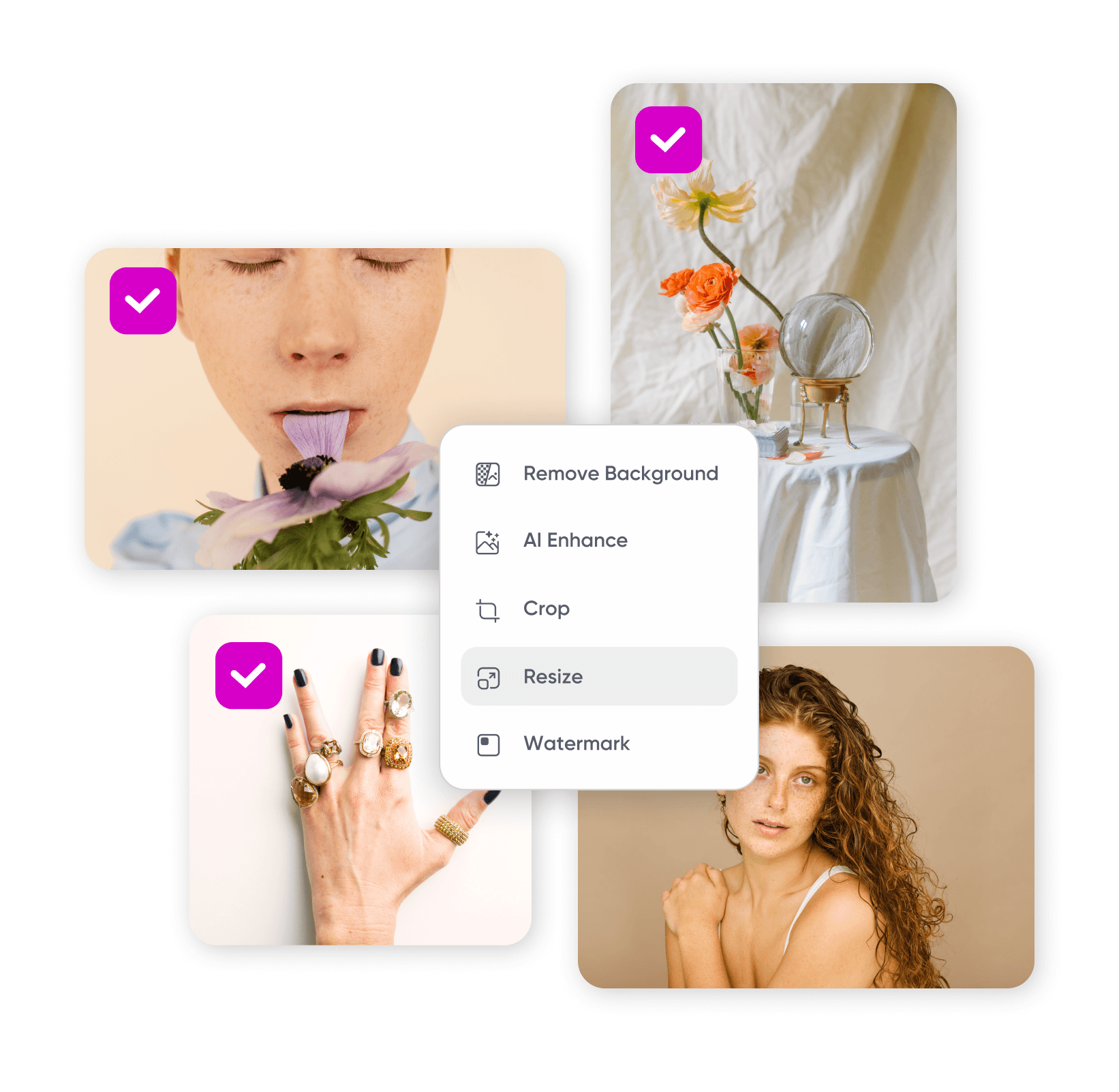
批量图片尺寸调整器
  • 批量调整大小

    一次最多批量调整 50 张图片,而不是逐个处理。

  • 100% 免费开始

    在线免费批量调整图片大小,无需安装、无水印。

  • 品质完好如初

    无论放大或缩小,效果清晰锐利,无模糊、不拉伸。

如何 批量调整图片大小

How to

打开批量尺寸调整器

点击“选择文件”以打开批量尺寸调整器。

如何批量调整图片大小

用 批量图片尺寸调整器加速编辑

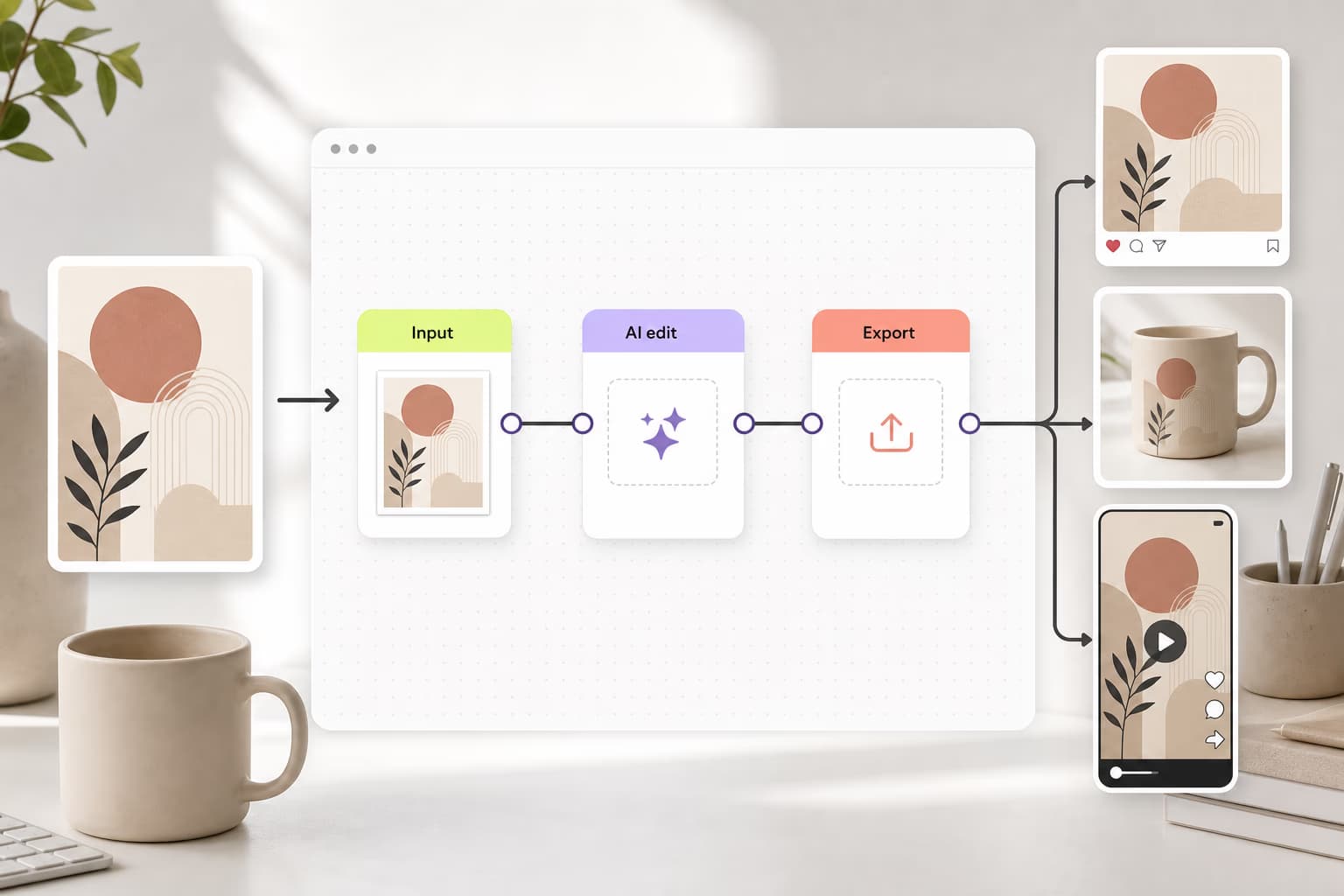
用几秒钟就能一次性调整多张图片大小。上传最多 50 张照片,设置尺寸后,批量编辑器 会将它们一并调整,而非逐一处理,完全免费,无需任何设计或技术技能。

一次调整多张图片的大小

批量调整图片大小且不损失质量

任意比例调整都能保持细节清晰。不论要调整多少张照片、是放大还是缩小,Picsart 的批量调整器都能保护质量,并支持按需下载为所需格式。只需处理一张?单张图片尺寸调整器同样能满足你。
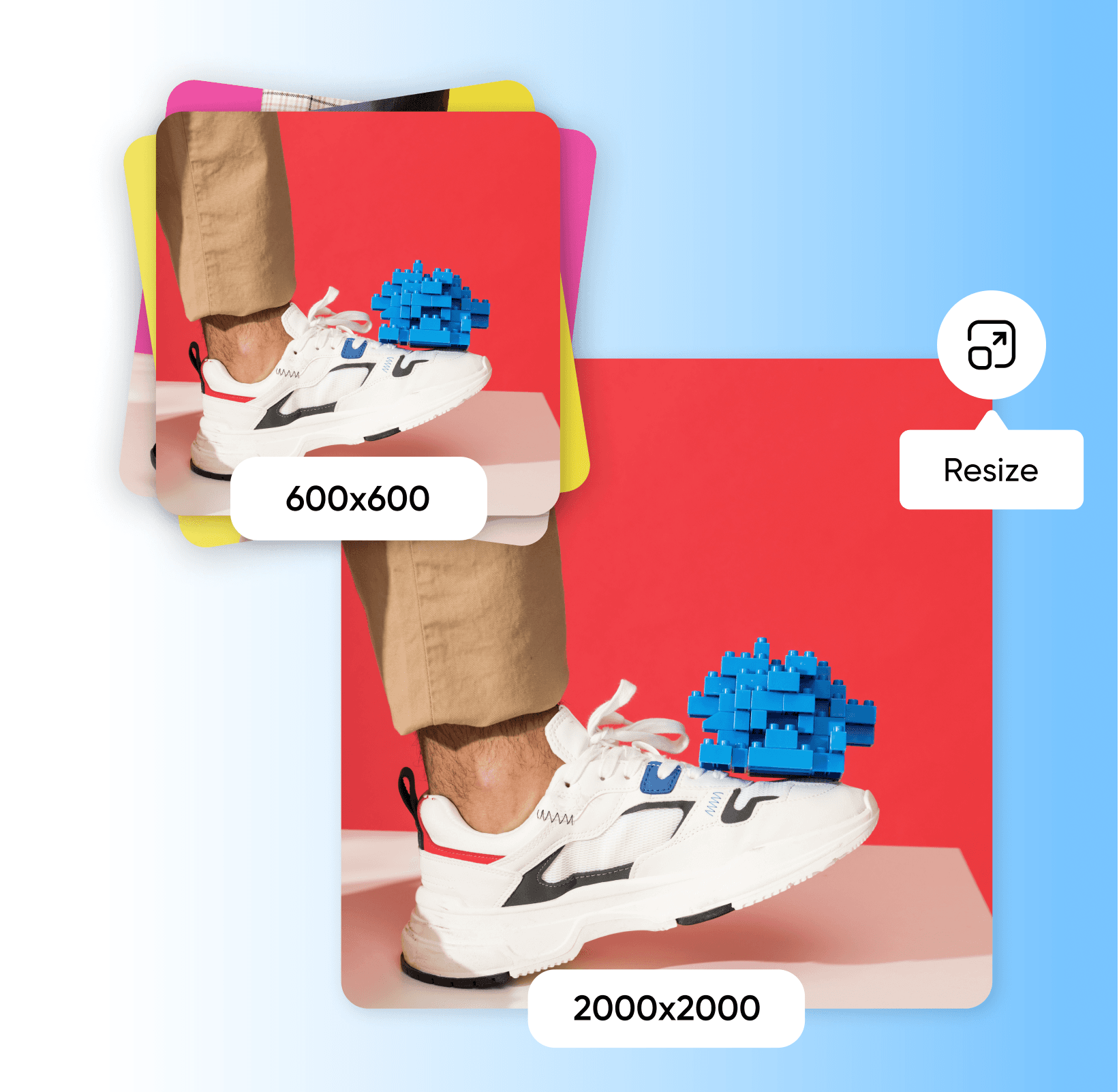
在线批量图片尺寸调整器

为各种创作需求批量调整图片大小

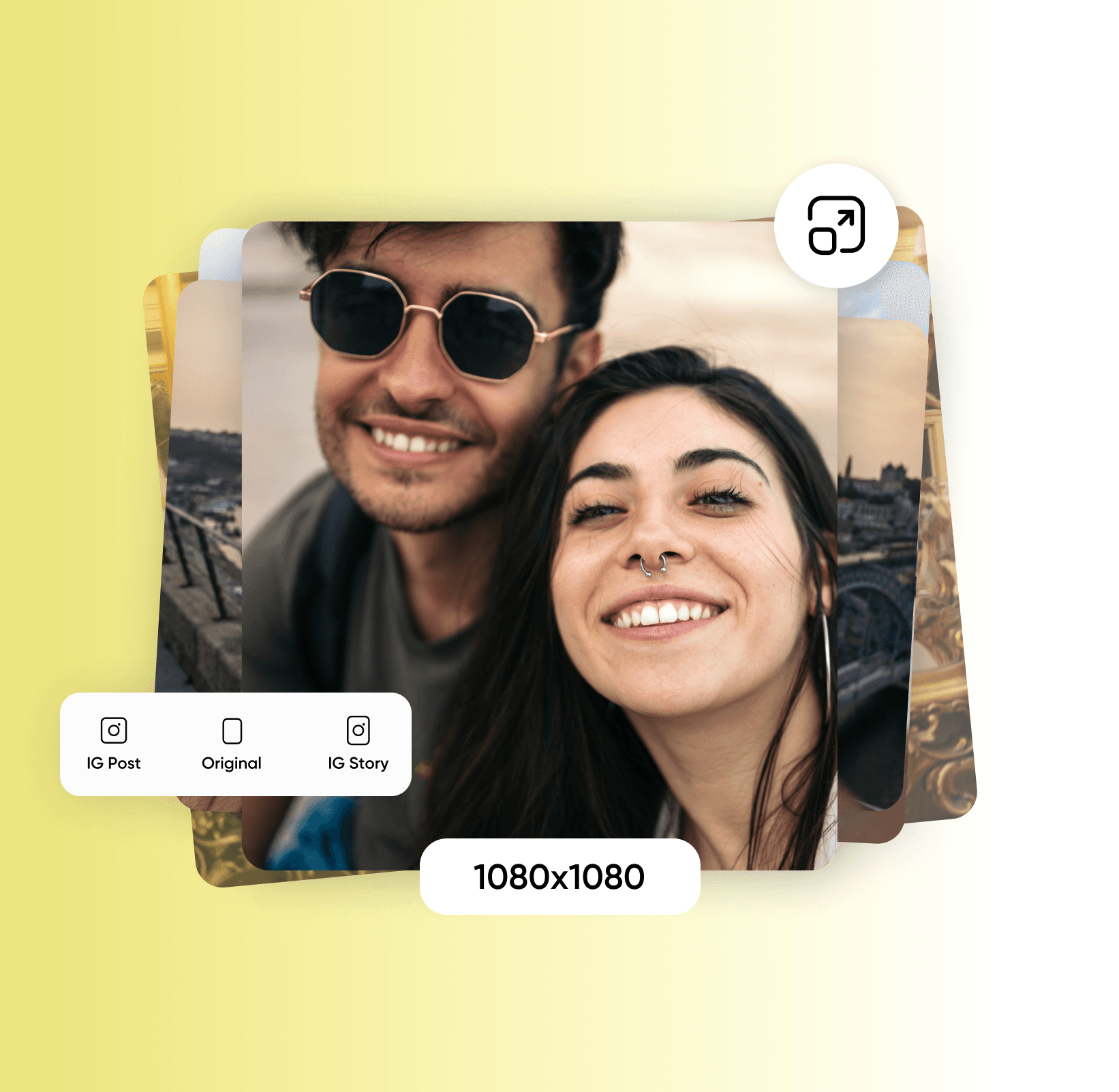
上传照片后选择新尺寸。可从社交平台与电商市场的预设中选择,或输入自定义宽高。为整批图片添加留白或颜色边框以保持一致性,并借助工具内的图像选择功能,你还可以在同一会话中将不同图片调整为不同尺寸
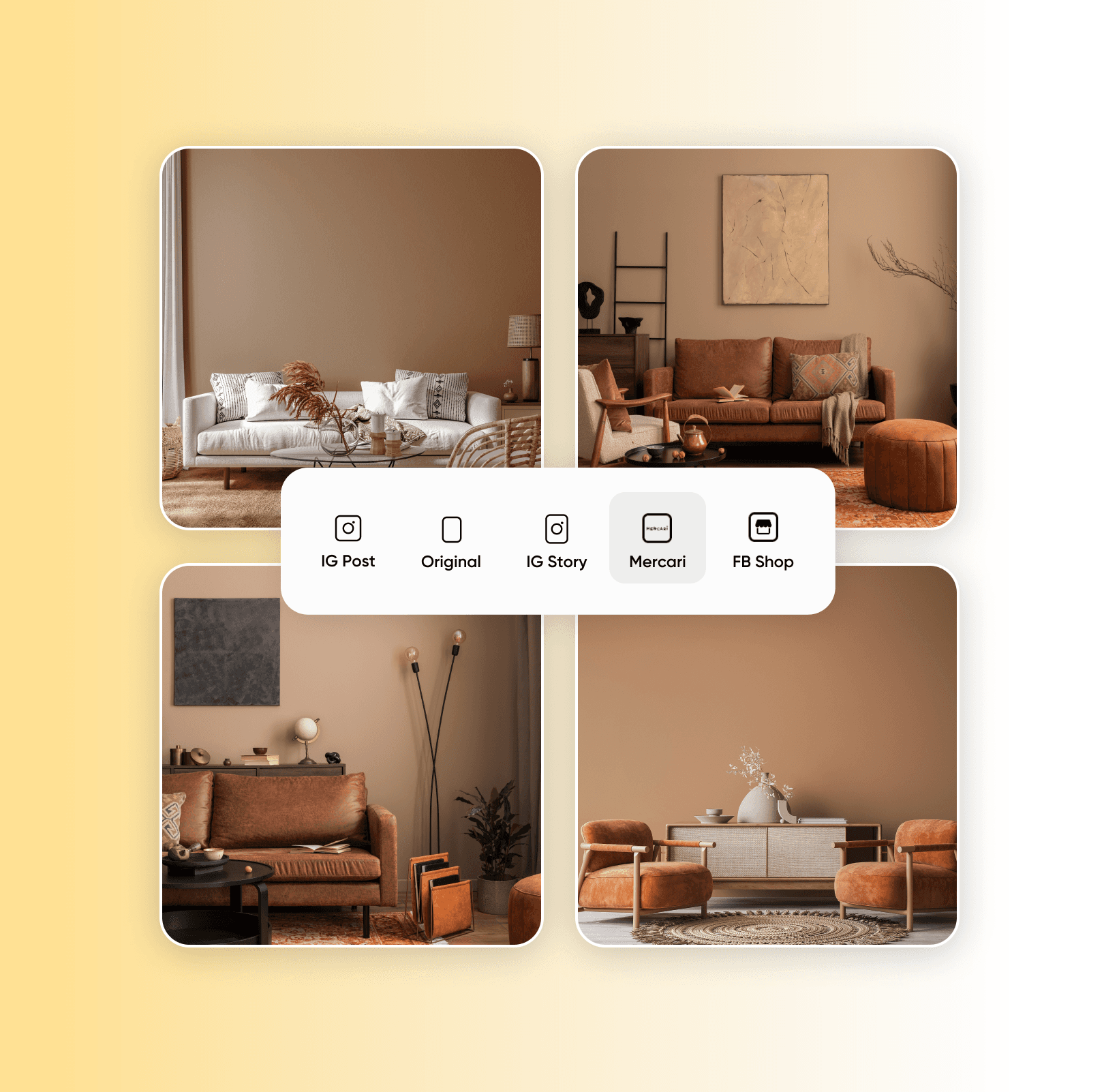
免费批量调整图片大小

适合所有人的多功能批量图片尺寸调整器

Picsart 的批量调整器适用于摄影师、社交媒体经理、企业主等。为作品集批量生成统一尺寸的照片,为不同社媒渠道匹配合适的帖子尺寸,或精准满足电商平台的尺寸要求,节省时间与成本,把精力放在业务本身。
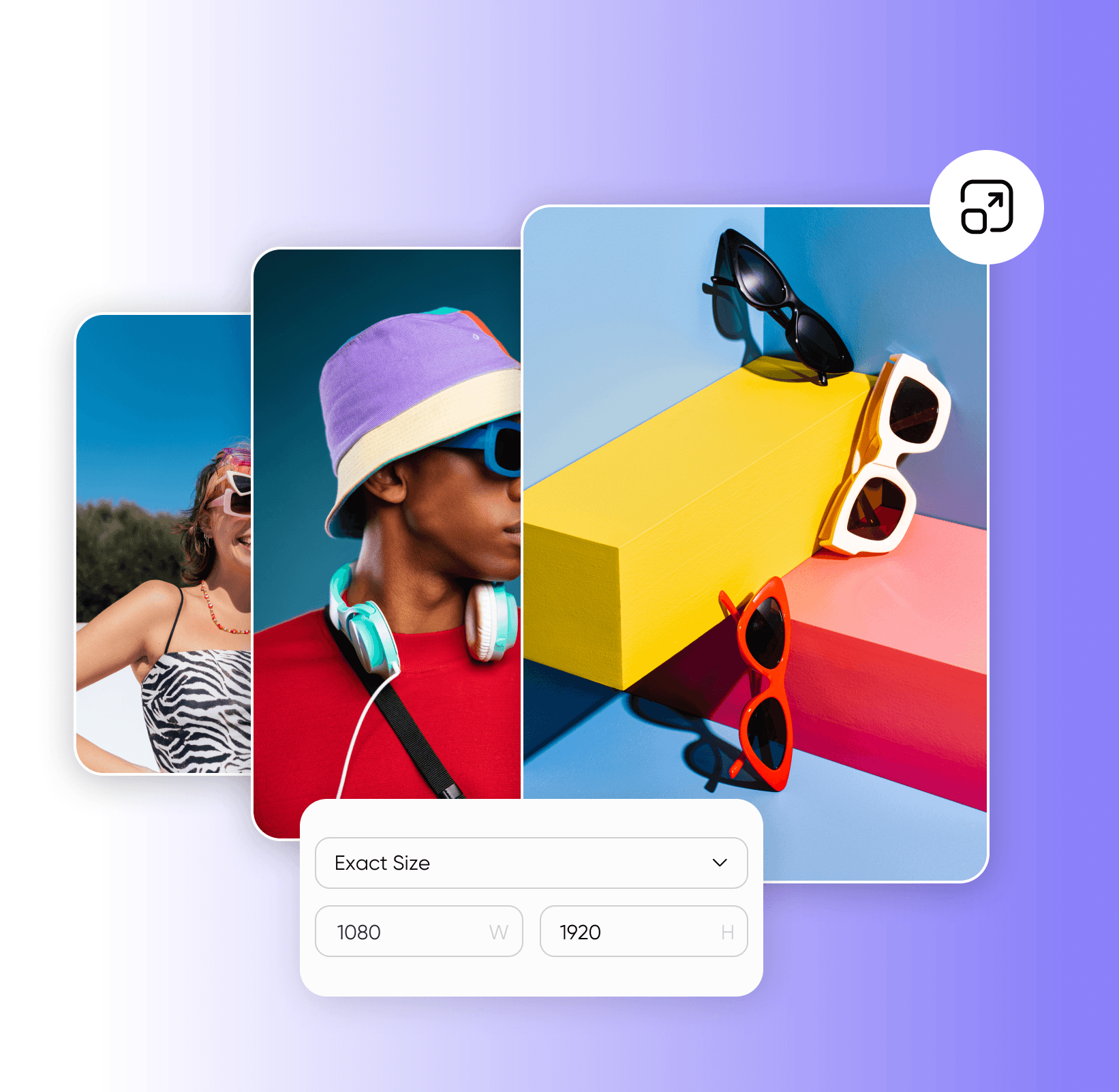
批量调整图片大小而不失真

不止于批量调整图片大小

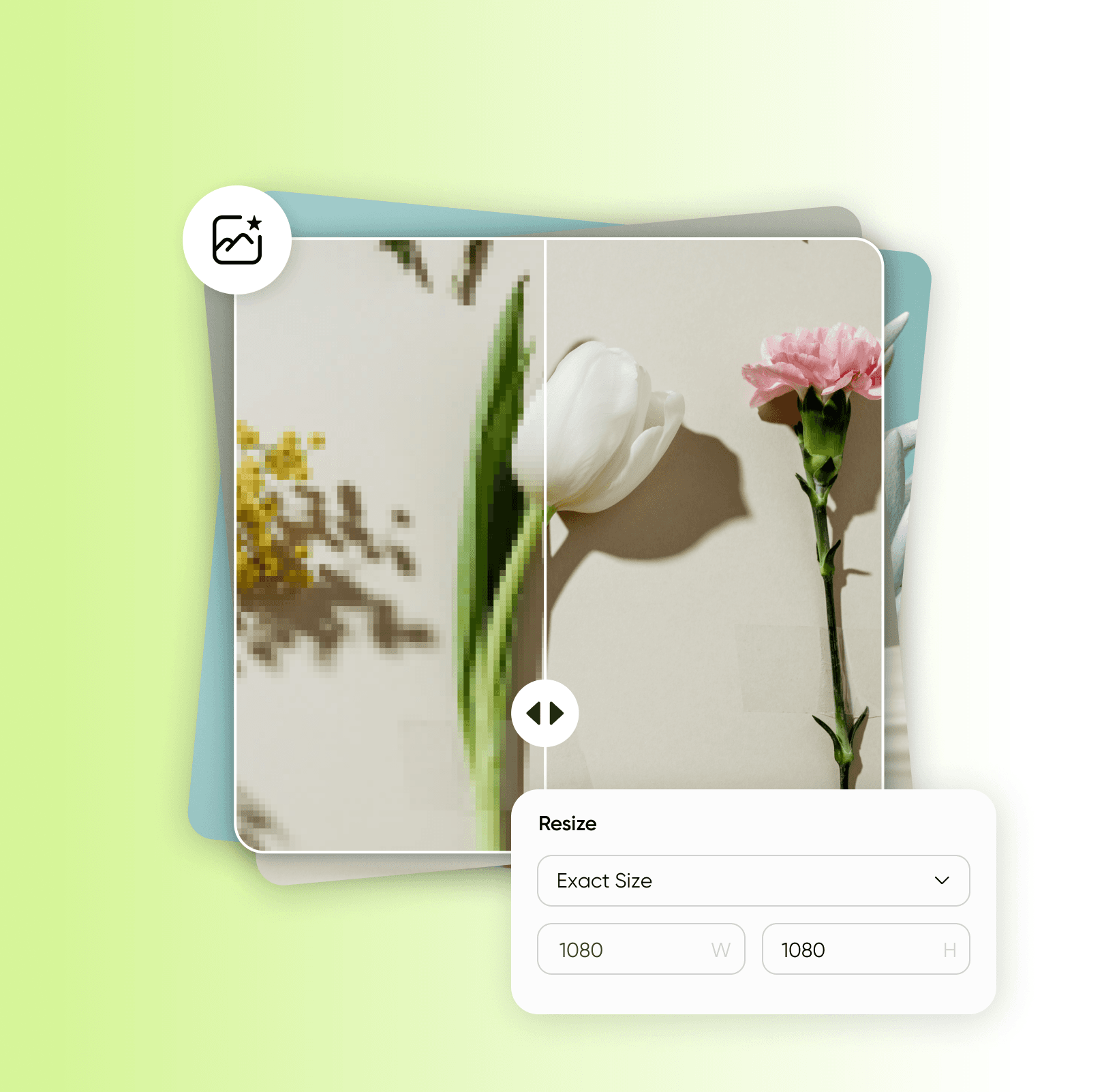
除尺寸调整外,Picsart 的批量编辑器还能完成更多操作,包括批量裁剪、AI 批量增强和批量去背景,焕新整组图片。只需编辑一张?AI photo editor 也能同样流畅地处理单张图片。
批量为照片添加水印

批量图片尺寸调整器常见问题

  • 批量图片尺寸调整器可一次性将多张照片调整为你选择的尺寸,而不必逐一处理。Picsart 的工具每批最多可处理 50 张。

编辑照片,打造精致的创作者内容

Pro

Most popular

AI tools for everyday creative work.

$15 $10.5/mo
Billed yearly
You save $54 with yearly
  • Access to all photo & video editing features
  • Advanced background & object removal
  • Parallel video generations with the world's most powerful AI video models
  • Unlimited image generations with Flex.2 Klein
  • 1-tap image enhancer
  • Millions of stock photos & Getty video clips
  • Selection of trendy fonts, text styles & stickers
  • Thousands of premium templates
  • Support for 3+ brand kits
  • Bulk edit up to 50 images at once
  • 100 GB of cloud storage
New features:
  • Auto-generate content from your terminal or agent with the Picsart CLI
  • Use Picsart inside Claude Code, Cursor, and ChatGPT via MCP — coming soon
  • AI agents for multi-step workflows and batch generation — coming soon

Ultra

Most powerful

Heavy AI usage for creators & teams.

$45 $24.5/mo
Billed yearly, per seat
You save $246 with yearly
  • Everything in Pro
  • Early access to advanced AI features
  • Leading AI models to design & automate workflows (Nano Banana, Veo 3, Seedance 2.0 & more)
  • Parallel video generations with the world's most powerful AI video models
  • Unlimited image generations with Flex.2 Klein
  • Support for 10+ brand kits
  • Add team seats
  • Create ad variations and localize
  • Track ads performance
  • 2000 credits for API services
  • Bulk edit up to 100 images at once
  • 300 GB of cloud storage per seat
New features:
  • Auto-generate content from your terminal or agent with the Picsart CLI
  • Use Picsart inside Claude Code, Cursor, and ChatGPT via MCP — coming soon
  • AI agents for multi-step workflows and batch generation — coming soon

Enterprise

Custom AI solutions for large organizations.

Custom credit volume
  • Volume discounts on credit rate
  • On-demand top-ups
Custom
Contact for pricing
  • Access to photo & video editor SDKs
  • Mobile web SDK support
  • Prepaid or pay-as-you-go creative APIs
  • Embed professional-grade editing into your product or workflow
  • Fully configurable editing experience
  • White-label to match your brand
  • Support for built-in marketing, e-commerce & printing use cases
  • Bring your own assets: images, templates & fonts
  • Enterprise-grade security, SLAs & support
  • Dedicated account manager

发现更多编辑功能

来自 Picsart 的更多实用工具

照片编辑器用流行字体、滤镜与特效、贴纸等精细调整你的图片。
调整图片大小几秒内轻松为照片匹配合适尺寸。
背景移除器借助 AI 巧妙去除背景或将其设为透明。