أنشئ فلاتر ومؤثرات فيديو بالذكاء الاصطناعي أونلاين
أضف لمسة مميزة إلى فيديوك القادم مع مؤثرات الفيديو بالذكاء الاصطناعي من Picsart. ابدأ بصورة واستكشف الحركة السينمائية والمشاهد القديمة والتحولات المتحركة في GenAI Studio.
- حوّل صورة ثابتة إلى حركة
- ابدأ بتأثير جاهز
جرّب مؤثرات الفيديو بالذكاء الاصطناعي من المجموعة الحالية
تصفّح المعاينات، واختر المظهر الذي يعجبك، وافتح الإعداد المسبق في GenAI Studio. تحوّل هذه المؤثرات صورك إلى فيديوهات.


اختر التوجّه المناسب لفيديوك
كيفية إنشاء فيديو بمؤثرات الذكاء الاصطناعي
اختر إعدادًا مسبقًا وأضف صورة وأنشئ فيديو في GenAI Studio. تستخدم هذه الخطوات أمثلة من مجموعة Image to Video Effects لتوضيح المظاهر المختلفة التي يمكنك اختيارها.
أضف حركة سينمائية إلى مشهد ثابت
يضيف Frozen Time حركة كاميرا سينمائية دائرية إلى مشهد ثابت. يناسب الصور ذات النقطة المحورية الواضحة، مثل صورة شخصية أو لحظة سفر أو غرض تريد لفت انتباه المشاهدين إليه. تمنح الحركة الصورة انطباعًا مختلفًا عن مجرد تغيير ألوانها.
اختر هذا المظهر عندما تريد أن تنقل حركة الكاميرا الفكرة. ابدأ بتكوين بصري متناسق، ثم راجع المقطع الناتج للتحقق من التغييرات التي طرأت على العنصر الرئيسي والتفاصيل المحيطة به. إذا كنت تنشئ منشورًا لمنتج، فتحقق من شكله وملصقه وسائر التفاصيل التي يجب أن تبقى دقيقة.
- اجعل الحركة جزءاً من المشهد
جرّب ظهورًا بطابع قديم في فيديوك القادم
يحوّل Polaroid Printout Video الصورة إلى لقطة تظهر بأسلوب كاميرا فورية، حيث تنزلق الصورة إلى المشهد بلمسة دافئة وقديمة. جرّبه لتلخيص رحلة أو عرض صورة شخصية أو تقديم لحظة يومية كتذكار ثمين.
استخدم هذا الظهور لبدء قصة بدلًا من إضافة عدة مؤثرات متنافسة. يساعد وضوح العنصر الرئيسي المشاهد على تمييز الصورة عند ظهورها. إذا كنت تنشئ سلسلة منشورات، فاختر صورًا بأجواء متقاربة لتبدو المقاطع مترابطة. عاين النتيجة أولًا لتقرر ما إذا كان أسلوبها الحنيني يناسب قصتك.
أنشئ فيديو بتأثير تعريض مزدوج فني
يمزج Forest Double Exposure بين صورة ظلية لشخص وأشجار وضباب وضوء. وتمنح تفاصيل الغابة المتحركة الفيديو أجواء فنية تتجاوز مجرد إضافة صبغة أو تعديل الألوان. وهو خيار مناسب لصورة شخصية مستوحاة من الطبيعة أو إعلان تشويقي لموسيقى أو مشروع إبداعي شخصي.
اختر صورة شخصية تظهر فيها الصورة الظلية بوضوح. قد يقلل المظهر متعدد الطبقات للمؤثر من بروز التفاصيل الدقيقة، لذا فكّر فيما يحتاج المشاهدون إلى تمييزه. إذا كنت تنشئ صورة للملف الشخصي أو محتوى لحملة تتطلب دقة ملامح الوجه أو تفاصيل المنتج، فقارن هذا التحول بمؤثر حركة كاميرا أكثر هدوءًا قبل اختيار النتيجة.
أضف حركة بسيطة إلى صورة شخصية
يستخدم Old Photo Comes to Life تعبيرًا وحركة خفيفين لتحريك صورة شخصية. وتُظهر معاينته حركة لطيفة بدلًا من تغيير درامي للمشهد. جرّب هذا التوجّه عندما يكون الشخص في الصورة هو محور الاهتمام، وتريد نتيجة هادئة لذكرى عائلية أو منشور شخصي.
النتيجة المتحركة هي معالجة إبداعية جديدة للصورة. شاهد المقطع كاملًا وتأكد من ملاءمة التعبير قبل مشاركته. استخدم صورة لديك الإذن برفعها ومشاركتها، لا سيما إذا كانت تتضمن شخصًا آخر.
اختر مظهرًا يناسب الفيديو الذي تريد مشاركته
اختر فلتر فيديو أو مؤثرًا توليديًا
يغيّر فلتر الفيديو التقليدي ألوان اللقطات الموجودة لديك أو مظهرها. أما المؤثر التوليدي فيمكنه إضافة الحركة أو تحويل صورة إلى مشهد فيديو جديد. تستخدم إعدادات Image to Video Effects المسبقة في هذه الصفحة الصور، لذا فهي مناسبة عندما تريد إنشاء مقطع من صورة ثابتة.
إذا كان لديك مقطع جاهز يحتاج إلى قص أو نص أو موسيقى، فتابع العمل في محرر الفيديو. ولإنشاء مشهد جديد توجهه بمطالبتك واختيارك للنموذج، استكشف مولّد الفيديو بالذكاء الاصطناعي. اختر إعدادًا مسبقًا هنا عندما يكون المظهر الجاهز نقطة البداية التي تريدها.
- اختر سير العمل المناسب لمادّتك
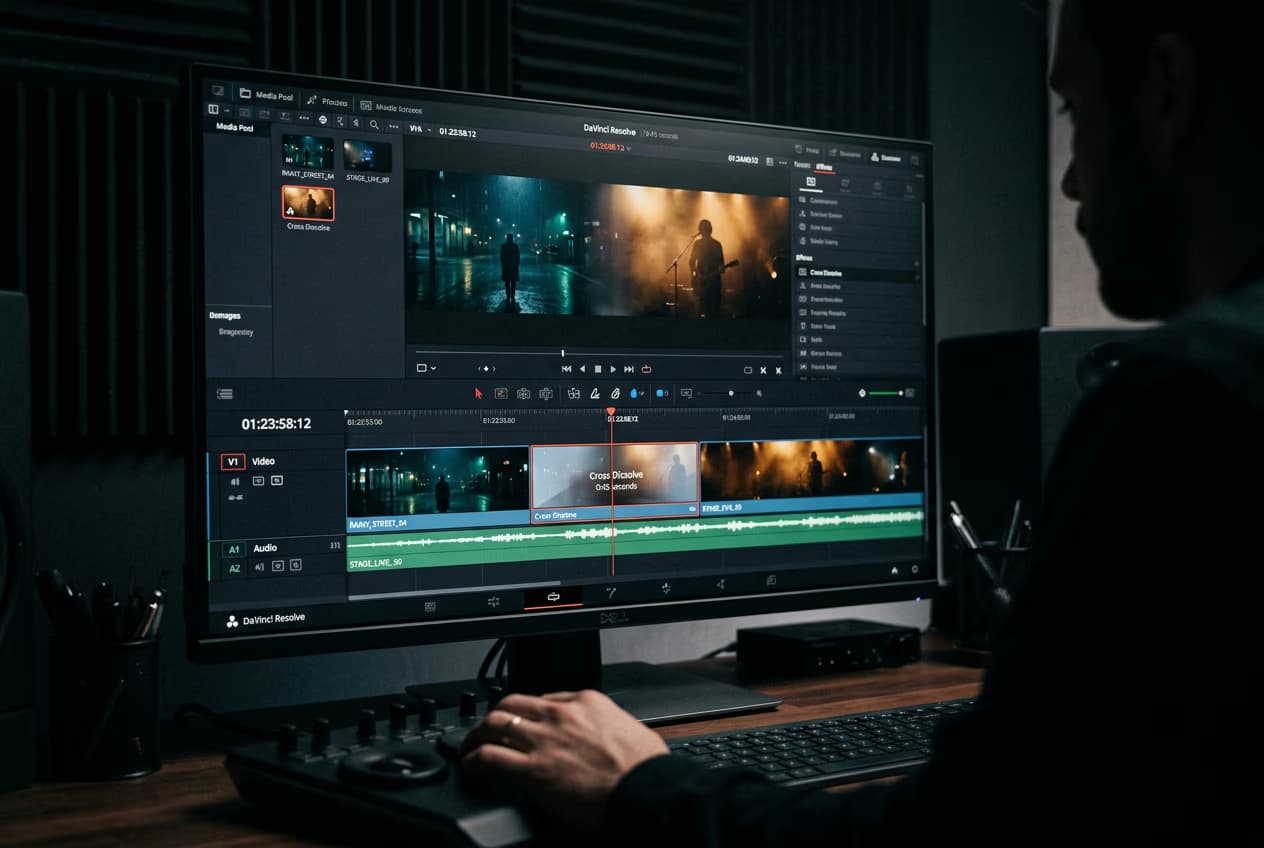
تعلّم أساسيات تحرير الفيديو
طوّر مؤثرات الذكاء الاصطناعي لديك من خلال أساليب عملية لتحرير الفيديو.

الأسئلة الشائعة حول فلاتر الفيديو بالذكاء الاصطناعي
تستخدم فلاتر الفيديو بالذكاء الاصطناعي تقنيات الذكاء الاصطناعي لإنشاء نمط بصري أو إجراء تحوّل. تعيد بعض أساليب العمل تصميم اللقطات، بينما تنشئ إعدادات Picsart المسبقة في Image to Video Effects فيديوهات من الصور. اختر مؤثرًا جاهزًا في GenAI Studio لاستكشاف حركة الكاميرا أو ظهور بطابع قديم أو تحوّل فني لصورة شخصية.
أنشئ مظاهر فيديو تناسب كل خلاصة وكل تنسيق
Pro
Most popularAI tools for everyday creative work.
Ultra
Most powerfulHeavy AI usage for creators & teams.