Online editor životopisů
Vytvořte si životopis, který okamžitě zaujme v každé hromadě žádostí. Online editor životopisů od Picsart usnadňuje každý krok návrhu a úprav vašeho profesního životopisu díky všestranné sadě nástrojů pro tvorbu obsahu.
- Zpřehledněte své zkušenosti
- Dodejte svému životopisu jednotný vzhled
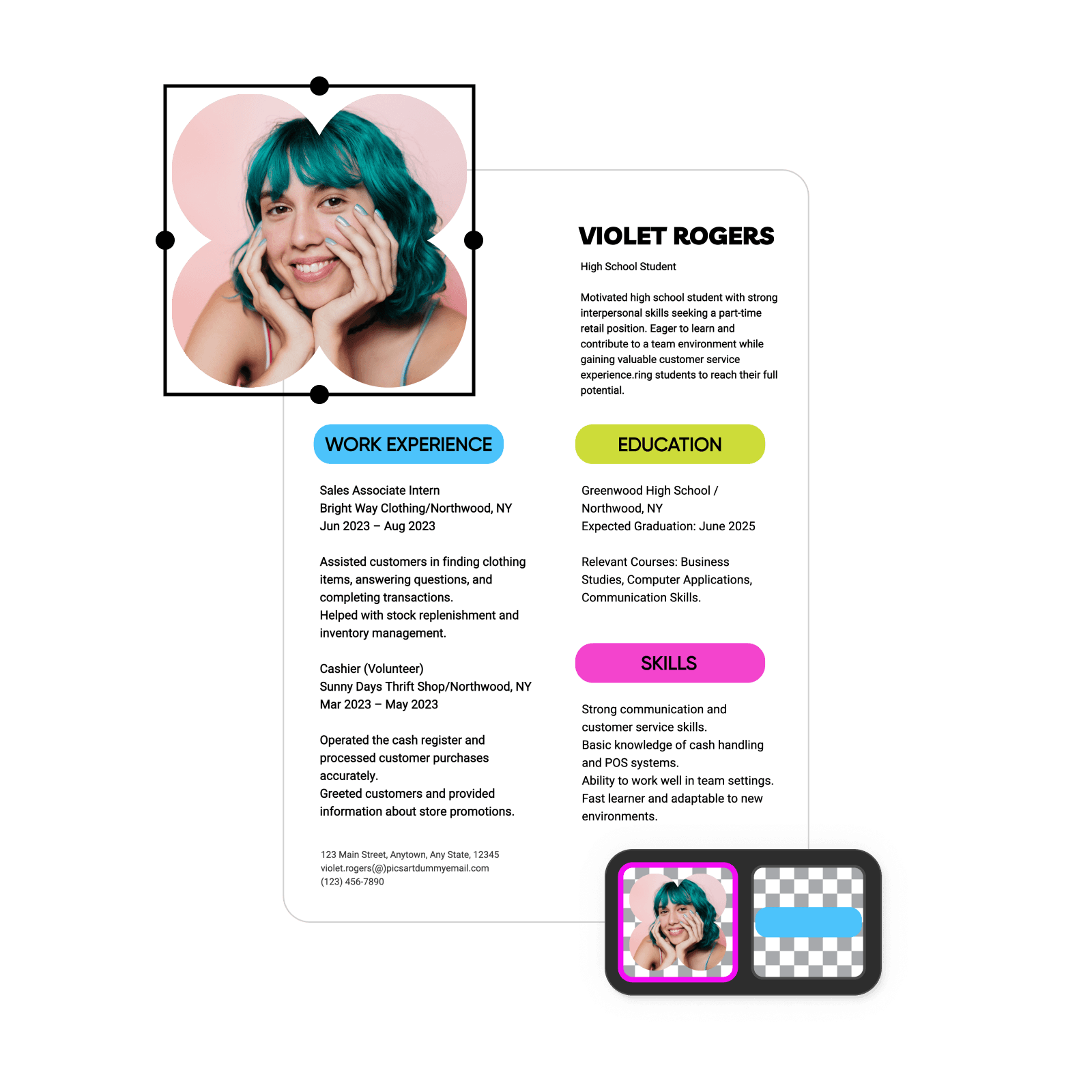
Navrhujte životopisy pomocí obrazových modelů AI
Pomocí obrazových modelů proměňte životopisy ve vyladěné vizuály, návrhy a podklady připravené k úpravám.
Objevte dokonalé šablony životopisů v editoru životopisů
Začněte svůj profesní životopis se správnou šablonou od profesionálního návrháře. Online editor životopisů Picsart vám nabízí hotová rozvržení, která poslouží jako inspirace i vodítko. Prohlédněte si šablony v různých stylech a vyberte si návrh odpovídající vašim profesním potřebám.


Jak vytvořit životopis
How to
Otevřete editor životopisů
Spusťte online editor životopisů kliknutím na tlačítko Začít tvořit.
Vytvořte si životopis online snadno a rychle
Sestavte si životopis, který představí vaše studijní i profesní úspěchy a pomůže vám získat další pracovní příležitost. Online editor životopisů Picsart vám umožní rychle a snadno vytvořit profesní životopis na míru pozici nebo odvětví, na které cílíte. Dosáhněte profesionálních výsledků pomocí jednoduchých návrhářských nástrojů a předformátovaných šablon – pokročilé dovednosti nejsou potřeba.
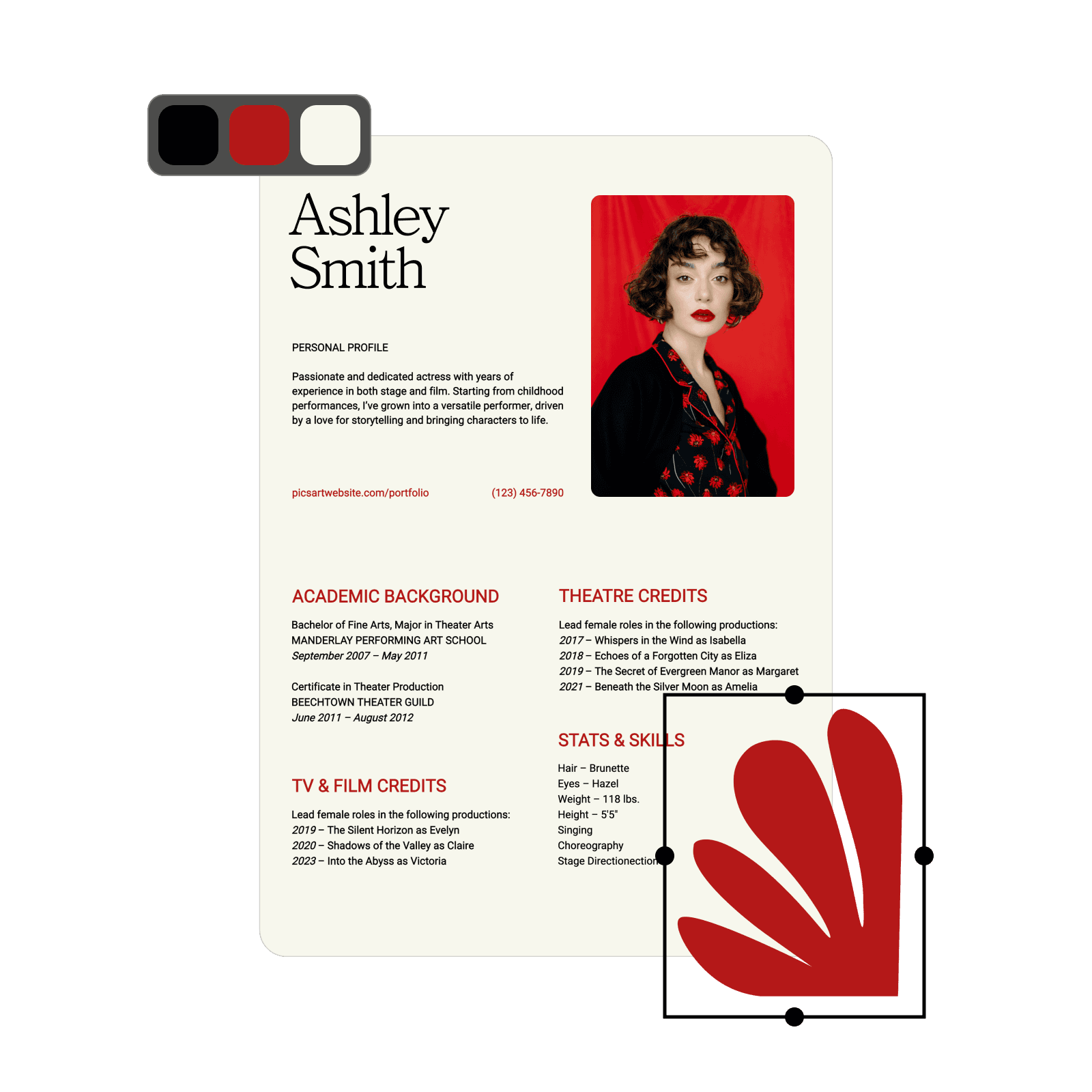
Vytvářejte a aktualizujte životopisy v přehledném editoru
Soustřeďte se na přizpůsobení životopisu a zbytek nechte na nástroji pro tvorbu životopisů od Picsart. Nemusíte ztrácet čas ručním formátováním ani používat složitý software. Online editor životopisů celý proces urychlí díky předformátovaným návrhům, které kladou důraz na čitelnost a vizuální působivost. Díky intuitivnímu ovládání metodou přetahování a snadno přizpůsobitelným možnostem návrhu se každý může naučit vytvořit životopis během několika minut.
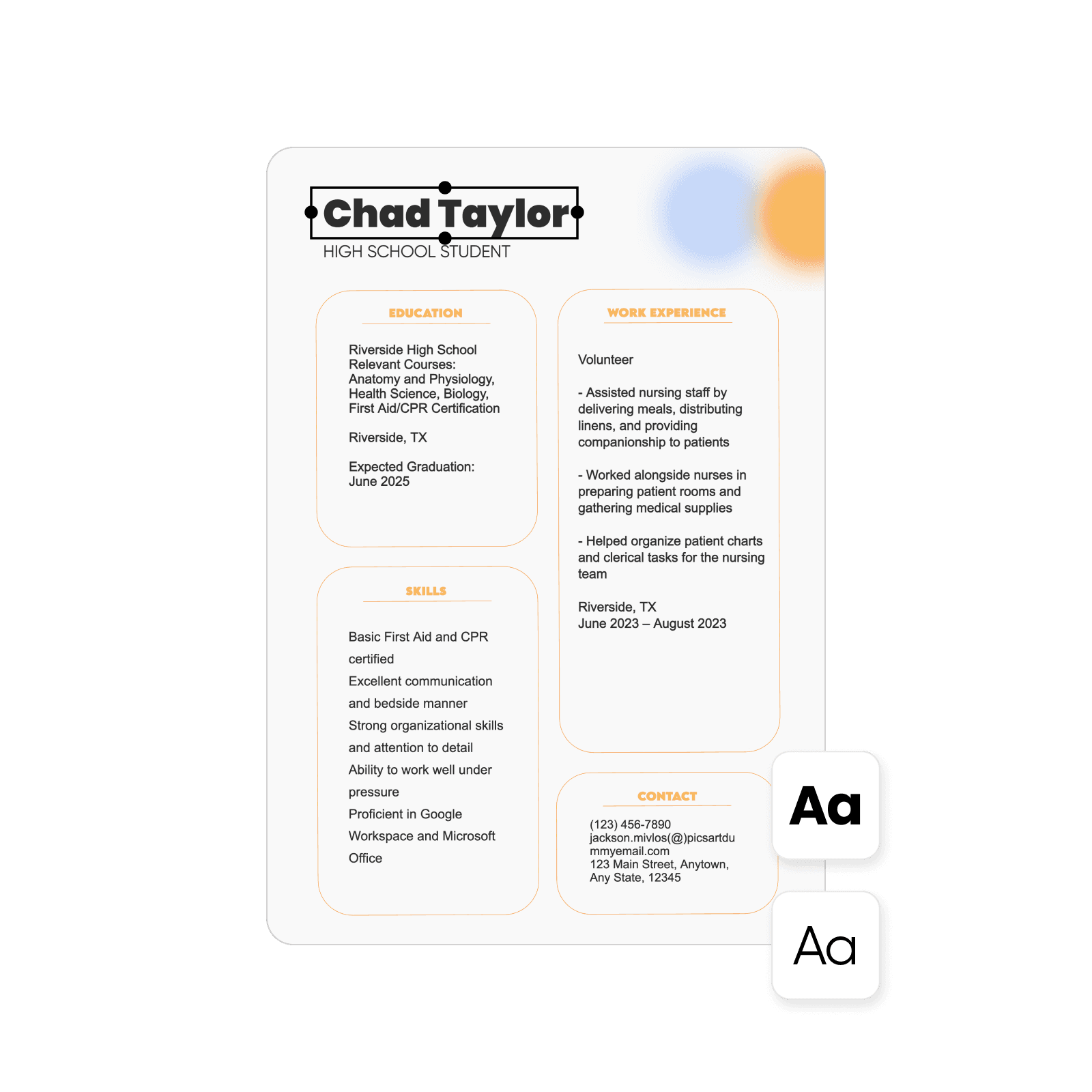
Najděte přizpůsobitelné šablony životopisů pro každou profesi a odvětví
Představte své profesní úspěchy v tom nejlepším světle pomocí šablon. Šablony životopisů Picsart jsou formátované tak, aby vyhovovaly systémům Applicant Tracking Systems (ATS), které mnoho společností používá k předběžnému výběru a filtrování žádostí o zaměstnání. Editor životopisů nabízí širokou škálu flexibilních návrhů pro různé kariérní cesty, například kreativní profese, firemní pozice, akademickou sféru nebo pozice pro začátečníky. Vyberte si písma a barvy, upravte rozvržení, změňte pozadí a mnoho dalšího. Použijte šablony tak, jak jsou, nebo je upravte podle dané pozice a své osobnosti.
- Dolaďte podrobnosti v editoru
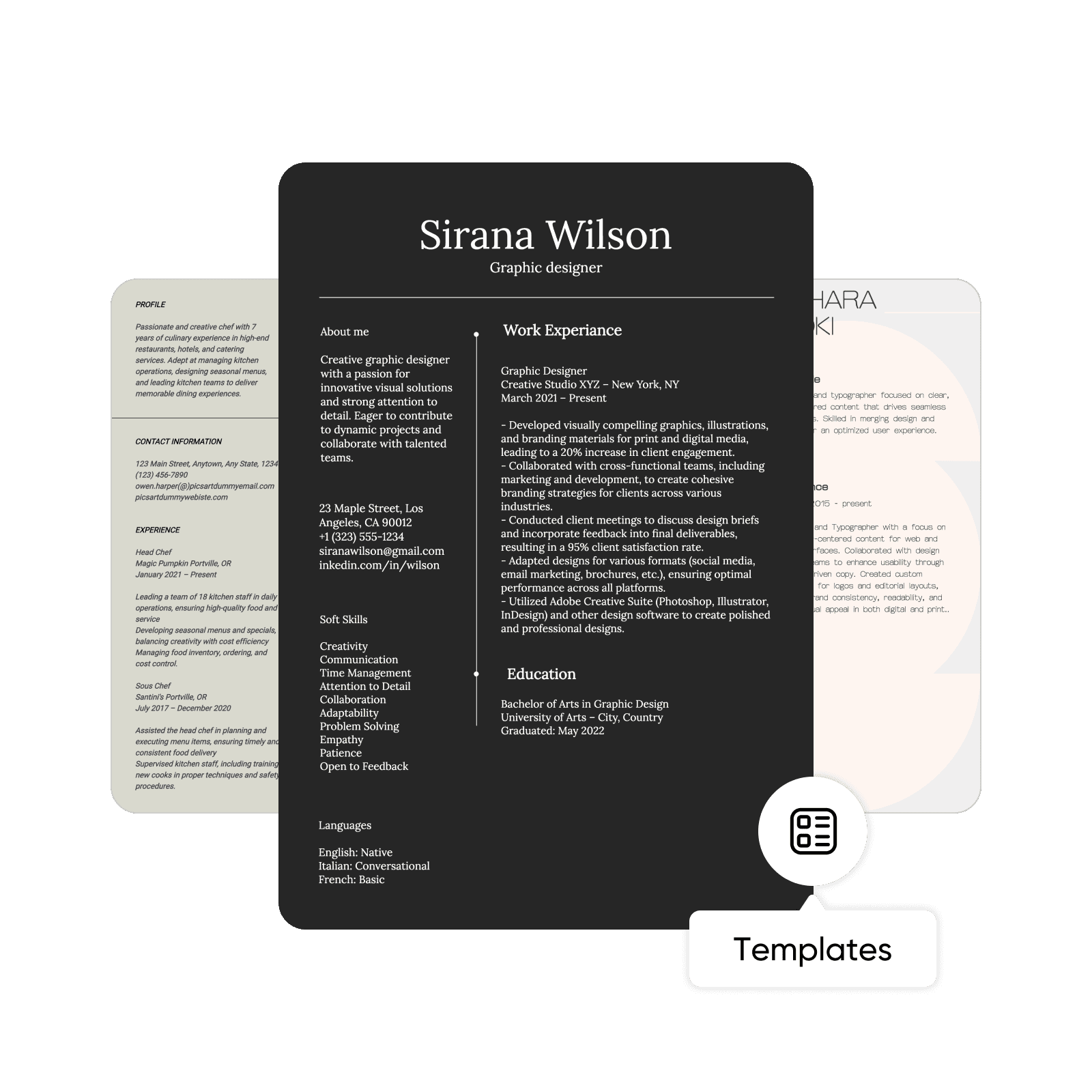
Vytvořte si životopis na míru každé pozici nebo odvětví
Ať už s kariérou začínáte, nebo v ní chcete pokračovat, zaznamenejte své zkušenosti a úspěchy v podrobném životopisu. Hlásíte se často na různé pozice? Udělejte si z online editoru životopisů svůj oblíbený nástroj pro tvorbu poutavých životopisů přizpůsobených konkrétním žádostem, pracovním pozicím nebo odvětvím. U každé příležitosti zdůrazněte nejrelevantnější dovednosti a úspěchy, a zvyšte tak své šance na úspěch. Ať už působíte v jakémkoli oboru nebo jste v jakékoli fázi kariéry, Picsart vám usnadní úpravy a aktualizace životopisu podle toho, jak se mění vaše profesní cíle.

Vytvořte si výrazný životopis a ihned si ho stáhněte
Hotový životopis máte okamžitě k dispozici. Uložte si soubor, vytiskněte ho nebo si ho pohodlně stáhněte v oblíbených formátech, jako jsou PDF, PNG, JPG a HTML. Až přijde čas na úpravy, můžete snadno upravit text, změnit rozvržení a aktualizovat další prvky. Online editor životopisů Picsart obsahuje sadu nástrojů pro úpravu fotografií, které umožňují flexibilní přizpůsobení. Můžete nahrávat vlastní vizuály, vytvářet vlastní šablony, doostřovat obrázky a mnoho dalšího.
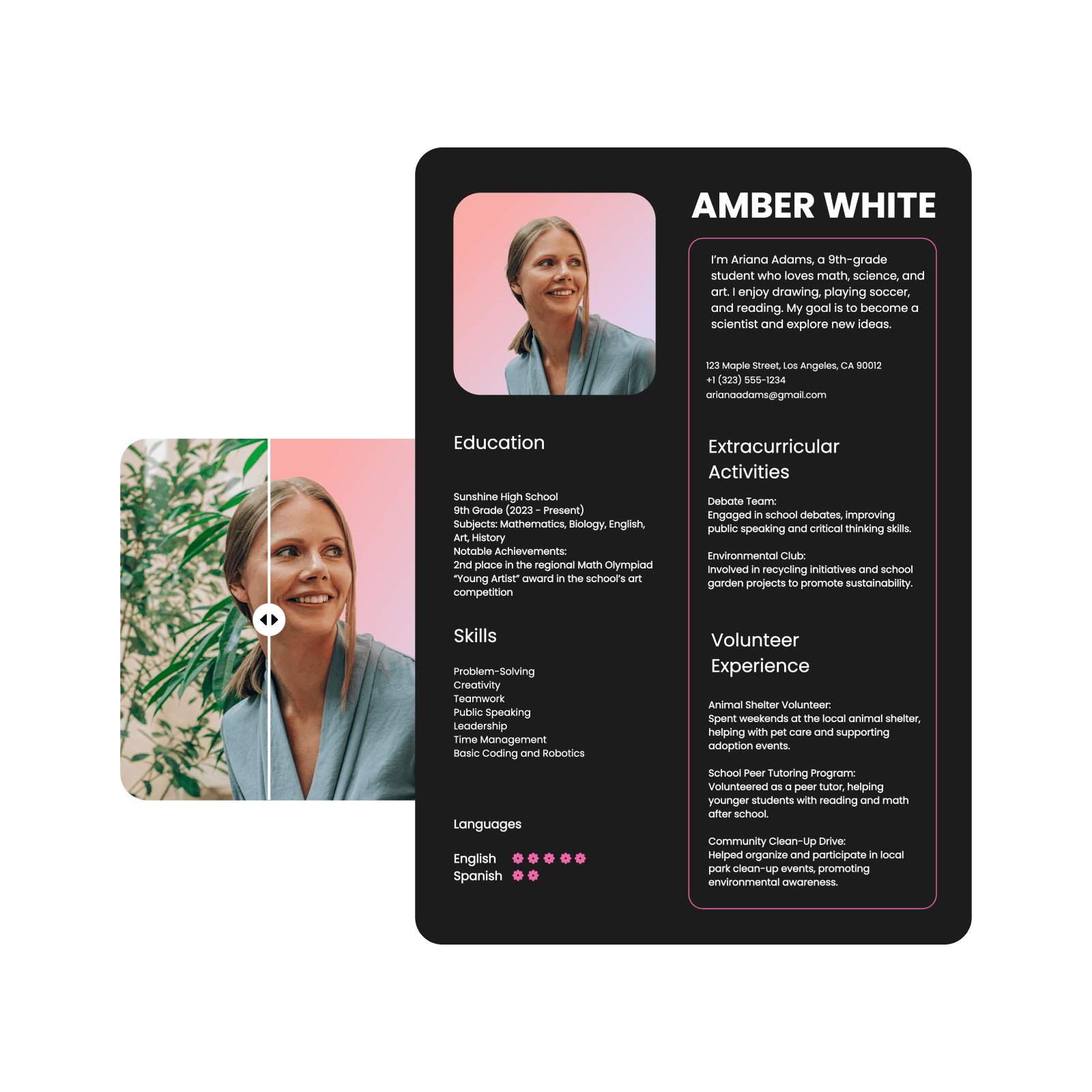
Navrhujte různé dokumenty pomocí editoru životopisů Picsart
Objevte všestrannost online editoru životopisů Picsart, který umožňuje rychle a snadno tvořit obsah. Kromě životopisů vám víceúčelové nástroje pro návrhumožní vytvářet přehledné a vizuálně poutavé plakáty, bannery, obálky knih i soubory PDF. Prozkoumejte rozsáhlou knihovnu prvků a kreativních nástrojů v editoru, které vám usnadní a vylepší práci na dalším dokumentu.
Časté dotazy k editoru životopisů
Profesní životopis (CV) je podrobný dokument, který popisuje profesní zkušenosti, dovednosti, vzdělání a úspěchy dané osoby. Obvykle je obsáhlejší než běžný životopis, protože jeho cílem je představit rozsáhlou kvalifikaci. Životopisy CV se nejčastěji používají v akademických pozicích, výzkumu a při ucházení se o práci v zahraničí. Často se však vyžadují také u pozic, které vyžadují dlouhou nebo vysoce specializovanou pracovní historii.
Objevte další oblíbené nástroje od Picsart
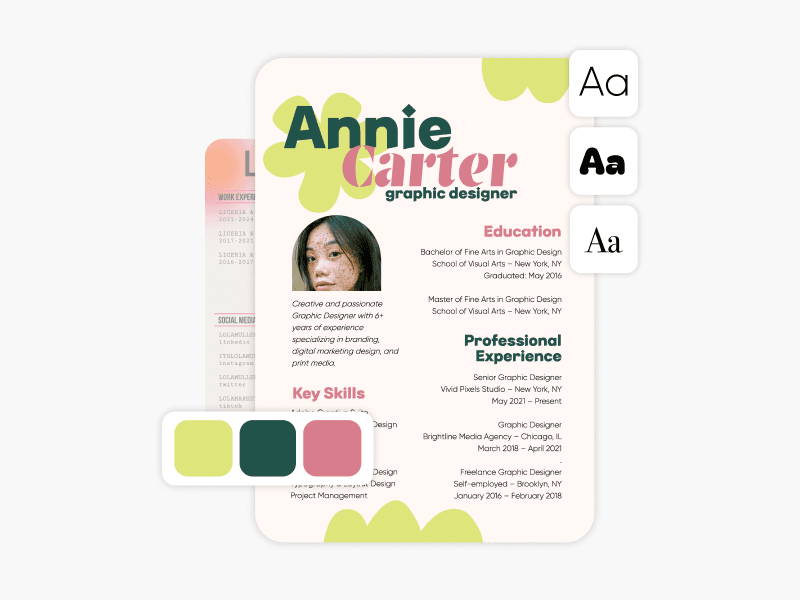
Tvorba životopisu
Navrhněte si profesionální životopis během několika minut pomocí nástroje pro tvorbu životopisů od Picsart.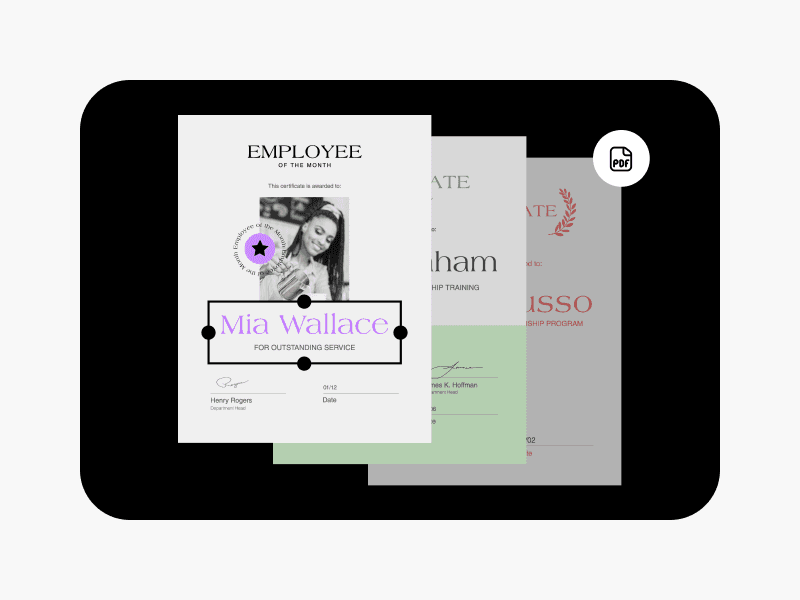
Tvorba PDF
Vytvářejte okamžitě vyladěné soubory PDF pomocí kolekce šablon Picsart.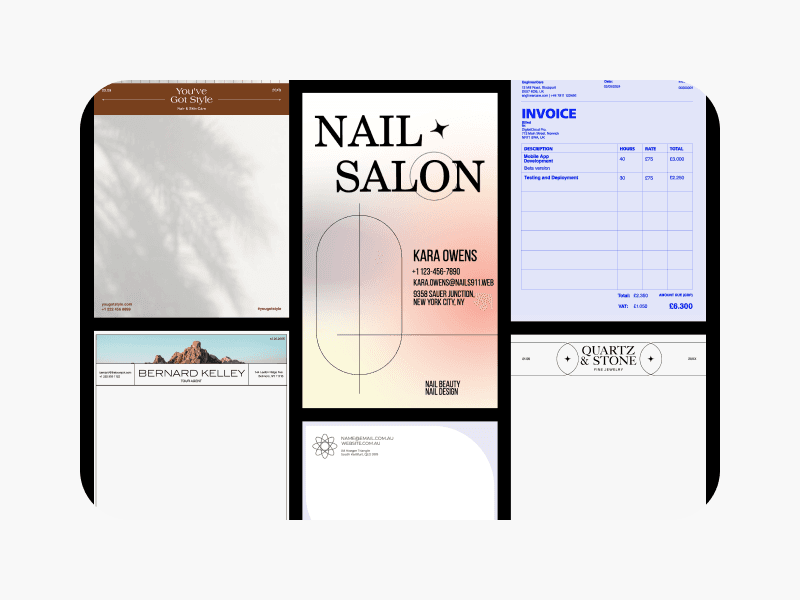
Tvorba dokumentů
Připravujte zprávy, prezentace a další materiály vhodné k tisku pomocí nástroje pro tvorbu dokumentů od Picsart.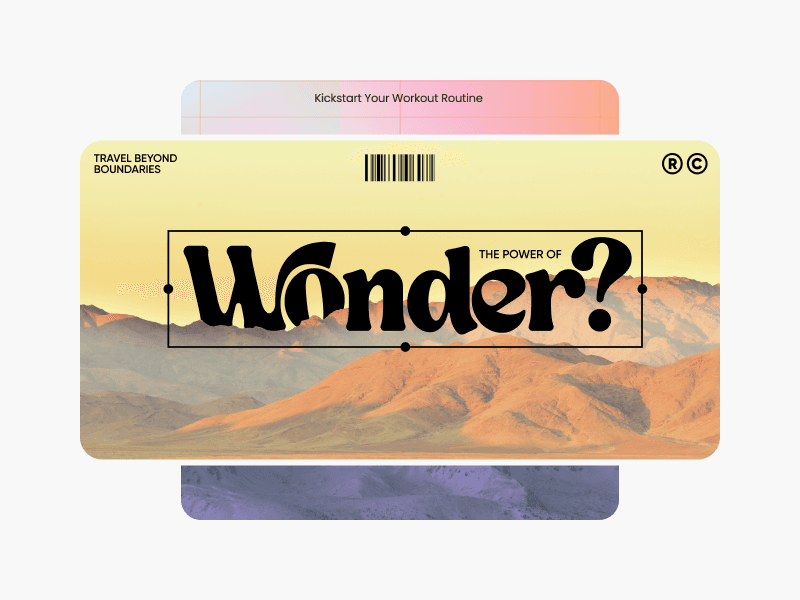
Tvorba bannerů
Představte svou značku na působivých bannerech pomocí nástroje pro tvorbu bannerů od Picsart.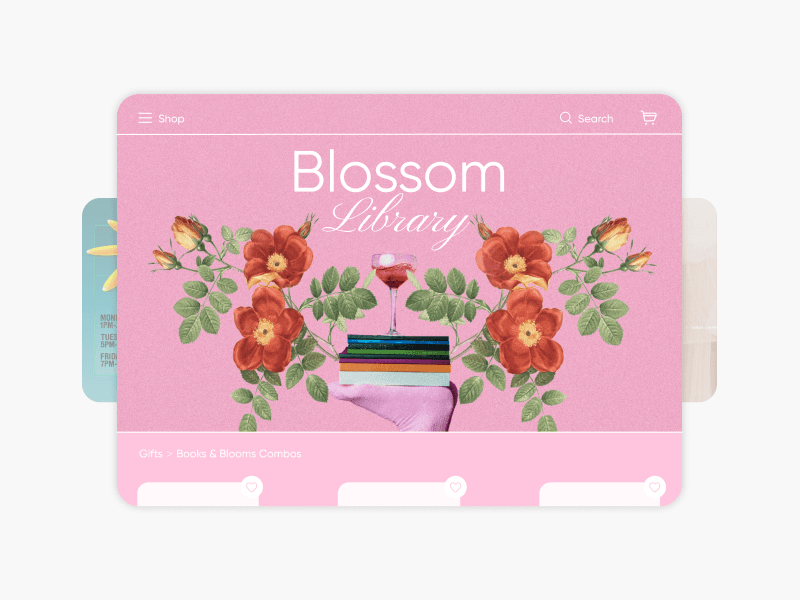
Tvorba bannerů pro webové stránky
Navrhujte bannery k propagaci produktů a událostí pomocí nástroje pro tvorbu webových bannerů od Picsart.
Tvorba loga PNG
Vytvořte profesionální logo PNG, které zvýší povědomí o produktu a značce.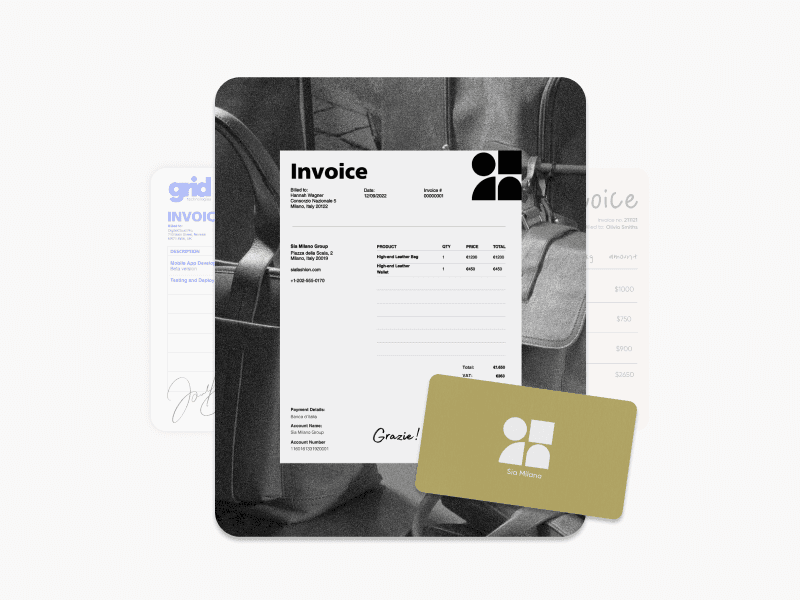
Tvorba faktur
Navrhujte vlastní záznamy o fakturách a transakcích pomocí nástroje pro tvorbu faktur od Picsart.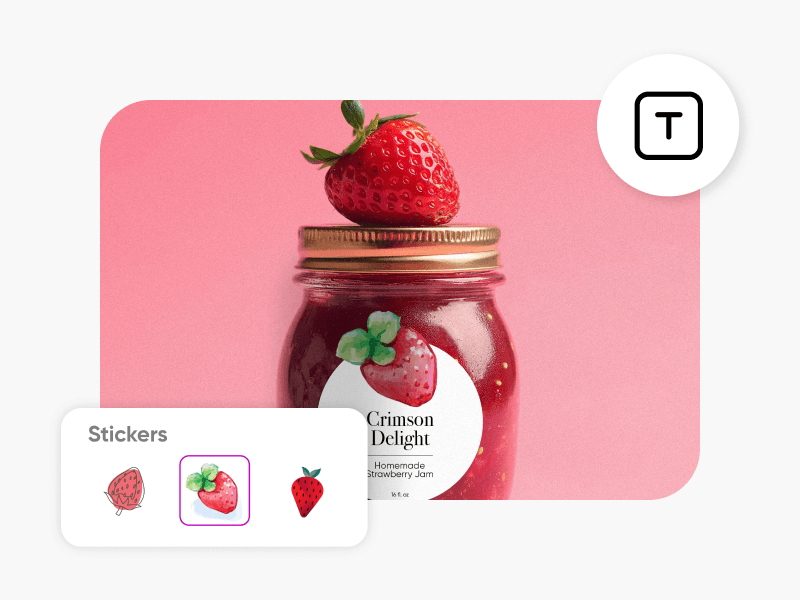
Tvorba štítků
Vytvářejte profesionální štítky na produkty pomocí nástroje pro tvorbu štítků od Picsart.
Tvorba citátů
Vytvářejte propagační plakáty pro firmy nebo sociální sítě pomocí nástroje pro tvorbu citátů od Picsart.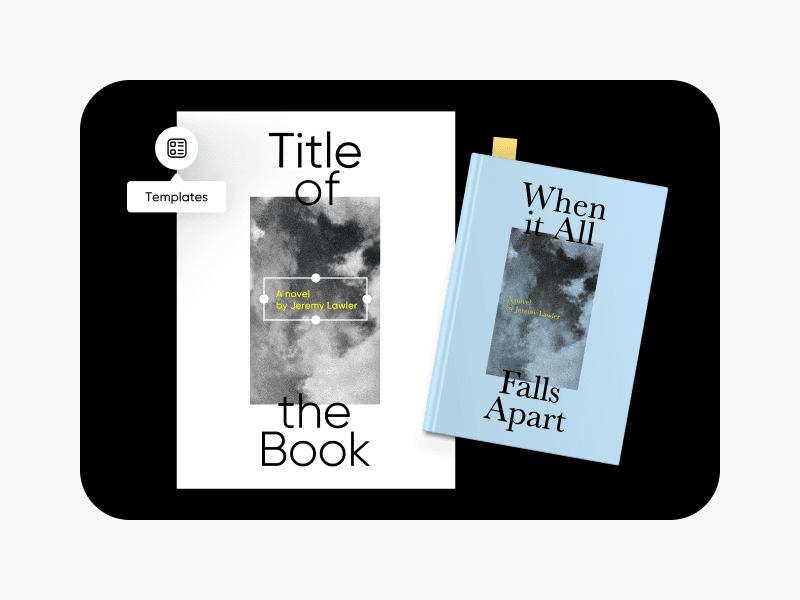
Tvorba obálek knih
Dodejte svým knihám jedinečné obálky pomocí nástroje pro tvorbu obálek knih od Picsart.
Navrhujte životopisy pro práci, žádosti i obchodní potřeby
Pro
Most popularAI tools for everyday creative work.
Ultra
Most powerfulHeavy AI usage for creators & teams.
Enterprise
Custom AI solutions for large organizations.
- Volume discounts on credit rate
- On-demand top-ups