Бесплатный массовый изменитель размера изображений: изменяйте размер нескольких изображений сразу
Изменяйте размер нескольких изображений одновременно с бесплатным массовым изменителем размера Picsart, не требующим навыков дизайна. Установите точные размеры или выберите предустановку платформы и измените размер до 50 фотографий за секунды без потери качества.
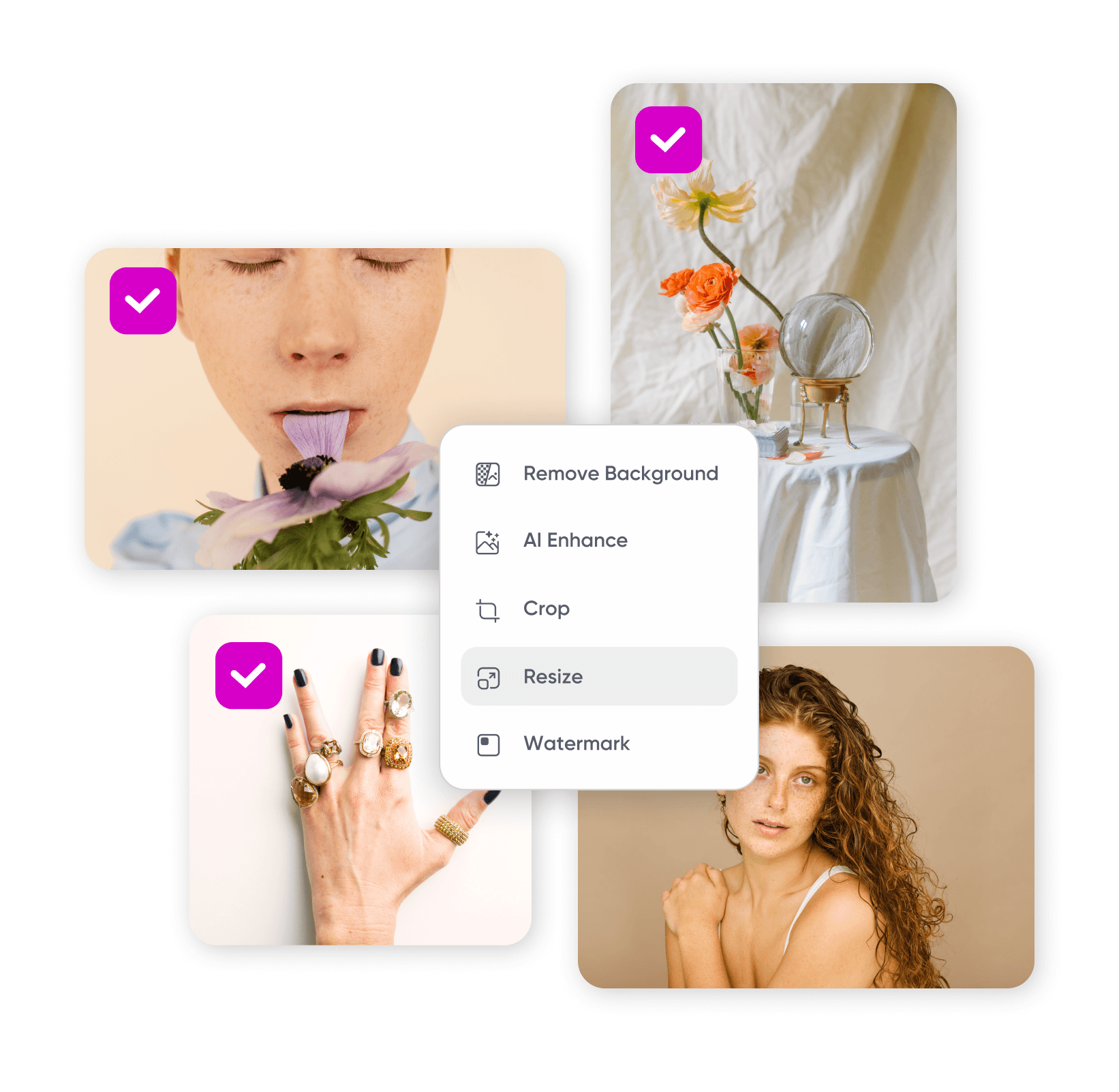
Как изменять размеры изображений массово
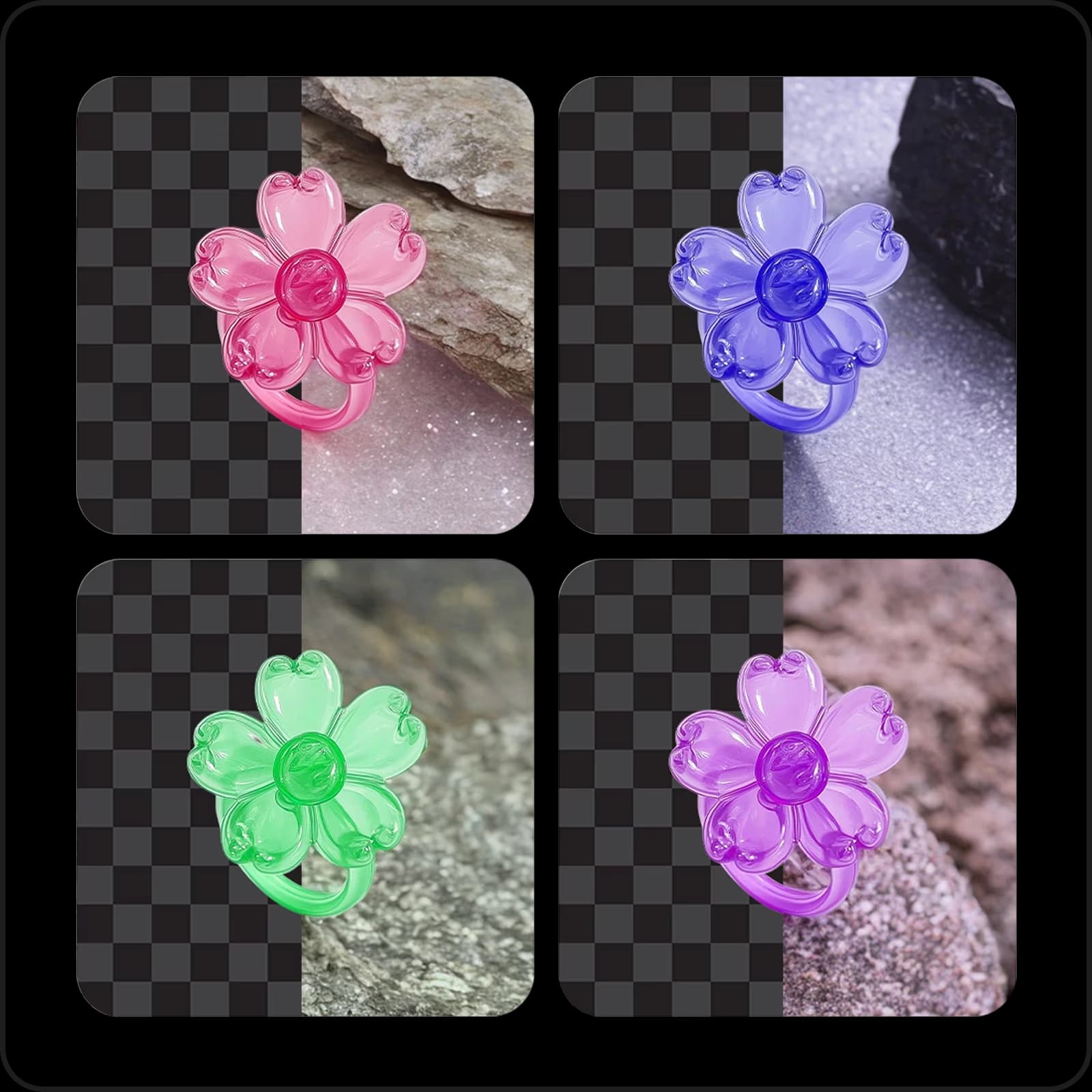
Ускорьте редактирование с помощью массового изменителя размера изображений
Изменяйте размер нескольких изображений сразу всего за несколько секунд. Загрузите до 50 фотографий, установите размеры и пакетный редактор изменит все их вместе, вместо одной за раз, совершенно бесплатно, без необходимости в дизайне или технических навыках.
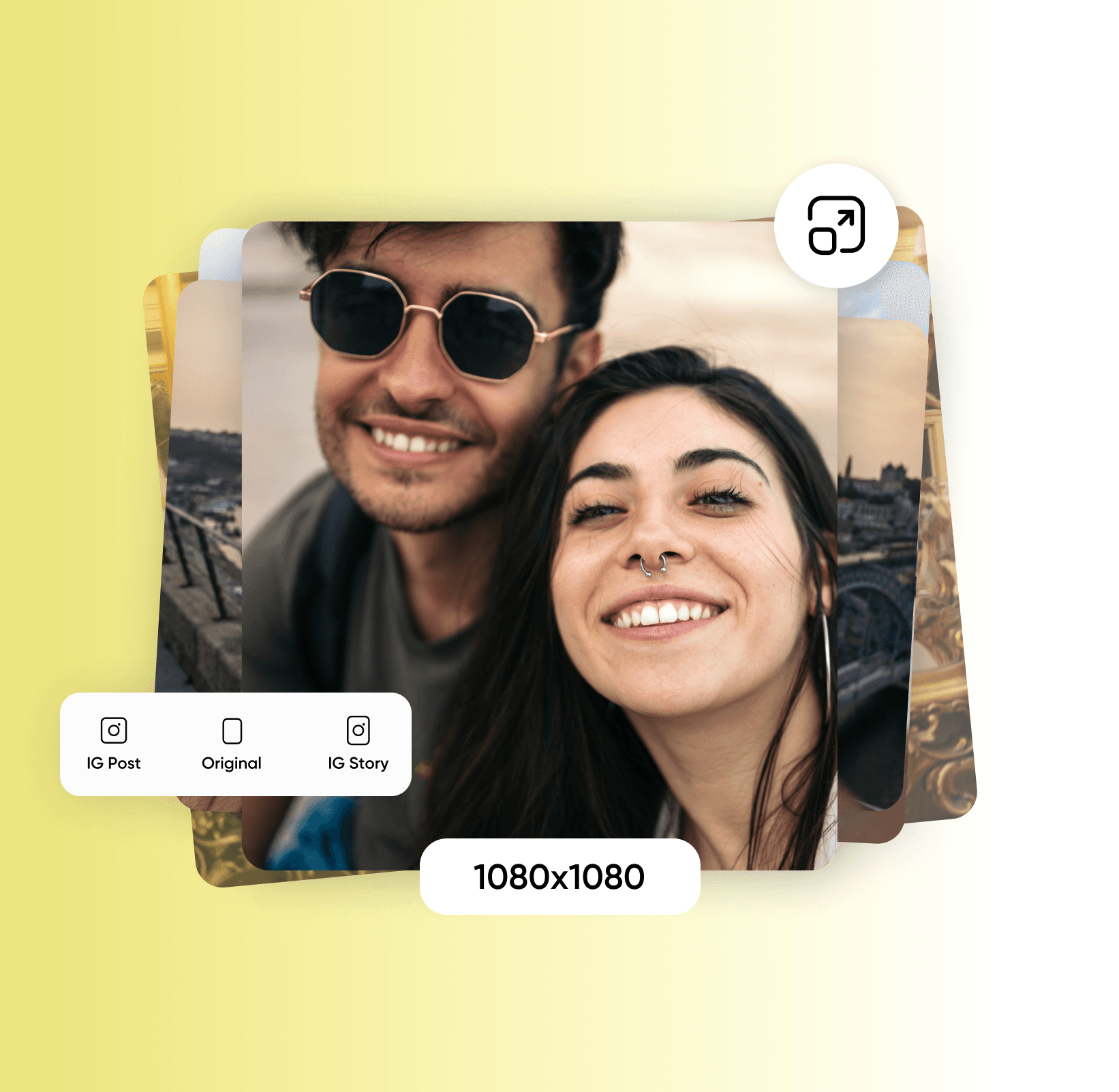
Изменяйте размер изображений массово без потери качества
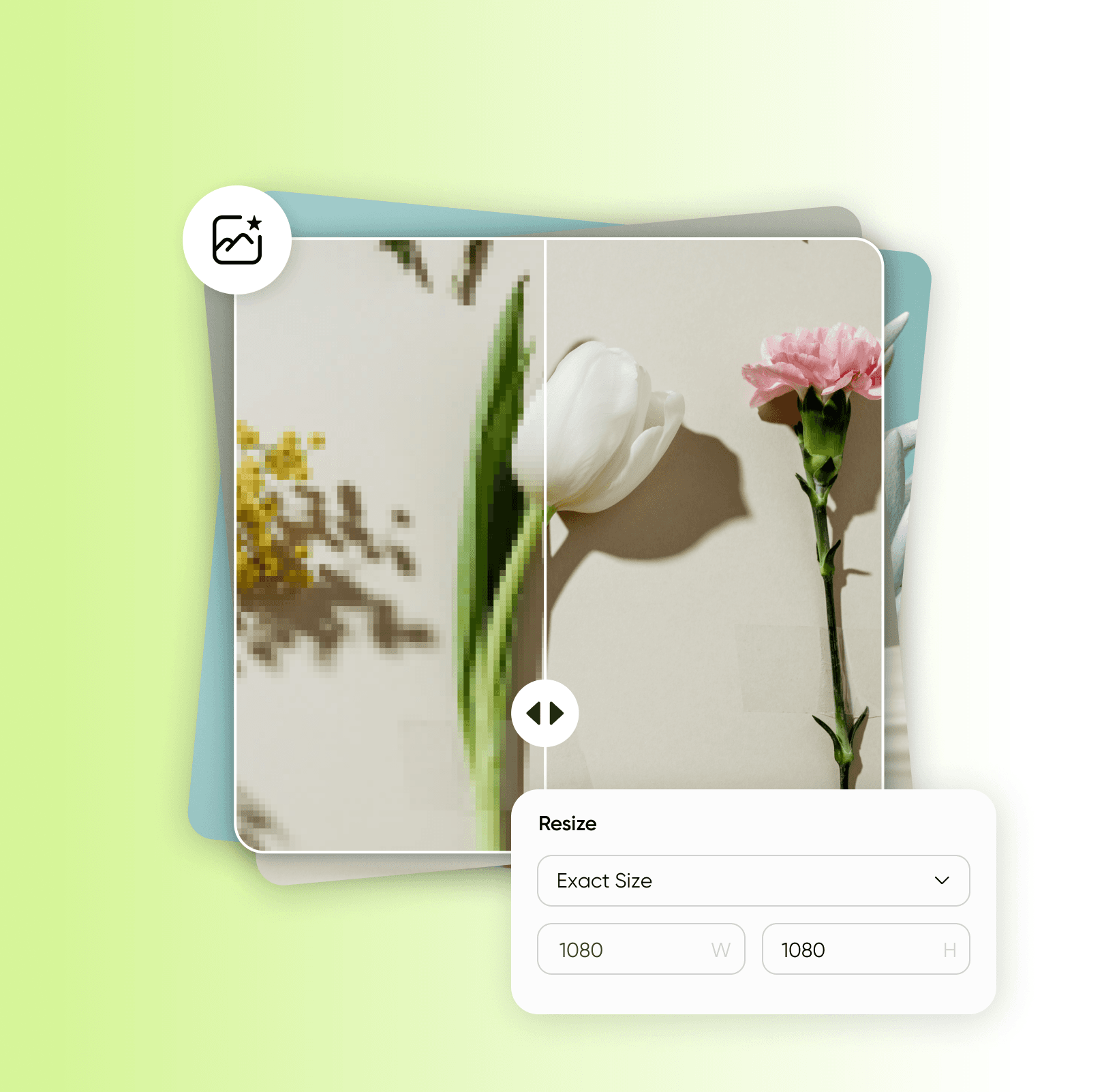
Изменяйте размер в любом масштабе и сохраняйте каждую деталь чёткой. Независимо от того, сколько фотографий вы изменяете, или масштабируете вверх или вниз, массовый изменитель размера Picsart защищает качество, и вы можете скачать пакет в нужном формате. Изменяете только одну? Изменитель размера для одного изображения вас выручит.
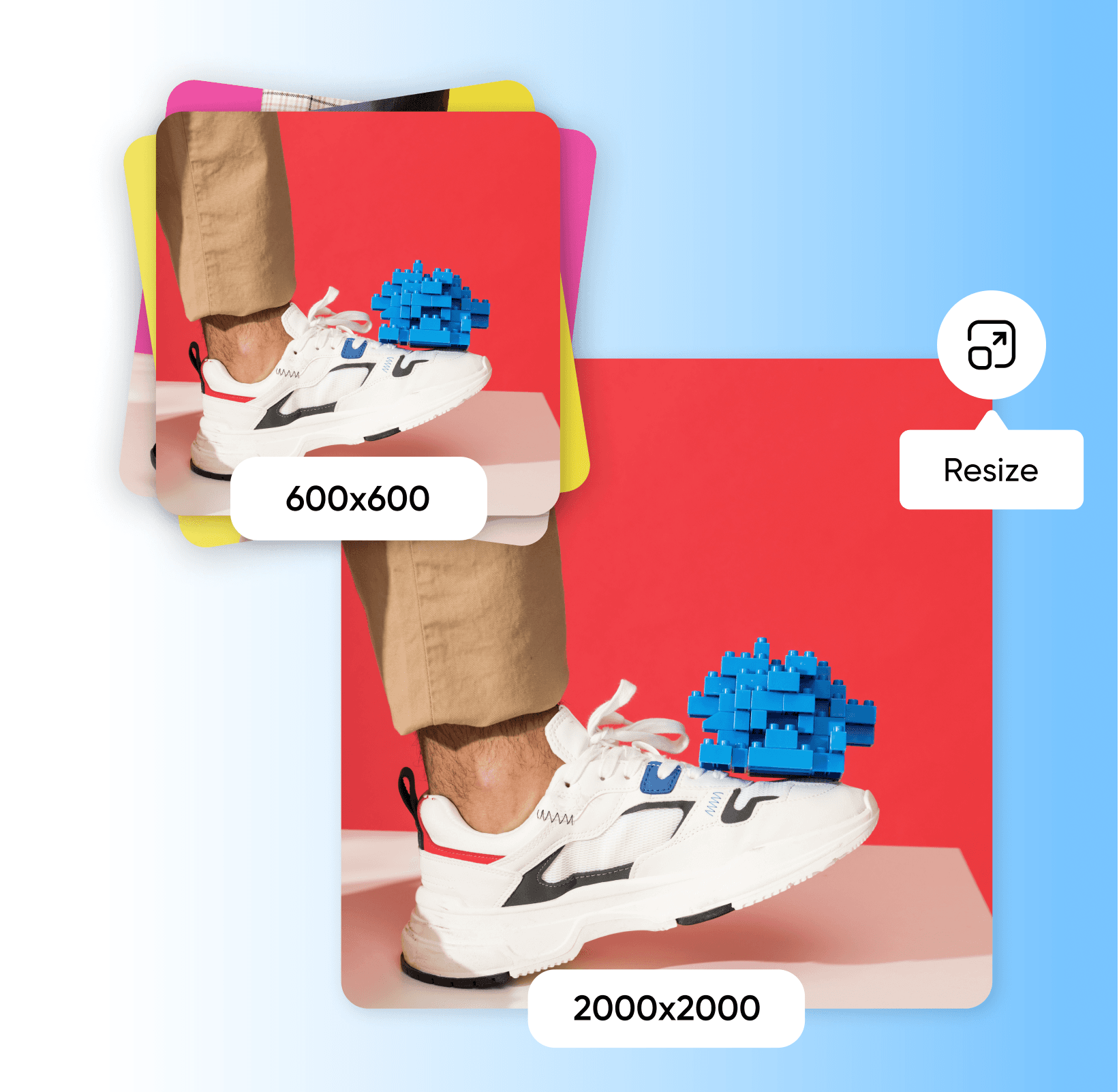
Изменяйте размер нескольких изображений для всех ваших творческих нужд
Выберите ваши новые размеры после загрузки фотографий. Выберите из предустановок для социальных платформ и рынков или введите пользовательскую ширину и высоту. Добавьте обводку или цветные рамки для всего пакета для согласованности, и с возможностью выбора изображений в инструменте вы можете изменить размер разных изображений до разных размеров в одной сессии.
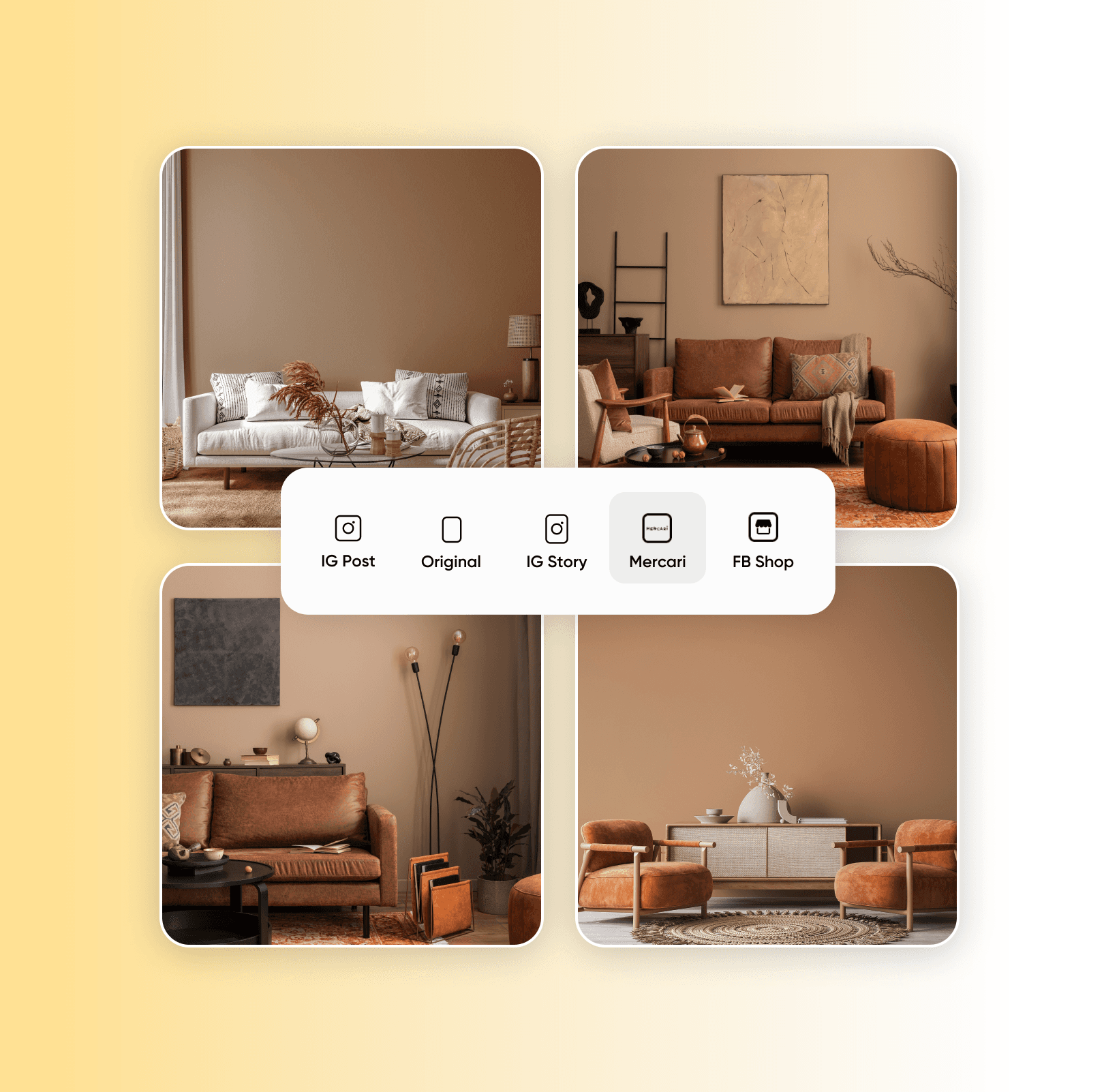
Многофункциональный массовый изменитель размера изображений для всех
Массовый изменитель размера Picsart подходит для фотографов, менеджеров социальных сетей, владельцев бизнеса и других. Создайте пакеты изображений одинакового размера для вашего портфолио, размеры постов для каждого канала в социальных сетях или соответствуйте точным размерам рынка для электронной коммерции, экономя время и деньги, чтобы вы могли сосредоточиться на бизнесе.
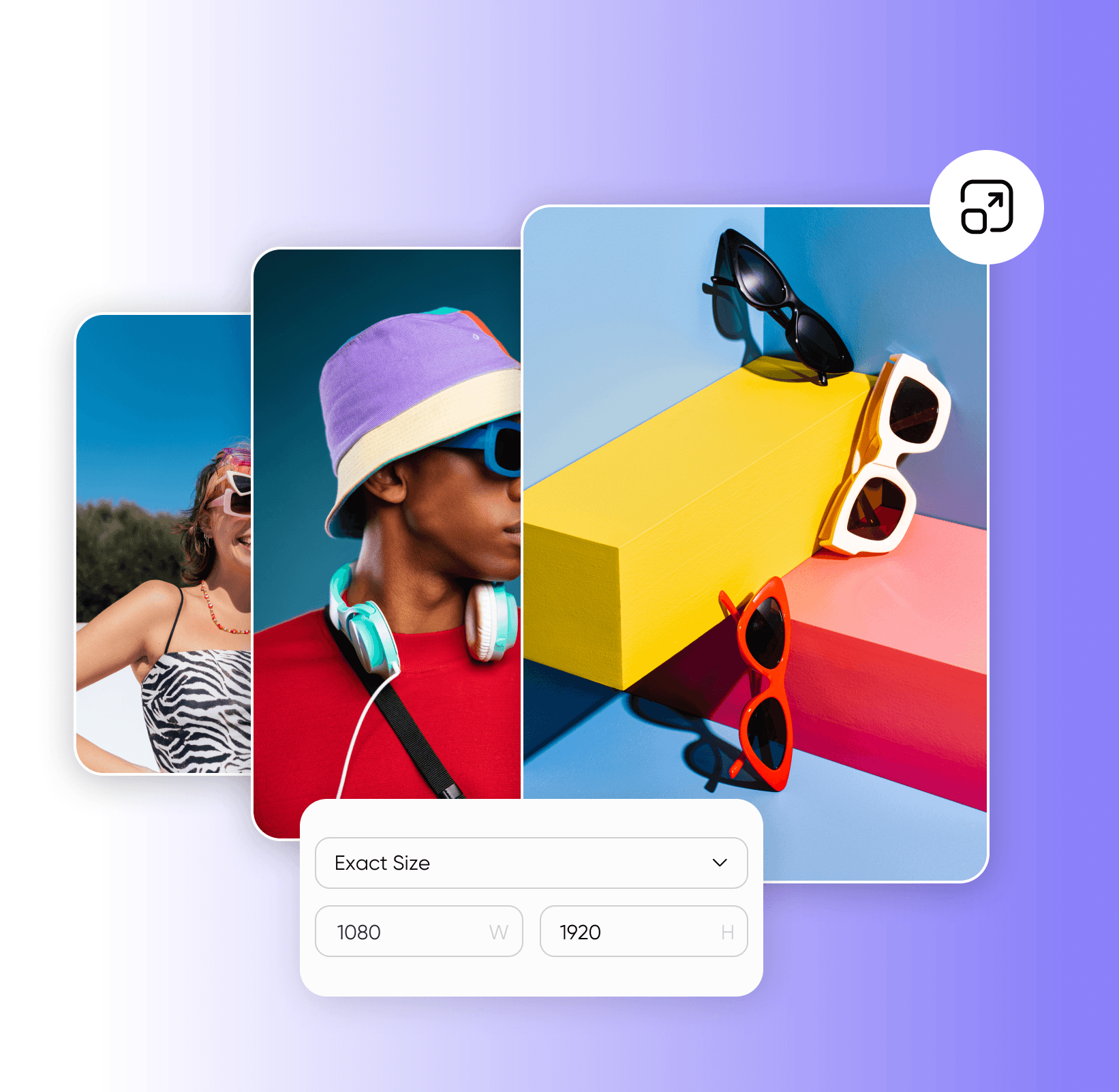
Идите дальше массового изменения размера изображений
Помимо изменения размера, пакетный редактор Picsart может выполнить ещё больше, включая массовую обрезку, массовое улучшение с помощью ИИ и массовое удаление фона для обновления целого набора. Нужно отредактировать только одно изображение? Фото-редактор с ИИ справится с одиночными изображениями столь же гладко.
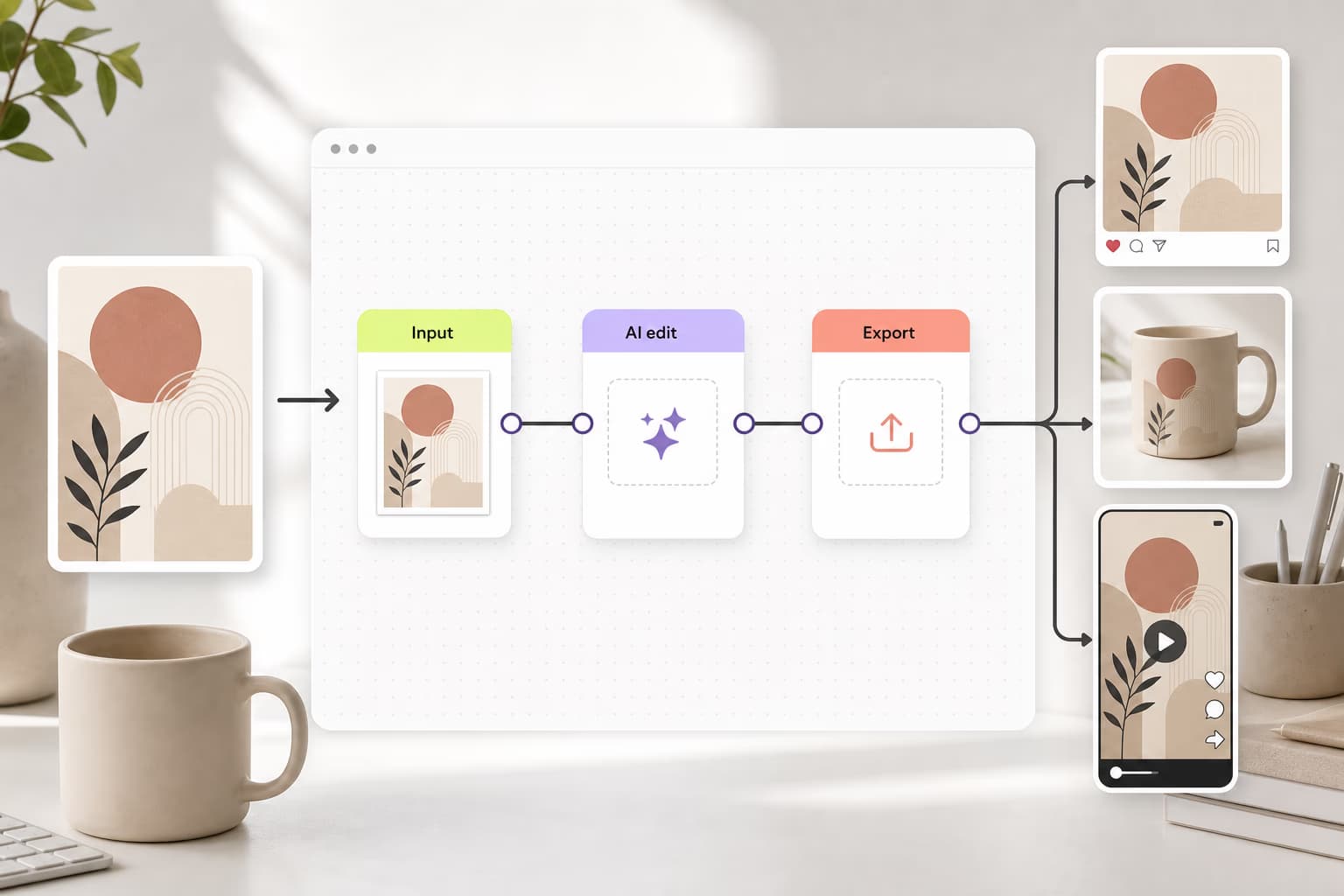
Учитесь строить рабочие процессы
Узнайте, как связывать инструменты, шаги и результаты.

Часто задаваемые вопросы о массовом изменителе размера изображений
Массовый изменитель размера изображения изменяет размер множества фотографий одновременно до выбранных вами размеров, вместо одной за раз. Picsart обрабатывает до 50 за пакет.
Редактируйте фото для полированного контента создателя
Pro
Most popularAI tools for everyday creative work.
Ultra
Most powerfulHeavy AI usage for creators & teams.
Откройте для себя больше функций редактирования
Больше полезных инструментов от Picsart


