


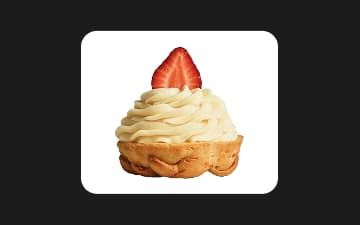
இந்தப் பயன்பாட்டில் நான் மிகவும் மகிழ்ச்சியடைகிறேன். என் படத்தை மேம்படுத்துவது விரைவாகவும் எளிதாகவும் இருக்கிறது. நன்றி
Yanஇலவச பின்னணி நீக்கி
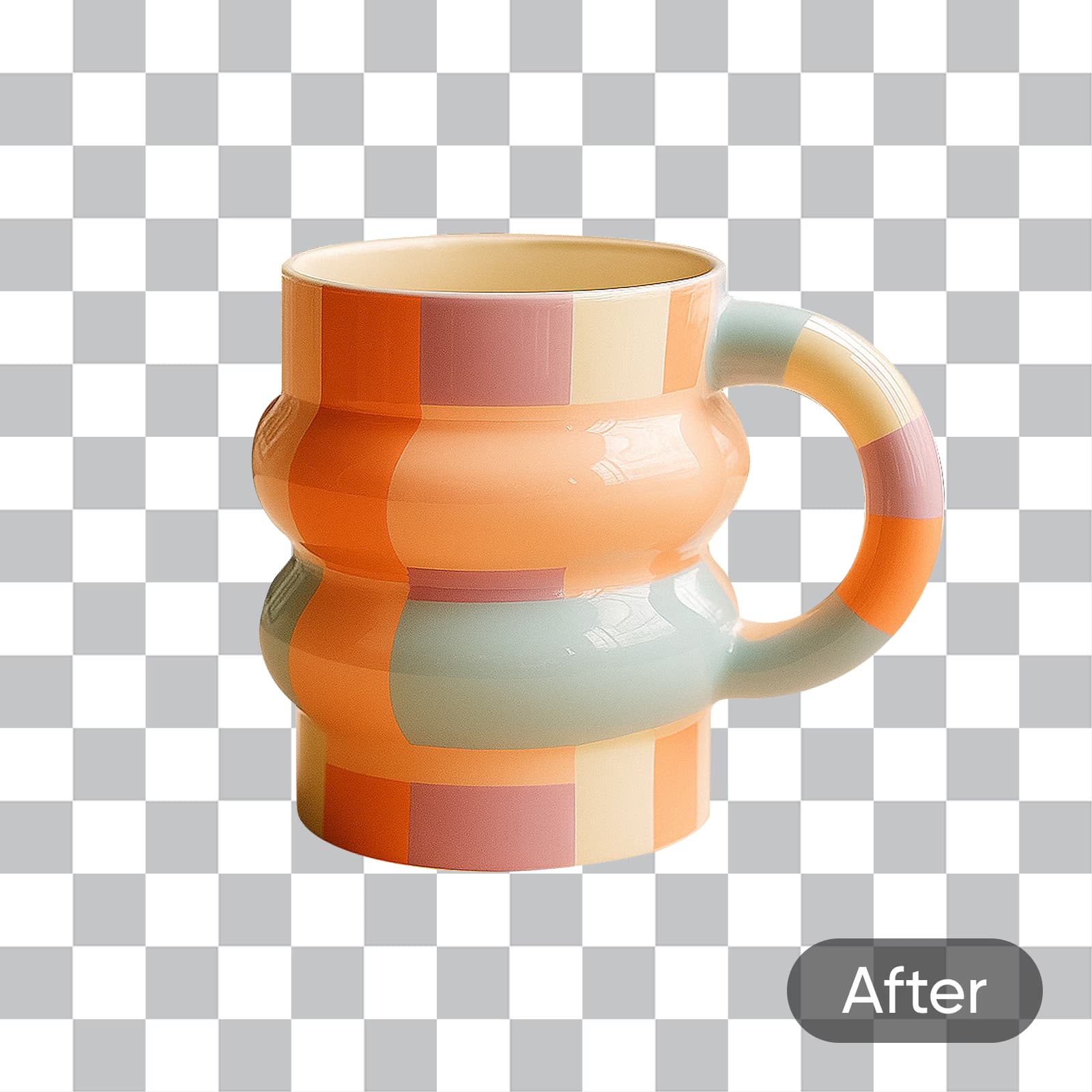
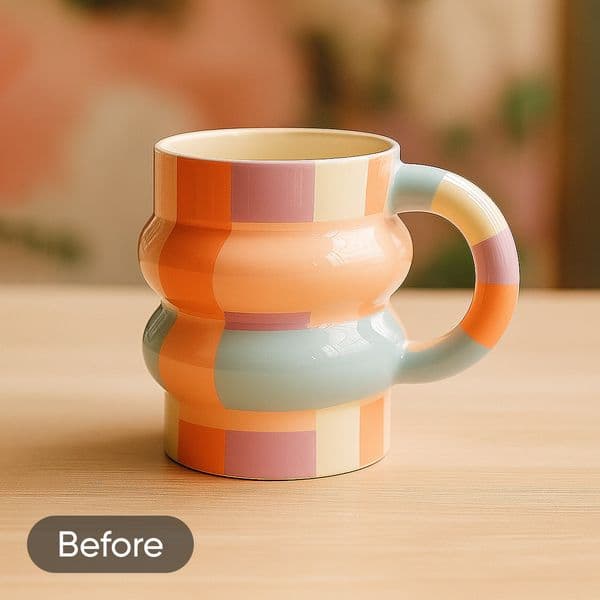
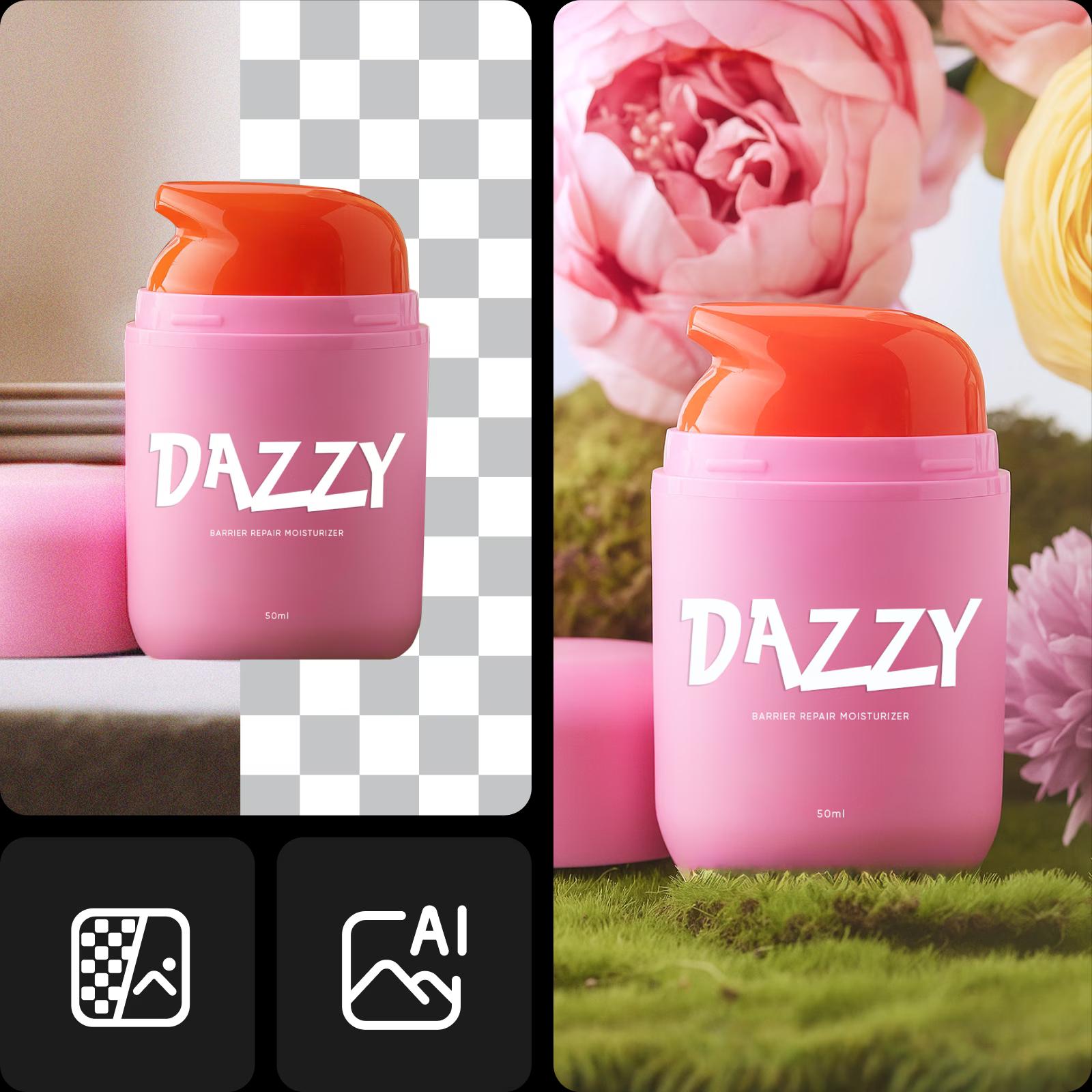
Picsart-இன் AI மூலம் இயங்கும் பின்னணி அழிப்பான் மூலம், படங்களின் பின்னணியை விரைவாகவும் துல்லியமாகவும் நீக்குங்கள்.
பின்னணியை நீக்குவது தொடக்கம்தான்...



சில நொடிகளில் பின்னணியை நீக்குவது எப்படி
Picsart மூலம் 700 மில்லியனுக்கும் மேற்பட்ட பின்னணிகள் நீக்கப்பட்டுள்ளன
Picsart ஒவ்வொரு நாளும் மில்லியன் கணக்கான எடிட்டிங் பணிகளுக்குச் சக்தியளிக்கிறது. பல்வேறு துறைகள் மற்றும் ஆர்வங்களைச் சேர்ந்த பயனர்களுக்கான படைப்பாற்றல் மையமாக இது விளங்குகிறது. பயன்படுத்த எளிதான அதன் சிறப்புக் கருவிகளில் ஒன்று பின்னணி நீக்கி; இதுவரை 700 மில்லியனுக்கும் மேற்பட்ட எடிட்டிங் பணிகளில் இது பயன்படுத்தப்பட்டுள்ளது. AI அம்சங்களின் துணையுடன், இது படத்தின் முக்கியப் பொருளைத் துல்லியமாகக் கண்டறிந்து சில நொடிகளில் பின்னணியை நீக்குகிறது. பயன்படுத்த எளிதாக வடிவமைக்கப்பட்டுள்ள இது, சுத்தமான தயாரிப்புப் படங்களை உருவாக்க, கவனத்தை ஈர்க்கும் காட்சிகளை வடிவமைக்க அல்லது புதிய பின்னணிகளைச் சேர்க்க விரைவாகவும் எளிதாகவும் உதவுகிறது.
பின்னணியை நீக்கிய பிறகு என்ன செய்யலாம்?

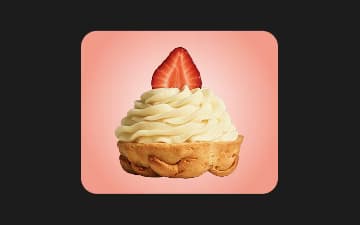
வேறொரு பின்னணியை முயற்சிக்கவும்உங்கள் படத்தை இன்னும் சுவாரஸ்யமாக்க விரும்பினால், புதிய பின்னணியைத் தேர்ந்தெடுப்பதே சரியான வழி.
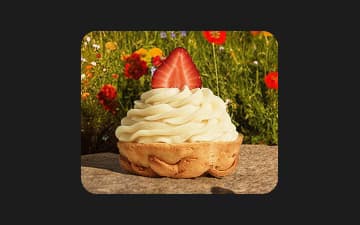
புதிய பின்னணியை உருவாக்குங்கள்பயன்படுத்தத் தயாராக உள்ள அமைப்புகள், சாய்வுகள், புகைப்படங்கள் மற்றும் கருப்பொருள் காட்சிகள் கொண்ட பின்னணி முன்னமைவுகளைப் பயன்படுத்தி உங்கள் படத்தை மேலும் சுவாரஸ்யமாக்குங்கள். ஒரே தட்டலில் அவற்றைப் பயன்படுத்தலாம்.
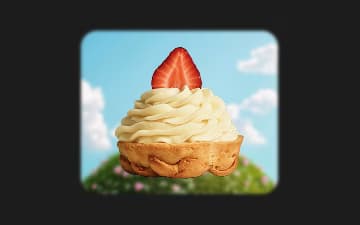
பின்னணியை மங்கலாக்குங்கள்போர்ட்ரெய்ட்கள் அல்லது தயாரிப்புப் படங்களில் கவனச்சிதறல்களைக் குறைத்து, முக்கியப் பொருளைத் தனித்துக் காட்ட, மங்கலாக்கும் விளைவால் பின்னணியை மென்மையாக்குங்கள்.
AI மூலம் சில நொடிகளில் பின்னணியை நீக்குங்கள்
Picsart-இன் AI மூலம் இயங்கும் பின்னணி நீக்கியைப் பயன்படுத்தி எந்தப் படத்தின் பின்னணியையும் எளிதாக நீக்குங்கள். தயாரிப்புப் படங்கள், போர்ட்ரெய்ட்கள் மற்றும் சமூக ஊடகப் பதிவுகளுக்கு மிகவும் ஏற்ற இது, சில நொடிகளில் சுத்தமான, தொழில்முறைத் தரமான முடிவுகளை வழங்குகிறது. வடிவமைப்புத் திறன்கள் தேவையில்லை - உங்கள் படத்தைப் பதிவேற்றினால் போதும்; எளிமை மற்றும் துல்லியத்திற்காக உருவாக்கப்பட்ட பயனர் நட்பு இடைமுகத்தில் AI வேலையைச் செய்யும்.

எல்லா வகைப் படங்களுக்கும் ஏற்ற உங்கள் அனைத்துப் பயன்பாட்டுக்குமான BG Remover
நபர்கள் மற்றும் போர்ட்ரெய்ட்கள்
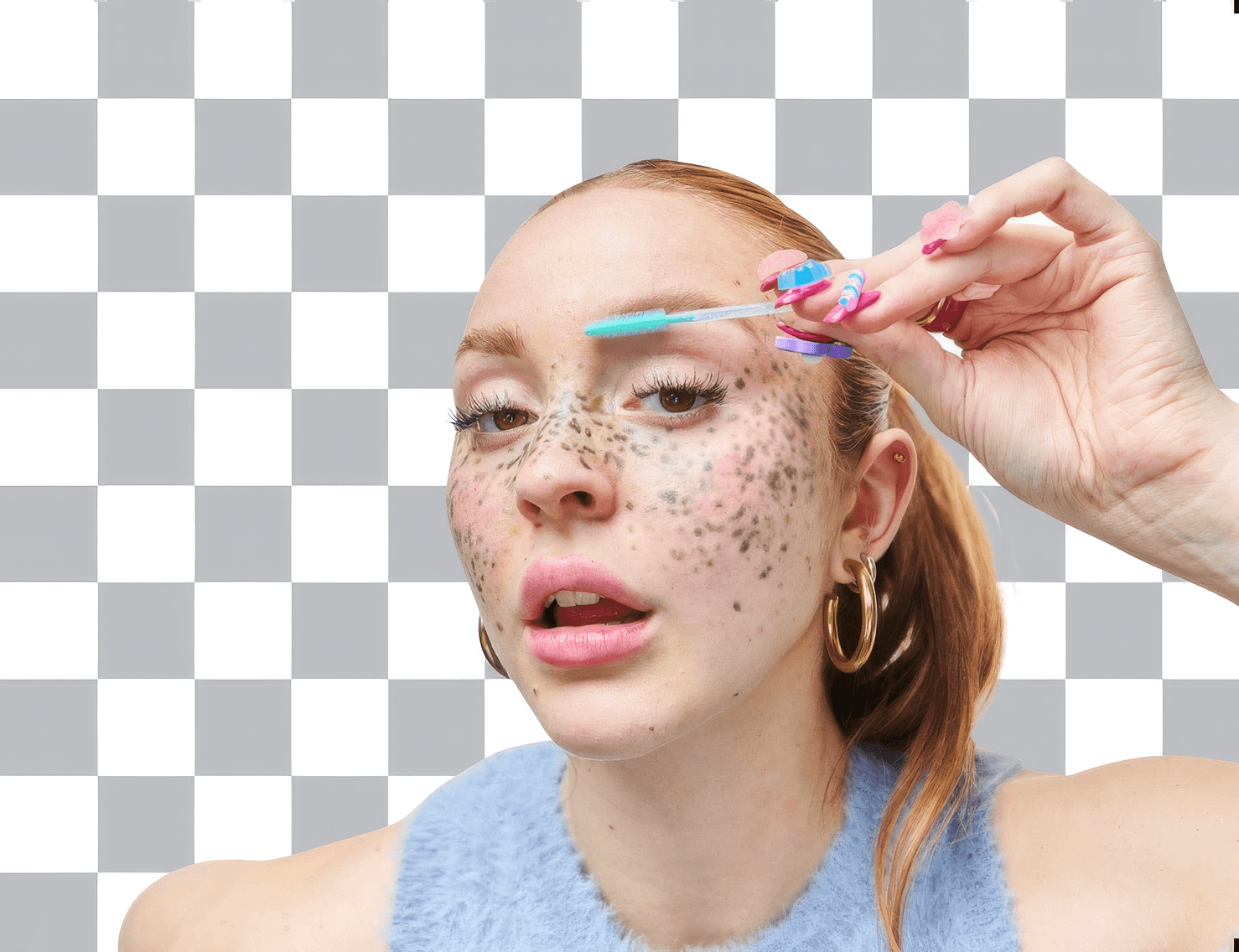
சுயவிவரங்கள், வடிவமைப்புகள் அல்லது புதிய காட்சிகளுக்காகச் சுத்தமான கட்-அவுட்டை உருவாக்க, போர்ட்ரெய்ட்களின் பின்னணியை நீக்குங்கள்.
பல படங்களின் பின்னணிகளை ஒரே நேரத்தில் நீக்குங்கள்
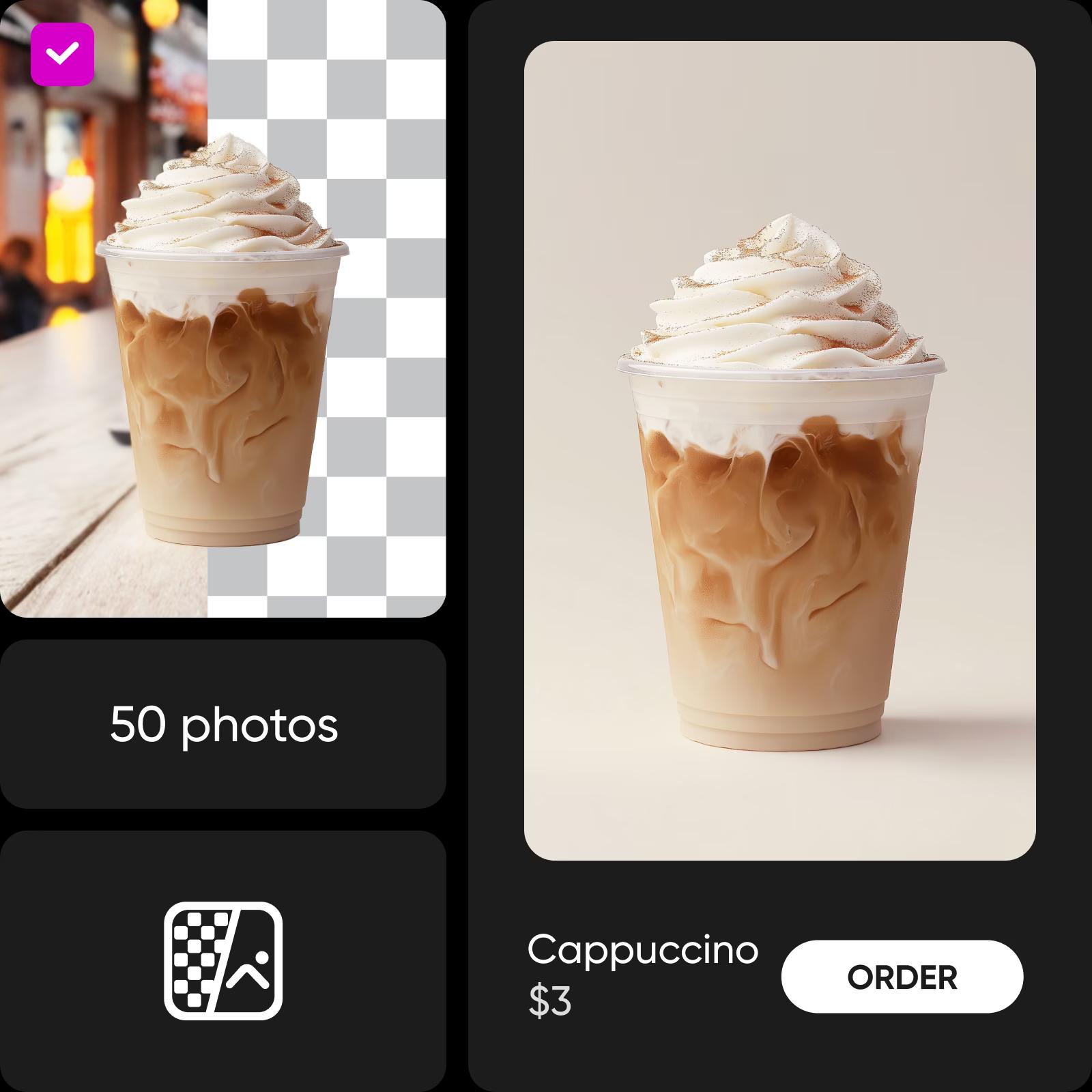
அதிக எண்ணிக்கையிலான புகைப்படங்களைத் திருத்த வேண்டுமா? Picsart-இன் AI மூலம் இயங்கும் Batch Background Remover கருவிகள் மூலம் ஒரே நேரத்தில் 50 புகைப்படங்கள் வரை செயலாக்கலாம். பயனர் நட்பு இடைமுகம் அவற்றை ஒழுங்குபடுத்துவதை எளிதாக்குகிறது; AI அம்சங்கள் ஒரே சீரான தரத்தை உறுதி செய்கின்றன.
வீடியோக்களின் பின்னணியை அழியுங்கள்
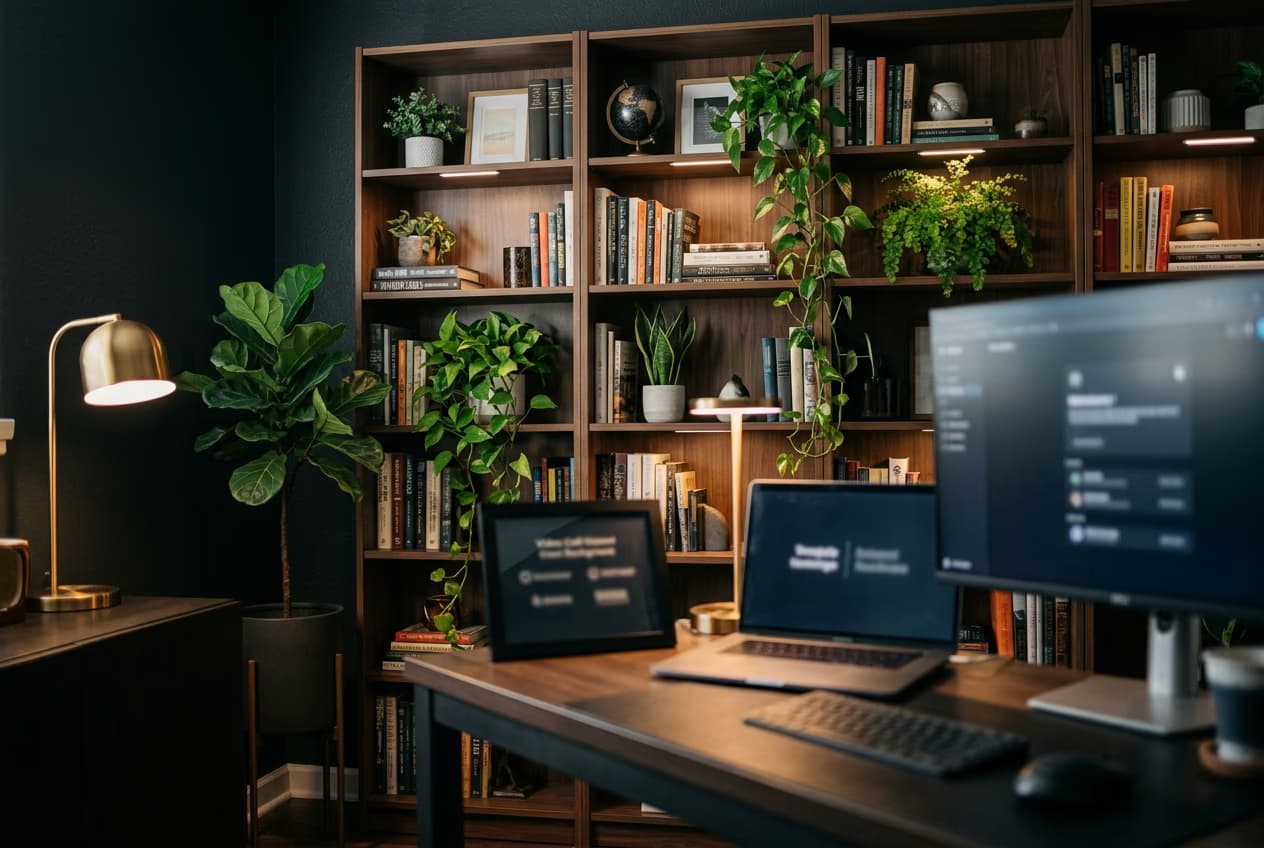
Picsart-இன் வீடியோ பின்னணி நீக்கி மூலம் உங்கள் வீடியோக்களைப் பலவிதமாகப் பயன்படுத்துங்கள். இப்போது வீடியோக்களின் பின்னணியையும் ஆன்லைனில் அழிக்கலாம்! உங்கள் சாதனத்தின் வேகத்தைக் குறைக்கும் சிக்கலான நிரல்கள் தேவையில்லை. வீடியோக்களின் பின்னணியை நீக்குங்கள் - உங்கள் உலாவி தாவலிலிருந்தே, ஒரே வசதியான இடைமுகத்தில் உள்ள மற்ற எடிட்டிங் கருவிகளையும் பயன்படுத்தலாம். உள்ளுணர்வுக்கு ஏற்ற இடைமுகம் முடிவுகளை விரைவாகச் செம்மைப்படுத்த உதவுகிறது; பயனர் நட்பு கருவி எல்லாத் திறன் நிலைகளிலுமுள்ள படைப்பாளர்களுக்கும் எடிட்டிங் பணியைச் சீராகவும் இனிமையாகவும் ஆக்குகிறது.
பின்னணி அழிப்பான் பற்றிய மதிப்புரைகள்
மிகச் சிறப்பு! இத்தகைய இலவச நிரலை வழங்கியதற்கு மிக்க நன்றி. பின்னணியை நீக்கப் பலவற்றை முயற்சித்திருக்கிறேன்; உங்களுடையது தொடர்ந்து சிறந்த முடிவுகளைத் தருகிறது. நன்றி.
Margaretமிகச் சிறப்பானது, நான் மிகவும் ஈர்க்கப்பட்டேன்! Picsart-ஐ மிகச் சிறந்தவற்றில் சிறந்தது என்று அழைப்பதில் எனக்கு எந்தத் தயக்கமும் இல்லை!
EmmanuelBG Remover-ஐ எளிதாகப் பயன்படுத்துங்கள்: தெளிவான கட்-அவுட்களுக்கான புகைப்பட எடிட்டிங் வழிகாட்டி
நிபுணரைப் போலப் பின்னணியை நீக்கக் கற்றுக்கொள்ள விரும்புகிறீர்களா? இந்தப் புகைப்பட எடிட்டிங் வழிகாட்டி, புகைப்பட எடிட்டிங்கின் மிகவும் பயனுள்ள அடிப்படை அம்சங்களில் ஒன்றான பின்னணி நீக்கத்தை அறிமுகப்படுத்தி, Picsart-இன் ஆன்லைன் கருவிகளைப் பயன்படுத்தி அதை எளிதாகச் செய்வது எப்படி என்பதைக் காட்டுகிறது.
பின்னணி எடிட்டிங்கைப் புரிந்துகொள்ளுங்கள்
பின்னணிகளை நீக்குவது, மாற்றுவது மற்றும் சீரமைப்பது எப்படி எனக் கற்றுக்கொள்ளுங்கள்.




பின்னணி நீக்கி பற்றிய கேள்விகள்
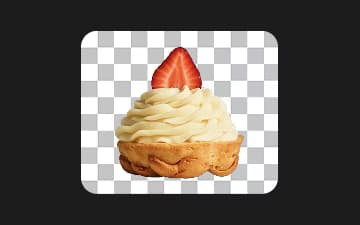
பின்னணி நீக்கிக் கருவி, ஒரு படத்தில் உள்ள பிக்சல்களை ஆய்வு செய்ய செயற்கை நுண்ணறிவு (AI) அல்காரிதங்களைப் பயன்படுத்துகிறது. இது முன்புறத்தையும் (முக்கியப் பொருள்) பின்னணியையும் வேறுபடுத்திக் கண்டறிகிறது. பின்னர், முன்புறத்தின் விளிம்புகளையும் விவரங்களையும் பாதுகாத்தபடி, பின்னணி பிக்சல்களை நீக்குகிறது. வெளிப்படையான பின்னணியுடன் படத்தைப் பதிவிறக்கலாம் அல்லது பின்னணியை வேறொன்றாக மாற்றலாம்.
பின்னணிகளை நீக்கி, மேலும் பல வடிவமைப்புக் கருவிகளைப் பயன்படுத்துங்கள்
Pro
Most popularAI tools for everyday creative work.
Billed yearly
Ultra
Most powerfulHeavy AI usage for creators & teams.
Billed yearly, per seat
Enterprise
Custom AI solutions for large organizations.
Custom credit volume
- Volume discounts on credit rate
- On-demand top-ups
Custom
Contact for pricing


