โปรแกรมลบพื้นหลังภาพถ่ายสำหรับช่างภาพ
แน่นอนและใช้งานง่าย โปรแกรมลบพื้นหลังออนไลน์เหมาะสำหรับช่างภาพ ลบพื้นหลังจากภาพถ่ายของคุณได้อย่างรวดเร็วและแม่นยำด้วยการใช้ปุ่มเพียงปุ่มเดียว

เสร็จสิ้นการแก้ไขภาพด้วยโมเดลภาพ AI
ใช้โมเดลภาพในการทำความสะอาดพื้นหลัง แก้ไขภาพลูกค้า และเตรียมห้องแกลเลอรีอันเงางาม

การทำงานที่รวดเร็วขึ้น
ทำการลบพื้นหลังแบบอัตโนมัติด้วย AI และมุ่งเน้นไปที่แง่มุมสร้างสรรค์ของการถ่ายภาพมากขึ้น

คุณภาพที่ไม่ถูกลดทอน
ขอบคุณ AI ที่ทำให้โปรแกรมลบพื้นหลังสามารถตรวจจับและลบพื้นหลังได้อย่างแม่นยำขณะที่ยังคงรักษารายละเอียดที่ซับซ้อนเช่น ผมและขนไว้ได้

การลบหลายภาพพร้อมกัน
ลบพื้นหลังจากภาพถ่ายหลายภาพพร้อมกันและประหยัดเวลาไปกับงานสร้างสรรค์อื่น ๆ
วิธีลบพื้นหลังจากภาพถ่ายของคุณ
อัปโหลดภาพ
เลือกภาพถ่ายเพื่อเริ่มต้น
ลบและเปลี่ยนพื้นหลัง
ปรับแต่ง
ดาวน์โหลด
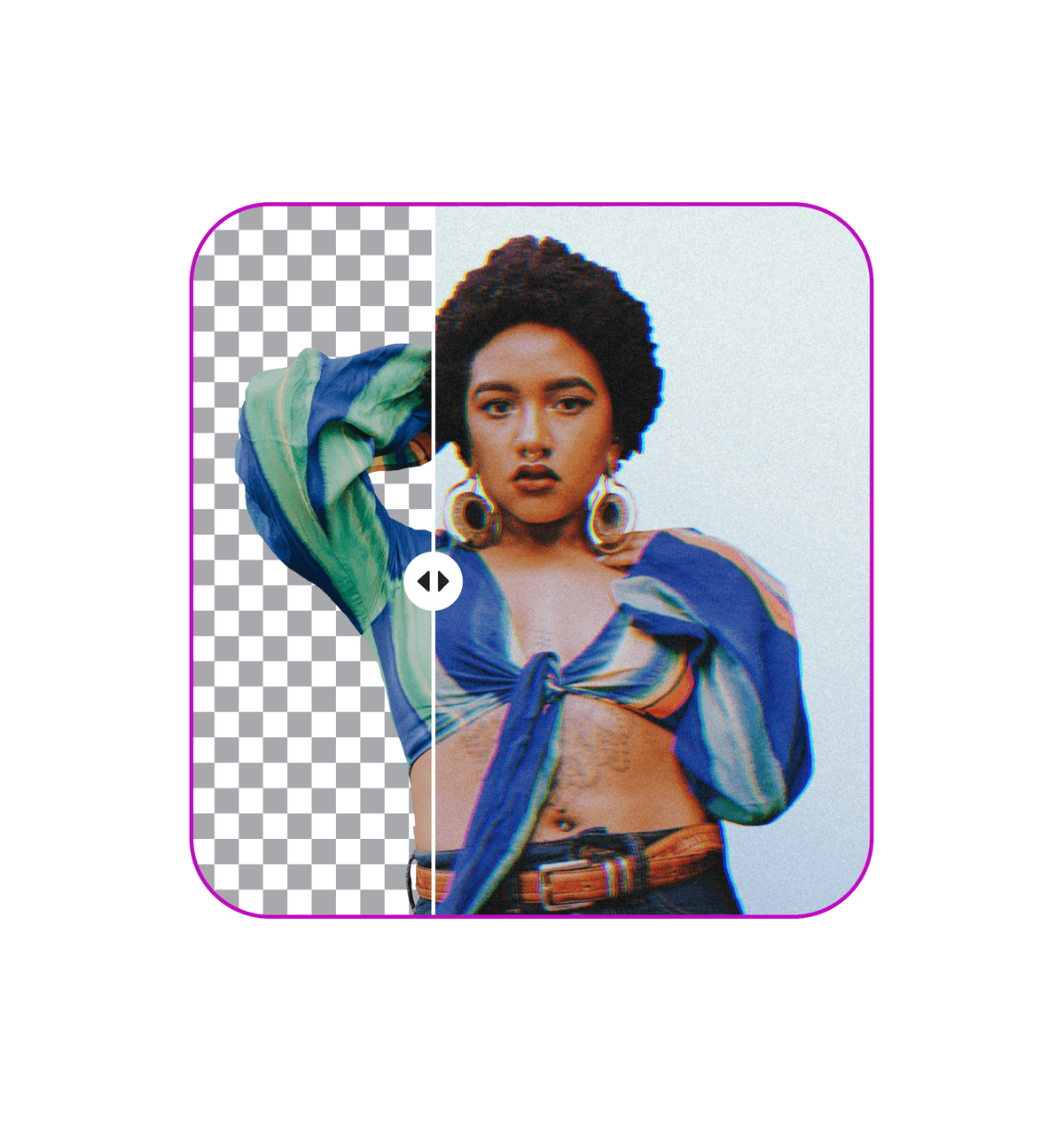
ลบพื้นหลังด้วยการคลิกครั้งเดียว
เร่งกระบวนการแก้ไขภาพถ่ายของคุณด้วยโปรแกรมลบพื้นหลังภาพถ่าย ขอบคุณ AI ที่คุณสามารถ ลบพื้นหลัง ได้อัตโนมัติ ไม่จำเป็นต้องใช้เวลาหลายชั่วโมงในการตรวจสอบด้วยมือ แต่ให้ AI ทำให้คุณและเพิ่มเวลาสำหรับโครงการอื่น ๆ

ลบพื้นหลังจากภาพถ่ายใด ๆ


เก็บกรีนสกรีนของคุณ
ถ่ายภาพในสภาพแวดล้อมธรรมชาติได้โดยอิสระและลบพื้นหลังของภาพได้อย่างง่ายดายโดยไม่ต้องมีการจัดเซ็ตพิเศษและกรีนสกรีน ประหยัดเวลาและเงินค่าติดตั้งชุดอุปกรณ์ที่มีราคาแพงและเพลิดเพลินไปกับกระบวนการแก้ไขที่ไม่ซับซ้อนยิ่งขึ้น

เพิ่มพลังการถ่ายภาพสินค้าของคุณ
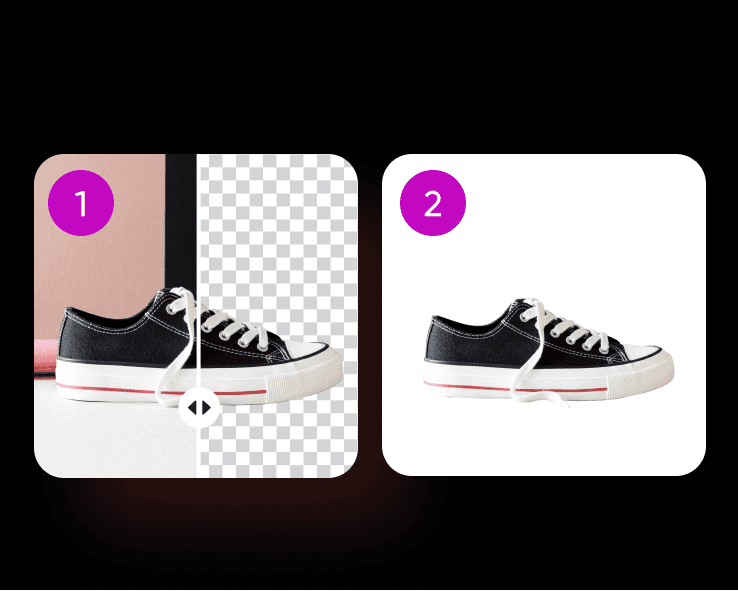
ได้ลุคที่เงาวาวและมืออาชีพสำหรับการถ่ายภาพสินค้าของคุณได้ทันทีด้วยโปรแกรมลบพื้นหลังของภาพ แยกสินค้าจากพื้นหลังในไม่กี่วินาทีและเน้นไปที่การนำเสนอมากกว่าการตรวจสอบ คุณต้องการเร่งกระบวนการให้เร็วยิ่งขึ้นไหม? ใช้ AI background generator เพื่อสร้างพื้นหลังที่ไม่ซ้ำใครสำหรับสินค้าของคุณ หรือเพียงแค่ เปลี่ยนพื้นหลัง ด้วยภาพที่มีอยู่ในห้องสมุดขนาดใหญ่ของ Picsart

ให้ภาพถ่ายบุคคลของคุณตรงหลัก
มอบลุคที่มืออาชีพและเงางามสำหรับการถ่ายภาพบุคคลของคุณด้วยพื้นหลังที่สะอาดและไม่ขจัดโฟกัสออกจากวัตถุบุคคล AI จะลบพื้นหลังด้วยความแม่นยำถึงแม้ว่าภาพจะมีผมหรือสัตว์ขนยาวซึ่งทำให้คุณสามารถแทนที่ด้วยพื้นหลังอันแตกต่างได้

ยกระดับการถ่ายภาพงานแต่งงานของคุณ
ยกระดับกระบวนการแก้ไขภาพถ่ายงานแต่งงานของคุณด้วยโปรแกรมลบพื้นหลังภาพถ่าย ช่วยลูกค้าของคุณสร้างความทรงจำที่สวยงามและเงางามและเพิ่มเอกลักษณ์เข้าไปโดยการแทนที่พื้นหลัง ใช้งานความคิดเห็น ลบพื้นหลังหลายภาพพร้อมกัน เพื่อลบพื้นหลังจากหลายภาพพร้อมกันได้!

อัปเกรดพอร์ตโฟลิโอของคุณบนสื่อสังคมออนไลน์
เพิ่มทางติดตามของผู้ติดตามในสื่อสังคมออนไลน์ด้วยการแสดงภาพถ่ายที่เงางามของคุณ แสดงทักษะการถ่ายภาพของคุณและพัฒนาพอร์ตโฟลิโอออนไลน์ของคุณไปอีกขั้นด้วยโปรแกรมลบพื้นหลังภาพถ่ายของ Picsart ปรับภาพของคุณให้เข้ากับข้อกำหนดความละเอียดในสื่อสังคมออนไลน์ได้โดยง่ายโดยมีการควบคุมพื้นหลังอย่างเต็มที่

เพิ่มการแก้ไขสุดท้ายด้วยเครื่องมือแก้ไขภาพ AI ของ Picsart
Picsart อยู่ที่นี่เพื่อช่วยคุณผ่านการเดินทางสร้างสรรค์จากต้นจนจบ ใช้ประโยชน์จากชุดเครื่องมือแก้ไขภาพที่หลากหลายซึ่งถูกรวมเข้าด้วยกันในอินเทอร์เฟซผู้ใช้ที่ไม่ยุ่งยาก ใช้เทคโนโลยี AI ขั้นสูงในการลบวัตถุก่อกวนออกจากภาพของคุณหรือแม้กระทั่งอัปเกรดความละเอียดด้วย AI enhance.




คำถามที่พบบ่อยเกี่ยวกับการลบพื้นหลัง
ใช่ โปรแกรมลบพื้นหลังภาพถ่ายถูกออกแบบมาเพื่อจัดการกับภาพที่ซับซ้อน เทคโนโลยี AI สามารถตรวจจับและลบพื้นหลังได้อย่างแม่นยำขณะที่ยังคงรักษารายละเอียดที่ซับซ้อนของผมและขนสัตว์ไว้
ขอบคุณเทคโนโลยีการแก้ไขภาพด้วย AI ขั้นสูงที่ทำให้โปรแกรมลบพื้นหลังภาพถ่ายมีความแม่นยำมาก มันวิเคราะห์ภาพ แยกส่วนหน้างานออกจากพื้นหลังอย่างฉลาด และช่วยตรวจจับขอบที่แม่นยำและการลบที่ราบรื่น ทำให้ได้ภาพที่สะอาดและดูเป็นธรรมชาติ
ไม่จำเป็นเลย! โปรแกรมแก้ไขภาพของ Picsart ทำให้การลบพื้นหลังออกจากภาพถ่ายออนไลน์เป็นเรื่องง่ายมาก เพียงแค่คุณอัปโหลดภาพแล้วคลิกปุ่ม ใช่, เพียงแค่ปุ่มเดียว!
เดินหน้าการเดินทางการแก้ไขของคุณต่อไปกับ Picsart




Picsart ในสื่อ




เคล็ดลับ & เทคนิคการแก้ไขพื้นหลัง
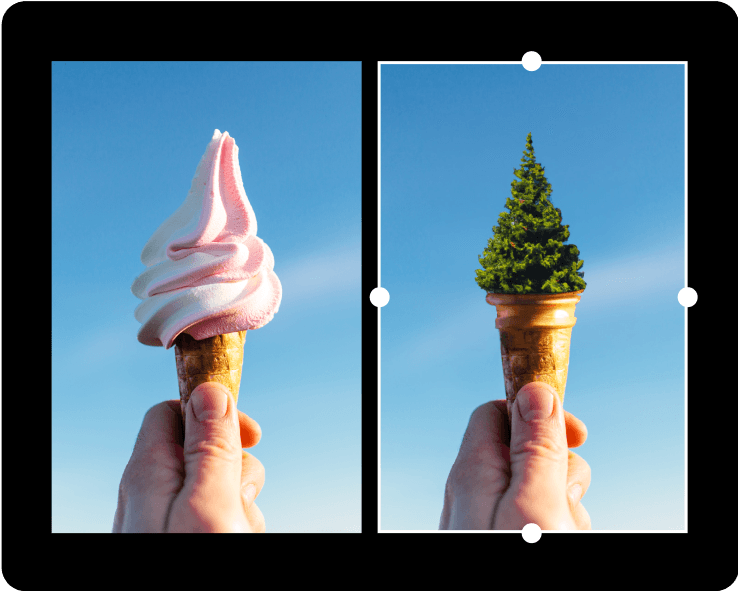
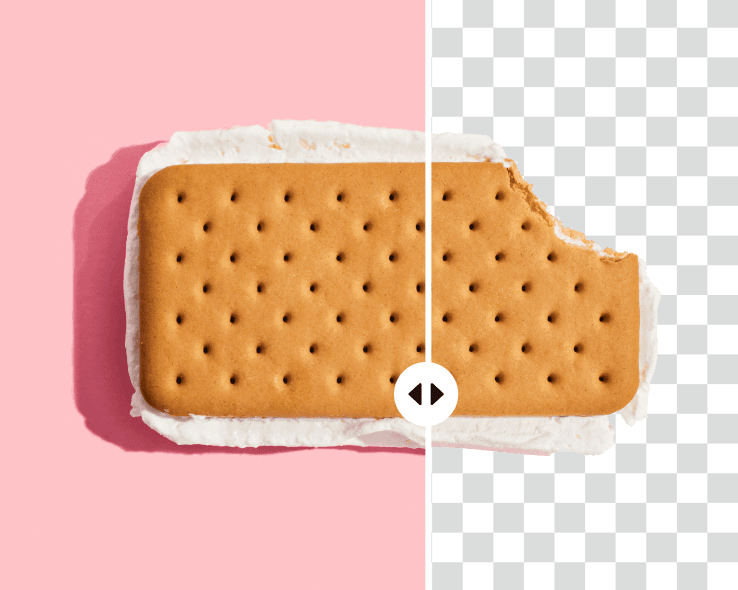

ทำความสะอาดภาพเพื่อเนื้อหาสร้างสรรค์ที่เงางาม
Free
Starter tools for casual exploration.