أنشئ تصاميم بصرية باستخدام GPT Image Generator
حوّل أفكارك إلى تصاميم بصرية متقنة في ثوانٍ. يجمع GPT Image Generator من Picsart بين تقنية إنشاء الصور من OpenAI وأدوات تصميم قوية، ليمنحك تحكمًا أكبر في مظهر صورك وإحساسها وطريقة استخدامها.

جرّب تأثيرات الذكاء الاصطناعي الإبداعية التالية


كيفية إنشاء صور GPT
اكتشف إمكانات GPT Image Generator
يُعد GPT Image Generator مثاليًا لتصوّر أفكار الحملات التسويقية، وإنشاء خلفيات لوسائل التواصل الاجتماعي، وتصميم بطاقات مخصصة، أو إنتاج رسومات تصورية. وهو مفيد خصوصًا عند البدء دون أي عناصر جاهزة، إذ يساعدك على إنشاء صور GPT من الصفر. استخدمه لاستكشاف أفكار فريدة للوحات الإلهام وسرد القصص والنماذج الأولية السريعة وغير ذلك.
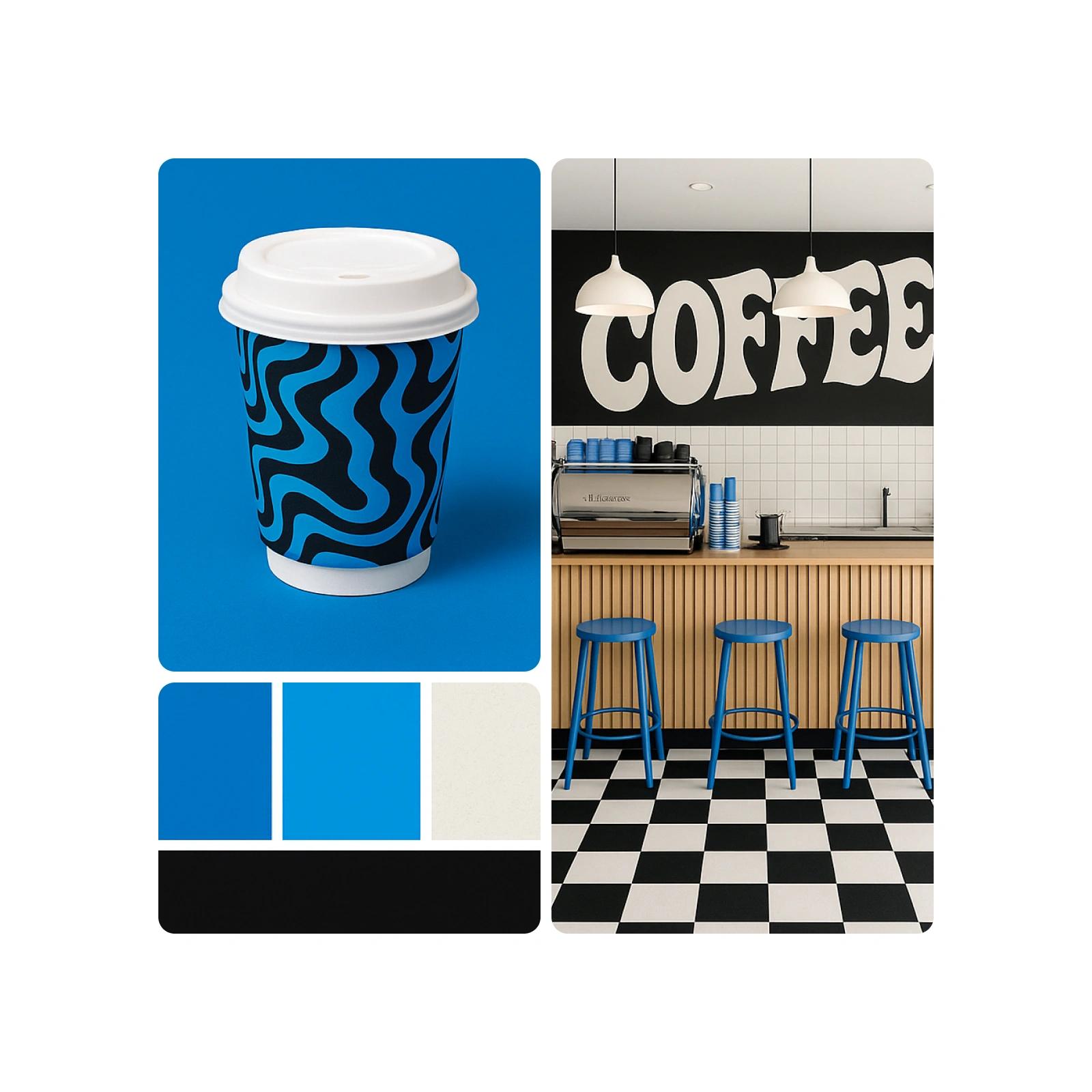
استخدم GPT Image Generator في مشاريعك الإبداعية
يُعد GPT Image Generator مثاليًا لتصوّر أفكار الحملات التسويقية بسرعة، وتصميم بطاقات التهنئة، وإنشاء خلفيات لوسائل التواصل الاجتماعي أو إنتاج رسومات تصورية. وهو مفيد خصوصًا عند البدء دون أي عناصر جاهزة، إذ يساعدك على إنشاء صور GPT من الصفر. تدعم هذه الأداة سرد القصص بصريًا، والعصف الذهني، ولوحات الإلهام، والنماذج الأولية، وتقدم طريقة جديدة لإنشاء محتوى أصلي بالكامل تتجاوز أساليب التحرير التقليدية.
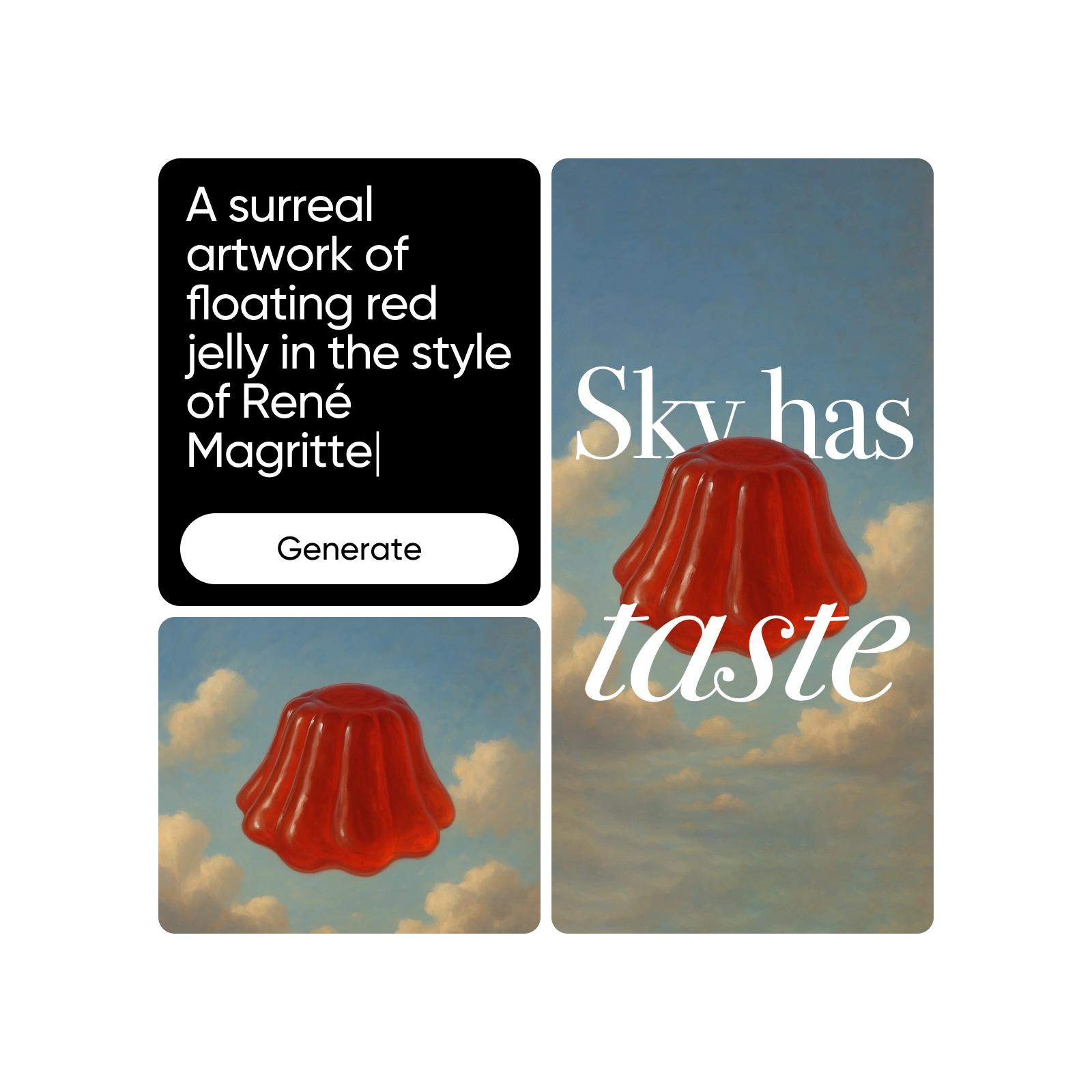
حسّن الصور المُنشأة باستخدام GPT وخصّصها
بعد إنشاء صور GPT، استخدم أدوات التحرير من Picsart لتحسينها وتخصيصها. أزل العناصر، أو طبّق AI Filters، أو استبدل العناصر بما يناسب احتياجاتك الإبداعية. من تنقية الخلفيات إلى إضافة تفاصيل تحمل علامتك التجارية، يمكنك بسهولة تعديل صور GPT وتحسينها لأي استخدام.

تعرّف على إنشاء الصور بالذكاء الاصطناعي
اكتشف كيف تؤثر الأوصاف والأنماط واختيارات النماذج في الصور.
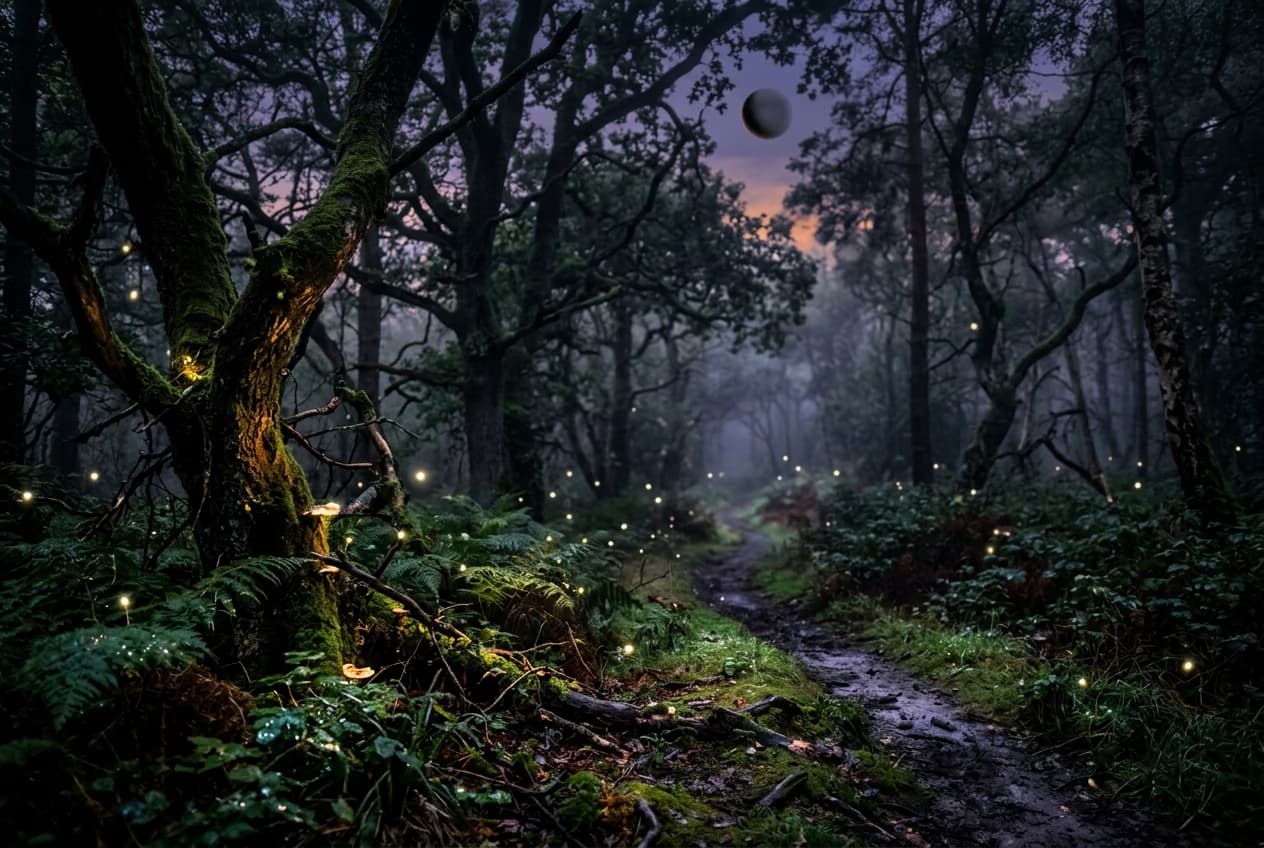


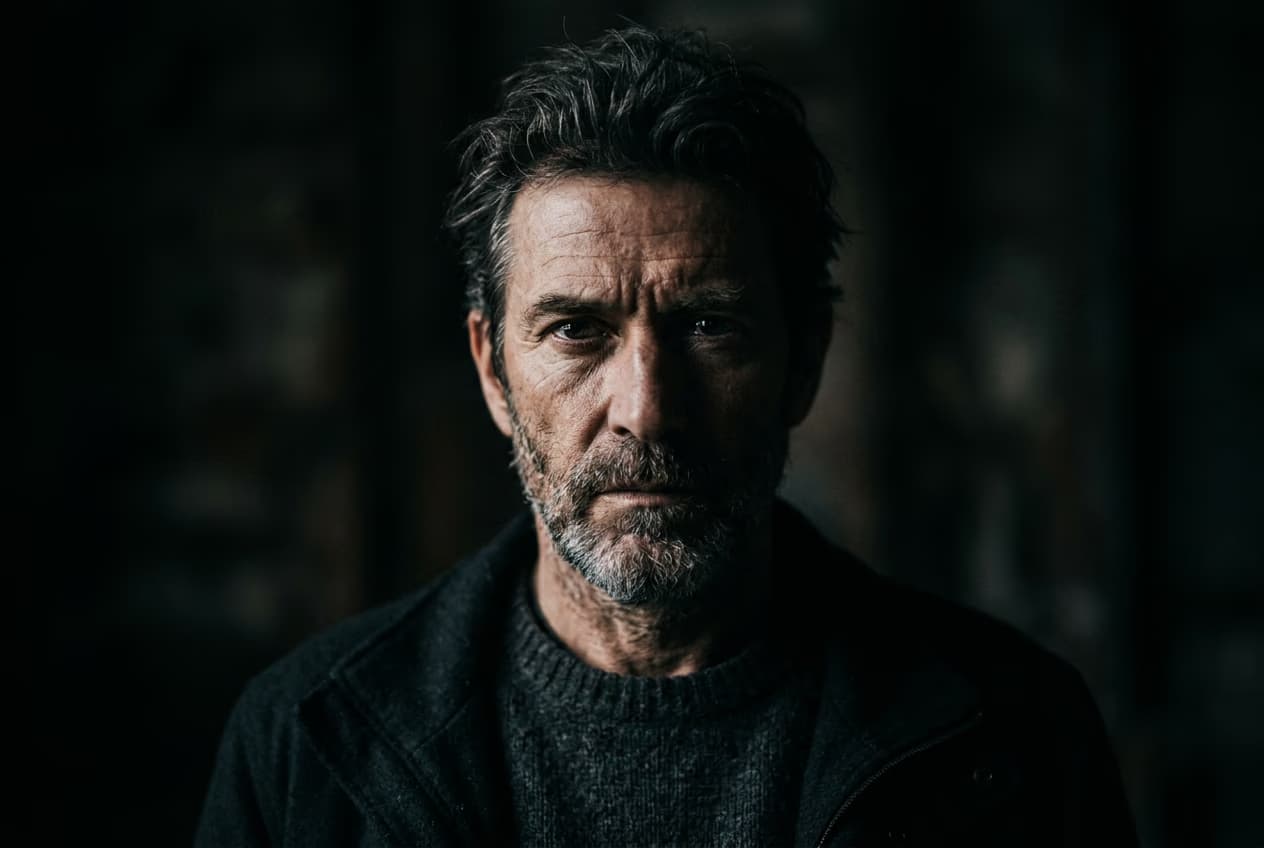
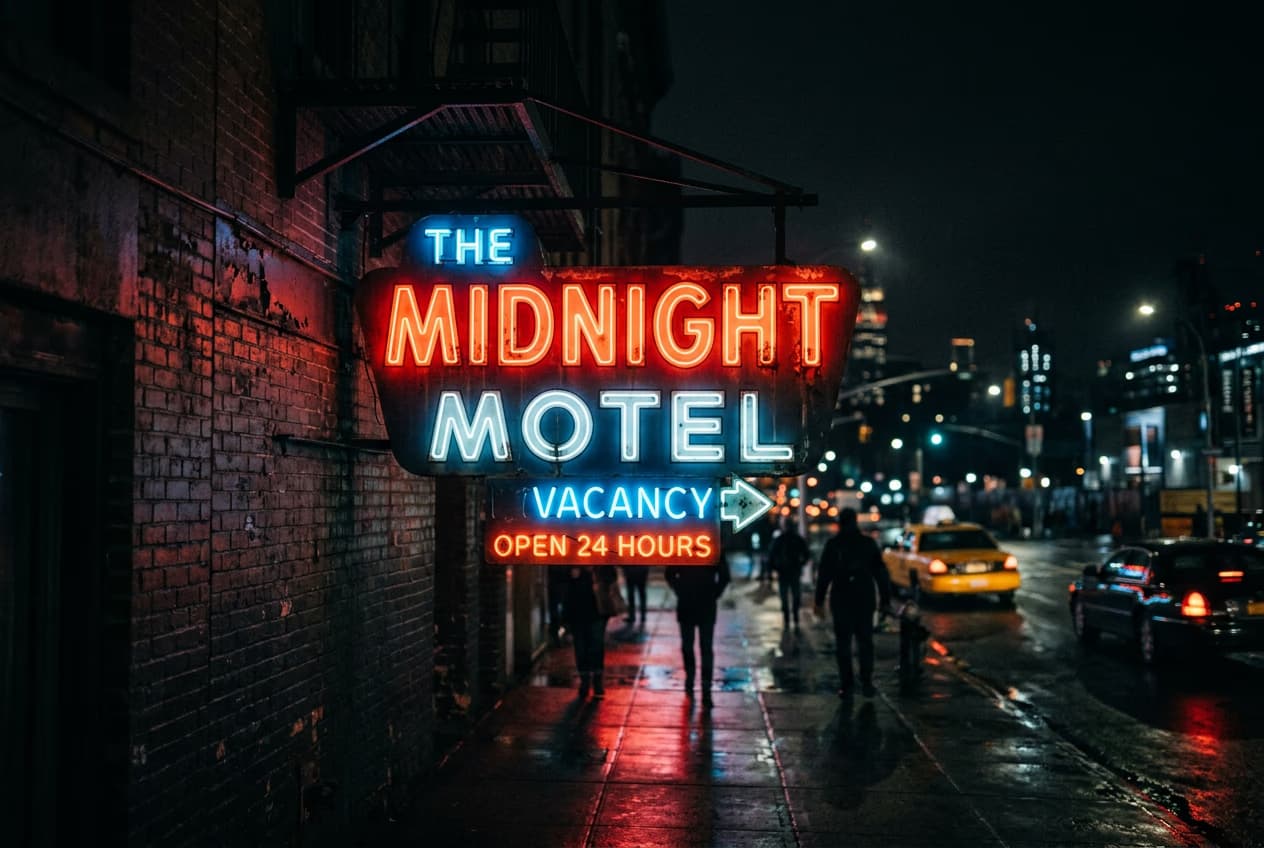
أنشئ صورًا باستخدام GPT Image Generator ونماذج الصور بالذكاء الاصطناعي
استخدم نماذج الصور لتحويل GPT Image Generator إلى تصاميم بصرية متقنة وأفكار تصميم وعناصر جاهزة للتحرير.
الأسئلة الشائعة حول GPT Image Generator
تستخدم تقنية إنشاء الصور من OpenAI نماذج متقدمة للغة والرؤية لإنشاء صور انطلاقًا من أوصاف نصية. فهي تفهم المدخلات الوصفية وتحولها إلى صور واقعية أو خيالية استنادًا إلى السياق المقدّم.
أنشئ صورًا بالذكاء الاصطناعي لمشاريع جاهزة لصنّاع المحتوى
Pro
Most popularAI tools for everyday creative work.
Ultra
Most powerfulHeavy AI usage for creators & teams.
Enterprise
Custom AI solutions for large organizations.
- Volume discounts on credit rate
- On-demand top-ups


