Picsart Skills — Drop-in creative skills for Claude Code, Cursor, and 12+ AI agents

Turn your agent into
a creative engine

Connect Picsart to your agent — and generate images, video, and audio right from your conversations.

Turn your terminal or agent into
a creative engine

Connect Picsart to your CLI or AI agent - powered by Nano, Banana, Flux, Sora, Kling, Veo, Runway, Recraft, ElevenLabs, and 120+ more models. Drop it in any terminal, CI job, or Dockerfile. MCP server for Claude Code, Cursor, and ChatGPT is live now.

Turn your agent into
a creative engine

Connect Picsart to your agent — and generate images, video, and audio right from your conversations.

1

Install the CLI

One command installs the gen-ai binary on macOS, Linux, and Windows — no Node.js required.

>_ curl -fsSL https://picsart.com/gen-ai-cli/install.sh | bash
2

Sign in

OAuth opens in your browser. Credentials stay on your machine and unlock 130+ models on one credit balance.

>_ gen-ai login
3

Generate

Describe what you want in plain English. Switch providers with -m. Output lands in ./out/.

>_ gen-ai generate -m flux-2-pro -p "editorial hero" --ar 5:3
1

Open Claude or Codex settings

Choose the agent you use, then open its connector settings.

2

Add a custom connector

Name it Picsart and paste the URL below. Click Add.

>_ https://api.picsart.com/gen-ai/mcp
3

Connect and sign in

Click Connect, sign in with your Picsart account, and ask your agent to generate an image.

1

Add the skills

One command pulls all the Picsart skills — generate, batch, brand-gate — into your agent.

>_ npx skills add PicsArt/gen-ai-skills
2

Sign in

Connects your account so the skills can submit jobs through the gen-ai CLI under the hood.

>_ gen-ai login
3

Invoke from chat

Works with Claude Code, Cursor, Codex, Windsurf, and 12+ agents. Skills auto-trigger on plain-English prompts.

>_ /picsart:generate "launch kit for product.md"

One CLI. Three media types. Every major model.

One CLI for images, video, and audio powered by Nano Banana, Flux, Sora, Kling, Veo, Runway, Recraft, ElevenLabs, and 120+ more leading models. Skip the SDK sprawl: one install, one auth, every provider. Drop it into any terminal, CI job, or Dockerfile to script creative workflows, batch-generate assets, or wire generation straight into your product. Same engine that powers Picsart's own agents, now open to every builder. MCP server for Claude Code, Cursor, and ChatGPT is live now.

One MCP server. Three media types. Every major model.

One MCP server for images, video, and audio, powered by Nano Banana, Flux, Sora, Kling, Veo, Runway, Recraft, ElevenLabs, and 120+ more models. Install it once, connect your host, and ask in plain English. Claude Code, Codex, Cursor, ChatGPT, Windsurf, and other MCP-compatible tools can call Picsart generation without leaving your agent. The CLI is still available when you want raw shell control.

One CLI. Three media types. Every major model.

One CLI for images, video, and audio powered by Nano Banana, Flux, Sora, Kling, Veo, Runway, Recraft, ElevenLabs, and 120+ more leading models. Skip the SDK sprawl: one install, one auth, every provider. Drop it into any terminal, CI job, or Dockerfile to script creative workflows, batch-generate assets, or wire generation straight into your product. Same engine that powers Picsart's own agents, now open to every builder. MCP server for Claude Code, Cursor, and ChatGPT is live now.

Explore workflows
Explore workflows
Explore workflows
130+ models 25+ providers 3 content types 15+ commands
130+ models 25+ providers 3 content types 10+ tools
130+ models 25+ providers 3 content types 30+ skills
For the build-curious What's a CLI? And how your AI agent makes it friendly.
Show me Hide

Plain English in. Real creative output out. You don't need to learn a single command. Your AI agent speaks CLI so you don't have to. You bring the imagination, the taste, the idea. It handles the syntax.

01 · Demystify

A CLI is just text in, text out.

No tricks. No decade of computer science. A command-line interface is a text box where you type an instruction and the computer writes back. The scary-looking window is actually the simplest kind of software there is.

$gen-ai images
The command
  --prompt "a neon cat on a surfboard"
What you want
→ saved to ./out/cat-surfboard.webp
What you get
02 · Bridge

Your AI agent already speaks CLI.

You don't have to memorize the commands. Tools like Claude Code and Cursor read your plain English and write the CLI for you. Drop a gen-ai skill into your agent once, then trigger it with sentences. You bring the taste. The agent handles the syntax.

You say
"Make me 20 launch posters, each with a different vibe."
Agent writes
gen-ai images
--prompt "..."
--count 20
-m flux-2-pro
You get
20 posters, saved locally, ready to pick your favorite.
03 · Elevate

The barrier to entry has never been lower.
The value of taste and imagination has never been higher.

Agents change who gets to build. We are all builders. Or can be. What you bring is the thing no tool can manufacture: your eye, your voice, your weird idea at 2am.

50 video intros a podcast trailer 200 logo variants a bedtime story in your voice
For the build-curious What's MCP? And how your AI agent makes it friendly.
Show me Hide

Plain English in. Real creative output out. MCP, short for model context protocol, lets your AI agent call approved tools directly. Picsart MCP gives it creative tools for images, video, audio, model info, pricing, and estimates.

01 · Demystify

MCP connects your agent to tools.

No app switching. No copied API payloads. Your agent gets a clear list of Picsart actions it can call, then chooses the right one based on what you ask for.

02 · Bridge

Your agent handles the tool call.

You do not need to memorize flags or model settings. Ask for the outcome, review the estimate when credits are involved, and let the agent call the right Picsart tool.

03 · Create

Your agent gets the production tools.
You keep the taste and direction.

Use MCP when you want creative generation inside chat. Use the CLI when you want terminal control, scripts, or batch jobs. Both point back to the same Picsart account.
For the build-curious What's a skill? And how your AI agent uses it.
Show me Hide

Plain English in. Real creative output out. A skill is a drop-in folder that teaches your AI agent a complete job — generate a hero, cut a reel, re-shoot a catalog. Install one, ask for the outcome, and the agent runs it end-to-end.

01 · Demystify

A skill teaches your agent a job.

No prompt engineering, no flags to remember. Each skill packages the instructions and the right Picsart tools, so a sentence is enough to trigger the whole workflow.

02 · Bridge

It auto-triggers on what you say.

Drop a skill into your agent once. When your request matches — "build a launch kit for this product" — the skill fires, picks the model, and delivers the assets where you can use them.

03 · Create

Your agent gets the playbook.
You keep the taste and direction.

Skills work in Claude Code, Cursor, Codex, Windsurf, and 12+ agents. Under the hood they use the same Picsart account and credits as the CLI and MCP.

Run this in your shell — works in any terminal, CI job, or Dockerfile.

macOS / Linux curl -fsSL https://picsart.com/gen-ai-cli/install.sh | bash
Windows iwr -useb https://picsart.com/gen-ai-cli/install.ps1 | iex
npm npm install -g @picsart/gen-ai

First run opens your browser to sign in · Or use without installing →

Install the MCP server, register it with your host, then verify the connection.

Claude claude mcp add gen-ai-mcp -- gen-ai-mcp
Codex codex mcp add gen-ai-mcp -- gen-ai-mcp

Cursor, Windsurf, and VS Code can use gen-ai-mcp as the MCP command · Open docs →

Add the skills to your agent, sign in once, then ask in plain English.

Add skills npx skills add PicsArt/gen-ai-skills
Sign in gen-ai login
Invoke /picsart:generate "launch kit"

Works in Claude Code, Cursor, Codex, Windsurf, and 12+ agents · Browse the skill library →

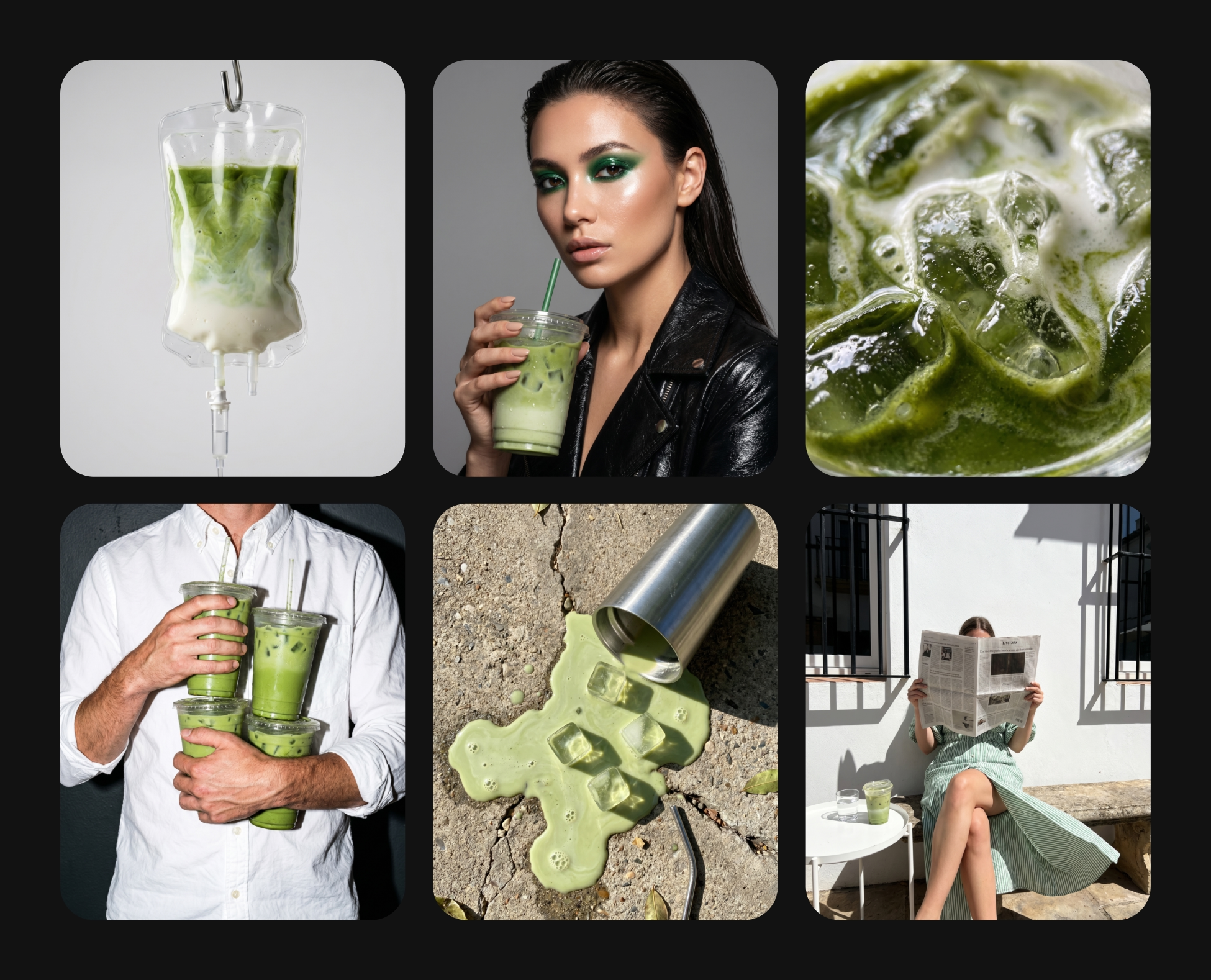
Editorial still-life generated with Recraft V4
Recraft V4 · 1024×1024 · 12s · 2 credits
CLI
gen-ai generate -m recraftv4 -p "editorial still-life, neon rim-light" --ar 1:1
Ask

"Render a 16:9 editorial still-life with neon magenta and cyan rim-light — use Recraft V4, save as hero.webp."

Kling 3.0 · 1280×720 · 5s · 20 credits
CLI
gen-ai generate -m kling-v3-standard -p "neon liquid ribbons" --duration 5 --ar 16:9
Ask

"Animate a 5-second neon-liquid ribbon loop in 16:9 — use Kling 3.0 Standard. Keep it cinematic, slow motion."

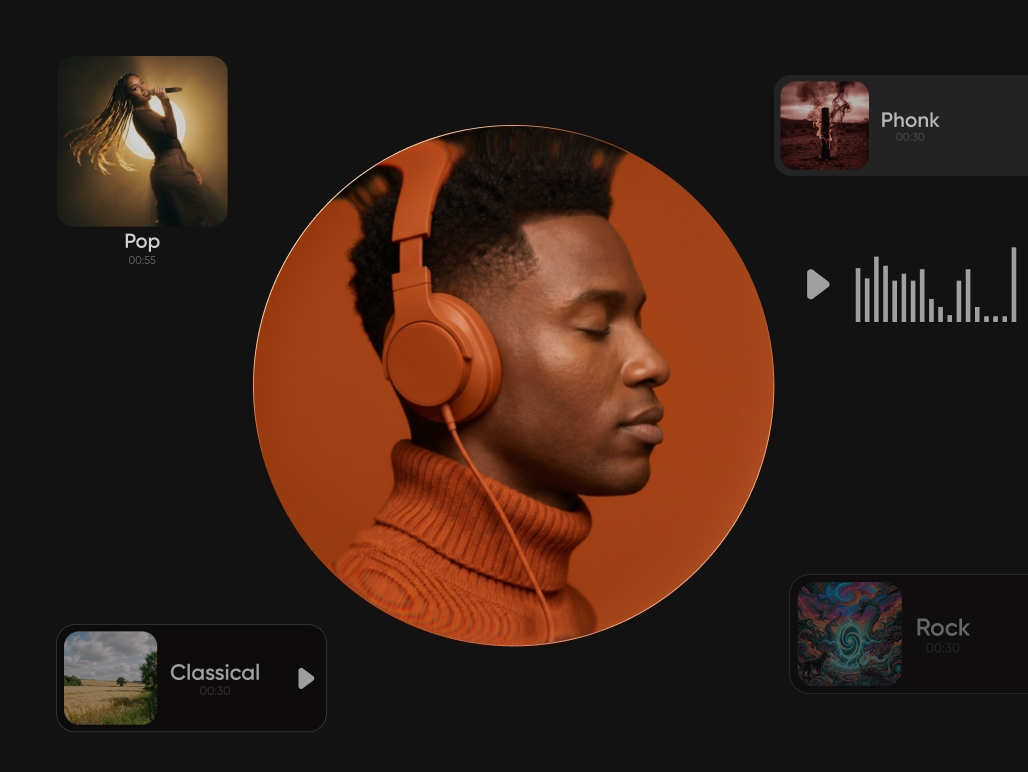
ElevenLabs voiceover waveform
Eleven v3 · MP3 · 6s · 3 credits
CLI
gen-ai generate -m eleven-v3 -p "Welcome to Picsart. One CLI for every media type."
Ask

"Voice this line in a warm, confident read with Eleven v3: 'Welcome to Picsart. One CLI for every media type.'"

One CLI. Three media types. Real output, generated with gen-ai.


Prompt examples

Ask in plain English. Any style.

Ask in plain English. Any style.

Ask in plain English. Any style.

Copy any prompt below and drop it into Claude Code, Cursor, or Windsurf. The installed skill picks the right model and runs it — no flags, no config.

Cinematic · Portrait

"Shoot a dramatic editorial portrait of a woman in a rain-soaked Tokyo alley, neon signs reflected in puddles, 35mm film look."

Cinematic · Landscape

"Golden hour landscape of an abandoned greenhouse overgrown with wildflowers — cinematic color grade, shallow depth of field, 16:9."

Cinematic · Still life

"Moody still life of vintage camera equipment on aged oak — single-source window light, heavy film grain, 4:3."

Cinematic · Surreal

"A giant open book floating above a misty mountain range at dusk — dramatic volumetric lighting, hyperrealistic, wide."

Cinematic · B&W

"Black-and-white portrait of a jazz musician backlit in a smoky 1950s club — high contrast, Kodak Tri-X grain, 3:4."

Cinematic · Fashion

"Editorial fashion shot — model in a tailored charcoal coat in an empty brutalist parking garage, harsh overhead strip light, 2:3."

Illustration · Botanical

"Hand-painted botanical illustration of a rare orchid species with scientific annotation labels — watercolor on textured paper, 3:4."

Illustration · Retro poster

"Retro 1970s road trip poster — Route 66, desert sunset, bold two-tone color palette, vintage typography, 2:3."

Illustration · Children's

"Children's book illustration of a fox and a rabbit sharing a forest picnic — flat vector style, soft pastel palette, square."

Illustration · Map

"Isometric cyberpunk city map in hand-drawn line art style — neon color accents on dark ground, square format."

Illustration · Travel poster

"Mid-century modern travel poster for Kyoto in spring — cherry blossoms, pagoda silhouette, two-color risograph print effect, 2:3."

Illustration · Character

"Character sheet for a cozy fantasy baker — front, side, and 3/4 view, soft ink lines, muted earth tone palette, square."

Ecommerce · PDP hero

"Place this perfume bottle on wet marble with soft morning light — minimalist studio, white background, 3:4 for product detail page."

Ecommerce · Lifestyle

"Re-shoot the sneaker on a concrete rooftop at golden hour — lifestyle scene, crop to 1:1 for Instagram grid."

Ecommerce · Batch bg variants

"Generate 6 background variants for this face cream: studio white, moody dark, pink botanical, spa tile, linen texture, outdoor moss."

Ecommerce · Seasonal

"Create a Christmas scene for this candle product — pine cones, warm candlelight, snow on window, gift ribbon, square."

Ecommerce · Jewelry

"Take this jewelry photo and produce 4 lifestyle scene options: editorial magazine, luxury hotel vanity, outdoor garden, minimalist desk."

Ecommerce · Catalog batch

"Re-shoot every image in /products with a clean white background and consistent soft studio lighting — save all to Drive."

Advertising · Campaign hero

"Full-bleed campaign visual for a fitness brand — athlete mid-sprint, stadium lighting, bold typography space on right, 16:9."

Advertising · Before/after

"Split-screen ad: dull living room on the left, same room transformed with warm afternoon light and minimal furniture on the right — square."

Advertising · Back-to-school

"3 ad header variants for a back-to-school sale — bright Gen Z aesthetic, mix of flat and photographic, 1200x628px."

Advertising · Automotive

"Premium automotive ad visual — sports car on a winding mountain road at blue hour, drone-style wide shot, 16:9."

Advertising · Seasonal

"Valentine's Day campaign hero — luxury chocolate box, scattered rose petals, gold accents, premium editorial feel, 16:9."

Advertising · Display banner

"Generate 5 display banner sizes for this campaign visual — 300x250, 728x90, 160x600, 320x50, 1200x628 — maintain composition."

Video · 360 product spin

"Animate this product bottle into a 10-second video — slow 360-degree rotation on white, soft studio lighting throughout."

Video · Cinemagraph

"Create a 5-second cinemagraph from this coffee cup photo — steam rising gently, everything else perfectly still."

Video · Brand film

"15-second brand film: product dissolving into its raw ingredients, then reassembling — clean white studio, macro close-ups."

Video · Stories format

"Animate this lifestyle shot into a 7-second Stories video — slow zoom in and subtle lighting shift, 9:16."

Video · Unboxing

"10-second unboxing sequence: package opens to reveal product, confetti falls — vibrant, social-native energy."

Video · Extended cut

"Take hero.mp4 and extend it by 3 more 7-second segments — maintain the visual style and motion continuity."

Social · Instagram Stories

"5 Story backgrounds for a wellness brand: soft gradient, botanical overlay, pastel textures — 9:16, top third clear for text."

Social · TikTok thumbnail

"TikTok thumbnail for a cooking video — close-up of finished dish, warm tones, bold shadow space at bottom for title, 9:16."

Social · LinkedIn banner

"LinkedIn banner for a B2B SaaS company — professional team in open office, city skyline through floor-to-ceiling windows, 4:1."

Social · Reels cover

"Reels cover for a travel account — golden hour beach shot with silhouette figure walking away, cinematic crop, 9:16."

Social · Pinterest pins

"4 Pinterest pin images for a home decor brand: bedroom flat lay, kitchen counter, living room corner, bathroom shelf — 2:3 each."

Social · Content calendar batch

"Generate this week's 7 Instagram post visuals from brief.md — maintain brand palette, vary composition, square format."


Install guide · for non-techies

From zero to your first generation in three steps.

Up and running in three steps.

From zero to your first generation in three steps.

Paste a command — or ask your agent to do it for you. Sign in. Ask for what you want. That's the whole setup.

Step 01

Install the CLI

Paste one command into any terminal — or ask your AI agent (Claude Code, Codex, Cursor, Windsurf) to do it for you. Works on macOS, Linux, and Windows.

Connect Picsart MCP

Install @picsart/gen-ai-mcp, then add gen-ai-mcp as the MCP command in your agent host.

Install the CLI

Paste one command into any terminal — or ask your AI agent (Claude Code, Codex, Cursor, Windsurf) to do it for you. Works on macOS, Linux, and Windows.

Step 02

Sign in

Run gen-ai login. A browser tab opens, you click "allow", you're authenticated. Credentials stay on your machine.

Sign in

Ask your agent to run gen-ai_whoami. If auth is missing, pass PICSART_TOKEN through the host config or sign in with the CLI once.

Sign in

Run gen-ai login. A browser tab opens, you click "allow", you're authenticated. Credentials stay on your machine.

Step 03

Your first generation

Run gen-ai generate and describe what you want in plain English. Your file lands in your folder, ready to use.

Ask your agent

Describe what you want in plain English — image, video, or audio. Your agent calls the right Picsart model and saves the output for you.

Your first generation

Run gen-ai generate and describe what you want in plain English. Your file lands in your folder, ready to use.


Skill library

Give your agent skills. It does the rest.

Picsart Skill Library

Plug in a skill. Ask in plain English. Your agent ships it.

Skill library

Give your agent skills. It does the rest.

Each skill is a drop-in folder that teaches your AI agent a complete job — generate a hero, cut a reel, re-shoot a 1000-SKU catalog. Install one, ask in plain English, and the agent delivers end-to-end. Below: 6 starter skills covering every media type, plus 6 persona-specific workflow packs.

  1. Step 01

    Install via Claude plugin

    Run one command in your terminal. Claude Code pulls the skill directly into your workspace — no unzipping, no manual file placement.

    claude plugin marketplace add PicsArt/gen-ai-skills

    Or download a specific skill as a ZIP and drop it into Claude Code — say "Install this skill for me" and it handles the rest.

  2. Step 02

    Auth on first use

    The first time a skill runs, a browser tab opens and you click Allow. Credentials stay local. You never see gen-ai login — the skill handles it.

    One-time · stays on your machine
  3. Step 03

    Ask in plain English

    The skill auto-triggers when your prompt matches. "Generate a campaign hero, 16:9, warm tones" — the agent picks the model and runs it.

    Zero config. Forever.
  1. Step 01

    Download the skill ZIP

    Click any skill card below. A .zip saves to your Downloads folder — instructions and any helper assets bundled together.

    e.g. gen-ai-images.zip
  2. Step 02

    Drop into your skills folder

    Unzip and move the skill folder to .cursor/skills/ (Cursor) or your project root /skills/ (Windsurf). Reload the workspace.

    .cursor/skills/gen-ai-images/SKILL.md
  3. Step 03

    Ask in plain English

    The skill auto-triggers on matching prompts — "render a product hero, white background, square" — no commands, no config.

    Zero config. Forever.
  1. Step 01

    Install via npx

    Run one command. The skills package pulls all Picsart skills into your agent's skills directory automatically.

    npx skills add PicsArt/gen-ai-skills
  2. Step 02

    Auth on first use

    The skill opens a browser tab for OAuth on first trigger. Credentials stay local. No gen-ai login required from your side.

    One-time · stays on your machine
  3. Step 03

    Ask in plain English

    Skills auto-trigger on matching prompts. Works with any agent that supports the skills spec: Codex, Hermes, OpenClaw, and more.

    Zero config. Forever.
CLI gen-ai login && gen-ai generate -m flux-2-pro -p "sunrise over mountains"
Ask "Install the CLI, authenticate me, and generate my first image."
Skill gen-ai-use.md · covers every command, batch, Drive sync, shell completions, troubleshooting Download
CLI gen-ai generate -m flux-2-pro -p "editorial hero image" --ar 5:3
Ask "Generate a 16:9 hero for the blog at ./draft.md using Flux, save to /public."
Skill gen-ai-images.md · auto-triggers on "generate image" / "render hero" / "make og image" Download
CLI gen-ai generate -m kling-v3-pro --start-frame hero.webp --duration 10 --generate-audio
Ask "Animate hero.webp into a 10-second reel with Kling and add a soundtrack."
Skill gen-ai-video.md · auto-triggers on "generate video" / "animate image" / "make reel" Download
CLI gen-ai generate -m eleven-v3 -p "warm, confident voiceover"
Ask "Record a 15-second voiceover of this paragraph in a warm, confident voice."
Skill gen-ai-audio.md · auto-triggers on "record voiceover" / "make music" / "generate sfx" Download
CLI gen-ai batch run products.json -c 4 --save-to-drive
Ask "Re-render every image in /products with a clean background, save to Drive."
Skill gen-ai-batch.md · auto-triggers on "batch process" / "run manifest" / "wire into CI" Download
CLI gen-ai image -m flux-2-pro -p "product launch hero" --ar 5:3
Ask "Turn this product brief into a full launch kit — hero, socials, 15-second reel, soundtrack."
Skill gen-ai-workflows.md · auto-triggers on "build campaign kit" / "launch kit" / "og image service" Download
CLI gen-ai generate -m kling-v3-pro --start-frame portrait.png --ar 9:16 --duration 8 --generate-audio
Ask "Build a 25-second vertical reel: hook + value + CTA, character-consistent via a reference portrait, with AI voiceover."
Skill marketer-motion-studio.md · auto-triggers on "build a reel" / "TikTok" / "video story" Download
CLI gen-ai batch run campaign.json -c 4
Ask "Generate a campaign kit from this brief: LinkedIn card, IG post, IG story, LP hero, 3 ad variants each."
Skill marketer-campaign-kit.md · auto-triggers on "campaign kit" Download
CLI gen-ai generate -m recraftv4 -i hero.webp -n 50 --ar 1:1
Ask "Fan out 50 ad variants from hero.webp — 5 headlines × 5 visuals × 2 CTAs across 9:16, 1:1, 16:9."
Skill marketer-ad-variant-factory.md · auto-triggers on "fan out ad variants" Download
CLI gen-ai batch run localize.json -c 4
Ask "Localize this campaign across DE, FR, JP, BR, ES — translate copy and swap cultural motifs in the hero."
Skill marketer-localize-campaign.md · auto-triggers on "localize campaign" Download
CLI gen-ai generate -m flux-2-pro -p "$HERO" --ar 5:3
Ask "Read ./draft.md, render a 16:9 hero, 3 inline illustrations, and a 1200×630 OG image. Save to ./assets."
Skill marketer-blog-to-visuals.md · auto-triggers on "blog visuals" Download
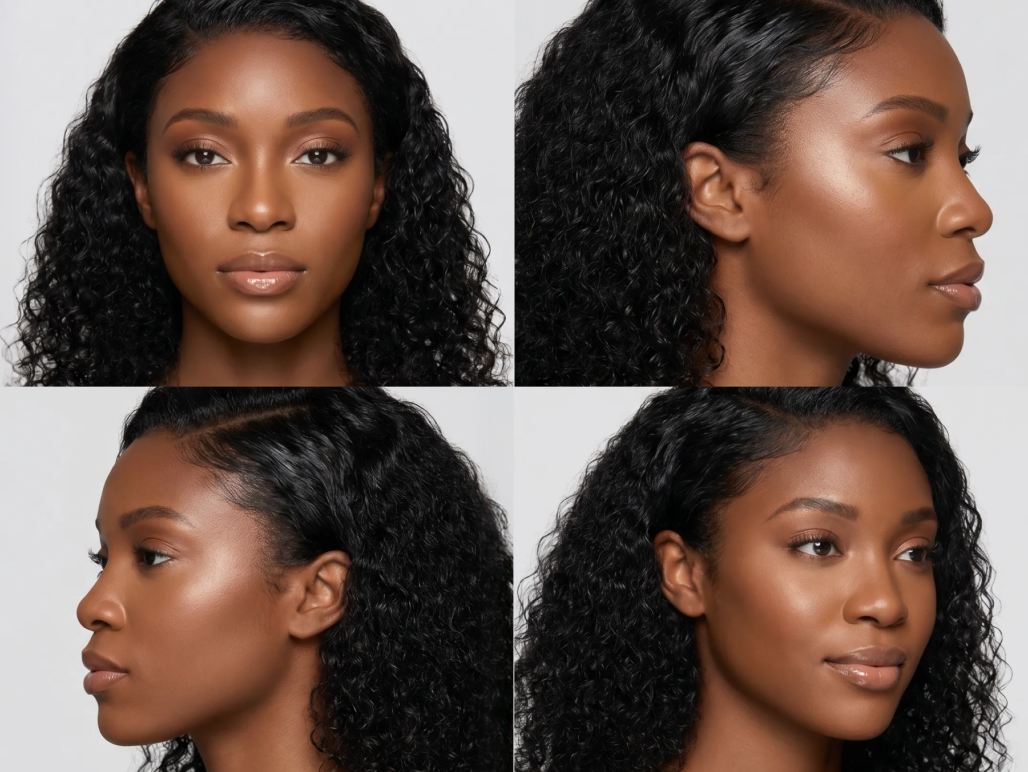
CLI gen-ai generate -m flux-2-pro -p "fitness coach, gen-z, neon vibe — full-body 4-angle casting card" --ar 1:1
Ask "Create an AI influencer: gen-z fitness coach, neon vibe. Full 4-angle casting card, bio, and caption drafts."
Skill gen-ai-persona-creation.md · auto-triggers on "create a persona" / "make me an AI influencer" / "design a virtual character" Download
CLI gen-ai generate -m flux-2-pro -p "$PRODUCT — magazine editorial" --ar 5:3
Ask "Build a launch kit for my product: hero, 8 social variants, a 15s Kling reel, and a MiniMax soundtrack."
Skill prosumer-launch-kit.md · auto-triggers on "launch kit" Download
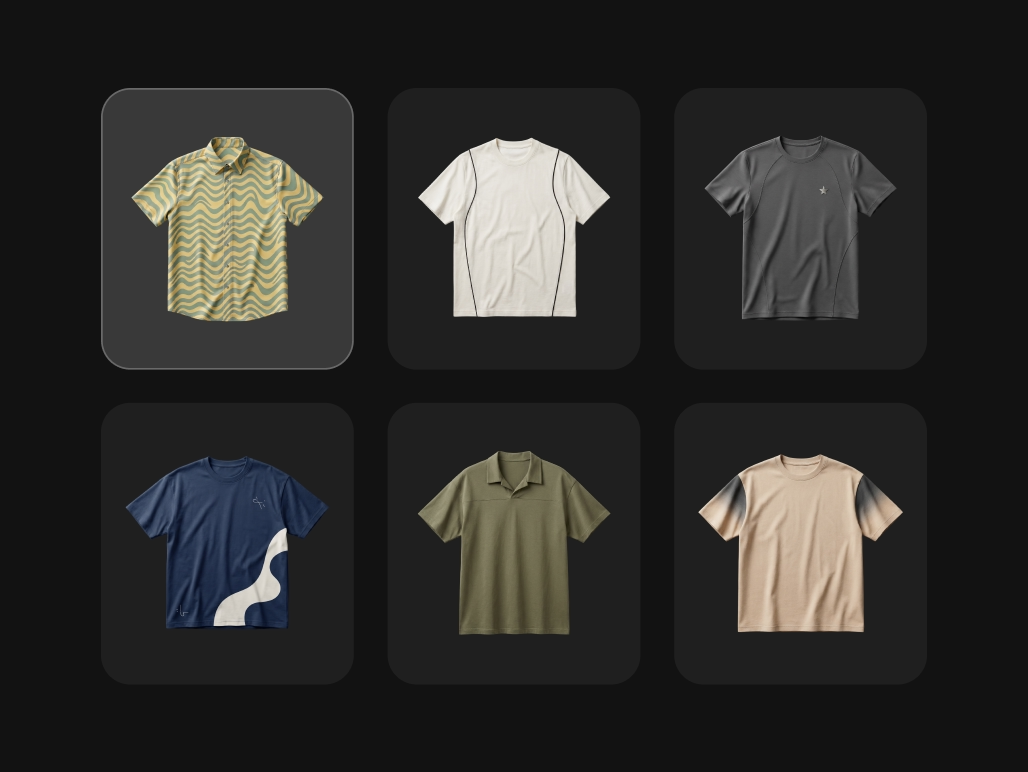
CLI gen-ai generate -m ideogram-character -i art.png -p "tshirt, mug, poster, hoodie, tote, sticker" -n 6
Ask "Take art.png and mock it up on a tshirt, mug, poster, hoodie, tote, and sticker — all consistent placement."
Skill prosumer-product-mockups.md · auto-triggers on "product mockups" Download
CLI gen-ai generate -m ideogram-character -i selfie-hd.png -p "linkedin, id, editorial, casual" -n 4
Ask "Turn selfie.jpg into 4 polished headshots — LinkedIn, ID, editorial, casual. Keep my face consistent."
Skill prosumer-headshot-studio.md · auto-triggers on "headshot" Download
CLI pbpaste | gen-ai generate -m recraftv4 -s -o inline.webp
Ask "Read my clipboard and render one inline visual that matches the paragraph intent."
Skill prosumer-content-visual-pair.md · auto-triggers on "inline visual" Download
CLI gen-ai generate -m kling-v3-pro --start-frame portrait.png --ar 9:16 --duration 8 --generate-audio
Ask "Ship a 25-second TikTok: 3 scenes with the same on-screen creator, title card, text overlays, voiceover, captions."
Skill prosumer-motion-studio.md · auto-triggers on "TikTok" / "reel" / "Short" Download
CLI gen-ai generate -m recraftv4 -p "$TITLE — brand style" --ar 16:9 --script | jq -r .url
Ask "Fetch this page's title and render a branded 1200×630 OG image. Return only the URL."
Skill dev-og-image-service.md · auto-triggers on "og image" Download
CLI gen-ai generate -m recraftv4_vector -i style.svg -p "icon-search, icon-bell, empty-inbox" -n 6
Ask "Using style.svg as reference, render icon-search, icon-bell, icon-user, empty-inbox, onboarding-welcome, first-run."
Skill dev-app-assets.md · auto-triggers on "app assets" Download
CLI gen-ai generate -m recraftv3-replace-bg -i raw.png -p "soft studio gradient, subtle shadow"
Ask "Take raw.png, swap the background for a soft studio gradient, add a subtle device frame and shadow."
Skill dev-screenshot-beautifier.md · auto-triggers on "beautify screenshot" Download
CLI/MCP gen-ai generate -m flux-2-pro -p "premium website hero for $PRODUCT, clean layout, strong focal visual" --ar 16:9
Ask "Build a beautiful website from this brief. Use Picsart CLI or MCP to create the hero media, product visuals, motion, and social preview assets."
Skill website-builder.md · auto-triggers on "build a website" / "create a landing page" / "website builder" Download
CLI gen-ai generate -m recraftv4 -p "avatar, $USER_SEED" --ar 1:1 --script | jq -r .url
Ask "Generate a deterministic avatar from $USER_SEED, return only the CDN URL."
Skill dev-avatar-service.md · auto-triggers on "avatar service" Download
CLI gen-ai batch run catalog.json -c 10 --save-to-drive
Ask "Batch re-render every SKU in catalog.json with N lifestyle variants. Enforce brand.md. Export audit log."
Skill enterprise-catalog-reshoot.md · auto-triggers on "catalog reshoot" Download
CLI gen-ai generate -m flux-2-pro -p "$PROMPT" --ar 5:3
Ask "Set brand.md as policy — reject any generation that violates it. Log violations to audit trail."
Skill enterprise-brand-governor.md · auto-triggers on "brand governance" Download
CLI gen-ai batch run press.json --save-to-drive
Ask "Process these 50 photos: upscale to print, grade, watermark, export wire / web / print / social packs."
Skill enterprise-press-batch.md · auto-triggers on "press batch" Download
CLI gen-ai config set registry.flux [email protected]
Ask "Pin our Flux alias to 1.3, Recraft to v4.0, Kling to Standard 3.0. Commit the registry config."
Skill enterprise-pinned-registry.md · auto-triggers on "pin model versions" Download
CLI gen-ai generate -m recraftv3-replace-bg -i product.png -p "airy studio, warm natural light"
Ask "Swap this product's white background for a warm studio lifestyle scene. Keep the product pixel-accurate."
Skill ecommerce-catalog-styling.md · auto-triggers on "catalog styling" Download
CLI gen-ai generate -m qwen-image-edit-plus -i hero.png -p "red, navy, olive, cream" -n 4
Ask "Take this product photo and generate color variants in red, navy, olive, cream — keep lighting identical."
Skill ecommerce-variant-fan-out.md · auto-triggers on "product variants" Download
CLI gen-ai generate -m runway-gen4-ref -i product.png -p "on a marble kitchen counter, morning light"
Ask "Composite this product onto a marble kitchen counter with morning light. Natural shadows, photoreal."
Skill ecommerce-lifestyle-compose.md · auto-triggers on "lifestyle compose" Download
CLI gen-ai batch run holiday.json -c 4
Ask "Refresh our catalog for the winter holiday — add festive props, warm lighting, snow where it fits."
Skill ecommerce-seasonal-refresh.md · auto-triggers on "seasonal refresh" Download
CLI gen-ai generate -m recraftv4 -p "$CLIENT — 5 visual directions" -n 5 --ar 16:9
Ask "Generate 5 distinct visual directions for this brand pitch — editorial, bold, minimal, playful, cinematic."
Skill agency-brand-scoping.md · auto-triggers on "brand scoping" Download
CLI gen-ai batch run pitch.json -c 4
Ask "Build pitch mockups for this deck: 1 hero, 3 product tiles, 2 quote slides — all client-branded."
Skill agency-pitch-mockups.md · auto-triggers on "pitch mockups" Download
CLI gen-ai batch run clients.json -c 4
Ask "Generate asset templates for each client in clients.json — scoped to their brand files, tagged per workspace."
Skill agency-multi-brand-pack.md · auto-triggers on "multi-brand pack" Download
CLI gen-ai download --folder "client-x" --out ./client-x-deliverable
Ask "Export the final deliverable for client-x — white-label the metadata, package as a zip, generate a changelog."
Skill agency-client-handoff.md · auto-triggers on "client handoff" Download
CLI gen-ai generate -m kling-v3-pro --start-frame talent.png --ar 9:16 --duration 8 --generate-audio
Ask "Mock up a 20-second pitch reel for $CLIENT: title card, 3 scenes with the same on-brand character, CTA card, fade transitions."
Skill agency-motion-studio.md · auto-triggers on "video pitch" / "video mockup" Download

Live from the CLI

Real outputs. Real commands.

Live from Picsart MCP

Real outputs. Real prompts.

Live from the CLI

Real outputs. Real commands.

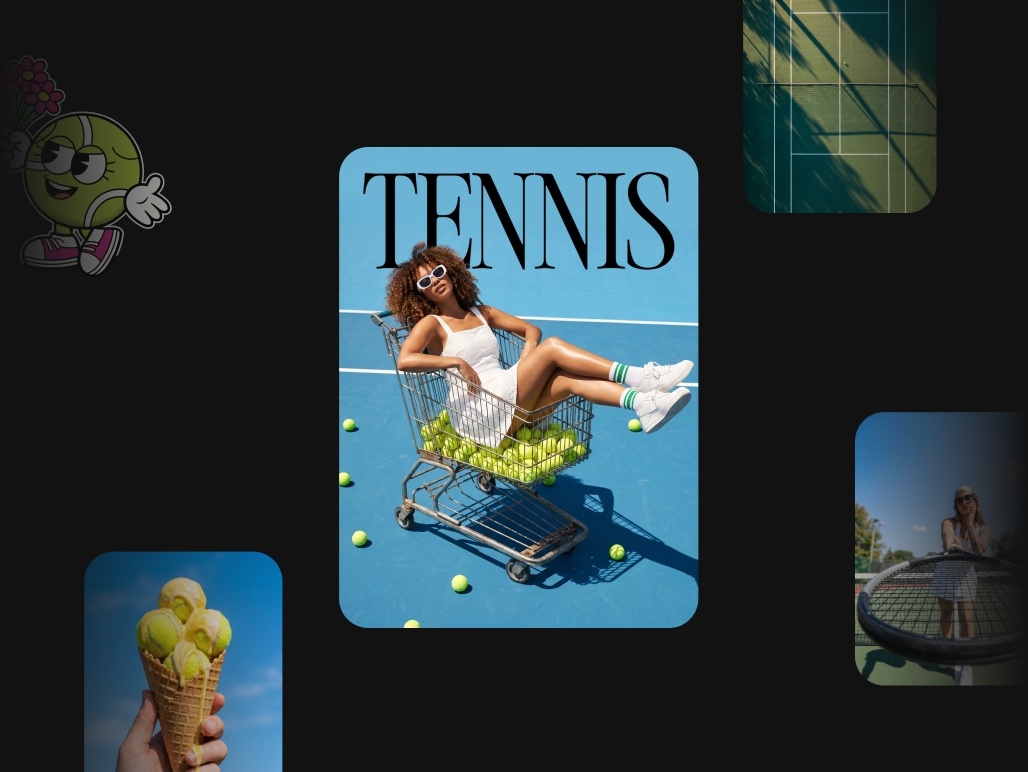
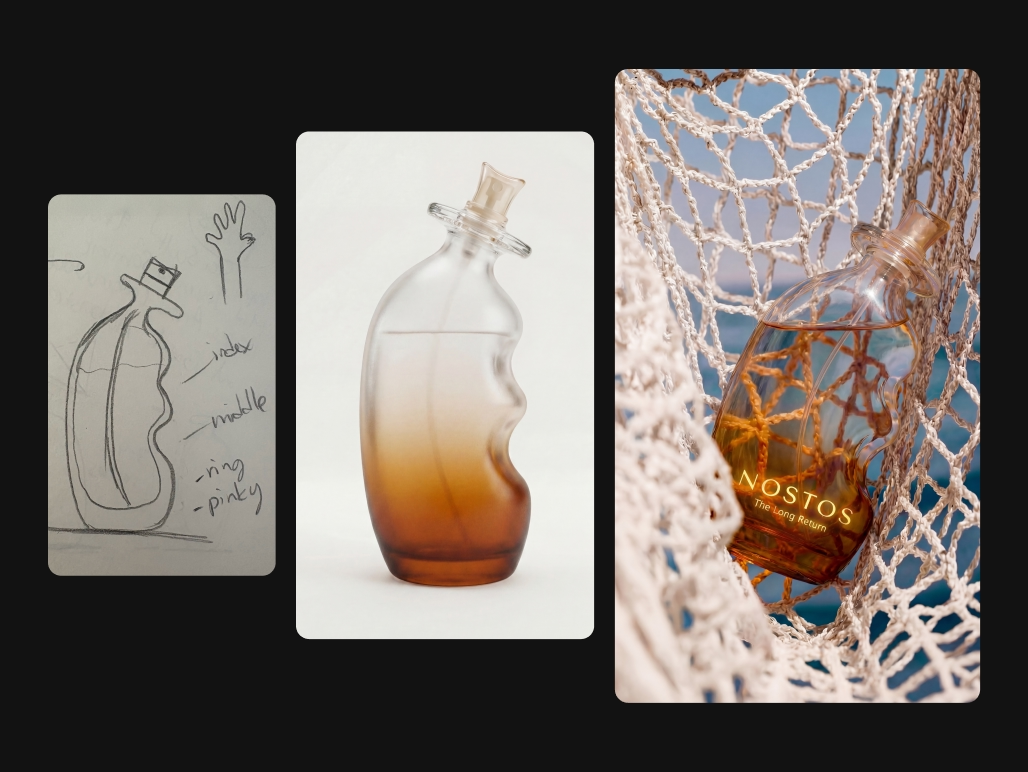
Every visual below was generated with the CLI or the MCP — no mock-ups. Click any card to reveal the exact prompt, or copy it and run it yourself.

Every visual below was generated by an AI agent calling Picsart MCP — no mock-ups. Click any card to reveal the prompt, or copy it and ask your own agent.

Every visual below was generated with the CLI or the MCP — no mock-ups. Click any card to reveal the exact prompt, or copy it and run it yourself.


Feature highlights

Every creative primitive. One install. Zero glue code.

Built on the same stack that powers Picsart Agents — now open to every builder.

  • ⚡
    150+ frontier modelsNano Banana · Flux · Sora · Kling · Veo · Runway · Recraft · ElevenLabs — all via gen-ai generate.
  • 🎨
    Image, video, and audio in one toolThree modalities, one CLI, one SDK. No vendor-stitching per media type.
  • 🧰
    Picsart editing primitivesBackground removal, upscale, reshape, resize — a decade of ops battle-tested at 130M MAU.
  • 🤖
    MCP server includedNative tools in Claude Code · Codex · Cursor · Windsurf · ChatGPT. Ask in plain English.
  • 📜
    Script mode + stdin pipingJSON output, silent mode. Drop into bash, CI, Next.js build steps, cron jobs.
  • 📂
    Batch + manifestsFan out across directories or a JSON manifest. Tune concurrency. Resume on failure.
  • 🎬
    Video extend & chainStitch 7s extensions to any length. Attach AI soundtracks. Upscale with Topaz.
  • 💰
    One credit balanceReplaces 3–5 vendor stacks. Estimate before spend. Scoped to your account.
  • 🛡️
    Brand governanceGate every generation through brand.md. Off-brand output auto-rejected.

MCP Server

One MCP server. Every AI tool can generate media.

The @picsart/gen-ai-mcp server plugs into Claude Code, ChatGPT, Cursor, Windsurf, Zapier, n8n — any MCP-compatible host. Your agent gets native access to all 150+ Picsart models and can call them in plain English.

Frequently asked questions

How do I install the Picsart gen-ai CLI?

On macOS or Linux: curl -fsSL https://picsart.com/gen-ai-cli/install.sh | bash. On Windows PowerShell: irm https://picsart.com/gen-ai-cli/install.ps1 | iex. Or via npm: npm install -g @picsart/gen-ai. Requires Node.js 22+.

What AI models does the Picsart CLI support?

150+ frontier models across 25+ providers — Flux 2 Pro/Max, Sora 2, Kling 3.0, Veo 3.1, Runway Gen 4.5, Luma Ray 2, Nano Banana, Imagen 4, Recraft V4, Seedream 5, Ideogram v3, Hunyuan V3, Hailuo 2.3, Pika, ElevenLabs, MiniMax Music, and more. Covers image, video, and audio generation.

Run gen-ai models list to see everything available on your account.

Can I use it with AI agents like Claude Code or Cursor?

Yes — any agent with shell access can already call gen-ai directly. Claude Code, Codex, and Cursor happily run CLI commands today; drop one of our skill files into your agent and it'll start generating media on request.

A dedicated @picsart/gen-ai-mcp server is available now, exposing every CLI command as a native MCP tool call for Claude Code, Cursor, VS Code Copilot, Windsurf, ChatGPT, and any MCP host.

How do I install the Picsart MCP server?

Claude Code uses claude mcp add gen-ai-mcp -- gen-ai-mcp. Codex uses codex mcp add gen-ai-mcp -- gen-ai-mcp. Cursor, Windsurf, and VS Code can use gen-ai-mcp as the MCP command in their config.

Which AI agents support Picsart MCP?

Claude Code, Cursor, Codex, Windsurf, VS Code Copilot, ChatGPT with compatible connector setup, and any host that implements the Model Context Protocol can run the Picsart MCP server.

Do I need the CLI to use MCP?

No. The MCP server is standalone and runs as its own gen-ai-mcp process. The CLI is optional for terminal, CI, and batch workflows. Both use the same Picsart account and credit balance.

How do I install the Picsart gen-ai Skills?

In Claude Code: claude plugin marketplace add PicsArt/gen-ai-skills. Via npx: npx skills add PicsArt/gen-ai-skills. Or download the ZIP from picsart.com/gen-ai-skills/ and place it in ~/.claude/skills/. Authentication runs automatically on first use — no separate login needed.

What AI models does the Picsart CLI support?

150+ frontier models across 25+ providers — Flux 2 Pro/Max, Sora 2, Kling 3.0, Veo 3.1, Runway Gen 4.5, Luma Ray 2, Nano Banana, Imagen 4, Recraft V4, Seedream 5, Ideogram v3, Hunyuan V3, Hailuo 2.3, Pika, ElevenLabs, MiniMax Music, and more. Covers image, video, and audio generation.

Run gen-ai models list to see everything available on your account.

Can I use it with AI agents like Claude Code or Cursor?

Yes — any agent with shell access can already call gen-ai directly. Claude Code, Codex, and Cursor happily run CLI commands today; drop one of our skill files into your agent and it'll start generating media on request.

The @picsart/gen-ai-mcp server is available now. Add it alongside Skills to get native MCP tool calls in Claude Code, Cursor, Windsurf, VS Code Copilot, and ChatGPT.

Do I pay per CLI call, per model, or via credits?

The CLI is free. Generations consume Picsart credits, drawn from a single balance that spans every model and modality. New accounts get a starter balance; run gen-ai pricing -m <model> before heavy usage to confirm cost. One key, one balance, one invoice — no per-vendor contracts. The MCP server shares the same credit balance.

Can I use it for batch or scripted generation?

Yes. Point --input-dir at a folder of images, or run a manifest JSON with per-item models and prompts. Use --concurrency to tune throughput, --resume to pick up where a run left off, and --script to emit JSON on stdout for CI/CD pipelines.

How do I enforce brand guidelines across generations?

Pass --rules brand.md to gate every generation through your brand policy — colors, typography, tone, banned terms, mandatory disclaimers. Off-brand output is auto-rejected and logged to an audit trail so you can trace every asset back to its prompt, model, and rule set.

What's the relationship to Picsart Agents?

The gen-ai CLI is the same stack that powers Picsart Agents. Everything Picsart Agents does — catalog re-shoots, brand-gated generation, multi-platform campaign kits — is now open to any builder with a terminal. The @picsart/gen-ai-mcp server is live, so the same stack plugs into any MCP host too.

Which operating systems are supported?

macOS 12+ (Apple Silicon and Intel), Linux (x86_64 and ARM64), and Windows 10/11. macOS and Linux install a signed, self-contained binary (~60 MB) via curl — no Node.js required. Windows and the npm path install the pure-JS distribution and need Node.js 22+ (the PowerShell installer sets it up automatically via winget). Runs in Docker, GitHub Actions, GitLab CI, and WSL.

How does authentication work?

Run gen-ai login once — the CLI opens a browser for OAuth and stores a token in your OS keychain. For CI, set PICSART_API_KEY as an environment variable. When the MCP server ships, hosts will inherit the same credentials with no per-agent setup.

Where are my generated files saved, and are they private?

Outputs are written to ./out/ by default, or wherever you point --output. Nothing is uploaded to Picsart beyond the prompt and input assets needed to run the model. You own the outputs; enterprise plans add retention controls, SSO, and data-residency options.

Can I switch between models without rewriting my scripts?

Yes — that's the whole point. Every command takes -m <model>, flags are consistent across providers, and stdin/stdout piping works the same way everywhere. Swap Flux for Recraft, or Sora for Veo, by changing one flag. No per-vendor SDKs, no rewriting prompts.